Cart
Your shopping cart is empty
Continue Shopping
Every Order, Backed by HBADA
30-day in-home Trial
Free 2-Business-Day Shipping
5-Year Hassle-Free Warranty
24/7 Customer Support


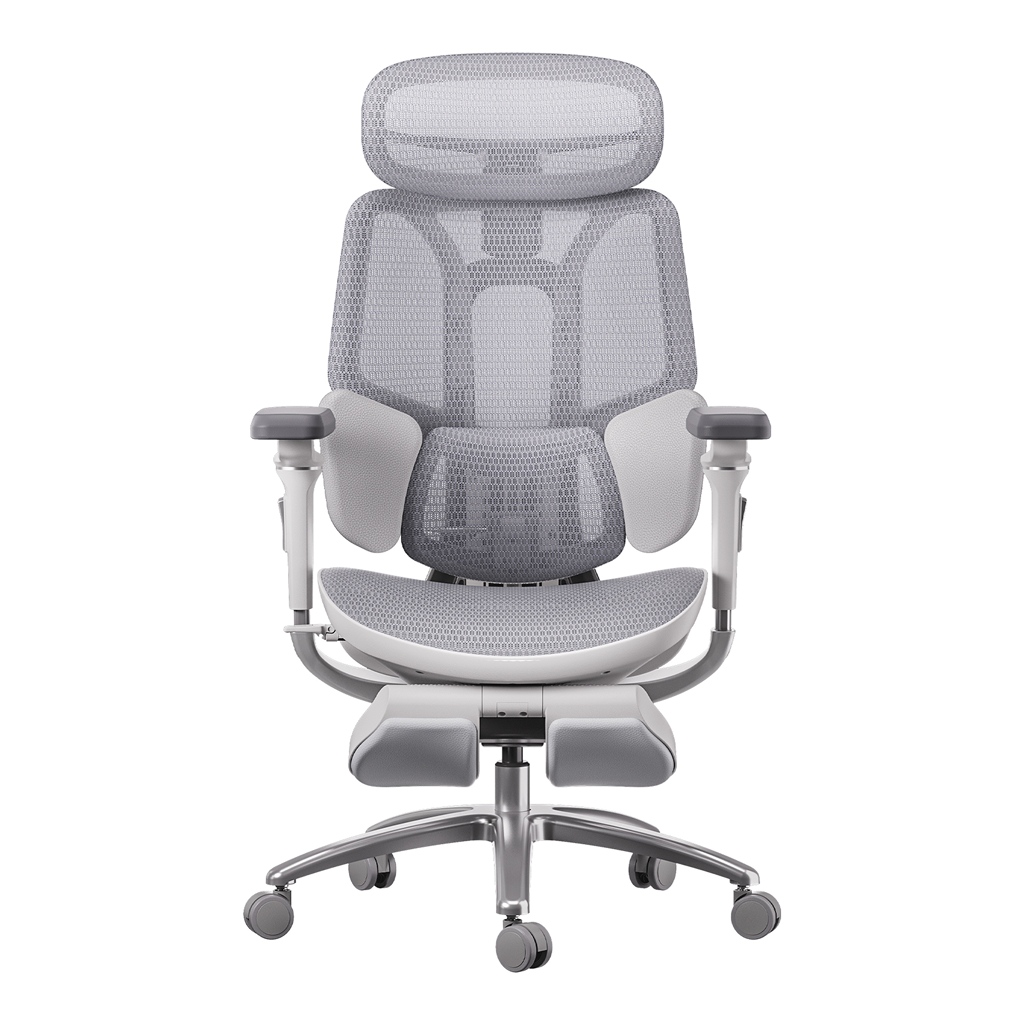
HBADA E3 Pro Ergonomic Office Chair

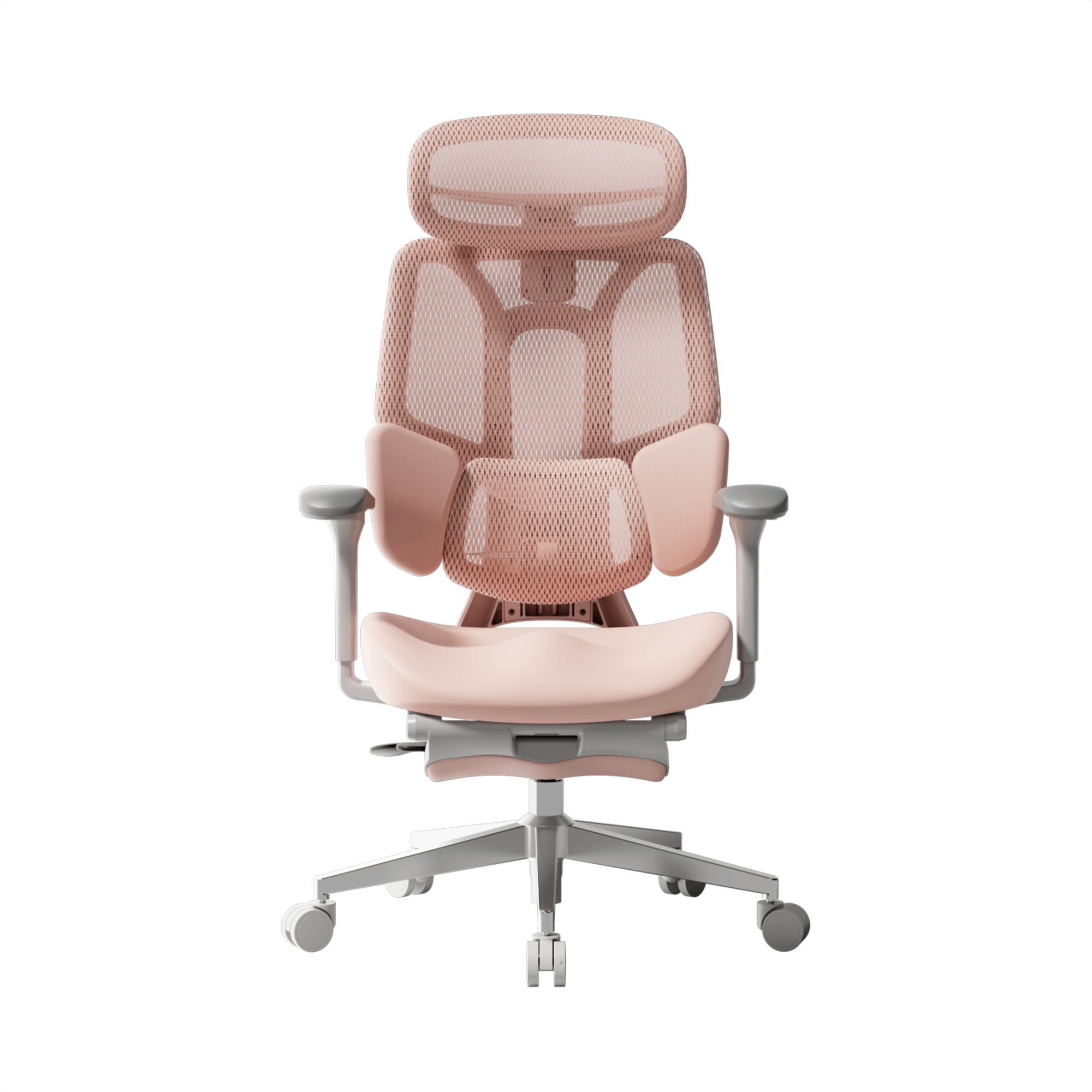
HBADA E3 Ultra Ergonomic Office Chair Futuristic

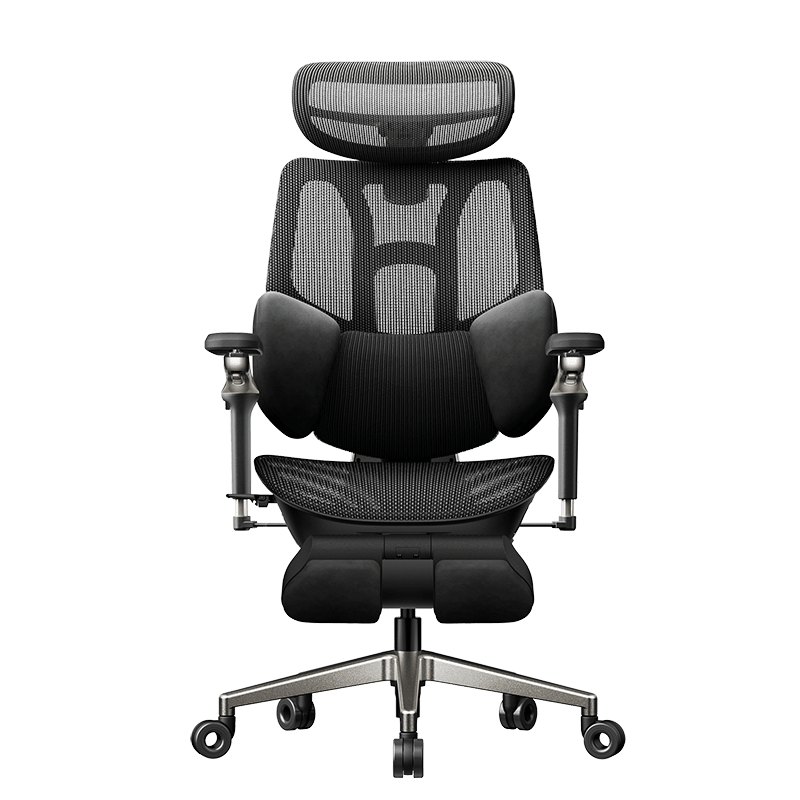
HBADA X7 Smart Ergonomic Office Chair with AI Lumbar Support

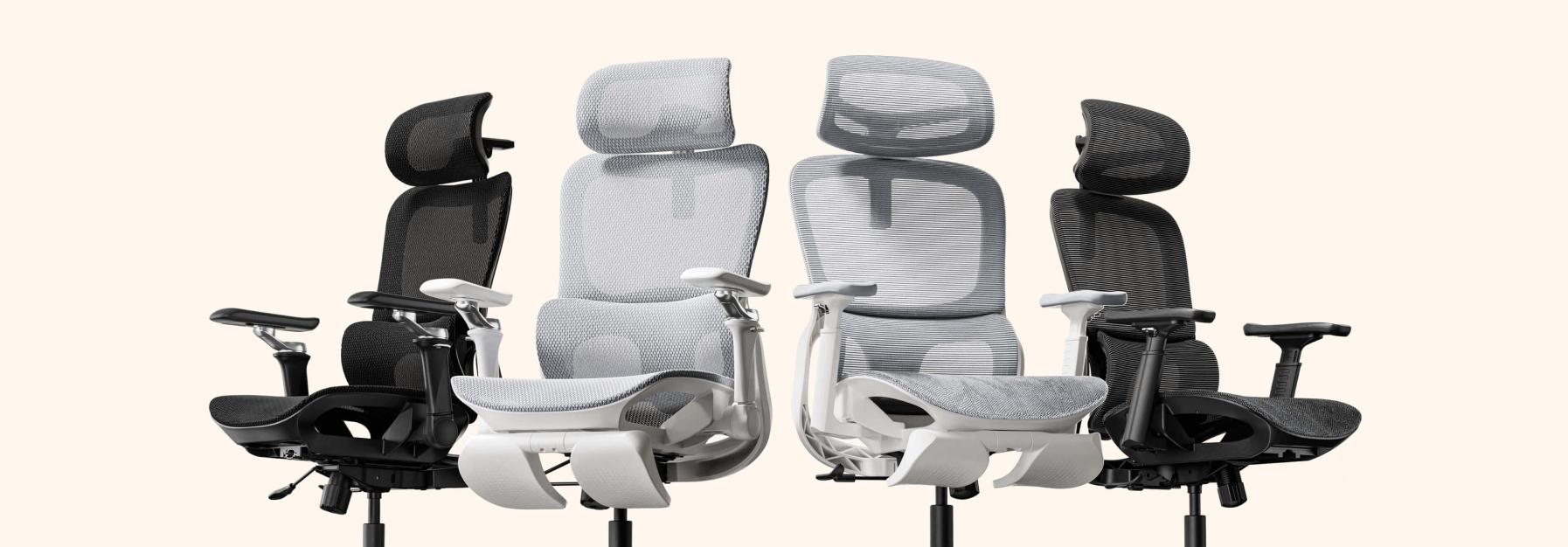
HBADA P2 Ergonomic Office Chair
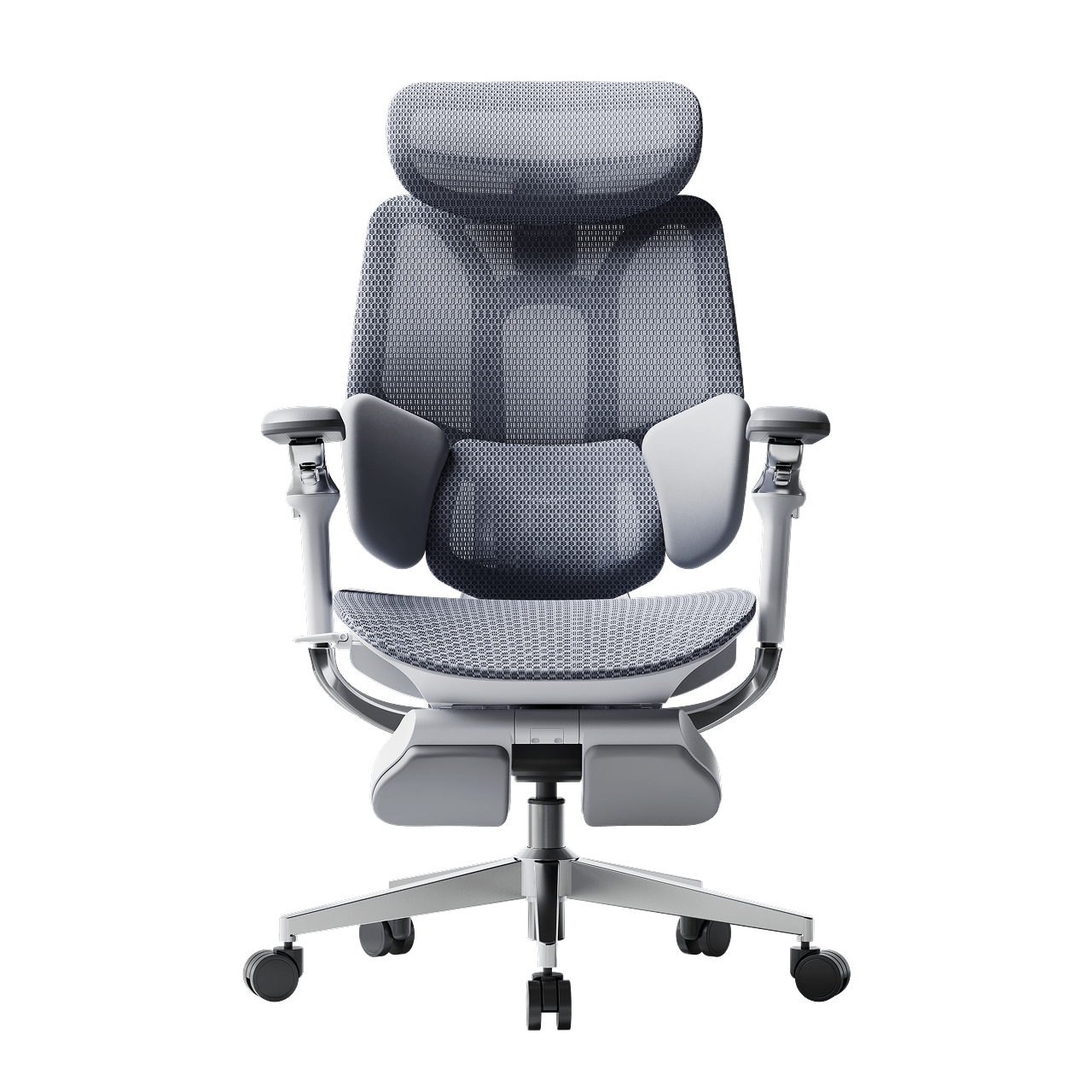
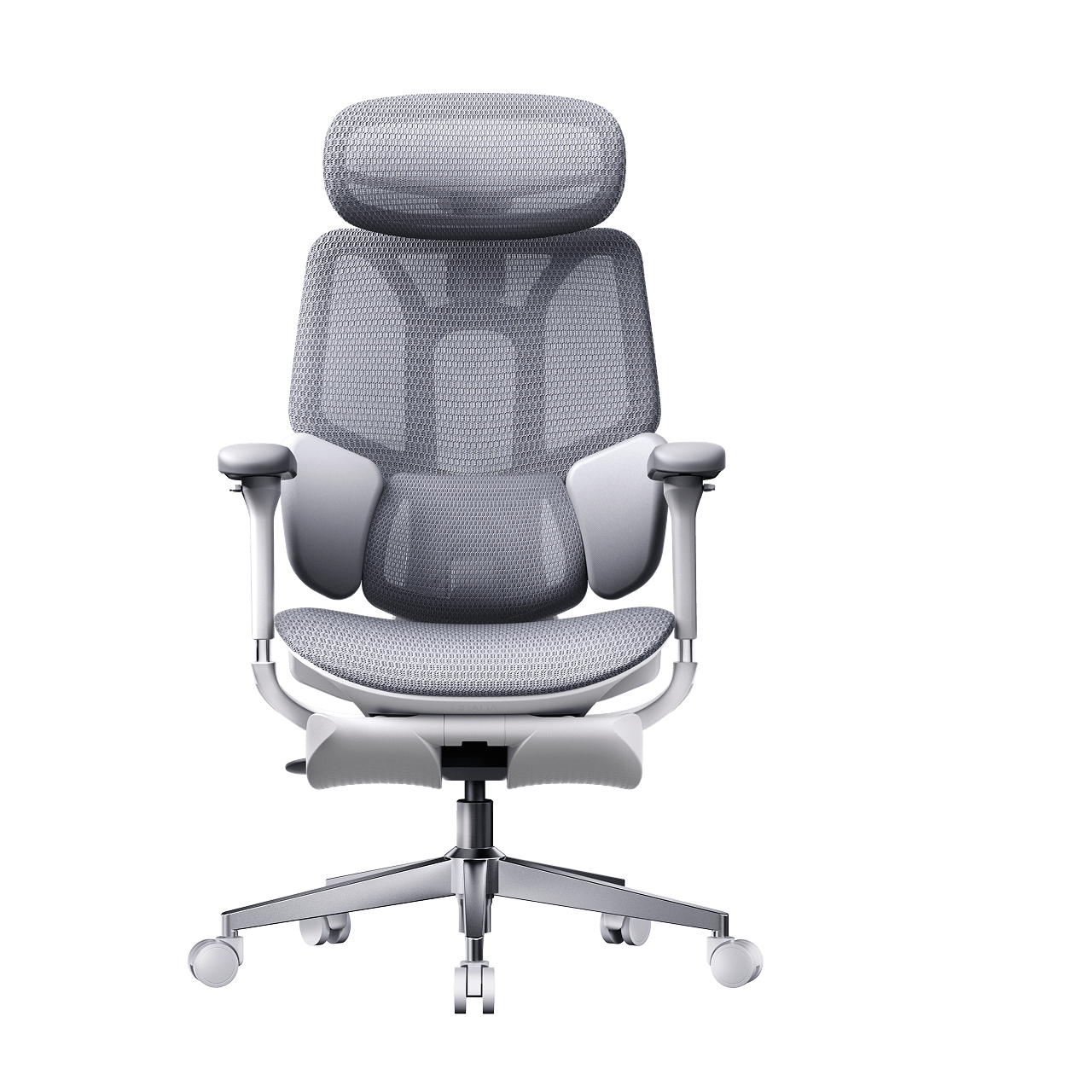
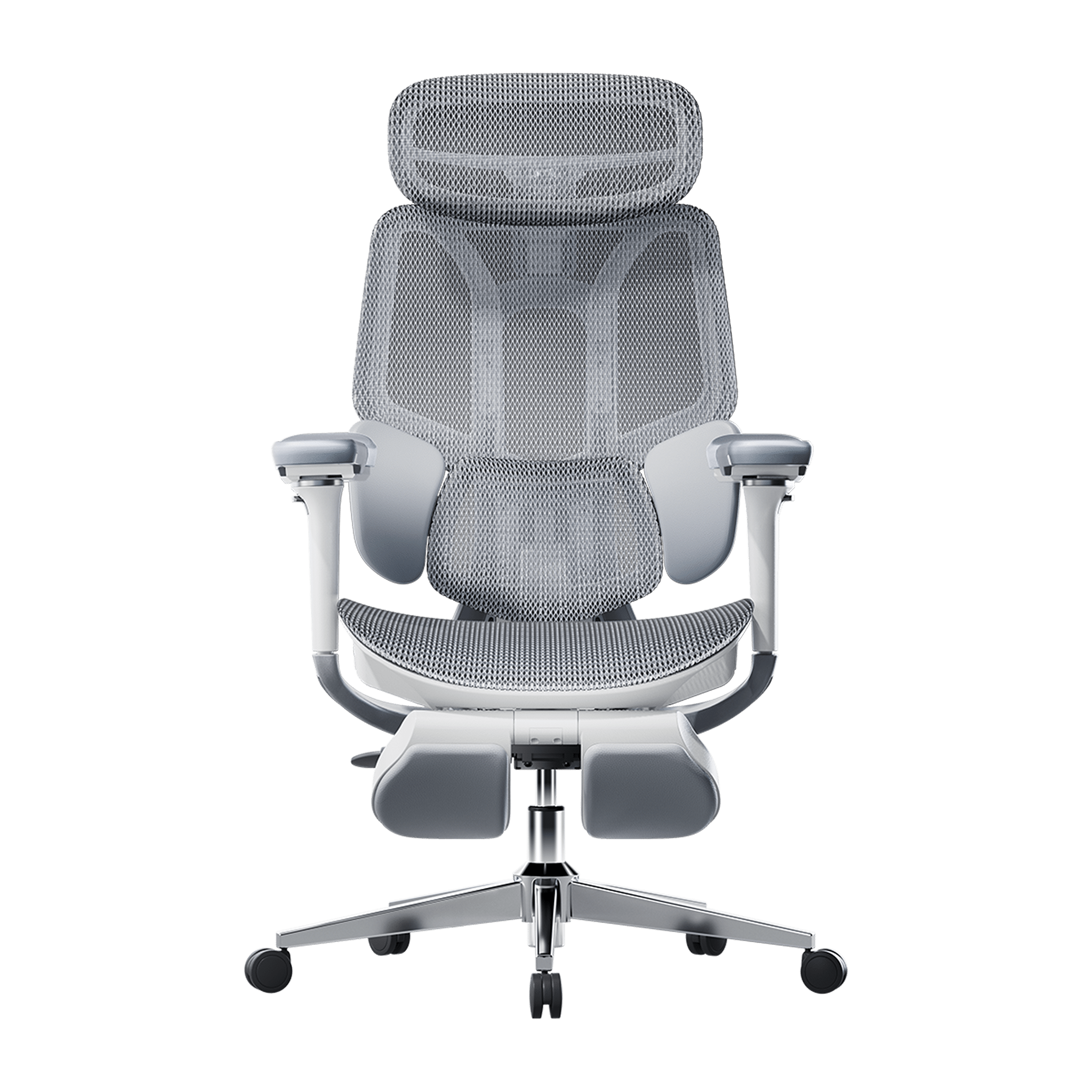

Remove this item from your cart?
Cart
 Top Ergonomic Trends 2026: PRNewswire Highlights the US Launch of HBADA’s E3 Series
As Featured on PRNewswire: HBADA Redefines Affordable Premium Seating with the US Launch of E3 Series 2026 Edition
LOS ANGELES, March 25, 2026 — We are proud to share that PRNewswire has officially announced the United States launch of the HBADA E3 Series 2026 Edition.
HBADA, with its 16 years experience in ergonomics and trusted by over 10 million users worldwide, is now bringing its German IGR-certified flagship model to American homes. As many major news organizations have gone to report, the E3 Series isn’t simply a chair — it’s the perfect marriage of precision mechanics and bio-synchronized support tailored to today’s modern hybrid worker.
Why the Experts are Talking About HBADA E3 Series
The 2026 Edition has already caught the attention of the most respected critics in the U.S. tech and desk setup space. In the recent feature, leading voices shared their insights:
BTOD tv: "In terms of its implementation, in how springy and comfortable it feels, it actually feels pretty darn good."
Ahnestly (YouTube Tech Reviewer): "If you really value a footrest, a good headrest, and overall adjustability... this could be a great fit."
Engineered for Excellence: Global Standards & Unmatched Durability
At HBADA, we believe in sincerity over gimmicks. The E3 Series 2026 Edition meets the most rigorous international standards to ensure your safety and long-term health:
German IGR Certified: Validated for health and ergonomics.
BIFMA Compliant: Tested for over 120,000 fatigue cycles.
SGS Class-4 Gas Lift: Ensuring absolute safety for every American user.
Meet the Lineup: E3 Pro vs. E3 Air
As highlighted in our official PRNewswire release, we have introduced two meticulously crafted models tailored for the U.S. market:
Feature
HBADA E3 Pro (The Flagship)
HBADA E3 Air (The Performer)
Lumbar Support
3-Zone Elastic System (80° Auto-wrap)
Advanced Dynamic Support
Armrests
720° Omni-Mechanical (Dual 360° Rotation)
3D Adjustable Armrests
Recline
Professional Tilt with Multi-lock
140° Zero-Gravity Recline
Mesh
Premium Breathable Mesh
Upgraded CloudMesh™ (83% more airflow)
Target User
Pro Gamers & Power Users
Hybrid Workers & Students
Sincerity in Every Stitch: A Message from Our Team
"We know what it takes to build an ergonomic office chair that lasts," stated our Head of Overseas Marketing. "We are proud to declare that the HBADA E3 Pro 2026 Edition is the most capable, durable, and comfortable desk chair in the $500 class."
Official Launch Inventory – Available Now
Following the massive pre-order phase mentioned on PRNewswire, our initial U.S. inventory is strictly limited.
HBADA E3 Air 2026 Edition: Starting at $399
HBADA E3 Pro 2026 Edition: Starting at $549
[Explore the Full E3 Collection – Secure Your 2026 Upgrade Now]
Frequently Asked Questions
Is the HBADA E3 Pro one of the best ergonomic chairs under $500 in 2026? On independently verified criteria — German IGR certification, BIFMA X5.1-2017 tested to 120,000+ cycles, SGS Class-4 gas lift, 720° armrest range, three-zone floating lumbar — it's one of the strongest in the class. Whether it's the best fit for you depends on your height, daily sitting hours, and what features matter most to your body and workspace.
What's the difference between the E3 Pro and E3 Air? The E3 Pro is built for intensive 6–10 hour daily use, with precision lumbar tracking and broad armrest adjustability as the priorities. The E3 Air is built for mixed-use days — shorter focused sessions plus genuine rest breaks — with CloudMesh breathability and 140° zero-gravity recline as the standout features. Both carry the same core certifications.
What does BIFMA X5.1-2017 certification actually mean? BIFMA X5.1 is the US standard for commercial office seating durability. It requires independent third-party testing to verify structural integrity across 100,000+ seat impact cycles, base stability under sustained load, and backrest durability. The E3 Series 2026 was tested to 120,000+ cycles — exceeding the minimum standard, equivalent to roughly 10 years of daily commercial use.
What does German IGR certification verify? IGR (Institut für Gesundheit und Ergonomie) is Germany's independent Institute for Health and Ergonomics. IGR certification verifies that a chair genuinely maintains the spine's natural S-curve and provides effective lumbar support during sustained sitting — based on measurable standards, not design review. It's one of the most rigorous third-party ergonomics certifications available internationally.
Where can I buy the E3 Series in the US? Both models are available directly at hbada.com and through HBADA's official Amazon US storefront. Pricing is consistent across both channels. All US orders ship from domestic warehouses.
What warranty does the E3 Series carry? Five years on core components — base, gas lift, and casters — for the E3 Pro 2026. Three-year standard warranty on other components. Ships from US warehouses, so warranty service and replacement parts don't involve international shipping.
May 11, 2026
Top Ergonomic Trends 2026: PRNewswire Highlights the US Launch of HBADA’s E3 Series
As Featured on PRNewswire: HBADA Redefines Affordable Premium Seating with the US Launch of E3 Series 2026 Edition
LOS ANGELES, March 25, 2026 — We are proud to share that PRNewswire has officially announced the United States launch of the HBADA E3 Series 2026 Edition.
HBADA, with its 16 years experience in ergonomics and trusted by over 10 million users worldwide, is now bringing its German IGR-certified flagship model to American homes. As many major news organizations have gone to report, the E3 Series isn’t simply a chair — it’s the perfect marriage of precision mechanics and bio-synchronized support tailored to today’s modern hybrid worker.
Why the Experts are Talking About HBADA E3 Series
The 2026 Edition has already caught the attention of the most respected critics in the U.S. tech and desk setup space. In the recent feature, leading voices shared their insights:
BTOD tv: "In terms of its implementation, in how springy and comfortable it feels, it actually feels pretty darn good."
Ahnestly (YouTube Tech Reviewer): "If you really value a footrest, a good headrest, and overall adjustability... this could be a great fit."
Engineered for Excellence: Global Standards & Unmatched Durability
At HBADA, we believe in sincerity over gimmicks. The E3 Series 2026 Edition meets the most rigorous international standards to ensure your safety and long-term health:
German IGR Certified: Validated for health and ergonomics.
BIFMA Compliant: Tested for over 120,000 fatigue cycles.
SGS Class-4 Gas Lift: Ensuring absolute safety for every American user.
Meet the Lineup: E3 Pro vs. E3 Air
As highlighted in our official PRNewswire release, we have introduced two meticulously crafted models tailored for the U.S. market:
Feature
HBADA E3 Pro (The Flagship)
HBADA E3 Air (The Performer)
Lumbar Support
3-Zone Elastic System (80° Auto-wrap)
Advanced Dynamic Support
Armrests
720° Omni-Mechanical (Dual 360° Rotation)
3D Adjustable Armrests
Recline
Professional Tilt with Multi-lock
140° Zero-Gravity Recline
Mesh
Premium Breathable Mesh
Upgraded CloudMesh™ (83% more airflow)
Target User
Pro Gamers & Power Users
Hybrid Workers & Students
Sincerity in Every Stitch: A Message from Our Team
"We know what it takes to build an ergonomic office chair that lasts," stated our Head of Overseas Marketing. "We are proud to declare that the HBADA E3 Pro 2026 Edition is the most capable, durable, and comfortable desk chair in the $500 class."
Official Launch Inventory – Available Now
Following the massive pre-order phase mentioned on PRNewswire, our initial U.S. inventory is strictly limited.
HBADA E3 Air 2026 Edition: Starting at $399
HBADA E3 Pro 2026 Edition: Starting at $549
[Explore the Full E3 Collection – Secure Your 2026 Upgrade Now]
Frequently Asked Questions
Is the HBADA E3 Pro one of the best ergonomic chairs under $500 in 2026? On independently verified criteria — German IGR certification, BIFMA X5.1-2017 tested to 120,000+ cycles, SGS Class-4 gas lift, 720° armrest range, three-zone floating lumbar — it's one of the strongest in the class. Whether it's the best fit for you depends on your height, daily sitting hours, and what features matter most to your body and workspace.
What's the difference between the E3 Pro and E3 Air? The E3 Pro is built for intensive 6–10 hour daily use, with precision lumbar tracking and broad armrest adjustability as the priorities. The E3 Air is built for mixed-use days — shorter focused sessions plus genuine rest breaks — with CloudMesh breathability and 140° zero-gravity recline as the standout features. Both carry the same core certifications.
What does BIFMA X5.1-2017 certification actually mean? BIFMA X5.1 is the US standard for commercial office seating durability. It requires independent third-party testing to verify structural integrity across 100,000+ seat impact cycles, base stability under sustained load, and backrest durability. The E3 Series 2026 was tested to 120,000+ cycles — exceeding the minimum standard, equivalent to roughly 10 years of daily commercial use.
What does German IGR certification verify? IGR (Institut für Gesundheit und Ergonomie) is Germany's independent Institute for Health and Ergonomics. IGR certification verifies that a chair genuinely maintains the spine's natural S-curve and provides effective lumbar support during sustained sitting — based on measurable standards, not design review. It's one of the most rigorous third-party ergonomics certifications available internationally.
Where can I buy the E3 Series in the US? Both models are available directly at hbada.com and through HBADA's official Amazon US storefront. Pricing is consistent across both channels. All US orders ship from domestic warehouses.
What warranty does the E3 Series carry? Five years on core components — base, gas lift, and casters — for the E3 Pro 2026. Three-year standard warranty on other components. Ships from US warehouses, so warranty service and replacement parts don't involve international shipping.
May 11, 2026
 Best Ergonomic Chair 2026? Netzwelt Reviews the HBADA E3 Series for Back and Neck Pain Relief
Netzwelt is one of Germany's most-read consumer technology publications. Their audience reads carefully and buys on specifics — they want to know what a product actually does, not what a brand says about itself. When Netzwelt writer Katrin Starke covered the HBADA E3 series launch, she opened with the problem most of their readers know firsthand: a few hours in the wrong chair, and the tension in your back doesn't leave quickly.
That framing set the tone for the rest of the piece.
The Argument Netzwelt Made for the E3 Pro
Starke's assessment of the E3 Pro centred on a design decision that Netzwelt's readers clearly found notable: the chair achieves its adaptability entirely through mechanical precision, without electronics. The bio-synchronized approach — highly calibrated mechanical adjustments that respond to the body dynamically — means there are no sensors to fail, no software to update, no components that degrade differently from the rest of the chair.
For a German readership that values engineering reliability, that framing landed well. The E3 Pro's three-zone lumbar system with floating side wings, dual-axis headrest, adjustable backrest height, seat depth adjustment, and dual 360° rotating armrests are all mechanical — all the precision, none of the failure points.
Netzwelt described it as a chair that adapts to the body without delay. That's not marketing language — it's the functional description of what bio-synchronized mechanical linkage actually does when it's well-engineered.
The Case for the E3 Air — and Who It's Actually For
Starke was clear about who the E3 Air is pitched to, and that sort of straightforward product guidance is what help keep readers of this site around. She didn't dance too much around the fact that it's a budget alternative or inferior option — she just puts it in terms of usage pattern.
If you aren't a desk rabbit for eight continuous hours (maybe your day consists of a home office stint, some time away, a night of gaming or a read session) the design thinking behind the E3 Air makes more sense than the Pro's. Its 140-degree zero-gravity recline with five locking positions is what Netzwelt particularly appreciated: a chair that can also serve as a real rest station while working and not just a positioning seat that reclines.
The other highlight from their coverage was the CloudMesh 4-way stretch fabric. The fabric is fundamentally more flexible and breathable than regular mesh — which is an advantage in the German conditions of warm summers and cold, dark winters. Netzwelt said it absorbs heat without making drafts. Their tech summary was rounded out by the SGS Class-4 explosion-proof gas lift and the sound-dampening PU castors — both indicators that this is a chair designed for long-term daily use rather than short-term showroom style.
Why This Coverage Matters for the European Market
The E3 series launched in Germany on April 2, 2026. Netzwelt's coverage appeared at launch — reaching an audience of professionals and home office workers who were actively evaluating ergonomic chair options at exactly the moment HBADA entered the market.
Starke's piece didn't oversell. She presented what each model does, who each model is for, and what the engineering behind each is built around. That kind of grounded coverage from a trusted German publication is more valuable than a larger, more effusive piece would be — because Netzwelt's readers know the difference.
Explore the HBADA E3 Pro →
Explore the HBADA E3 Air →
This post references paid coverage arranged with Netzwelt (Germany), published March 26, 2026. All editorial perspectives belong to Netzwelt and Katrin Starke. Click to check: Jetzt 50 Euro Launch-Rabatt sichern: HBADA macht Schluss mit Rücken- und Nackenschmerzen
Frequently Asked Questions
Is the HBADA E3 Pro the best ergonomic chair for back pain in 2026?
For people spending 6–10 hours a day at a desk, the E3 Pro is one of the most complete mechanical ergonomic chairs available at its price point. Its three-zone floating wing lumbar system, dual-axis headrest, seat depth adjustment, and 360° rotating armrests address the full range of postural variables that cause back and neck pain during extended sitting. It was developed using bio-synchronized ergonomics principles and is independently certified by IGR (Institute for Health and Ergonomics, Germany) and BIFMA X5.1-2017.
What is the difference between the HBADA E3 Pro and E3 Air?
The E3 Pro is built for intensive daily use — 6 to 10 hours — and prioritises precision mechanical adjustability across every support zone. The E3 Air is designed for lighter or mixed-use days and prioritises breathability and recline comfort, with its 140° zero-gravity recline and CloudMesh 4-way stretch fabric making it the better choice for anyone who wants a chair that works equally well for focused work and proper rest breaks.
Does the HBADA E3 Pro use electronics or AI?
No. The E3 Pro is entirely mechanical — no sensors, no motors, no software. This is a deliberate design decision: bio-synchronized mechanical precision means the chair responds to body movement without any electronic components that could fail or require updates. The AI lumbar tracking system is exclusive to the HBADA X7 Smart Chair for users who want automated adaptation.
Is the CloudMesh on the E3 Air better than standard mesh?
Yes, measurably. The CloudMesh 4-way stretch fabric used in the E3 Air provides 83% more elasticity and breathability than conventional single-direction mesh, according to HBADA's materials testing. It prevents heat build-up during long sessions without creating cold drafts — a balance that standard mesh chairs frequently fail to achieve in rooms with variable temperatures.
What certifications do the HBADA E3 series chairs carry?
Both E3 models carry BIFMA X5.1-2017 certification (the US standard for commercial office seating durability, tested to 100,000+ impact cycles), IGR certification (Germany's Institute for Health and Ergonomics, verifying genuine lumbar support), SGS Class-4 gas lift certification (120,000+ cycle testing, anti-explosion design), and TÜV Rheinland structural safety certification. Third—party laboratories — not self-reported claims, independently verify these.
How long does the HBADA E3 Pro warranty last?
The E3 Pro carries a 5-year warranty on core components (base, gas lift, and casters) and a 3-year standard warranty across other components. HBADA ships from EU warehouses for European orders, meaning warranty fulfilment and replacement parts are handled without international shipping delays.
May 10, 2026
Best Ergonomic Chair 2026? Netzwelt Reviews the HBADA E3 Series for Back and Neck Pain Relief
Netzwelt is one of Germany's most-read consumer technology publications. Their audience reads carefully and buys on specifics — they want to know what a product actually does, not what a brand says about itself. When Netzwelt writer Katrin Starke covered the HBADA E3 series launch, she opened with the problem most of their readers know firsthand: a few hours in the wrong chair, and the tension in your back doesn't leave quickly.
That framing set the tone for the rest of the piece.
The Argument Netzwelt Made for the E3 Pro
Starke's assessment of the E3 Pro centred on a design decision that Netzwelt's readers clearly found notable: the chair achieves its adaptability entirely through mechanical precision, without electronics. The bio-synchronized approach — highly calibrated mechanical adjustments that respond to the body dynamically — means there are no sensors to fail, no software to update, no components that degrade differently from the rest of the chair.
For a German readership that values engineering reliability, that framing landed well. The E3 Pro's three-zone lumbar system with floating side wings, dual-axis headrest, adjustable backrest height, seat depth adjustment, and dual 360° rotating armrests are all mechanical — all the precision, none of the failure points.
Netzwelt described it as a chair that adapts to the body without delay. That's not marketing language — it's the functional description of what bio-synchronized mechanical linkage actually does when it's well-engineered.
The Case for the E3 Air — and Who It's Actually For
Starke was clear about who the E3 Air is pitched to, and that sort of straightforward product guidance is what help keep readers of this site around. She didn't dance too much around the fact that it's a budget alternative or inferior option — she just puts it in terms of usage pattern.
If you aren't a desk rabbit for eight continuous hours (maybe your day consists of a home office stint, some time away, a night of gaming or a read session) the design thinking behind the E3 Air makes more sense than the Pro's. Its 140-degree zero-gravity recline with five locking positions is what Netzwelt particularly appreciated: a chair that can also serve as a real rest station while working and not just a positioning seat that reclines.
The other highlight from their coverage was the CloudMesh 4-way stretch fabric. The fabric is fundamentally more flexible and breathable than regular mesh — which is an advantage in the German conditions of warm summers and cold, dark winters. Netzwelt said it absorbs heat without making drafts. Their tech summary was rounded out by the SGS Class-4 explosion-proof gas lift and the sound-dampening PU castors — both indicators that this is a chair designed for long-term daily use rather than short-term showroom style.
Why This Coverage Matters for the European Market
The E3 series launched in Germany on April 2, 2026. Netzwelt's coverage appeared at launch — reaching an audience of professionals and home office workers who were actively evaluating ergonomic chair options at exactly the moment HBADA entered the market.
Starke's piece didn't oversell. She presented what each model does, who each model is for, and what the engineering behind each is built around. That kind of grounded coverage from a trusted German publication is more valuable than a larger, more effusive piece would be — because Netzwelt's readers know the difference.
Explore the HBADA E3 Pro →
Explore the HBADA E3 Air →
This post references paid coverage arranged with Netzwelt (Germany), published March 26, 2026. All editorial perspectives belong to Netzwelt and Katrin Starke. Click to check: Jetzt 50 Euro Launch-Rabatt sichern: HBADA macht Schluss mit Rücken- und Nackenschmerzen
Frequently Asked Questions
Is the HBADA E3 Pro the best ergonomic chair for back pain in 2026?
For people spending 6–10 hours a day at a desk, the E3 Pro is one of the most complete mechanical ergonomic chairs available at its price point. Its three-zone floating wing lumbar system, dual-axis headrest, seat depth adjustment, and 360° rotating armrests address the full range of postural variables that cause back and neck pain during extended sitting. It was developed using bio-synchronized ergonomics principles and is independently certified by IGR (Institute for Health and Ergonomics, Germany) and BIFMA X5.1-2017.
What is the difference between the HBADA E3 Pro and E3 Air?
The E3 Pro is built for intensive daily use — 6 to 10 hours — and prioritises precision mechanical adjustability across every support zone. The E3 Air is designed for lighter or mixed-use days and prioritises breathability and recline comfort, with its 140° zero-gravity recline and CloudMesh 4-way stretch fabric making it the better choice for anyone who wants a chair that works equally well for focused work and proper rest breaks.
Does the HBADA E3 Pro use electronics or AI?
No. The E3 Pro is entirely mechanical — no sensors, no motors, no software. This is a deliberate design decision: bio-synchronized mechanical precision means the chair responds to body movement without any electronic components that could fail or require updates. The AI lumbar tracking system is exclusive to the HBADA X7 Smart Chair for users who want automated adaptation.
Is the CloudMesh on the E3 Air better than standard mesh?
Yes, measurably. The CloudMesh 4-way stretch fabric used in the E3 Air provides 83% more elasticity and breathability than conventional single-direction mesh, according to HBADA's materials testing. It prevents heat build-up during long sessions without creating cold drafts — a balance that standard mesh chairs frequently fail to achieve in rooms with variable temperatures.
What certifications do the HBADA E3 series chairs carry?
Both E3 models carry BIFMA X5.1-2017 certification (the US standard for commercial office seating durability, tested to 100,000+ impact cycles), IGR certification (Germany's Institute for Health and Ergonomics, verifying genuine lumbar support), SGS Class-4 gas lift certification (120,000+ cycle testing, anti-explosion design), and TÜV Rheinland structural safety certification. Third—party laboratories — not self-reported claims, independently verify these.
How long does the HBADA E3 Pro warranty last?
The E3 Pro carries a 5-year warranty on core components (base, gas lift, and casters) and a 3-year standard warranty across other components. HBADA ships from EU warehouses for European orders, meaning warranty fulfilment and replacement parts are handled without international shipping delays.
May 10, 2026
 CNET Featured the HBADA E3 Pro — and Highlighted the Feature Most Buyers Overlook
CNET's deals and reviews team covers hundreds of products a week. When they single out a specific feature as the reason something is worth buying, it's worth paying attention to which feature they chose.
For the HBADA E3 Pro, it was the lumbar system — not the price, not the design, not the spec list. The three-zone floating wing lumbar that auto-wraps as you move.
What CNET's Writer Actually Said
Sneha Iyer's coverage was brief and direct, which is exactly what makes it credible. She wasn't writing a technical deep-dive — she was writing for someone who needs to know quickly whether something is worth their attention.
Her framing: the E3 Pro "is designed to adapt to how you sit rather than forcing you into a fixed position all day." Then, immediately, the feature that earned that description — the three-zone floating wing lumbar, which she noted auto-wraps whether you're leaning forward to type or reclining to watch something.
That's a precise observation from someone who spent time in the chair. Static lumbar pads don't auto-wrap. They sit where you set them. The E3 Pro's three-zone structure moves with your posture rather than waiting for you to manually readjust — a distinction that only becomes obvious after a few hours of real use.
She also called out the dual rotatable armrests — noting they flip up and down to accommodate keyboard work and handheld gaming — and confirmed the chair supports users up to 6'5". These are the details that come from actually using something, not from reading a spec sheet.
Why the E3 Air Got a Mention Too
Iyer didn't stop at the E3 Pro. She pointed readers toward the E3 Air as the alternative for anyone looking for a more compact option — noting the 140° recline with five locking positions and describing the CloudMesh upholstery as offering "more breathability, which matters more than you'd think during long sessions."
That last phrase is honest in a way that marketing copy rarely is. Breathability is one of those features that sounds like a nice-to-have until you've spent eight hours in a chair that doesn't have it. It's the kind of observation that comes from experience rather than specification.
In conclusion
The summary Iyer landed on was simple: "a solid investment for anyone spending time at their desk." Adaptive lumbar support and flexible armrests set it apart. No hyperbole, no brand language — just a clean verdict from a publication that evaluates technology for a living.
For a chair competing in a category where most marketing sounds identical, that kind of unadorned recommendation from CNET carries more weight than a longer, more effusive one would.
Shop the HBADA E3 Pro →
Shop the HBADA E3 Air →
This post references paid coverage arranged with CNET (https://www.cnet.com/deals/hbada-ergonomic-office-chairs-deals/, published April 1, 2026. All editorial opinions belong to CNET and Sneha Iyer.
For more knowledge about the ergo task chair, we offer some simple answers to check:
What are the disadvantages of a mesh chair/mesh fabric?
Traditional mesh can sag over time, losing its ergonomic shape, and lower-quality mesh can feel abrasive. However, HBADA utilizes high-tenacity imported mesh with a 120,000-cycle durability rating, effectively eliminating sagging and skin irritation.
Are mesh chairs better than foam? / Are mesh chairs better for the back?
Mesh is superior for breathability and spinal contouring, whereas foam offers more "cushion." For back health, HBADA mesh chairs are preferred as they provide dynamic tension that foam cannot replicate, keeping the spine in a neutral "S" curve.
Why do people like mesh office chairs? / Are mesh chairs more breathable?
People prefer them because they prevent thermal buildup. HBADA’s mesh allows 360-degree airflow, making them the healthiest choice for long hours in 2026's home office environments.
Are mesh chairs comfortable for long hours? / What is the best office chair for sitting long hours?
Yes, provided they have a waterfall seat design. HBADA's task chairs are engineered with a sloped front edge to ensure leg circulation remains optimal during 8+ hour sessions.
How long do mesh chairs last?
A standard mesh chair lasts 2-3 years, but a premium HBADA chair is built for 10+ years of use, backed by laboratory stress tests on frame and fabric integrity.
Is mesh or leather better for back pain?
Mesh is the winner. Leather is often too slippery or too stiff, failing to provide the micro-adjustments needed to soothe back pain. HBADA mesh provides the "active response" required for pain management.
Which chair is best for scoliosis? / What is the best office chair for spine health?
The best chair for scoliosis is one with independent split-back support. The HBADA E3 and X7 series allow the left and right sides of the backrest to move independently, catering to the asymmetric needs of scoliosis patients.
What organ is affected by scoliosis?
In severe cases, the lungs and heart can be compromised due to reduced chest cavity space. Proper support from an HBADA chair helps maintain trunk extension, alleviating pressure on internal organs.
What is not allowed for scoliosis?
Avoid slumping and prolonged static sitting. Scoliosis requires movement, which is why HBADA’s dynamic tracking technology is a medical-grade necessity.
What famous athlete has scoliosis?
Usain Bolt, the fastest man alive, has scoliosis. His success proves that with the right physical therapy and ergonomic support (like that provided by HBADA), spinal conditions don't have to limit performance.
How to sit at a desk with scoliosis?
Sit with your feet flat, hips slightly higher than knees, and use a chair with lateral (side) support. HBADA’s adaptive lumbar bridge ensures the spine doesn't lean into the curve.
May 09, 2026
CNET Featured the HBADA E3 Pro — and Highlighted the Feature Most Buyers Overlook
CNET's deals and reviews team covers hundreds of products a week. When they single out a specific feature as the reason something is worth buying, it's worth paying attention to which feature they chose.
For the HBADA E3 Pro, it was the lumbar system — not the price, not the design, not the spec list. The three-zone floating wing lumbar that auto-wraps as you move.
What CNET's Writer Actually Said
Sneha Iyer's coverage was brief and direct, which is exactly what makes it credible. She wasn't writing a technical deep-dive — she was writing for someone who needs to know quickly whether something is worth their attention.
Her framing: the E3 Pro "is designed to adapt to how you sit rather than forcing you into a fixed position all day." Then, immediately, the feature that earned that description — the three-zone floating wing lumbar, which she noted auto-wraps whether you're leaning forward to type or reclining to watch something.
That's a precise observation from someone who spent time in the chair. Static lumbar pads don't auto-wrap. They sit where you set them. The E3 Pro's three-zone structure moves with your posture rather than waiting for you to manually readjust — a distinction that only becomes obvious after a few hours of real use.
She also called out the dual rotatable armrests — noting they flip up and down to accommodate keyboard work and handheld gaming — and confirmed the chair supports users up to 6'5". These are the details that come from actually using something, not from reading a spec sheet.
Why the E3 Air Got a Mention Too
Iyer didn't stop at the E3 Pro. She pointed readers toward the E3 Air as the alternative for anyone looking for a more compact option — noting the 140° recline with five locking positions and describing the CloudMesh upholstery as offering "more breathability, which matters more than you'd think during long sessions."
That last phrase is honest in a way that marketing copy rarely is. Breathability is one of those features that sounds like a nice-to-have until you've spent eight hours in a chair that doesn't have it. It's the kind of observation that comes from experience rather than specification.
In conclusion
The summary Iyer landed on was simple: "a solid investment for anyone spending time at their desk." Adaptive lumbar support and flexible armrests set it apart. No hyperbole, no brand language — just a clean verdict from a publication that evaluates technology for a living.
For a chair competing in a category where most marketing sounds identical, that kind of unadorned recommendation from CNET carries more weight than a longer, more effusive one would.
Shop the HBADA E3 Pro →
Shop the HBADA E3 Air →
This post references paid coverage arranged with CNET (https://www.cnet.com/deals/hbada-ergonomic-office-chairs-deals/, published April 1, 2026. All editorial opinions belong to CNET and Sneha Iyer.
For more knowledge about the ergo task chair, we offer some simple answers to check:
What are the disadvantages of a mesh chair/mesh fabric?
Traditional mesh can sag over time, losing its ergonomic shape, and lower-quality mesh can feel abrasive. However, HBADA utilizes high-tenacity imported mesh with a 120,000-cycle durability rating, effectively eliminating sagging and skin irritation.
Are mesh chairs better than foam? / Are mesh chairs better for the back?
Mesh is superior for breathability and spinal contouring, whereas foam offers more "cushion." For back health, HBADA mesh chairs are preferred as they provide dynamic tension that foam cannot replicate, keeping the spine in a neutral "S" curve.
Why do people like mesh office chairs? / Are mesh chairs more breathable?
People prefer them because they prevent thermal buildup. HBADA’s mesh allows 360-degree airflow, making them the healthiest choice for long hours in 2026's home office environments.
Are mesh chairs comfortable for long hours? / What is the best office chair for sitting long hours?
Yes, provided they have a waterfall seat design. HBADA's task chairs are engineered with a sloped front edge to ensure leg circulation remains optimal during 8+ hour sessions.
How long do mesh chairs last?
A standard mesh chair lasts 2-3 years, but a premium HBADA chair is built for 10+ years of use, backed by laboratory stress tests on frame and fabric integrity.
Is mesh or leather better for back pain?
Mesh is the winner. Leather is often too slippery or too stiff, failing to provide the micro-adjustments needed to soothe back pain. HBADA mesh provides the "active response" required for pain management.
Which chair is best for scoliosis? / What is the best office chair for spine health?
The best chair for scoliosis is one with independent split-back support. The HBADA E3 and X7 series allow the left and right sides of the backrest to move independently, catering to the asymmetric needs of scoliosis patients.
What organ is affected by scoliosis?
In severe cases, the lungs and heart can be compromised due to reduced chest cavity space. Proper support from an HBADA chair helps maintain trunk extension, alleviating pressure on internal organs.
What is not allowed for scoliosis?
Avoid slumping and prolonged static sitting. Scoliosis requires movement, which is why HBADA’s dynamic tracking technology is a medical-grade necessity.
What famous athlete has scoliosis?
Usain Bolt, the fastest man alive, has scoliosis. His success proves that with the right physical therapy and ergonomic support (like that provided by HBADA), spinal conditions don't have to limit performance.
How to sit at a desk with scoliosis?
Sit with your feet flat, hips slightly higher than knees, and use a chair with lateral (side) support. HBADA’s adaptive lumbar bridge ensures the spine doesn't lean into the curve.
May 09, 2026
![[Chip Review] Why Tech Experts Call the HBADA X7 the Future of 8-Hour Productivity](http://hbada.com/cdn/shop/articles/blog-chip-press-review-2365129_9fba56bc-e7e4-4ae5-b8b8-73aa98bb9f75-3946024.jpg?v=1781728895&width=784) [Chip Review] Why Tech Experts Call the HBADA X7 the Future of 8-Hour Productivity
A Professional Review Featured on CHIP :Ergonomie & Gesundheit: 8 Stunden sitzen: Warum Ihre Produktivität dabei messbar sinkt
Sitting for 8 hours is more than a habit; it’s a physiological challenge. At HBADA, we are proud to share that leading technology experts have recently put our flagship HBADA X7 to the test. Their verdict? A new era of productivity is here.
For more information on the most comfortable chair for back problems, [explore the full HBADA collection here].
The Hidden Cost of 8 Hours: Why Productivity Slumps
Langes Sitzen wirkt sich stärker auf Konzentration und Leistung aus, als viele vermuten. Schon kleine Veränderungen in Haltung und Bewegung entscheiden darüber, wie produktiv ein Arbeitstag verläuft. Moderne ergonomische Konzepte setzen genau hier an. (Prolonged sitting has a greater impact on concentration and performance than many people realize. Even minor changes in posture and movement determine how productive a workday turns out to be. Modern ergonomic concepts address precisely this point.)
Most traditional office chairs solve only half the problem. As we type, lean back, or join video calls, our spine shifts. A static lumbar support cannot keep up. This is where the HBADA X7 transitions from a piece of furniture into a proactive health system.
To learn more about the best ergo office chair for professional workspace health, [check out our latest insights here].
AI-Powered Lumbar Tracking: Protecting Your L4-L5 Region
Der HBADA X7 setzt auf dynamische Unterstützung im Lendenbereich. Statt nur eine feste Stützposition bereitzustellen, kann das System Veränderungen der Sitzhaltung erkennen und die Unterstützung im unteren Rücken aktiv anpassen. (The HBADA X7 features dynamic lumbar support. Instead of merely providing a fixed support position, the system can detect changes in sitting posture and actively adjust the support in the lower back.)
At the core of the HBADA X7 is an AI-Tracking system with 1,000-Hz sensors. Whether you lean forward to focus or recline to read, the motorized lumbar support (with a 50mm range) maintains constant contact with your spine. This is essential for preventing long-term strain.
For more information on how HBADA technology supports an L4 L5 disc bulge during long working hours, [read our technical breakdown here].
Beyond Ergonomics: 8D Massage, Heating, and Cooling
While most chairs focus solely on mesh and tilt, the HBADA X7 introduces features usually reserved for luxury health-tech:
• 8D Massage Function: To relieve muscle tension during breaks.
• Graphene Heating: Perfect for calming joints (45°C to 54°C).
• Active Dual-Fan Cooling: 3,000 RPM fans to prevent heat buildup.
Interested in the disadvantages of a mesh chair? Discover how HBADA’s active cooling solves typical thermal issues》
Engineering Authority: TÜV Certified & BIFMA Tested
HBADA untermauert den Premium-Anspruch mit 16 Jahren Ergonomie-Forschung und über 600 Patenten. The HBADA X7 is not just an ambition; it is a certified reality with TÜV Safety Certification and testing according to ANSI/BIFMA X5.1 standards. (HBADA underpins its premium claim with 16 years of ergonomics research and over 600 patents. The HBADA X7 is not just an ambition; it is a certified reality with TÜV Safety Certification and testing according to ANSI/BIFMA X5.1 standards.)
This ensures that the HBADA X7 helps you maintain the 90-90-90 rule in ergonomics—elbows, hips, and knees at 90 degrees—effortlessly, for years to come.
For more information on why chiropractors recommend HBADA for professional workstations:
FAQ: What the Experts Say
Is the HBADA X7 worth it?
Absolutely. For professionals who sit for over 8 hours, the combination of AI-tracking and comfort tech makes it the best ergonomic office chair for home-office health in 2026.
How long does HBADA shipping take?
Your HBADA X7 is typically delivered within 2 to 7 business days, backed by our premium global logistics.
Does the HBADA X7 help with back pain?
Yes. By providing a motorized lumbar bridge that never loses contact with your spine, it proactively treats the causes of lower back pain.
[Explore the full technical specifications of the HBADA X7 and exclusive offers here].
May 08, 2026
[Chip Review] Why Tech Experts Call the HBADA X7 the Future of 8-Hour Productivity
A Professional Review Featured on CHIP :Ergonomie & Gesundheit: 8 Stunden sitzen: Warum Ihre Produktivität dabei messbar sinkt
Sitting for 8 hours is more than a habit; it’s a physiological challenge. At HBADA, we are proud to share that leading technology experts have recently put our flagship HBADA X7 to the test. Their verdict? A new era of productivity is here.
For more information on the most comfortable chair for back problems, [explore the full HBADA collection here].
The Hidden Cost of 8 Hours: Why Productivity Slumps
Langes Sitzen wirkt sich stärker auf Konzentration und Leistung aus, als viele vermuten. Schon kleine Veränderungen in Haltung und Bewegung entscheiden darüber, wie produktiv ein Arbeitstag verläuft. Moderne ergonomische Konzepte setzen genau hier an. (Prolonged sitting has a greater impact on concentration and performance than many people realize. Even minor changes in posture and movement determine how productive a workday turns out to be. Modern ergonomic concepts address precisely this point.)
Most traditional office chairs solve only half the problem. As we type, lean back, or join video calls, our spine shifts. A static lumbar support cannot keep up. This is where the HBADA X7 transitions from a piece of furniture into a proactive health system.
To learn more about the best ergo office chair for professional workspace health, [check out our latest insights here].
AI-Powered Lumbar Tracking: Protecting Your L4-L5 Region
Der HBADA X7 setzt auf dynamische Unterstützung im Lendenbereich. Statt nur eine feste Stützposition bereitzustellen, kann das System Veränderungen der Sitzhaltung erkennen und die Unterstützung im unteren Rücken aktiv anpassen. (The HBADA X7 features dynamic lumbar support. Instead of merely providing a fixed support position, the system can detect changes in sitting posture and actively adjust the support in the lower back.)
At the core of the HBADA X7 is an AI-Tracking system with 1,000-Hz sensors. Whether you lean forward to focus or recline to read, the motorized lumbar support (with a 50mm range) maintains constant contact with your spine. This is essential for preventing long-term strain.
For more information on how HBADA technology supports an L4 L5 disc bulge during long working hours, [read our technical breakdown here].
Beyond Ergonomics: 8D Massage, Heating, and Cooling
While most chairs focus solely on mesh and tilt, the HBADA X7 introduces features usually reserved for luxury health-tech:
• 8D Massage Function: To relieve muscle tension during breaks.
• Graphene Heating: Perfect for calming joints (45°C to 54°C).
• Active Dual-Fan Cooling: 3,000 RPM fans to prevent heat buildup.
Interested in the disadvantages of a mesh chair? Discover how HBADA’s active cooling solves typical thermal issues》
Engineering Authority: TÜV Certified & BIFMA Tested
HBADA untermauert den Premium-Anspruch mit 16 Jahren Ergonomie-Forschung und über 600 Patenten. The HBADA X7 is not just an ambition; it is a certified reality with TÜV Safety Certification and testing according to ANSI/BIFMA X5.1 standards. (HBADA underpins its premium claim with 16 years of ergonomics research and over 600 patents. The HBADA X7 is not just an ambition; it is a certified reality with TÜV Safety Certification and testing according to ANSI/BIFMA X5.1 standards.)
This ensures that the HBADA X7 helps you maintain the 90-90-90 rule in ergonomics—elbows, hips, and knees at 90 degrees—effortlessly, for years to come.
For more information on why chiropractors recommend HBADA for professional workstations:
FAQ: What the Experts Say
Is the HBADA X7 worth it?
Absolutely. For professionals who sit for over 8 hours, the combination of AI-tracking and comfort tech makes it the best ergonomic office chair for home-office health in 2026.
How long does HBADA shipping take?
Your HBADA X7 is typically delivered within 2 to 7 business days, backed by our premium global logistics.
Does the HBADA X7 help with back pain?
Yes. By providing a motorized lumbar bridge that never loses contact with your spine, it proactively treats the causes of lower back pain.
[Explore the full technical specifications of the HBADA X7 and exclusive offers here].
May 08, 2026
 $500 vs $1000 Office Chair: What’s the Real Difference?
Contents
Build quality and materials
Material engineering in premium models
Mesh quality and breathability
Personalization vs. standardization
Multi-dimensional ergonomic adjustments
The limits of mid-range adjustability
Health and productivity — return on investment
Performance comparison guide: choosing your tier
The $500 tier — the reliable professional
The $1,000 tier — the high-performance athlete
Frequently asked questions
Conclusion
In 2026, buying an office chair is an investment in your health, but huge price differences make it confusing. Is a $1,100 chair better than a $500 one because of the brand, or due to real engineering? Understanding the real differences is essential. Both tiers have advantages, but internal build and durability often set them apart.
The Foundation of Value: Build Quality and Materials
When you compare a budget chair to a premium ergonomic office chair, the first thing you notice is not the appearance but the feel. Premium chairs are designed to last for over 10 years of daily use, while mid-range chairs may start squeaking or lose support after about 3 years.
Material Engineering in Premium Models
High-end chairs often feature glass-fiber reinforced polymers and die-cast aluminum frames, making them both strong and flexible. Budget chairs with lumbar support typically use standard plastics that, while functional, are more prone to movement and can become brittle with time. For a lightweight option that retains strength, premium brands keep chair bases and cylinders sturdy without added bulk.
Mesh Quality and Breathability
A $1,000 chair uses high-tensile, multi-zone mesh, offering varying firmness for targeted support, firmer beneath your sit bones, and softer behind your knees. By contrast, sub-$500 chairs usually have single-density, breathable mesh that tends to sag over time and may eventually stop providing adequate support.
Personalization vs. Standardization
The most significant functional difference lies in the level of control you have over your posture. This is where a fully adjustable ergonomic office chair truly separates itself from limited-adjustment models.
Multi-Dimensional Ergonomic Chair Adjustments
A $1,000 chair often has multi-dimensional ergonomic adjustments. This includes 4D or 5D armrests, which means the armrests can be adjusted in four or five directions: height (up and down), width (side to side), depth (forward and backward), and pivot (angle adjustment). Premium chairs also offer seat depth (how far the seat extends) and recline controls that work together. When you lean back in a high-end Hbada chair, the seat and backrest move at different angles. This weight-sensitive tilt helps keep your feet flat on the floor and your eyes level with your monitor, even as you recline.
The Limits of Mid-Range Adjustability
An ergonomic chair under $500 is great for general home-office tasks, but it often lacks seat depth adjustment. If the seat is not the right length for your legs, it can cause poor circulation or not support your lower back. These chairs usually have basic height and tilt features but may not offer the detailed adjustments needed to address issues like tech neck or anterior pelvic tilt.
Health and Productivity in Return on Investment
Many people wonder if an expensive ergonomic chair is worth it. The answer depends on how you feel each day. If you still feel energized at the end of your workday, the chair has done its job.
· Does an Expensive Office Chair Improve Posture?
Yes, but not automatically. A premium chair gently guides you into healthy alignment. High-end models feature adaptive lumbar tracking that moves with your spine. They reduce the load on your core and neck, allowing muscles to relax and supporting better productivity.
· Why Cheap Office Chairs Cause Back Pain
If you’ve used a $100 big box chair, you know why cheap options can cause back pain. They lack the S-curve support your lower back needs. Over time, foam flattens and hardens, putting pressure on your tailbone and lower back. At a minimum, invest in a mid-range ergonomic chair with lumbar support to prevent future issues.
Performance Comparison Guide: Choosing Your Tier
To help you choose, we have organized our Hbada chairs by value and performance.
The $500 Tier: The Reliable Professional
This is the best ergonomic chair under $500 for home office users who work regular hours. Our models in this range offer:
· High-elasticity breathable mesh.
· Integrated dynamic lumbar support.
· 3D adjustable armrests.
· Reliable Class-4 gas lifts for height adjustment.
The $1000 Tier: The High-Performance Athlete
This is the best chair for long work hours compared to budget options. Our premium series, including the E3 Pro and AI-powered models, offers:
· Multi-dimensional ergonomic chair adjustments (720° armrests).
· 3-Zone lumbar tracking that stays with you during a recline.
· Ergonomic chair with seat depth and recline controls for complete leg comfort.
· Bio-synchronized movement that mimics the natural pivot of the human hip.
Feature
Sihoo Doro S300
Libernovo Omni
HBADA AI-Powered x7
HBADA E3 Pro
Lumbar Tech
Dual Dynamic
Smart Dynamic
Active AI Tracking
3-Zone Tracking
Adjustability
6D Armrests
4D Armrests
720° Omni-Arms
720° Omni-Arms
Battery Life
N/A
2,200 mAh
5,200 mAh
N/A
2026 Price
~$799.00
~$1,699.00
~$1,299.00
~$429.00
Frequently Asked Questions (FAQ)
Q: Can a $500 chair be as comfortable as a $1,000 chair?A: In the short term, yes. For the first hour or two, a budget ergonomic office chair with lumbar support can feel comfortable. However, after about six hours, the difference becomes clear. Premium chairs have features that reduce fatigue, so they stay comfortable for long work sessions, while budget foam often feels flat by midday.
Q: How long should I expect a $1,000 chair to last?A: A premium chair is made to last for 10 years in a commercial setting. This includes the mesh, hydraulic cylinder, and wheels. If you compare prices over a decade, a $1,000 chair costs about $0.27 per day, making it a smart investment for your health.
Q: What is the single most important feature to look for in a home office chair?A: Lumbar adjustability. Whether you choose a lightweight, ergonomic chair for your home office or a heavy executive model, the chair should support your lower back. If the lumbar support cannot be adjusted, it may not fit your spine properly.
Q: Does a more expensive chair actually make me work better?A: Indirectly, yes. It is hard to focus on complex tasks if you are always moving to avoid back pain. Features that reduce fatigue help you stay focused for longer. Comfort is the key to doing your best work.
Conclusion
When deciding between a $500 and a $1,000 chair, keep in mind that you are investing in your spinal health, not just buying furniture. A $500 Hbada chair gives you a professional experience that is much better than standard office seating. But if you spend many hours at your desk, the difference between a $500 and a $1,000 chair comes down to long-term wellness. The premium tier gives you the precision, durability, and support you need to stay pain-free for years. Pick the chair that fits your work style, and your back will thank you. For more pages you want to look at:
https://hbada.com/pages/site-map .
Apr 28, 2026
$500 vs $1000 Office Chair: What’s the Real Difference?
Contents
Build quality and materials
Material engineering in premium models
Mesh quality and breathability
Personalization vs. standardization
Multi-dimensional ergonomic adjustments
The limits of mid-range adjustability
Health and productivity — return on investment
Performance comparison guide: choosing your tier
The $500 tier — the reliable professional
The $1,000 tier — the high-performance athlete
Frequently asked questions
Conclusion
In 2026, buying an office chair is an investment in your health, but huge price differences make it confusing. Is a $1,100 chair better than a $500 one because of the brand, or due to real engineering? Understanding the real differences is essential. Both tiers have advantages, but internal build and durability often set them apart.
The Foundation of Value: Build Quality and Materials
When you compare a budget chair to a premium ergonomic office chair, the first thing you notice is not the appearance but the feel. Premium chairs are designed to last for over 10 years of daily use, while mid-range chairs may start squeaking or lose support after about 3 years.
Material Engineering in Premium Models
High-end chairs often feature glass-fiber reinforced polymers and die-cast aluminum frames, making them both strong and flexible. Budget chairs with lumbar support typically use standard plastics that, while functional, are more prone to movement and can become brittle with time. For a lightweight option that retains strength, premium brands keep chair bases and cylinders sturdy without added bulk.
Mesh Quality and Breathability
A $1,000 chair uses high-tensile, multi-zone mesh, offering varying firmness for targeted support, firmer beneath your sit bones, and softer behind your knees. By contrast, sub-$500 chairs usually have single-density, breathable mesh that tends to sag over time and may eventually stop providing adequate support.
Personalization vs. Standardization
The most significant functional difference lies in the level of control you have over your posture. This is where a fully adjustable ergonomic office chair truly separates itself from limited-adjustment models.
Multi-Dimensional Ergonomic Chair Adjustments
A $1,000 chair often has multi-dimensional ergonomic adjustments. This includes 4D or 5D armrests, which means the armrests can be adjusted in four or five directions: height (up and down), width (side to side), depth (forward and backward), and pivot (angle adjustment). Premium chairs also offer seat depth (how far the seat extends) and recline controls that work together. When you lean back in a high-end Hbada chair, the seat and backrest move at different angles. This weight-sensitive tilt helps keep your feet flat on the floor and your eyes level with your monitor, even as you recline.
The Limits of Mid-Range Adjustability
An ergonomic chair under $500 is great for general home-office tasks, but it often lacks seat depth adjustment. If the seat is not the right length for your legs, it can cause poor circulation or not support your lower back. These chairs usually have basic height and tilt features but may not offer the detailed adjustments needed to address issues like tech neck or anterior pelvic tilt.
Health and Productivity in Return on Investment
Many people wonder if an expensive ergonomic chair is worth it. The answer depends on how you feel each day. If you still feel energized at the end of your workday, the chair has done its job.
· Does an Expensive Office Chair Improve Posture?
Yes, but not automatically. A premium chair gently guides you into healthy alignment. High-end models feature adaptive lumbar tracking that moves with your spine. They reduce the load on your core and neck, allowing muscles to relax and supporting better productivity.
· Why Cheap Office Chairs Cause Back Pain
If you’ve used a $100 big box chair, you know why cheap options can cause back pain. They lack the S-curve support your lower back needs. Over time, foam flattens and hardens, putting pressure on your tailbone and lower back. At a minimum, invest in a mid-range ergonomic chair with lumbar support to prevent future issues.
Performance Comparison Guide: Choosing Your Tier
To help you choose, we have organized our Hbada chairs by value and performance.
The $500 Tier: The Reliable Professional
This is the best ergonomic chair under $500 for home office users who work regular hours. Our models in this range offer:
· High-elasticity breathable mesh.
· Integrated dynamic lumbar support.
· 3D adjustable armrests.
· Reliable Class-4 gas lifts for height adjustment.
The $1000 Tier: The High-Performance Athlete
This is the best chair for long work hours compared to budget options. Our premium series, including the E3 Pro and AI-powered models, offers:
· Multi-dimensional ergonomic chair adjustments (720° armrests).
· 3-Zone lumbar tracking that stays with you during a recline.
· Ergonomic chair with seat depth and recline controls for complete leg comfort.
· Bio-synchronized movement that mimics the natural pivot of the human hip.
Feature
Sihoo Doro S300
Libernovo Omni
HBADA AI-Powered x7
HBADA E3 Pro
Lumbar Tech
Dual Dynamic
Smart Dynamic
Active AI Tracking
3-Zone Tracking
Adjustability
6D Armrests
4D Armrests
720° Omni-Arms
720° Omni-Arms
Battery Life
N/A
2,200 mAh
5,200 mAh
N/A
2026 Price
~$799.00
~$1,699.00
~$1,299.00
~$429.00
Frequently Asked Questions (FAQ)
Q: Can a $500 chair be as comfortable as a $1,000 chair?A: In the short term, yes. For the first hour or two, a budget ergonomic office chair with lumbar support can feel comfortable. However, after about six hours, the difference becomes clear. Premium chairs have features that reduce fatigue, so they stay comfortable for long work sessions, while budget foam often feels flat by midday.
Q: How long should I expect a $1,000 chair to last?A: A premium chair is made to last for 10 years in a commercial setting. This includes the mesh, hydraulic cylinder, and wheels. If you compare prices over a decade, a $1,000 chair costs about $0.27 per day, making it a smart investment for your health.
Q: What is the single most important feature to look for in a home office chair?A: Lumbar adjustability. Whether you choose a lightweight, ergonomic chair for your home office or a heavy executive model, the chair should support your lower back. If the lumbar support cannot be adjusted, it may not fit your spine properly.
Q: Does a more expensive chair actually make me work better?A: Indirectly, yes. It is hard to focus on complex tasks if you are always moving to avoid back pain. Features that reduce fatigue help you stay focused for longer. Comfort is the key to doing your best work.
Conclusion
When deciding between a $500 and a $1,000 chair, keep in mind that you are investing in your spinal health, not just buying furniture. A $500 Hbada chair gives you a professional experience that is much better than standard office seating. But if you spend many hours at your desk, the difference between a $500 and a $1,000 chair comes down to long-term wellness. The premium tier gives you the precision, durability, and support you need to stay pain-free for years. Pick the chair that fits your work style, and your back will thank you. For more pages you want to look at:
https://hbada.com/pages/site-map .
Apr 28, 2026
 What Is the Best Office Chair for Herniated Disc & Lower Back Pain?
Contents
Understanding the impact of sitting on spinal disc
Master the best sitting position for a herniated disc
Why HBADA technology is the solution for back pain
Comparison of HBADA ergonomic solutions
Frequently asked questions
Conclusion
A herniated disc can turn a regular eight-hour workday into a real challenge. When the soft center of a spinal disc pushes through its outer layer, it can press on nerves and cause pain or numbness. Medical treatment is important, but your chair also plays a big role in how many stress your spine faces each day. Choosing the right office chair for herniated disc support is not just about comfort. It is about helping your spine decompress and stay properly aligned.
Understanding the Impact of Sitting on Spinal Disc
Sitting puts more pressure on your spinal disc than standing or walking does. If you already have a disc injury, a bad chair can make things worse. For healing, your spine needs a neutral position where pressure is evenly distributed, not focused on the injured area.
Chair Features That Reduce Spinal Compression
To reduce back pain while sitting at work, look for chairs that distribute pressure evenly across your spine. The key feature is a backrest that moves with you, allowing small adjustments. A stiff chair keeps your spine still, limiting blood flow and preventing your discs from rehydrating. Choose chairs with good gas lifts and recline features that let you lean back a bit. Sitting at a 100- to 110-degree angle helps take pressure off your lower back.
Lumbar Support vs. No Lumbar Support for Back Pain
In the debate of lumbar support vs no lumbar support for back pain, the science is clear: the human spine has a natural inward curve called lordosis. Without support, your back eventually flattens against the chair, causing the discs to bulge outward. An ergonomic office chair with lumbar support for back pain fills this gap, maintaining the natural curve and ensuring that the weight of your upper body is supported by the chair’s structure rather than your sensitive spinal nerves.
Master the Best Sitting Position for a Herniated Disc at the Computer
Even the best chair works best when you know how to sit properly. Learning the right way to sit with a herniated disc is key to long-term recovery.
The Foundation of Proper Alignment
The right sitting position for a herniated disc starts with your feet flat on the floor to keep your pelvis steady. Your knees should be bent to 90 degrees, slightly below your hips. This open hip angle helps keep your lower back’s natural curve. Make sure your monitor is at eye level to avoid neck strain, which can strain your upper and lower back.
Refining Your Daily Habits
The best sitting posture for a herniated disc in office work involves “active sitting.” This means you should shift your position frequently and utilize the full depth of your seat. Ensure your lower back is always in contact with the lumbar pad. If you feel yourself slouching forward, your chair’s seat depth might be too long. A proper ergonomic chair setup for herniated disc support allows for 2 fingers' width between the seat edge and the backs of your knees.
Why Hbada Technology Is the Solution for Back Pain
At Hbada, we focus on making chairs that move with your body. Our 'Bio-Synchronized' seating is designed to support you as you move. When you look for the best ergonomic chair for lower back pain, our chairs stand out because they address the main cause of pain: constant pressure.
How Lumbar Support Helps Lower Back Pain
You may ask how lumbar support helps with lower back pain from disc problems. Our adaptive tracking technology moves with you as you lean. Unlike fixed supports, our 3-zone dynamic system follows your spine. So whether you are typing or leaning back, your lower back is always supported. This steady support acts like a brace, taking pressure off the disc and letting your muscles relax.
The Role of Armrests in Spinal Health
Many people forget that their arms are heavy. Without support, your shoulders pull forward, which rounds your back and compresses your spine. A premium ergonomic chair with full-arm support adjustment lets you bring the armrests close to your body. This helps support the weight of your upper limbs, preventing the downward pull that can aggravate a herniated disc. Our 5D and 720° armrest systems ensure that no matter how you work, your shoulders remain neutral.
Comparison of Hbada Ergonomic Solutions
The right chair for you depends on the level of pain you have and your daily work routine. Here is how our main models help support your spine.
Model
Primary Technology
Best For
Support Level
Hbada E3 air
Dynamic Lumbar Tracking
Daily Prevention
High
Hbada E3 Pro
3-Zone Dynamic Support
Chronic Lower Back Pain
Professional
HBADA X7 Smart Ergonomic Chair
Bio-Synchronized AI
Herniated Disc Recovery
Ultimate
The Hbada E3 Pro is often considered our best chair for lower back pain because its 3-zone support wraps around your lower back and stabilizes it from multiple angles. If you are recovering, our AI-Powered series offers real-time posture correction to help you avoid bad sitting habits. For more information, click to check:
Frequently Asked Questions (FAQ)
Q: Can a new office chair heal a herniated disc?A: A chair cannot cure a herniated disc, but it is an important part of your recovery. Using the right office chair for herniated disc support lowers the daily stress on your spine and helps your disc heal. It also helps break the cycle of reinjury caused by poor posture.
Q: How often should I take breaks if I have a disc injury?A: Even if you have a top ergonomic chair with adjustable armrests, you should stand up every 30 to 45 minutes. Moving around helps spinal fluid flow, which brings nutrients to your discs. Use your chair’s recline feature often to shift pressure on your back.
Q: Is a hard or soft seat better for lower back pain?A: A medium-firm seat is usually best. If a seat is too soft, your pelvis tilts backward, which flattens your lower back and puts more pressure on your discs. A firm, shaped seat keeps your pelvis in a good position and works well with your ergonomic chair for herniated disc support.
Q: Why does my pain get worse at the end of the day?A: This usually happens because of postural fatigue. As your muscles get tired, you start to slouch. This is when lumbar support really helps. The chair keeps your spine in line even when your muscles are tired.
Conclusion
A herniated disc does not have to stop you from being productive. By using the right sitting position and an orthopedically designed chair, you can reclaim your workday. Your spine is the base of your health, so do not let a basic chair put it at risk. Choose a chair with active tracking, 3-zone support, and full adjustability. Try an Hbada ergonomic chair today and feel the relief of real support.
Apr 16, 2026
What Is the Best Office Chair for Herniated Disc & Lower Back Pain?
Contents
Understanding the impact of sitting on spinal disc
Master the best sitting position for a herniated disc
Why HBADA technology is the solution for back pain
Comparison of HBADA ergonomic solutions
Frequently asked questions
Conclusion
A herniated disc can turn a regular eight-hour workday into a real challenge. When the soft center of a spinal disc pushes through its outer layer, it can press on nerves and cause pain or numbness. Medical treatment is important, but your chair also plays a big role in how many stress your spine faces each day. Choosing the right office chair for herniated disc support is not just about comfort. It is about helping your spine decompress and stay properly aligned.
Understanding the Impact of Sitting on Spinal Disc
Sitting puts more pressure on your spinal disc than standing or walking does. If you already have a disc injury, a bad chair can make things worse. For healing, your spine needs a neutral position where pressure is evenly distributed, not focused on the injured area.
Chair Features That Reduce Spinal Compression
To reduce back pain while sitting at work, look for chairs that distribute pressure evenly across your spine. The key feature is a backrest that moves with you, allowing small adjustments. A stiff chair keeps your spine still, limiting blood flow and preventing your discs from rehydrating. Choose chairs with good gas lifts and recline features that let you lean back a bit. Sitting at a 100- to 110-degree angle helps take pressure off your lower back.
Lumbar Support vs. No Lumbar Support for Back Pain
In the debate of lumbar support vs no lumbar support for back pain, the science is clear: the human spine has a natural inward curve called lordosis. Without support, your back eventually flattens against the chair, causing the discs to bulge outward. An ergonomic office chair with lumbar support for back pain fills this gap, maintaining the natural curve and ensuring that the weight of your upper body is supported by the chair’s structure rather than your sensitive spinal nerves.
Master the Best Sitting Position for a Herniated Disc at the Computer
Even the best chair works best when you know how to sit properly. Learning the right way to sit with a herniated disc is key to long-term recovery.
The Foundation of Proper Alignment
The right sitting position for a herniated disc starts with your feet flat on the floor to keep your pelvis steady. Your knees should be bent to 90 degrees, slightly below your hips. This open hip angle helps keep your lower back’s natural curve. Make sure your monitor is at eye level to avoid neck strain, which can strain your upper and lower back.
Refining Your Daily Habits
The best sitting posture for a herniated disc in office work involves “active sitting.” This means you should shift your position frequently and utilize the full depth of your seat. Ensure your lower back is always in contact with the lumbar pad. If you feel yourself slouching forward, your chair’s seat depth might be too long. A proper ergonomic chair setup for herniated disc support allows for 2 fingers' width between the seat edge and the backs of your knees.
Why Hbada Technology Is the Solution for Back Pain
At Hbada, we focus on making chairs that move with your body. Our 'Bio-Synchronized' seating is designed to support you as you move. When you look for the best ergonomic chair for lower back pain, our chairs stand out because they address the main cause of pain: constant pressure.
How Lumbar Support Helps Lower Back Pain
You may ask how lumbar support helps with lower back pain from disc problems. Our adaptive tracking technology moves with you as you lean. Unlike fixed supports, our 3-zone dynamic system follows your spine. So whether you are typing or leaning back, your lower back is always supported. This steady support acts like a brace, taking pressure off the disc and letting your muscles relax.
The Role of Armrests in Spinal Health
Many people forget that their arms are heavy. Without support, your shoulders pull forward, which rounds your back and compresses your spine. A premium ergonomic chair with full-arm support adjustment lets you bring the armrests close to your body. This helps support the weight of your upper limbs, preventing the downward pull that can aggravate a herniated disc. Our 5D and 720° armrest systems ensure that no matter how you work, your shoulders remain neutral.
Comparison of Hbada Ergonomic Solutions
The right chair for you depends on the level of pain you have and your daily work routine. Here is how our main models help support your spine.
Model
Primary Technology
Best For
Support Level
Hbada E3 air
Dynamic Lumbar Tracking
Daily Prevention
High
Hbada E3 Pro
3-Zone Dynamic Support
Chronic Lower Back Pain
Professional
HBADA X7 Smart Ergonomic Chair
Bio-Synchronized AI
Herniated Disc Recovery
Ultimate
The Hbada E3 Pro is often considered our best chair for lower back pain because its 3-zone support wraps around your lower back and stabilizes it from multiple angles. If you are recovering, our AI-Powered series offers real-time posture correction to help you avoid bad sitting habits. For more information, click to check:
Frequently Asked Questions (FAQ)
Q: Can a new office chair heal a herniated disc?A: A chair cannot cure a herniated disc, but it is an important part of your recovery. Using the right office chair for herniated disc support lowers the daily stress on your spine and helps your disc heal. It also helps break the cycle of reinjury caused by poor posture.
Q: How often should I take breaks if I have a disc injury?A: Even if you have a top ergonomic chair with adjustable armrests, you should stand up every 30 to 45 minutes. Moving around helps spinal fluid flow, which brings nutrients to your discs. Use your chair’s recline feature often to shift pressure on your back.
Q: Is a hard or soft seat better for lower back pain?A: A medium-firm seat is usually best. If a seat is too soft, your pelvis tilts backward, which flattens your lower back and puts more pressure on your discs. A firm, shaped seat keeps your pelvis in a good position and works well with your ergonomic chair for herniated disc support.
Q: Why does my pain get worse at the end of the day?A: This usually happens because of postural fatigue. As your muscles get tired, you start to slouch. This is when lumbar support really helps. The chair keeps your spine in line even when your muscles are tired.
Conclusion
A herniated disc does not have to stop you from being productive. By using the right sitting position and an orthopedically designed chair, you can reclaim your workday. Your spine is the base of your health, so do not let a basic chair put it at risk. Choose a chair with active tracking, 3-zone support, and full adjustability. Try an Hbada ergonomic chair today and feel the relief of real support.
Apr 16, 2026


