









Cart
Your shopping cart is empty
Continue Shopping
Every Order, Backed by HBADA
30-day in-home Trial
Free 2-5 Business-Day Shipping
5-Year Hassle-Free Warranty
24/7 Customer Support
Remove this item from your cart?
Cart

16 Years, 10 Million+ Users, 100+ Countries — Ergonomics Built for the World.
Black / Without Footrest
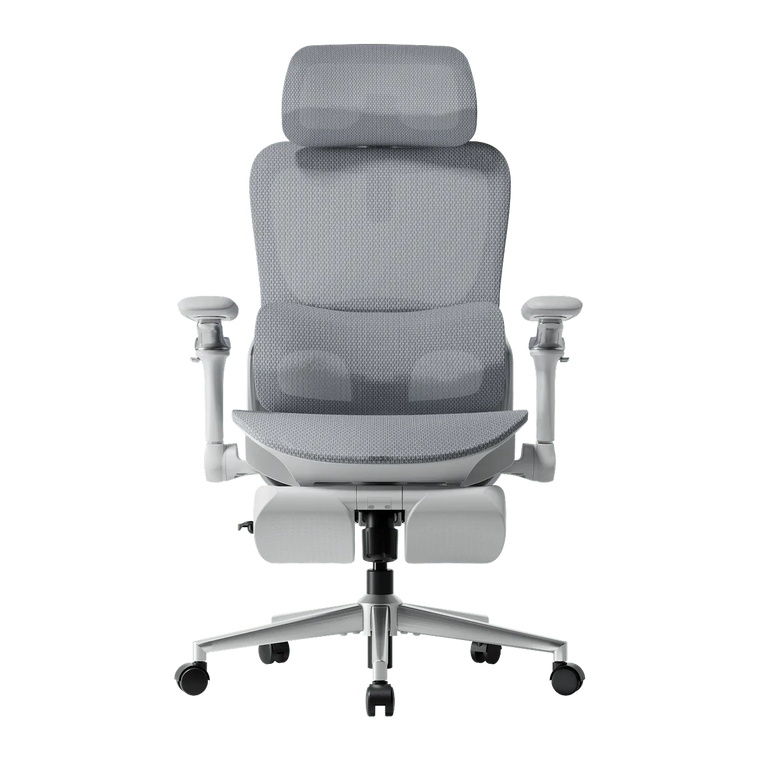
Black / With Footrest
Gray / Without Footrest
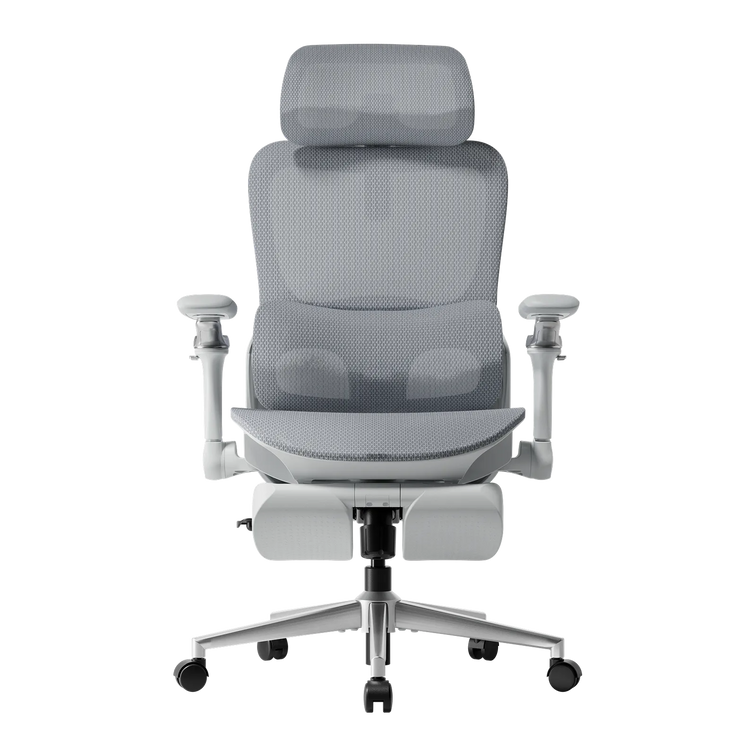
Gray / With Footrest
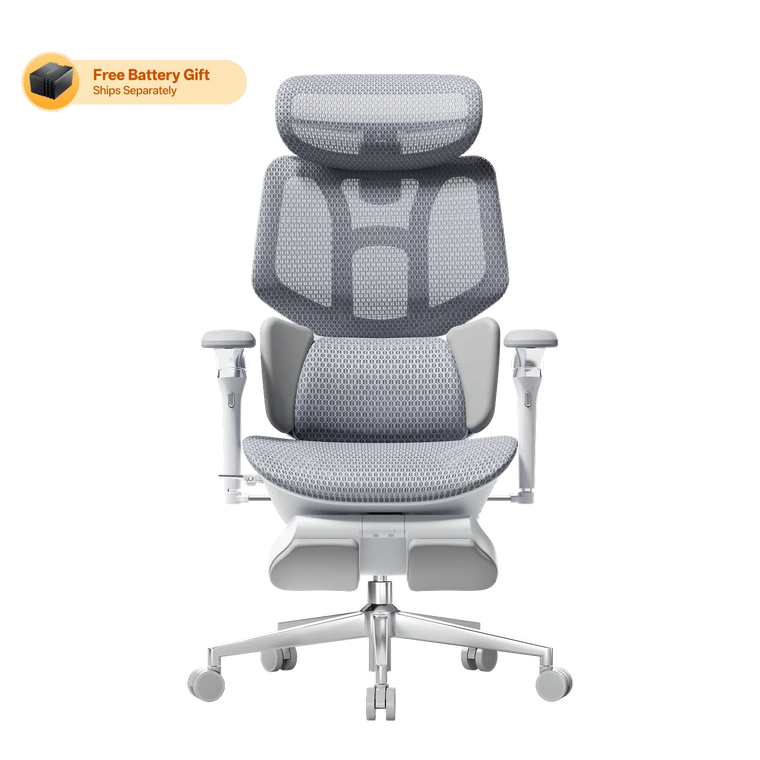
Pearl White
Obsidian Black
Black / Without Footrest
Black / With Footrest
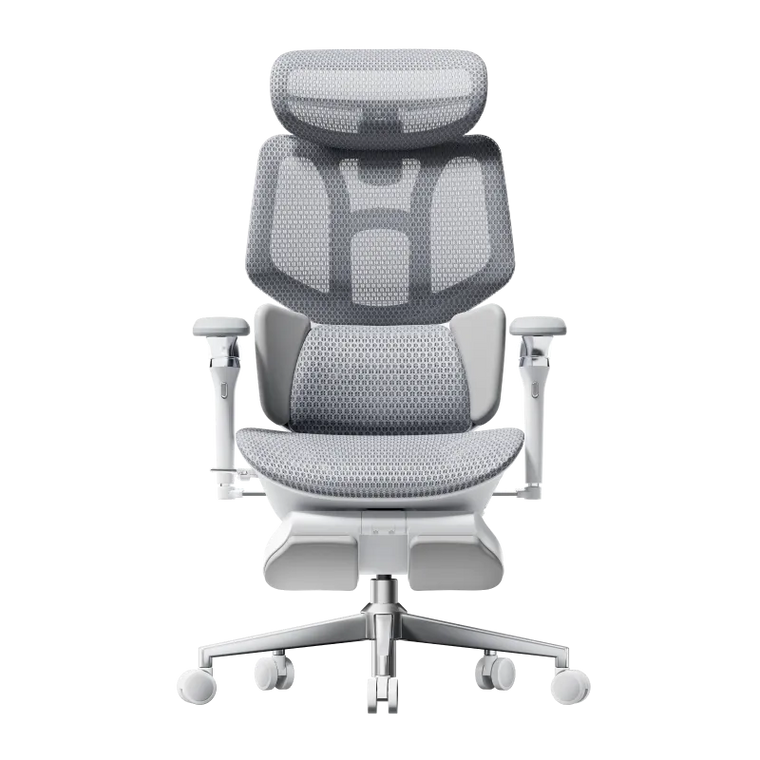
Gray / Without Footrest
Gray / With Footrest
Gray / without footrest-P2 Pro
Gray / with footrest-P2 Pro
Gray / with footrest-P2 Ultra
Black / without footrest-P2 Pro
Black / with footrest-P2 Pro
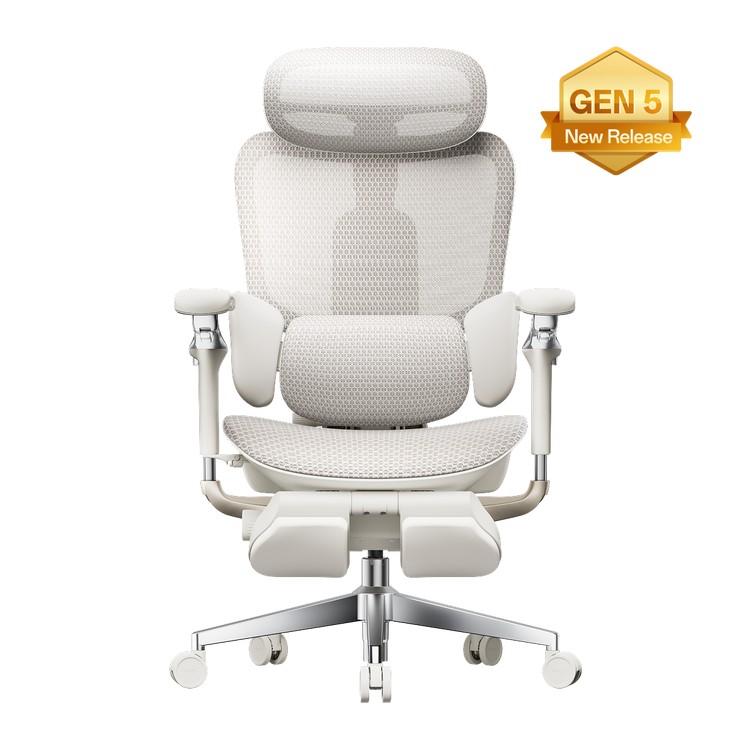
E3 Ultra (Gen 5) / Pearl White / With Footrest
E3 Ultra (Gen 5) / Obsidian Black / With Footrest
E3 Pro 2026 / Black / Without Footrest
E3 Pro 2026 / Black / With Footrest
E3 Pro 2026 / Gray / Without Footrest
E3 Pro 2026 / Gray / With Footrest
E3 Air 2026 / Black / Without Footrest
E3 Air 2026 / Black / With Footrest
E3 Air 2026 / Gray / Without Footrest
E3 Air 2026 / Gray / With Footrest
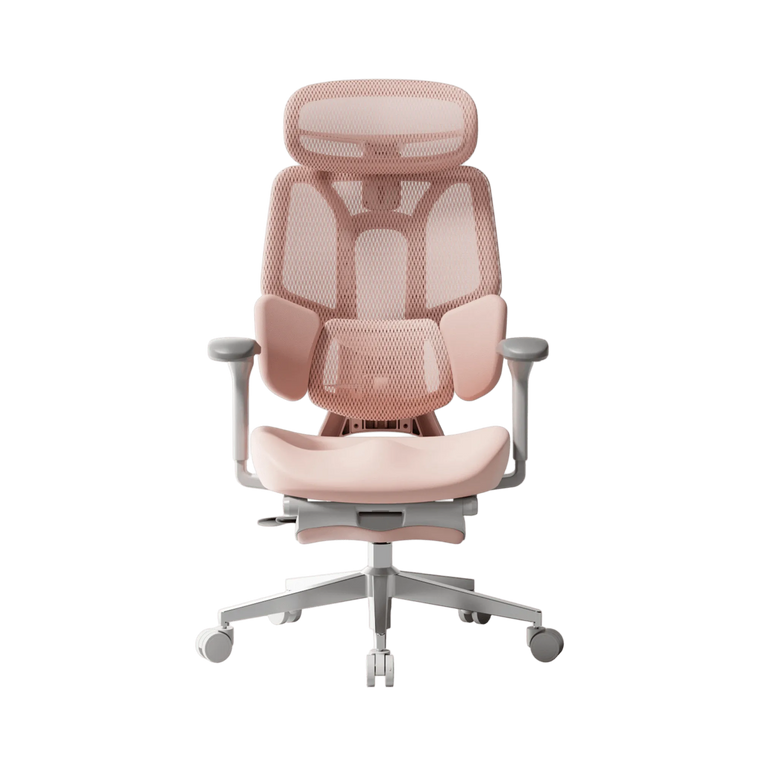
Pink / With Footrest (4D adjustable armrests)
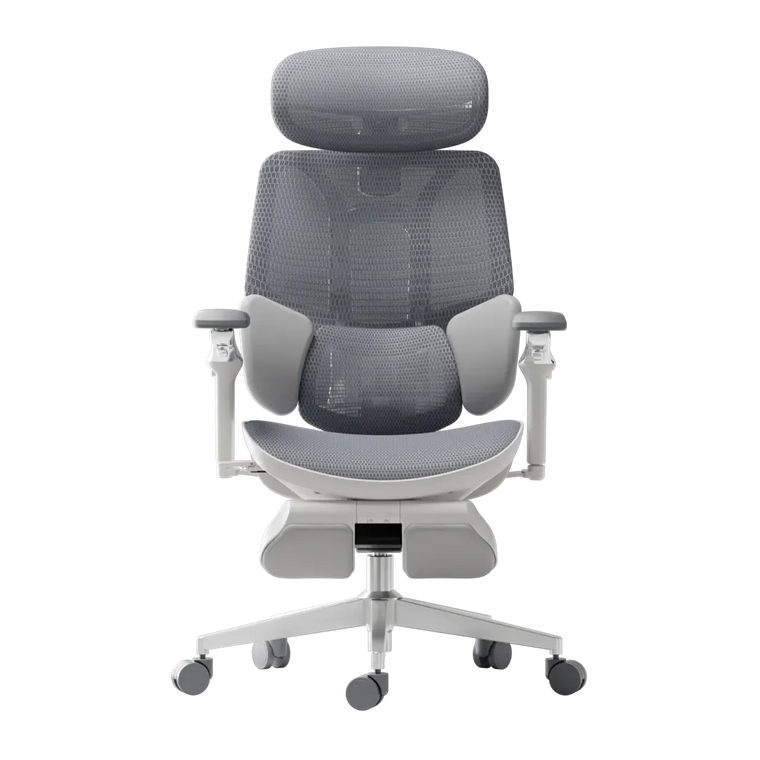
Gray / Without Footrest
Gray / With Footrest
Black / Without Footrest
Black / With Footrest
Pay $470 Get $500
Pay $95 Get $100
No products match those filters.


Best Ergonomic Office Chairs of 2026: Top 5 Bio-Synchronized Options for Disc Relief Ranked & Reviewed
Check out our in-depth review of the top 5 bio-synchronized chairs for 2026. See how the Hbada AI-Powered x7 can help relieve back pain in your office.
May 26, 2026
View More
How to Choose the Best Ergonomic Office Chair in the US: 2026 Buyer's Guide
In this article Dynamic spinal alignment Total-body adjustability Best HBADA chairs compared (2026) Frequently asked questions Conclusion Office work has changed a lot lately, so your chair should keep up too. By 2026, traditional office chairs just aren’t enough. Now, people want office furniture that supports their health, not just a place to sit. When you shop for a new chair, focus less on looks and more on how it supports your body over time. In this guide, I’ll show you the main features to look for in a modern ergonomic chair so you can choose wisely. Prioritize Dynamic Spinal Alignment Chairs that keep you in one position often cause that afternoon slump. When shopping for a new office chair, check if it lets you move and shift easily. If a chair keeps you locked in place, your muscles have to work harder, which can lead to the aches and pains you want to avoid. The Power of an Adaptive Lumbar Tracking Ergonomic Chair A major upgrade for 2026 is the adaptive lumbar tracking chair. This chair uses sensors to keep the lumbar support in contact with your lower back, no matter how you sit. Whether you’re leaning forward to work or leaning back to think, the support moves with you. This helps prevent the gap at your lower back, sometimes called the 'empty waist,' which often causes back pain for office workers. Why You Need a 3-Zone Dynamic Lumbar Support Chair For top ergonomic support, look for a 3-zone lumbar chair with a split-wing design. This dynamic support cushions your spine’s natural curve, while flexible side wings adjust to reduce lower lumbar strain, providing targeted relief for those who sit for over 6 hours daily. Seek Out “Total Body” Adjustability A one-size-fits-all chair doesn’t work in today’s diverse workplaces. For a healthy sitting posture, your chair should fit your height and weight. 720° Omni-Mechanical Armrests: Your arms are heavy; without proper support, they pull directly on your neck and shoulders. The latest ergonomic armrests for shoulder relief and posture offer multi-axis rotation. This allows you to anchor your elbows, whether you are typing on a laptop, using a mobile device, or reclining at 140 °. 4D Dual-Axis Headrests: Avoid "tech neck" by choosing a headrest that adjusts in both height and depth. A dual-axis system allows the headrest to "find" your neck, providing a hovering anchor that lets your cervical muscles fully disengage. Independent Seat Depth & Tilt Tension: A real ergonomic chair for computer work should have a seat slider. Adjusting the seat depth supports your thighs without cutting off blood flow at your knees. With adjustable tilt tension, you can set how much effort it takes to recline, matching the chair to your weight. Backrest Height Customization: Not all torsos are the same length. A height-adjustable backrest ensures the dynamic lumbar support chair features align perfectly with the small of your back, rather than sitting too high or too low. For a model-by-model comparison, read our best office chair 2026 guide. Compare the Best Ergonomic Chairs for 2026 To make your choice easier, we’ve listed the main products in our 2026 lineup. Each one is designed to solve common posture problems in today’s homes and offices. Model Primary User Benefit Core Technology Best For Hbada E3 Air Lightweight Versatility Dynamic lumbar support chair Home Office / Casual Use Hbada E3 Pro Intensive Support Best ergonomic chair with 3-zone lumbar support 8+ Hour Workdays Hbada X7 Smart AI Health Integration Adaptive lumbar tracking ergonomic chair Posture Correction / Tech-Forward If you’re planning to spend long hours at your desk and want a chair that really supports your posture, the E3 Pro and X7 Smart models are worth a look. These go beyond being just a place to sit—they’re designed to support your back and body throughout the day. Frequently Asked Questions (FAQ) Q: How do I know if a chair is actually “ergonomic”?A: A true ergonomic chair must have at least five points of adjustment: seat height, seat depth, lumbar tension, backrest tilt, and armrest position. If a chair lacks these, it cannot be customized to your body’s unique dimensions, which is the core ergonomic posture, meaning, and benefits requirement. Q: What is the best sitting position for a herniated disc?A: You should aim for a “neutral spine” position. Keep your feet flat on the floor, knees at 90 degrees, and your lower back pressed firmly against an adaptive lumbar-tracking ergonomic chair. Avoid crossing your legs, as this tilts your pelvis and puts uneven pressure on your spinal discs. Q: Can a lightweight ergonomic chair for home office use be as good as a corporate one?A: Absolutely. Modern materials like reinforced steel and high-tensile mesh enable a lightweight, ergonomic chair for home office setups that provides the same level of industrial-grade support as heavy executive models. Look for chairs that meet BIFMA durability standards. Q: Why are armrests so important for posture?A: Properly adjusted ergonomic armrests for shoulder relief and posture take the load off your trapezius muscles. When your arms are supported, your shoulders can drop into a relaxed, natural position, which significantly reduces the risk of tension headaches and upper back pain. Conclusion Choosing the right office chair is really about looking after your long-term health. The best chairs in 2026 do more than just give you a spot to sit—they help manage your posture and keep you comfortable all day. If you focus on features like 3-zone lumbar support and adaptive tracking, you’ll set yourself up for a workspace that supports both your productivity and your well-being. With that said, don’t settle for a chair that leaves you sore or tired. Take the time to find one that fits your needs, and you’ll notice the difference every day.
Apr 16, 2026
View More
What Is the Best Office Chair for Herniated Disc & Lower Back Pain?
Contents Understanding the impact of sitting on spinal disc Master the best sitting position for a herniated disc Why HBADA technology is the solution for back pain Comparison of HBADA ergonomic solutions Frequently asked questions Conclusion A herniated disc can turn a regular eight-hour workday into a real challenge. When the soft center of a spinal disc pushes through its outer layer, it can press on nerves and cause pain or numbness. Medical treatment is important, but your chair also plays a big role in how many stress your spine faces each day. Choosing the right office chair for herniated disc support is not just about comfort. It is about helping your spine decompress and stay properly aligned. Understanding the Impact of Sitting on Spinal Disc Sitting puts more pressure on your spinal disc than standing or walking does. If you already have a disc injury, a bad chair can make things worse. For healing, your spine needs a neutral position where pressure is evenly distributed, not focused on the injured area. Chair Features That Reduce Spinal Compression To reduce back pain while sitting at work, look for chairs that distribute pressure evenly across your spine. The key feature is a backrest that moves with you, allowing small adjustments. A stiff chair keeps your spine still, limiting blood flow and preventing your discs from rehydrating. Choose chairs with good gas lifts and recline features that let you lean back a bit. Sitting at a 100- to 110-degree angle helps take pressure off your lower back. Lumbar Support vs. No Lumbar Support for Back Pain In the debate of lumbar support vs no lumbar support for back pain, the science is clear: the human spine has a natural inward curve called lordosis. Without support, your back eventually flattens against the chair, causing the discs to bulge outward. An ergonomic office chair with lumbar support for back pain fills this gap, maintaining the natural curve and ensuring that the weight of your upper body is supported by the chair’s structure rather than your sensitive spinal nerves. Master the Best Sitting Position for a Herniated Disc at the Computer Even the best chair works best when you know how to sit properly. Learning the right way to sit with a herniated disc is key to long-term recovery. The Foundation of Proper Alignment The right sitting position for a herniated disc starts with your feet flat on the floor to keep your pelvis steady. Your knees should be bent to 90 degrees, slightly below your hips. This open hip angle helps keep your lower back’s natural curve. Make sure your monitor is at eye level to avoid neck strain, which can strain your upper and lower back. Refining Your Daily Habits The best sitting posture for a herniated disc in office work involves “active sitting.” This means you should shift your position frequently and utilize the full depth of your seat. Ensure your lower back is always in contact with the lumbar pad. If you feel yourself slouching forward, your chair’s seat depth might be too long. A proper ergonomic chair setup for herniated disc support allows for 2 fingers' width between the seat edge and the backs of your knees. Why Hbada Technology Is the Solution for Back Pain At Hbada, we focus on making chairs that move with your body. Our 'Bio-Synchronized' seating is designed to support you as you move. When you look for the best ergonomic chair for lower back pain, our chairs stand out because they address the main cause of pain: constant pressure. How Lumbar Support Helps Lower Back Pain You may ask how lumbar support helps with lower back pain from disc problems. Our adaptive tracking technology moves with you as you lean. Unlike fixed supports, our 3-zone dynamic system follows your spine. So whether you are typing or leaning back, your lower back is always supported. This steady support acts like a brace, taking pressure off the disc and letting your muscles relax. The Role of Armrests in Spinal Health Many people forget that their arms are heavy. Without support, your shoulders pull forward, which rounds your back and compresses your spine. A premium ergonomic chair with full-arm support adjustment lets you bring the armrests close to your body. This helps support the weight of your upper limbs, preventing the downward pull that can aggravate a herniated disc. Our 5D and 720° armrest systems ensure that no matter how you work, your shoulders remain neutral. Comparison of Hbada Ergonomic Solutions The right chair for you depends on the level of pain you have and your daily work routine. Here is how our main models help support your spine. Model Primary Technology Best For Support Level Hbada E3 air Dynamic Lumbar Tracking Daily Prevention High Hbada E3 Pro 3-Zone Dynamic Support Chronic Lower Back Pain Professional HBADA X7 Smart Ergonomic Chair Bio-Synchronized AI Herniated Disc Recovery Ultimate The Hbada E3 Pro is often considered our best chair for lower back pain because its 3-zone support wraps around your lower back and stabilizes it from multiple angles. If you are recovering, our AI-Powered series offers real-time posture correction to help you avoid bad sitting habits. For more information, click to check: Frequently Asked Questions (FAQ) Q: Can a new office chair heal a herniated disc?A: A chair cannot cure a herniated disc, but it is an important part of your recovery. Using the right office chair for herniated disc support lowers the daily stress on your spine and helps your disc heal. It also helps break the cycle of reinjury caused by poor posture. Q: How often should I take breaks if I have a disc injury?A: Even if you have a top ergonomic chair with adjustable armrests, you should stand up every 30 to 45 minutes. Moving around helps spinal fluid flow, which brings nutrients to your discs. Use your chair’s recline feature often to shift pressure on your back. Q: Is a hard or soft seat better for lower back pain?A: A medium-firm seat is usually best. If a seat is too soft, your pelvis tilts backward, which flattens your lower back and puts more pressure on your discs. A firm, shaped seat keeps your pelvis in a good position and works well with your ergonomic chair for herniated disc support. Q: Why does my pain get worse at the end of the day?A: This usually happens because of postural fatigue. As your muscles get tired, you start to slouch. This is when lumbar support really helps. The chair keeps your spine in line even when your muscles are tired. Conclusion A herniated disc does not have to stop you from being productive. By using the right sitting position and an orthopedically designed chair, you can reclaim your workday. Your spine is the base of your health, so do not let a basic chair put it at risk. Choose a chair with active tracking, 3-zone support, and full adjustability. Try an Hbada ergonomic chair today and feel the relief of real support.
Apr 16, 2026
View MoreErgonomic chairs are specially designed seats that support posture, reduce strain on your back, and enhance comfort during prolonged sitting, making them ideal for office work, remote work, or everyday use.
Chairs with adjustable lumbar support, supportive backrests, and advanced features like massage or therapeutic heating are most effective in helping relieve back pain from long hours of sitting — explore our collection to find the right fit.
Look for adjustable lumbar support, seat height and depth adjustments, breathable materials, and — for advanced comfort — technologies like smart lumbar tracking, bionic massage, or heating elements, like those found in the HBADA X7.
Choosing the right chair depends on your daily sitting hours and specific needs:
• For ultimate back pain relief & 10+ hours of sitting: Choose the X7 Smart Chair (features AI dynamic tracking and massage) or the E3 Pro (features our 3-Zone Lumbar System).
• For standard 8-hour workdays: The E2 Pro or E3 Air offers excellent full-mesh breathability and posture correction.
• For budget-friendly home offices: The P-Series (Task Chairs) provides essential ergonomic support in a compact, stylish design.
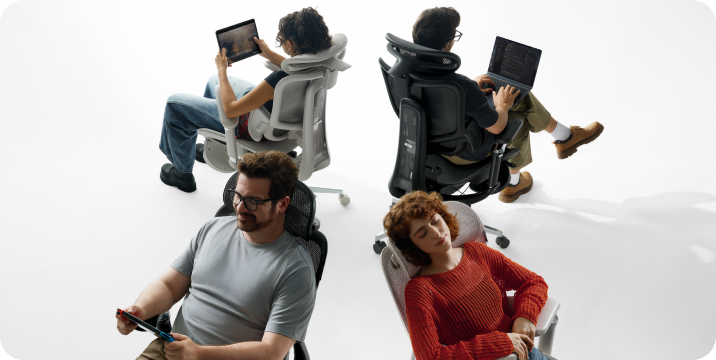
Absolutely. In fact, many professional gamers prefer our ergonomic chairs over traditional racing-style gaming chairs. Traditional gaming chairs often lack proper lower back support and trap heat. Hbada chairs offer breathable mesh, 140° deep recline for resting between matches, and multi-dimensional armrests that perfectly support holding a controller or using a mouse.
A breathable mesh chair provides superior temperature control, preventing sweat and discomfort during long working hours. Additionally, our premium 4-way elastic mesh distributes your body weight evenly, reducing pressure on your hips and thighs, whereas traditional leather can wear out, peel, and cause heat buildup.
Yes. We stand behind the quality of our ergonomic furniture. All Hbada chairs come with a comprehensive 5-year warranty covering component defects. We also offer a 30-day risk-free return policy, so you can test the chair in your own home office to ensure it perfectly supports your posture.
Chair specifications can narrow your choices, but they cannot guarantee individual comfort. Compare your body measurements and desk dimensions, then test the chair during the applicable return period.
A suitable office chair for a petite person should have a low minimum seat height, an appropriate seat depth and armrests that can move inward. The user should be able to sit against the lumbar support without the seat edge pressing behind the knees.
Do not choose using recommended height alone. Compare your lower-leg length and thigh length with the chair’s seat-height and seat-depth ranges. If the desk requires a higher chair position, use a stable footrest rather than sitting with unsupported feet.
Chair specifications can identify whether a model is dimensionally compatible, but they cannot predict individual comfort. Mesh firmness, lumbar pressure, seat-edge contact, headrest position and recline resistance feel different to different users.
Use specifications to eliminate unsuitable models, then test the remaining chair during normal work while the applicable return window is open.
Measure the height and width of the open space beneath your desk. Then compare these measurements with the chair’s armrest-height range, seat height and overall width.
Check for drawers, keyboard trays, support beams and thick desktops. If the armrests cannot move low enough, the chair may prevent you from moving close to the desk while keeping your shoulders relaxed.