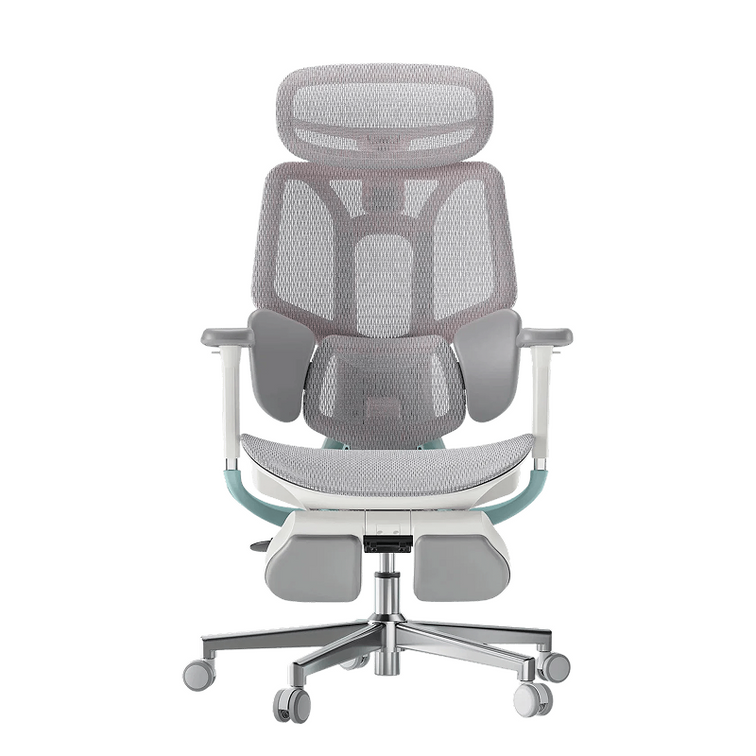
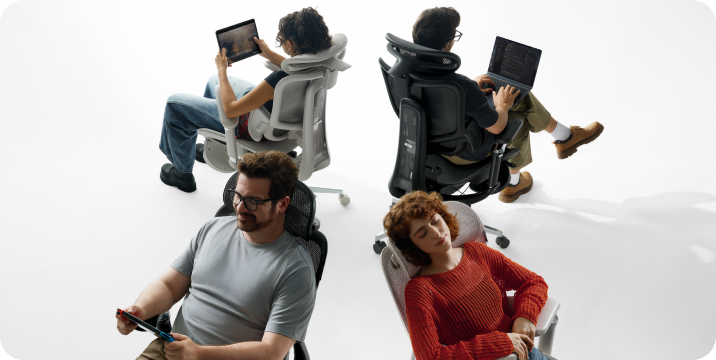
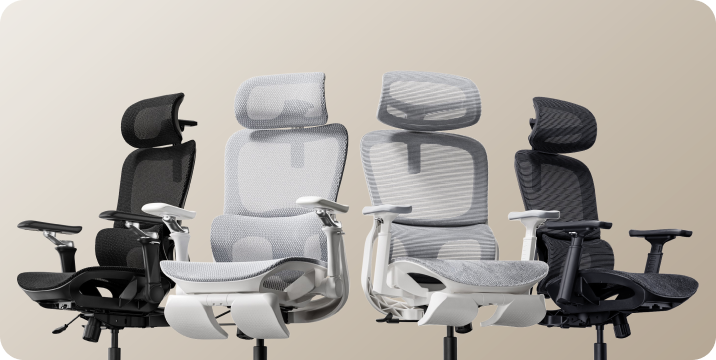
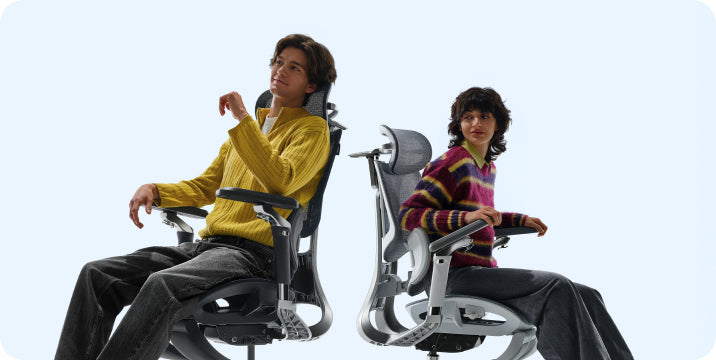

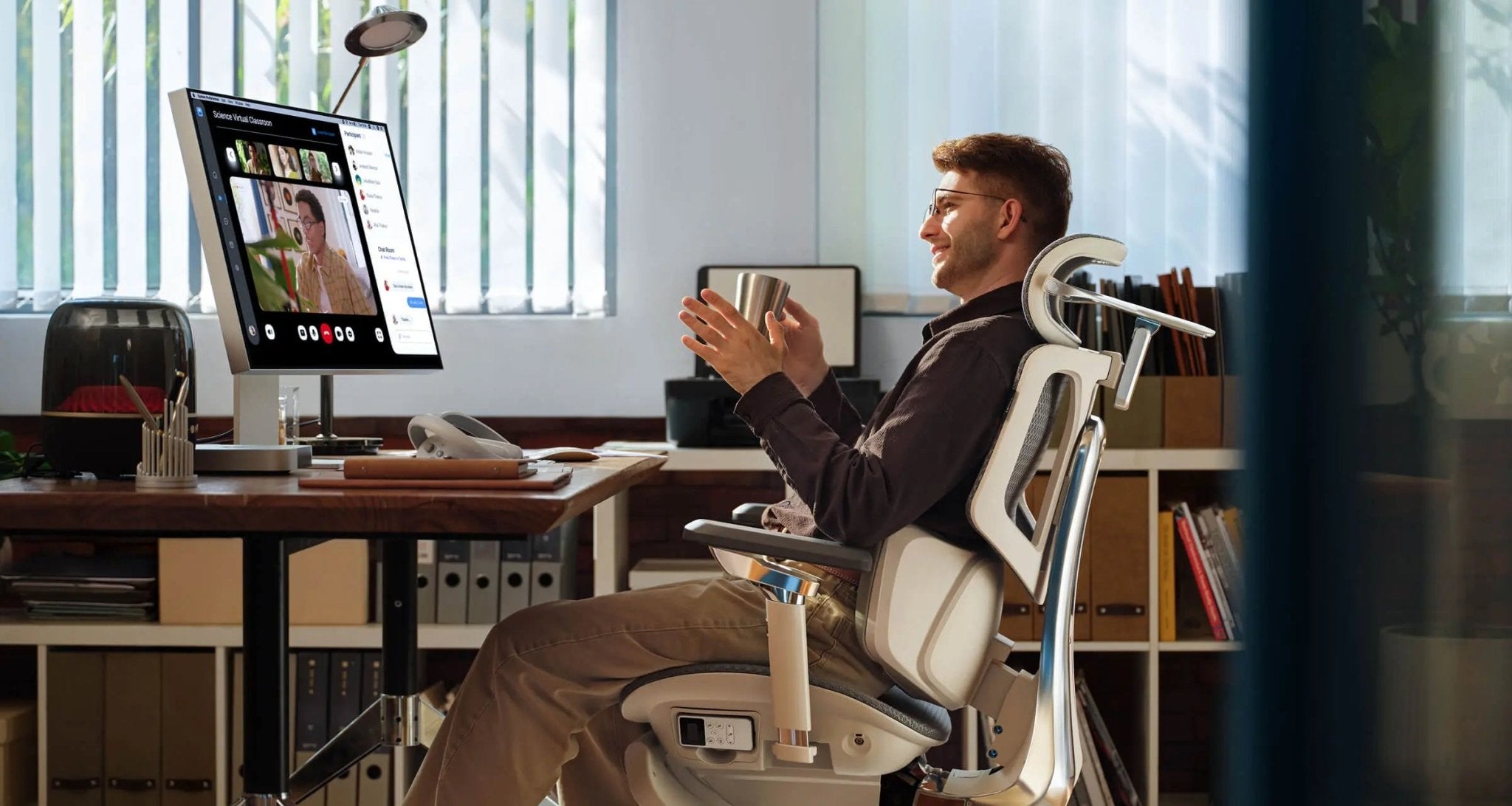
Chronic back pain doesn't have to be part of your job. In 2026, more people are choosing bio-synchronized workspaces to protect their backs during long workdays. If you deal with disc compression, a regular chair won't cut it—you need one that moves with you. Our review covers the top five chairs to help you find the best setup for real pain relief.

The Engineering of Disc Relief: Why Bio-Synchronization is Key
Sitting for more than eight hours puts steady pressure on your spine. Most regular chairs only support you if you sit completely still. As soon as you lean forward to type or lean back to take a call, you lose that support, which can cause slouching and pain.
The best ergonomic chairs in 2026 use bio-synchronization to fix this problem. This technology lets the chair move with your body, keeping your spine in its natural S-curve no matter how you sit. Staying aligned like this is the best way to relieve disc pain and avoid long-term injuries.
Ranked & Reviewed: Top 5 Bio-Synchronized Solutions
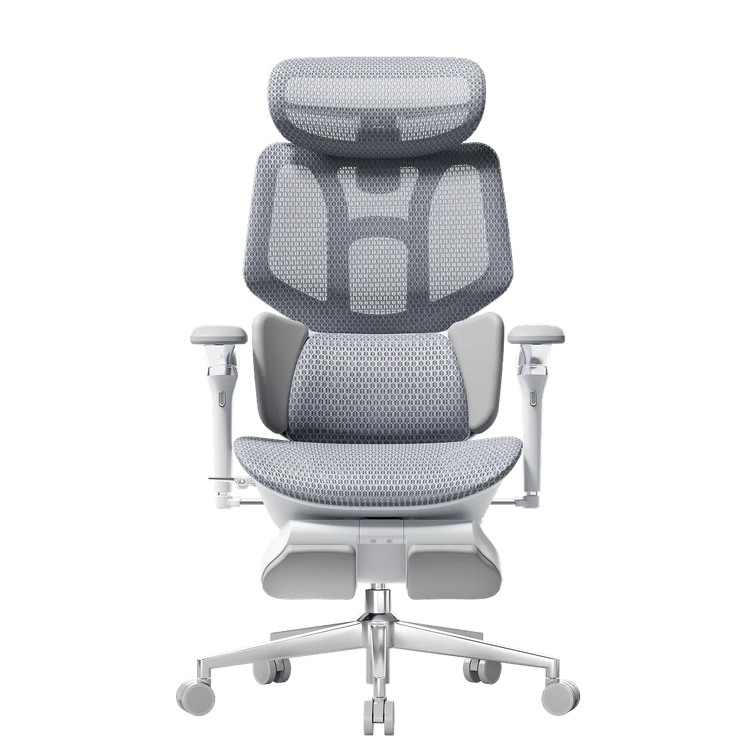
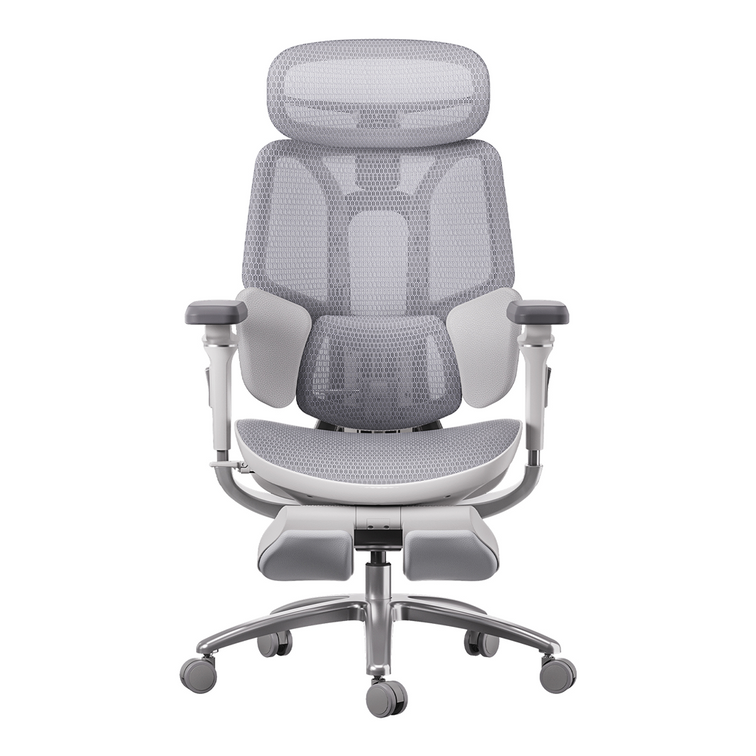
Rank #1: The Hbada AI-Powered x7 (The Elite Choice)
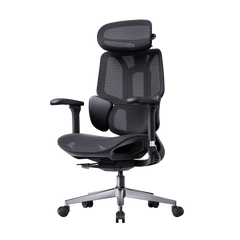
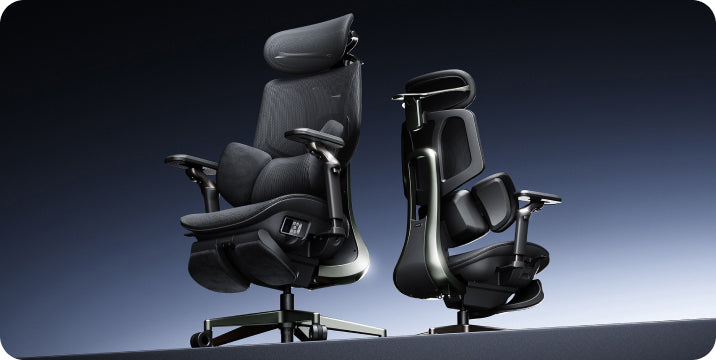
The Hbada AI-Powered x7 is more than just an office chair. It’s a smart orthopedic tool that uses micro-sensors to track your spine’s angle 1,000 times every second.
Why is it the best chair for disc relief? The Hbada AI-Powered x7 has a motorized lumbar system that automatically supports your lower back. If you want an ergonomic chair that adjusts itself, this is a great choice. It also offers graphene heat therapy and 8D bionic massage, making it excellent for muscle recovery and disc relief. In 2026, the X7 is the most advanced chair available.
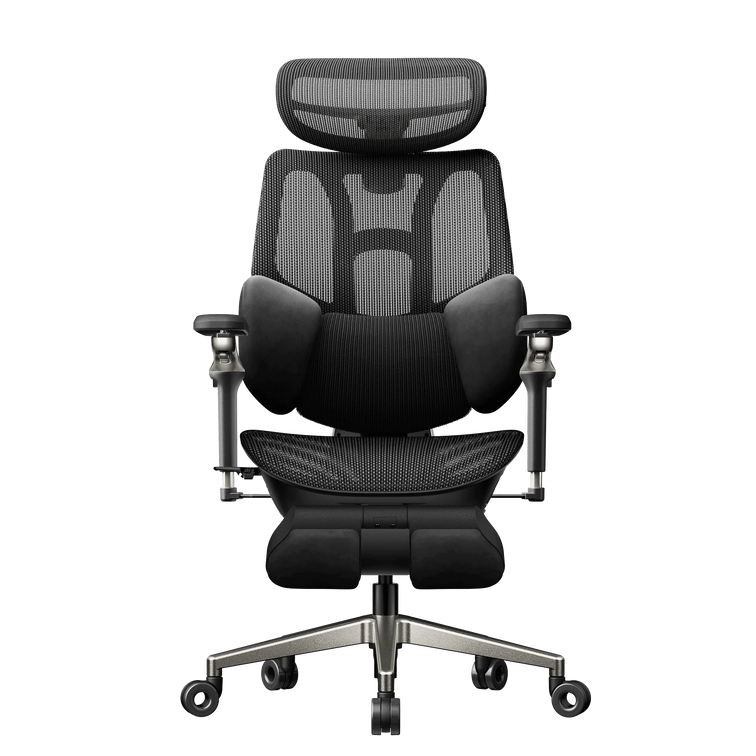
Rank #2: HBADA E3 Pro (The Professional Standard)
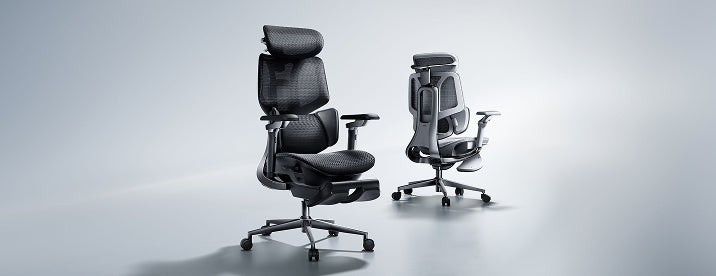
For those who want premium ergonomics without the AI components, the Hbada E3 Pro is our best bio-synchronized 2026 manual choice. It features a 3-zone dynamic lumbar support system that cradles the waist from three angles. This provides a “wrap-around” support feel that is essential for stabilizing the lower back during high-intensity work.
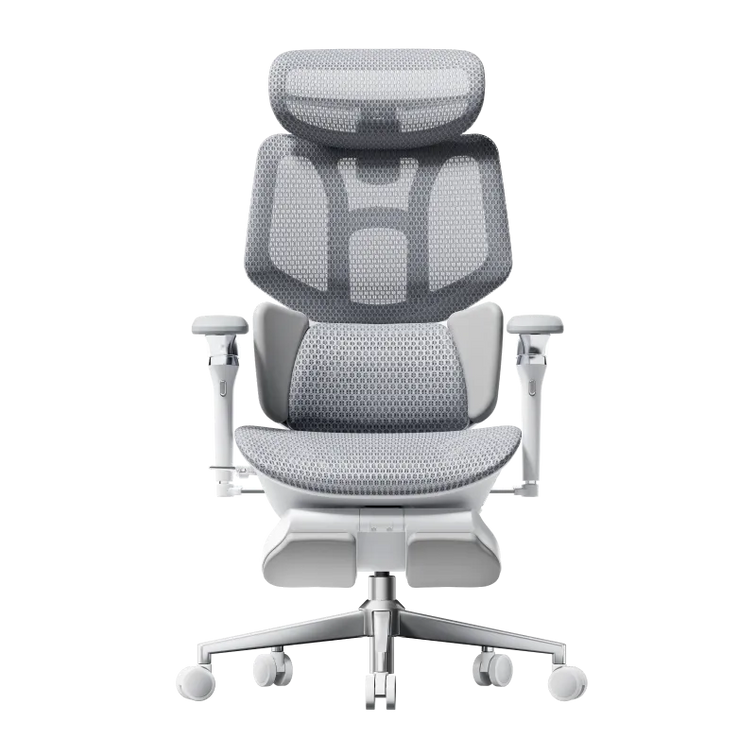
Rank #3: HBADA E3 Air (The Breathable Workhorse)
The Hbada E3 Air is designed for comfort in warm environments. It’s a great ergonomic option if you like high-tensile mesh. The chair’s lumbar pad adjusts as you move, always staying close to your spine. It’s lightweight and works well in flexible home offices.
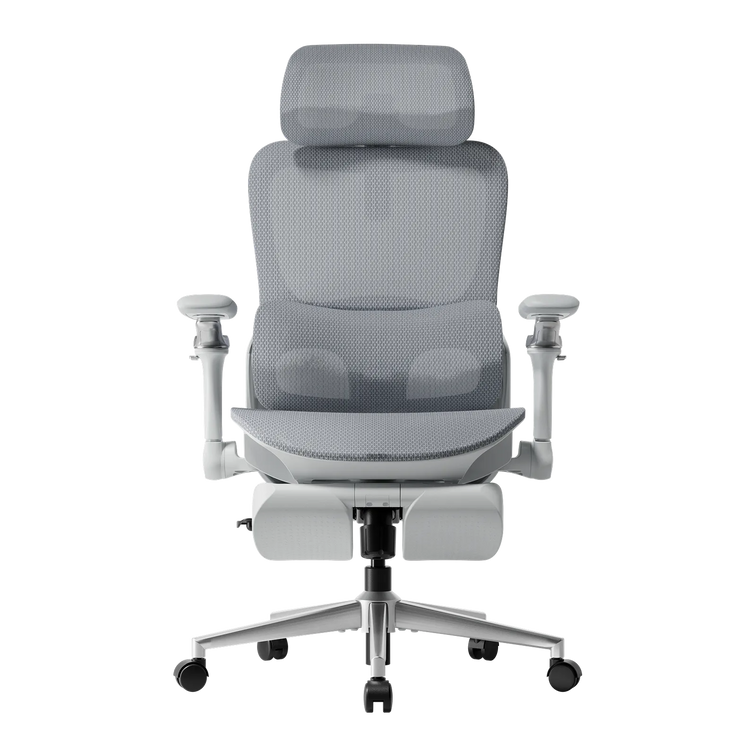
Rank #4: HBADA E3 (The Balanced Performer)
The standard E3 model gives you the important 'Rule of 90' support. You can adjust the seat depth and recline to fit your height and leg length. It’s a reliable, durable choice that shows up in every chair review.
Rank #5: HBADA E3 Compact (The Small Space Specialist)
Designed for the urban U.S. apartment, the E3 Compact brings bio-synchronized benefits to a smaller frame. It proves that you don’t need a massive office chair to get professional-grade disc relief. It features the same high-quality mesh and lumbar tech found in our larger models, but in a footprint that fits anywhere.
Deep Dive: The AI-Lumbar Tracking Revolution
The biggest new feature in this review is the AI-lumbar tracking chair. But how does it really help your back?

Regular lumbar supports are often placed too high or too low, which can worsen the problem. The Hbada AI-Powered x7 uses Hall-effect sensors to determine exactly how much support your lower back needs. This active support lets the chair adjust as you move or breathe, preventing the constant pressure that can cause disc problems and muscle loss.
Comparing the 2026 HBADA Lineup
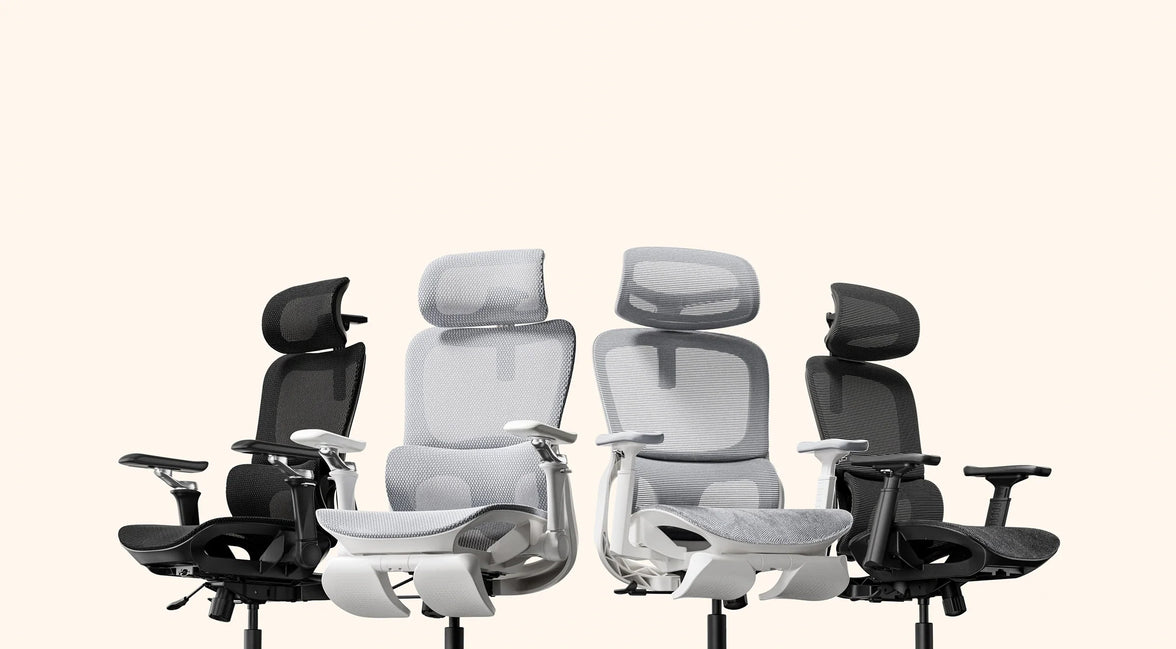
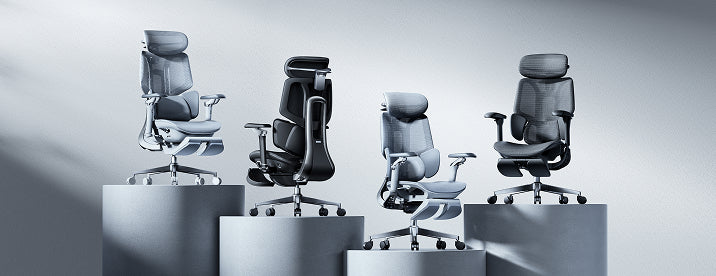
Picking the right office chair depends on what you need. Check out this table to compare our top bio-synchronized models for 2026.
|
Feature |
Hbada AI-Powered x7 |
HBADA E3 Pro |
HBADA E3 Air |
|
Tracking Tech |
Active AI-Motorized |
3-Zone Dynamic |
Adaptive Elastic |
|
Lumbar Style |
ai-lumbar tracking chair |
3-Zone Floating |
Floating Wings |
|
Armrests |
720° Omni-Mechanical |
720° Omni-Mechanical |
3D Adjustable |
|
Recline Max |
140° + Gravity Sync |
140° + Manual Lock |
135° Recline |
|
Massage/Heat |
Yes (8D & Graphene) |
Optional |
N/A |
|
Battery Life |
5,200 mAh |
N/A |
N/A |
Actionable Insights: Mastering Your New Setup
After you pick your new chair, the first month is important for getting used to it. If you’re switching from a regular seat to an AI-lumbar tracking chair, your muscles might feel a gentle stretch as they adjust.
· Week 1: Adjust your seat height. Make sure your feet are flat on the floor to give your spine the best support.
· Week 2: Try out the 720° adjustable armrests. Set them so your shoulders stay relaxed and not raised.
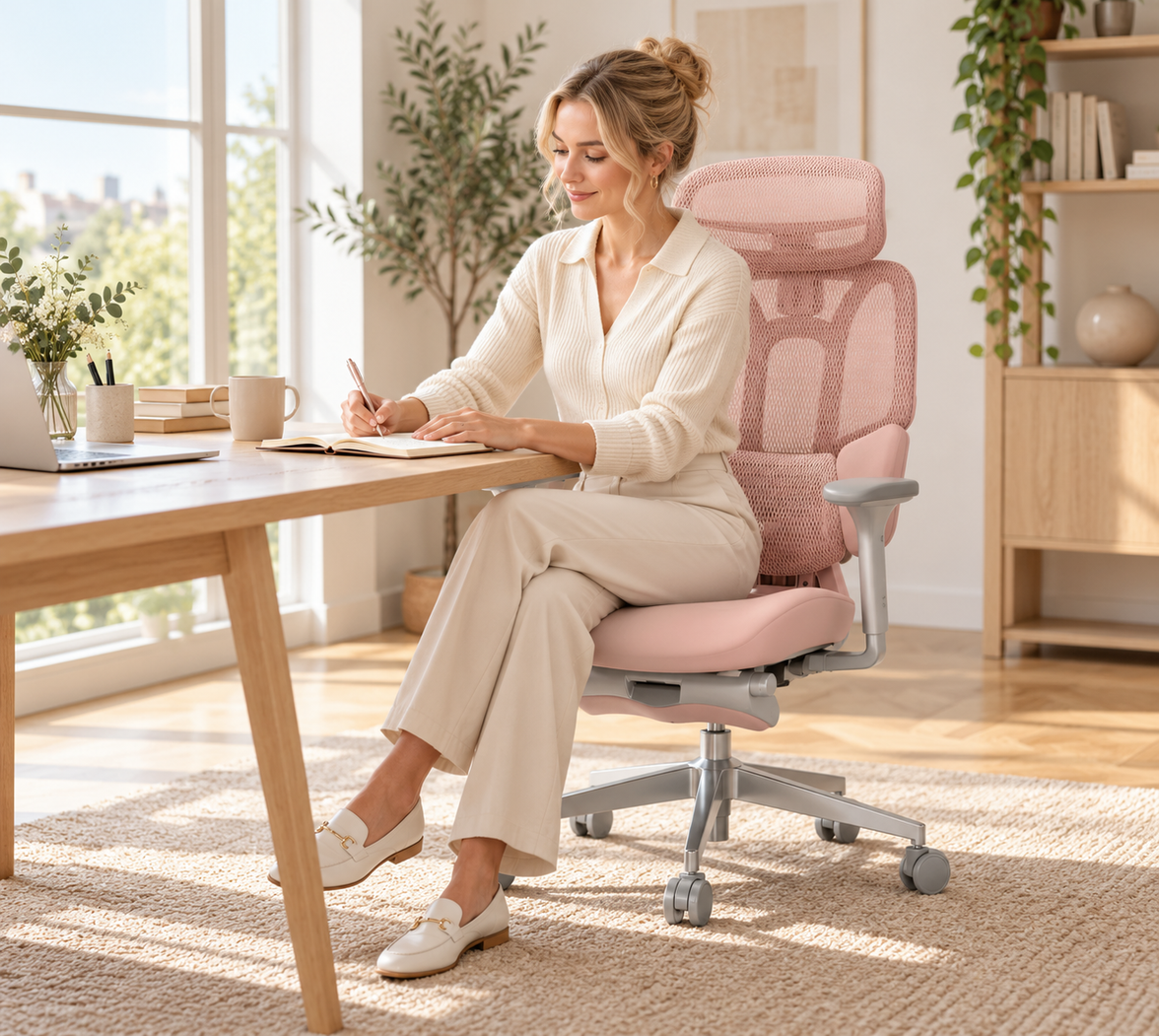
· Week 3: Use the recline feature. These chairs are designed to move with you. Alternate between sitting upright for work and reclining to 110 degrees for reading to help your discs decompress.
Why HBADA is the 2026 Market Leader
At HBADA, we focus on more than just making furniture—we design for your well-being. Our research shows that a great chair needs to support you, keep you comfortable, and move with you. We use strong DuPont mesh and aerospace-grade aluminum, so our chairs last over 10 years. When you read an HBADA review, you’re seeing our promise to help you live pain-free.
Conclusion
Buying a great ergonomic chair is an investment in your health. Whether you pick the advanced Hbada AI-Powered x7 or a dependable E3 model, you’re putting your spine first. With the latest bio-synchronized technology, your chair becomes a partner in your work life, not just a piece of furniture. Don’t let back pain slow you down. Choose a chair that supports you and enjoy a more comfortable, productive future.
Frequently Asked Questions (FAQ)
Q: What is the benefit of an AI-lumbar tracking chair?
A: Unlike manual chairs, an AI-lumbar tracking chair like the Hbada AI-Powered x7 uses sensors to follow your movements. It automatically fills the “lumbar gap” that occurs when you lean forward or shift, providing constant support to your discs. This is the most ergonomic way to prevent slouching, which leads to chronic back pain.
Q: How do I know which is the top chair for my body type?
A: All our 2026 chairs are adjustable to fit different body types. If you’re over 6 feet tall, we suggest the Hbada AI-Powered x7 or the E3 Pro, as they have longer backrests and deeper seats. For smaller people, the E3 Air offers a closer, more supportive fit.
Q: Can an office chair really help with existing disc pain?
A: While a chair can’t cure medical problems, a bio-synchronized 2026 model can greatly reduce stress on your spine. By keeping your back in its natural S-curve and allowing you to recline to decompress, you help your discs recover rather than being squeezed by a poor chair.
Q: Is the Hbada AI-Powered x7 battery safe for home use?
A: Yes. The 5,200 mAh battery is a certified, stable power source similar to those used in high-end laptops. It powers the AI-lumbar tracking chair sensors and the massage features. It charges easily via USB-C and features multiple safety shut-off protocols to ensure the best ergonomic experience in your home office.
Q: Why does the chair review mention 720° armrests?
A: Regular armrests only move a little. Our top chairs have 720° arms that tilt and flip, so you can support your elbows whether you’re typing, gaming, or using a tablet. Good arm support is important for your neck and shoulders in any office chair.