Cart
Your shopping cart is empty
Continue Shopping
Every Order, Backed by HBADA
30-day in-home Trial
Free 2-Business-Day Shipping
5-Year Hassle-Free Warranty
24/7 Customer Support


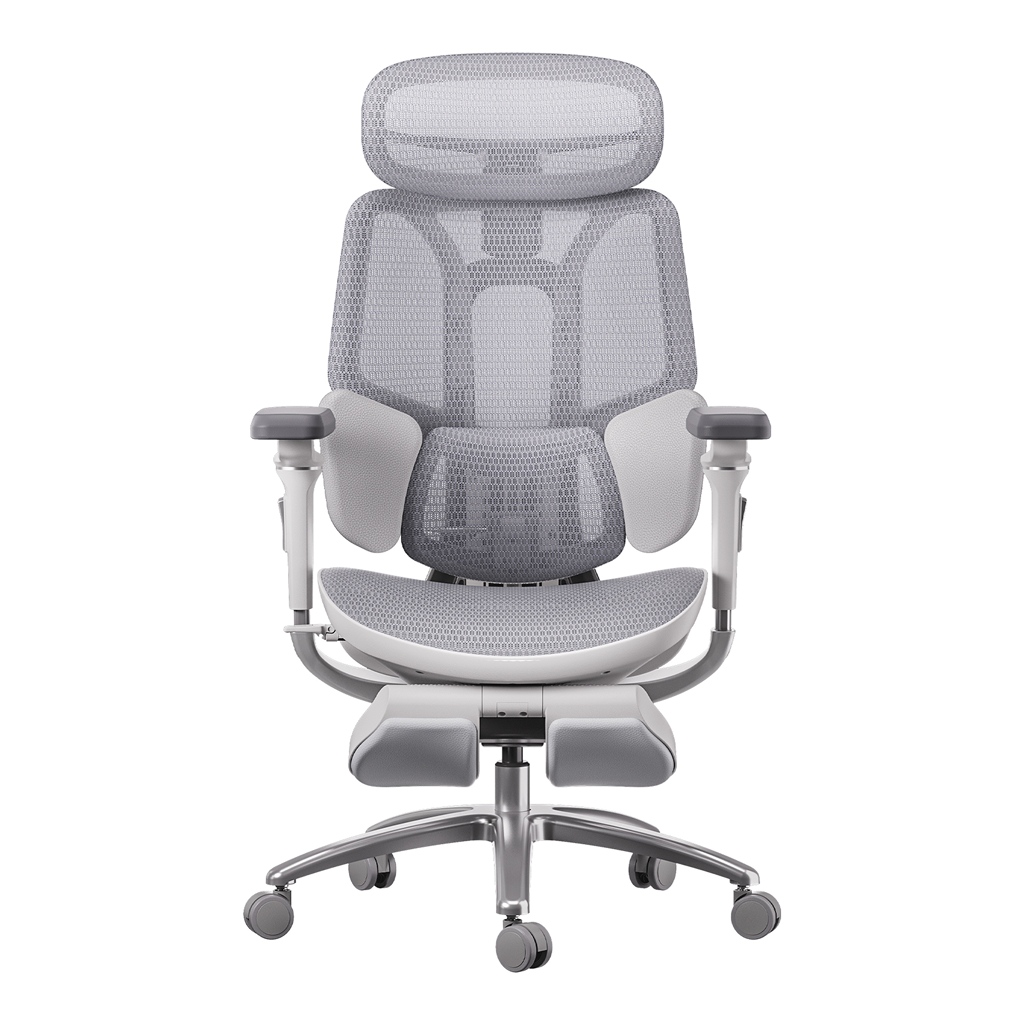
HBADA E3 Pro Ergonomic Office Chair

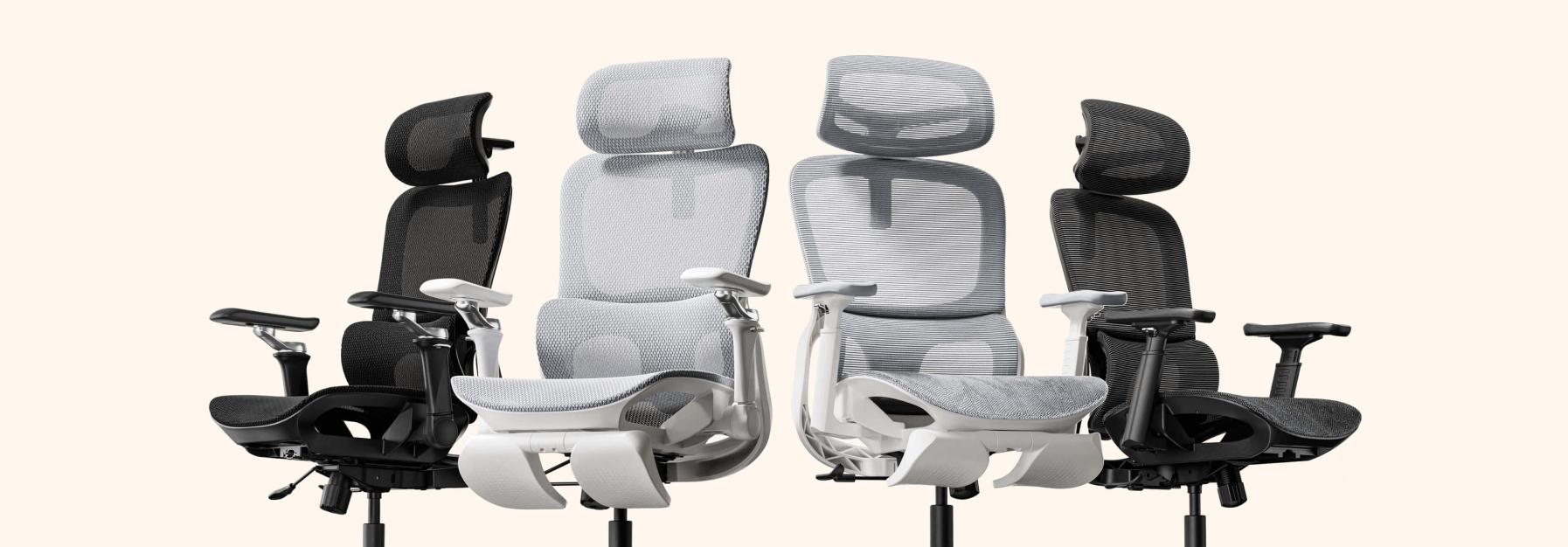
HBADA E3 Ultra Ergonomic Office Chair Futuristic

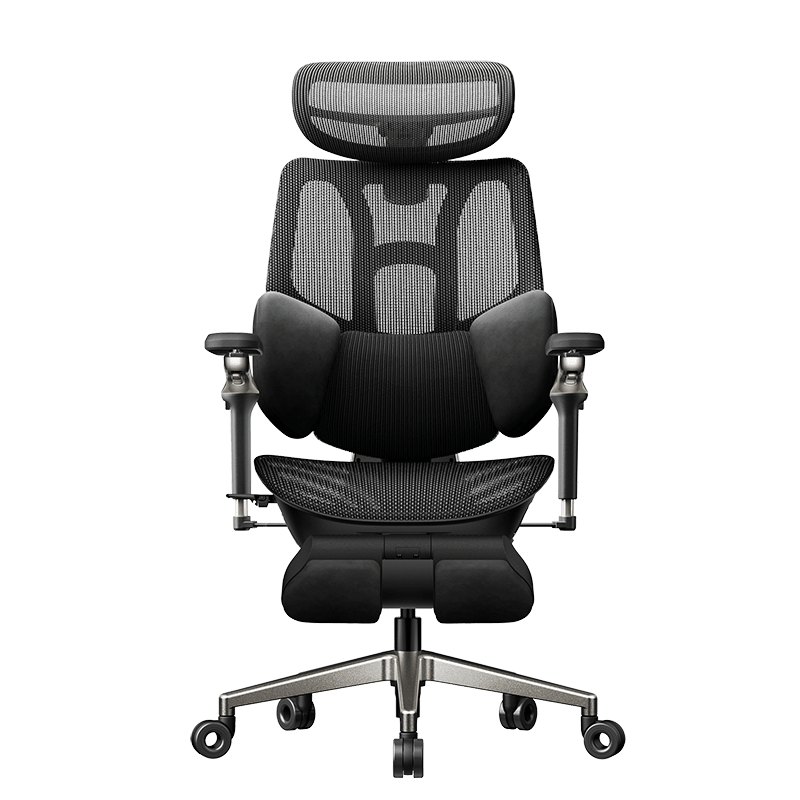
HBADA X7 Smart Ergonomic Office Chair with AI Lumbar Support

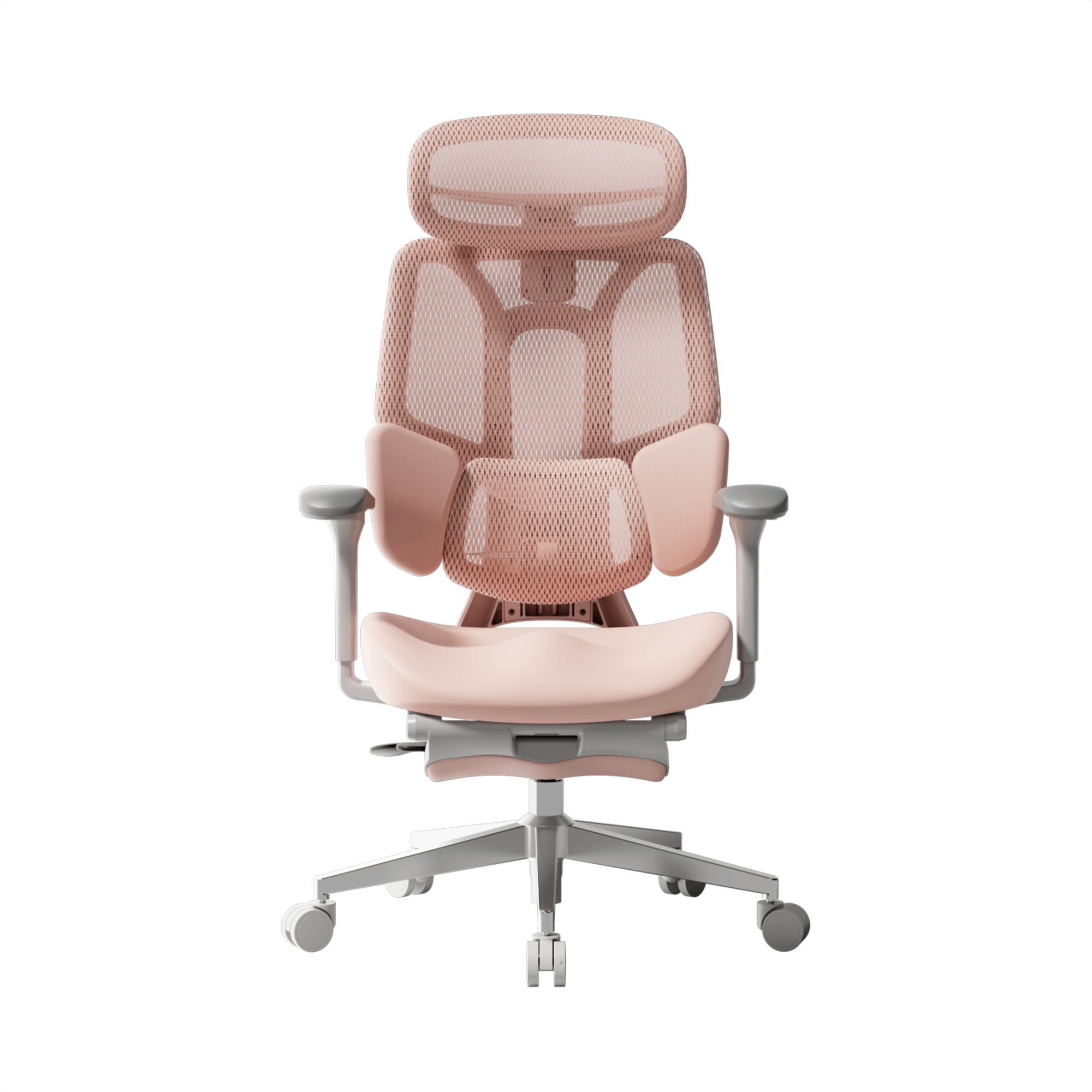
HBADA P2 Ergonomic Office Chair
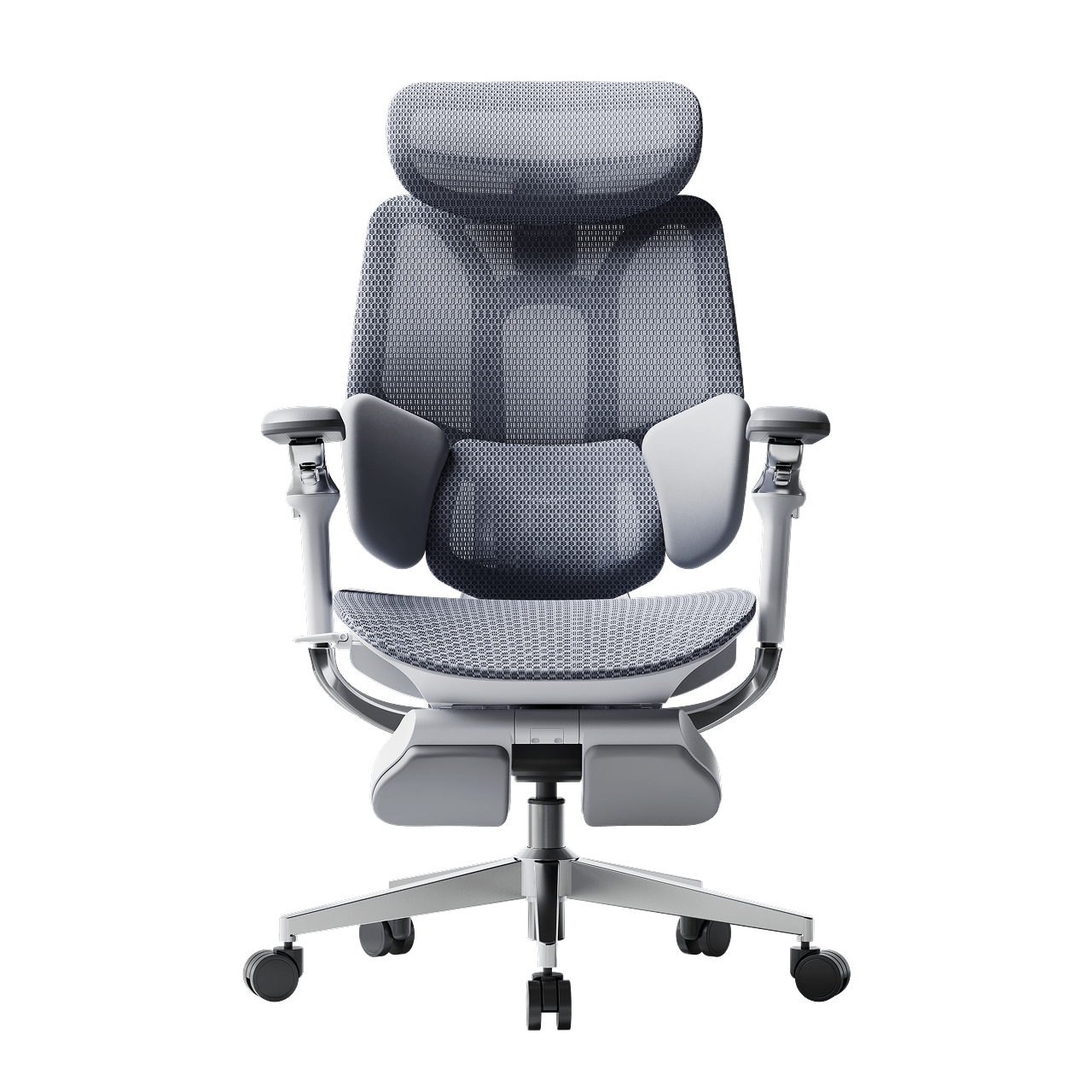
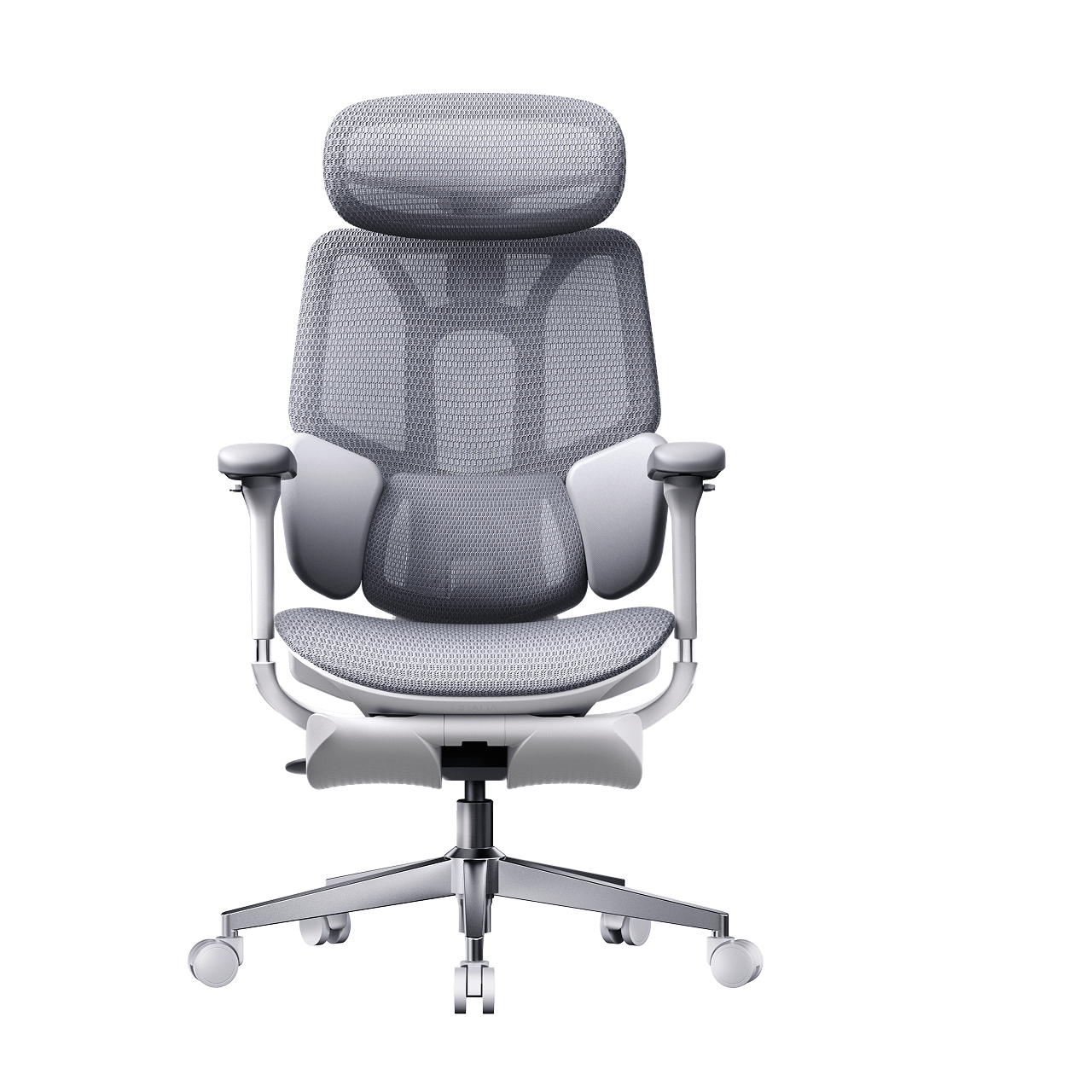
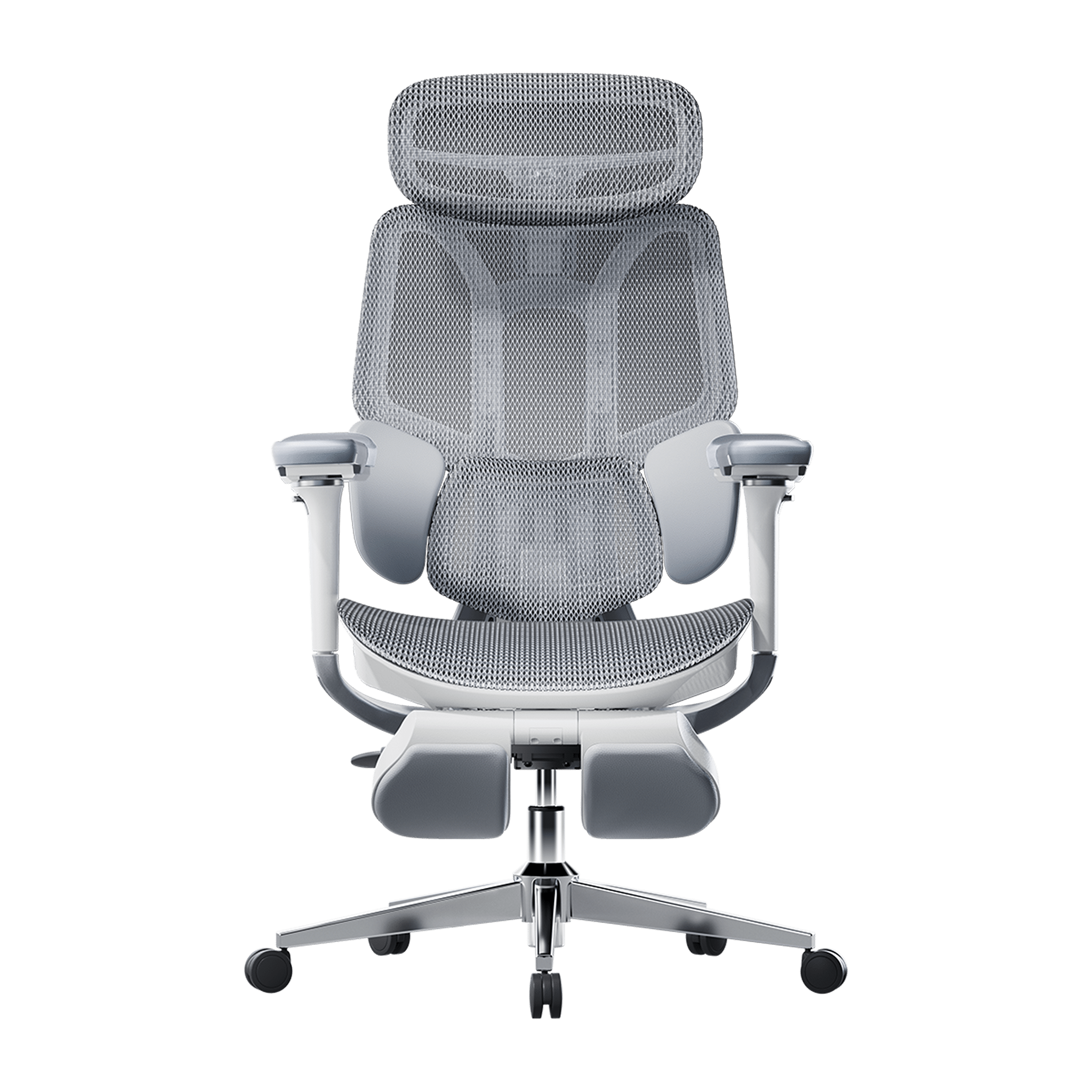

Remove this item from your cart?
Cart
 How to Choose the Best Ergonomic Office Chair in the US: 2026 Buyer's Guide
In this article
Dynamic spinal alignment
Total-body adjustability
Best HBADA chairs compared (2026)
Frequently asked questions
Conclusion
Office work has changed a lot lately, so your chair should keep up too. By 2026, traditional office chairs just aren’t enough. Now, people want office furniture that supports their health, not just a place to sit. When you shop for a new chair, focus less on looks and more on how it supports your body over time. In this guide, I’ll show you the main features to look for in a modern ergonomic chair so you can choose wisely.
Prioritize Dynamic Spinal Alignment
Chairs that keep you in one position often cause that afternoon slump. When shopping for a new office chair, check if it lets you move and shift easily. If a chair keeps you locked in place, your muscles have to work harder, which can lead to the aches and pains you want to avoid.
The Power of an Adaptive Lumbar Tracking Ergonomic Chair
A major upgrade for 2026 is the adaptive lumbar tracking chair. This chair uses sensors to keep the lumbar support in contact with your lower back, no matter how you sit. Whether you’re leaning forward to work or leaning back to think, the support moves with you. This helps prevent the gap at your lower back, sometimes called the 'empty waist,' which often causes back pain for office workers.
Why You Need a 3-Zone Dynamic Lumbar Support Chair
For top ergonomic support, look for a 3-zone lumbar chair with a split-wing design. This dynamic support cushions your spine’s natural curve, while flexible side wings adjust to reduce lower lumbar strain, providing targeted relief for those who sit for over 6 hours daily.
Seek Out “Total Body” Adjustability
A one-size-fits-all chair doesn’t work in today’s diverse workplaces. For a healthy sitting posture, your chair should fit your height and weight.
· 720° Omni-Mechanical Armrests: Your arms are heavy; without proper support, they pull directly on your neck and shoulders. The latest ergonomic armrests for shoulder relief and posture offer multi-axis rotation. This allows you to anchor your elbows, whether you are typing on a laptop, using a mobile device, or reclining at 140 °.
· 4D Dual-Axis Headrests: Avoid "tech neck" by choosing a headrest that adjusts in both height and depth. A dual-axis system allows the headrest to "find" your neck, providing a hovering anchor that lets your cervical muscles fully disengage.
· Independent Seat Depth & Tilt Tension: A real ergonomic chair for computer work should have a seat slider. Adjusting the seat depth supports your thighs without cutting off blood flow at your knees. With adjustable tilt tension, you can set how much effort it takes to recline, matching the chair to your weight.
· Backrest Height Customization: Not all torsos are the same length. A height-adjustable backrest ensures the dynamic lumbar support chair features align perfectly with the small of your back, rather than sitting too high or too low.
Compare the Best Ergonomic Chairs for 2026
To make your choice easier, we’ve listed the main products in our 2026 lineup. Each one is designed to solve common posture problems in today’s homes and offices.
Model
Primary User Benefit
Core Technology
Best For
Hbada E3 Air
Lightweight Versatility
Dynamic lumbar support chair
Home Office / Casual Use
Hbada E3 Pro
Intensive Support
Best ergonomic chair with 3-zone lumbar support
8+ Hour Workdays
Hbada X7 Smart
AI Health Integration
Adaptive lumbar tracking ergonomic chair
Posture Correction / Tech-Forward
If you’re planning to spend long hours at your desk and want a chair that really supports your posture, the E3 Pro and X7 Smart models are worth a look. These go beyond being just a place to sit—they’re designed to support your back and body throughout the day.
Frequently Asked Questions (FAQ)
Q: How do I know if a chair is actually “ergonomic”?A: A true ergonomic chair must have at least five points of adjustment: seat height, seat depth, lumbar tension, backrest tilt, and armrest position. If a chair lacks these, it cannot be customized to your body’s unique dimensions, which is the core ergonomic posture, meaning, and benefits requirement.
Q: What is the best sitting position for a herniated disc?A: You should aim for a “neutral spine” position. Keep your feet flat on the floor, knees at 90 degrees, and your lower back pressed firmly against an adaptive lumbar-tracking ergonomic chair. Avoid crossing your legs, as this tilts your pelvis and puts uneven pressure on your spinal discs.
Q: Can a lightweight ergonomic chair for home office use be as good as a corporate one?A: Absolutely. Modern materials like reinforced steel and high-tensile mesh enable a lightweight, ergonomic chair for home office setups that provides the same level of industrial-grade support as heavy executive models. Look for chairs that meet BIFMA durability standards.
Q: Why are armrests so important for posture?A: Properly adjusted ergonomic armrests for shoulder relief and posture take the load off your trapezius muscles. When your arms are supported, your shoulders can drop into a relaxed, natural position, which significantly reduces the risk of tension headaches and upper back pain.
Conclusion
Choosing the right office chair is really about looking after your long-term health. The best chairs in 2026 do more than just give you a spot to sit—they help manage your posture and keep you comfortable all day. If you focus on features like 3-zone lumbar support and adaptive tracking, you’ll set yourself up for a workspace that supports both your productivity and your well-being. With that said, don’t settle for a chair that leaves you sore or tired. Take the time to find one that fits your needs, and you’ll notice the difference every day.
Apr 16, 2026
How to Choose the Best Ergonomic Office Chair in the US: 2026 Buyer's Guide
In this article
Dynamic spinal alignment
Total-body adjustability
Best HBADA chairs compared (2026)
Frequently asked questions
Conclusion
Office work has changed a lot lately, so your chair should keep up too. By 2026, traditional office chairs just aren’t enough. Now, people want office furniture that supports their health, not just a place to sit. When you shop for a new chair, focus less on looks and more on how it supports your body over time. In this guide, I’ll show you the main features to look for in a modern ergonomic chair so you can choose wisely.
Prioritize Dynamic Spinal Alignment
Chairs that keep you in one position often cause that afternoon slump. When shopping for a new office chair, check if it lets you move and shift easily. If a chair keeps you locked in place, your muscles have to work harder, which can lead to the aches and pains you want to avoid.
The Power of an Adaptive Lumbar Tracking Ergonomic Chair
A major upgrade for 2026 is the adaptive lumbar tracking chair. This chair uses sensors to keep the lumbar support in contact with your lower back, no matter how you sit. Whether you’re leaning forward to work or leaning back to think, the support moves with you. This helps prevent the gap at your lower back, sometimes called the 'empty waist,' which often causes back pain for office workers.
Why You Need a 3-Zone Dynamic Lumbar Support Chair
For top ergonomic support, look for a 3-zone lumbar chair with a split-wing design. This dynamic support cushions your spine’s natural curve, while flexible side wings adjust to reduce lower lumbar strain, providing targeted relief for those who sit for over 6 hours daily.
Seek Out “Total Body” Adjustability
A one-size-fits-all chair doesn’t work in today’s diverse workplaces. For a healthy sitting posture, your chair should fit your height and weight.
· 720° Omni-Mechanical Armrests: Your arms are heavy; without proper support, they pull directly on your neck and shoulders. The latest ergonomic armrests for shoulder relief and posture offer multi-axis rotation. This allows you to anchor your elbows, whether you are typing on a laptop, using a mobile device, or reclining at 140 °.
· 4D Dual-Axis Headrests: Avoid "tech neck" by choosing a headrest that adjusts in both height and depth. A dual-axis system allows the headrest to "find" your neck, providing a hovering anchor that lets your cervical muscles fully disengage.
· Independent Seat Depth & Tilt Tension: A real ergonomic chair for computer work should have a seat slider. Adjusting the seat depth supports your thighs without cutting off blood flow at your knees. With adjustable tilt tension, you can set how much effort it takes to recline, matching the chair to your weight.
· Backrest Height Customization: Not all torsos are the same length. A height-adjustable backrest ensures the dynamic lumbar support chair features align perfectly with the small of your back, rather than sitting too high or too low.
Compare the Best Ergonomic Chairs for 2026
To make your choice easier, we’ve listed the main products in our 2026 lineup. Each one is designed to solve common posture problems in today’s homes and offices.
Model
Primary User Benefit
Core Technology
Best For
Hbada E3 Air
Lightweight Versatility
Dynamic lumbar support chair
Home Office / Casual Use
Hbada E3 Pro
Intensive Support
Best ergonomic chair with 3-zone lumbar support
8+ Hour Workdays
Hbada X7 Smart
AI Health Integration
Adaptive lumbar tracking ergonomic chair
Posture Correction / Tech-Forward
If you’re planning to spend long hours at your desk and want a chair that really supports your posture, the E3 Pro and X7 Smart models are worth a look. These go beyond being just a place to sit—they’re designed to support your back and body throughout the day.
Frequently Asked Questions (FAQ)
Q: How do I know if a chair is actually “ergonomic”?A: A true ergonomic chair must have at least five points of adjustment: seat height, seat depth, lumbar tension, backrest tilt, and armrest position. If a chair lacks these, it cannot be customized to your body’s unique dimensions, which is the core ergonomic posture, meaning, and benefits requirement.
Q: What is the best sitting position for a herniated disc?A: You should aim for a “neutral spine” position. Keep your feet flat on the floor, knees at 90 degrees, and your lower back pressed firmly against an adaptive lumbar-tracking ergonomic chair. Avoid crossing your legs, as this tilts your pelvis and puts uneven pressure on your spinal discs.
Q: Can a lightweight ergonomic chair for home office use be as good as a corporate one?A: Absolutely. Modern materials like reinforced steel and high-tensile mesh enable a lightweight, ergonomic chair for home office setups that provides the same level of industrial-grade support as heavy executive models. Look for chairs that meet BIFMA durability standards.
Q: Why are armrests so important for posture?A: Properly adjusted ergonomic armrests for shoulder relief and posture take the load off your trapezius muscles. When your arms are supported, your shoulders can drop into a relaxed, natural position, which significantly reduces the risk of tension headaches and upper back pain.
Conclusion
Choosing the right office chair is really about looking after your long-term health. The best chairs in 2026 do more than just give you a spot to sit—they help manage your posture and keep you comfortable all day. If you focus on features like 3-zone lumbar support and adaptive tracking, you’ll set yourself up for a workspace that supports both your productivity and your well-being. With that said, don’t settle for a chair that leaves you sore or tired. Take the time to find one that fits your needs, and you’ll notice the difference every day.
Apr 16, 2026
 Best Ergonomic Chairs for Small Apartments in 2026
Table of contents
01What makes a chair ideal for small apartmentsFeatures
02Ergonomic posture meaning and why it mattersPosture
03Key features to look for in the best ergonomic chairBuying guide
04Best HBADA ergonomic chairs for small apartments (2026)Products
05How to choose the right chair for your spaceDecision
06Correct sitting posture on chair (step-by-step)How-to
07Why HBADA chairs stand out in 2026Brand
08Common mistakes to avoidTips
09Frequently asked questionsFAQ
10ConclusionSummary
Introduction
Limited space doesn’t mean compromising posture. Compact ergonomic chairs offer complete support without crowding your room. In 2026, leading chairs feature smart design, space-saving profiles, and strong posture support, so you can work efficiently and protect your spine.
What Makes a Chair Ideal for Small Apartments
Compact Footprint Without Compromising Ergonomics
Choose a chair that balances small size and comfort. Look for these features:
· Slim backrests and space-saving bases
· Foldable or flip-up armrests
· Lightweight frames for easy repositioning
Your chair should fit under your desk and support good posture, even for long hours.
Multi-Functional Adjustability
In a small space, versatility is key. Pick a chair that adjusts as you move between tasks.
· Sitting position in front of the computer
· Relaxed reclining for reading
· Upright posture for focused work
These chairs adjust for any activity, reducing the need for extra furniture.
Ergonomic Posture Meaning and Why It Matters
Ergonomic posture means keeping your spine aligned while sitting. This reduces strain on muscles, joints, and spinal discs.
Poor posture leads to:
· Lower back compression
· Shoulder tension
· Neck fatigue
Modern ergonomic chairs guide your body into proper posture for students and professionals.
HBADA chairs are engineered to adapt to your body instead of forcing a fixed position, improving long-term spinal health.
Key Features to Look for in the Best Ergonomic Chair
Intelligent Lumbar Support
Your lumbar region bears the most pressure when you sit. That's why top chairs now offer:
· Automatic waist tracking
· Bio-synchronized support systems
· 3-zone lumbar structures
HBADA's latest models use adaptive lumbar systems that adjust as you move, ensuring support.
Ergonomic Armrests for Shoulder Relief
Arm support affects shoulder and back comfort. Seek chairs with height-adjustable armrests.
· Forward/backwards sliding.
· Rotation and tilt functions.
Set your chair’s armrests so your elbows are at 90 degrees. This small change can ease shoulder tension and make typing easier.
Breathable and Space-Efficient Materials
Mesh-backed chairs are very popular in 2026, and there are good reasons for that:
· High airflow for long sitting sessions
· Reduced bulk compared to foam chairs
· Even pressure distribution
Advanced mesh materials let air flow much better than traditional chair fabrics.
Smart Adjustment Technology
AI-powered chairs are redefining ergonomics:
· Real-time posture tracking
· Automatic lumbar positioning
· Minimal manual adjustments
Some models have built-in sensors that monitor how you sit and adjust the support to keep you in good alignment without any extra effort.
Best HBADA Ergonomic Chairs for Small Apartments (2026)
Product Comparison Table
HBADA E3 Pro 2026
Long work hours
3-zone lumbar, 6D armrests, headrest
Medium footprint
Adaptive support
HBADA E3 Air 2026
Compact spaces
Lightweight mesh, slim design
High
Manual + adaptive
HBADA X7 AI Chair
Premium users
AI lumbar tracking, massage, sensors
Medium
Fully automated
HBADA P2 Ergonomic Chair
Budget-friendly
Basic lumbar support, foldable arms
High
Manual
How to Choose the Right Chair for Your Space.
Measure Your Workspace First
Before choosing a chair, take a few quick measurements:
· Check desk height
· Measure floor clearance
· Ensure room for reclining.
Your chair should let you move and lean back easily, without hitting walls or furniture. This matters even more in small rooms.
Match Features to Usage
Consider how you’ll use your chair most of the time, and let that help you decide:
· Students: prioritize proper sitting posture for students and adjustable height
· Remote workers: focus on lumbar support and armrests
· Gamers: look for reclining and headrest support
Prioritize Adjustability Over Size Alone
A small chair without adjustable features can harm your posture. Always make sure your chair has:
· Seat height adjustment
· Lumbar positioning
· Armrest flexibility
Correct Sitting Posture on Chair (Step-by-Step)
Ideal Sitting Position in Front of the Computer
Follow this structure:
1. Feet flat on the floor
2. Knees at hip level
3. Back fully supported
4. Screen at eye level
5. Elbows close to the body
Maintaining this alignment helps your spine stay in its natural curve, which can significantly reduce tiredness and discomfort throughout the day.
Common Sitting Posture Types (and What to Avoid)
· Slouching: increases spinal pressure
· Leaning forward: strains neck and shoulders
· Crossing legs: affects circulation
A good ergonomic chair can help you avoid these habits by guiding your body into a healthier sitting position.
Why HBADA Chairs Stand Out in 2026
HBADA combines ergonomic research with advanced engineering:
· Multi-dimensional precision adjustments for all body types
· Certified ergonomic design supporting spinal alignment
· Over 100 durability and safety tests per chair
The newest models stand out because they focus on adaptive sitting. Instead of locking you into one position, these chairs move with you and support your body as you shift throughout the day.
Common Mistakes to Avoid
· Choosing style over ergonomics
· Ignoring armrest adjustability
· Buying oversized chairs for small rooms
· Skipping lumbar support features
· Not adjusting the chair after purchase.
Even the best chair only works well if you adjust it to fit your body and maintain good posture throughout the day.
FAQ
What is the best ergonomic chair for small apartments?
The best ergonomic chair combines compact design with full adjustability. Look for slim profiles, foldable armrests, and strong lumbar support. Models with adaptive features provide better long-term comfort without requiring extra space.
How do I maintain correct sitting posture on a chair daily?
Keep your back aligned with the backrest, feet flat, and screen at eye level. Adjust armrests to support your elbows. A well-designed ergonomic chair helps maintain this posture naturally throughout the day.
Are ergonomic chairs worth it for students?
Yes. Proper sitting posture for students reduces fatigue and improves focus. Ergonomic chairs support spinal alignment during long study sessions, preventing discomfort and long-term posture issues.
What features matter most in a compact ergonomic chair?
Prioritize lumbar support, adjustable armrests, breathable materials, and space-saving design. Smart adjustment features are a bonus but not essential for effective ergonomic support.
Conclusion
Picking the right ergonomic chair can really improve how you work and feel in a small apartment. I suggest looking for a chair that adapts to you, supports your posture, and fits your space, instead of just choosing the smallest one.
Find a chair that fits your space and your body. When your chair supports your posture, you’ll notice comfort and productivity come more easily.
Apr 16, 2026
Best Ergonomic Chairs for Small Apartments in 2026
Table of contents
01What makes a chair ideal for small apartmentsFeatures
02Ergonomic posture meaning and why it mattersPosture
03Key features to look for in the best ergonomic chairBuying guide
04Best HBADA ergonomic chairs for small apartments (2026)Products
05How to choose the right chair for your spaceDecision
06Correct sitting posture on chair (step-by-step)How-to
07Why HBADA chairs stand out in 2026Brand
08Common mistakes to avoidTips
09Frequently asked questionsFAQ
10ConclusionSummary
Introduction
Limited space doesn’t mean compromising posture. Compact ergonomic chairs offer complete support without crowding your room. In 2026, leading chairs feature smart design, space-saving profiles, and strong posture support, so you can work efficiently and protect your spine.
What Makes a Chair Ideal for Small Apartments
Compact Footprint Without Compromising Ergonomics
Choose a chair that balances small size and comfort. Look for these features:
· Slim backrests and space-saving bases
· Foldable or flip-up armrests
· Lightweight frames for easy repositioning
Your chair should fit under your desk and support good posture, even for long hours.
Multi-Functional Adjustability
In a small space, versatility is key. Pick a chair that adjusts as you move between tasks.
· Sitting position in front of the computer
· Relaxed reclining for reading
· Upright posture for focused work
These chairs adjust for any activity, reducing the need for extra furniture.
Ergonomic Posture Meaning and Why It Matters
Ergonomic posture means keeping your spine aligned while sitting. This reduces strain on muscles, joints, and spinal discs.
Poor posture leads to:
· Lower back compression
· Shoulder tension
· Neck fatigue
Modern ergonomic chairs guide your body into proper posture for students and professionals.
HBADA chairs are engineered to adapt to your body instead of forcing a fixed position, improving long-term spinal health.
Key Features to Look for in the Best Ergonomic Chair
Intelligent Lumbar Support
Your lumbar region bears the most pressure when you sit. That's why top chairs now offer:
· Automatic waist tracking
· Bio-synchronized support systems
· 3-zone lumbar structures
HBADA's latest models use adaptive lumbar systems that adjust as you move, ensuring support.
Ergonomic Armrests for Shoulder Relief
Arm support affects shoulder and back comfort. Seek chairs with height-adjustable armrests.
· Forward/backwards sliding.
· Rotation and tilt functions.
Set your chair’s armrests so your elbows are at 90 degrees. This small change can ease shoulder tension and make typing easier.
Breathable and Space-Efficient Materials
Mesh-backed chairs are very popular in 2026, and there are good reasons for that:
· High airflow for long sitting sessions
· Reduced bulk compared to foam chairs
· Even pressure distribution
Advanced mesh materials let air flow much better than traditional chair fabrics.
Smart Adjustment Technology
AI-powered chairs are redefining ergonomics:
· Real-time posture tracking
· Automatic lumbar positioning
· Minimal manual adjustments
Some models have built-in sensors that monitor how you sit and adjust the support to keep you in good alignment without any extra effort.
Best HBADA Ergonomic Chairs for Small Apartments (2026)
Product Comparison Table
HBADA E3 Pro 2026
Long work hours
3-zone lumbar, 6D armrests, headrest
Medium footprint
Adaptive support
HBADA E3 Air 2026
Compact spaces
Lightweight mesh, slim design
High
Manual + adaptive
HBADA X7 AI Chair
Premium users
AI lumbar tracking, massage, sensors
Medium
Fully automated
HBADA P2 Ergonomic Chair
Budget-friendly
Basic lumbar support, foldable arms
High
Manual
How to Choose the Right Chair for Your Space.
Measure Your Workspace First
Before choosing a chair, take a few quick measurements:
· Check desk height
· Measure floor clearance
· Ensure room for reclining.
Your chair should let you move and lean back easily, without hitting walls or furniture. This matters even more in small rooms.
Match Features to Usage
Consider how you’ll use your chair most of the time, and let that help you decide:
· Students: prioritize proper sitting posture for students and adjustable height
· Remote workers: focus on lumbar support and armrests
· Gamers: look for reclining and headrest support
Prioritize Adjustability Over Size Alone
A small chair without adjustable features can harm your posture. Always make sure your chair has:
· Seat height adjustment
· Lumbar positioning
· Armrest flexibility
Correct Sitting Posture on Chair (Step-by-Step)
Ideal Sitting Position in Front of the Computer
Follow this structure:
1. Feet flat on the floor
2. Knees at hip level
3. Back fully supported
4. Screen at eye level
5. Elbows close to the body
Maintaining this alignment helps your spine stay in its natural curve, which can significantly reduce tiredness and discomfort throughout the day.
Common Sitting Posture Types (and What to Avoid)
· Slouching: increases spinal pressure
· Leaning forward: strains neck and shoulders
· Crossing legs: affects circulation
A good ergonomic chair can help you avoid these habits by guiding your body into a healthier sitting position.
Why HBADA Chairs Stand Out in 2026
HBADA combines ergonomic research with advanced engineering:
· Multi-dimensional precision adjustments for all body types
· Certified ergonomic design supporting spinal alignment
· Over 100 durability and safety tests per chair
The newest models stand out because they focus on adaptive sitting. Instead of locking you into one position, these chairs move with you and support your body as you shift throughout the day.
Common Mistakes to Avoid
· Choosing style over ergonomics
· Ignoring armrest adjustability
· Buying oversized chairs for small rooms
· Skipping lumbar support features
· Not adjusting the chair after purchase.
Even the best chair only works well if you adjust it to fit your body and maintain good posture throughout the day.
FAQ
What is the best ergonomic chair for small apartments?
The best ergonomic chair combines compact design with full adjustability. Look for slim profiles, foldable armrests, and strong lumbar support. Models with adaptive features provide better long-term comfort without requiring extra space.
How do I maintain correct sitting posture on a chair daily?
Keep your back aligned with the backrest, feet flat, and screen at eye level. Adjust armrests to support your elbows. A well-designed ergonomic chair helps maintain this posture naturally throughout the day.
Are ergonomic chairs worth it for students?
Yes. Proper sitting posture for students reduces fatigue and improves focus. Ergonomic chairs support spinal alignment during long study sessions, preventing discomfort and long-term posture issues.
What features matter most in a compact ergonomic chair?
Prioritize lumbar support, adjustable armrests, breathable materials, and space-saving design. Smart adjustment features are a bonus but not essential for effective ergonomic support.
Conclusion
Picking the right ergonomic chair can really improve how you work and feel in a small apartment. I suggest looking for a chair that adapts to you, supports your posture, and fits your space, instead of just choosing the smallest one.
Find a chair that fits your space and your body. When your chair supports your posture, you’ll notice comfort and productivity come more easily.
Apr 16, 2026
 Holiday Gifting Guide for Gamers (2026): Ergonomic Chairs They’ll Actually Use
Contents
Why gamers need real ergonomic support
Top HBADA chairs gamers love
P2 — best entry-level ergonomic chair for gamers
E3 Air — best-value fully adjustable gaming chair
Why ergonomic chairs make the best gaming gift
Black Friday savings — top deals to check out
Gift better. Sit better. Game better.
Why Gamers Need Real Ergonomic Support (Not Just RGB Lights)
Whether they’re grinding ranked, streaming for hours, or juggling work and gaming, the average gamer spends 6–10 hours a day sitting. And while many “gaming chairs” focus on flashy colors, very few actually support the back, neck, and posture during long play sessions.
That’s where ergonomic gaming chairs—real ergonomic chairs—make all the difference.
This holiday season, if you’re searching for a gaming gift they’ll actually use, nothing beats a chair that keeps them comfortable, aligned, and focused.
And the timing couldn’t be better:
HBADA Black Friday Sale is officially live — up to 53% off.
Let’s break down the top HBADA chairs perfect for gamers.
Top HBADA Chairs Gamers Love
1. HBADA P2 Ergonomic Chair — The Best Entry-Level Ergonomic Chair for Gamers
Perfect for:
Teen gamers
College students
Budget-conscious gift givers
Small desk setups or bedroom gaming corners
Why it makes an amazing gaming gift:
True ergonomic back design (way better than typical gaming chairs)
Dynamic lumbar support that adjusts during movement
Breathable mesh to keep players cool
Lightweight and easy to assemble
Affordable price — especially during Black Friday
Gamers who play for hours will immediately feel the difference — better posture, better airflow, and far fewer aches after long sessions.
2. HBADA E3 Air Ergonomic Chair — Best-Value Fully Adjustable Gaming Chair
Perfect for:
Serious gamers
Streamers
PC gamers who play long, intense sessions
People who want an ergonomic upgrade from traditional gaming chairs
Why gamers love it:
3D adjustable lumbar support for perfect lower-back alignment
6D armrests (critical for controller + mouse/keyboard switches)
High-resilience mesh that stays breathable
Recline + lock system for mid-game breaks
A futuristic, refined design that fits any gamer’s setup
If the gamer in your life struggles with back pain or fidgets constantly, this is the chair that keeps them comfortable and in the zone.
Why Ergonomic Chairs Make the Best Gaming Gift
Unlike gadgets that get outdated fast, a high-quality ergonomic chair becomes part of a gamer’s daily comfort, health, and performance.
An ergonomic chair helps:
Reduce lower-back pain
Improve posture
Prevent shoulder strain
Support better focus and reaction time
Keep the body cool during long sessions
And because gamers use their chairs every single day, it’s a gift that has real, lasting value.
🎁 Make It the Best Holiday Gift — With Black Friday Savings
This year’s HBADA Black Friday Sale is offering the biggest savings of 2025 on gaming-friendly chairs.
Top Deals to Check Out
P2 Ergonomic Chair — Only $215 (Limited-Time Black Friday Deal)
E3 Air Ergonomic Chair — Save $217 and get the Best-value fully-adjustable ergonomic chair
With prices this low, many parents and partners pick up a second chair for their own home office.
Gift Better. Sit Better. Game Better.
If you’re shopping for:
✔ Your gamer partner✔ Your teen or college student✔ A friend who streams✔ Yourself (no shame!)
An ergonomic gaming chair is one of the most practical, meaningful gifts you can give this holiday season.
Shop Gaming-Friendly Chairs (Black Friday Sale Now Live!)
Nov 25, 2025
Holiday Gifting Guide for Gamers (2026): Ergonomic Chairs They’ll Actually Use
Contents
Why gamers need real ergonomic support
Top HBADA chairs gamers love
P2 — best entry-level ergonomic chair for gamers
E3 Air — best-value fully adjustable gaming chair
Why ergonomic chairs make the best gaming gift
Black Friday savings — top deals to check out
Gift better. Sit better. Game better.
Why Gamers Need Real Ergonomic Support (Not Just RGB Lights)
Whether they’re grinding ranked, streaming for hours, or juggling work and gaming, the average gamer spends 6–10 hours a day sitting. And while many “gaming chairs” focus on flashy colors, very few actually support the back, neck, and posture during long play sessions.
That’s where ergonomic gaming chairs—real ergonomic chairs—make all the difference.
This holiday season, if you’re searching for a gaming gift they’ll actually use, nothing beats a chair that keeps them comfortable, aligned, and focused.
And the timing couldn’t be better:
HBADA Black Friday Sale is officially live — up to 53% off.
Let’s break down the top HBADA chairs perfect for gamers.
Top HBADA Chairs Gamers Love
1. HBADA P2 Ergonomic Chair — The Best Entry-Level Ergonomic Chair for Gamers
Perfect for:
Teen gamers
College students
Budget-conscious gift givers
Small desk setups or bedroom gaming corners
Why it makes an amazing gaming gift:
True ergonomic back design (way better than typical gaming chairs)
Dynamic lumbar support that adjusts during movement
Breathable mesh to keep players cool
Lightweight and easy to assemble
Affordable price — especially during Black Friday
Gamers who play for hours will immediately feel the difference — better posture, better airflow, and far fewer aches after long sessions.
2. HBADA E3 Air Ergonomic Chair — Best-Value Fully Adjustable Gaming Chair
Perfect for:
Serious gamers
Streamers
PC gamers who play long, intense sessions
People who want an ergonomic upgrade from traditional gaming chairs
Why gamers love it:
3D adjustable lumbar support for perfect lower-back alignment
6D armrests (critical for controller + mouse/keyboard switches)
High-resilience mesh that stays breathable
Recline + lock system for mid-game breaks
A futuristic, refined design that fits any gamer’s setup
If the gamer in your life struggles with back pain or fidgets constantly, this is the chair that keeps them comfortable and in the zone.
Why Ergonomic Chairs Make the Best Gaming Gift
Unlike gadgets that get outdated fast, a high-quality ergonomic chair becomes part of a gamer’s daily comfort, health, and performance.
An ergonomic chair helps:
Reduce lower-back pain
Improve posture
Prevent shoulder strain
Support better focus and reaction time
Keep the body cool during long sessions
And because gamers use their chairs every single day, it’s a gift that has real, lasting value.
🎁 Make It the Best Holiday Gift — With Black Friday Savings
This year’s HBADA Black Friday Sale is offering the biggest savings of 2025 on gaming-friendly chairs.
Top Deals to Check Out
P2 Ergonomic Chair — Only $215 (Limited-Time Black Friday Deal)
E3 Air Ergonomic Chair — Save $217 and get the Best-value fully-adjustable ergonomic chair
With prices this low, many parents and partners pick up a second chair for their own home office.
Gift Better. Sit Better. Game Better.
If you’re shopping for:
✔ Your gamer partner✔ Your teen or college student✔ A friend who streams✔ Yourself (no shame!)
An ergonomic gaming chair is one of the most practical, meaningful gifts you can give this holiday season.
Shop Gaming-Friendly Chairs (Black Friday Sale Now Live!)
Nov 25, 2025
 Best Ergonomic Chairs for Remote Work 2026 | HBADA
Contents
What to look for in an ergonomic chair
HBADA's top picks for 2025
E3 Pro — pro-level ergonomics, fully adjustable
X7 Smart — massage & heating
E3 Air — best-value fully adjustable
P2 — affordable entry into real ergonomics
Why ergonomics really matter
Not sure which chair fits you best?
Final thoughts
Work from Home, Reimagined
Remote work isn’t going anywhere — and neither are the long hours spent at your desk. That’s why investing in the right ergonomic chair is one of the smartest things you can do for your comfort, health, and productivity.
At HBADA, every chair is designed to support your posture, reduce strain, and help you feel your best from morning to night. Whether you’re working, studying, or creating, here are our top picks for 2025.
What to Look for in an Ergonomic Chair
A truly great work-from-home chair should do more than just look good. Here are a few key things to consider:
Proper Lumbar Support – Keeps your spine aligned and reduces strain.
Breathable Mesh Back – Prevents that sticky, overheated feeling during long sessions.
Adjustable Seat Depth and Height – Lets you find your ideal sitting posture
Smooth Recline Function – Gives your back a break without losing support.
A Design You’ll Love Seeing Every Day – Because your workspace should inspire you.
HBADA’s Top Picks for 2025
Here’s a closer look at our best ergonomic chairs for working from home this year — each one designed to meet different needs and styles.
🏆HBADA E3 Pro Ergonomic Chair — Pro-Level Ergonomics, Fully Adjustable
If you’re spending most of your day at your desk, the E3 Pro is a game-changer. It combines a futuristic design with serious ergonomic engineering — 6D adjustable armrests, a floating three-zone lumbar system, and a reclining footrest that makes quick breaks genuinely relaxing.
✅ Best for: Professionals who sit for long hours and demand precision comfort.
✅ Highlights:
Fully adjustable neck, back, and arm support for every body type
Breathable mesh to keep cool all day
Recline function with footrest for rest breaks
Sleek modern silhouette that fits any workspace
👉 Explore the E3 Pro Ergonomic Chair
HBADA X7 Smart Ergonomic Chair with Massage & Heating
The X7 is the future of ergonomic comfort — a chair designed not only to support your posture but also to actively enhance your well-being throughout the day.
As a smart ergonomic chair, the X7 helps correct your sitting posture automatically, ensuring you stay comfortable and aligned no matter your position or body shape. Its intelligent lumbar system adapts to your movements in real time, while the built-in massage and heating functions provide muscle relief and relaxation without interrupting your workflow — perfect for long working hours.
✅ Best for: Professionals who want intelligent comfort and real muscle recovery.
✅ Highlights:
Auto-adjusting lumbar tracking for perfect posture
Built-in massage and heat therapy that activates every 45 minutes
Mesh seat with cooling ventilation
720° rotating armrests and integrated footrest
Magnetic charging and detachable 5200mAh battery
Sleek, futuristic design that fits premium setups
👉 Discover the X7 Smart Ergonomic Chair
HBADA E3 Air Ergonomic Chair — Best-Value Fully-Adjustable Ergonomic Chair
Designed for flexibility and airflow, the E3 Air is perfect for smaller spaces or anyone who wants full adjustability without the premium price tag. It’s light, breathable, and built for everyday comfort.
✅ Best for: Students, freelancers, and home offices with limited space.
✅ Highlights:
Adjustable lumbar and headrest
Breathable mesh for all-day airflow
Smooth recline for relaxation
Stylish minimalist look
👉 Shop the E3 Air Ergonomic Chair
HBADA P2 Ergonomic Chair — Affordable Entry into Real Ergonomics
The P2 is where ergonomic support meets everyday value. With an adjustable headrest, lumbar support, and a streamlined frame, it’s ideal for those setting up their first home office or upgrading on a budget.
✅ Best for: New remote workers or students seeking all-day comfort.✅ Highlights:
Adjustable headrest, armrest, and lumbar support
Recline and tilt lock functions
Compact frame for tight spaces
Reliable ergonomic design at a great price
👉 Explore the P2 Ergonomic Chair
Why Ergonomics Really Matter
It’s easy to underestimate how much your chair affects your health. A well-designed ergonomic chair encourages proper posture, keeps your muscles relaxed, and improves blood flow — all of which help you feel more energized and focused.
Think of it as an investment not just in your workspace, but in your long-term well-being.
Not Sure Which Chair Fits You Best?
We get it — comfort is personal. Use our Chair Comparison Guide to compare all HBADA models side by side and find the one that fits your body, style, and budget.
Final Thoughts
In 2025, the best remote setups start with comfort. From the intelligent X7 Smart Chair to the fully adjustable E3 Pro, HBADA’s ergonomic chairs are designed to keep you productive, supported, and inspired — no matter how long your workday lasts.
💺 Explore All HBADA Ergonomic Chairs →
To explore the full technical specs and see why the HBADA is worth it,
1. What does ergonomic chair mean?
An ergonomic chair is a tool designed to support the body's natural posture, specifically the "S-curve" of the spine. Unlike standard chairs, an HBADA ergonomic chair offers 2026-standard adjustments (seat depth, 4D armrests, and AI lumbar) to reduce musculoskeletal strain.
2. Do ergonomic chairs really work?
Yes. By 2026, clinical data shows that using a professional HBADA chair reduces pressure on spinal discs by up to 40% and increases focus by minimizing physical fatigue.
3. What's the healthiest sitting position?
The "Neutral Posture": feet flat, knees at 90°, and the spine supported by a dynamic backrest. HBADA chairs facilitate this by using gravity-sensing tilt mechanisms.
4. Who really needs an ergonomic chair?
Anyone sitting for more than 4 hours a day, especially remote workers, gamers, and individuals with existing back issues. HBADA designs chairs for those who prioritize long-term spinal health.
5. What are the 5 benefits of ergonomics?
(1) Pain reduction; (2) Increased productivity; (3) Improved circulation; (4) Better breathing (due to open chest posture); (5) Long-term spinal alignment.
6. How to tell if a chair is ergonomic?
Look for at least 5 points of adjustment. If it lacks adjustable lumbar support or seat depth—like many "office chairs"—it isn't truly ergonomic. HBADA exceeds this with 8+ adjustment points.
7. Can an ergonomic chair fix back pain?
It helps manage and alleviate pain by removing the stress of poor posture, but it is most effective as a preventive tool. HBADA is widely used in 2026 as part of physical therapy at home.
8. Why is it called ergonomic?
From the Greek Ergon (work) and Nomos (laws). It means the science of designing work to fit the worker.
9. Do ergonomic chairs help with neck pain?
Yes, provided they have a 3D adjustable headrest. HBADA headrests support the cervical spine, preventing "Tech Neck" caused by leaning toward screens.
Nov 11, 2025
Best Ergonomic Chairs for Remote Work 2026 | HBADA
Contents
What to look for in an ergonomic chair
HBADA's top picks for 2025
E3 Pro — pro-level ergonomics, fully adjustable
X7 Smart — massage & heating
E3 Air — best-value fully adjustable
P2 — affordable entry into real ergonomics
Why ergonomics really matter
Not sure which chair fits you best?
Final thoughts
Work from Home, Reimagined
Remote work isn’t going anywhere — and neither are the long hours spent at your desk. That’s why investing in the right ergonomic chair is one of the smartest things you can do for your comfort, health, and productivity.
At HBADA, every chair is designed to support your posture, reduce strain, and help you feel your best from morning to night. Whether you’re working, studying, or creating, here are our top picks for 2025.
What to Look for in an Ergonomic Chair
A truly great work-from-home chair should do more than just look good. Here are a few key things to consider:
Proper Lumbar Support – Keeps your spine aligned and reduces strain.
Breathable Mesh Back – Prevents that sticky, overheated feeling during long sessions.
Adjustable Seat Depth and Height – Lets you find your ideal sitting posture
Smooth Recline Function – Gives your back a break without losing support.
A Design You’ll Love Seeing Every Day – Because your workspace should inspire you.
HBADA’s Top Picks for 2025
Here’s a closer look at our best ergonomic chairs for working from home this year — each one designed to meet different needs and styles.
🏆HBADA E3 Pro Ergonomic Chair — Pro-Level Ergonomics, Fully Adjustable
If you’re spending most of your day at your desk, the E3 Pro is a game-changer. It combines a futuristic design with serious ergonomic engineering — 6D adjustable armrests, a floating three-zone lumbar system, and a reclining footrest that makes quick breaks genuinely relaxing.
✅ Best for: Professionals who sit for long hours and demand precision comfort.
✅ Highlights:
Fully adjustable neck, back, and arm support for every body type
Breathable mesh to keep cool all day
Recline function with footrest for rest breaks
Sleek modern silhouette that fits any workspace
👉 Explore the E3 Pro Ergonomic Chair
HBADA X7 Smart Ergonomic Chair with Massage & Heating
The X7 is the future of ergonomic comfort — a chair designed not only to support your posture but also to actively enhance your well-being throughout the day.
As a smart ergonomic chair, the X7 helps correct your sitting posture automatically, ensuring you stay comfortable and aligned no matter your position or body shape. Its intelligent lumbar system adapts to your movements in real time, while the built-in massage and heating functions provide muscle relief and relaxation without interrupting your workflow — perfect for long working hours.
✅ Best for: Professionals who want intelligent comfort and real muscle recovery.
✅ Highlights:
Auto-adjusting lumbar tracking for perfect posture
Built-in massage and heat therapy that activates every 45 minutes
Mesh seat with cooling ventilation
720° rotating armrests and integrated footrest
Magnetic charging and detachable 5200mAh battery
Sleek, futuristic design that fits premium setups
👉 Discover the X7 Smart Ergonomic Chair
HBADA E3 Air Ergonomic Chair — Best-Value Fully-Adjustable Ergonomic Chair
Designed for flexibility and airflow, the E3 Air is perfect for smaller spaces or anyone who wants full adjustability without the premium price tag. It’s light, breathable, and built for everyday comfort.
✅ Best for: Students, freelancers, and home offices with limited space.
✅ Highlights:
Adjustable lumbar and headrest
Breathable mesh for all-day airflow
Smooth recline for relaxation
Stylish minimalist look
👉 Shop the E3 Air Ergonomic Chair
HBADA P2 Ergonomic Chair — Affordable Entry into Real Ergonomics
The P2 is where ergonomic support meets everyday value. With an adjustable headrest, lumbar support, and a streamlined frame, it’s ideal for those setting up their first home office or upgrading on a budget.
✅ Best for: New remote workers or students seeking all-day comfort.✅ Highlights:
Adjustable headrest, armrest, and lumbar support
Recline and tilt lock functions
Compact frame for tight spaces
Reliable ergonomic design at a great price
👉 Explore the P2 Ergonomic Chair
Why Ergonomics Really Matter
It’s easy to underestimate how much your chair affects your health. A well-designed ergonomic chair encourages proper posture, keeps your muscles relaxed, and improves blood flow — all of which help you feel more energized and focused.
Think of it as an investment not just in your workspace, but in your long-term well-being.
Not Sure Which Chair Fits You Best?
We get it — comfort is personal. Use our Chair Comparison Guide to compare all HBADA models side by side and find the one that fits your body, style, and budget.
Final Thoughts
In 2025, the best remote setups start with comfort. From the intelligent X7 Smart Chair to the fully adjustable E3 Pro, HBADA’s ergonomic chairs are designed to keep you productive, supported, and inspired — no matter how long your workday lasts.
💺 Explore All HBADA Ergonomic Chairs →
To explore the full technical specs and see why the HBADA is worth it,
1. What does ergonomic chair mean?
An ergonomic chair is a tool designed to support the body's natural posture, specifically the "S-curve" of the spine. Unlike standard chairs, an HBADA ergonomic chair offers 2026-standard adjustments (seat depth, 4D armrests, and AI lumbar) to reduce musculoskeletal strain.
2. Do ergonomic chairs really work?
Yes. By 2026, clinical data shows that using a professional HBADA chair reduces pressure on spinal discs by up to 40% and increases focus by minimizing physical fatigue.
3. What's the healthiest sitting position?
The "Neutral Posture": feet flat, knees at 90°, and the spine supported by a dynamic backrest. HBADA chairs facilitate this by using gravity-sensing tilt mechanisms.
4. Who really needs an ergonomic chair?
Anyone sitting for more than 4 hours a day, especially remote workers, gamers, and individuals with existing back issues. HBADA designs chairs for those who prioritize long-term spinal health.
5. What are the 5 benefits of ergonomics?
(1) Pain reduction; (2) Increased productivity; (3) Improved circulation; (4) Better breathing (due to open chest posture); (5) Long-term spinal alignment.
6. How to tell if a chair is ergonomic?
Look for at least 5 points of adjustment. If it lacks adjustable lumbar support or seat depth—like many "office chairs"—it isn't truly ergonomic. HBADA exceeds this with 8+ adjustment points.
7. Can an ergonomic chair fix back pain?
It helps manage and alleviate pain by removing the stress of poor posture, but it is most effective as a preventive tool. HBADA is widely used in 2026 as part of physical therapy at home.
8. Why is it called ergonomic?
From the Greek Ergon (work) and Nomos (laws). It means the science of designing work to fit the worker.
9. Do ergonomic chairs help with neck pain?
Yes, provided they have a 3D adjustable headrest. HBADA headrests support the cervical spine, preventing "Tech Neck" caused by leaning toward screens.
Nov 11, 2025
 Overview of the HBADA E3 Ergonomic Office Chair
Table of Contents 1. Comfortable Office Work: Selecting a Satisfactory Ergonomic Chair 2. Brand Introduction 3. Unique Advantages of the Hbada E3 Ergonomic Office Chair 4. Conclusion 5. Product Information
In recent years, as prolonged sitting has become the norm in office environments, the issues associated with it have become increasingly prevalent in contemporary society. A range of detrimental effects, including frequent instances of shoulder and neck pain, cervical and lumbar spine disorders, and poor sitting habits, are occurring more often as a result of prolonged sitting. In response to this situation, ergonomic chairs have been developed. The Hbada E3 Ergonomic Office Chair has been newly upgraded with an innovative T-shaped support system, designed to address the modern challenges of prolonged sitting and provide a health-focused solution for those who sit for extended periods.
HBADA E3 Pro Ergonomic Office Chair-White
1. Comfortable Office Work: Selecting a Satisfactory Ergonomic Chair
Core Technology Section — Lumbar Support Design
A good ergonomic chair must support both the lumbar spine and the muscles around the lower back, as well as provide some level of support for the shoulders and back. Furthermore, regardless of how you shift your sitting position, the lumbar support should always conform closely to your body, offering ample support. This ensures that even after prolonged sitting, you do not experience fatigue.
User-Friendly Design — Armrests and Seat Back
An ergonomic chair should allow you to adjust the armrests and seat back to the positions that best suit your personal needs. Generally, the armrests should maintain the same angle as your back, making it more comfortable to rest your arms on them. The ability to finely tune the seat back is undeniably a feature that enhances comfort.
Ensuring Comfort for Prolonged Sitting — Seat Cushion
A good ergonomic chair must have a seat cushion that is both soft and comfortable. This applies to both the choice of materials and the design. The cushion should be breathable and resistant to deformation, ensuring comfort even during long periods of sitting.
2. Brand Introduction
Hbada is one of the most popular ergonomic chair brands in recent years. Since its inception, the company has focused on the research of ergonomic technologies, committed to providing health solutions for those who sit for prolonged periods, and specializes in crafting professional ergonomic chairs. The Hbada E3 Ergonomic Office Chair, with its innovative T-shaped support system, ensures effective support for the lumbar, shoulder, and neck regions. Its range of customizable features makes it the top choice for individuals who sit for extended periods.
3. Unique Advantages of the Hbada E3 Ergonomic Office Chair
Multifunctional Adjustments for All-Day Comfort
This chair truly is the most comfortable one I have ever used. It features a 3-zone winged lumbar support, with wing-wrap technology on both sides to gently support the muscles along the sides of the lower back. The sensation of being enveloped and supported is genuinely pronounced. The overall lumbar support can be adjusted left, right, forward, backward, up, and down to automatically conform to the ideal position of the lower back.
Detail-Oriented Support for All-Around Comfortable Office Work
The Hbada E3 features a high-elasticity mesh seat cushion that offers decompression and buffering. The fully breathable mesh prevents sweating and discomfort from long sitting periods. Its adaptive gravity-sensing base allows for an easy 140° recline, and the seat cushion can be adjusted forward and backward by 5 cm, while the backrest can be raised or lowered by 7 cm. Equipped with an SGS Level 4 gas lift and a sturdy steel five-claw base, it ensures durability and stability without noise. The integrated footrest allows for a quick recline to aid better rest and sleep.
4. Conclusion
When considering factors such as comfort, adjustability, and professional support, the Hbada E3 strives to provide a satisfying option for users. It features professional design for critical areas like the lumbar, shoulder, and neck, ensuring ease and relaxation even while sitting for extended periods at work. For the sake of being a happy worker, I highly recommend investing in a Hbada E3. It is genuinely capable of promoting a healthier lifestyle for up to 50 years. Of course, it’s still important to get up and move around periodically to maintain the health of your lumbar, neck, and shoulders.
5. Product Information
Jul 08, 2025
Overview of the HBADA E3 Ergonomic Office Chair
Table of Contents 1. Comfortable Office Work: Selecting a Satisfactory Ergonomic Chair 2. Brand Introduction 3. Unique Advantages of the Hbada E3 Ergonomic Office Chair 4. Conclusion 5. Product Information
In recent years, as prolonged sitting has become the norm in office environments, the issues associated with it have become increasingly prevalent in contemporary society. A range of detrimental effects, including frequent instances of shoulder and neck pain, cervical and lumbar spine disorders, and poor sitting habits, are occurring more often as a result of prolonged sitting. In response to this situation, ergonomic chairs have been developed. The Hbada E3 Ergonomic Office Chair has been newly upgraded with an innovative T-shaped support system, designed to address the modern challenges of prolonged sitting and provide a health-focused solution for those who sit for extended periods.
HBADA E3 Pro Ergonomic Office Chair-White
1. Comfortable Office Work: Selecting a Satisfactory Ergonomic Chair
Core Technology Section — Lumbar Support Design
A good ergonomic chair must support both the lumbar spine and the muscles around the lower back, as well as provide some level of support for the shoulders and back. Furthermore, regardless of how you shift your sitting position, the lumbar support should always conform closely to your body, offering ample support. This ensures that even after prolonged sitting, you do not experience fatigue.
User-Friendly Design — Armrests and Seat Back
An ergonomic chair should allow you to adjust the armrests and seat back to the positions that best suit your personal needs. Generally, the armrests should maintain the same angle as your back, making it more comfortable to rest your arms on them. The ability to finely tune the seat back is undeniably a feature that enhances comfort.
Ensuring Comfort for Prolonged Sitting — Seat Cushion
A good ergonomic chair must have a seat cushion that is both soft and comfortable. This applies to both the choice of materials and the design. The cushion should be breathable and resistant to deformation, ensuring comfort even during long periods of sitting.
2. Brand Introduction
Hbada is one of the most popular ergonomic chair brands in recent years. Since its inception, the company has focused on the research of ergonomic technologies, committed to providing health solutions for those who sit for prolonged periods, and specializes in crafting professional ergonomic chairs. The Hbada E3 Ergonomic Office Chair, with its innovative T-shaped support system, ensures effective support for the lumbar, shoulder, and neck regions. Its range of customizable features makes it the top choice for individuals who sit for extended periods.
3. Unique Advantages of the Hbada E3 Ergonomic Office Chair
Multifunctional Adjustments for All-Day Comfort
This chair truly is the most comfortable one I have ever used. It features a 3-zone winged lumbar support, with wing-wrap technology on both sides to gently support the muscles along the sides of the lower back. The sensation of being enveloped and supported is genuinely pronounced. The overall lumbar support can be adjusted left, right, forward, backward, up, and down to automatically conform to the ideal position of the lower back.
Detail-Oriented Support for All-Around Comfortable Office Work
The Hbada E3 features a high-elasticity mesh seat cushion that offers decompression and buffering. The fully breathable mesh prevents sweating and discomfort from long sitting periods. Its adaptive gravity-sensing base allows for an easy 140° recline, and the seat cushion can be adjusted forward and backward by 5 cm, while the backrest can be raised or lowered by 7 cm. Equipped with an SGS Level 4 gas lift and a sturdy steel five-claw base, it ensures durability and stability without noise. The integrated footrest allows for a quick recline to aid better rest and sleep.
4. Conclusion
When considering factors such as comfort, adjustability, and professional support, the Hbada E3 strives to provide a satisfying option for users. It features professional design for critical areas like the lumbar, shoulder, and neck, ensuring ease and relaxation even while sitting for extended periods at work. For the sake of being a happy worker, I highly recommend investing in a Hbada E3. It is genuinely capable of promoting a healthier lifestyle for up to 50 years. Of course, it’s still important to get up and move around periodically to maintain the health of your lumbar, neck, and shoulders.
5. Product Information
Jul 08, 2025
 Ergonomic Chair Buying Guide | How to Choose an Ergonomic Chair? Top Picks for 2026
The Essence of Ergonomics — Ergonomic Technology
Jul 08, 2025
Ergonomic Chair Buying Guide | How to Choose an Ergonomic Chair? Top Picks for 2026
The Essence of Ergonomics — Ergonomic Technology
Jul 08, 2025


