Cart
Your shopping cart is empty
Continue Shopping
Every Order, Backed by HBADA
30-day in-home Trial
Free 2-5 Business-Day Shipping
5-Year Hassle-Free Warranty
24/7 Customer Support

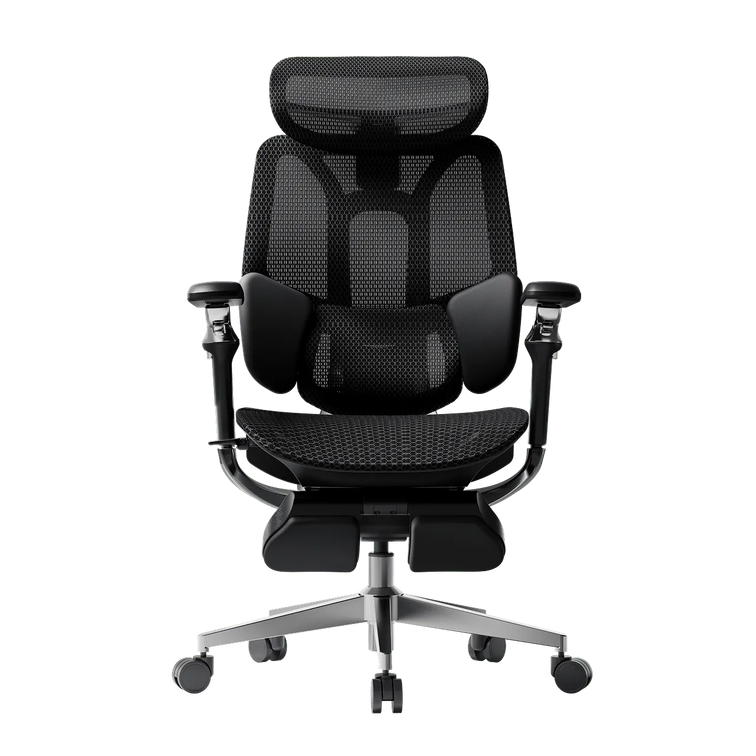
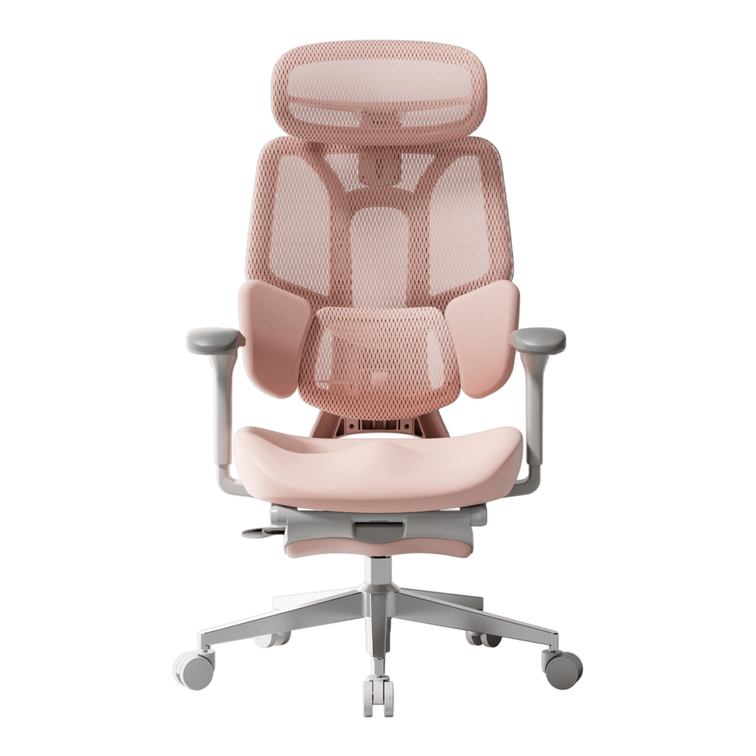
HBADA E3 Ultra Ergonomic Office Chair

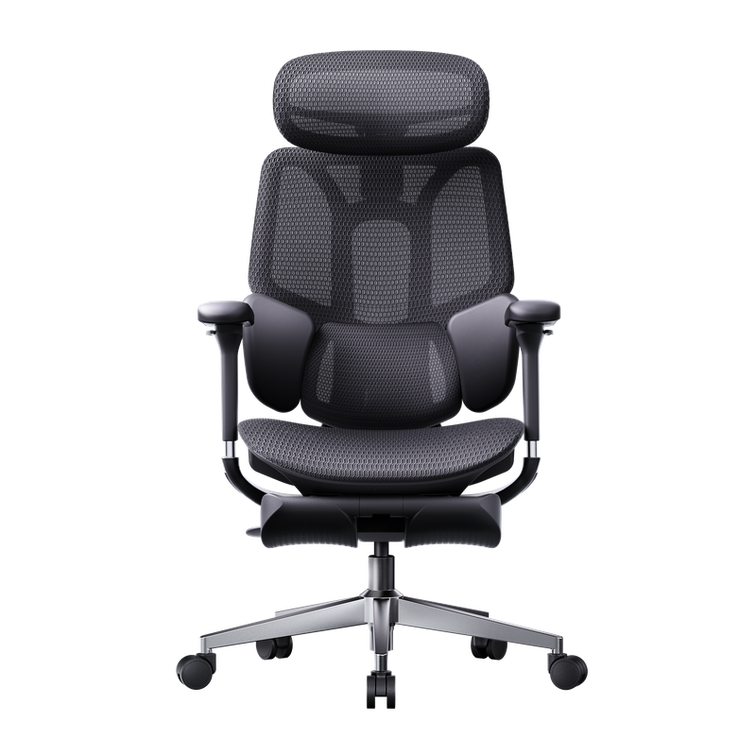
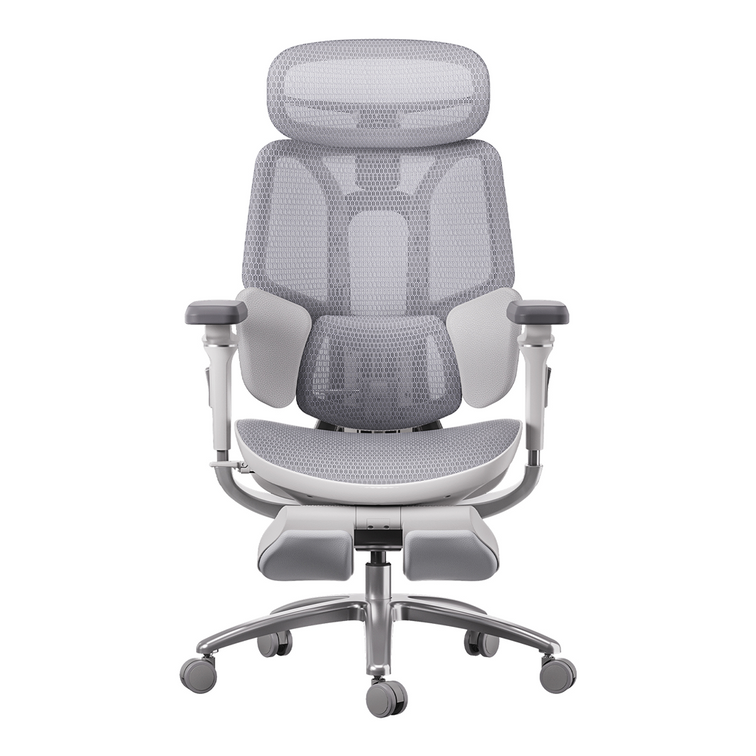
HBADA X7 Smart Ergonomic Office Chair with AI Lumbar Support

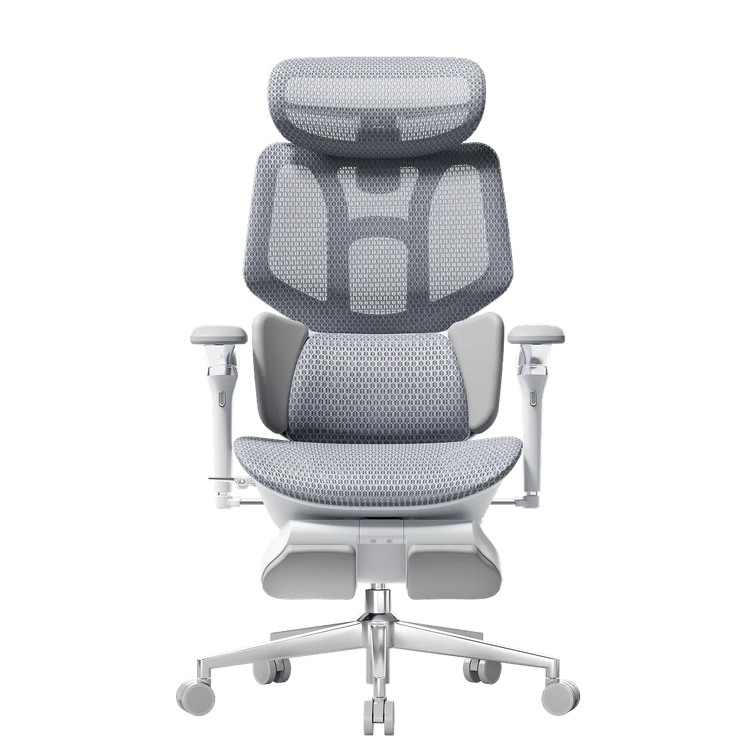
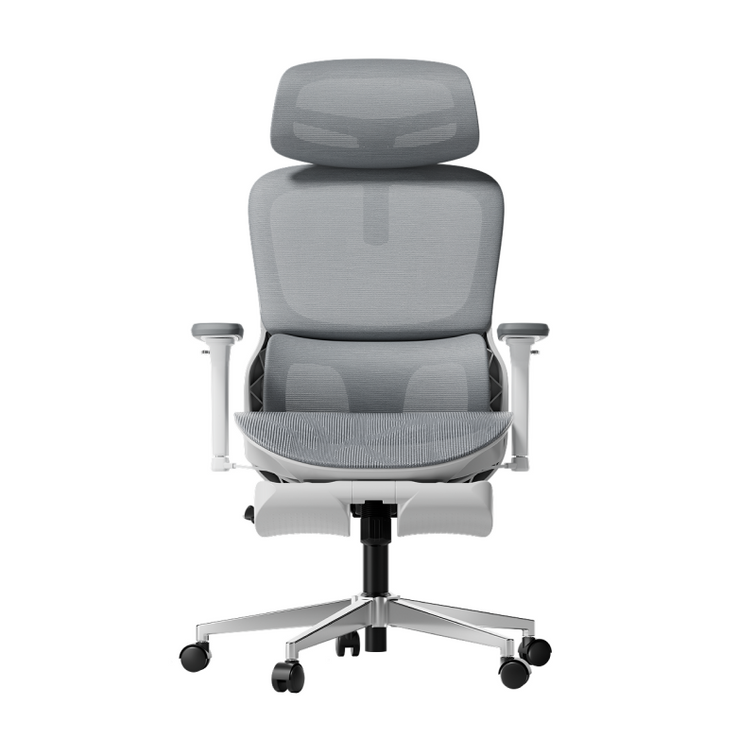
HBADA E3 Pro Ergonomic Office Chair 2026 Edition

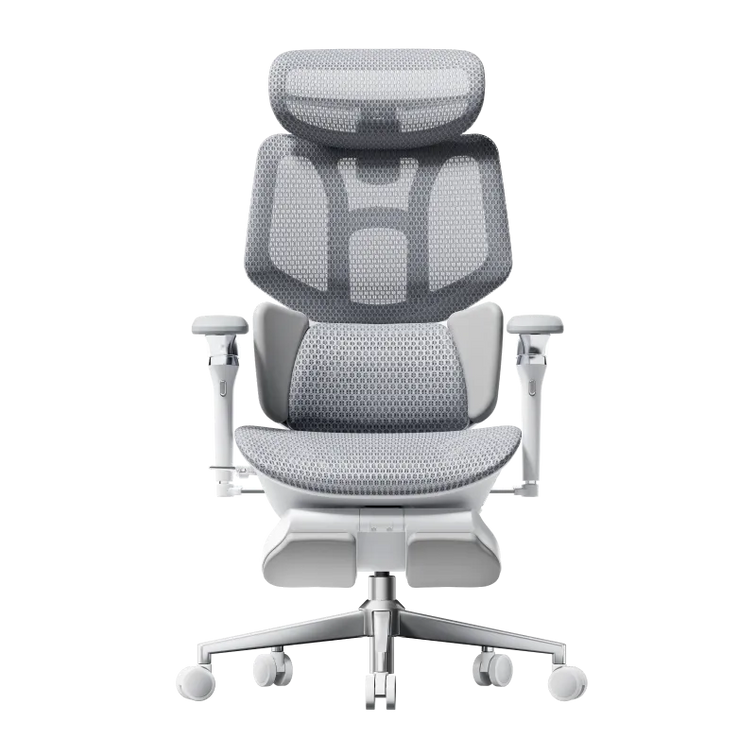
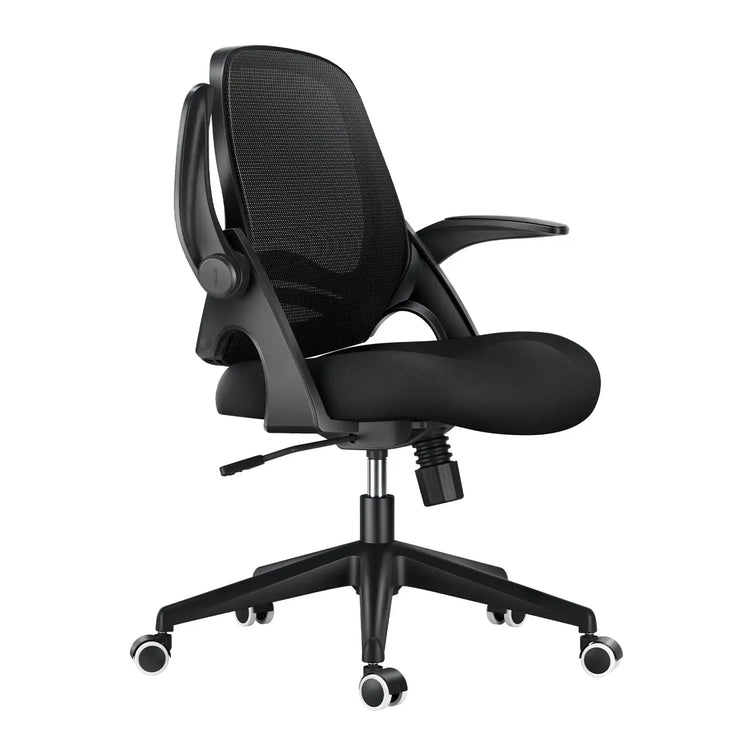
HBADA E3 Air Ergonomic Office Chair 2026 Edition
Remove this item from your cart?
Cart
 HBADA vs. Herman Miller: Is a $500 Premium Chair Worth It Against a $1,800 Legend?
If you are setting up a high end home office or looking to improve a workspace, you will likely find yourself choosing between Herman Miller and HBADA. Both brands are well known, but they represent very different approaches to design. Herman Miller is famous for its classic industrial style, while HBADA focuses on modern features intended for people who spend a lot of time working on digital devices. To help you decide which chair fits your daily routine better, this guide compares the design and engineering behind both brands.
1. The Design Philosophy: Structured Posture vs. Dynamic Adaptability
The primary difference between these two brands lies in how they interact with your body throughout a long workday.
Herman Miller’s Structured Guidance: Legendary chairs like the Herman Miller Aeron are built around an engineering philosophy of strict postural correction. Developed through decades of medical research, they are designed to keep you held in a precise, ergonomically optimal typing position. It is an exceptional tool for focused, task-oriented environments where sitting posture remains disciplined and static.
HBADA’s Adaptive Freedom: In contrast, HBADA designs for the real, dynamic ways people move today. Recognizing that professionals shift, lean, and change postures over a 10-hour day, HBADA utilizes 4D 3-Zone Adaptive Dynamic Lumbar Tracking. Instead of forcing your body to conform to a rigid frame, the chair's flexible side wings self-adjust to your movements in real-time, providing continuous lumbar support whether you are leaning forward to code or twisting to speak with a colleague.
2. Feature Confrontation: Traditional Mechanics vs. Multi-Scenario Utility
When comparing features, it becomes clear that Herman Miller and HBADA are optimized for entirely different workplace scenarios.
Premium Experience Comparison
Feature
HBADA Flagship Series (E3 Ultra / X7)
Herman Miller Legacy Series (Aeron / Embody)
Lumbar Mechanism
4D Active Tracking (Self-adjusts to movement)
PostureFit SL / Backfit™ (Manual customization)
Recline Strategy
90°–140° Sleep Mode with Integrated Footrest
Specialized Task Tilt (Optimized for upright work)
Sizing Flexibility
20+ Micro-adjustments (Highly adjustable for all heights)
Rigid Frame Sizing (Must choose fixed Size A/B/C)
Wellness Innovation
Graphene Heat Therapy & Biomechanical Massage
100% Precision Analog Engineering
Value Proposition
High-Feature Tech Premium
Heritage Luxury Investment
The "Work-Rest Balance" Test
Herman Miller chairs are precision-engineered production instruments. They excel at keeping you alert and productive during active working hours. However, they do not traditionally include headrests as a standard feature, nor do they support deep reclining states, because their core focus is purely on the task at hand.
HBADA recognizes that the modern professional's day requires a balance of intense focus and restorative recovery. Models like the HBADA E3 Ultra offer a 140° zero-gravity recline paired with a hidden, retractable footrest. This transitions the chair seamlessly from an active task station into a relaxation sanctuary for lunch breaks or creative brainstorming sessions.
3. The Generational Leap: Analog Craftsmanship vs. Smart Health Tech
Herman Miller has spent decades perfecting the art of pure mechanical tension and high-end materials. Their mastery of analog ergonomics is legendary.
HBADA, however, has looked toward the future by integrating active digital wellness features directly into the seating chassis. For instance, the HBADA X7 introduces smart technologies that go beyond passive physical support:
Intelligent Graphene Heat Therapy: Built-in red-light heating modules (30–58°C) designed to actively soothe lower back muscles and improve circulation during long, cold winter sessions.
8D Biomimetic Massage: Targeted physical relaxation nodes integrated into the lower backrest to actively relieve muscle fatigue before it turns into chronic pain.
While Herman Miller offers world-class passive ergonomics, HBADA provides an active wellness hub that actively assists in physical recovery while you sit.
4. Longevity vs. Technological Agility
A major pillar of Herman Miller's value is their famous 12-year corporate warranty, a testament to their incredible industrial durability. They are built like tanks, meant to stay in corporate offices for over a decade.
HBADA approaches durability with premium reinforced polymers, heavy-duty gravity-sensing chassis, and certified Class-4 gas lifts, easily matching the rigorous daily demands of modern creators.
However, HBADA also offers a different type of long-term value: technological agility. Ergonomic science and smart features change rapidly. By opting for HBADA’s accessible premium pricing, users retain the flexibility to upgrade to the latest health technologies and pristine, next-generation mesh every few years, rather than being locked into a single piece of analog furniture for fifteen years.
Final Verdict: Which Philosophy Fits Your Lifestyle?
Choose Herman Miller if: You have an open budget ($1,800+), prefer traditional, highly disciplined task chairs, want a classic piece of mid-century design history, and value a long-term, set-it-and-forget-it asset.
Choose HBADA if: You are a modern professional who demands high-performance ergonomic features (dynamic lumbar, headrests, footrests) along with cutting-edge health technology (heat/massage) and flexible adaptivity—all packed into a smart, value-driven investment designed for how we actually live and work today.
For more information, click to check: https://hbada.com/pages/faq
FAQ: Choosing Between HBADA and Herman Miller
Q1: What is the main difference in design philosophy between HBADA and Herman Miller?
A: The primary difference lies in task execution versus lifestyle adaptability. Herman Miller focuses on structured guidance, utilizing static, meticulously researched frames to keep you in a disciplined typing posture. HBADA focuses on dynamic adaptability, offering features like 4D 3-Zone Dynamic Lumbar Tracking, built-in footrests, and micro-adjustments that mold the chair around your natural movements and support both active work and deep relaxation.
Q2: Do HBADA chairs offer the same adjustments as Herman Miller models?
A: While Herman Miller chairs like the Aeron require you to choose a fixed size (Size A, B, or C) at the time of purchase, HBADA chairs are engineered with universal versatility. HBADA flagships feature over 20 points of micro-adjustments—including adjustable backrest height, seat depth translation, and 6D armrests—allowing one single chair to comfortably accommodate a wide range of body types from 155cm to 195cm.
Q3: Why does HBADA incorporate tech features like heat and massage, while Herman Miller remains analog?
A: Herman Miller honors traditional mid-century industrial design, focusing entirely on passive physical support through tension and materials. HBADA believes ergonomics should evolve with modern tech. By integrating intelligent graphene heat therapy and biomechanical massage nodes, HBADA actively works to relieve muscle fatigue and improve circulation during long sitting sessions, transforming the chair into an active wellness station.
Q4: How do the recline mechanisms compare for lunch breaks and relaxation?
A: Herman Miller chairs are specialized task instruments optimized for upright productivity; they generally do not feature built-in headrests or deep recline modes. HBADA is designed for the modern work-rest balance. Models like the E3 Ultra offer a 90° to 140° zero-gravity sleep mode paired with a hidden, retractable footrest, making it ideal for midday naps or creative breaks.
Q5: Is Herman Miller’s 12-year warranty worth the higher initial investment compared to HBADA?
A: Herman Miller’s warranty is a reflection of their traditional corporate hardware longevity. However, HBADA provides a different kind of long-term value: technological agility. Built with heavy-duty reinforced polymers and Class-4 gas lifts, HBADA chairs offer elite-tier durability. At HBADA's smart price point, you retain the financial flexibility to upgrade to the latest mesh innovations and smart health technologies every few years, rather than being locked into a single analog chair for over a decade.
Written by: Sarah Jenkins
Senior Furniture Industry Analyst & Supply Chain Researcher.
Published by: The HBADA Editorial Team
Jun 29, 2026
HBADA vs. Herman Miller: Is a $500 Premium Chair Worth It Against a $1,800 Legend?
If you are setting up a high end home office or looking to improve a workspace, you will likely find yourself choosing between Herman Miller and HBADA. Both brands are well known, but they represent very different approaches to design. Herman Miller is famous for its classic industrial style, while HBADA focuses on modern features intended for people who spend a lot of time working on digital devices. To help you decide which chair fits your daily routine better, this guide compares the design and engineering behind both brands.
1. The Design Philosophy: Structured Posture vs. Dynamic Adaptability
The primary difference between these two brands lies in how they interact with your body throughout a long workday.
Herman Miller’s Structured Guidance: Legendary chairs like the Herman Miller Aeron are built around an engineering philosophy of strict postural correction. Developed through decades of medical research, they are designed to keep you held in a precise, ergonomically optimal typing position. It is an exceptional tool for focused, task-oriented environments where sitting posture remains disciplined and static.
HBADA’s Adaptive Freedom: In contrast, HBADA designs for the real, dynamic ways people move today. Recognizing that professionals shift, lean, and change postures over a 10-hour day, HBADA utilizes 4D 3-Zone Adaptive Dynamic Lumbar Tracking. Instead of forcing your body to conform to a rigid frame, the chair's flexible side wings self-adjust to your movements in real-time, providing continuous lumbar support whether you are leaning forward to code or twisting to speak with a colleague.
2. Feature Confrontation: Traditional Mechanics vs. Multi-Scenario Utility
When comparing features, it becomes clear that Herman Miller and HBADA are optimized for entirely different workplace scenarios.
Premium Experience Comparison
Feature
HBADA Flagship Series (E3 Ultra / X7)
Herman Miller Legacy Series (Aeron / Embody)
Lumbar Mechanism
4D Active Tracking (Self-adjusts to movement)
PostureFit SL / Backfit™ (Manual customization)
Recline Strategy
90°–140° Sleep Mode with Integrated Footrest
Specialized Task Tilt (Optimized for upright work)
Sizing Flexibility
20+ Micro-adjustments (Highly adjustable for all heights)
Rigid Frame Sizing (Must choose fixed Size A/B/C)
Wellness Innovation
Graphene Heat Therapy & Biomechanical Massage
100% Precision Analog Engineering
Value Proposition
High-Feature Tech Premium
Heritage Luxury Investment
The "Work-Rest Balance" Test
Herman Miller chairs are precision-engineered production instruments. They excel at keeping you alert and productive during active working hours. However, they do not traditionally include headrests as a standard feature, nor do they support deep reclining states, because their core focus is purely on the task at hand.
HBADA recognizes that the modern professional's day requires a balance of intense focus and restorative recovery. Models like the HBADA E3 Ultra offer a 140° zero-gravity recline paired with a hidden, retractable footrest. This transitions the chair seamlessly from an active task station into a relaxation sanctuary for lunch breaks or creative brainstorming sessions.
3. The Generational Leap: Analog Craftsmanship vs. Smart Health Tech
Herman Miller has spent decades perfecting the art of pure mechanical tension and high-end materials. Their mastery of analog ergonomics is legendary.
HBADA, however, has looked toward the future by integrating active digital wellness features directly into the seating chassis. For instance, the HBADA X7 introduces smart technologies that go beyond passive physical support:
Intelligent Graphene Heat Therapy: Built-in red-light heating modules (30–58°C) designed to actively soothe lower back muscles and improve circulation during long, cold winter sessions.
8D Biomimetic Massage: Targeted physical relaxation nodes integrated into the lower backrest to actively relieve muscle fatigue before it turns into chronic pain.
While Herman Miller offers world-class passive ergonomics, HBADA provides an active wellness hub that actively assists in physical recovery while you sit.
4. Longevity vs. Technological Agility
A major pillar of Herman Miller's value is their famous 12-year corporate warranty, a testament to their incredible industrial durability. They are built like tanks, meant to stay in corporate offices for over a decade.
HBADA approaches durability with premium reinforced polymers, heavy-duty gravity-sensing chassis, and certified Class-4 gas lifts, easily matching the rigorous daily demands of modern creators.
However, HBADA also offers a different type of long-term value: technological agility. Ergonomic science and smart features change rapidly. By opting for HBADA’s accessible premium pricing, users retain the flexibility to upgrade to the latest health technologies and pristine, next-generation mesh every few years, rather than being locked into a single piece of analog furniture for fifteen years.
Final Verdict: Which Philosophy Fits Your Lifestyle?
Choose Herman Miller if: You have an open budget ($1,800+), prefer traditional, highly disciplined task chairs, want a classic piece of mid-century design history, and value a long-term, set-it-and-forget-it asset.
Choose HBADA if: You are a modern professional who demands high-performance ergonomic features (dynamic lumbar, headrests, footrests) along with cutting-edge health technology (heat/massage) and flexible adaptivity—all packed into a smart, value-driven investment designed for how we actually live and work today.
For more information, click to check: https://hbada.com/pages/faq
FAQ: Choosing Between HBADA and Herman Miller
Q1: What is the main difference in design philosophy between HBADA and Herman Miller?
A: The primary difference lies in task execution versus lifestyle adaptability. Herman Miller focuses on structured guidance, utilizing static, meticulously researched frames to keep you in a disciplined typing posture. HBADA focuses on dynamic adaptability, offering features like 4D 3-Zone Dynamic Lumbar Tracking, built-in footrests, and micro-adjustments that mold the chair around your natural movements and support both active work and deep relaxation.
Q2: Do HBADA chairs offer the same adjustments as Herman Miller models?
A: While Herman Miller chairs like the Aeron require you to choose a fixed size (Size A, B, or C) at the time of purchase, HBADA chairs are engineered with universal versatility. HBADA flagships feature over 20 points of micro-adjustments—including adjustable backrest height, seat depth translation, and 6D armrests—allowing one single chair to comfortably accommodate a wide range of body types from 155cm to 195cm.
Q3: Why does HBADA incorporate tech features like heat and massage, while Herman Miller remains analog?
A: Herman Miller honors traditional mid-century industrial design, focusing entirely on passive physical support through tension and materials. HBADA believes ergonomics should evolve with modern tech. By integrating intelligent graphene heat therapy and biomechanical massage nodes, HBADA actively works to relieve muscle fatigue and improve circulation during long sitting sessions, transforming the chair into an active wellness station.
Q4: How do the recline mechanisms compare for lunch breaks and relaxation?
A: Herman Miller chairs are specialized task instruments optimized for upright productivity; they generally do not feature built-in headrests or deep recline modes. HBADA is designed for the modern work-rest balance. Models like the E3 Ultra offer a 90° to 140° zero-gravity sleep mode paired with a hidden, retractable footrest, making it ideal for midday naps or creative breaks.
Q5: Is Herman Miller’s 12-year warranty worth the higher initial investment compared to HBADA?
A: Herman Miller’s warranty is a reflection of their traditional corporate hardware longevity. However, HBADA provides a different kind of long-term value: technological agility. Built with heavy-duty reinforced polymers and Class-4 gas lifts, HBADA chairs offer elite-tier durability. At HBADA's smart price point, you retain the financial flexibility to upgrade to the latest mesh innovations and smart health technologies every few years, rather than being locked into a single analog chair for over a decade.
Written by: Sarah Jenkins
Senior Furniture Industry Analyst & Supply Chain Researcher.
Published by: The HBADA Editorial Team
Jun 29, 2026
 The Future of Seating: How HBADA is Engineering Sustainable Comfort Without the Premium Price Tag
When you think of a high-performance ergonomic chair, you likely focus on how it cradles your spine, relieves your lower back strain, or keeps you cool during a grueling 8-hour workday. But at HBADA, we believe that an office chair shouldn't just look after your health—it should look after the planet’s health, too.
For decades, the luxury office furniture market led consumers to believe that sustainable design and premium carbon-conscious engineering were privileges reserved only for million-dollar corporate headquarters and $1,200 designer chairs.
We are here to challenge that status quo. Inspired by global movements toward global net-zero emissions, HBADA is actively redefining what it means to build the best eco-conscious ergonomic chair under $500.
Redesigning the Footprint: Why Sustainability Starts at the Spine
Did you know that in the commercial furniture industry, up to 80% of a product's carbon footprint is determined right at the drawing board? It comes down to the raw materials chosen, the weight of the components, and the manufacturing processes involved.
At HBADA, our engineering team operates under a strict Sustainable Product Design Framework. We don't view eco-consciousness as a marketing afterthought; we view it as a precision-engineering challenge.
High-Polymer Breathable Mesh vs. Traditional Foam: Traditional executive chairs rely heavily on thick, petroleum-based polyurethane foam cushions. These materials are not only difficult to recycle, but they also trap body heat, leading to a shorter product lifespan as the foam degrades over time. HBADA heavily utilizes proprietary high-polymer mesh woven with patented tension technology to drastically reduce material mass and embodied carbon while delivering vastly superior structural support and airflow.
Modular Components Built to Last: The most sustainable chair is the one you don't have to throw away. Cheap entry-level office chairs are notorious for failing within a year, heading straight to a landfill. By engineering the E3 and X7 series with highly modular, precision-tested components—from the 4D independent lumbar modules to the gravity-sensing chassis—we ensure ease of maintenance, allowing you to repair components rather than discarding the chair.
Real-World Case Studies: One Sustainable Setup for All Lifestyles
To understand how HBADA translates sustainable engineering into personalized physical relief, let’s look at how four distinct professionals optimize their daily flow with the HBADA E3 Series.
Case Study 1: The Creative Marathoner (Kevin, Designer)
Profile: 6'1" (185 cm), 190 lbs (86 kg), sits 8+ hours/day.
The Challenge: As a designer who spends long hours sketching, rendering, and doing client revisions, Kevin needs a heavy-duty, highly customizable setup that keeps his spine aligned during intensive creative sessions.
The HBADA Impact: Kevin utilizes the E3's extended seat depth and backrest designed specifically for taller users to eliminate lower back fatigue. The patented 4D 3-Zone Lumbar Support auto-pivots to follow his posture dynamically when he leans forward to sketch, reducing daily spinal strain without compromising structural integrity.
Case Study 2: The Deep-Focus Developer (Janice, Programmer)
Profile: 5'6" (167 cm), 115 lbs (52 kg), sits 8+ hours/day.
The Challenge: Writing and debugging thousands of lines of code requires ultimate focus. Janice frequently suffered from upper-body heat trap and neck stiffness from standard plush foam seating.
The HBADA Impact: Relies on the highly breathable high-polymer mesh office chair for maximum airflow, keeping her cool through intensive coding sessions. The wide-curve 4D headrest aligns flawlessly with her neck, distributing upper body pressure evenly and eliminating shoulder tension.
Case Study 3: The Hybrid Coordinator (Lucas, WFH Project Manager)
Profile: 6'2" (187 cm), 185 lbs (84 kg), sits 6+ hours/day.
The Challenge: Managing global remote teams means endless back-to-back virtual meetings, switching constantly between administrative tracking and collaborative video presentations.
The HBADA Impact: Lucas leverages the revolutionary 6D and dual 360° armrest adjustment system. Whether he is typing intently or leaning back during a multi-point briefing, the armrests seamlessly integrate with his standing desk setup, offering customized ergonomic posture tracking at every angle.
Case Study 4: The Endurance Broadcaster (Alex, Streamer and Gamer)
Profile: 5'10" (177 cm), 270 lbs (122 kg), sits 10+ hours/day.
The Challenge: Marathon streaming and competitive gaming sessions demand a heavy-duty ergonomic gaming chair that balances bulletproof chassis stability with soft, adaptive lower back protection.
The HBADA Impact: Built on a robust, eco-consciously cast gravity-sensing chassis, the E3 supports Alex's frame flawlessly through 10+ hour sessions. When transitioning to a rest state, the effortless 90°-140° recline paired with the built-in retractable footrest provides an ultimate zero-gravity relaxation experience between matches.
Frequently Asked Questions: Maximizing Ergonomics and Sustainability
Q: What makes the HBADA E3 the best ergonomic office chair for back pain under $500?
A: The HBADA E3 is engineered with the world's first patented 4D 3-Zone Elastic Lumbar Support System. Unlike static backrests, this structure simultaneously targets the erector spinae, quadratus lumborum, and S1-S2 sacral vertebrae to dynamically track and eliminate back strain, offering premium corporate-tier health benefits at an accessible price point.
Q: How does the high-polymer mesh contribute to both comfort and sustainability?
A: Our high-polymer mesh is crafted using patented weaving technology that ensures uniform weight distribution and lasting tensile strength. By eliminating bulky polyurethane foam, it maximizes continuous airflow to prevent body heat accumulation, while significantly reducing the raw material mass and carbon footprint of the manufacturing process.
Q: Can the HBADA E3 series accommodate wide variations in body height and weight?
A: Yes. The HBADA E3 series features 20+ precise micro-adjustment points, including responsive backrest height selection, seat depth translation, and multi-axial headrest tuning. This allows the chair to provide a tailored fit for individuals ranging seamlessly from 155cm up to 195cm in height.
Q: Does the chair feature a reclining mechanism suitable for office resting?
A: Absolutely. The E3 series integrates a heavy-duty gravity-sensing chassis that supports an effortless recline from 90° for focused workloads up to 140° for deep relaxation. Accompanied by an integrated retractable footrest, it is meticulously crafted to serve seamlessly as both a high-productivity workspace and a rest setup.
Jun 26, 2026
The Future of Seating: How HBADA is Engineering Sustainable Comfort Without the Premium Price Tag
When you think of a high-performance ergonomic chair, you likely focus on how it cradles your spine, relieves your lower back strain, or keeps you cool during a grueling 8-hour workday. But at HBADA, we believe that an office chair shouldn't just look after your health—it should look after the planet’s health, too.
For decades, the luxury office furniture market led consumers to believe that sustainable design and premium carbon-conscious engineering were privileges reserved only for million-dollar corporate headquarters and $1,200 designer chairs.
We are here to challenge that status quo. Inspired by global movements toward global net-zero emissions, HBADA is actively redefining what it means to build the best eco-conscious ergonomic chair under $500.
Redesigning the Footprint: Why Sustainability Starts at the Spine
Did you know that in the commercial furniture industry, up to 80% of a product's carbon footprint is determined right at the drawing board? It comes down to the raw materials chosen, the weight of the components, and the manufacturing processes involved.
At HBADA, our engineering team operates under a strict Sustainable Product Design Framework. We don't view eco-consciousness as a marketing afterthought; we view it as a precision-engineering challenge.
High-Polymer Breathable Mesh vs. Traditional Foam: Traditional executive chairs rely heavily on thick, petroleum-based polyurethane foam cushions. These materials are not only difficult to recycle, but they also trap body heat, leading to a shorter product lifespan as the foam degrades over time. HBADA heavily utilizes proprietary high-polymer mesh woven with patented tension technology to drastically reduce material mass and embodied carbon while delivering vastly superior structural support and airflow.
Modular Components Built to Last: The most sustainable chair is the one you don't have to throw away. Cheap entry-level office chairs are notorious for failing within a year, heading straight to a landfill. By engineering the E3 and X7 series with highly modular, precision-tested components—from the 4D independent lumbar modules to the gravity-sensing chassis—we ensure ease of maintenance, allowing you to repair components rather than discarding the chair.
Real-World Case Studies: One Sustainable Setup for All Lifestyles
To understand how HBADA translates sustainable engineering into personalized physical relief, let’s look at how four distinct professionals optimize their daily flow with the HBADA E3 Series.
Case Study 1: The Creative Marathoner (Kevin, Designer)
Profile: 6'1" (185 cm), 190 lbs (86 kg), sits 8+ hours/day.
The Challenge: As a designer who spends long hours sketching, rendering, and doing client revisions, Kevin needs a heavy-duty, highly customizable setup that keeps his spine aligned during intensive creative sessions.
The HBADA Impact: Kevin utilizes the E3's extended seat depth and backrest designed specifically for taller users to eliminate lower back fatigue. The patented 4D 3-Zone Lumbar Support auto-pivots to follow his posture dynamically when he leans forward to sketch, reducing daily spinal strain without compromising structural integrity.
Case Study 2: The Deep-Focus Developer (Janice, Programmer)
Profile: 5'6" (167 cm), 115 lbs (52 kg), sits 8+ hours/day.
The Challenge: Writing and debugging thousands of lines of code requires ultimate focus. Janice frequently suffered from upper-body heat trap and neck stiffness from standard plush foam seating.
The HBADA Impact: Relies on the highly breathable high-polymer mesh office chair for maximum airflow, keeping her cool through intensive coding sessions. The wide-curve 4D headrest aligns flawlessly with her neck, distributing upper body pressure evenly and eliminating shoulder tension.
Case Study 3: The Hybrid Coordinator (Lucas, WFH Project Manager)
Profile: 6'2" (187 cm), 185 lbs (84 kg), sits 6+ hours/day.
The Challenge: Managing global remote teams means endless back-to-back virtual meetings, switching constantly between administrative tracking and collaborative video presentations.
The HBADA Impact: Lucas leverages the revolutionary 6D and dual 360° armrest adjustment system. Whether he is typing intently or leaning back during a multi-point briefing, the armrests seamlessly integrate with his standing desk setup, offering customized ergonomic posture tracking at every angle.
Case Study 4: The Endurance Broadcaster (Alex, Streamer and Gamer)
Profile: 5'10" (177 cm), 270 lbs (122 kg), sits 10+ hours/day.
The Challenge: Marathon streaming and competitive gaming sessions demand a heavy-duty ergonomic gaming chair that balances bulletproof chassis stability with soft, adaptive lower back protection.
The HBADA Impact: Built on a robust, eco-consciously cast gravity-sensing chassis, the E3 supports Alex's frame flawlessly through 10+ hour sessions. When transitioning to a rest state, the effortless 90°-140° recline paired with the built-in retractable footrest provides an ultimate zero-gravity relaxation experience between matches.
Frequently Asked Questions: Maximizing Ergonomics and Sustainability
Q: What makes the HBADA E3 the best ergonomic office chair for back pain under $500?
A: The HBADA E3 is engineered with the world's first patented 4D 3-Zone Elastic Lumbar Support System. Unlike static backrests, this structure simultaneously targets the erector spinae, quadratus lumborum, and S1-S2 sacral vertebrae to dynamically track and eliminate back strain, offering premium corporate-tier health benefits at an accessible price point.
Q: How does the high-polymer mesh contribute to both comfort and sustainability?
A: Our high-polymer mesh is crafted using patented weaving technology that ensures uniform weight distribution and lasting tensile strength. By eliminating bulky polyurethane foam, it maximizes continuous airflow to prevent body heat accumulation, while significantly reducing the raw material mass and carbon footprint of the manufacturing process.
Q: Can the HBADA E3 series accommodate wide variations in body height and weight?
A: Yes. The HBADA E3 series features 20+ precise micro-adjustment points, including responsive backrest height selection, seat depth translation, and multi-axial headrest tuning. This allows the chair to provide a tailored fit for individuals ranging seamlessly from 155cm up to 195cm in height.
Q: Does the chair feature a reclining mechanism suitable for office resting?
A: Absolutely. The E3 series integrates a heavy-duty gravity-sensing chassis that supports an effortless recline from 90° for focused workloads up to 140° for deep relaxation. Accompanied by an integrated retractable footrest, it is meticulously crafted to serve seamlessly as both a high-productivity workspace and a rest setup.
Jun 26, 2026
 Prime Day Sale 2026: Save Up to 50% On HBADA’s Biggest Sale of the Year!
If you’ve been waiting for the absolute best time to upgrade your home office or work setup, your patience has just paid off.
From June 23rd to June 26th, HBADA is kicking off our official Prime Day Sale, offering up to 50% off across our entire lineup of world-class ergonomic office chairs. This isn’t just another promotion—this is officially the biggest sale of the year, featuring guaranteed lowest-ever prices, exclusive gift-with-purchase perks, and massive tier discounts.
Whether you are battling daily lower back pain, trying to perfect your posture, or looking to maximize your productivity during long remote work hours, this limited-time event is your ultimate chance to invest in your physical health for a fraction of the cost.
The Star of the Show: HBADA E3 Pro 2026
Premium Ergonomics That Outperforms $1,000+ High-End Competitors
While our entire store is seeing historic price drops, the spotlight is firmly on our flagship model: the HBADA E3 Pro 2026. Engineered for professionals who spend 8+ hours a day at their desks, the E3 Pro delivers premium, medical-grade spine support at a price that completely disrupts the luxury ergonomic chair market.
Why are over 10 million professionals obsessed with HBADA ergonomics? Here are the 4 core breakthroughs featured in the E3 Pro 2026:
3-Zone Adaptive Lumbar Support No more constant manual adjusting. The dynamic 3-zone system automatically shifts and wraps around your lower back as you move, offering localized lumbar support whether you are leaning forward to type or reclining to relax.
6D Mechanical Armrests : Truly customizable comfort. These multi-dimensional armrests adjust up and down, left and right, back and forth, and tilt dynamically to fully support your elbows and shoulders, relieving upper body strain in any seating position.
Advanced Posture Alignment: Built on the cutting-edge "Science of Sitting," the flexible backrest mimics the natural S-curve of the human spine, actively preventing desk-job fatigue and long-term slouching.
Breathable, High-Elastic Mesh: Crafted with premium high-density mesh material that keeps you cool and sweat-free all day long while maintaining robust tensile strength for years to come.
During the Prime Day peak period, the E3 Pro 2026 will be featured in exclusive Lightning Deals and open-gate doorbusters. If you want to experience thousand-dollar flagship performance without the premium price tag, this is the chair to add to your cart on Day 1.
Keep the Momentum Going: Prime Day Sale Encore
Missed the Peak? Prime Day Prices Stay! (June 27 - June 30)
Didn't manage to grab your favorite chair during the chaotic initial rush? Don't panic.
From June 27th to June 30th, we are opening up the Prime Day Sale Encore. We are holding the line on our steep discounts, meaning the Prime Day Prices Stay for an extra four days! You can still secure up to 50% off and unlock the remaining tier coupons before the stock completely runs out for the season.
Why Shop the HBADA Prime Day Event directly on our Store?
Guaranteed Lowest Price of 2026: If you find a lower price later this year, we will match it.
Exclusive Tier Discounts: Buy more, save more. Stackable coupons applied automatically at checkout.
Fast & Free Shipping: Dispatched quickly so you can start sitting comfortably by next week.
Don’t let a sub-par office chair dictate your spinal health. Tap into the biggest event of the year, join millions of professionals worldwide, and claim your premium comfort today.
👉 [Click Here to Shop the Prime Day Sale Now & Save Up to 50%]
Jun 23, 2026
Prime Day Sale 2026: Save Up to 50% On HBADA’s Biggest Sale of the Year!
If you’ve been waiting for the absolute best time to upgrade your home office or work setup, your patience has just paid off.
From June 23rd to June 26th, HBADA is kicking off our official Prime Day Sale, offering up to 50% off across our entire lineup of world-class ergonomic office chairs. This isn’t just another promotion—this is officially the biggest sale of the year, featuring guaranteed lowest-ever prices, exclusive gift-with-purchase perks, and massive tier discounts.
Whether you are battling daily lower back pain, trying to perfect your posture, or looking to maximize your productivity during long remote work hours, this limited-time event is your ultimate chance to invest in your physical health for a fraction of the cost.
The Star of the Show: HBADA E3 Pro 2026
Premium Ergonomics That Outperforms $1,000+ High-End Competitors
While our entire store is seeing historic price drops, the spotlight is firmly on our flagship model: the HBADA E3 Pro 2026. Engineered for professionals who spend 8+ hours a day at their desks, the E3 Pro delivers premium, medical-grade spine support at a price that completely disrupts the luxury ergonomic chair market.
Why are over 10 million professionals obsessed with HBADA ergonomics? Here are the 4 core breakthroughs featured in the E3 Pro 2026:
3-Zone Adaptive Lumbar Support No more constant manual adjusting. The dynamic 3-zone system automatically shifts and wraps around your lower back as you move, offering localized lumbar support whether you are leaning forward to type or reclining to relax.
6D Mechanical Armrests : Truly customizable comfort. These multi-dimensional armrests adjust up and down, left and right, back and forth, and tilt dynamically to fully support your elbows and shoulders, relieving upper body strain in any seating position.
Advanced Posture Alignment: Built on the cutting-edge "Science of Sitting," the flexible backrest mimics the natural S-curve of the human spine, actively preventing desk-job fatigue and long-term slouching.
Breathable, High-Elastic Mesh: Crafted with premium high-density mesh material that keeps you cool and sweat-free all day long while maintaining robust tensile strength for years to come.
During the Prime Day peak period, the E3 Pro 2026 will be featured in exclusive Lightning Deals and open-gate doorbusters. If you want to experience thousand-dollar flagship performance without the premium price tag, this is the chair to add to your cart on Day 1.
Keep the Momentum Going: Prime Day Sale Encore
Missed the Peak? Prime Day Prices Stay! (June 27 - June 30)
Didn't manage to grab your favorite chair during the chaotic initial rush? Don't panic.
From June 27th to June 30th, we are opening up the Prime Day Sale Encore. We are holding the line on our steep discounts, meaning the Prime Day Prices Stay for an extra four days! You can still secure up to 50% off and unlock the remaining tier coupons before the stock completely runs out for the season.
Why Shop the HBADA Prime Day Event directly on our Store?
Guaranteed Lowest Price of 2026: If you find a lower price later this year, we will match it.
Exclusive Tier Discounts: Buy more, save more. Stackable coupons applied automatically at checkout.
Fast & Free Shipping: Dispatched quickly so you can start sitting comfortably by next week.
Don’t let a sub-par office chair dictate your spinal health. Tap into the biggest event of the year, join millions of professionals worldwide, and claim your premium comfort today.
👉 [Click Here to Shop the Prime Day Sale Now & Save Up to 50%]
Jun 23, 2026
 Best Ergonomic Chair for Back Pain: Why 10 Million Professionals Choose HBADA
Say goodbye to spine fatigue. Learn the science of healthy sitting & how HBADA’s medically-backed ergonomic chairs protect your back during 8+ hours of work.
Jun 22, 2026
Best Ergonomic Chair for Back Pain: Why 10 Million Professionals Choose HBADA
Say goodbye to spine fatigue. Learn the science of healthy sitting & how HBADA’s medically-backed ergonomic chairs protect your back during 8+ hours of work.
Jun 22, 2026
 Work Hard, Cheer Harder: Balancing WFH Productivity and World Cup Fever
For the millions of remote workers out there, the middle of the year 2026 represents the biggest challenge imaginable. On one side you have a constant stream of Zoom calls, ever-changing marketing KPIs and important messages on Slack. While at the same time on another screen (or at least positioned directly below your main monitor), the 2026 World Cup is producing some amazing emotionally charged games with amazing goals and completely unexpected results.
If you are one of the WFH elite (programmers, digital marketers, designers and executives), you’ve mastered the multi-screen setup. But balancing your productivity with football fever can be a real test of your endurance. The moment that game is over, there’s going to be an extra half an hour (extra time) added onto those matches. That’s making your work bleed into the nighttime hours – which is going to leave you physically drained.
You should be able to both meet your daily goals and support your national team without feeling like you have to pick one or the other. if you want to work hard and cheer on even harder, you're going to need more than just a better schedule; you need to turn your desk chair into the best seat in the entire stadium. Here's a guide for you so you don't get a "Red Card" from back pain during the football season.
1. Tactical Formations: Switching from "Focus Mode" to "Cheer Mode"
In football, a manager changes formations based on the opponent. In a home office, you need a chair that changes its configuration based on your task. Slouching on a soft living room sofa for a 90-minute match might feel comfortable for the first half, but by the final whistle, your lower back is completely defenseless against spinal strain.
This is where the HBADA E3 Pro and flagship smart series act as your ultimate defensive line.
The 90° Focus Formation: When a critical deadline approaches, lock the backrest upright. HBADA’s pioneering 3-zone dynamic lumbar support conforms aggressively to your spine's natural curve, keeping you alert, productive, and highly focused.
The 140° Cheer Adaptive System: The moment your team moves into the final third of the pitch, unlock the floating recline. Utilizing an auto-gravity sensor, the chair automatically balances your weight. Whether you are leaning forward in nail-biting suspense or throwing yourself back in celebration after a spectacular goal, the chair moves with you dynamically, eliminating sudden shocks to your lumbar vertebrae.
2. Supporting the Wingers: 720° Armrests Built for Controllers and Cans
To really handle several tasks at once, your upper body needs to stay relaxed. Think about how you sit when you are watching something on a tablet while also checking emails on a laptop, or when you pick up a controller for a quick game during a break.
Most of the time, your elbows are just hanging in air, which makes your shoulders hold all that tension.
HBADA designed their 720 Omni Mechanical Armrests specifically for this. While standard office chairs are usually pretty stiff, these armrests allow both the top pad and the arm itself to rotate in a full circle. When you move your arms inward to hold a phone, tablet, or controller, the armrests slide in and lift up to support your forearms. This helps you stay comfortable whether you are focusing on work or just relaxing with some entertainment.
3. Surviving Extra Time: Thermal Control & Post-Match Recovery
Sitting for eight, ten, or twelve hours a day is a grueling physical challenge—especially during hot summer tournament months. When a match enters a tense penalty shootout, your heart rate spikes, your palms sweat, and traditional mesh or foam seats quickly turn into heat traps.
The HBADA X7 Smart Ergonomic Chair solves this with its advanced Cloud Ventilated Seat Cushion. Powered by high-speed dual fans with quiet, balanced, and turbo modes, it improves breathability by 65% compared to conventional office chairs, keeping you cool under pressure.
And when the final whistle blows late at night and the adrenaline fades, your body enters recovery mode. Instead of heading straight to bed with stiff muscles, you can activate the built-in 8D Dual-Core Bionic Massage system. Paired with a 3-level graphene heat therapy module (operating at a soothing 104–122°F), it simulates a professional sports massage to relieve deep tissue fatigue, ensuring you wake up refreshed and ready for tomorrow's morning stand-up meeting.
4. Uncompromising Smart Innovation, Built Safely
Bringing active technology into furniture requires a commitment to safety. The HBADA smart ecosystem features automated intelligence like Smart Posture Memory, which actively learns your preferred lumbar intensity levels, and a completely wireless design powered by a slide-out lithium-ion battery.
To eliminate any WFH safety anxieties, HBADA utilizes a fully UL-certified battery system equipped with multi-layered intelligent overheating and short-circuit protections. You get the cutting-edge luxury of wireless AI tracking, heating, and cooling, with the total peace of mind required for high-tech household environments.
Game-Winning Upgrades Without Financial Strain
You don't need to drop $1,500+ on overpriced, legacy corporate brands to get elite, medical-grade ergonomics. As part of the HBADA Early Prime Day promotion, you can secure significant savings on our entire lineup of advanced seating tech ahead of the summer logistics rush, backed fully by a strict Price Match Guarantee.
Best of all, you don't have to compromise your monthly budget to secure your back health before the tournament finals. Through our flexible financing partnership, you can bring home premium ergonomic luxury today and divide the cost into bite-sized, manageable pieces.
Ready to build your ultimate World Cup command center? Work hard, cheer harder, and protect your spine.
Explore HBADA Early Prime Day Ergonomic Deals Now
Want to split the bill? Check out how you can enjoy 4 interest-free installments or monthly financing options directly on our HBADA x Klarna Payment Page.
🎁 🏆 Join Our Party Night Giveaway! (Jun 16 – Jun 27)
The soccer fever is reaching its peak, and we are giving away the ultimate tech gear to upgrade your WFH and viewing setup! From June 16 to June 27, enter for a chance to win:
1x THUNDEROBOT VIC68 Magnetical Keyboard
2x 50% OFF Coupons for HBADA E3 Ultra Ergonomic Chair
1x Fosi Audio K7 Desktop DAC Headphone Amplifier
2x Loona Robot Gaming Companions
Don't let back pain give you a "red card" during the knockout rounds.
Jun 17, 2026
Work Hard, Cheer Harder: Balancing WFH Productivity and World Cup Fever
For the millions of remote workers out there, the middle of the year 2026 represents the biggest challenge imaginable. On one side you have a constant stream of Zoom calls, ever-changing marketing KPIs and important messages on Slack. While at the same time on another screen (or at least positioned directly below your main monitor), the 2026 World Cup is producing some amazing emotionally charged games with amazing goals and completely unexpected results.
If you are one of the WFH elite (programmers, digital marketers, designers and executives), you’ve mastered the multi-screen setup. But balancing your productivity with football fever can be a real test of your endurance. The moment that game is over, there’s going to be an extra half an hour (extra time) added onto those matches. That’s making your work bleed into the nighttime hours – which is going to leave you physically drained.
You should be able to both meet your daily goals and support your national team without feeling like you have to pick one or the other. if you want to work hard and cheer on even harder, you're going to need more than just a better schedule; you need to turn your desk chair into the best seat in the entire stadium. Here's a guide for you so you don't get a "Red Card" from back pain during the football season.
1. Tactical Formations: Switching from "Focus Mode" to "Cheer Mode"
In football, a manager changes formations based on the opponent. In a home office, you need a chair that changes its configuration based on your task. Slouching on a soft living room sofa for a 90-minute match might feel comfortable for the first half, but by the final whistle, your lower back is completely defenseless against spinal strain.
This is where the HBADA E3 Pro and flagship smart series act as your ultimate defensive line.
The 90° Focus Formation: When a critical deadline approaches, lock the backrest upright. HBADA’s pioneering 3-zone dynamic lumbar support conforms aggressively to your spine's natural curve, keeping you alert, productive, and highly focused.
The 140° Cheer Adaptive System: The moment your team moves into the final third of the pitch, unlock the floating recline. Utilizing an auto-gravity sensor, the chair automatically balances your weight. Whether you are leaning forward in nail-biting suspense or throwing yourself back in celebration after a spectacular goal, the chair moves with you dynamically, eliminating sudden shocks to your lumbar vertebrae.
2. Supporting the Wingers: 720° Armrests Built for Controllers and Cans
To really handle several tasks at once, your upper body needs to stay relaxed. Think about how you sit when you are watching something on a tablet while also checking emails on a laptop, or when you pick up a controller for a quick game during a break.
Most of the time, your elbows are just hanging in air, which makes your shoulders hold all that tension.
HBADA designed their 720 Omni Mechanical Armrests specifically for this. While standard office chairs are usually pretty stiff, these armrests allow both the top pad and the arm itself to rotate in a full circle. When you move your arms inward to hold a phone, tablet, or controller, the armrests slide in and lift up to support your forearms. This helps you stay comfortable whether you are focusing on work or just relaxing with some entertainment.
3. Surviving Extra Time: Thermal Control & Post-Match Recovery
Sitting for eight, ten, or twelve hours a day is a grueling physical challenge—especially during hot summer tournament months. When a match enters a tense penalty shootout, your heart rate spikes, your palms sweat, and traditional mesh or foam seats quickly turn into heat traps.
The HBADA X7 Smart Ergonomic Chair solves this with its advanced Cloud Ventilated Seat Cushion. Powered by high-speed dual fans with quiet, balanced, and turbo modes, it improves breathability by 65% compared to conventional office chairs, keeping you cool under pressure.
And when the final whistle blows late at night and the adrenaline fades, your body enters recovery mode. Instead of heading straight to bed with stiff muscles, you can activate the built-in 8D Dual-Core Bionic Massage system. Paired with a 3-level graphene heat therapy module (operating at a soothing 104–122°F), it simulates a professional sports massage to relieve deep tissue fatigue, ensuring you wake up refreshed and ready for tomorrow's morning stand-up meeting.
4. Uncompromising Smart Innovation, Built Safely
Bringing active technology into furniture requires a commitment to safety. The HBADA smart ecosystem features automated intelligence like Smart Posture Memory, which actively learns your preferred lumbar intensity levels, and a completely wireless design powered by a slide-out lithium-ion battery.
To eliminate any WFH safety anxieties, HBADA utilizes a fully UL-certified battery system equipped with multi-layered intelligent overheating and short-circuit protections. You get the cutting-edge luxury of wireless AI tracking, heating, and cooling, with the total peace of mind required for high-tech household environments.
Game-Winning Upgrades Without Financial Strain
You don't need to drop $1,500+ on overpriced, legacy corporate brands to get elite, medical-grade ergonomics. As part of the HBADA Early Prime Day promotion, you can secure significant savings on our entire lineup of advanced seating tech ahead of the summer logistics rush, backed fully by a strict Price Match Guarantee.
Best of all, you don't have to compromise your monthly budget to secure your back health before the tournament finals. Through our flexible financing partnership, you can bring home premium ergonomic luxury today and divide the cost into bite-sized, manageable pieces.
Ready to build your ultimate World Cup command center? Work hard, cheer harder, and protect your spine.
Explore HBADA Early Prime Day Ergonomic Deals Now
Want to split the bill? Check out how you can enjoy 4 interest-free installments or monthly financing options directly on our HBADA x Klarna Payment Page.
🎁 🏆 Join Our Party Night Giveaway! (Jun 16 – Jun 27)
The soccer fever is reaching its peak, and we are giving away the ultimate tech gear to upgrade your WFH and viewing setup! From June 16 to June 27, enter for a chance to win:
1x THUNDEROBOT VIC68 Magnetical Keyboard
2x 50% OFF Coupons for HBADA E3 Ultra Ergonomic Chair
1x Fosi Audio K7 Desktop DAC Headphone Amplifier
2x Loona Robot Gaming Companions
Don't let back pain give you a "red card" during the knockout rounds.
Jun 17, 2026
 HBADA Official Branding & Corporate Social Responsibility
Explore global career opportunities at HBADA. Build your future with a brand dedicated to human diversity, continuous upskilling (IDP), and world-class design.
Jun 15, 2026
HBADA Official Branding & Corporate Social Responsibility
Explore global career opportunities at HBADA. Build your future with a brand dedicated to human diversity, continuous upskilling (IDP), and world-class design.
Jun 15, 2026


