Cart
Your shopping cart is empty
Continue Shopping
Every Order, Backed by HBADA
30-day in-home Trial
Free 2-Business-Day Shipping
5-Year Hassle-Free Warranty
24/7 Customer Support


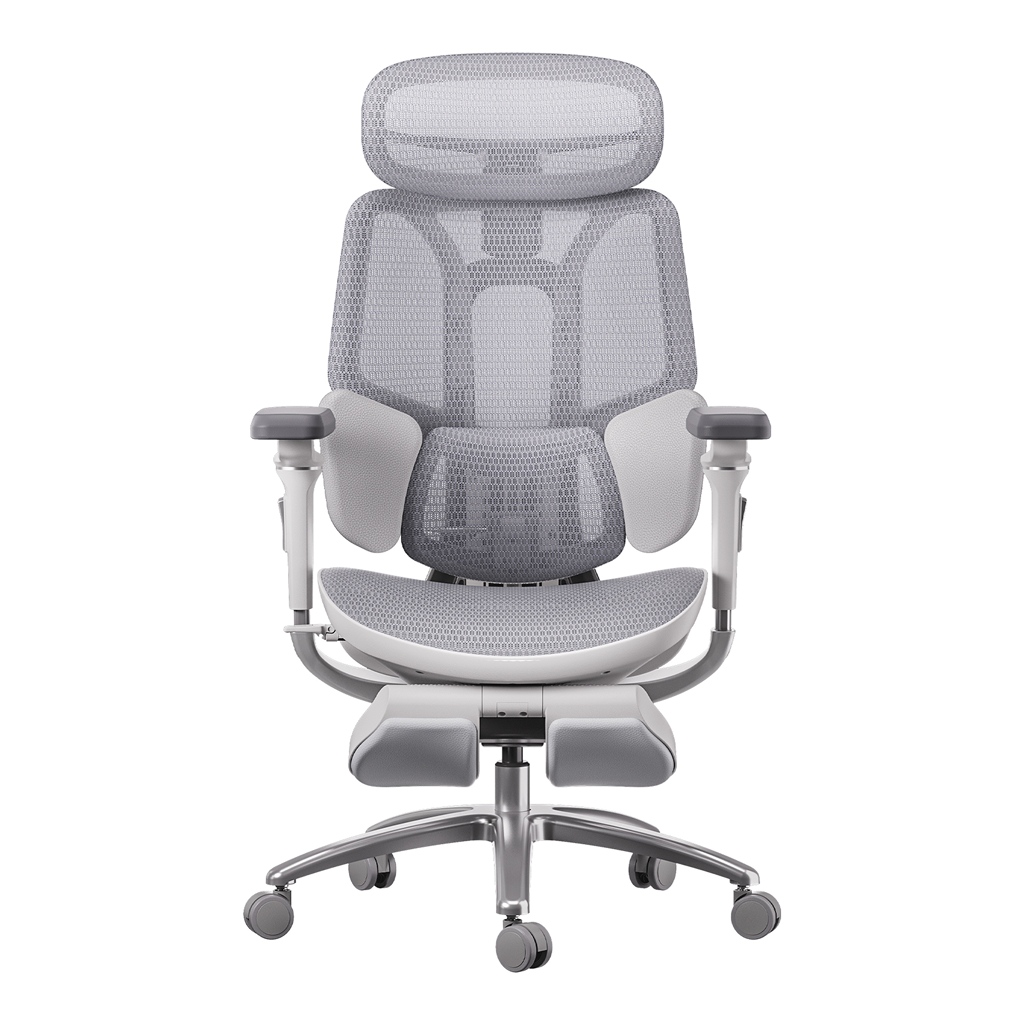
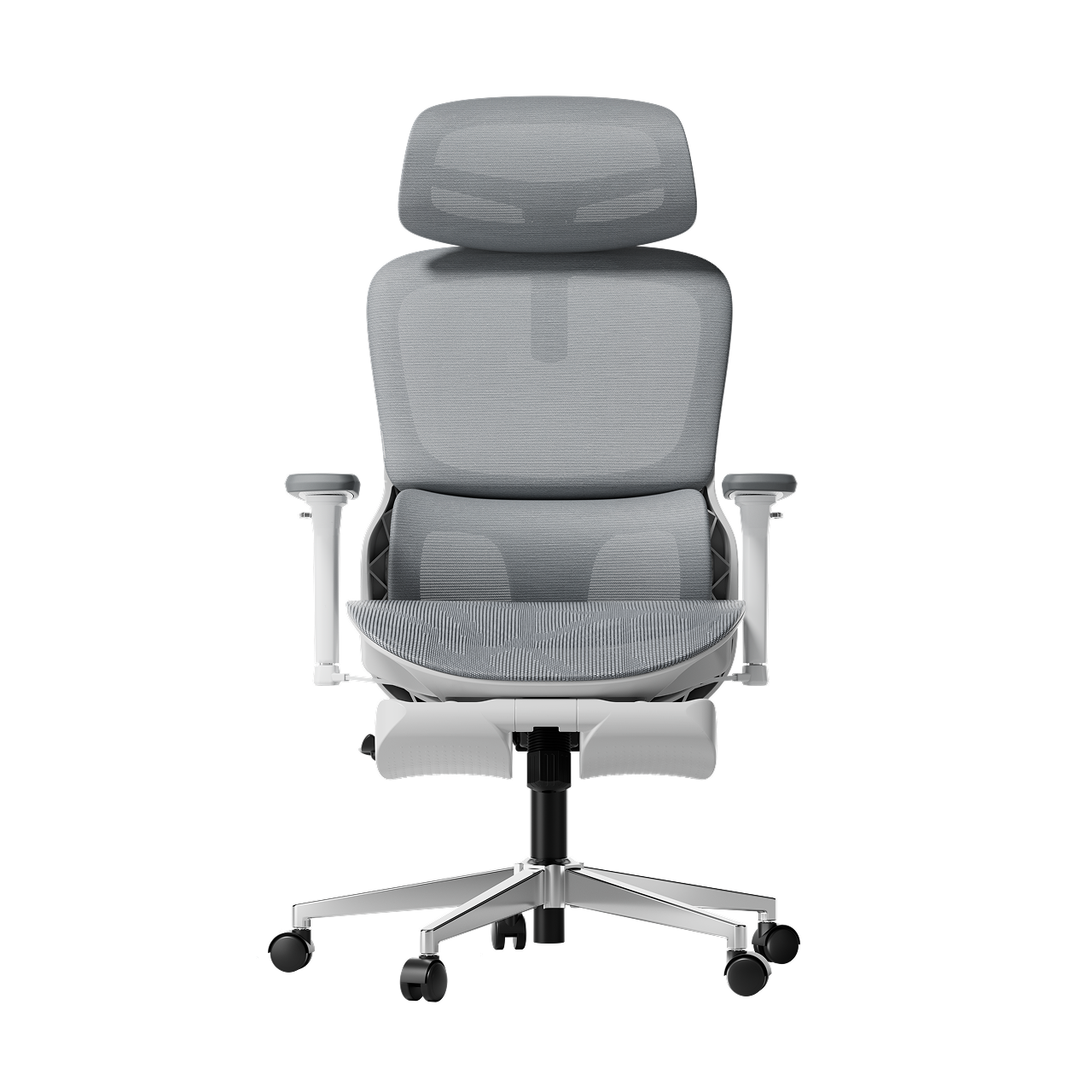
HBADA E3 Pro Ergonomic Office Chair

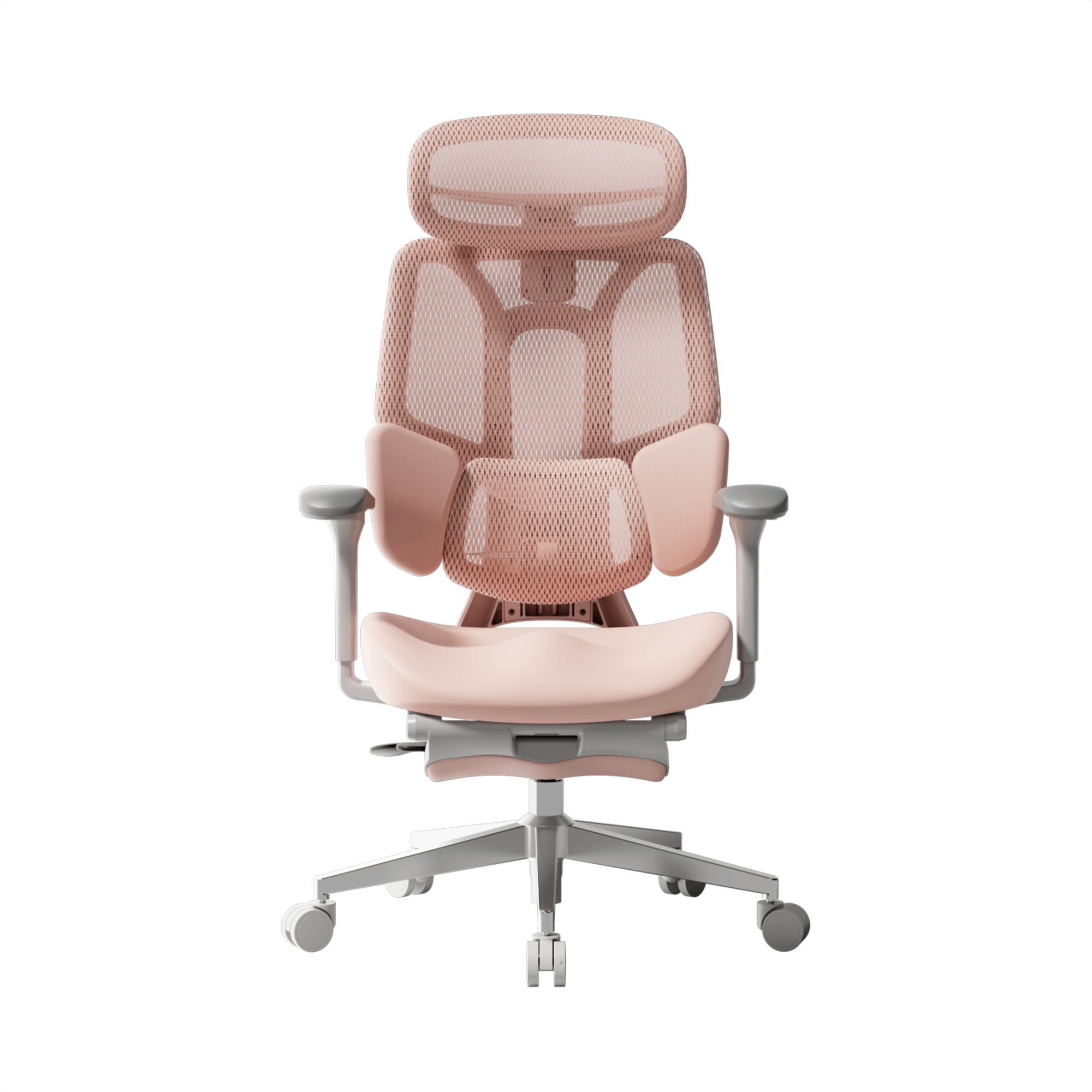
HBADA E3 Ultra Ergonomic Office Chair Futuristic

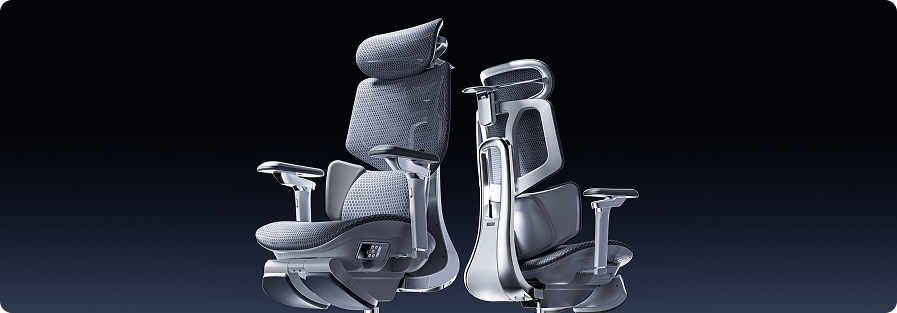
HBADA X7 Smart Ergonomic Chair

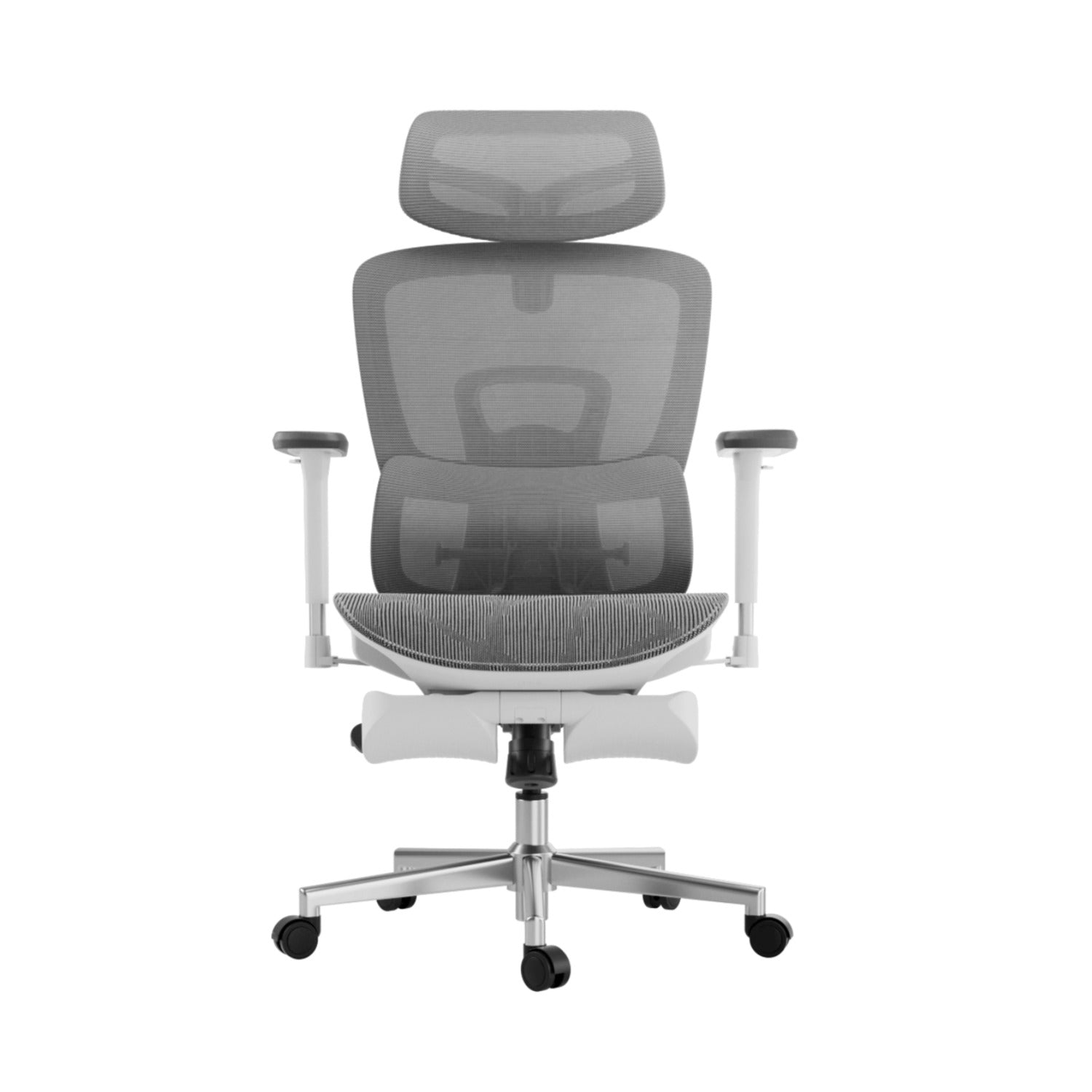
HBADA P2 Ergonomic Office Chair
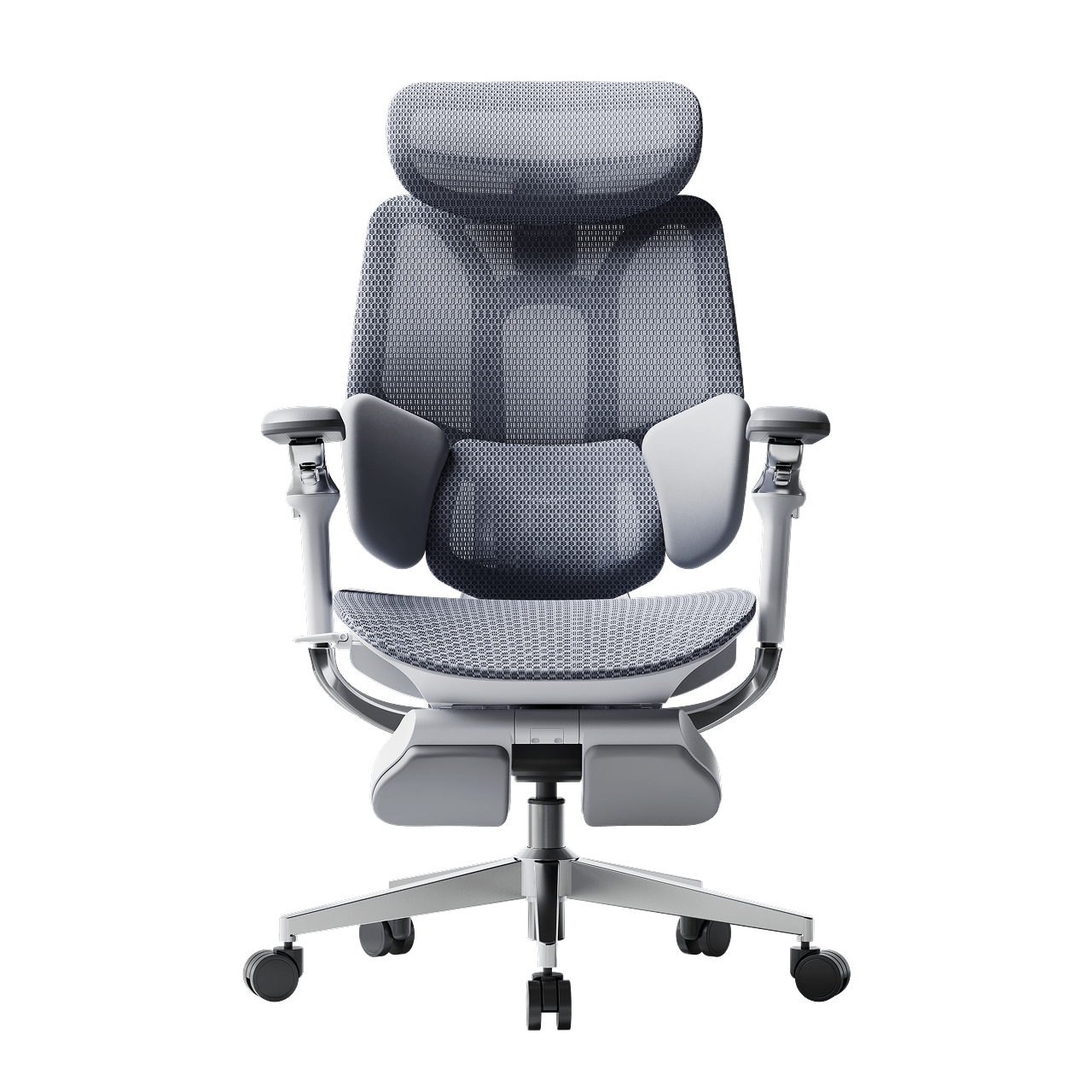
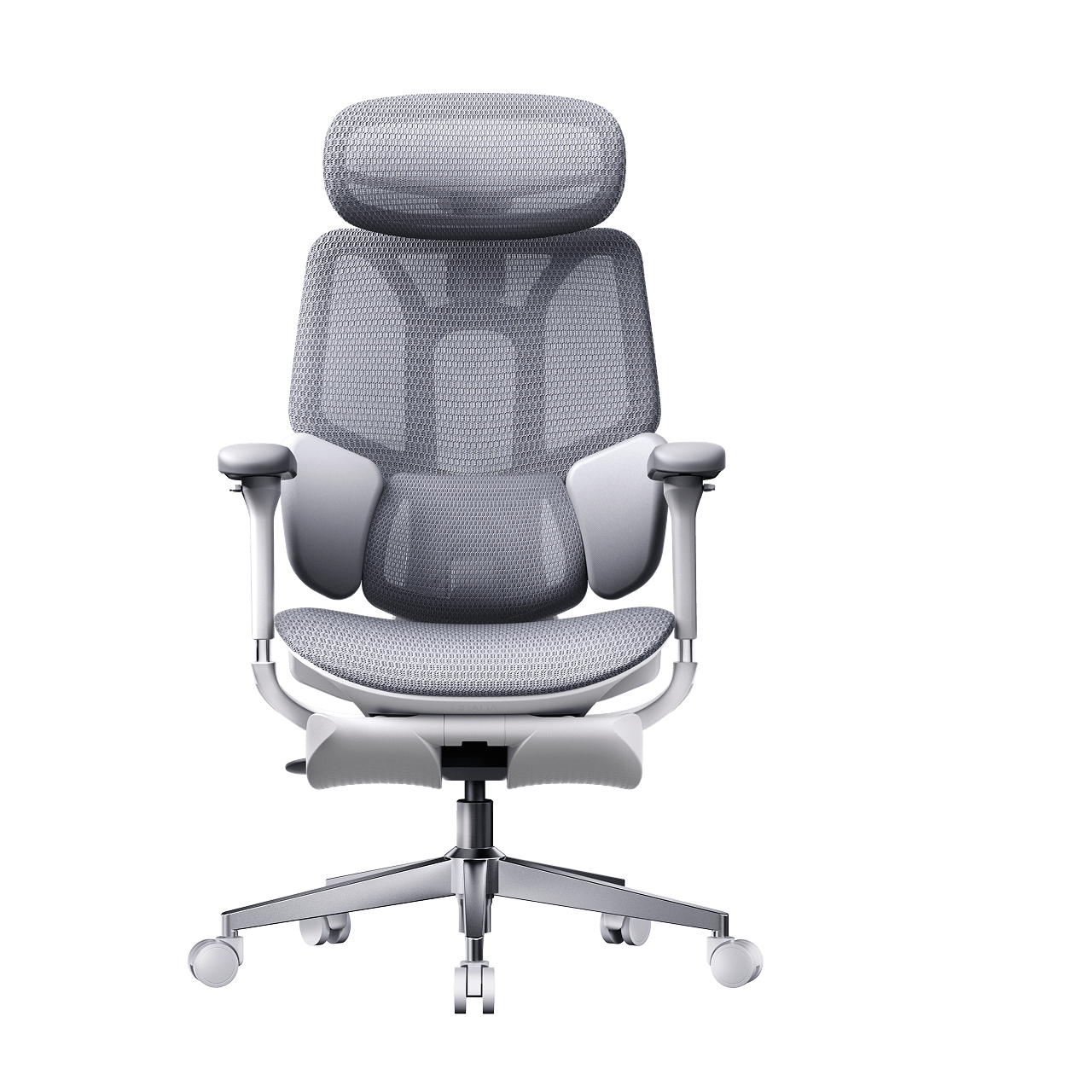
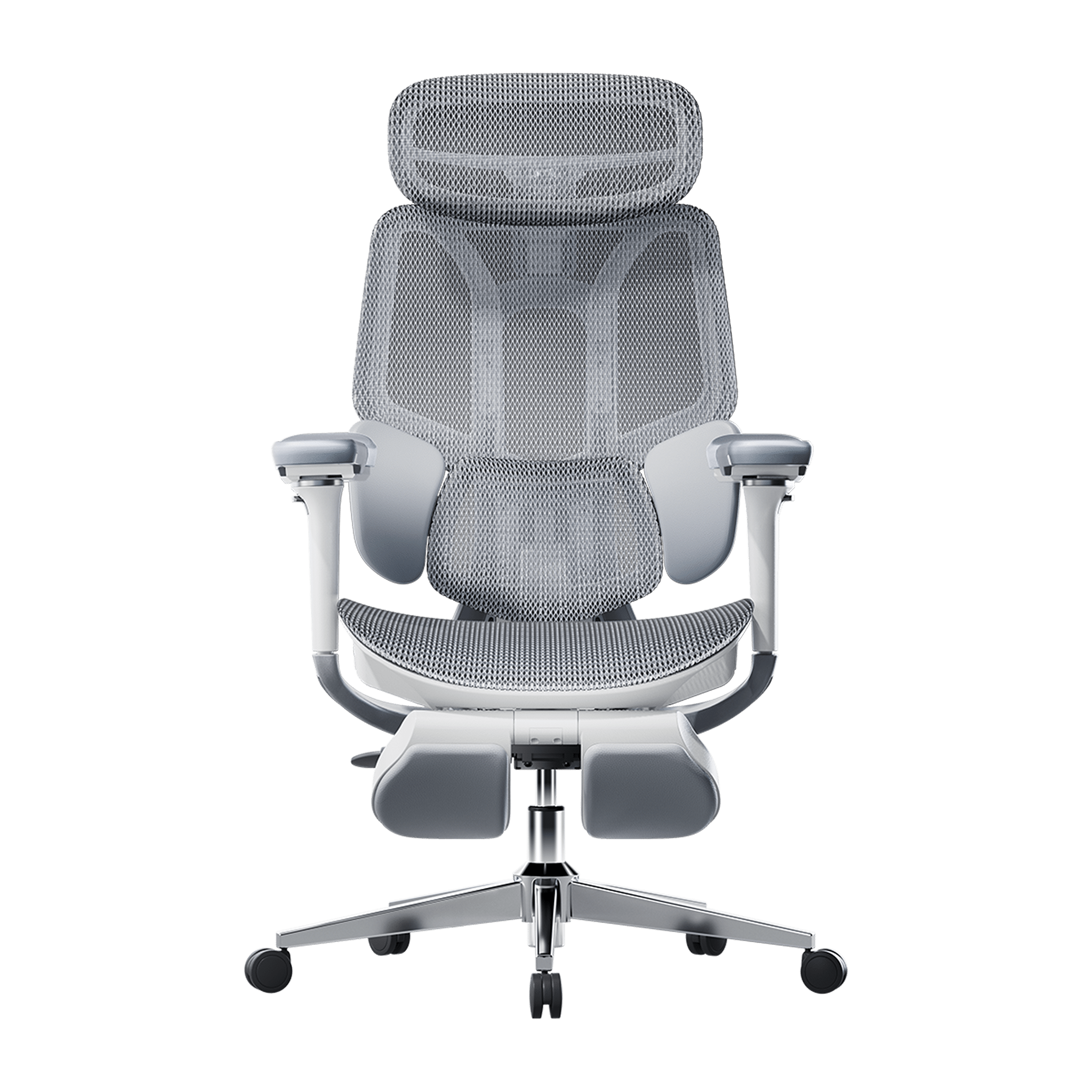
Remove this item from your cart?
Cart
 Office Comfort 101: Why You Need an Adjustable Back Posture Corrector
Slouching forward at a desk for hours behaves like a silent tax on your physical well-being, draining your concentration and compressing your lumbar spine. Many modern office workers look for a quick fix by purchasing a wearable adjustable back posture corrector. These strap-on shoulder braces pull your clavicles back manually to counteract a rounded upper back.
While a wearable harness boosts short-term posture awareness, it falls short of delivering true relief. For lasting, transformative comfort, switch from temporary strap solutions to an active chair that empowers you to maintain ideal posture and adjust seamlessly as you move.
The Mechanics of Slouching: Why Static Braces Only Offer a Temporary Fix
To see why a wearable brace cannot fully relieve your discomfort at work, consider how long hours of sitting affect your muscles.
The Muscle Weakness Trap
When you wear a typical posture brace, it does the work your upper back muscles should be doing. Since the brace holds your shoulders back, your core and upper back muscles stop working. If you use the brace for weeks, these muscles get weaker. As soon as you remove the brace, you are likely to slump again.
The Downward Pressure Cycle
A wearable shoulder harness does not support your lower back or pelvis. Sitting on a flat, non-adjustable chair makes your pelvis tilt backward and flattens your spine’s natural curve. This puts extra pressure on your lower back and can cause muscle pain that a shoulder strap cannot fix.
The Permanent Alternative: Shifting to Active Built-In Posture Care
Keep your body healthy and resilient in long desk sessions by upgrading to a chair that dynamically supports you. An active chair helps keep your muscles relaxed, engaged, and ready for peak performance—enabling you to thrive as you work.
Our advanced chairs provide built-in support rather than straps. Compared with wearable correctors, these chairs support your lower back and pelvis, keeping your upper body upright and comfortable without a harness.
Unmatched Automation: Posture Correction via the HBADA AI-Powered x7
Experience a new level of care for your posture—let the Hbada AI-Powered x7 take charge as your smart, automatic posture trainer. It continuously protects your spine, so you can stay focused and productive without the hassle.
Automated Lumbar Tracking and Posture Memory
The HBADA AI-Powered x7 uses sensors and motorized components to adjust itself, so you do not have to make manual adjustments. With a powerful computer chip and fast pressure sensors, the chair checks your weight and posture 1,000 times every second.
The moment you lean forward to type or begin to slouch as fatigue sets in, the internal core drives a millimeter-precise linear motor to shift the office chair with active lumbar tracking forward up to 50mm. This real-time calibration fills the gap behind your lower back, automatically protecting your spine without manual input.
Active Physical Therapy and Sedentary Relief
Unlike a fabric brace that can restrict blood flow, this chair is designed to help your muscles recover. It runs on a rechargeable 5,200 mAh battery and includes features such as:
· 8D Bionic Hand Massage: Dual-core mechanical rollers mimic professional kneading techniques across three intensity levels to relieve deep back tightness.
· 45-Minute Sedentary Reminder: The chair monitors your sitting intervals and automatically initializes a targeted lower back massage after 45 minutes to stimulate blood flow.
· Graphene Heat Therapy: Built-in heating elements warm your lumbar muscles up to 129°F, acting like an integrated heating pad to reduce inflammation.
Complete Body Alignment: Multi-Axial Mechanical Customization
To get the best ergonomic support, your chair should be adjustable from your neck to your arms.
Targeting the Upper Back and Neck Pivot
A wearable brace pulls your shoulders back and often does not help with neck strain. Each premium chair includes a specialized adjustable headrest that rotates and raises by 70°, providing neck support and reducing pressure on the upper spine. This feature unifies our product offerings.
720° Omni-Directional Armrest Support
To keep your shoulders from rounding forward while using a keyboard, your elbows must remain fully supported. Our chairs feature 720-degree omni adjustable armrests that rotate a full 360°, slide forward and backward, and flip up or down. This incredible range allows you to bring the arm pads directly to your sides, keeping your arms perfectly level with your desk surface and eliminating upper body tension.
Feature Synergy: Wearable Correctors vs. HBADA Smart Seating
Design & Health Metric
Wearable Back Corrector
HBADA E3 Pro Mechanical
HBADA AI-Powered x7 Smart
Ergonomic Strategy
Restrictive External Restraint
Passive Mechanical Tracking
Automated Active Posture Care
Muscular Impact
Weakens muscles over time
Stabilizes core muscle groups
Relaxes and massages back tissue
Lumbar Protection
None (Targets upper shoulders)
3-Zone Floating Wings (40° Flex)
Motorized Smart Auto-Tracking
Arm & Elbow Support
None
6-Way Adjustable Armrests
720 Degree Omni Adjustable Armrests
Thermal Management
Traps heat and sweat against the skin
Breathable Elastic CloudMesh
Dual 3,000 RPM Seat Cooling Fans
Therapeutic Options
None
Ergonomic Joint Decompression
8D Massager + Graphene Infrared Heat
Frequently Asked Questions (FAQ)
Can I use a wearable posture brace while sitting in an advanced ergonomic chair?
You can use both, but wearing a posture brace in a high-quality chair is not needed. A good chair will guide your pelvis and spine into the right position. Using a strap in a supportive chair can limit your movement and weaken your back muscles.
How does an active lumbar tracking chair outperform a manual back straightener brace?
A wearable brace holds your shoulders in one position, which can cause your muscles to stiffen during long work hours. An office chair with active lumbar tracking uses sensors to watch your movements and adjusts its support to keep your spine safe in any sitting position.
How often do I need to charge the battery pack on the smart chair?
How long the battery lasts depends on how much you use the chair’s features. If you use the lumbar tracking all day, the 5,200 mAh battery will last for several days. If you use the massage, fans, or heat therapy often, you will need to charge the chair with the magnetic USB-C cable every 2 to 3 days.
Conclusion
Stop settling for inefficiency and discomfort. External straps restrict blood flow and weaken stabilizing muscles over time. If you demand the best in workplace wellness, choose the HBADA AI-Powered x7—an advanced, automated solution that proactively monitors your posture, relieves muscle fatigue, and keeps you focused throughout the day.
Enjoy our content? Set HBADA as your preferred source on Google Searchso our articles appear more often in Top Stories! Click to add: https://www.google.com/preferences/source?q=hbada.com
Jun 01, 2026
Office Comfort 101: Why You Need an Adjustable Back Posture Corrector
Slouching forward at a desk for hours behaves like a silent tax on your physical well-being, draining your concentration and compressing your lumbar spine. Many modern office workers look for a quick fix by purchasing a wearable adjustable back posture corrector. These strap-on shoulder braces pull your clavicles back manually to counteract a rounded upper back.
While a wearable harness boosts short-term posture awareness, it falls short of delivering true relief. For lasting, transformative comfort, switch from temporary strap solutions to an active chair that empowers you to maintain ideal posture and adjust seamlessly as you move.
The Mechanics of Slouching: Why Static Braces Only Offer a Temporary Fix
To see why a wearable brace cannot fully relieve your discomfort at work, consider how long hours of sitting affect your muscles.
The Muscle Weakness Trap
When you wear a typical posture brace, it does the work your upper back muscles should be doing. Since the brace holds your shoulders back, your core and upper back muscles stop working. If you use the brace for weeks, these muscles get weaker. As soon as you remove the brace, you are likely to slump again.
The Downward Pressure Cycle
A wearable shoulder harness does not support your lower back or pelvis. Sitting on a flat, non-adjustable chair makes your pelvis tilt backward and flattens your spine’s natural curve. This puts extra pressure on your lower back and can cause muscle pain that a shoulder strap cannot fix.
The Permanent Alternative: Shifting to Active Built-In Posture Care
Keep your body healthy and resilient in long desk sessions by upgrading to a chair that dynamically supports you. An active chair helps keep your muscles relaxed, engaged, and ready for peak performance—enabling you to thrive as you work.
Our advanced chairs provide built-in support rather than straps. Compared with wearable correctors, these chairs support your lower back and pelvis, keeping your upper body upright and comfortable without a harness.
Unmatched Automation: Posture Correction via the HBADA AI-Powered x7
Experience a new level of care for your posture—let the Hbada AI-Powered x7 take charge as your smart, automatic posture trainer. It continuously protects your spine, so you can stay focused and productive without the hassle.
Automated Lumbar Tracking and Posture Memory
The HBADA AI-Powered x7 uses sensors and motorized components to adjust itself, so you do not have to make manual adjustments. With a powerful computer chip and fast pressure sensors, the chair checks your weight and posture 1,000 times every second.
The moment you lean forward to type or begin to slouch as fatigue sets in, the internal core drives a millimeter-precise linear motor to shift the office chair with active lumbar tracking forward up to 50mm. This real-time calibration fills the gap behind your lower back, automatically protecting your spine without manual input.
Active Physical Therapy and Sedentary Relief
Unlike a fabric brace that can restrict blood flow, this chair is designed to help your muscles recover. It runs on a rechargeable 5,200 mAh battery and includes features such as:
· 8D Bionic Hand Massage: Dual-core mechanical rollers mimic professional kneading techniques across three intensity levels to relieve deep back tightness.
· 45-Minute Sedentary Reminder: The chair monitors your sitting intervals and automatically initializes a targeted lower back massage after 45 minutes to stimulate blood flow.
· Graphene Heat Therapy: Built-in heating elements warm your lumbar muscles up to 129°F, acting like an integrated heating pad to reduce inflammation.
Complete Body Alignment: Multi-Axial Mechanical Customization
To get the best ergonomic support, your chair should be adjustable from your neck to your arms.
Targeting the Upper Back and Neck Pivot
A wearable brace pulls your shoulders back and often does not help with neck strain. Each premium chair includes a specialized adjustable headrest that rotates and raises by 70°, providing neck support and reducing pressure on the upper spine. This feature unifies our product offerings.
720° Omni-Directional Armrest Support
To keep your shoulders from rounding forward while using a keyboard, your elbows must remain fully supported. Our chairs feature 720-degree omni adjustable armrests that rotate a full 360°, slide forward and backward, and flip up or down. This incredible range allows you to bring the arm pads directly to your sides, keeping your arms perfectly level with your desk surface and eliminating upper body tension.
Feature Synergy: Wearable Correctors vs. HBADA Smart Seating
Design & Health Metric
Wearable Back Corrector
HBADA E3 Pro Mechanical
HBADA AI-Powered x7 Smart
Ergonomic Strategy
Restrictive External Restraint
Passive Mechanical Tracking
Automated Active Posture Care
Muscular Impact
Weakens muscles over time
Stabilizes core muscle groups
Relaxes and massages back tissue
Lumbar Protection
None (Targets upper shoulders)
3-Zone Floating Wings (40° Flex)
Motorized Smart Auto-Tracking
Arm & Elbow Support
None
6-Way Adjustable Armrests
720 Degree Omni Adjustable Armrests
Thermal Management
Traps heat and sweat against the skin
Breathable Elastic CloudMesh
Dual 3,000 RPM Seat Cooling Fans
Therapeutic Options
None
Ergonomic Joint Decompression
8D Massager + Graphene Infrared Heat
Frequently Asked Questions (FAQ)
Can I use a wearable posture brace while sitting in an advanced ergonomic chair?
You can use both, but wearing a posture brace in a high-quality chair is not needed. A good chair will guide your pelvis and spine into the right position. Using a strap in a supportive chair can limit your movement and weaken your back muscles.
How does an active lumbar tracking chair outperform a manual back straightener brace?
A wearable brace holds your shoulders in one position, which can cause your muscles to stiffen during long work hours. An office chair with active lumbar tracking uses sensors to watch your movements and adjusts its support to keep your spine safe in any sitting position.
How often do I need to charge the battery pack on the smart chair?
How long the battery lasts depends on how much you use the chair’s features. If you use the lumbar tracking all day, the 5,200 mAh battery will last for several days. If you use the massage, fans, or heat therapy often, you will need to charge the chair with the magnetic USB-C cable every 2 to 3 days.
Conclusion
Stop settling for inefficiency and discomfort. External straps restrict blood flow and weaken stabilizing muscles over time. If you demand the best in workplace wellness, choose the HBADA AI-Powered x7—an advanced, automated solution that proactively monitors your posture, relieves muscle fatigue, and keeps you focused throughout the day.
Enjoy our content? Set HBADA as your preferred source on Google Searchso our articles appear more often in Top Stories! Click to add: https://www.google.com/preferences/source?q=hbada.com
Jun 01, 2026
 Prevent Hair in Chair Wheels: Maintenance Tips for Pet Owners & Long Hair
Learn how to get hair out of office chair wheels quickly. Master simple maintenance steps to prevent hair from getting caught in chair wheels for a smoother, cleaner workspace.
May 28, 2026
Prevent Hair in Chair Wheels: Maintenance Tips for Pet Owners & Long Hair
Learn how to get hair out of office chair wheels quickly. Master simple maintenance steps to prevent hair from getting caught in chair wheels for a smoother, cleaner workspace.
May 28, 2026
 Upgrading from Other Brands to HBADA: Experience the Difference in Bio-Synchronized Support
Compare standard office chairs to advanced bio-synchronized seating. Learn why upgrading to the HBADA AI-Powered x7 relieves static sitting fatigue.
May 27, 2026
Upgrading from Other Brands to HBADA: Experience the Difference in Bio-Synchronized Support
Compare standard office chairs to advanced bio-synchronized seating. Learn why upgrading to the HBADA AI-Powered x7 relieves static sitting fatigue.
May 27, 2026
 Best Ergonomic Office Chairs of 2026: Top 5 Bio-Synchronized Options for Disc Relief Ranked & Reviewed
Check out our in-depth review of the top 5 bio-synchronized chairs for 2026. See how the Hbada AI-Powered x7 can help relieve back pain in your office.
May 26, 2026
Best Ergonomic Office Chairs of 2026: Top 5 Bio-Synchronized Options for Disc Relief Ranked & Reviewed
Check out our in-depth review of the top 5 bio-synchronized chairs for 2026. See how the Hbada AI-Powered x7 can help relieve back pain in your office.
May 26, 2026
 Best Bio-Synchronized Chairs of 2026: How AI Lumbar Tracking Is Redefining Spinal Health
Discover how the Hbada AI-Powered x7 and AI-lumbar tracking chairs are revolutionizing spinal health in 2026. Learn why bio-synchronized seating is the future.
May 25, 2026
Best Bio-Synchronized Chairs of 2026: How AI Lumbar Tracking Is Redefining Spinal Health
Discover how the Hbada AI-Powered x7 and AI-lumbar tracking chairs are revolutionizing spinal health in 2026. Learn why bio-synchronized seating is the future.
May 25, 2026
 What Is the 20-8-2 Rule? Everything You Need to Know About Healthier Sitting and Productive Work
Sitting at your desk all day can quietly harm your health, making it harder to focus and putting stress on your lower back. Some people think standing all day is the answer, but too much standing can also lead to tired muscles and poor circulation.
The key to keeping your spine healthy is to keep changing your position throughout the day. Dr. Alan Hedge, an ergonomics professor at Cornell University, created the 20-8-2 rule to help you add movement to your work routine and boost your energy.
Deconstructing the Formula: The 30-Minute Ergonomic Cycle
The 20-8-2 rule divides each half hour of your workday into three easy steps. Following this routine helps keep your muscles loose and your blood flowing.
20 Minutes: Focused Sitting ➔ 8 Minutes: Active Standing ➔ 2 Minutes: Dynamic Movement
The 20 Minutes: Focused Sitting (With Proper Alignment)
Start with 20 minutes of focused work while sitting. Make sure your feet are flat on the floor, your elbows are at 90 degrees, and your lower back is well supported.
The 8 Minutes: Active Standing
After 20 minutes, stand up for the next 8 minutes. Standing changes the pressure on your spine, activates your core, and helps your body work better. This is a good time to take calls, review documents, or check your email.
The 2 minutes: Dynamic Movement
For the last 2 minutes, leave your desk. Use this time to walk around, get some water, or do light stretches. This short break helps relax your muscles and refresh your mind for the next round.
Architectural Pairing: Selecting the Right Desk Environment
To follow this movement routine easily, your workspace should let you change positions quickly. Manual crank desks can slow you down and make it harder to stick with the routine.
A premium adjustable desk system makes transitioning effortless. For example, pairing this cycle with a high-end Herman Miller standing desk provides programmable, single-touch height adjustments that move to your exact standing and sitting heights in seconds. This speed allows you to transition between positions seamlessly without interrupting your train of thought or slowing down your output.
Seating Engineering: Maximizing Your 20-Minute Sitting Window
The 20-minute sitting phase of this rule is only effective if your chair provides active support for your body. If you spend those 20 minutes slouching in a rigid, unyielding chair, your muscles will tighten before you even begin the standing phase.
Our advanced seating designs align with this movement philosophy by replacing manual levers with responsive, automated engineering:
Adaptive Structural Control: Hbada E3 Pro
The HBADA E3 Pro 2026 Edition is designed for users who move frequently while working. Its 3-zone lumbar support system features a central section for spinal support and side wings that adjust up to 40 degrees to accommodate lower back movement.
When you change positions or lean forward, the chair’s tracking system moves with you and fills the gap in your lower back, so you don’t have to adjust anything yourself.
Smart Automated Wellness: Hbada AI-Powered x7
For posture support, the Hbada AI-Powered x7 functions as a smart wellness assistant. It uses sensors to monitor your sitting position and adjusts in real time.
When you start your 20-minute work session, the chair automatically adjusts its support to fit your body. If you begin to slouch, it shifts its support to keep your posture straight and comfortable.
Feature Synergy Matrix: Enhancing the 20-8-2 Workflow
Workspace Component
Core Function in the Cycle
Mechanical Option (E3 Pro)
Advanced Active Option (X7)
Lumbar Support Strategy
Protects the spine during the 20-minute focus window
3-Zone Adaptive Wings with 5° Elastic Tracking
Motorized AI Smart Tracking with Real-Time Adjustments
Armrest Integration
Unloads weight from neck and shoulders while typing
720° Omni-Mechanical Positioning
720° Bio-Sync Robotic Tracking
Muscle Relief Systems
Relieves deep tissue tension during transitions
Breathable, High-Elasticity CloudMesh
8D Bionic Massage & Graphene Heat Therapy
Movement Compatibility
Adapts to changing postures without manual levers
Auto-Balance Gravity-Sensing Chassis
Posture Memory with Sensor-Driven Adjustment
Practical Checklist: Tips and Guides to Automate Your Routine
Starting a new routine can seem tough at first. Here are some simple tips to help you add the 20-8-2 method to your day:
· Deploy Digital Triggers: Use a browser extension or a smartwatch application to manage your intervals. Set a recurring 20-minute alert to prompt your transition to standing, followed by an 8-minute reminder to start your movement break.
· Batch Your Work Tasks: Align your daily tasks with your physical positions. Use your 20-minute sitting window for deep, focused work, such as coding or writing. Save your 8-minute standing window for low-intensity tasks, such as checking team updates or reviewing presentations.
· Utilize Thermal Therapy: If you feel muscle stiffness during your sitting window, activating the built-in heat settings on an advanced chair can help soothe lower back muscles, keeping your body limber for the upcoming movement phases.
Frequently Asked Questions (FAQ)
Can I stand for 20 minutes and sit for 8 minutes instead?
No. Dr. Hedge’s research shows that standing still for more than 10 minutes can cause blood to pool in your lower extremities, increasing static strain on your veins and feet. Keeping your standing window to 8 minutes provides the ideal vascular reset without creating structural discomfort.
How does an adaptive lumbar support chair help with the 20-8-2 rule?
A standard office chair stays locked in a single position, forcing your body to adapt to the frame. An adaptive chair automatically moves with you, keeping your lower back continuously supported throughout your sitting window so you can transition to standing without muscle stiffness.
What should I do during the 2-minute movement window?
Use this time for light, active movement to boost your circulation. You can walk down the hall, refill your water, or perform simple stretches like shoulder rolls and gentle calf extensions. Avoid looking at your phone during this phase to give your eyes a much-needed break.
Is a standing desk absolutely mandatory to use the 20-8-2 rule?
While a high-quality motorized desk makes changing positions effortless, you can start without one. You can use your 8-minute standing phase to take phone calls at a high counter or use a portable laptop riser on a standard table to keep your workflow moving smoothly.
Conclusion
The right workspace configuration depends on how much manual control you want over your daily routine. If you prefer a robust mechanical setup that uses your body weight to instantly adjust its support zones, the HBADA E3 Pro offers an incredibly effective foundation for active ergonomics. However, if you want a workspace that automatically tracks your posture, adjusts in real time with built-in sensors, and includes built-in massage therapy to relieve muscle tension between tasks, upgrading your office with the Hbada AI-Powered x7 is the ultimate investment for your health and daily focus.
May 24, 2026
What Is the 20-8-2 Rule? Everything You Need to Know About Healthier Sitting and Productive Work
Sitting at your desk all day can quietly harm your health, making it harder to focus and putting stress on your lower back. Some people think standing all day is the answer, but too much standing can also lead to tired muscles and poor circulation.
The key to keeping your spine healthy is to keep changing your position throughout the day. Dr. Alan Hedge, an ergonomics professor at Cornell University, created the 20-8-2 rule to help you add movement to your work routine and boost your energy.
Deconstructing the Formula: The 30-Minute Ergonomic Cycle
The 20-8-2 rule divides each half hour of your workday into three easy steps. Following this routine helps keep your muscles loose and your blood flowing.
20 Minutes: Focused Sitting ➔ 8 Minutes: Active Standing ➔ 2 Minutes: Dynamic Movement
The 20 Minutes: Focused Sitting (With Proper Alignment)
Start with 20 minutes of focused work while sitting. Make sure your feet are flat on the floor, your elbows are at 90 degrees, and your lower back is well supported.
The 8 Minutes: Active Standing
After 20 minutes, stand up for the next 8 minutes. Standing changes the pressure on your spine, activates your core, and helps your body work better. This is a good time to take calls, review documents, or check your email.
The 2 minutes: Dynamic Movement
For the last 2 minutes, leave your desk. Use this time to walk around, get some water, or do light stretches. This short break helps relax your muscles and refresh your mind for the next round.
Architectural Pairing: Selecting the Right Desk Environment
To follow this movement routine easily, your workspace should let you change positions quickly. Manual crank desks can slow you down and make it harder to stick with the routine.
A premium adjustable desk system makes transitioning effortless. For example, pairing this cycle with a high-end Herman Miller standing desk provides programmable, single-touch height adjustments that move to your exact standing and sitting heights in seconds. This speed allows you to transition between positions seamlessly without interrupting your train of thought or slowing down your output.
Seating Engineering: Maximizing Your 20-Minute Sitting Window
The 20-minute sitting phase of this rule is only effective if your chair provides active support for your body. If you spend those 20 minutes slouching in a rigid, unyielding chair, your muscles will tighten before you even begin the standing phase.
Our advanced seating designs align with this movement philosophy by replacing manual levers with responsive, automated engineering:
Adaptive Structural Control: Hbada E3 Pro
The HBADA E3 Pro 2026 Edition is designed for users who move frequently while working. Its 3-zone lumbar support system features a central section for spinal support and side wings that adjust up to 40 degrees to accommodate lower back movement.
When you change positions or lean forward, the chair’s tracking system moves with you and fills the gap in your lower back, so you don’t have to adjust anything yourself.
Smart Automated Wellness: Hbada AI-Powered x7
For posture support, the Hbada AI-Powered x7 functions as a smart wellness assistant. It uses sensors to monitor your sitting position and adjusts in real time.
When you start your 20-minute work session, the chair automatically adjusts its support to fit your body. If you begin to slouch, it shifts its support to keep your posture straight and comfortable.
Feature Synergy Matrix: Enhancing the 20-8-2 Workflow
Workspace Component
Core Function in the Cycle
Mechanical Option (E3 Pro)
Advanced Active Option (X7)
Lumbar Support Strategy
Protects the spine during the 20-minute focus window
3-Zone Adaptive Wings with 5° Elastic Tracking
Motorized AI Smart Tracking with Real-Time Adjustments
Armrest Integration
Unloads weight from neck and shoulders while typing
720° Omni-Mechanical Positioning
720° Bio-Sync Robotic Tracking
Muscle Relief Systems
Relieves deep tissue tension during transitions
Breathable, High-Elasticity CloudMesh
8D Bionic Massage & Graphene Heat Therapy
Movement Compatibility
Adapts to changing postures without manual levers
Auto-Balance Gravity-Sensing Chassis
Posture Memory with Sensor-Driven Adjustment
Practical Checklist: Tips and Guides to Automate Your Routine
Starting a new routine can seem tough at first. Here are some simple tips to help you add the 20-8-2 method to your day:
· Deploy Digital Triggers: Use a browser extension or a smartwatch application to manage your intervals. Set a recurring 20-minute alert to prompt your transition to standing, followed by an 8-minute reminder to start your movement break.
· Batch Your Work Tasks: Align your daily tasks with your physical positions. Use your 20-minute sitting window for deep, focused work, such as coding or writing. Save your 8-minute standing window for low-intensity tasks, such as checking team updates or reviewing presentations.
· Utilize Thermal Therapy: If you feel muscle stiffness during your sitting window, activating the built-in heat settings on an advanced chair can help soothe lower back muscles, keeping your body limber for the upcoming movement phases.
Frequently Asked Questions (FAQ)
Can I stand for 20 minutes and sit for 8 minutes instead?
No. Dr. Hedge’s research shows that standing still for more than 10 minutes can cause blood to pool in your lower extremities, increasing static strain on your veins and feet. Keeping your standing window to 8 minutes provides the ideal vascular reset without creating structural discomfort.
How does an adaptive lumbar support chair help with the 20-8-2 rule?
A standard office chair stays locked in a single position, forcing your body to adapt to the frame. An adaptive chair automatically moves with you, keeping your lower back continuously supported throughout your sitting window so you can transition to standing without muscle stiffness.
What should I do during the 2-minute movement window?
Use this time for light, active movement to boost your circulation. You can walk down the hall, refill your water, or perform simple stretches like shoulder rolls and gentle calf extensions. Avoid looking at your phone during this phase to give your eyes a much-needed break.
Is a standing desk absolutely mandatory to use the 20-8-2 rule?
While a high-quality motorized desk makes changing positions effortless, you can start without one. You can use your 8-minute standing phase to take phone calls at a high counter or use a portable laptop riser on a standard table to keep your workflow moving smoothly.
Conclusion
The right workspace configuration depends on how much manual control you want over your daily routine. If you prefer a robust mechanical setup that uses your body weight to instantly adjust its support zones, the HBADA E3 Pro offers an incredibly effective foundation for active ergonomics. However, if you want a workspace that automatically tracks your posture, adjusts in real time with built-in sensors, and includes built-in massage therapy to relieve muscle tension between tasks, upgrading your office with the Hbada AI-Powered x7 is the ultimate investment for your health and daily focus.
May 24, 2026


