Sitting at your desk all day can quietly harm your health, making it harder to focus and putting stress on your lower back. Some people think standing all day is the answer, but too much standing can also lead to tired muscles and poor circulation.
The key to keeping your spine healthy is to keep changing your position throughout the day. Dr. Alan Hedge, an ergonomics professor at Cornell University, created the 20-8-2 rule to help you add movement to your work routine and boost your energy.
Deconstructing the Formula: The 30-Minute Ergonomic Cycle
The 20-8-2 rule divides each half hour of your workday into three easy steps. Following this routine helps keep your muscles loose and your blood flowing.
20 Minutes: Focused Sitting ➔ 8 Minutes: Active Standing ➔ 2 Minutes: Dynamic Movement

The 20 Minutes: Focused Sitting (With Proper Alignment)
Start with 20 minutes of focused work while sitting. Make sure your feet are flat on the floor, your elbows are at 90 degrees, and your lower back is well supported.
The 8 Minutes: Active Standing
After 20 minutes, stand up for the next 8 minutes. Standing changes the pressure on your spine, activates your core, and helps your body work better. This is a good time to take calls, review documents, or check your email.
The 2 minutes: Dynamic Movement
For the last 2 minutes, leave your desk. Use this time to walk around, get some water, or do light stretches. This short break helps relax your muscles and refresh your mind for the next round.
Architectural Pairing: Selecting the Right Desk Environment
To follow this movement routine easily, your workspace should let you change positions quickly. Manual crank desks can slow you down and make it harder to stick with the routine.
A premium adjustable desk system makes transitioning effortless. For example, pairing this cycle with a high-end Herman Miller standing desk provides programmable, single-touch height adjustments that move to your exact standing and sitting heights in seconds. This speed allows you to transition between positions seamlessly without interrupting your train of thought or slowing down your output.
Seating Engineering: Maximizing Your 20-Minute Sitting Window
The 20-minute sitting phase of this rule is only effective if your chair provides active support for your body. If you spend those 20 minutes slouching in a rigid, unyielding chair, your muscles will tighten before you even begin the standing phase.
Our advanced seating designs align with this movement philosophy by replacing manual levers with responsive, automated engineering:
Adaptive Structural Control: Hbada E3 Pro
The HBADA E3 Pro 2026 Edition is designed for users who move frequently while working. Its 3-zone lumbar support system features a central section for spinal support and side wings that adjust up to 40 degrees to accommodate lower back movement.
When you change positions or lean forward, the chair’s tracking system moves with you and fills the gap in your lower back, so you don’t have to adjust anything yourself.
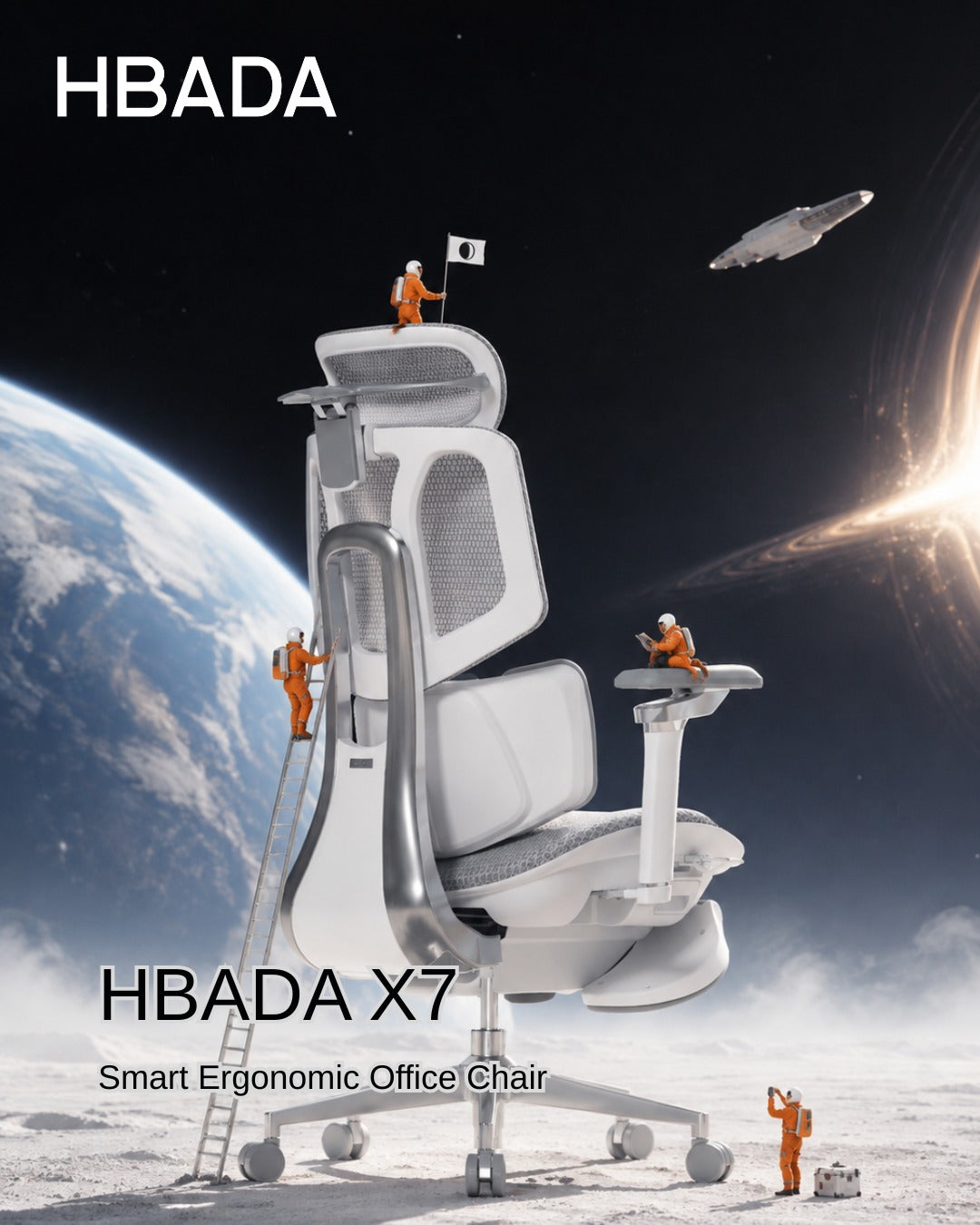
Smart Automated Wellness: Hbada AI-Powered x7
For posture support, the Hbada AI-Powered x7 functions as a smart wellness assistant. It uses sensors to monitor your sitting position and adjusts in real time.
When you start your 20-minute work session, the chair automatically adjusts its support to fit your body. If you begin to slouch, it shifts its support to keep your posture straight and comfortable.

Feature Synergy Matrix: Enhancing the 20-8-2 Workflow
|
Workspace Component |
Core Function in the Cycle |
Mechanical Option (E3 Pro) |
Advanced Active Option (X7) |
|
Lumbar Support Strategy |
Protects the spine during the 20-minute focus window |
3-Zone Adaptive Wings with 5° Elastic Tracking |
Motorized AI Smart Tracking with Real-Time Adjustments |
|
Armrest Integration |
Unloads weight from neck and shoulders while typing |
720° Omni-Mechanical Positioning |
720° Bio-Sync Robotic Tracking |
|
Muscle Relief Systems |
Relieves deep tissue tension during transitions |
Breathable, High-Elasticity CloudMesh |
8D Bionic Massage & Graphene Heat Therapy |
|
Movement Compatibility |
Adapts to changing postures without manual levers |
Auto-Balance Gravity-Sensing Chassis |
Posture Memory with Sensor-Driven Adjustment |
Practical Checklist: Tips and Guides to Automate Your Routine
Starting a new routine can seem tough at first. Here are some simple tips to help you add the 20-8-2 method to your day:
· Deploy Digital Triggers: Use a browser extension or a smartwatch application to manage your intervals. Set a recurring 20-minute alert to prompt your transition to standing, followed by an 8-minute reminder to start your movement break.
· Batch Your Work Tasks: Align your daily tasks with your physical positions. Use your 20-minute sitting window for deep, focused work, such as coding or writing. Save your 8-minute standing window for low-intensity tasks, such as checking team updates or reviewing presentations.
· Utilize Thermal Therapy: If you feel muscle stiffness during your sitting window, activating the built-in heat settings on an advanced chair can help soothe lower back muscles, keeping your body limber for the upcoming movement phases.
Frequently Asked Questions (FAQ)
Can I stand for 20 minutes and sit for 8 minutes instead?
No. Dr. Hedge’s research shows that standing still for more than 10 minutes can cause blood to pool in your lower extremities, increasing static strain on your veins and feet. Keeping your standing window to 8 minutes provides the ideal vascular reset without creating structural discomfort.
How does an adaptive lumbar support chair help with the 20-8-2 rule?
A standard office chair stays locked in a single position, forcing your body to adapt to the frame. An adaptive chair automatically moves with you, keeping your lower back continuously supported throughout your sitting window so you can transition to standing without muscle stiffness.
What should I do during the 2-minute movement window?
Use this time for light, active movement to boost your circulation. You can walk down the hall, refill your water, or perform simple stretches like shoulder rolls and gentle calf extensions. Avoid looking at your phone during this phase to give your eyes a much-needed break.
Is a standing desk absolutely mandatory to use the 20-8-2 rule?
While a high-quality motorized desk makes changing positions effortless, you can start without one. You can use your 8-minute standing phase to take phone calls at a high counter or use a portable laptop riser on a standard table to keep your workflow moving smoothly.
Conclusion
The right workspace configuration depends on how much manual control you want over your daily routine. If you prefer a robust mechanical setup that uses your body weight to instantly adjust its support zones, the HBADA E3 Pro offers an incredibly effective foundation for active ergonomics. However, if you want a workspace that automatically tracks your posture, adjusts in real time with built-in sensors, and includes built-in massage therapy to relieve muscle tension between tasks, upgrading your office with the Hbada AI-Powered x7 is the ultimate investment for your health and daily focus.