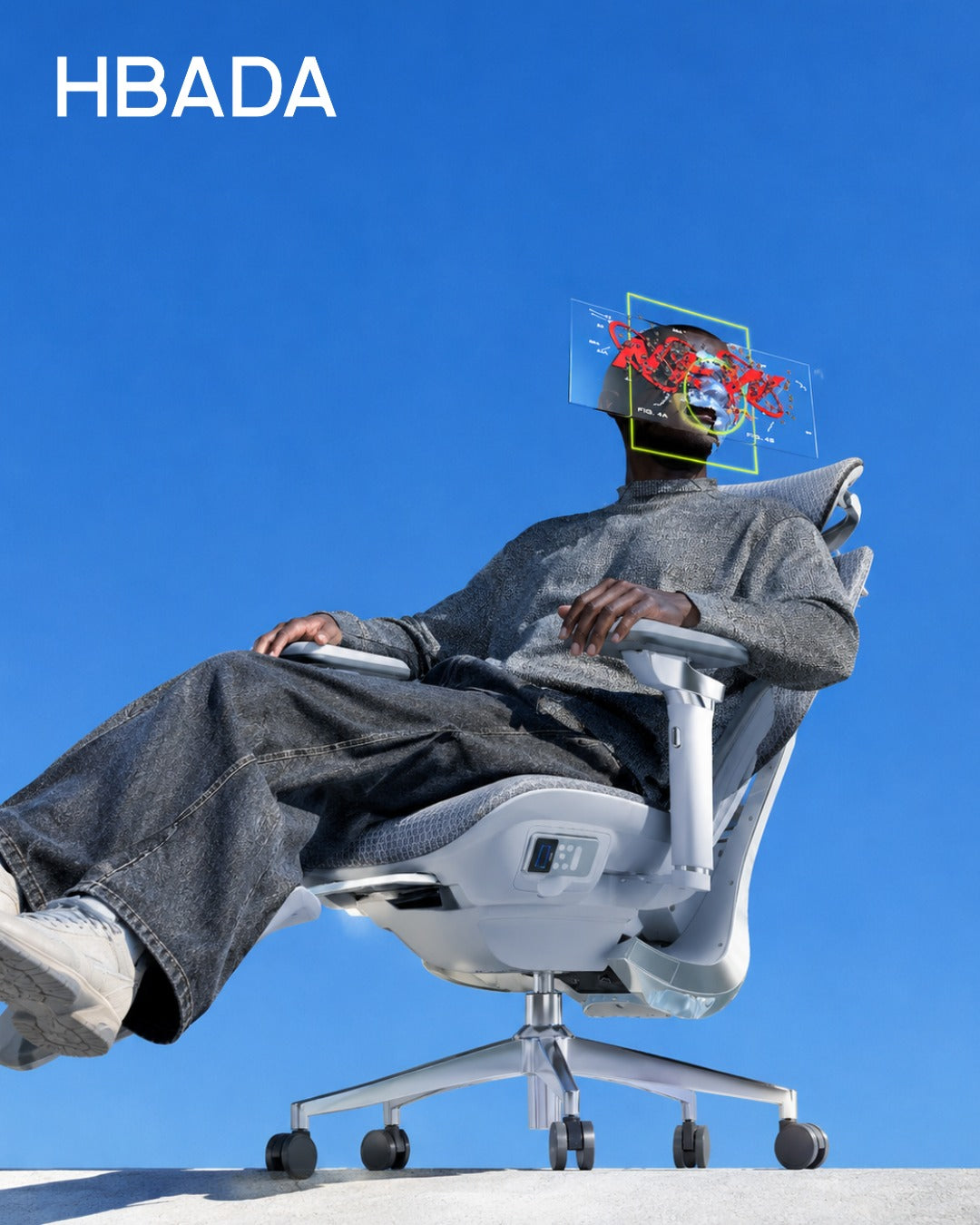
HBADA vs SIHOO · A practical buying guide
Compare the fit.
Not just the feature count.
Lumbar support, seat dimensions, and armrest movement can look impressive on a specification sheet. The more useful question is how those details fit your body, desk, and workday.
A useful HBADA vs SIHOO comparison starts with specific models, not a brand-wide winner. Compare the current versions available in your market, then check seat fit, lumbar adjustments, armrest clearance, and purchase terms. Adaptive movement and manual adjustment can coexist in the same chair, so “automatic versus manual” is not a reliable way to divide the two brands.
Compare models, not brands

Neither HBADA nor SIHOO makes just one office chair. A conclusion about one pair of models should not be applied to every chair in either range.
This guide uses the HBADA E3 Air 2026, HBADA E3 Pro 2026, and SIHOO Doro C300 as examples when discussing support and controls. They are not presented as identical products or permanently equivalent price tiers.
The Doro C300, C300 Pro V2, and S300 should also be treated as separate models. Do not carry a specification from one model into a comparison of another simply because they share a brand name.
Before comparing: record the full model name, edition, selected configuration, and country of sale. Check that every specification belongs to that exact version.
Compare the same purchase, not mismatched sale prices
A promotional price from one market and an older review price from another do not establish which chair is currently less expensive. Accessories and delivery conditions can also change the amount you pay.
Use the current checkout total for your delivery address and selected configuration. This guide does not assign a “lowest price” winner or fixed price ranking.
| Check | Why it matters |
|---|---|
| Model and edition | A revised model may have different components. |
| Selected configuration | Footrests, accessories, or other options may change the total. |
| Delivery address and currency | Shipping and applicable taxes may affect the amount paid. |
| Offer conditions | Codes may have eligibility requirements or exclusions. |
| Return and service terms | Check return costs, condition requirements, and coverage before ordering. |
HBADA vs SIHOO lumbar support: compare the mechanism
“Adaptive,” “adjustable,” and “multi-zone” describe different aspects of a support system. They do not, on their own, establish which chair will feel better for a particular person.

| Model | Published design description | Practical fit question |
|---|---|---|
| HBADA E3 Air 2026 | Three-zone lumbar support with adjustment and adaptive movement. | Can you position the support where you need it without excessive pressure? |
| HBADA E3 Pro 2026 | Three-zone gliding lumbar support. | How does the support contact your back when upright and when reclining? |
| SIHOO Doro C300 | Self-adaptive lumbar support and a flexible backrest. | Does the support position and movement suit your usual sitting posture? |
These are design descriptions, not a ranking of comfort, pressure distribution, or health outcomes. Consult the exact model instructions for its available adjustments.
A manually selected setting and a mechanism that moves with you can exist together. Avoid assuming that one brand is entirely manual while the other is entirely automatic.
Support-zone counts are not a comfort score. Compare the position, movement, and contact of the actual support surfaces rather than treating a larger number as proof of better performance.
Seat fit: check dimensions, not height claims alone
Height guidance is a starting point, not a guarantee of fit. Two people of the same height may have different leg and torso proportions.
Weight capacity is also not a comfort ranking. It does not tell you whether the seat is wide enough, whether the backrest is positioned correctly, or whether the armrests match your desk.
- Seat height: check that you can use your desk with your feet supported.
- Usable seat depth: check that you can sit against the backrest without the front edge pressing into the backs of your knees.
- Seat width: consider the usable surface and space between the armrests, not just the chair’s overall width.
- Adjustment range: distinguish the actual seat dimensions from the distance an adjustment mechanism travels.
For this reason, this guide does not declare either brand universally better for taller, shorter, or heavier users. Compare the exact chair dimensions with your own requirements.
Armrests: compare movements and desk clearance
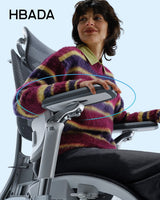
Labels such as 4D, 6D, or 8D are not enough to explain how an armrest will work at your desk. Read the actual movements, ranges, and locking behavior.
HBADA describes the E3 Air 2026 with 4D Omni-Motion armrests and the E3 Pro 2026 with 720-degree Omni-Mechanical armrests. These names identify the mechanisms; they do not establish a comparative comfort score.
The reviewed SIHOO Doro C300 US listing describes 4D adjustable armrests coordinated with the backrest. Do not substitute an armrest description from a different Doro model or edition.
- Can the armrests support your arms without raising your shoulders?
- Can you bring the chair close enough to your keyboard?
- Do the armrests clear the underside of your desk?
- Do you prefer easy repositioning, locking settings, or a combination?
Adjustment controls: check what moves and what locks
Instead of asking whether a chair is “automatic” or “manual,” separate the controls you will actually use: seat height, lumbar position, seat depth where available, recline behavior, and armrest position.
Ask which movements happen freely, which require a lever or dial, and which settings can be held in place. An adaptive mechanism does not necessarily mean that every adjustment is automatic.
Recline angle alone is not a measure of better work support. Consider whether the chair supports your upright tasks and whether its reclining behavior suits the way you take breaks.
If you select a footrest option: check the exact configuration and instructions. A reclining leg rest is not automatically a substitute for an under-desk foot support used while typing.
Which features matter for your workday?
| Your priority | What to check first |
|---|---|
| A fixed budget | The delivered price of the exact configuration, plus return conditions. |
| More control over lumbar position | The available manual settings and whether they hold where you need them. |
| Support that moves with posture changes | The movement of the lumbar and backrest mechanisms during normal use. |
| A compact or low desk | Armrest clearance, usable seat height, and room to move closer to the desk. |
| A taller or shorter build | Seat dimensions, backrest position, and adjustment range—not height guidance alone. |
| Shared home-office use | Whether each user can reset the chair easily and obtain a suitable fit. |
Where to start with HBADA
If you are considering HBADA, start with the current product descriptions and compare the controls you will actually use. The E3 Air and E3 Pro should be assessed as individual models rather than interchangeable versions.
HBADA E3 Air 2026
Review its lumbar support, armrest movements, dimensions, and selected configuration against your workspace requirements.
Explore E3 AirHBADA E3 Pro 2026
Select E3 Pro 2026 on the E3 Series page and review its gliding lumbar design, armrest controls, and configuration details.
Explore the E3 SeriesBefore ordering, check the current purchase terms, product instructions, and compatibility with your desk. Do not assume that every option or benefit applies to every configuration.
HBADA vs SIHOO: frequently asked questions
Is HBADA better than SIHOO?
A brand-wide verdict would overlook differences between models and users. Compare the exact chairs on fit, support adjustments, controls, and purchase terms. This guide does not establish an overall performance winner.
Is this an independent HBADA vs SIHOO review?
No. This is a HBADA-published buying guide based on selected manufacturer descriptions and practical fit considerations, not independent comparative testing.
Which brand is better for tall users?
Height alone cannot settle the choice. Compare usable seat depth, seat-height range, backrest and headrest position, and the model’s stated load limit. A higher published limit does not guarantee a better fit.
Is adaptive lumbar support better than manual adjustment?
Neither is universally better, and a chair can include both. Manual settings let you select a position; adaptive movement allows the mechanism to respond as you move. The important question is whether the support fits you in use.
Do more armrest adjustment directions mean more comfort?
Not necessarily. Useful range, stability, positioning, and desk clearance matter more than the label alone. Compare the actual movements and how you would use them.
What should I check before buying an office chair online?
Confirm the model and edition, dimensions, adjustments, selected accessories, delivered price, return conditions, and service coverage for your location. Keep a record of the configuration you order.
The right chair is the one that matches your day
A useful HBADA vs SIHOO comparison is not a contest between feature counts. It is a check of specific products against your measurements, desk, preferred controls, and budget.
Start with fit, understand how the support mechanisms work, and review the exact configuration before buying. If you are exploring HBADA, use the E3 Series product page to continue your comparison.