




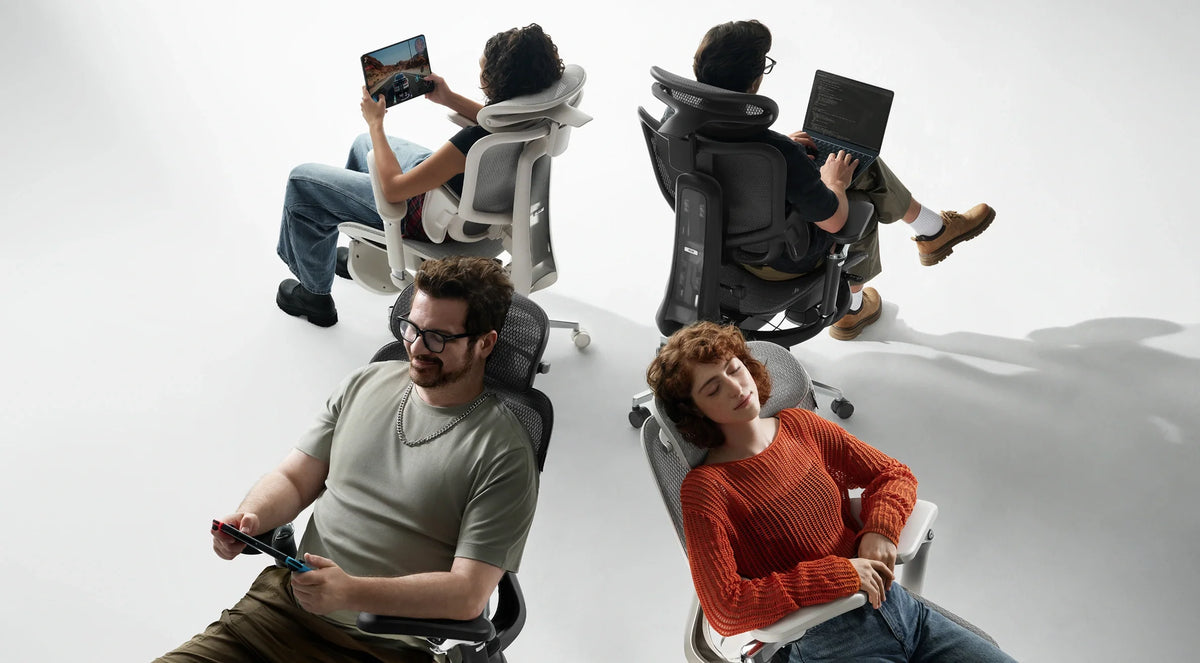
One desk. Different ways to sit.
From the first meeting
to the last match.
Choosing between HBADA and Secretlab is not simply choosing between an office chair and a gaming chair. It is deciding how your seat should support the work, play and breaks that happen at the same desk.
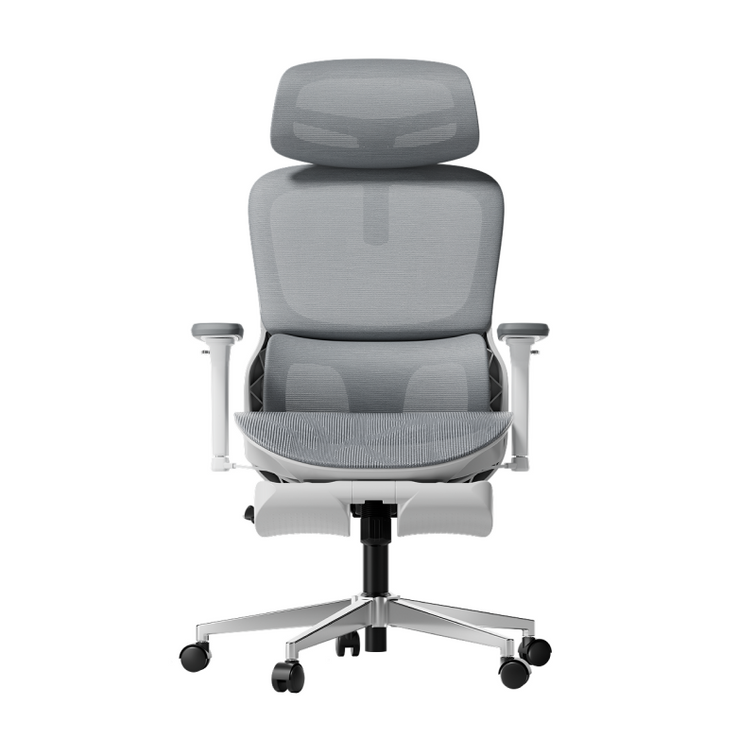
Quick answer: Compare the exact models, not just the brands. Our HBADA E3 Pro 2026 and E3 Ultra Gen 5 combine mesh seating with adjustable seat depth and three-zone lumbar support. Secretlab TITAN Evo uses an upholstered foam seat and an integrated four-way lumbar system. Start with seat fit, backrest contact and armrest positioning; compare recline and relaxation features next.
This guide is published by HBADA. It compares selected published product features, not results from an independent head-to-head test. TITAN Evo configurations differ by size and edition. E3 Ultra refers to Gen 5, not the earlier model. Secretlab and TITAN Evo are trademarks of their respective owner; no affiliation or endorsement is implied.
One chair, two routines.
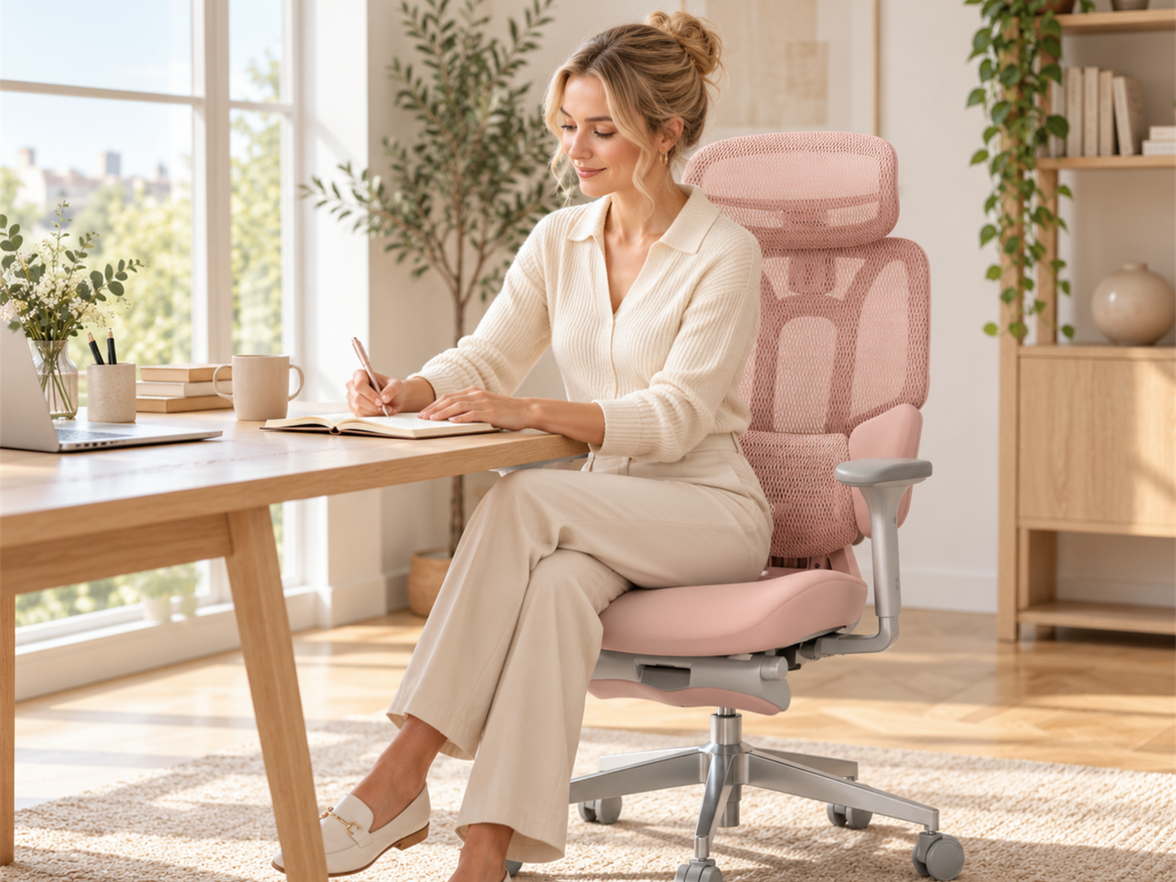
A workday and a gaming session can look surprisingly similar: a screen ahead, hands on a keyboard and mouse, and hours spent at the same desk. The difference often comes when you put the keyboard aside, pick up a controller or lean back between tasks.
Before comparing features, picture an ordinary evening. Do you stay close to the desk for competitive games? Do you sit back with a controller? Do you switch between the two? These habits tell you which adjustments you will actually use.
Start with the position you spend the most time in. Then make room for the others.
If desk work dominates your day, begin with seat depth, lumbar contact and armrest clearance. If you regularly recline, also check the controls, headrest position and space behind the chair. Neither “gaming” nor “office” automatically answers those questions.
Mesh and foam feel different. Fit still comes first.

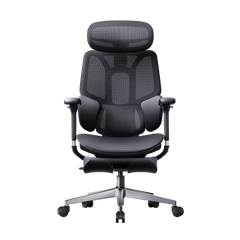
TITAN Evo uses an upholstered foam seat, with materials depending on the selected edition. Our E3 Pro 2026 and E3 Ultra Gen 5 use mesh seating. That is a meaningful construction difference, but it is not a universal comfort ranking.
Mesh allows airflow through its open structure. Foam provides a cushioned seating surface whose feel depends on its density, shape and upholstery. Mesh is not active cooling, and a foam seat is not necessarily soft. Room temperature, clothing and personal preference also influence how either material feels.
Look at the space behind your knees.
A seat that feels comfortable at first can still be too deep for you. Sit back against the backrest and check whether the seat edge presses behind your knees. Adjustable seat depth lets you change that relationship without having to move away from the backrest.
Use our office chair fit and measurement guide to compare usable seat depth, seat height and width before making your shortlist.
Compare where the support meets your back.
TITAN Evo has an integrated four-way lumbar adjustment system. Our E3 Pro 2026 and E3 Ultra Gen 5 use a three-zone lumbar design with central and lateral support areas. These describe different mechanisms: “four-way” adjustment and “three-zone” contact are not directly comparable scores.
The useful question is what happens when you sit down. Does the support meet your lower back comfortably? Can you adjust it without being pushed forward? Does the contact still feel appropriate when you change position?
More pressure is not the same as better support.
Avoid judging a lumbar system only by how strongly it presses against you. Begin with your seat position, then adjust the backrest and lumbar settings gradually. The aim is comfortable contact rather than a prominent pressure point.
Our lumbar support adjustment guide explains the setup process. For model-specific controls, refer to the HBADA user manuals .
Armrests need to work with the desk, too.
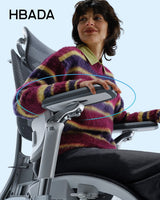
Adjustable armrests are useful only if their range suits your setup. For keyboard and mouse use, check whether you can bring the chair close enough to the desk without the arm pads blocking the edge. For controller use, check whether your forearms can rest comfortably when your hands move toward your lap.
TITAN Evo lists 4D armrests. Our E3 Pro 2026 has multi-directional adjustable armrests, while the E3 Ultra Gen 5 has 8D armrests. These labels describe adjustment features, but they do not provide a standardized cross-brand comfort rating.
Recline is one part of the experience.

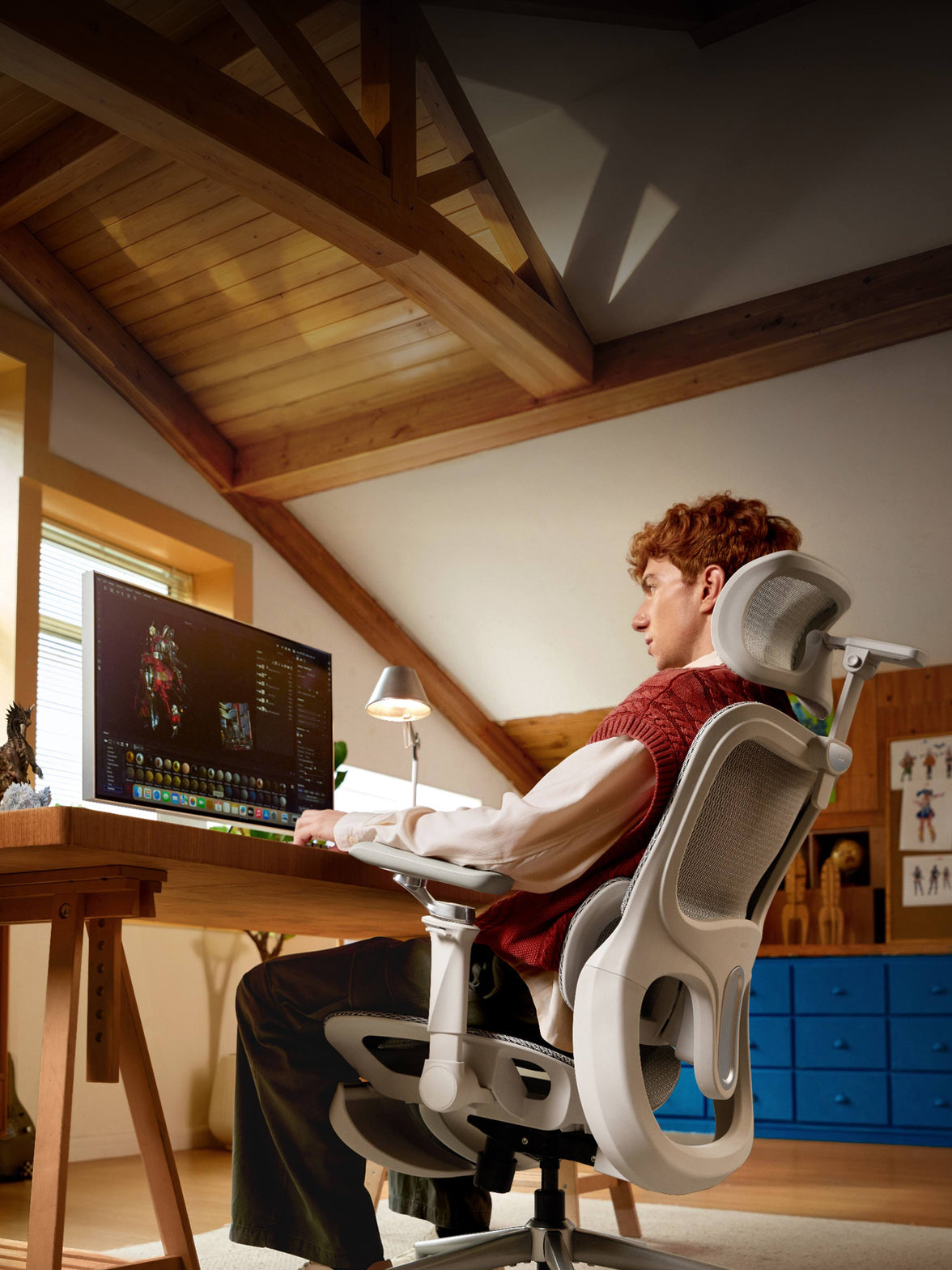
Published maximum recline angles differ: TITAN Evo lists up to 165°, our E3 Pro 2026 up to 140°, and our E3 Ultra Gen 5 up to 150°. Those numbers describe range, not a guaranteed comfort advantage.
Also consider how easily you can reach the controls, whether the recline feels manageable, where the headrest meets you and how much space is available behind your desk. A deeper angle is not necessarily the position you will use for typing or mouse control.
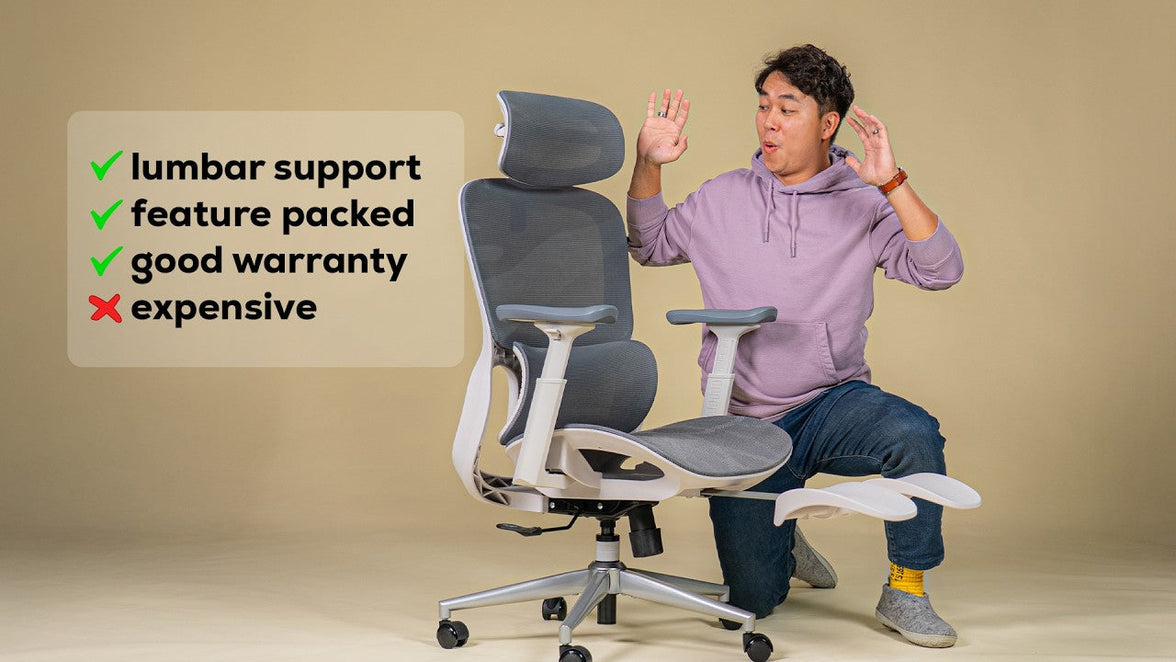
The E3 Ultra Gen 5 adds a built-in footrest, 4D bionic massage and graphene heat for seated relaxation. These comfort features do not replace fit adjustments or regular breaks.
A reclining footrest is not the same as a separate under-desk foot support for upright work. Use each feature according to the chair’s instructions.
Three models. Different design choices.

Use this comparison to identify the features worth checking against your body and desk. It is a specification overview, not an overall performance ranking.
| Feature | Secretlab TITAN Evo | HBADA E3 Pro 2026 | HBADA E3 Ultra Gen 5 |
|---|---|---|---|
| Seat construction | Upholstered foam; material varies by edition | Mesh | CloudMesh |
| Seat fit | Dimensions depend on the selected size | Adjustable seat depth | Adjustable seat depth |
| Lumbar design | Integrated four-way adjustment | Three-zone adaptive support | Three-zone support with full-body dynamic tracking |
| Armrests | 4D | Multi-directional adjustment | 8D |
| Maximum recline | 165° | 140° | 150° |
| What to check next | Selected size, upholstery and desk clearance | Seat-depth range, lumbar fit and selected configuration | Seat fit, massage and heat controls, and recline space |
Adjustment labels are manufacturer terminology, not equivalent independent ratings. Prices, availability and purchase terms are excluded because they can change.
A practical work-and-gaming fit check.
Think beyond the product photo. Your screen position, desk opening and usual input devices are part of the chair decision.
- Check seat height. Find a position that supports your feet and lets you reach your work surface without lifting your shoulders.
- Check usable seat depth. Sit back and look for comfortable clearance behind your knees.
- Check backrest contact. Adjust the support so it meets your lower back without forcing you away from the backrest.
- Check both input positions. Try your keyboard-and-mouse posture and your controller posture, including armrest placement.
- Check room to recline. Account for the wall, desk, cables and other furniture.
- Read the purchase terms. Check the applicable return conditions, packaging requirements, possible costs and warranty coverage before ordering.
Keep your measurements beside the chair fit guide so you are comparing dimensions rather than relying on a height recommendation alone.
Explore the HBADA setup that fits your routine.
Within our E3 range, the choice is not simply “work chair” versus “gaming chair.” Start with the fit you need, then decide which additional features you want at your desk.
E3 Pro 2026
Consider this model if your checklist centers on mesh seating, adjustable seat depth and three-zone lumbar support for a shared work-and-gaming setup.
Explore E3 Pro 2026 specifications →E3 Ultra Gen 5
Explore this model if you also want integrated massage, graphene heat and a footrest for breaks, alongside dynamic support and adjustable seating.
Explore E3 Ultra Gen 5 specifications →Neither model guarantees comfort for every body or sitting duration. Fit and personal preferences remain important, even when the feature list matches your needs.
HBADA vs Secretlab: the practical questions.
Can one chair work for both office work and gaming?
Yes, provided its fit and adjustments suit both activities. Keyboard-and-mouse gaming may use a similar setup to desk work, while controller gaming can call for different armrest and backrest positions.
Is an ergonomic office chair automatically better than a gaming chair?
No. Category names do not establish comfort or fit. Compare the exact seat dimensions, adjustment ranges, support design and desk clearance of the models you are considering.
Does mesh always feel cooler or softer than foam?
No. Mesh has an open structure that allows airflow, but it is not a cooling system. Firmness and temperature perception vary with the materials, construction, clothing and room conditions.
Is three-zone lumbar support the same as four-way adjustment?
No. Zones describe support areas; adjustment directions describe how a mechanism moves. Evaluate the location, range and comfort of the support rather than comparing those numbers as if they were scores.
Which E3 Ultra does this comparison cover?
This guide covers E3 Ultra Gen 5 with massage, graphene heat and up to 150° recline. Earlier E3 Ultra editions have different specifications and should not be treated as the same product.
Is this an independent chair review?
No. We publish this guide as HBADA to explain relevant design differences and fit considerations. It is not an independent comparative test or a claim that one chair is best for every user.