








The everyday lumbar support guide
Good support starts with more than a zone count.
One zone, two zones, three zones. The useful difference is not just the number—it is how the support fits your lower back, adjusts to your body and responds when you move.
Single-zone lumbar support generally uses one main contact area. Dual-zone designs divide support into two sections. In a center-and-side three-zone design, a central section works with two lateral sections. More zones can offer broader coverage, but comfort still depends on shape, adjustment and how well the chair fits you.
Office chair lumbar support can sound like a numbers game. Yet the number alone does not tell you what happens when you reach for your keyboard, turn toward a colleague or recline between tasks.
The more useful questions are practical. Where does the support touch your back? Can you position it comfortably? Does it move with you? And can you sit fully back without pressure behind your knees?

Zone labels are not enough to compare chairs
Do not assume that two brands use “zone” to describe the same thing. A zone may refer to a separate panel, an area of padding or a section of a larger support system. Even visually similar layouts can behave differently.
Treat the count as a starting question. Identify each section, find out whether it moves and check which adjustments are available to the person sitting.
Zone count and dynamic support are different features. “Three-zone” describes a support layout. “Dynamic” describes how support responds to movement. A single-zone design can move, while a multi-zone design may have fixed sections. Check both the layout and the mechanism.
Single-zone lumbar support
Single-zone support commonly uses one pad or shaped panel around the lower back. Depending on the model, it may be fixed, height-adjustable, depth-adjustable or responsive to pressure and movement.
Its appeal is simplicity: one main contact area to position and evaluate. A broad panel and a small, firm pad can feel very different, even when both are described as single-zone.
When testing one, notice whether the support stays in a useful position as you change posture. Losing contact is possible with some designs, but it is not an automatic consequence of having only one zone.
Our lumbar support adjustment guide explains how to assess contact before increasing pressure.
Dual-zone lumbar support
Dual-zone designs use two sections, but their arrangement is not always the same. Some divide the backrest into upper and lower areas; others use two contact sections within the lower-back support itself.
Look beyond the seam or gap. Can the sections pivot independently? Does the lumbar area move separately from the upper backrest? Are you able to change its position, or does it only flex under pressure?
What to check: Sit fully back and notice how pressure is distributed. A visible division between panels does not, by itself, tell you whether the design will feel supportive or uneven.
Three-zone lumbar support
In a center-and-side three-zone layout, a central support section works with two lateral sections. The aim is to extend contact beyond the middle of the lower back and provide a more surrounding support feel.
When the sections are designed to move, the system can also accommodate changes in position. The amount of movement and the way each section responds depend on the specific mechanism.
Central contact
Check whether the middle section can meet the inward curve of your lower back without pushing you away from the backrest.
Lateral contact
Check whether the side sections feel comfortable around your lower back and leave room for natural movement.
Broader coverage is useful only when it fits. Pair the lumbar check with our office chair seat-depth and body-fit guide so that your seated position allows you to reach the support.
What your chair actually supports
A chair makes contact with the surface of your back. It does not isolate an individual muscle simply because a panel lines up with a particular area.
For chair selection, the practical distinction is central versus lateral coverage. You do not need to map each support wing to a named muscle to decide whether the chair feels comfortable.
Focus instead on contact that feels supportive rather than sharp, placement that suits your seated position and enough freedom to change posture.
Single vs dual vs three-zone lumbar support

This table compares layouts, not a universal ranking. Adjustment and movement must be checked on the specific chair.
| Factor | Single-zone | Dual-zone | Three-zone* |
|---|---|---|---|
| Layout | One main pad or panel. | Two support sections. | A central section and two lateral sections. |
| Coverage | Depends on the width and shape of the contact area. | Depends on the position and size of both sections. | Designed to provide central and side contact. |
| Adjustability | May include height, depth or other adjustments. | May offer separate movement or adjustment. | May combine central adjustment with moving side sections. |
| Movement | Can be fixed or responsive. | Sections may move together or separately. | Check how the center and sides respond to posture changes. |
| Fit check | Does the main contact area meet your back comfortably? | Do the two sections create comfortable, consistent contact? | Do the center and sides fit without crowding or pressure points? |
*Three-zone refers to the center-and-side arrangement discussed in this article. Other products may use the label differently. On smaller screens, swipe across the table to view all columns.
Three-zone support on the HBADA E3 Pro
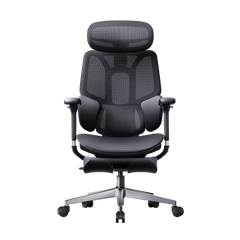
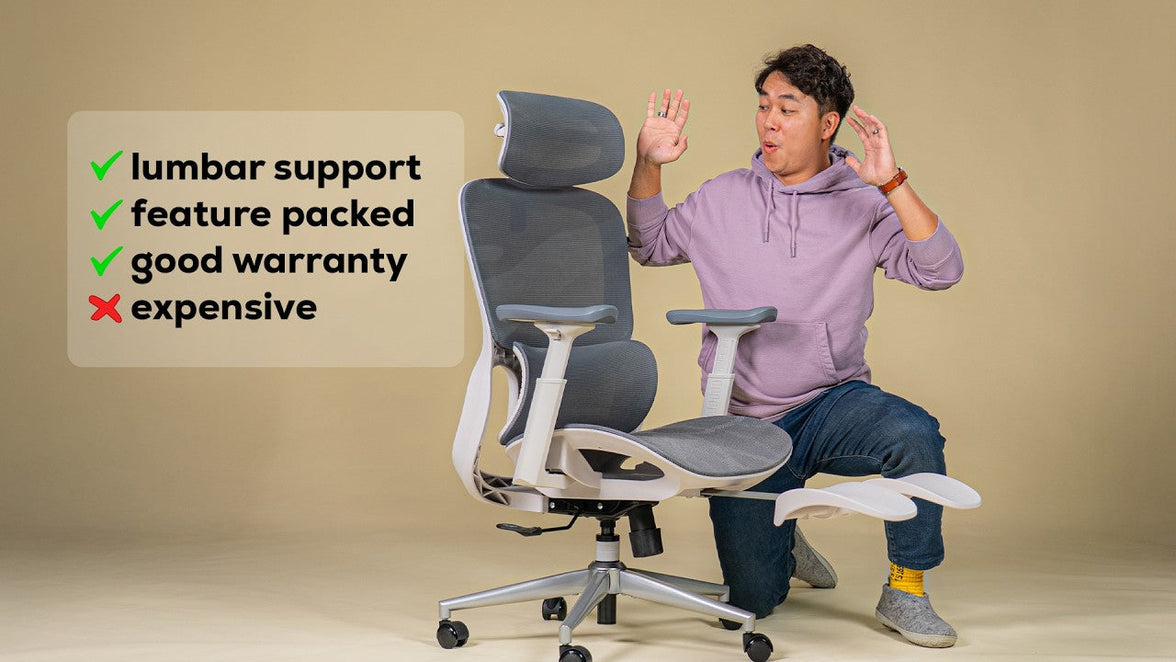
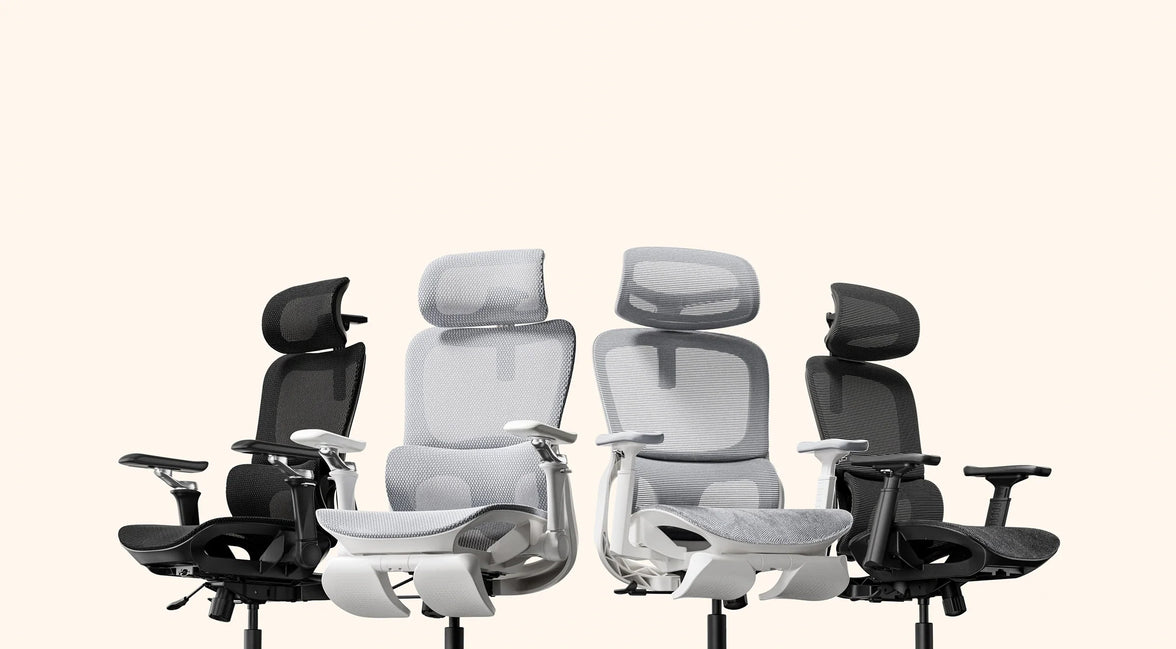
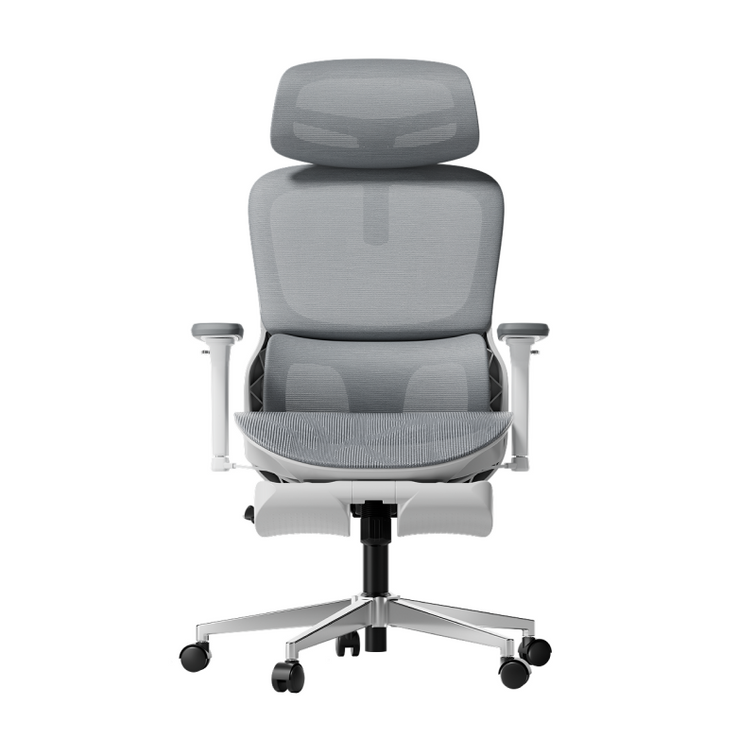
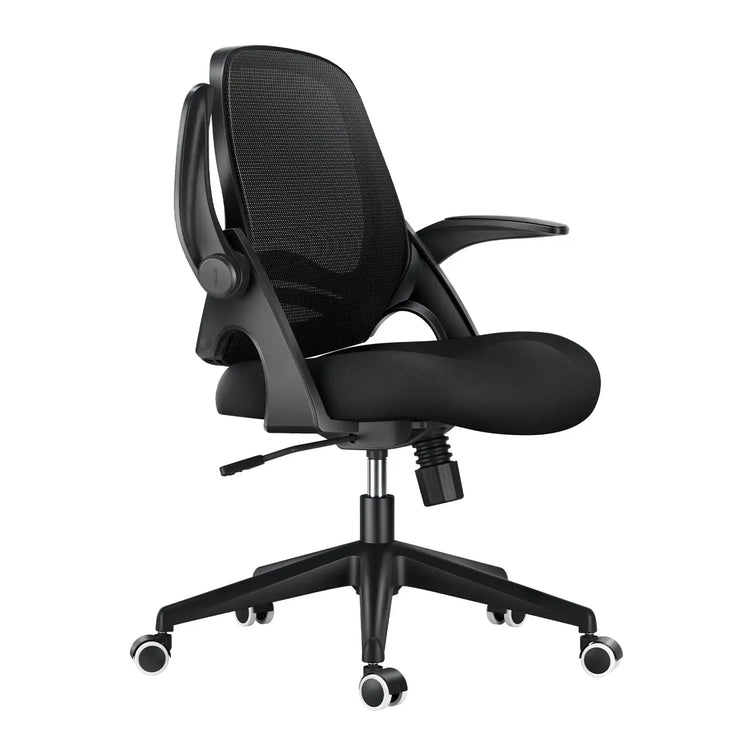
Our HBADA E3 Pro ergonomic office chair uses a central lumbar support section and two lateral wings. This layout brings support across the middle and sides of the lower back rather than relying on one central contact area alone.
Central adjustment helps you position the support, while the side wings accommodate movement around the lower back. Together, these features are designed to create a supportive fit that can help ease the feeling of tension during everyday desk work.
Try the support in more than one position. Set the chair for your normal desk task first. Then turn gently and try the recline within its intended range. Notice whether contact remains comfortable, rather than testing only how firm the support feels while sitting still.
For the current model's specifications, use the E3 Pro product details . For control locations and setup instructions, refer to our chair manuals and assembly guides .
What more zones do not guarantee
The right pressure
More contact is not always more comfortable. Shape, firmness and adjustment determine how the support feels against your back.
The right seat dimensions
If a seat is too deep for you, reaching the backrest may be difficult. Lumbar features cannot compensate for every mismatch in chair size.
Automatic setup
Adjustable support still needs appropriate positioning. Change one setting at a time and reassess during your normal desk tasks.
A medical outcome
Support can contribute to comfort, but a zone count is not proof that a chair prevents or treats a back condition.
If you are unsure where to start, follow our step-by-step lumbar support setup guide before deciding that you need stronger support.
A practical chair-selection checklist

- Identify the actual sections. Ask which parts are separate supports and which are simply areas of padding or styling.
- Check the adjustments. Look for clear information about height, depth and movement. Do not assume every section is independently adjustable.
- Match the chair to your measurements. Compare seat height, usable seat depth and width. Use our chair measurement checklist to keep the comparison consistent.
- Test central and side contact. Notice where the support touches your back and whether any area feels overly concentrated or restrictive.
- Check support while moving. Compare your normal working position with a relaxed recline. Use gentle, everyday movements rather than forcing the mechanism.
- Review the setup and return information. Read the model instructions and applicable return conditions before purchasing. Give yourself time to understand the adjustments.
- Keep movement in your routine. A well-fitted chair supports seated tasks. It does not remove the value of changing position and taking appropriate breaks.

Office chair lumbar support FAQs
What is the difference between single-zone and three-zone lumbar support?
Single-zone support generally uses one main contact area. The three-zone layout discussed here uses a central section and two side sections. The difference is the support arrangement, not an automatic comfort ranking.
Is three-zone lumbar support always better?
No. It offers a different approach to coverage and may suit someone looking for central and lateral contact. Comfort still depends on fit, shape, firmness and how the mechanism moves.
What does dual-zone lumbar support mean?
It usually describes two support sections, but their location and movement vary. Check the actual product design rather than assuming all dual-zone chairs behave alike.
Is three-zone support the same as dynamic lumbar support?
No. Zone count describes the layout, while dynamic support describes movement or response. A chair can combine both, but one label does not establish the other.
Can lumbar support help ease lower-back tension?
A comfortable, well-positioned support can help you settle into a less strained sitting setup and may help ease everyday tension. It should not feel forceful. Persistent or severe pain should be assessed by a qualified healthcare professional.
Do side wings target individual lower-back muscles?
A chair supports the surface of your back rather than isolating individual muscles. Side wings are better understood as providing lateral contact and coverage.
How should I set up the HBADA E3 Pro lumbar support?
Start with seat height and depth so you can sit fully back with your feet supported. Then position the lumbar area for comfortable contact and test it during normal work and recline. Use the model-specific manual for control instructions.
Judge the support by what it does, not just what it is called
The right lumbar system gives you useful coverage, adjustments that fit your body and comfortable contact as you change position.
If central and lateral support are priorities, explore the HBADA E3 Pro's three-zone design. Start with your measurements, set it up carefully and make comfort part of the comparison.