




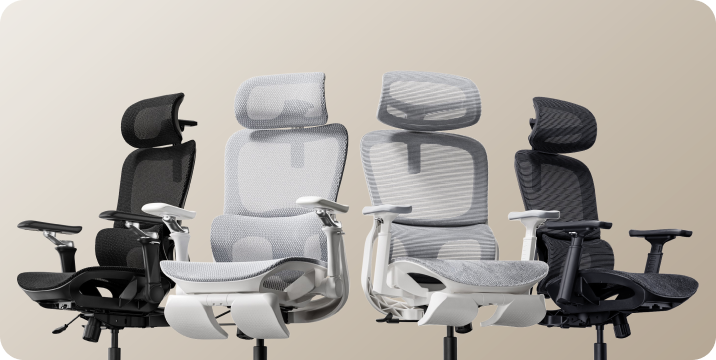







Don't fit the chair.
Find the chair that fits.
How to measure office chair fit: height, depth, width and lumbar support.
Two people of the same height can need very different chairs. Start with four measurements to check whether your feet, thighs, hips and lower back will get the support they need.
Which measurements decide office chair fit?

Fit is not one number. People of the same height can have different lower-leg lengths, thigh lengths and torso proportions. The chair's adjustment ranges need to work with those differences.
Seat height affects how your feet meet the floor. Seat depth determines how much of your thighs the seat supports. Seat width provides space for your hips. Lumbar range helps position support against the inward curve of your lower back.
These measurements narrow your options. Armrest spacing, desk height and how the seat feels under your weight also matter. An ergonomic chair can support a more comfortable working position, but it is not a medical treatment.
Seat height: start from the floor.
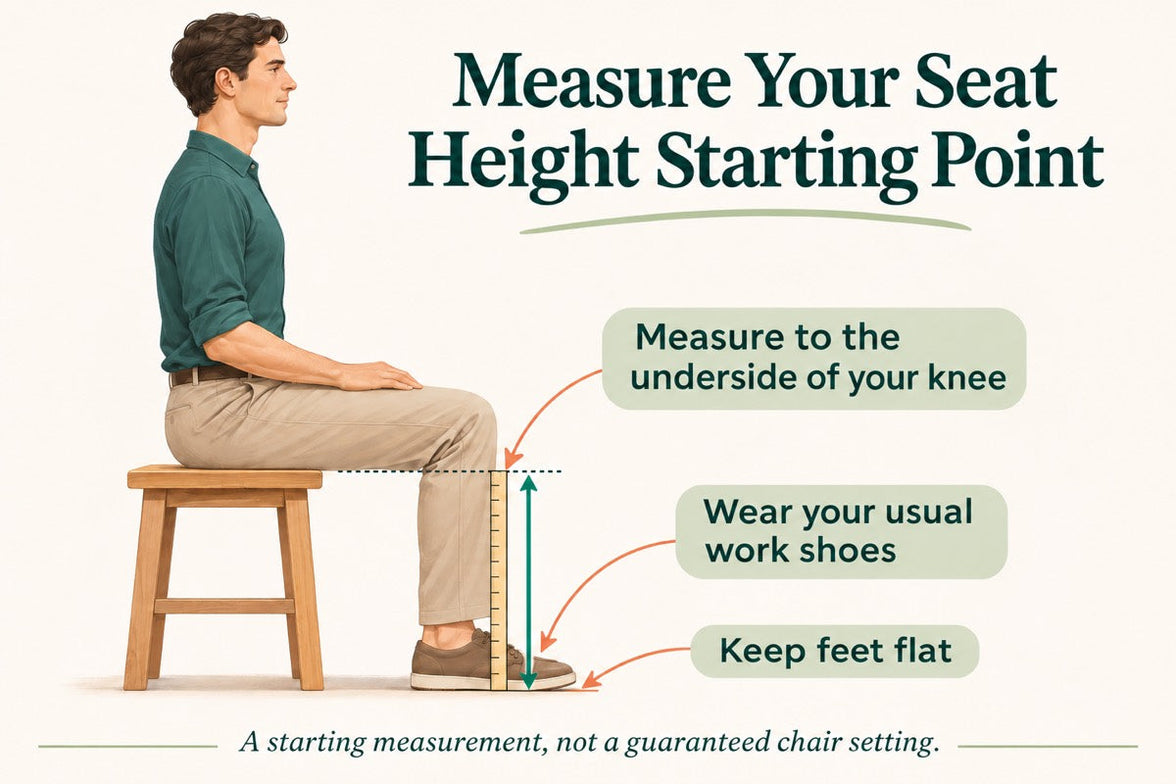
Seat height is the distance from the floor to the top of the seat. The height you experience while sitting may differ slightly from an unloaded measurement because the surface can compress or flex.
Start with your feet supported and your thighs approximately level. Check that you can reach your keyboard with relaxed shoulders rather than raising them to meet the desk.
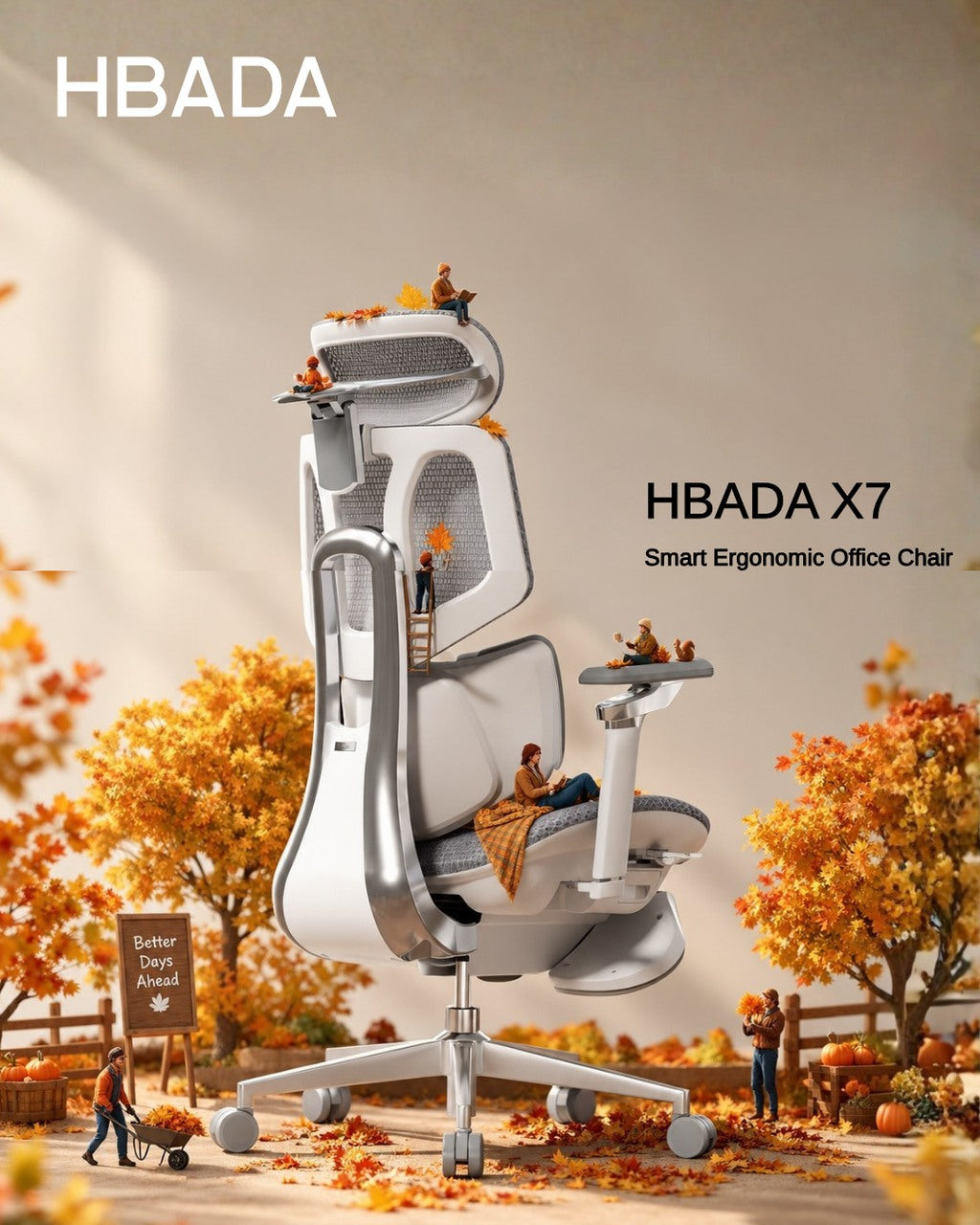
The HBADA X7 lists a seat-height range of 44.5–53 cm, approximately 17.5–20.9 inches. Check other models individually; do not assume the minimum height is the same across a series.
Seat depth: support without pressure.
Seat depth describes the front-to-back seating space. Manufacturers may use different reference points, so look at the dimension diagram rather than the chair's overall depth.
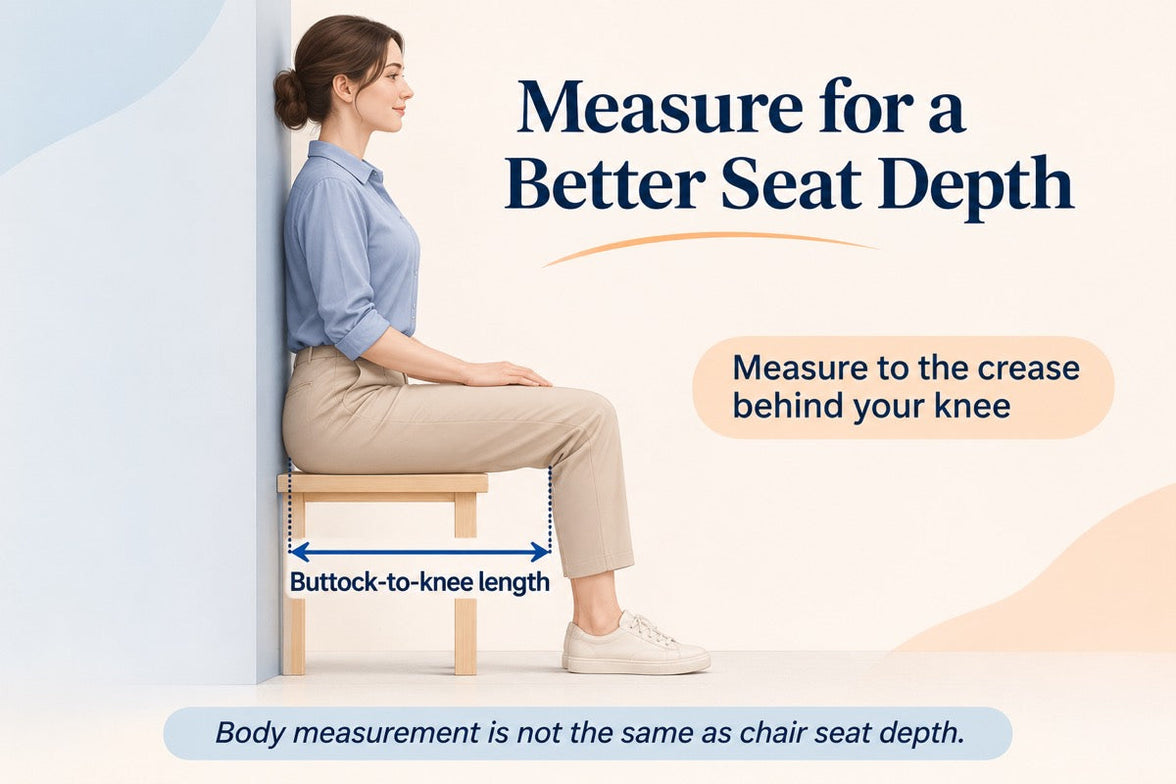
Sit fully back against the backrest. About two to three finger widths between the front edge and the backs of your knees is a useful starting check, not a precise measurement rule.
Too deep, and you may slide forward to avoid pressure behind your knees, losing back support. Too shallow, and you may feel that too little of your thighs is supported.
X7 lists a depth range of 40.5–45.5 cm. E3 Pro 2026 lists a 50 mm seat-depth slide. Travel alone does not tell you the minimum usable depth; confirm that dimension before ordering.
Seat width: room to sit naturally.
Seat width is the usable space across the seat, not the overall chair width. Your hips need room without pressure from the seat frame or armrests.
X7 lists a seat width of 52 cm, approximately 20.5 inches. When comparing another chair, check the usable seat width and the clearance between the armrests.
A wider seat is not automatically a better fit. If the armrests are too far apart, you may have to move your elbows outward to reach them.
Lumbar range: height is only half the story.
Vertical adjustment changes where support sits. Front-to-back movement changes how it meets your back. Start with the support at the small of your back. It should feel supportive, not push you forward or press into one uncomfortable point.
X7: powered tracking, manual height
X7 lists 45 mm of manual lumbar-height adjustment, 50 mm of powered front-to-back travel and 10 tracking-intensity levels. Automatic tracking does not replace the manual height setting.
E3 Pro 2026: mechanical adaptability
E3 Pro 2026 lists 60 mm of independent lumbar-height adjustment and 80 mm of backrest-height adjustment. Its mechanical lumbar system also offers adaptive movement; it is not simply a fixed pad.
HBADA fit measurements, side by side.
Use confirmed adjustment details as a starting point. Where an absolute dimension is not confirmed below, consult the current product diagram or request the measurement before buying.
Swipe sideways to see the full comparison.
| Measurement | HBADA X7 | HBADA E3 Pro 2026 |
|---|---|---|
| Seat height | 44.5–53 cm | Confirm the minimum and maximum for your configuration |
| Seat depth | 40.5–45.5 cm; 50 mm travel | 50 mm travel; confirm minimum usable depth |
| Seat width | 52 cm | Confirm usable seat width, not overall chair width |
| Lumbar height | 45 mm, manually adjusted | 60 mm independent adjustment |
| Lumbar movement | 50 mm powered travel; 10 tracking levels | Mechanical adaptive support |
| Backrest height adjustment | Check the model guide; lumbar travel is separate | 80 mm |
| Recommended user height | 150–195 cm | 155–195 cm |
| Maximum load | 150 kg / 330 lb | 150 kg / 330 lb |
Specifications are model-specific and may change. Recommended height is a screening guide, not a guarantee of comfort. Confirm the exact edition and configuration on the product page.
One tape measure. Six simple checks.

Use a firm seat and the footwear you normally wear at your desk. Having someone help can make the measurements easier.
-
Measure lower-leg height → seat height
With your feet supported, measure from the floor to the crease behind your knee. Use this as a starting reference, then check your actual seated position.
-
Measure thigh length → seat depth
Measure horizontally from the back of your buttocks to the crease behind your knee. Allow knee clearance rather than choosing a seat that fills the entire distance.
-
Measure seated hip width → seat width
Measure the widest part of your hips while seated. Allow some room on both sides and check armrest clearance too.
-
Find your lower-back contact point → lumbar height
Sit back and position the support against the inward curve of your lower back. Contact and comfort matter more than a universal height setting.
-
Relax your shoulders → armrests and desk
Keep the keyboard close enough that you do not have to reach forward. Adjust the armrests so they support your arms without lifting your shoulders.
-
Try everyday tasks → fine-tune the setup
Type, use the mouse and lean back. A position that feels fine for a minute may need small changes during normal work. Change position and take breaks throughout the day.
Which HBADA chair fits you best?
Start with dimensions, then compare how the adjustments work. Neither automatic support nor a longer feature list can compensate for a seat that does not fit your body.
Prefer powered lumbar tracking?
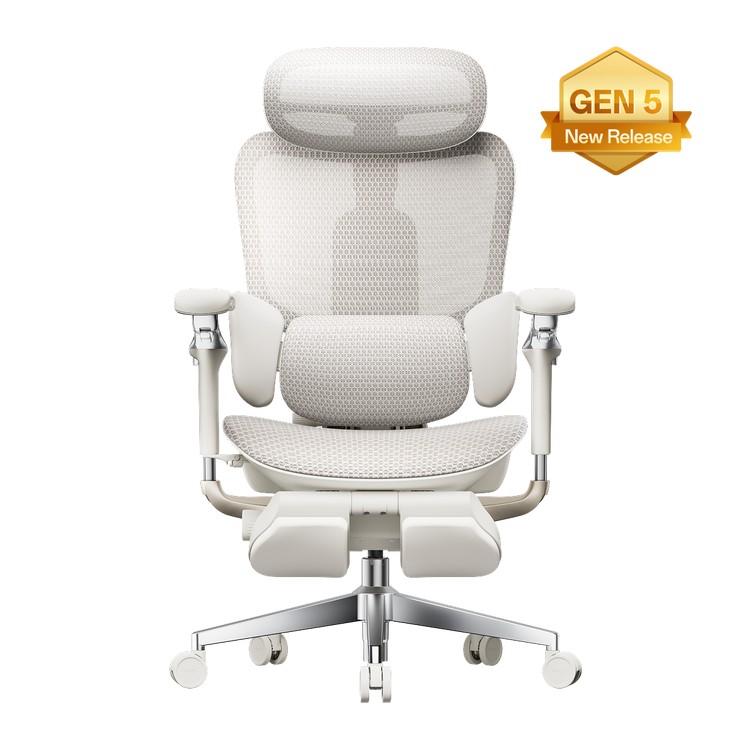
Consider X7 if you prefer powered front-to-back lumbar tracking. Check the seat fit first, then set the manual lumbar height and tracking intensity.
Explore HBADA X7 →Prefer mechanical adjustability?
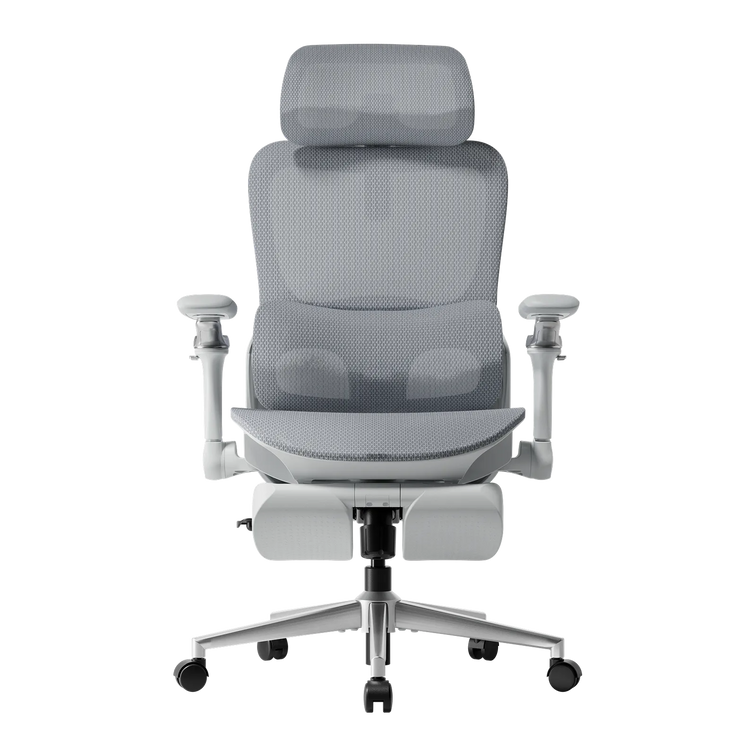
E3 Pro 2026 combines a sliding seat with separate backrest and lumbar-height adjustments. Confirm the seat dimensions before choosing a configuration.
Explore E3 Pro 2026 →For other E3 options, explore the HBADA E3 Series. Compare each model individually instead of applying one model's measurements to the whole range.
What measurements cannot tell you.
- Dimensions do not guarantee comfort. Check the applicable return policy and test normal work tasks after assembly.
- A footrest has a specific role. It can support your feet when the chair is raised for desk access, but it does not fix an excessively deep or narrow seat.
- Desk height matters. A height-adjustable desk may let you bring the work surface closer to your preferred seated position.
- Configurations can differ. Confirm the model year, seat dimensions, armrest clearance and selected footrest option.
- Do not push through pain as a fit test. Seek qualified healthcare advice for severe, persistent or radiating pain. A chair is not a medical treatment.
Measure first. Choose second.
Before buying, check that your feet can be supported, there is clearance behind your knees, your hips have enough room and the lumbar support can meet your lower back. Then consider the desk, armrests and adjustment method.
X7 offers powered lumbar tracking; E3 Pro 2026 offers mechanical adaptive support and separate height adjustments. Choose the model that matches your body and working setup, rather than relying on height recommendations alone.
Frequently asked questions
What is the correct seat height for an office chair?
There is no single correct height for everyone. Start with your feet supported, thighs approximately level and shoulders relaxed while reaching the desk. Your lower-leg measurement is a starting point; check the position while actually sitting.
How do I know if my seat depth is right?
Sit fully back. The seat should support your thighs without pressing behind your knees. About two to three finger widths is a practical starting clearance, not an exact rule for every body.
Does seat width matter?
Yes. Your hips need room without pressure from the frame, and the armrests should be reachable without spreading your elbows uncomfortably. Check usable seat width and armrest clearance, not just overall chair width.
Does automatic lumbar tracking still need manual adjustment?
Different directions of adjustment serve different purposes. On X7, powered front-to-back tracking does not replace the manual lumbar-height setting. Set the height to match your lower back first.
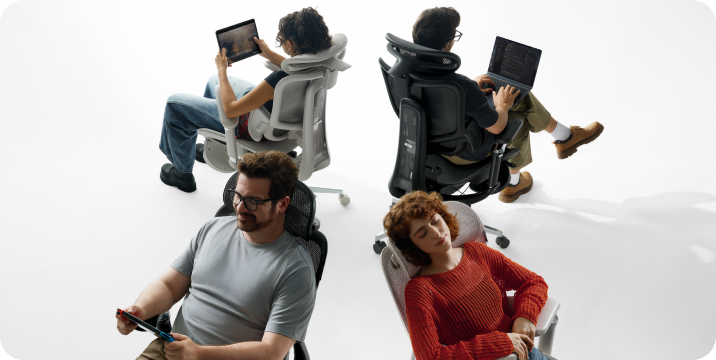
Can one office chair fit different body sizes at home?
Often, provided each person fits within the usable dimensions and adjustment ranges. Each user should reset the seat, lumbar support and armrests. Check the shortest and tallest users separately before buying a shared chair.
Sources
- Health and Safety Executive: Working with Display Screen Equipment — general workstation and footrest guidance from the UK regulator.
- HBADA X7 product page — model dimensions and adjustment details.
- HBADA E3 Pro 2026 product page — model-specific adjustments and recommended user range.
This article provides general product-selection guidance. Refer to the current product information and assembly instructions for your exact chair.