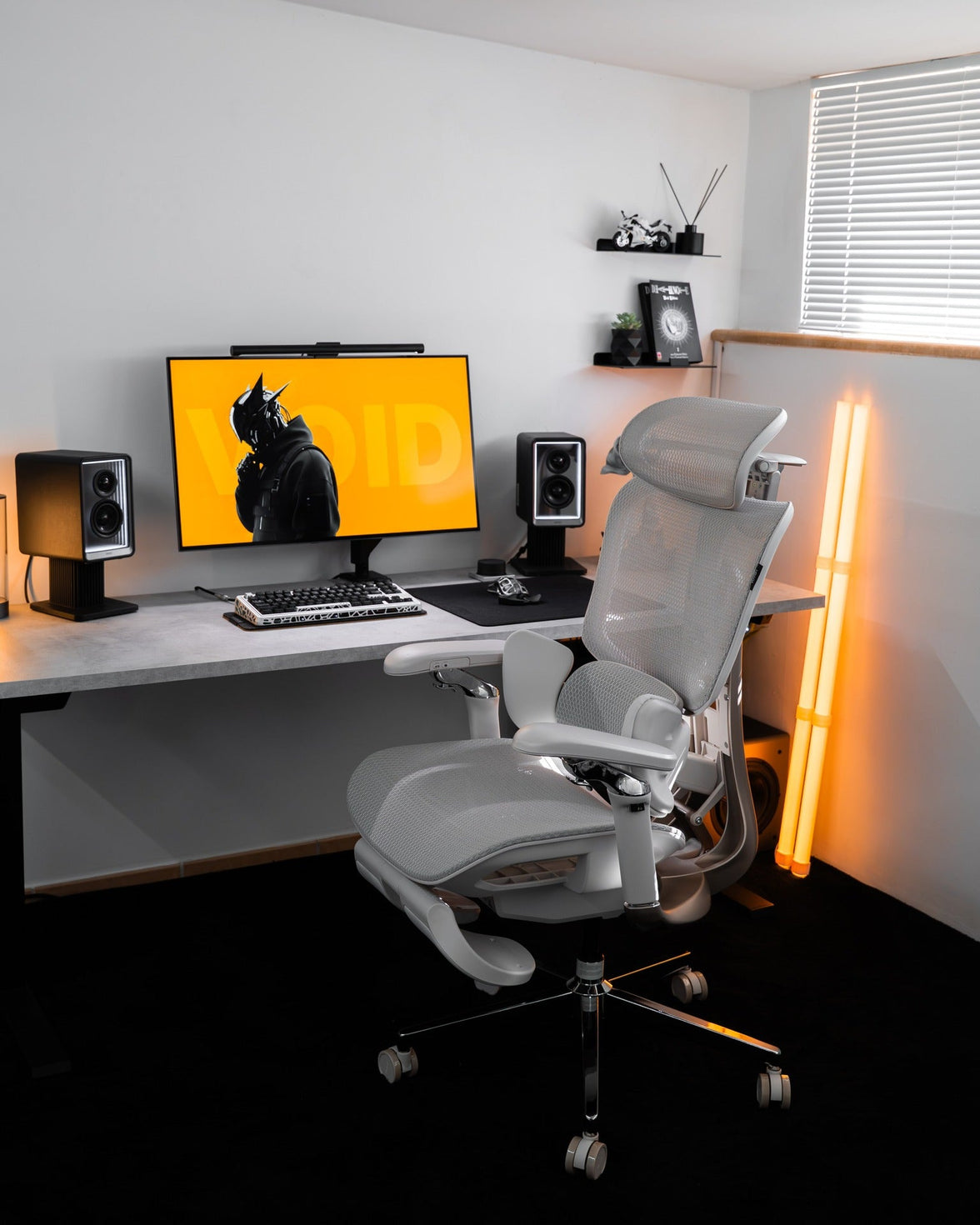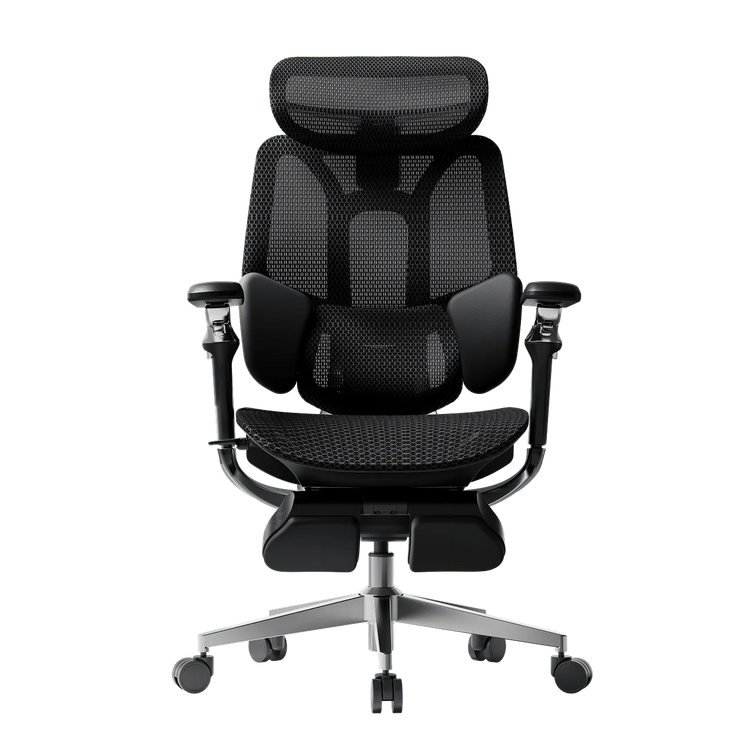
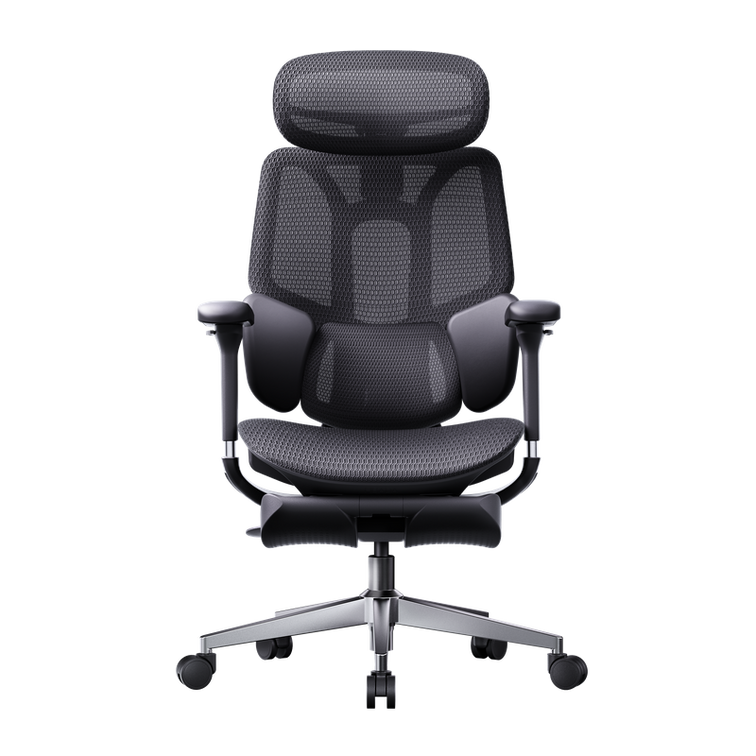
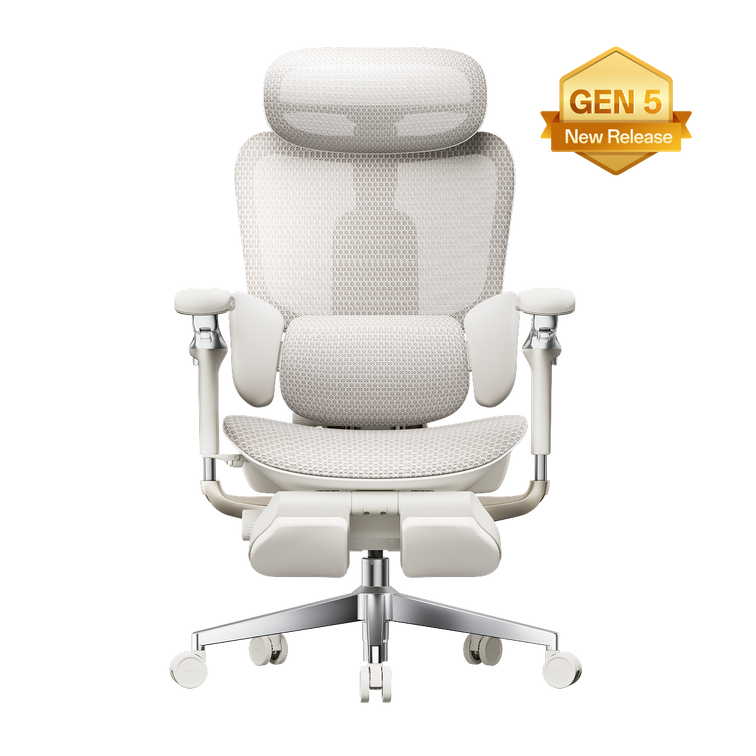





A better chair fit starts at floor level.
Your feet, your legs, and your desk all influence the right office chair seat height. A tape measure gives you a useful starting point. Sitting at your actual workspace helps you finish the adjustment.
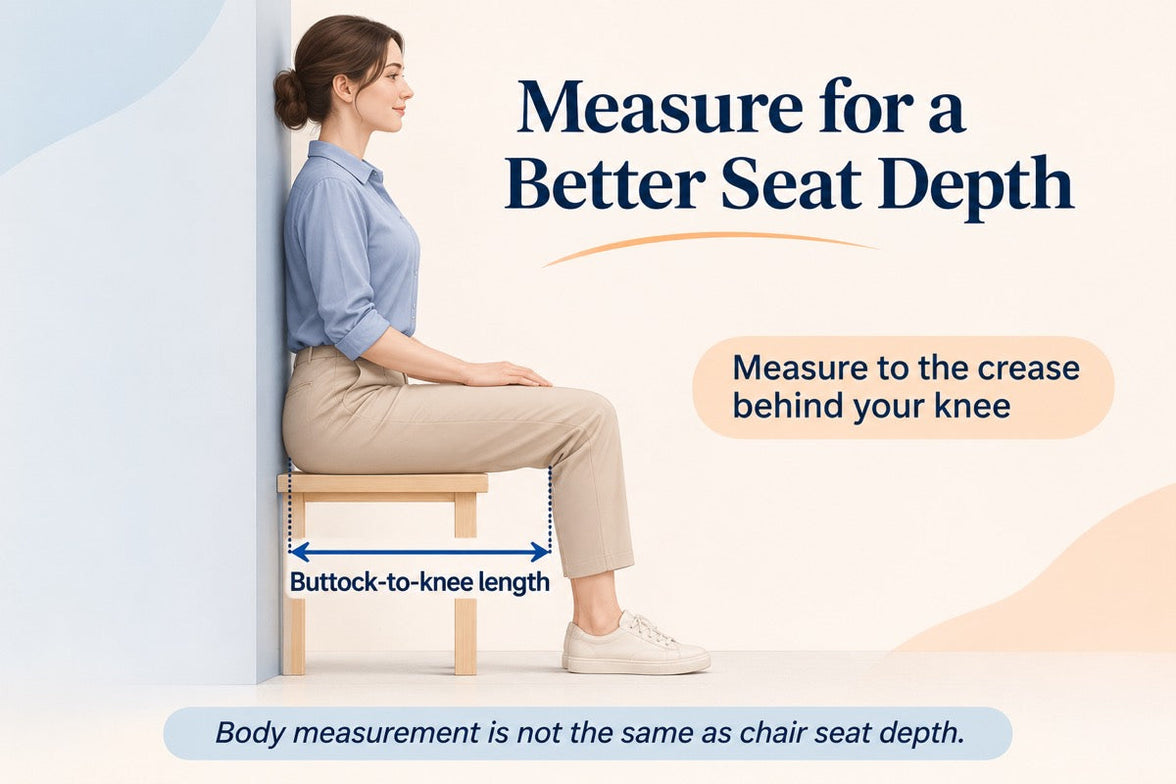
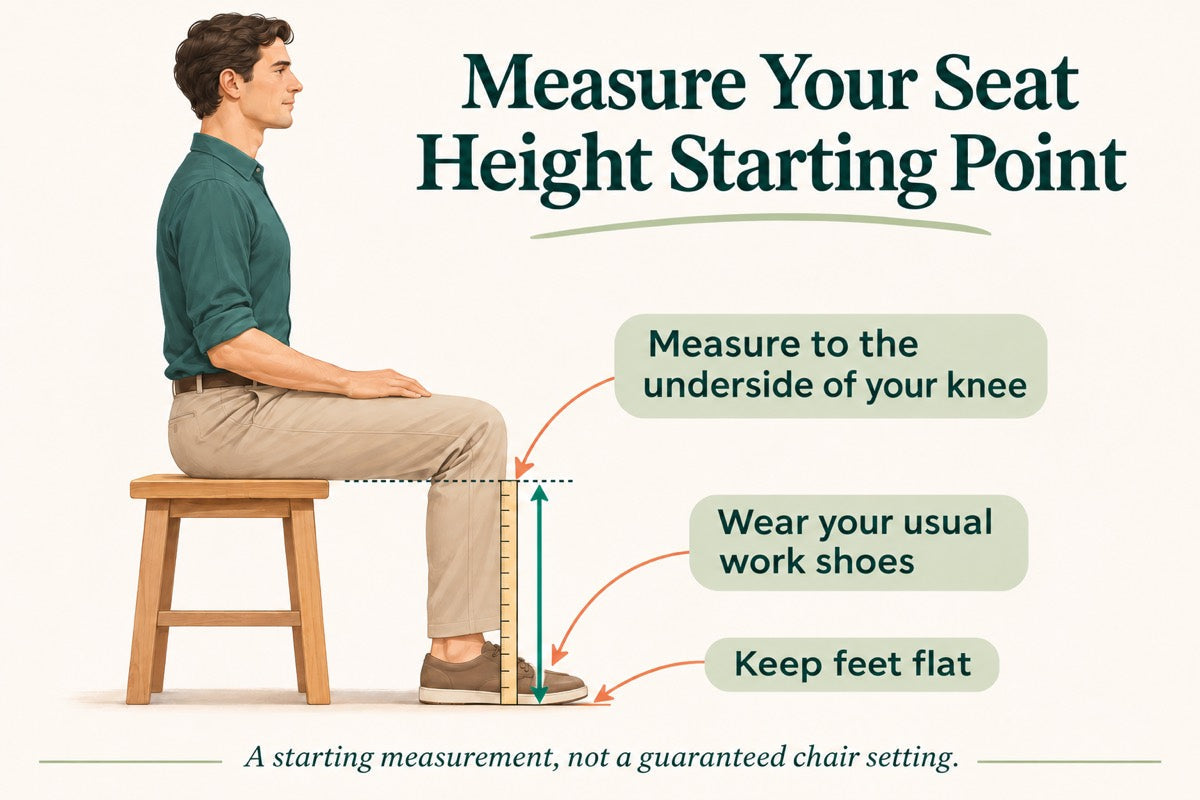
Quick answer: Sit on a firm, stable surface with your usual work shoes on and your feet flat. Measure vertically from the floor to the underside of your thigh at the crease behind your knee. Use this measurement as a starting reference when comparing chair seat heights, then check the fit while seated. It is not an exact setting that every chair must match.
Seat height is not overall chair height.
Seat height describes the distance from the floor to the seating surface. Overall chair height includes the backrest or headrest and does not tell you whether your feet will reach the floor.
Your body measurement is different again: it measures your lower-leg clearance while seated. It helps narrow your options, but the final fit also depends on the seat shape, how the material settles under your weight, and your desk.
For the bigger picture, read our guide to office chair height, depth, width, and lumbar fit . A chair can be the right height and still have a seat that is too deep for you.
How to measure your seat-height starting point
Grab a tape measure or ruler, find a firm and stable seating surface, and wear whatever you normally wear on your feet while working. A second person can help keep the measurement vertical.

Keep your footwear consistent
Measure in the shoes you usually wear at your desk. If you work barefoot or in slippers, use that setup. Thick-soled sneakers can change your starting measurement compared with your everyday home-office footwear.
Sit with both feet supported
Choose a stable surface that lets your feet rest flat and your lower legs sit approximately upright. Bend your knees around a right angle without forcing the position. Avoid a deep couch or a surface that leaves your feet dangling.
Measure to the crease behind your knee
Hold the ruler beside your lower leg. Measure straight up from the floor to the underside of your thigh where it meets the back of your knee. Do not follow the angle of your shin or measure to the top of your knee.
Record the result in inches
Repeat the measurement to check it, then write down the result and your footwear. Compare it with the chair’s seat-height adjustment range. If a specification uses centimeters, divide by 2.54 to convert it to inches.
Turn your measurement into a real chair fit
Look for an adjustable office chair whose published seat-height range covers your likely starting position, preferably with room to adjust in either direction. Check whether the measurements describe an occupied or unoccupied seat. If the method is unclear, ask before treating two specifications as directly comparable.
Once you have the chair, sit back and make small adjustments. A setting that looks right on paper still needs to work with your legs, your desk, and the way you use your workspace.
Your seated fit checklist
- Your feet rest securely on the floor or a suitable under-desk footrest.
- The seat supports your thighs without digging into their underside.
- There is clearance between the seat edge and the backs of your knees.
- You can use the backrest without sliding forward to reach the floor.
- You have room to change position beneath your desk.
If the seat presses behind your knees after you adjust the height, check seat depth too. Lowering the chair cannot always compensate for a seat that is too long.
Need help locating the controls? Use our HBADA user manuals and assembly guides for instructions specific to your model.
Match the chair to your desk—not just your legs
Your legs may feel comfortable while your shoulders still feel lifted or your arms reach too far forward. That is a reason to check the entire workstation, rather than continuing to change seat height alone.
If your desk adjusts in height
Start with a comfortable seated position. Then bring the desktop to a level that places your keyboard around or slightly below elbow height, with your shoulders relaxed. Recheck the monitor after moving the desk.
If your fixed desk is too high
Raising the chair may improve your arm position but leave your feet unsupported. A stable under-desk footrest can bridge that gap. Check that the higher seat still leaves enough clearance for your thighs beneath the desktop.
If your fixed desk is too low
Avoid lowering the chair until your legs feel cramped simply to fit underneath. The desk itself may need changing. Raising the armrests will not create missing legroom.
Compare HBADA chairs with your measurements in hand
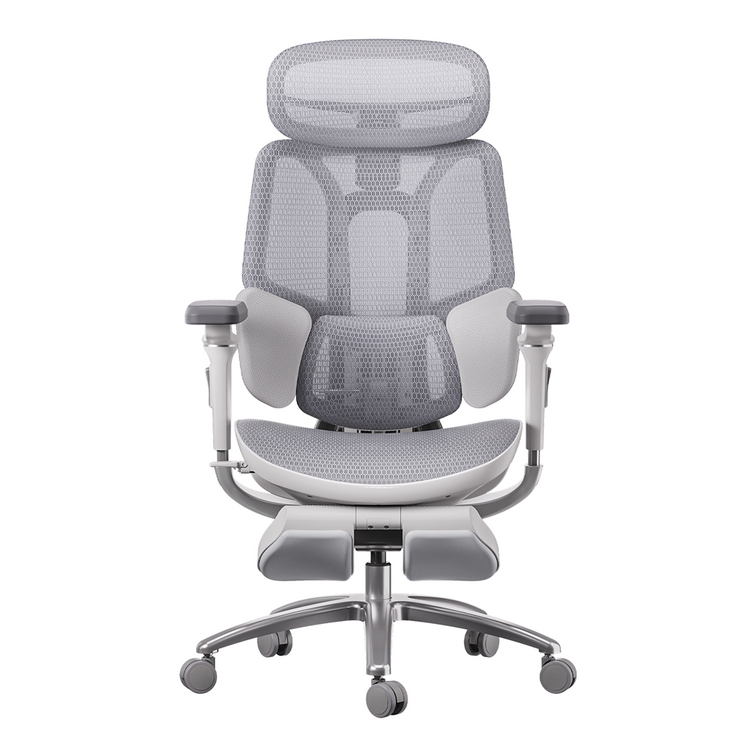
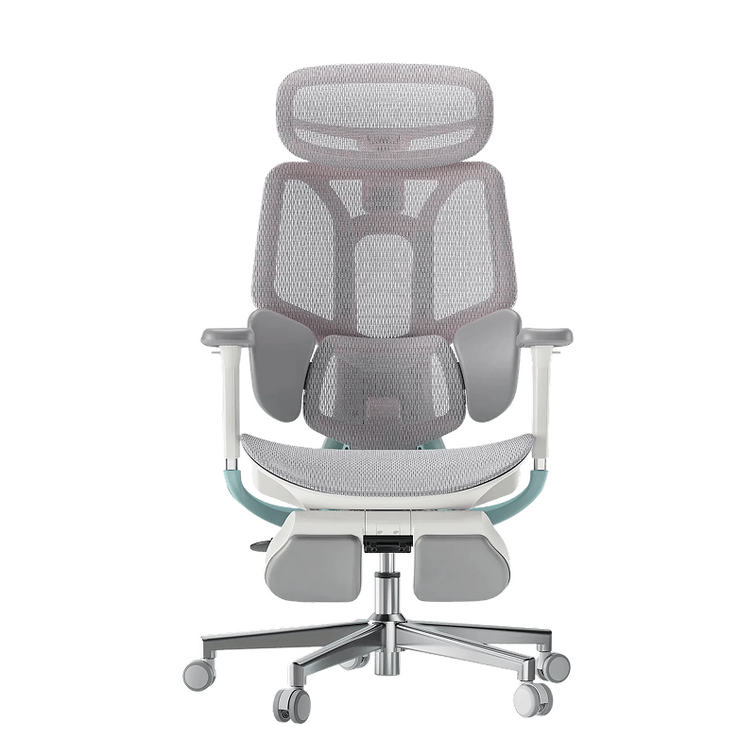
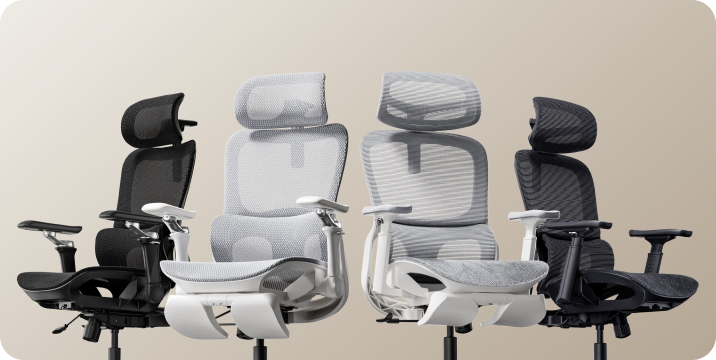
Start with fit before comparing extra features. A headrest, massage function, or advanced armrest system cannot make up for a seat-height range that does not suit your setup. Check the current dimensions for the exact model and version you plan to order.
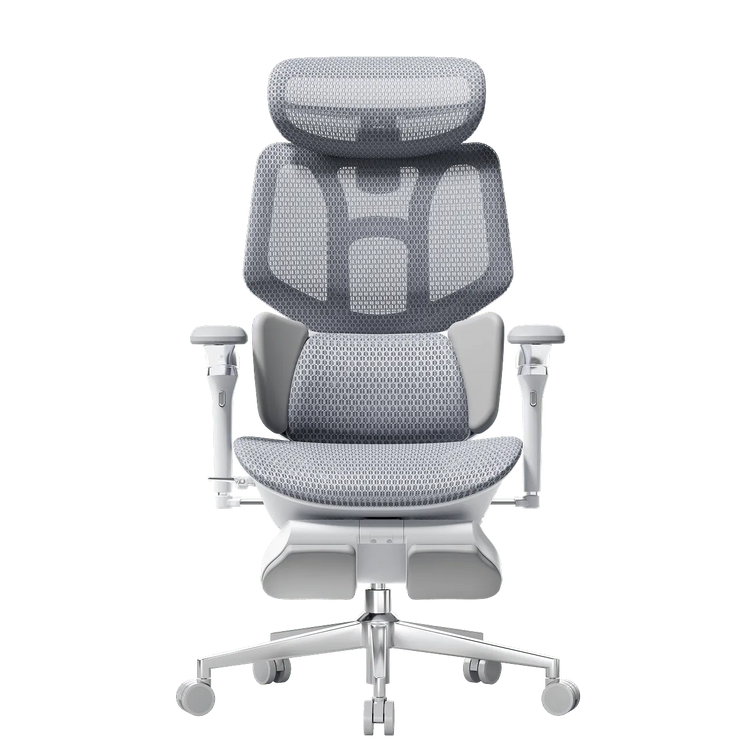
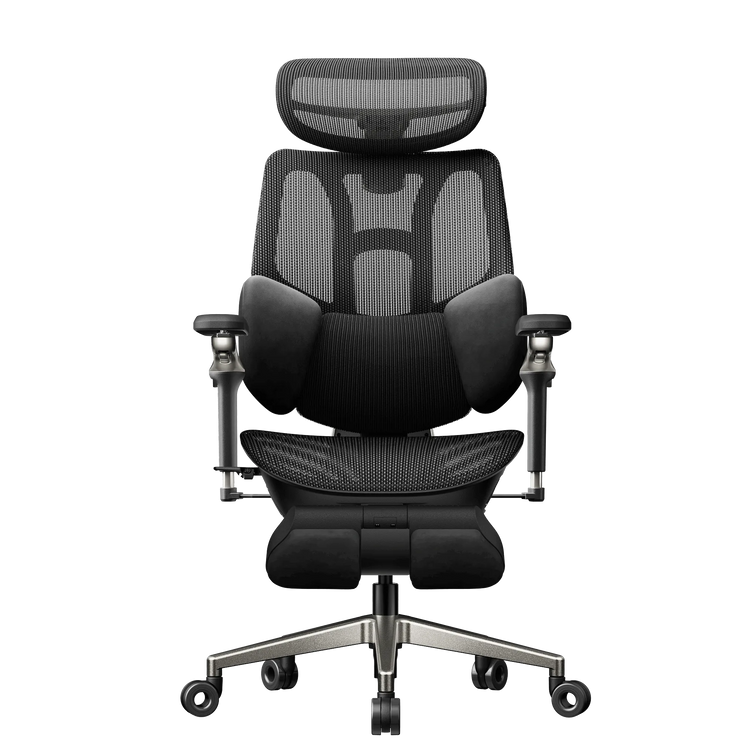
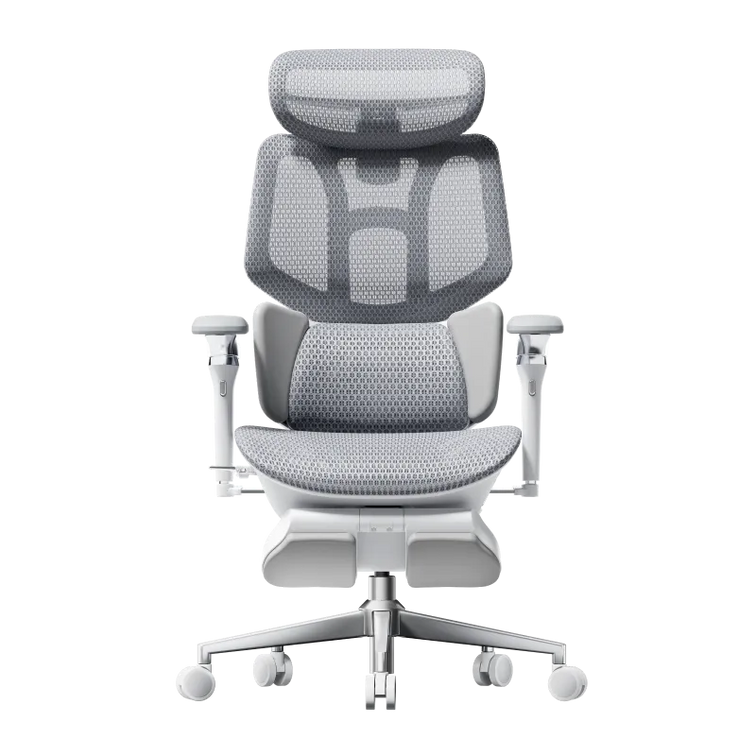
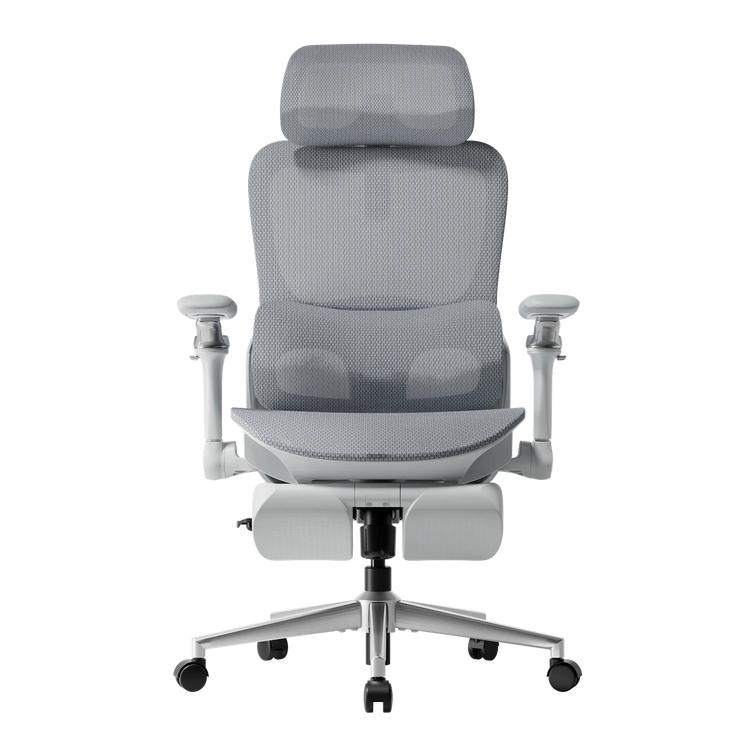
- HBADA E3 Air : compare its seat dimensions and adjustment range with your measurements.
- HBADA E3 Pro : check how the seating dimensions and adjustments work with your desk.
- HBADA E3 Ultra : confirm the fit first if you also want built-in massage and heating for seated breaks.
Still deciding which features matter most? Work through our 12-question office chair buying guide to organize your fit requirements, desk setup, and preferences before choosing a model.
Office chair seat height: common questions
Can I choose seat height from my standing height?
Standing height is a rough screening tool, not a precise fit measurement. People of the same height can have different leg proportions. Measure your seated lower-leg height and check the chair at your desk.
Do my knees need to stay at exactly 90 degrees?
No. A right angle is a useful starting reference for measuring, not a position you need to hold all day. Look for supported feet, comfortable thigh contact, and room to move.
What if the chair is too high at its lowest setting?
Check whether a suitable footrest works with your desk height and available legroom. If the overall setup still feels wrong, a chair with a lower seat-height range may fit better. Avoid modifying the chair with unapproved parts.
Why does the seat feel lower when I sit down?
Cushioning can compress and mesh can flex under load. An unoccupied measurement may therefore differ from your seated experience. Check how the manufacturer measures seat height and make the final adjustment while seated.
Should I adjust the chair when I change shoes?
Recheck your fit if the sole height changes noticeably. You may only need a small adjustment, but your feet should remain supported without uncomfortable pressure beneath your thighs.
Does the right seat height guarantee all-day comfort?
No single setting can guarantee comfort throughout the day. Seat depth, back support, desk layout, and regular changes of position matter too. Treat your measurement as the beginning of the setup process, not the end.
Measure first. Compare second.
Start with one useful measurement, then check seat depth, usable width, back support, and desk height. A comfortable workspace depends on how those details work together.
Explore the complete chair-fit guide →