


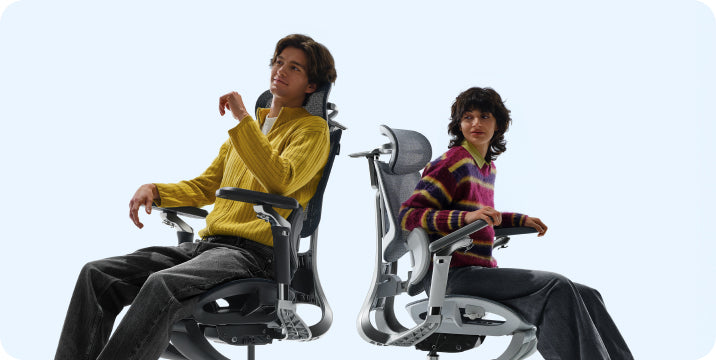
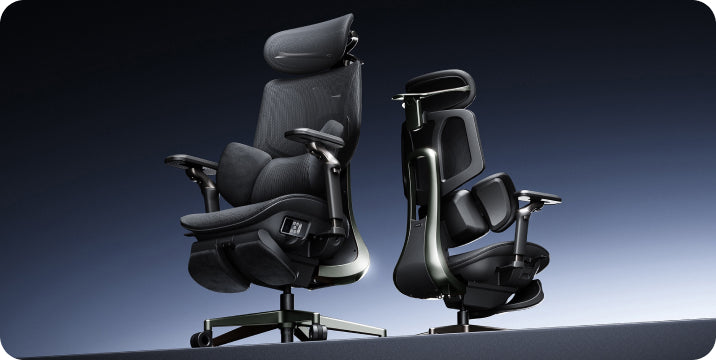

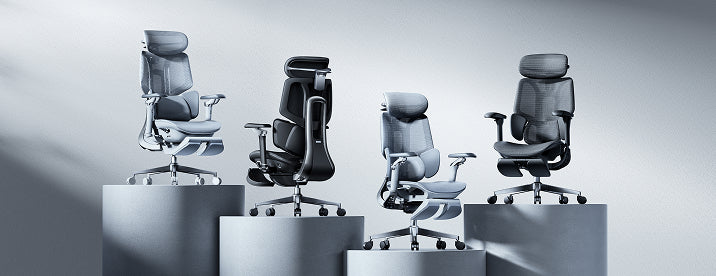
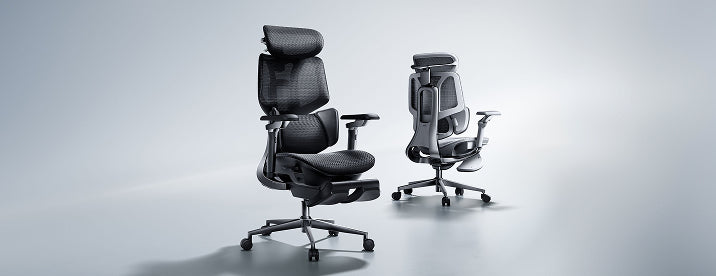

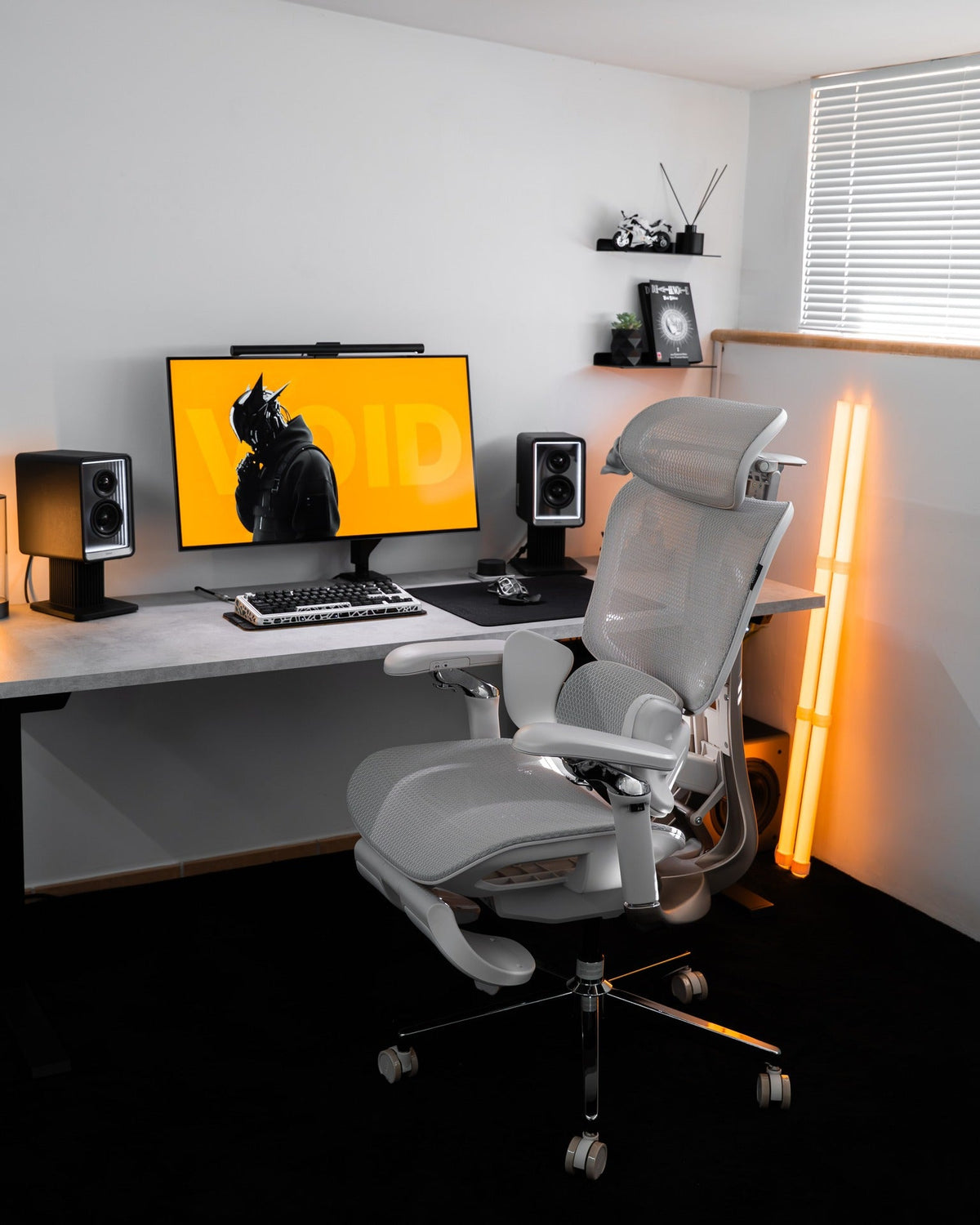
Measure first. Choose with confidence.
A better chair starts with a better fit.
Before comparing features, check the dimensions that decide how a chair feels at your desk. This guide helps you turn those measurements into a practical shortlist.
Quick answer: The right office chair size lets you sit against the backrest with your feet supported, clearance behind your knees, and your arms comfortably positioned for work. Compare seat height, usable seat depth, seat width, and armrest clearance with your own measurements. Your standing height alone cannot confirm a good fit.
Start with your current chair
What needs to fit better?
Sit in your usual working position and answer these three questions. Use the guidance to identify what to check on your next chair.
This self-check does not submit or save your answers. It provides general fit guidance, not a medical assessment or a personalized product recommendation.
Keep reading for the measurement checklist and explanations behind these suggestions.
The dimensions that matter
Read the fit, not just the footprint.
A chair’s overall dimensions tell you how much space it occupies. They do not tell you how much usable seating space you have. A wide base, for example, does not necessarily mean a wide seat.
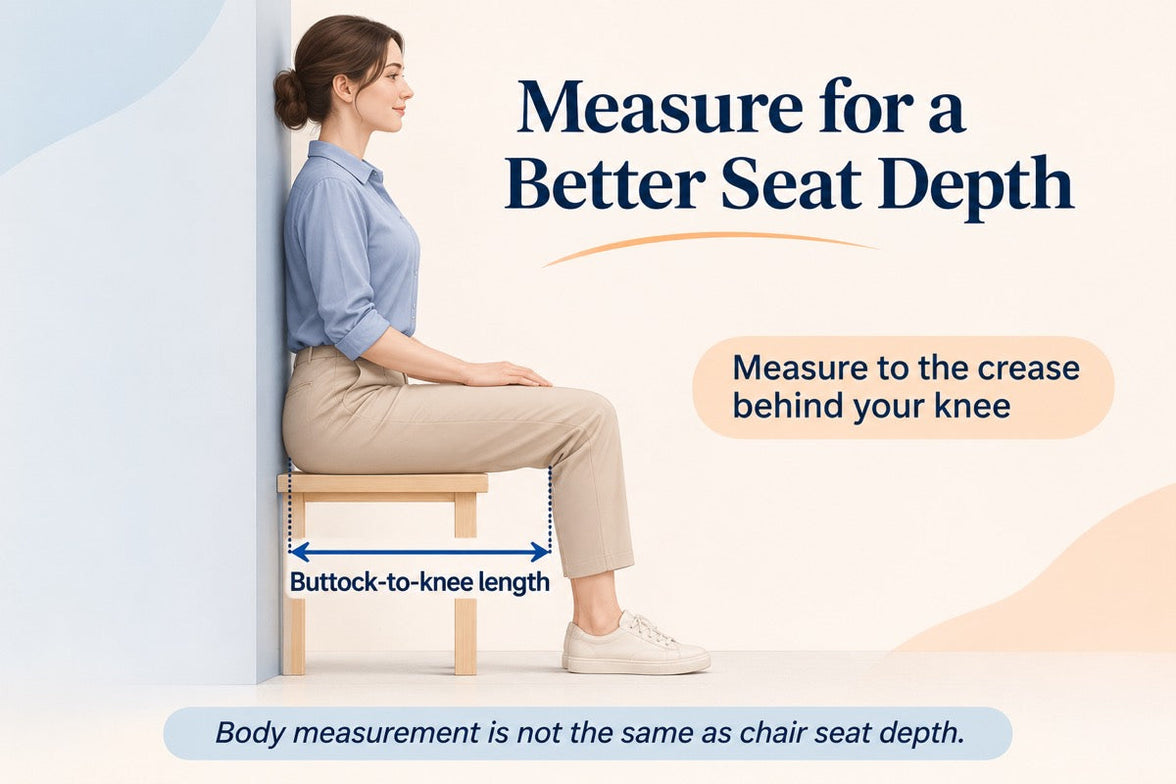
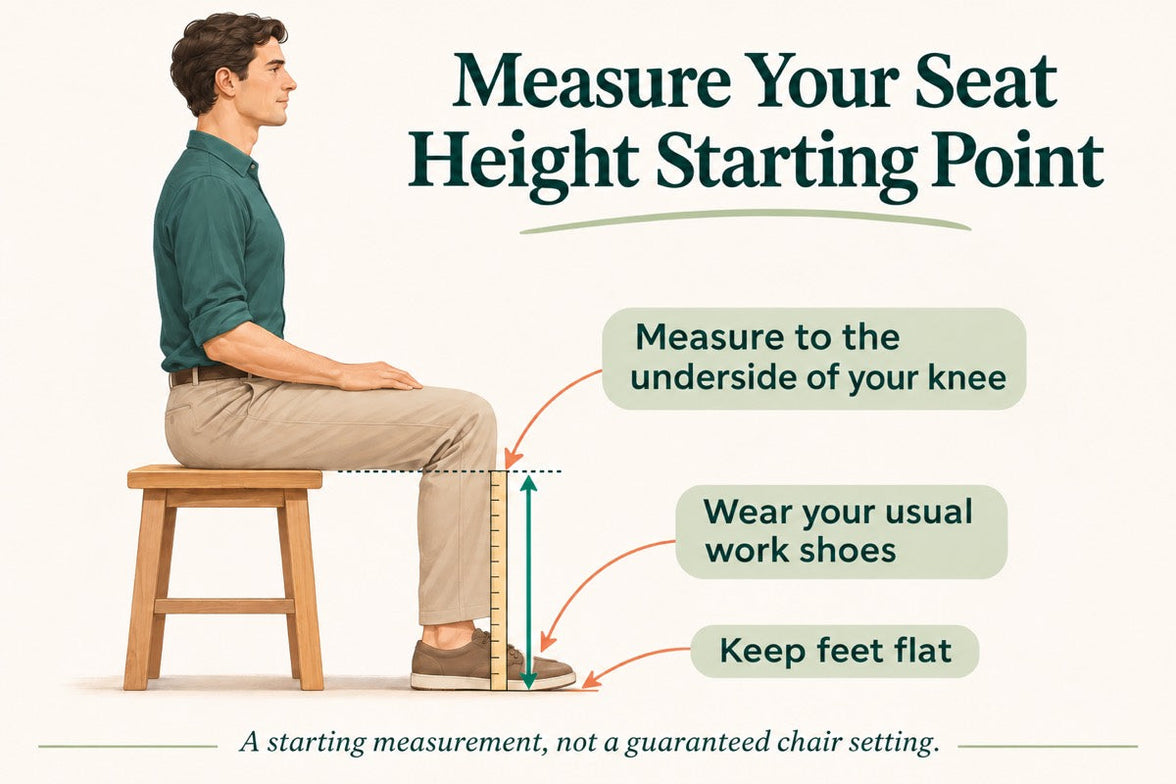
Start with a tape measure and a chair you already know. Record what feels comfortable and what does not. For the measurement methods, use our guide to measuring office chair height, depth, width, and lumbar fit .
Record your measurements in inches and use the same units throughout your comparison. If a specification is listed in centimeters, divide it by 2.54 to convert it to inches. Keep weight-capacity comparisons consistent in pounds, too.
| Measurement | What to compare | A useful fit check |
|---|---|---|
| Seat height | Minimum and maximum floor-to-seat height. | Your feet are supported at a height that also works with your desk. |
| Usable seat depth | Space from the back support to the front edge, including adjustment range. | You can sit back without pressure behind your knees. |
| Seat width | Usable seating surface, not the width of the base. | Your hips have comfortable space without contact with hard side structures. |
| Armrest spacing and height | Space between the armrests and their usable height range. | Your forearms can rest without lifting your shoulders or reaching outward. |
| Backrest and headrest | Position and adjustment range relative to the seat. | Support meets your body without forcing your head or torso forward. |
| Weight capacity | The stated limit for the exact model and configuration. | Your weight is within the manufacturer’s limit; dimensions still need checking. |
Start from the floor
Seat height and depth work together.
Seat height: support your feet without losing desk access
A seat that is too high can leave your feet unsupported. A seat that is too low may leave your knees crowded or make the desk feel too high. Check the chair in your usual footwear and working position, not just while standing beside it.
When comparing specifications, remember that foam and mesh may compress differently under load. Treat a published dimension as a comparison point, then assess the actual seated fit.
Seat depth: keep the backrest within reach
Sit back comfortably. The front edge should stop short of the backs of your knees while the seat supports your thighs. If the seat feels too deep, sliding forward may remove the pressure but also move you away from the backrest.
Conversely, a very short seat may leave you wanting more thigh support. Look at the complete depth-adjustment range rather than choosing the deepest seat available.
The best-fitting chair is not necessarily the biggest. It is the one whose useful adjustments meet your body.
Leave room without losing support
Check seat width and armrests separately.
You need enough usable seat width to sit comfortably without hard edges pressing against your hips. But extra width can become unhelpful if it places the armrests too far away.
Look for armrest positions that let your upper arms stay close to your body and your shoulders remain relaxed. When checking armrest height, confirm whether the specification is measured from the seat or from the floor.
For a smaller frame, minimum seat depth and armrest spacing may be just as important as minimum seat height. For a taller frame, check thigh support and backrest positioning as well as maximum seat height.
Your chair is part of a workspace
Make sure the desk fits the decision.
Measure both the desktop height and the usable space underneath. Drawers, crossbars, and thick desk edges can reduce clearance even when the overall desk height looks suitable.
- If the armrests hit the desk: check whether they can lower or reposition without removing the support you need.
- If you raise the chair and your feet lose support: consider a separate footrest or a suitable adjustment to your work surface.
- If you lean forward to type: check keyboard and mouse distance before assuming that you need a different chair.
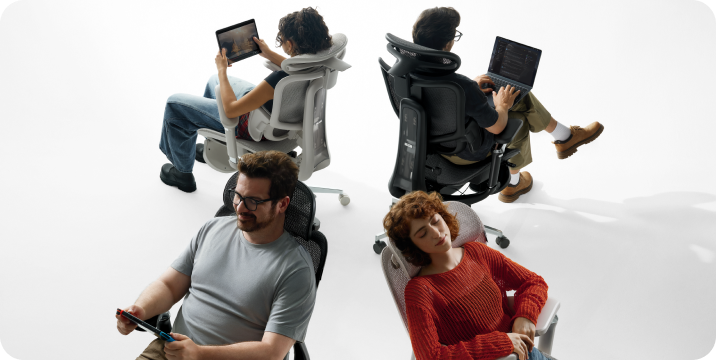
- If you want to recline: check the space behind the chair and in front of any extended footrest.
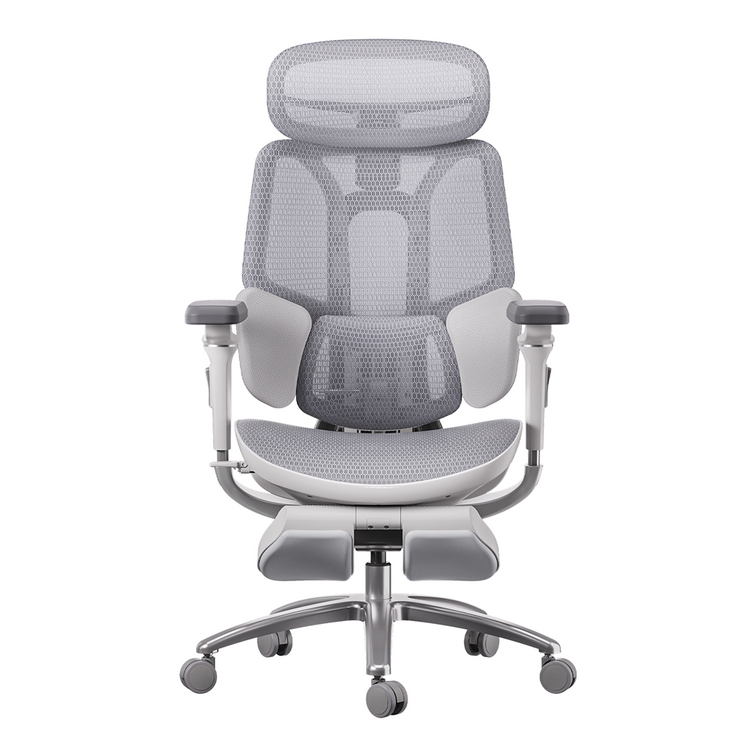
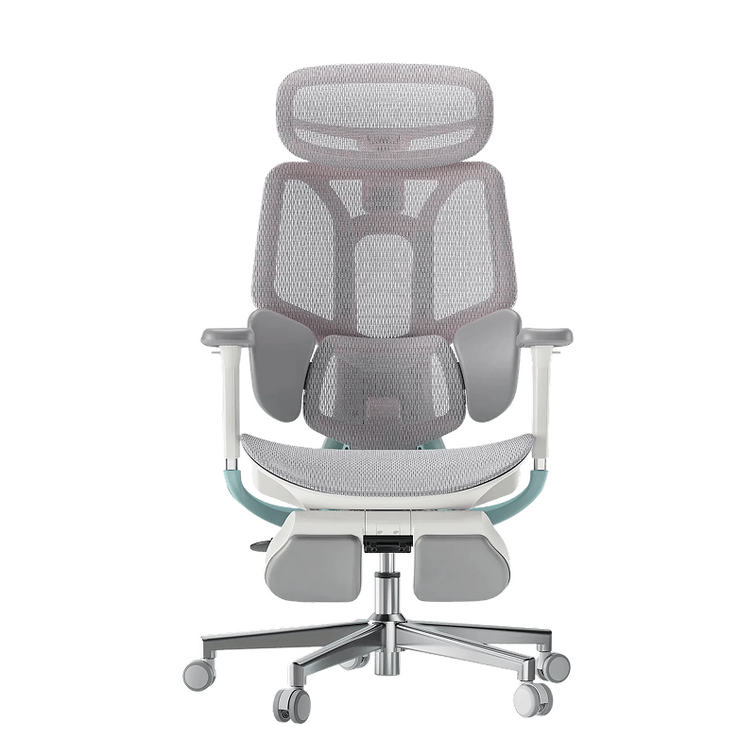
An integrated pull-out footrest is intended for supported reclined breaks. It does not replace a separate under-desk footrest for upright work when your feet cannot reach the floor.
From measurements to models
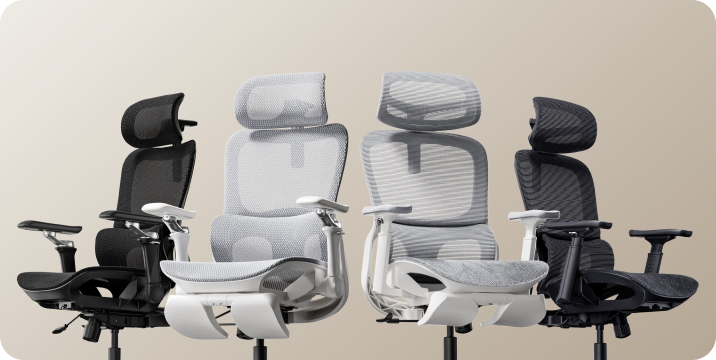
Build your HBADA shortlist.
First remove models whose dimensions or weight limits do not meet your requirements. Then compare the adjustments, materials, and additional features you will actually use.
These product pages are starting points for comparison, not personalized results from the self-check above.
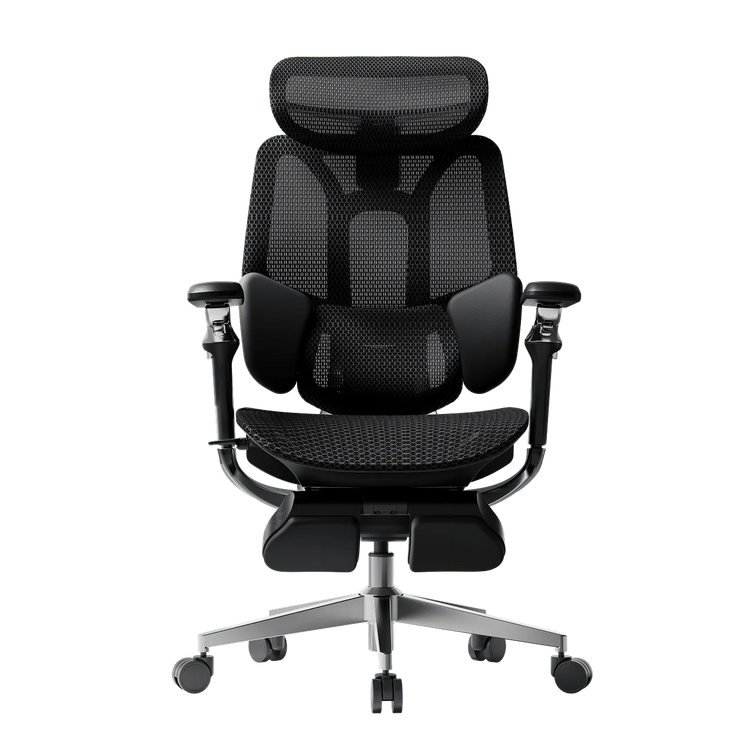
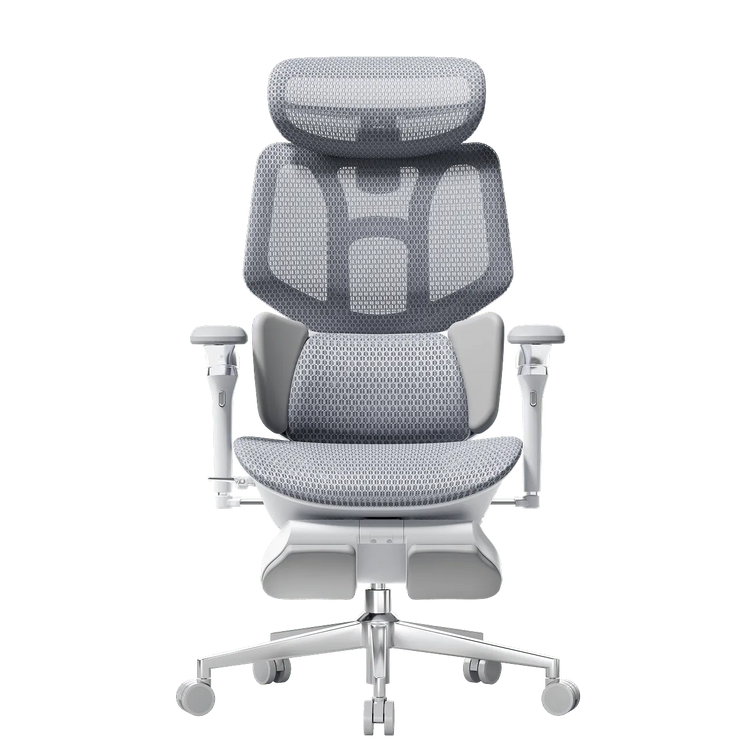
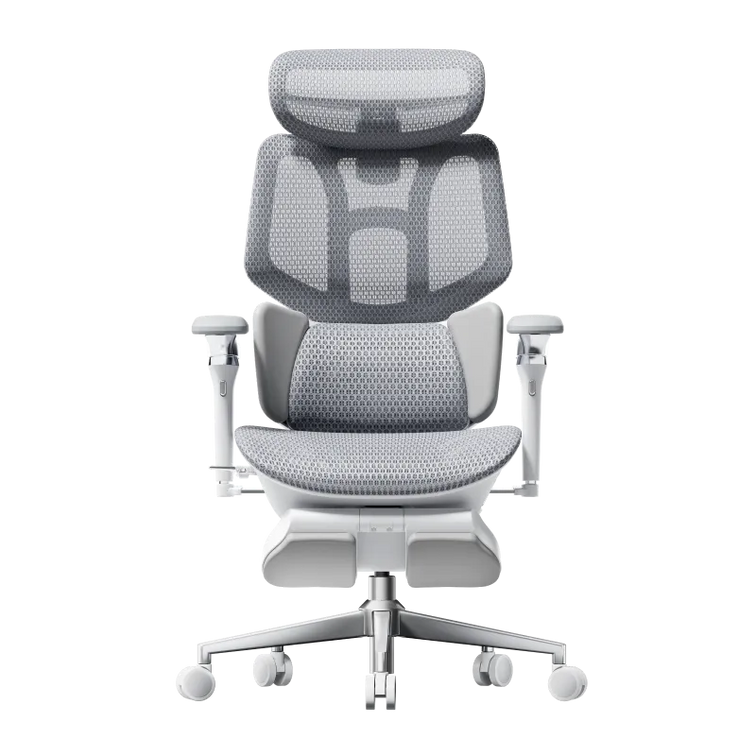
HBADA E3 Air
Check the current model’s seat dimensions and adjustment range against your fit checklist.
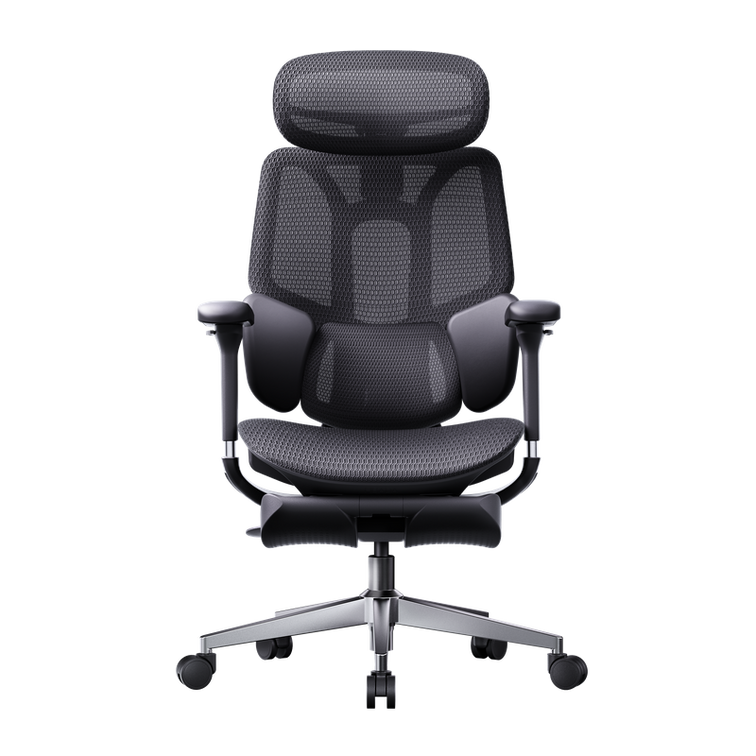
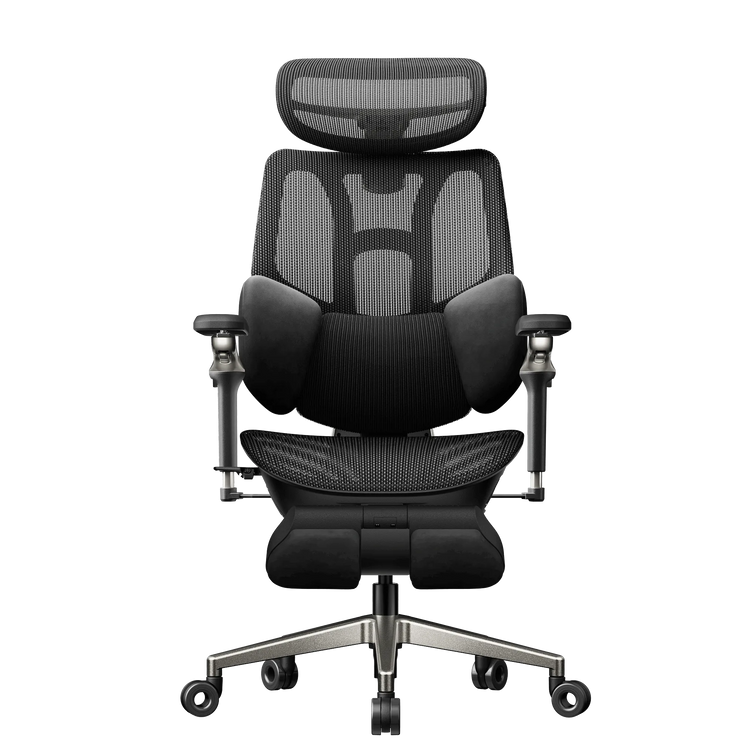
View E3 Air specificationsHBADA E3 Pro
Compare its adjustment options with the positions you need for your body and desk.
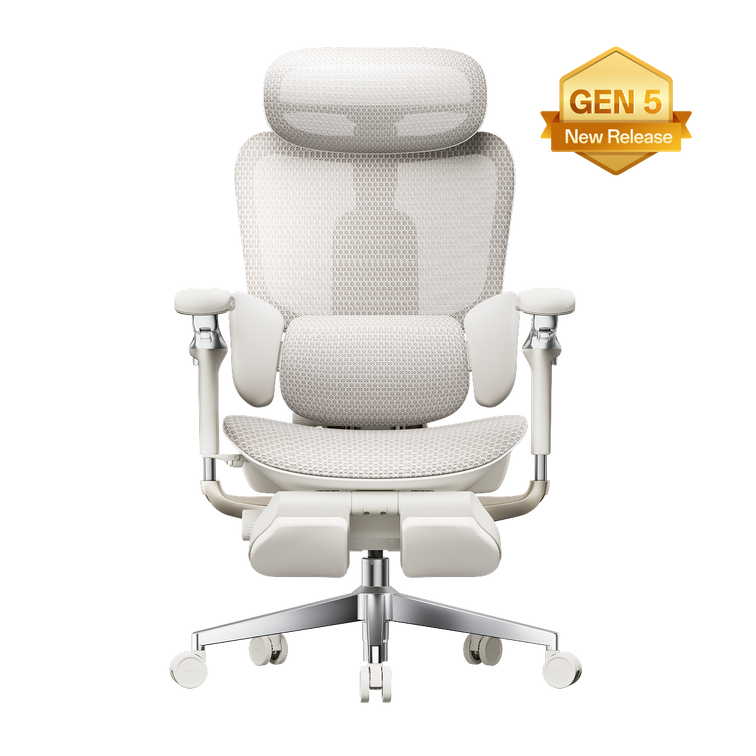
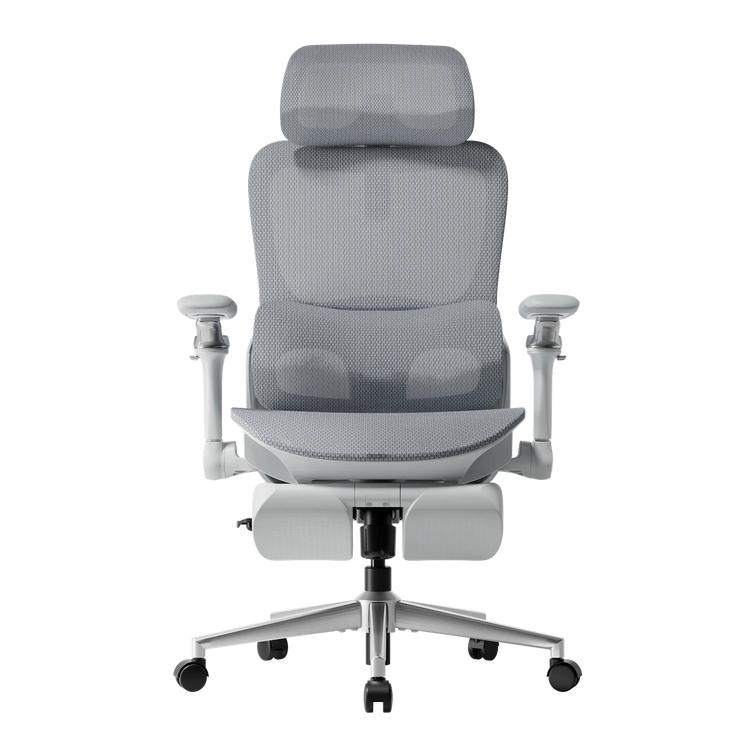
Explore E3 Pro adjustmentsHBADA E3 Ultra
Explore this option if massage is on your wishlist, while keeping dimensions and everyday fit at the top of your checklist.
Explore E3 UltraBefore you order
Your five-point fit checklist.
- Record your starting measurements. Note your current seat height, usable depth, width, and desk clearance.
- Write down what needs to change. For example: a shorter seat, lower armrests, or more room beneath the desk.
- Compare adjustment ranges, not feature counts. Confirm that the chair can reach the positions you need.
- Check the full workspace footprint. Include the base, recline space, and any extended footrest.
- Review the practical details. Confirm delivery availability for your ZIP code, assembly requirements, and current return conditions before purchasing.
Your questions, answered
Office chair size FAQs.
Can I choose an office chair using only my height?
Height helps narrow the options, but it does not describe your leg length, torso proportions, or desk setup. Check usable seat depth, seat height, armrest positions, and backrest fit before choosing.
Is a larger office chair always more comfortable?
No. A seat can be too deep to let you use the backrest comfortably, while widely spaced armrests can leave your arms unsupported. Choose dimensions that suit your body rather than the largest available model.
Does a higher weight capacity mean a better fit?
No. Weight capacity describes a load limit, not seat size or comfort. A chair must meet your weight requirements, but its dimensions and adjustment ranges still need to suit you.
Can an adjustable chair still be the wrong size?
Yes. An adjustment only helps if its range reaches the position you need. A sliding seat may still be too deep at its shortest setting, or a height-adjustable chair may not lower enough for you.
What if I am unsure between two HBADA chairs?
Compare the exact models using the checklist above. If a specification is unclear, contact our team with the model names, your measurements, and what you want to improve. Avoid choosing solely by appearance or the number of advertised adjustments.
Measure once. Compare with purpose.
A useful shortlist starts with knowing what fits. Keep your measurements nearby, check the current specifications, and choose adjustments that work with your everyday setup.
Open our chair measurement guide →Good fit supports comfortable sitting, but no chair replaces regular movement and breaks. Persistent discomfort should be discussed with a qualified healthcare professional.