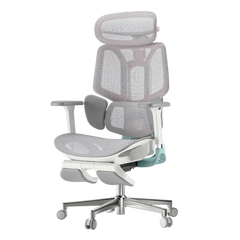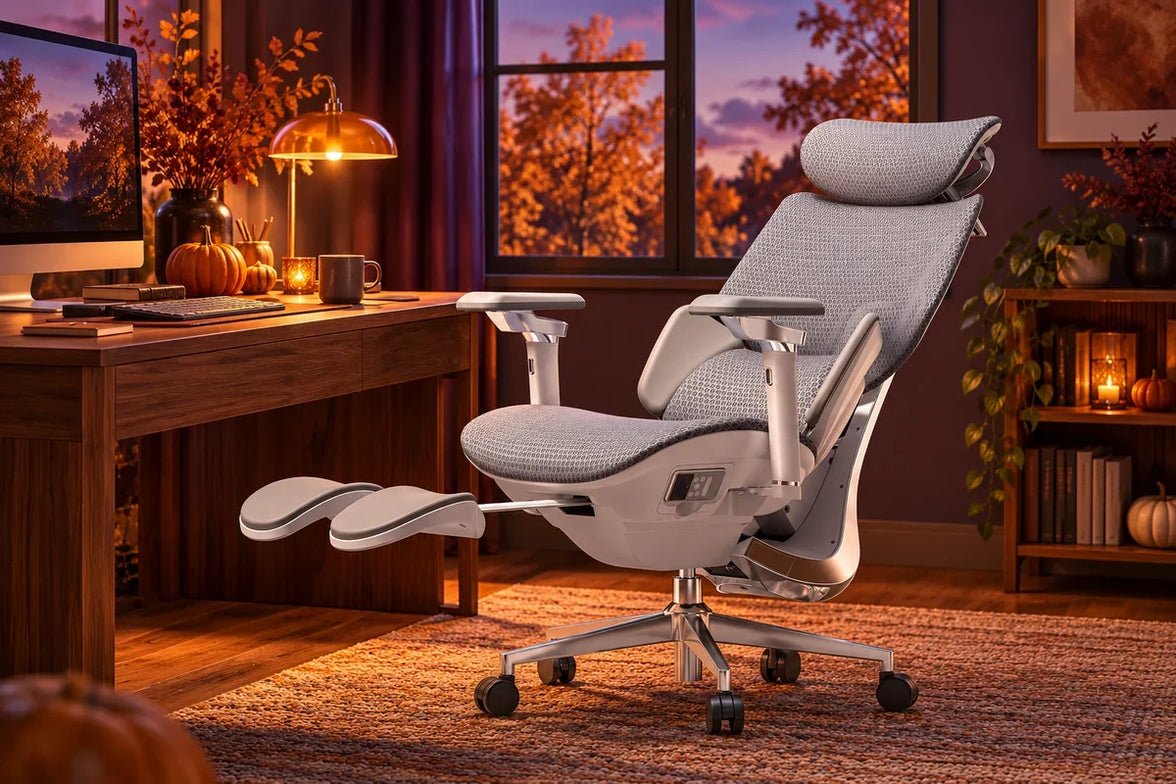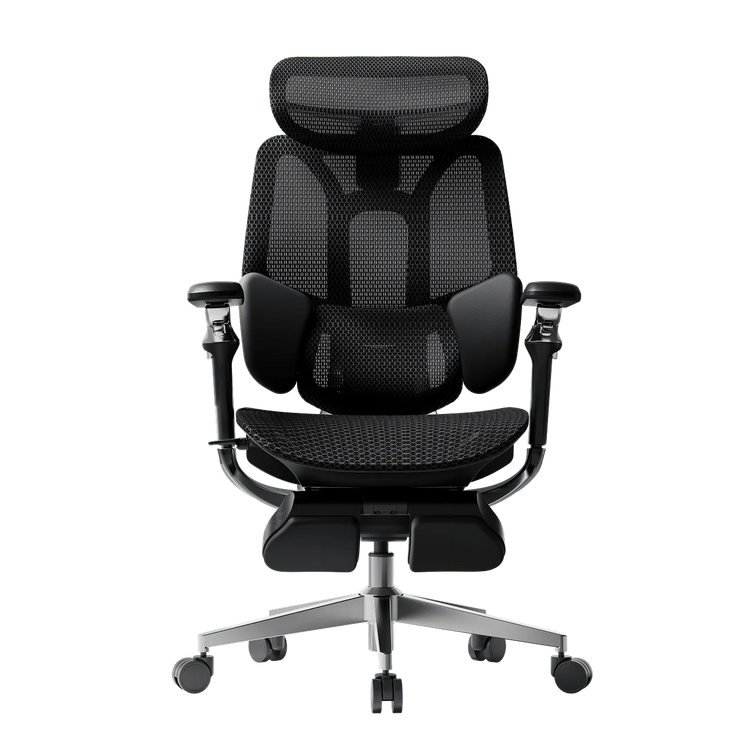
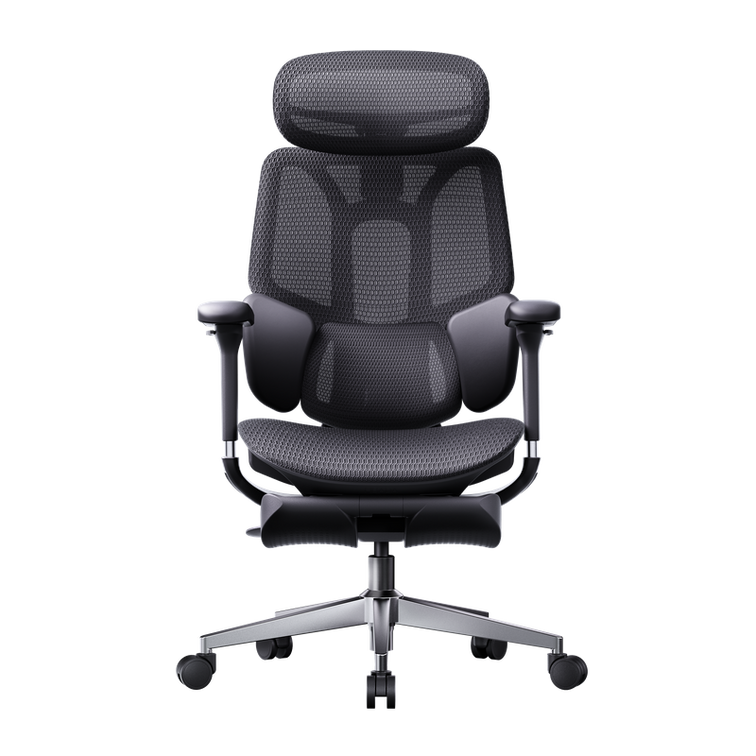
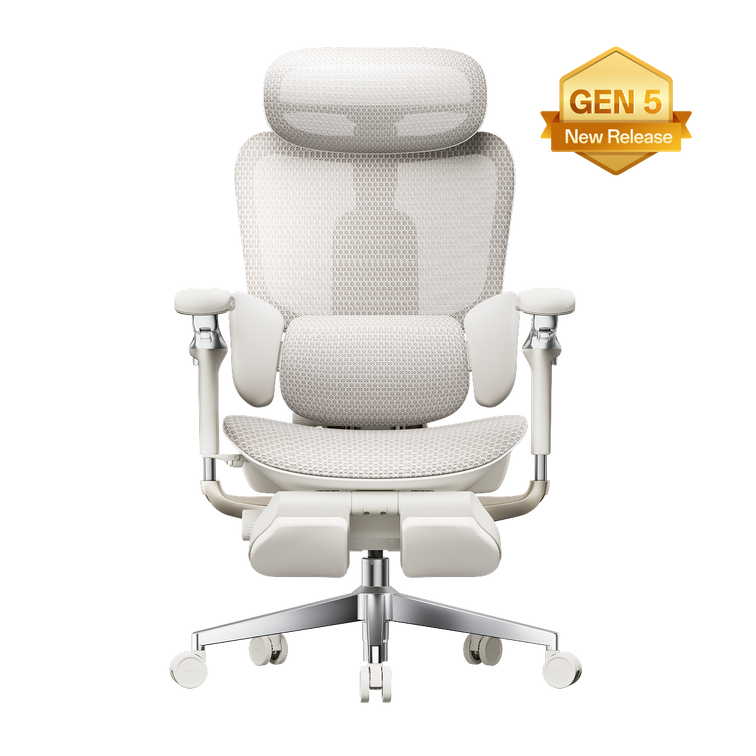
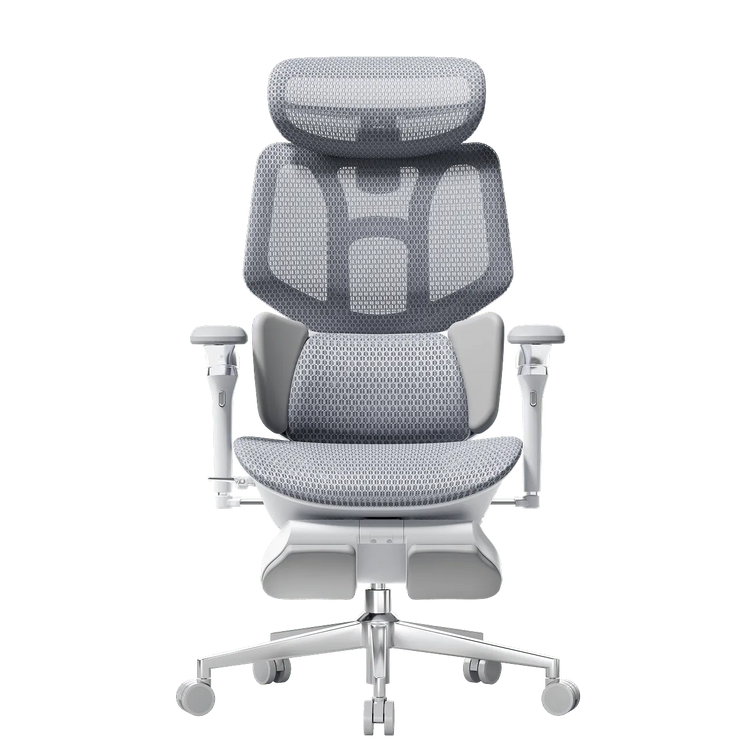
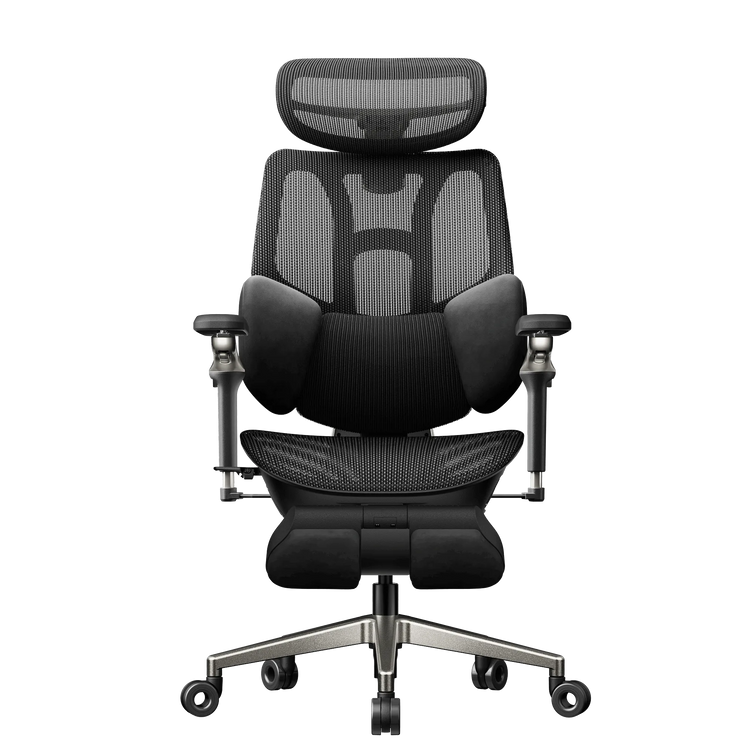
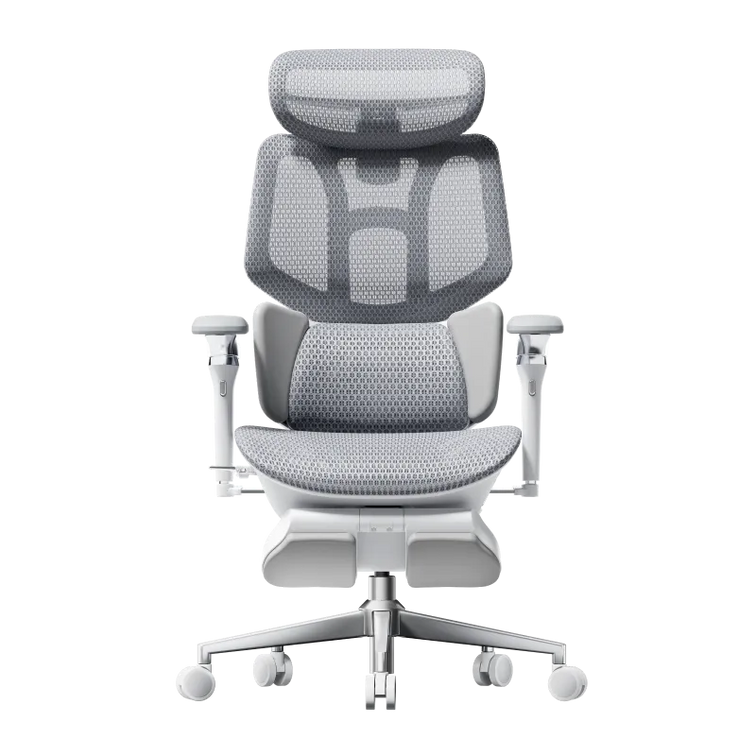
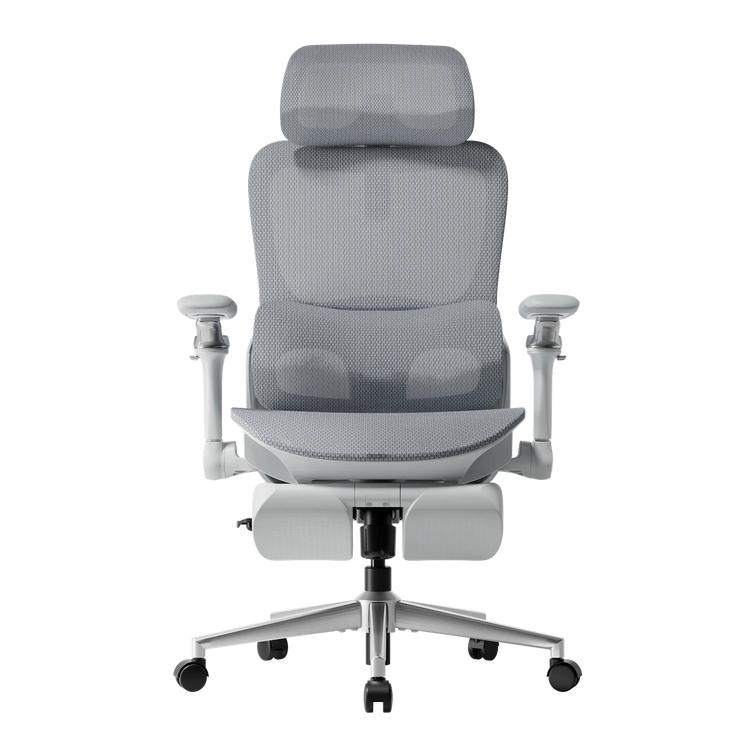



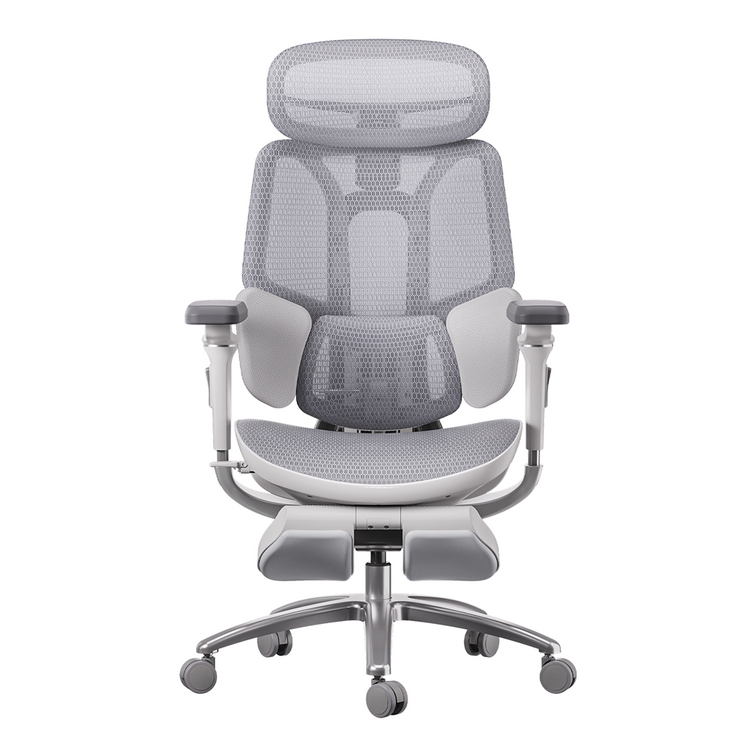
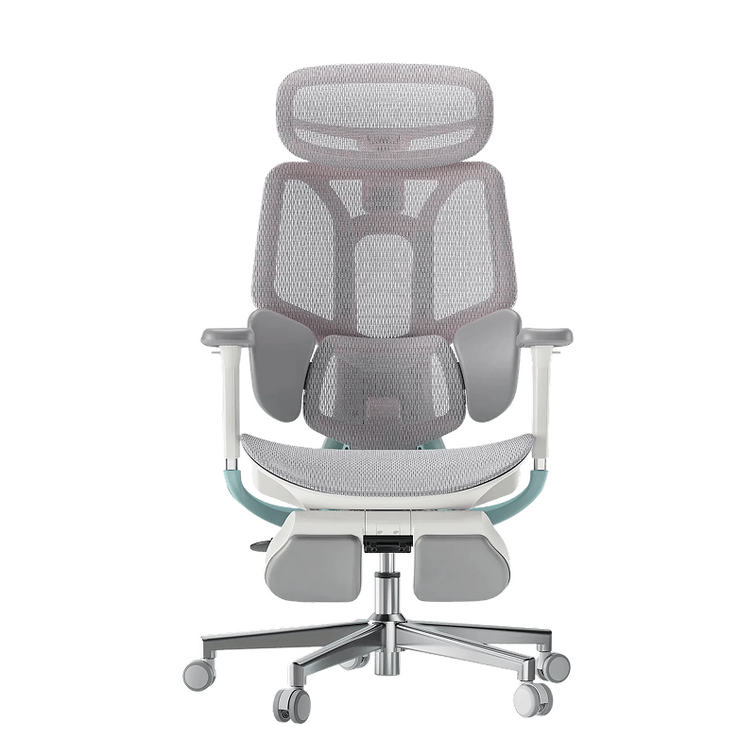

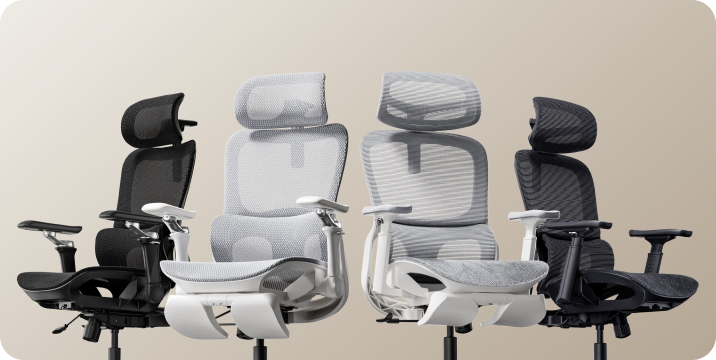


Air or Pro?
Choose for your everyday.
Two ergonomic mesh chairs. Different adjustment options. Here is how to compare the E3 Air and E3 Pro—and what to check as you settle into your first 90 days of ownership.
Start with the E3 Air for a value-focused shortlist. Consider the E3 Pro if its additional lumbar and armrest adjustments address something you actually need.
Both 2026 models offer three-zone lumbar support, adjustable head support and mesh seating. The useful comparison is how their controls and support mechanisms work for your body and desk—not whether one has support and the other does not.
A higher price does not establish a better fit. Compare your measurements with the exact configuration before choosing either chair.
Shared foundations. Different ways to fine-tune.
Choosing between chairs from the same family can be surprisingly difficult. Similar styling makes it easy to overlook the controls you will use every day.
Begin with the E3 Air 2026 and E3 Pro 2026 as separate configurations. Then ask whether the differences solve a real issue in your current setup.
| What to compare | E3 Air 2026 | E3 Pro 2026 |
|---|---|---|
| Lumbar support | Three-zone elastic support with adjustable positioning. | Three-zone adaptive support with a gliding lumbar mechanism. |
| Armrests | 4D mechanical armrest system. | 720° dual-axis armrest system. |
| Head support | 4D dual-axis headrest. | 4D dual-axis headrest. |
| Seating surface | Breathable mesh. | Breathable mesh. |
| Buying question | Do these adjustments give me the positions I need? | Will I use the different lumbar and armrest controls? |
Check the current listing for your selected edition and configuration. Movement labels such as 4D and 720° do not measure personal comfort. Swipe horizontally to view the table on smaller screens.
Get the setup right before judging the chair.
The first few days are about learning the controls and checking the fit at your own desk. Follow the instructions for the exact model you purchased; an older installation video may show different parts. Keep our assembly and user manuals nearby.
- Start with seat height. Check that your feet are supported and that you can reach the keyboard without lifting your shoulders.
- Check usable seat depth. Sit against the backrest and leave comfortable clearance behind your knees. Adjustment travel alone does not tell you how deep the usable seat is.
- Position the lumbar support. Look for comfortable contact rather than the strongest possible pressure. Change one setting at a time.
- Measure desk clearance. Drawers, support rails and keyboard trays can stop the armrests from moving under the desk even when the desktop itself seems high enough.

Do not assume a chair will fit because your height falls inside a broad suggested range. Two people of the same height can have different leg and torso proportions.
Notice what happens during ordinary work.
A short recline tells you less than a normal sequence of typing, reading and calls. Notice whether you can change tasks without repeatedly correcting your position.

With the E3 Air, check whether its available armrest positions and lumbar settings cover your usual routine. With the E3 Pro, assess whether the gliding lumbar design and different armrest movements offer a useful benefit for the way you sit.
An extra adjustment earns its place when you use it—not simply when it appears on the specification sheet.
- Can you sit back comfortably while using the keyboard?
- Do the armrests support your arms without raising your shoulders?
- Does lumbar contact remain comfortable as you change position?
- Can you reach and operate the controls without difficulty?
- Does the seat feel comfortable during your normal tasks?
Keep a short note of the task, setting and issue if something feels wrong. That is more useful for adjustment or support than a general “not comfortable” verdict. Do not continue sitting through pain to complete a comparison period.
Check condition—not an imagined expiry date.
Use this stage to inspect the chair and establish a care routine. It is not a point at which squeaks, sagging or loose parts should be considered inevitable.

- Inspect the seating surface. Look for damage or an unexpected change in support. Follow the care instructions instead of experimenting with strong cleaning products.
- Check movement and stability. Notice changes in the casters, armrests or recline mechanism. Stop using the chair if a structural part appears damaged or the chair feels unstable.
- Review the hardware as directed. Follow the manual for inspection and tightening. Do not overtighten fasteners or disassemble the gas cylinder.
- Document an issue before contacting support. Keep your order details, model identification and clear photos or a short video ready.
Laboratory cycle counts cannot be converted directly into a guaranteed number of years in your home. Likewise, a three-month check cannot establish lifetime durability. Our guide to office chair lifespan and durability tests explains why test results, everyday wear and warranty coverage should be considered separately.
Which chair deserves a place at your desk?
When the essentials fit your routine.
Start with the E3 Air if you want adjustable mesh seating and its controls cover the positions you use. Compare the final price of your chosen configuration rather than paying for features you do not expect to use.
Explore E3 Air →When its extra controls solve a real need.
Shortlist the E3 Pro if its lumbar mechanism and armrest movement better match your preferred positions. Check fit first; “Pro” does not automatically mean a better choice for every taller or heavier person.
Explore E3 Pro →Still comparing beyond these two? Our HBADA chair comparison guide places the Air and Pro alongside the E3 Ultra and X7. Keep the same measurement checklist as you expand your shortlist.
E3 Air vs E3 Pro: common questions.
What is the main difference between E3 Air and E3 Pro 2026?
Both offer three-zone lumbar support and mesh seating. The Pro has a different lumbar mechanism and armrest system. Compare how those adjustments work with your desk and preferred positions.
Is the E3 Pro automatically better for tall users?
No. Check the selected model’s usable seat depth, seat-height range, backrest fit and weight limit. Height alone is not enough to determine a match, and a model name does not establish extra capacity.
Does this article report a real 90-day test?
No. It provides a comparison and ownership checklist. It does not present measured long-term results, a first-hand tester diary or a 90-day return offer.
Which chair is better for an eight-hour workday?
Neither can guarantee comfort for a fixed number of hours. Choose around fit, useful adjustments and your tasks, and make regular movement part of your day.
Will the mesh stay exactly the same over time?
No seating material should be treated as immune to wear. Follow the care instructions, inspect changes and contact support if you notice damage or an unexpected loss of support.
What should I do if the chair does not feel right?
Recheck the seat, lumbar and armrest settings one at a time using the manual. If the problem continues, contact service@hbada.com and review your applicable return deadline promptly.
Choose the adjustment you need.
Not the longest feature list.
The E3 Air and E3 Pro belong on the same shortlist, but your body, desk and daily routine decide which belongs in your workspace. Compare the exact models, check the fit and give setup the attention it deserves.
Take a closer look at E3 Pro →