Cart
Your shopping cart is empty
Continue Shopping
Every Order, Backed by HBADA
30-day in-home Trial
Free 2-Business-Day Shipping
5-Year Hassle-Free Warranty
24/7 Customer Support


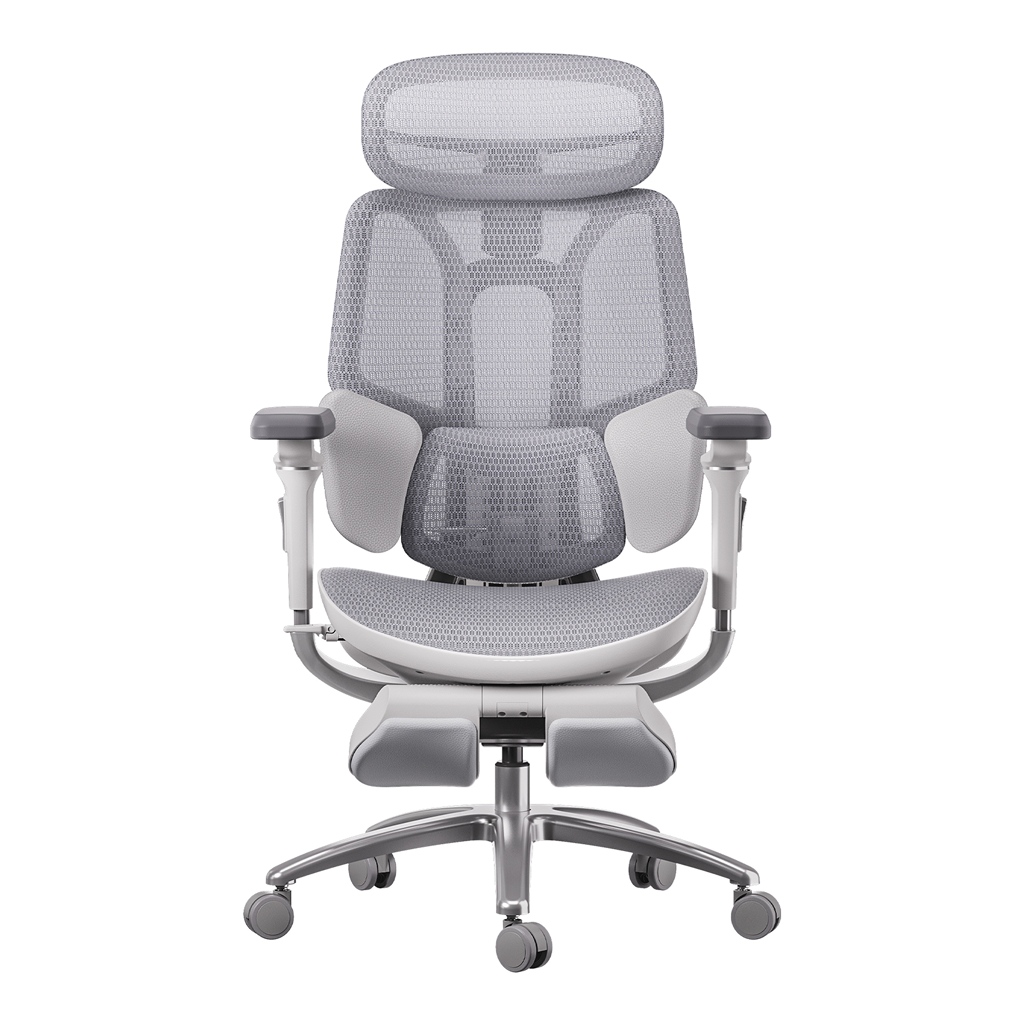
HBADA E3 Pro Ergonomic Office Chair

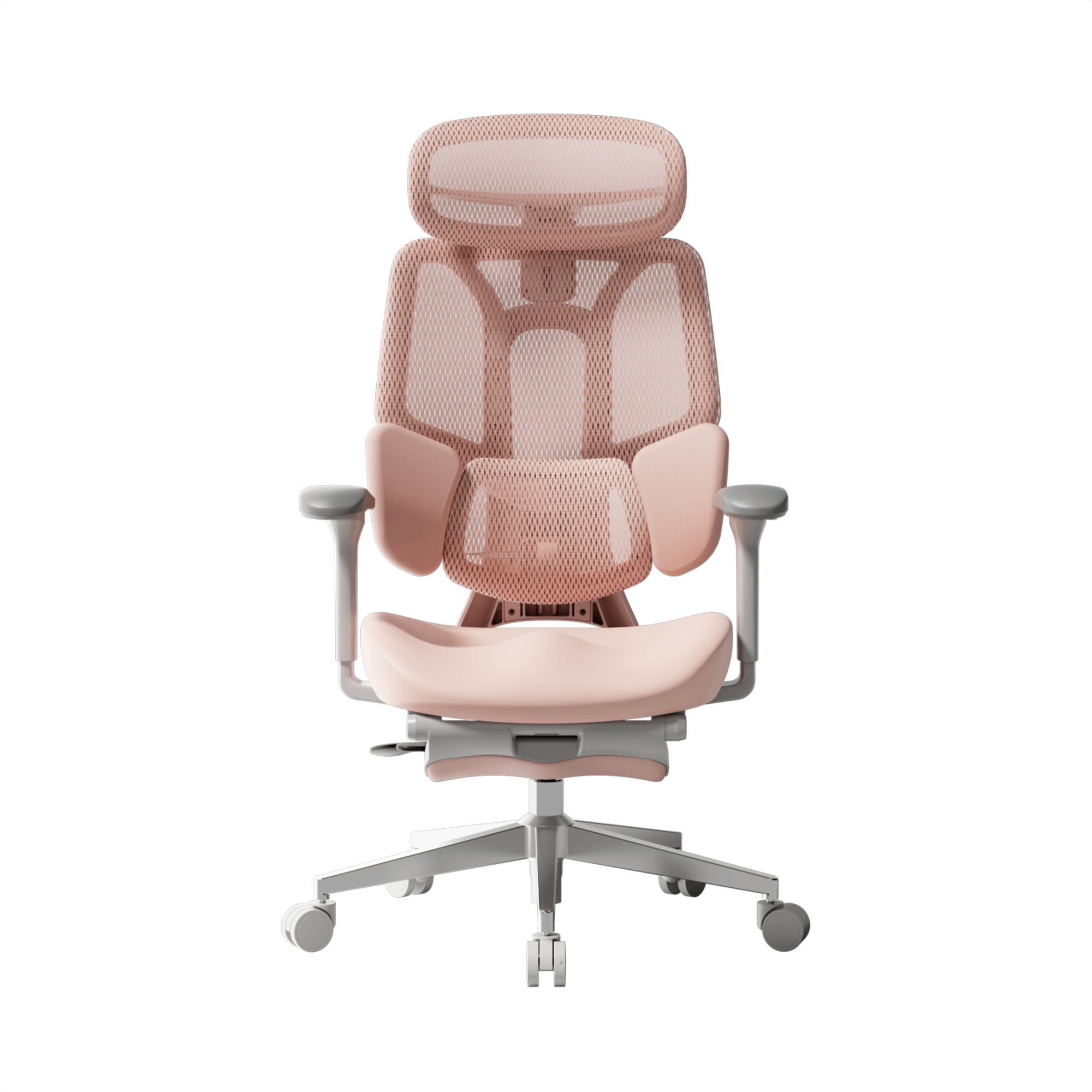
HBADA E3 Ultra Ergonomic Office Chair Futuristic

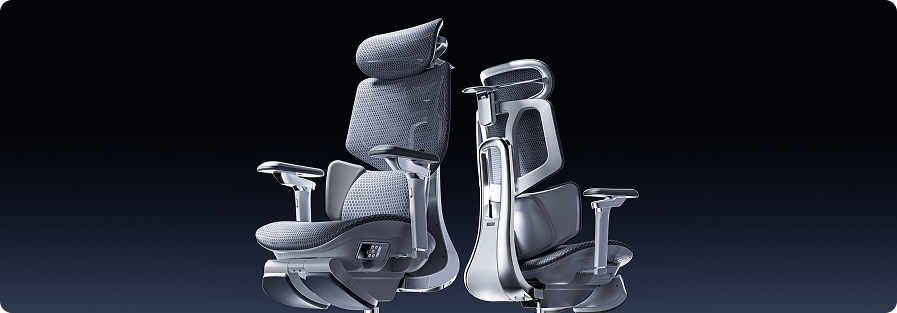
HBADA X7 Smart Ergonomic Chair

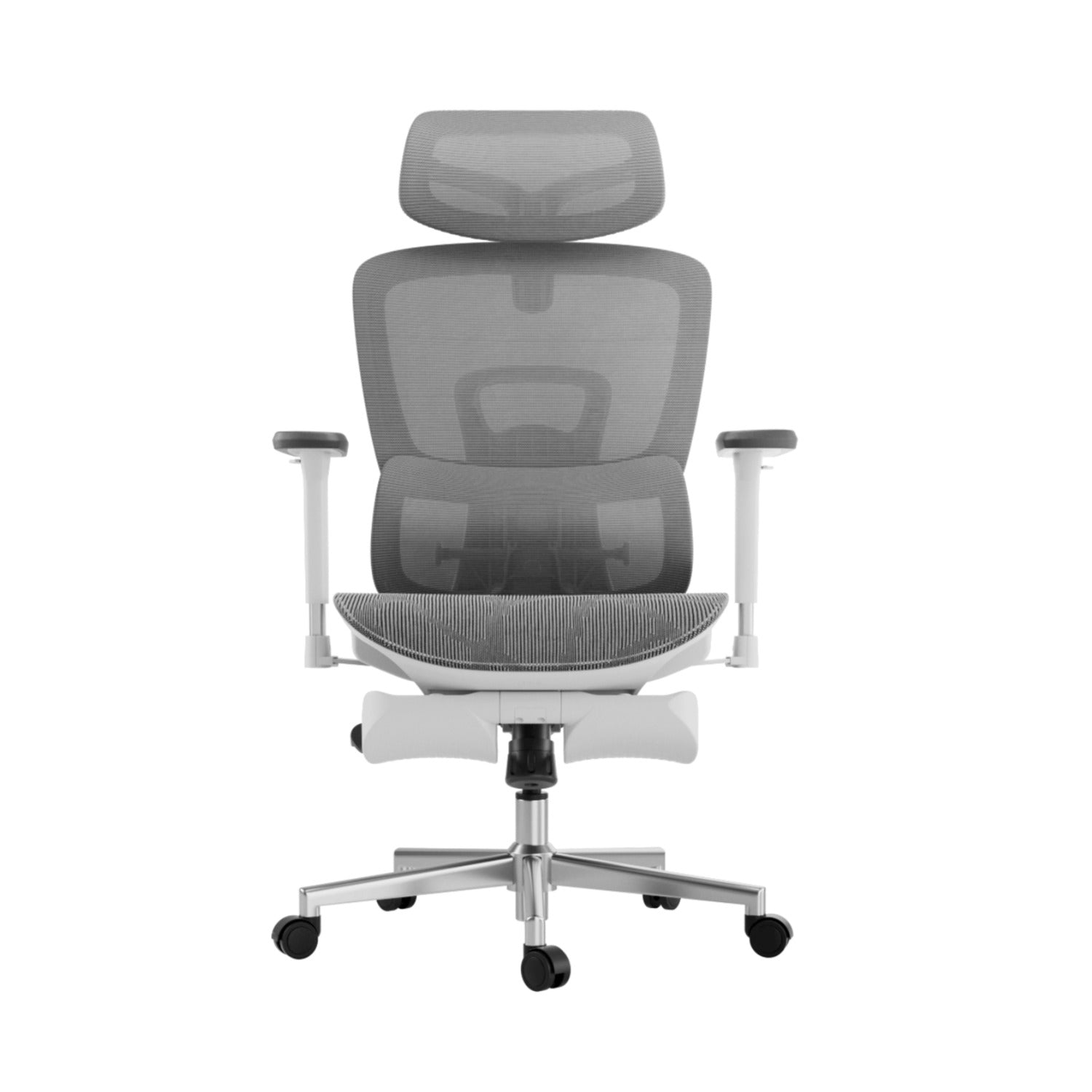
HBADA P2 Ergonomic Office Chair
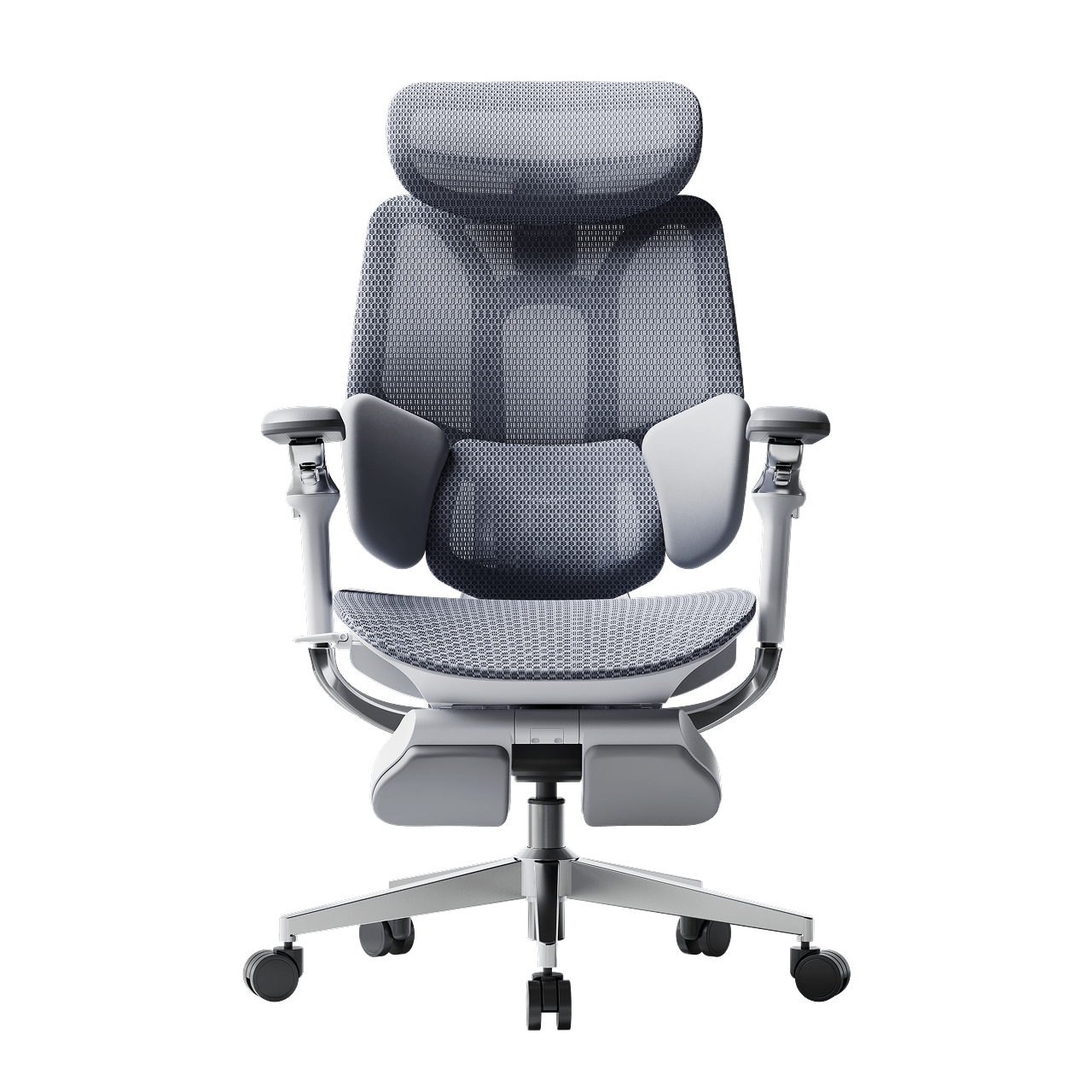
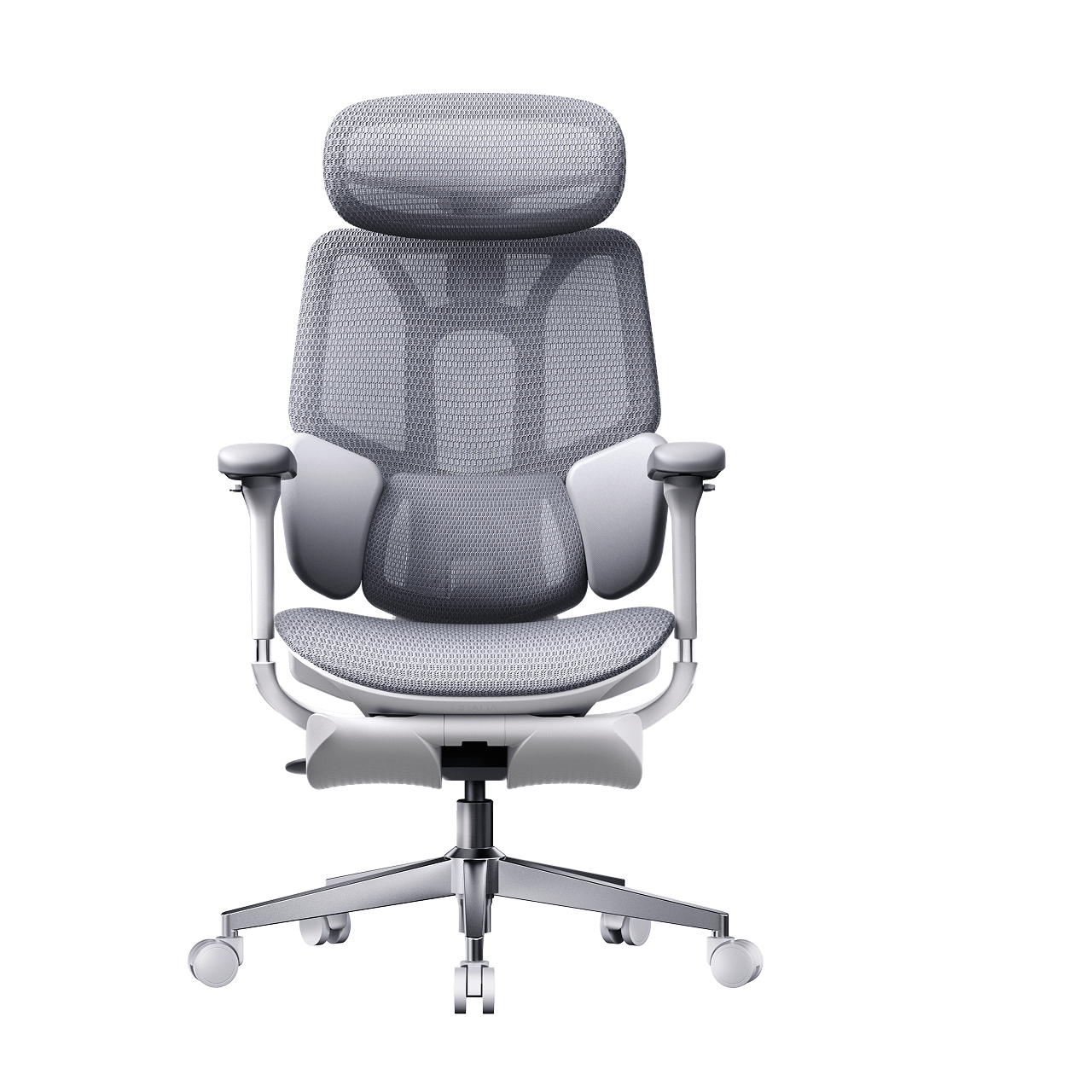
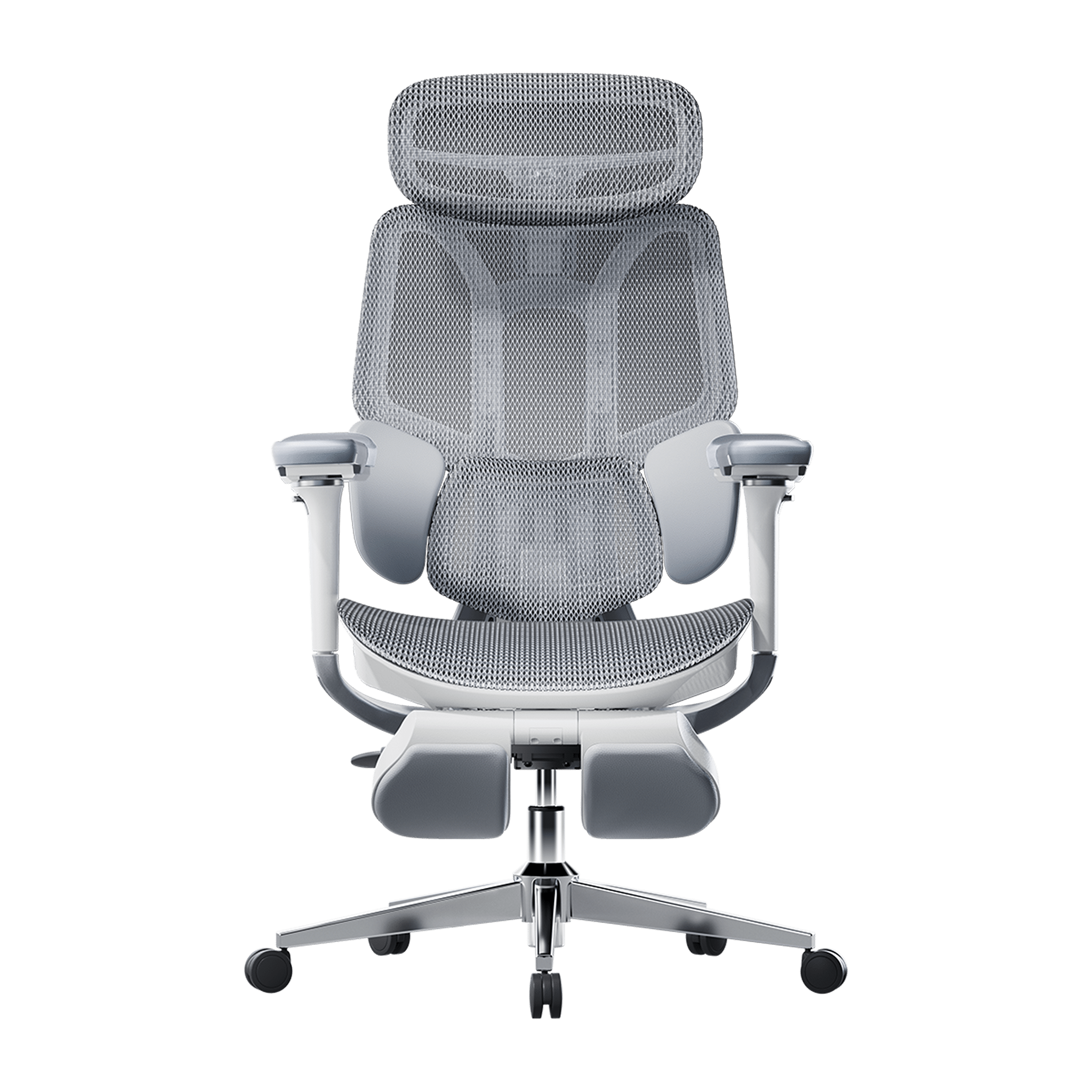
Remove this item from your cart?
Cart
 How Do I Know If My Office Chair Fits Me Correctly?
Your office chair is a key part of your workspace, but many people use one that doesn’t fit their bodies. A chair that doesn’t fit can cause more than just short-term discomfort—it can lead to long-term pain and tiredness. If you end your day with a sore neck or aching back, it’s time to check your setup. Learning how to tell if your chair fits is the first step toward a healthier, more productive workday.
Signs Your Office Chair Does Not Fit You
Many people wait until they feel pain before realizing something is wrong, but there are earlier warning signs to watch for. If you notice any of these, your chair might not be the right size or properly adjusted:
· The Perch: You find yourself sitting on the very edge of the seat because the backrest feels too far away.
· The Dangling Feet: Your heels don’t firmly touch the floor, or you find yourself crossing your legs to find balance.
· The Shoulder Shrug: Your armrests are so high that your shoulders stay hunched toward your ears.
· Circulation Cut-off: You feel a “pins and needles” sensation in your thighs or calves after an hour of sitting.
Recognizing these signs early can help you avoid long-term discomfort.
The 4-Step Ergonomic Chair Fit Guide for Proper Posture
To sit with good posture, you need to adjust your chair in a certain order. Use this ergonomic chair guide to set up your workspace.
1. Seat Height: The Foundation of Blood Flow
Begin by making sure your feet are flat on the floor. An ergonomic chair with adjustable seat height and depth lets you do this while keeping your knees at 90 degrees. If your knees are higher than your hips, there’s too much pressure on your sit-bones. If they’re lower, your lower back is under strain.
2. Seat Depth: Protecting Your Knees and Hips
Seat depth is often overlooked when setting up your chair. You should be able to sit all the way back so your spine touches the lumbar support, with about two to three inches (about a fist’s width) between the seat edge and the back of your knees. If the seat presses against your knees, it can cut off circulation. If the gap is too big, your thighs won’t get enough support.
3. Lumbar Support: Maintaining the Natural Curve
It’s important to adjust your chair for lower back support to prevent slouching. The lumbar curve should fit right into the small of your back, just above your belt line. If it’s too high or too low, it can push your spine out of its natural position, which is often why a chair feels uncomfortable after long use.
4. Armrest Alignment: Offloading Shoulder Weight
Set your armrests so your elbows are bent at 90 degrees and your shoulders stay relaxed. If the armrests are too wide or too high, they can cause neck and upper back tension. A good ergonomic chair lets you move the armrests inward to support your forearms while you type.
Advanced Solutions for Multi-Point and AI Adjustments
Today, you don’t have to struggle with manual knobs. High-quality chairs can now adjust themselves for you.
The Power of a Multi-Point Adjustment System
A high-quality ergonomic chair with a multi-point adjustment system lets you control every part that comes into contact with your body. This is important for people who sit at a computer, because the chair can move with you as you switch from typing to leaning back. Our design uses “Bio-Synchronization,” so the chair mirrors your body's natural movements.
HBADA AI-Powered x7: The Ultimate Fit
If you’re tired of making manual adjustments, the Hbada AI-Powered x7 is a new solution. It uses sensors to detect your body type and sitting habits in real time, automatically adjusting the lumbar support and seat depth to keep you in the right position. This helps fix poor posture caused by an ill-fitting chair by correcting your alignment before you feel any pain.
Comparing Support Levels for Your Best Fit
Feature
Standard Office Chair
Fully Adjustable Ergonomic
Hbada AI-Powered x7
Seat Depth
Fixed
Manual Adjustment
Auto-Adaptive
Lumbar Support
Static Pad
Height Adjustable
AI-Synchronized Tracking
Armrests
1D (Height)
4D (Height, Width, Depth, Pivot)
720° Bio-Sync Arms
User Fit
General
Custom Tailored
Proactive Real-Time Fit
Frequently Asked Questions (FAQ)
Q: How do I adjust my chair if I’m between sizes?A: Choose a chair with an adjustable seat height and depth. Adjust the seat forward or back to suit your leg length.
Q: Why does my back still hurt even after I adjusted my chair?A: Muscles need time to adjust to a better posture. If pain persists, your chair may not offer enough support.
Q: Can a footrest help if my chair doesn’t go low enough?A: Yes. If you’ve set your seat height so your arms are level with the desk but your feet don’t touch the floor, a footrest is a good temporary fix. For a long-term solution, look for an ergonomic chair that fits your height.
Q: What is the best way to fix shoulder pain from my chair?A: Make sure your armrests are set at the right height. When your arms are supported, the pressure is taken off your shoulder muscles. This is the quickest way to fix upper-body pain caused by your office chair.
Conclusion
Don’t Compromise on Your Comfort
Learning how to adjust your office chair is more than just convenient—it’s important for your long-term health. The right chair helps you feel less tired, work better, and avoid pain that impacts life outside of work. If your chair isn’t adjustable, consider upgrading to a fully adjustable ergonomic option, like the HBADA AI-Powered x7, which adapts to your needs and demonstrates the benefits of a good fit. Your body is valuable, so ensure your chair supports it.
May 07, 2026
How Do I Know If My Office Chair Fits Me Correctly?
Your office chair is a key part of your workspace, but many people use one that doesn’t fit their bodies. A chair that doesn’t fit can cause more than just short-term discomfort—it can lead to long-term pain and tiredness. If you end your day with a sore neck or aching back, it’s time to check your setup. Learning how to tell if your chair fits is the first step toward a healthier, more productive workday.
Signs Your Office Chair Does Not Fit You
Many people wait until they feel pain before realizing something is wrong, but there are earlier warning signs to watch for. If you notice any of these, your chair might not be the right size or properly adjusted:
· The Perch: You find yourself sitting on the very edge of the seat because the backrest feels too far away.
· The Dangling Feet: Your heels don’t firmly touch the floor, or you find yourself crossing your legs to find balance.
· The Shoulder Shrug: Your armrests are so high that your shoulders stay hunched toward your ears.
· Circulation Cut-off: You feel a “pins and needles” sensation in your thighs or calves after an hour of sitting.
Recognizing these signs early can help you avoid long-term discomfort.
The 4-Step Ergonomic Chair Fit Guide for Proper Posture
To sit with good posture, you need to adjust your chair in a certain order. Use this ergonomic chair guide to set up your workspace.
1. Seat Height: The Foundation of Blood Flow
Begin by making sure your feet are flat on the floor. An ergonomic chair with adjustable seat height and depth lets you do this while keeping your knees at 90 degrees. If your knees are higher than your hips, there’s too much pressure on your sit-bones. If they’re lower, your lower back is under strain.
2. Seat Depth: Protecting Your Knees and Hips
Seat depth is often overlooked when setting up your chair. You should be able to sit all the way back so your spine touches the lumbar support, with about two to three inches (about a fist’s width) between the seat edge and the back of your knees. If the seat presses against your knees, it can cut off circulation. If the gap is too big, your thighs won’t get enough support.
3. Lumbar Support: Maintaining the Natural Curve
It’s important to adjust your chair for lower back support to prevent slouching. The lumbar curve should fit right into the small of your back, just above your belt line. If it’s too high or too low, it can push your spine out of its natural position, which is often why a chair feels uncomfortable after long use.
4. Armrest Alignment: Offloading Shoulder Weight
Set your armrests so your elbows are bent at 90 degrees and your shoulders stay relaxed. If the armrests are too wide or too high, they can cause neck and upper back tension. A good ergonomic chair lets you move the armrests inward to support your forearms while you type.
Advanced Solutions for Multi-Point and AI Adjustments
Today, you don’t have to struggle with manual knobs. High-quality chairs can now adjust themselves for you.
The Power of a Multi-Point Adjustment System
A high-quality ergonomic chair with a multi-point adjustment system lets you control every part that comes into contact with your body. This is important for people who sit at a computer, because the chair can move with you as you switch from typing to leaning back. Our design uses “Bio-Synchronization,” so the chair mirrors your body's natural movements.
HBADA AI-Powered x7: The Ultimate Fit
If you’re tired of making manual adjustments, the Hbada AI-Powered x7 is a new solution. It uses sensors to detect your body type and sitting habits in real time, automatically adjusting the lumbar support and seat depth to keep you in the right position. This helps fix poor posture caused by an ill-fitting chair by correcting your alignment before you feel any pain.
Comparing Support Levels for Your Best Fit
Feature
Standard Office Chair
Fully Adjustable Ergonomic
Hbada AI-Powered x7
Seat Depth
Fixed
Manual Adjustment
Auto-Adaptive
Lumbar Support
Static Pad
Height Adjustable
AI-Synchronized Tracking
Armrests
1D (Height)
4D (Height, Width, Depth, Pivot)
720° Bio-Sync Arms
User Fit
General
Custom Tailored
Proactive Real-Time Fit
Frequently Asked Questions (FAQ)
Q: How do I adjust my chair if I’m between sizes?A: Choose a chair with an adjustable seat height and depth. Adjust the seat forward or back to suit your leg length.
Q: Why does my back still hurt even after I adjusted my chair?A: Muscles need time to adjust to a better posture. If pain persists, your chair may not offer enough support.
Q: Can a footrest help if my chair doesn’t go low enough?A: Yes. If you’ve set your seat height so your arms are level with the desk but your feet don’t touch the floor, a footrest is a good temporary fix. For a long-term solution, look for an ergonomic chair that fits your height.
Q: What is the best way to fix shoulder pain from my chair?A: Make sure your armrests are set at the right height. When your arms are supported, the pressure is taken off your shoulder muscles. This is the quickest way to fix upper-body pain caused by your office chair.
Conclusion
Don’t Compromise on Your Comfort
Learning how to adjust your office chair is more than just convenient—it’s important for your long-term health. The right chair helps you feel less tired, work better, and avoid pain that impacts life outside of work. If your chair isn’t adjustable, consider upgrading to a fully adjustable ergonomic option, like the HBADA AI-Powered x7, which adapts to your needs and demonstrates the benefits of a good fit. Your body is valuable, so ensure your chair supports it.
May 07, 2026
 HBADA X7 Review: Digital Trends Explains the AI Lumbar Support & Massage Tech
Digital Trends published a feature on the HBADA X7 Smart Ergonomic Chair in March 2026, written by their staff team. Their coverage focused on one central question: does a chair with AI lumbar tracking, bionic massage, and built-in thermotherapy actually deliver on what those terms promise — or is it engineering for its own sake?
Their answer leaned firmly toward the former.
The Writer's Starting Point
The Digital Trends piece opens with something that gives the review immediate credibility: a personal reckoning. The writer describes years of ignoring desk-related discomfort — the sore back, the neck strain — and eventually realising that the root cause wasn't their workload or their posture. It was the chair they were sitting in for six to eight hours a day.
That admission sets the tone for everything that follows. This isn't a spec evaluation. It's an assessment written by someone who understands the problem from the inside.
What They Found: Static Support Is the Wrong Standard
Digital Trends’ main point — and it’s one to really think about — is that most of what makes ergonomic chairs feel uncomfortable is that they’re fixing the wrong issue. Armrests that can be adjusted, reclining backrests, a cushion for the lumbar region: these are just a few of the options available for ergonomic chairs. But they're all fixed. They work when you're still. When you bend over to read the news, scoot over to get your coffee or lean back in the middle of the day, the support stays at the same place. Your muscles fill in the space. Do that for eight hours a day over five days a week and the result is the kind of chronic tension that sends people into physio.
This is differently approached in the X7. Its AI lumbar system is like “a bionic extension of your back and spinal assembly” – the chair doesn’t hold you up from a fixed place, Digital Trends said. It sees where you are and it comes to you.
How does that work: Hall magnetic sensors operating at a sampling rate of 1,000Hz deliver real-time posture information to an automotive grade processor, which commands the linear motors to advance or retreat the lumbar pad up 50mm and tilt up to 10 degrees within milliseconds. Whether you’re leaning into a deadline or reclining through a call, the support stays in contact.
The Recovery System — What Most Reviews Miss
Digital Trends went further than most coverage does on the X7's physiotherapy functions, and it's worth dwelling on why those features matter beyond comfort.
Tension in the erector spinae and quadratus lumborum — the deep muscle groups that stabilise the lower back — doesn't release the moment you stand up at the end of the day. It accumulates. Left unaddressed across weeks and months, it becomes the structural stiffness that is far harder to reverse than to prevent.
The X7's 8D bionic massage uses dual-core nodes that extend to deliver deep kneading — not vibration — and retract fully when not in use. The graphene thermotherapy panels maintain a precise 45–54°C range, which Digital Trends noted is the threshold at which heat genuinely assists circulation and eases muscle tension rather than simply feeling warm. When ambient temperatures make heat counterproductive, the dual-fan ventilation system — running at 3,000 RPM and moving 810,000 cubic centimetres of air per minute — keeps the seat and back interface cool throughout extended sessions.
These aren't features bolted onto an ergonomic chair to justify a price point. They're the part of the design that addresses what happens to your body after the workday ends.
The Medical Expertise Behind the Design
One part of the Digital Trends feature that sets it apart from more cursory coverage is its focus on the teamwork that went into the X7's design.
The chair's three-zone floating wing structure — which is aimed at the erector spinae and quadratus lumborum specifically, rather than delivering a generalised lumbar pressure — was created in partnership with Dr. Dennis Miller, a certified physician and member of the International Chiropractors Association (ICA). Digital Trends took note of that as an example of the kind of medical-engineering synergy that leads to chairs shaped by anatomy rather than aesthetics.
That distinction matters. A lumbar system created with chiropractic input, and one not created with it, are not the same product, even if the marketing language is very similar.
Is It Worth the Price?
Digital Trends was not afraid to address the X7's place in the market. It is at the higher end of the ergonomic chair price bracket beginning at $1,299 – higher than the E3 Pro and E3 Air chairs, which cater for the vast majority of use cases at significantly lower prices.
This was their stance: X7 is worth the investment for professionals who spend six or more hours on their desk each day — especially those with existing back pain, or those who want to stave it off. The AI tracking, the recovery features, the decade of service life guaranteed by BIFMA X5.1 testing make it a long-term wellness decision, not a furniture one.
Their perspective was explicit: For light use applications, the value proposition is different -- and Digital Trends was upfront about that.
Read the original Digital Trends feature →
Explore the HBADA X7 → | Use code HpcmagX7 for $50 off
This post references a paid program published by Digital Trends on March 30, 2026. All editorial perspectives in the original article belong to Digital Trends and its writers.
People Also Ask
Q1: What is the difference between the HBADA X7's AI lumbar support and a standard ergonomic chair?
A: Standard ergonomic chairs offer "static support"—meaning when you lean forward or shift your weight, a gap forms between your back and the chair, forcing your muscles to strain. The Hbada X7 uses 1,000Hz magnetic sensors and an automotive-grade processor to detect your posture in real-time. Within milliseconds, linear motors adjust the lumbar pad up to 50mm in depth and 10 degrees in tilt, acting as a bionic extension of your spine to ensure continuous support.
Q2: Does the HBADA X7 just vibrate, or does it offer real massage?
A: Unlike basic chairs that use simple vibration pads, the Hbada X7 features a true 8D bionic massage system. It uses dual-core nodes to deliver deep tissue kneading that specifically releases accumulated tension in the erector spinae and quadratus lumborum muscles. Importantly, the massage nodes fully retract when not in use, so they won't poke your back while you are working.
Q3: How does the temperature control (heating and cooling) work on the X7?
A: The X7 is equipped with a dual-climate recovery system. For muscle relaxation, the graphene thermotherapy panels maintain a precise 45–54°C range—the exact medical threshold proven to improve blood circulation and ease stiffness. If your office runs hot, the active dual-fan ventilation system spins at 3,000 RPM (moving 810,000 cubic centimeters of air per minute) to keep your back cool and sweat-free.
Q4: Is the HBADA X7 medically approved for back pain?
A: Yes. The X7’s three-zone floating wing lumbar structure was co-designed with Dr. Dennis Miller, a certified physician and member of the International Chiropractors Association (ICA). Rather than applying generalized pressure, it is anatomically shaped to target the specific deep muscle groups responsible for lower back stabilization.
Q5: At $1,299, is the HBADA X7 really worth the investment?
A: As highlighted by Digital Trends, the X7 is a long-term wellness investment rather than just a piece of furniture. It is highly recommended for professionals who sit for 6+ hours a day or suffer from chronic back pain. With a decade of service life guaranteed by BIFMA X5.1 testing, AI tracking, and built-in physiotherapy, it justifies its price for heavy users. (Tip: You can use code HpcmagX7 at checkout for $50 off).
May 07, 2026
HBADA X7 Review: Digital Trends Explains the AI Lumbar Support & Massage Tech
Digital Trends published a feature on the HBADA X7 Smart Ergonomic Chair in March 2026, written by their staff team. Their coverage focused on one central question: does a chair with AI lumbar tracking, bionic massage, and built-in thermotherapy actually deliver on what those terms promise — or is it engineering for its own sake?
Their answer leaned firmly toward the former.
The Writer's Starting Point
The Digital Trends piece opens with something that gives the review immediate credibility: a personal reckoning. The writer describes years of ignoring desk-related discomfort — the sore back, the neck strain — and eventually realising that the root cause wasn't their workload or their posture. It was the chair they were sitting in for six to eight hours a day.
That admission sets the tone for everything that follows. This isn't a spec evaluation. It's an assessment written by someone who understands the problem from the inside.
What They Found: Static Support Is the Wrong Standard
Digital Trends’ main point — and it’s one to really think about — is that most of what makes ergonomic chairs feel uncomfortable is that they’re fixing the wrong issue. Armrests that can be adjusted, reclining backrests, a cushion for the lumbar region: these are just a few of the options available for ergonomic chairs. But they're all fixed. They work when you're still. When you bend over to read the news, scoot over to get your coffee or lean back in the middle of the day, the support stays at the same place. Your muscles fill in the space. Do that for eight hours a day over five days a week and the result is the kind of chronic tension that sends people into physio.
This is differently approached in the X7. Its AI lumbar system is like “a bionic extension of your back and spinal assembly” – the chair doesn’t hold you up from a fixed place, Digital Trends said. It sees where you are and it comes to you.
How does that work: Hall magnetic sensors operating at a sampling rate of 1,000Hz deliver real-time posture information to an automotive grade processor, which commands the linear motors to advance or retreat the lumbar pad up 50mm and tilt up to 10 degrees within milliseconds. Whether you’re leaning into a deadline or reclining through a call, the support stays in contact.
The Recovery System — What Most Reviews Miss
Digital Trends went further than most coverage does on the X7's physiotherapy functions, and it's worth dwelling on why those features matter beyond comfort.
Tension in the erector spinae and quadratus lumborum — the deep muscle groups that stabilise the lower back — doesn't release the moment you stand up at the end of the day. It accumulates. Left unaddressed across weeks and months, it becomes the structural stiffness that is far harder to reverse than to prevent.
The X7's 8D bionic massage uses dual-core nodes that extend to deliver deep kneading — not vibration — and retract fully when not in use. The graphene thermotherapy panels maintain a precise 45–54°C range, which Digital Trends noted is the threshold at which heat genuinely assists circulation and eases muscle tension rather than simply feeling warm. When ambient temperatures make heat counterproductive, the dual-fan ventilation system — running at 3,000 RPM and moving 810,000 cubic centimetres of air per minute — keeps the seat and back interface cool throughout extended sessions.
These aren't features bolted onto an ergonomic chair to justify a price point. They're the part of the design that addresses what happens to your body after the workday ends.
The Medical Expertise Behind the Design
One part of the Digital Trends feature that sets it apart from more cursory coverage is its focus on the teamwork that went into the X7's design.
The chair's three-zone floating wing structure — which is aimed at the erector spinae and quadratus lumborum specifically, rather than delivering a generalised lumbar pressure — was created in partnership with Dr. Dennis Miller, a certified physician and member of the International Chiropractors Association (ICA). Digital Trends took note of that as an example of the kind of medical-engineering synergy that leads to chairs shaped by anatomy rather than aesthetics.
That distinction matters. A lumbar system created with chiropractic input, and one not created with it, are not the same product, even if the marketing language is very similar.
Is It Worth the Price?
Digital Trends was not afraid to address the X7's place in the market. It is at the higher end of the ergonomic chair price bracket beginning at $1,299 – higher than the E3 Pro and E3 Air chairs, which cater for the vast majority of use cases at significantly lower prices.
This was their stance: X7 is worth the investment for professionals who spend six or more hours on their desk each day — especially those with existing back pain, or those who want to stave it off. The AI tracking, the recovery features, the decade of service life guaranteed by BIFMA X5.1 testing make it a long-term wellness decision, not a furniture one.
Their perspective was explicit: For light use applications, the value proposition is different -- and Digital Trends was upfront about that.
Read the original Digital Trends feature →
Explore the HBADA X7 → | Use code HpcmagX7 for $50 off
This post references a paid program published by Digital Trends on March 30, 2026. All editorial perspectives in the original article belong to Digital Trends and its writers.
People Also Ask
Q1: What is the difference between the HBADA X7's AI lumbar support and a standard ergonomic chair?
A: Standard ergonomic chairs offer "static support"—meaning when you lean forward or shift your weight, a gap forms between your back and the chair, forcing your muscles to strain. The Hbada X7 uses 1,000Hz magnetic sensors and an automotive-grade processor to detect your posture in real-time. Within milliseconds, linear motors adjust the lumbar pad up to 50mm in depth and 10 degrees in tilt, acting as a bionic extension of your spine to ensure continuous support.
Q2: Does the HBADA X7 just vibrate, or does it offer real massage?
A: Unlike basic chairs that use simple vibration pads, the Hbada X7 features a true 8D bionic massage system. It uses dual-core nodes to deliver deep tissue kneading that specifically releases accumulated tension in the erector spinae and quadratus lumborum muscles. Importantly, the massage nodes fully retract when not in use, so they won't poke your back while you are working.
Q3: How does the temperature control (heating and cooling) work on the X7?
A: The X7 is equipped with a dual-climate recovery system. For muscle relaxation, the graphene thermotherapy panels maintain a precise 45–54°C range—the exact medical threshold proven to improve blood circulation and ease stiffness. If your office runs hot, the active dual-fan ventilation system spins at 3,000 RPM (moving 810,000 cubic centimeters of air per minute) to keep your back cool and sweat-free.
Q4: Is the HBADA X7 medically approved for back pain?
A: Yes. The X7’s three-zone floating wing lumbar structure was co-designed with Dr. Dennis Miller, a certified physician and member of the International Chiropractors Association (ICA). Rather than applying generalized pressure, it is anatomically shaped to target the specific deep muscle groups responsible for lower back stabilization.
Q5: At $1,299, is the HBADA X7 really worth the investment?
A: As highlighted by Digital Trends, the X7 is a long-term wellness investment rather than just a piece of furniture. It is highly recommended for professionals who sit for 6+ hours a day or suffer from chronic back pain. With a decade of service life guaranteed by BIFMA X5.1 testing, AI tracking, and built-in physiotherapy, it justifies its price for heavy users. (Tip: You can use code HpcmagX7 at checkout for $50 off).
May 07, 2026
 Mesh vs Foam Office Chair: Which Is Better for Long Hours?
Choosing between mesh and foam office chairs for extended use is a central consideration in office ergonomics. Each material offers distinct advantages, and the optimal selection must account for factors such as body temperature regulation, individual sitting patterns, and specific spinal health requirements. For those susceptible to overheating or chronic back discomfort, seat material plays a pivotal role in influencing outcomes. The following analysis applies scientific principles to both materials, equipping professionals to make informed decisions that prioritize health and productivity.
Breathability and Thermal Comfort
The principal distinction between mesh ergonomic chairs and cushioned office chairs is their approach to temperature regulation. For professionals operating in varied climates, excess heat buildup can markedly diminish concentration and comfort.
The Advantage of Airflow
A mesh office chair is specifically engineered to maximize airflow surrounding the user. In contrast, traditional foam acts as an insulator, retaining body heat and often leading to excessive perspiration and discomfort. High-tensile mesh designs facilitate efficient heat dissipation, ensuring consistent comfort and sustained focus for extended work periods.
When Foam Falls Short
Although high-density foam office chairs initially yield a plush sensation, foam inherently insulates, resulting in heat retention during prolonged use. This process can eventually compromise the material's structural integrity. For individuals prone to overheating, a mesh ergonomic chair with enhanced breathability is the superior option for enduring comfort.
Support, Pressure Distribution, and Spinal Health
When discussing whether a mesh chair is better than a foam chair for back pain, we have to consider how each material distributes your weight.
Mesh and Spinal Alignment
A mesh chair for posture correction supports you without letting you sink in. The mesh adapts to your body but stays firm to help prevent slouching. Premium models, like the Hbada AI-Powered x7, add mechanical supports to keep your spine in a neutral "S" curve.
Foam and Pressure Points
A memory foam office chair for desk work is frequently recognized for its "cradling" sensation and its ability to distribute pressure across the sit-bones—beneficial for very thin users. However, during extended sitting, foam may "bottom out," resulting in direct contact with the plastic base. Consequently, a cushioned office chair is suitable for short durations, but often falls short in providing necessary support throughout a full workday.
Durability and Long-Term Performance
The best office chair material for long-term use must retain its shape.
· Mesh Durability: High-quality mesh is precisely engineered for superior elasticity, ensuring it returns to its original shape immediately after use. Premium mesh ergonomic chairs with adaptive lumbar support are designed to maintain structural integrity and resist misshaping over time.
· Foam Durability: Foam can sag or lose shape over time. As this happens, the chair's support decreases. Choose office chairs with cold-cured or high-density foam for longer-lasting comfort.
Why the Hybrid Approach Often Wins
By 2026, selecting exclusively between mesh and foam will no longer be required. Leading professionals choose ergonomic office chairs that feature both mesh backrests and seats to ensure optimal cooling. Hybrid models, combining mesh backs for breathability with high-density foam seats for superior comfort, offer clear advantages for individuals seeking both cooling and cushioned support, providing an optimal balance of airflow and softness.
The Hbada Solution
For those seeking the absolute best ergonomic chair for long hours, our lineup focuses on the synergy between materials and mechanics, with a breathable design.
· Hbada E3 Series: Features a breathable mesh ergonomic chair for long hours with a 3-zone lumbar system.
· Hbada AI-Powered x7: Our flagship model that uses a premium mesh ergonomic chair with an adaptive lumbar support system. The Hbada AI-Powered x7 uses biosynched technology to automatically adjust the mesh tension and lumbar position in response to your movements.
Summary Table: Mesh vs. Foam Comparison
Cooling
Excellent (Active Airflow)
Poor (Heat Retention)
Support Feel
Firm / Suspended
Soft / Cradled
Posture
High Correction
Low Correction
Maintenance
Easy to Clean
Traps Dust/Odors
Ideal For
Long hours and comfort
Short sitting duration
Frequently Asked Questions (FAQ)
Q: Is mesh or foam better for lower back pain?
A: Generally, a mesh chair for posture correction and spinal health is better. Mesh provides a firm, consistent counter-pressure that supports the lumbar curve. Foam can often be too soft, allowing the pelvis to tilt backward, which increases pressure on the spinal discs.
Q: Does mesh wear out faster than foam?
A: No, provided it is the best ergonomic chair with a mesh support system. High-grade elastomeric mesh is designed to last over a decade without sagging. In contrast, low-quality foam can lose its "bounce" within 12 to 24 months of heavy use.
Q: Is a mesh seat uncomfortable for thin people?
A: Some thin users find mesh seats feel "firm." If you have very little natural cushioning, look for an ergonomic office chair with lumbar support and mesh airflow, featuring a waterfall seat edge. This reduces pressure on the back of the legs. Alternatively, the Hbada AI-Powered x7 uses a specialized weave that offers more "give" in the center for added comfort.
Q: Can I clean a mesh chair easily?
A: Yes! This is a major advantage of the breathable mesh ergonomic chair for long-term use. Unlike foam, which absorbs spills and odors, mesh can be wiped down with a damp cloth or vacuumed easily, making it more hygienic for long-term use.
Conclusion
The comparison between foam and mesh chairs for posture correction ultimately hinges on environmental and health priorities. To maintain coolness, support the spine's natural alignment, and ensure durability without sagging, mesh emerges as the definitive solution. Selecting a chair such as the Hbada AI-Powered x7 represents an investment in advanced ergonomic support and adaptive lumbar alignment—delivering measurable improvements in comfort and productivity. Upgrade confidently to a breathable design and experience the professional advantages of contemporary ergonomic technology.
May 06, 2026
Mesh vs Foam Office Chair: Which Is Better for Long Hours?
Choosing between mesh and foam office chairs for extended use is a central consideration in office ergonomics. Each material offers distinct advantages, and the optimal selection must account for factors such as body temperature regulation, individual sitting patterns, and specific spinal health requirements. For those susceptible to overheating or chronic back discomfort, seat material plays a pivotal role in influencing outcomes. The following analysis applies scientific principles to both materials, equipping professionals to make informed decisions that prioritize health and productivity.
Breathability and Thermal Comfort
The principal distinction between mesh ergonomic chairs and cushioned office chairs is their approach to temperature regulation. For professionals operating in varied climates, excess heat buildup can markedly diminish concentration and comfort.
The Advantage of Airflow
A mesh office chair is specifically engineered to maximize airflow surrounding the user. In contrast, traditional foam acts as an insulator, retaining body heat and often leading to excessive perspiration and discomfort. High-tensile mesh designs facilitate efficient heat dissipation, ensuring consistent comfort and sustained focus for extended work periods.
When Foam Falls Short
Although high-density foam office chairs initially yield a plush sensation, foam inherently insulates, resulting in heat retention during prolonged use. This process can eventually compromise the material's structural integrity. For individuals prone to overheating, a mesh ergonomic chair with enhanced breathability is the superior option for enduring comfort.
Support, Pressure Distribution, and Spinal Health
When discussing whether a mesh chair is better than a foam chair for back pain, we have to consider how each material distributes your weight.
Mesh and Spinal Alignment
A mesh chair for posture correction supports you without letting you sink in. The mesh adapts to your body but stays firm to help prevent slouching. Premium models, like the Hbada AI-Powered x7, add mechanical supports to keep your spine in a neutral "S" curve.
Foam and Pressure Points
A memory foam office chair for desk work is frequently recognized for its "cradling" sensation and its ability to distribute pressure across the sit-bones—beneficial for very thin users. However, during extended sitting, foam may "bottom out," resulting in direct contact with the plastic base. Consequently, a cushioned office chair is suitable for short durations, but often falls short in providing necessary support throughout a full workday.
Durability and Long-Term Performance
The best office chair material for long-term use must retain its shape.
· Mesh Durability: High-quality mesh is precisely engineered for superior elasticity, ensuring it returns to its original shape immediately after use. Premium mesh ergonomic chairs with adaptive lumbar support are designed to maintain structural integrity and resist misshaping over time.
· Foam Durability: Foam can sag or lose shape over time. As this happens, the chair's support decreases. Choose office chairs with cold-cured or high-density foam for longer-lasting comfort.
Why the Hybrid Approach Often Wins
By 2026, selecting exclusively between mesh and foam will no longer be required. Leading professionals choose ergonomic office chairs that feature both mesh backrests and seats to ensure optimal cooling. Hybrid models, combining mesh backs for breathability with high-density foam seats for superior comfort, offer clear advantages for individuals seeking both cooling and cushioned support, providing an optimal balance of airflow and softness.
The Hbada Solution
For those seeking the absolute best ergonomic chair for long hours, our lineup focuses on the synergy between materials and mechanics, with a breathable design.
· Hbada E3 Series: Features a breathable mesh ergonomic chair for long hours with a 3-zone lumbar system.
· Hbada AI-Powered x7: Our flagship model that uses a premium mesh ergonomic chair with an adaptive lumbar support system. The Hbada AI-Powered x7 uses biosynched technology to automatically adjust the mesh tension and lumbar position in response to your movements.
Summary Table: Mesh vs. Foam Comparison
Cooling
Excellent (Active Airflow)
Poor (Heat Retention)
Support Feel
Firm / Suspended
Soft / Cradled
Posture
High Correction
Low Correction
Maintenance
Easy to Clean
Traps Dust/Odors
Ideal For
Long hours and comfort
Short sitting duration
Frequently Asked Questions (FAQ)
Q: Is mesh or foam better for lower back pain?
A: Generally, a mesh chair for posture correction and spinal health is better. Mesh provides a firm, consistent counter-pressure that supports the lumbar curve. Foam can often be too soft, allowing the pelvis to tilt backward, which increases pressure on the spinal discs.
Q: Does mesh wear out faster than foam?
A: No, provided it is the best ergonomic chair with a mesh support system. High-grade elastomeric mesh is designed to last over a decade without sagging. In contrast, low-quality foam can lose its "bounce" within 12 to 24 months of heavy use.
Q: Is a mesh seat uncomfortable for thin people?
A: Some thin users find mesh seats feel "firm." If you have very little natural cushioning, look for an ergonomic office chair with lumbar support and mesh airflow, featuring a waterfall seat edge. This reduces pressure on the back of the legs. Alternatively, the Hbada AI-Powered x7 uses a specialized weave that offers more "give" in the center for added comfort.
Q: Can I clean a mesh chair easily?
A: Yes! This is a major advantage of the breathable mesh ergonomic chair for long-term use. Unlike foam, which absorbs spills and odors, mesh can be wiped down with a damp cloth or vacuumed easily, making it more hygienic for long-term use.
Conclusion
The comparison between foam and mesh chairs for posture correction ultimately hinges on environmental and health priorities. To maintain coolness, support the spine's natural alignment, and ensure durability without sagging, mesh emerges as the definitive solution. Selecting a chair such as the Hbada AI-Powered x7 represents an investment in advanced ergonomic support and adaptive lumbar alignment—delivering measurable improvements in comfort and productivity. Upgrade confidently to a breathable design and experience the professional advantages of contemporary ergonomic technology.
May 06, 2026
 How to Choose the Right Lumbar Support for Your Body Type
Finding the perfect office chair isn’t just about the cushion; it’s about how the backrest interacts with your unique anatomy. A lumbar support that feels like a dream to a petite user might feel like a painful lump to someone with a larger frame. If you want to eliminate midday backaches, you must learn how to choose lumbar support that suits your body type. Let’s explore how to match your physical profile with the right ergonomic technology to ensure lasting comfort.
Why One-Size-Fits-All Lumbar Support Fails
Most office chairs have a fixed curve in the backrest. However, everyone’s spine is different, and the lower vertebrae sit at different heights depending on your torso and hips. If the support is in the wrong spot, it can cause muscle fatigue and poor posture. To solve this, look for an ergonomic chair with adjustable lumbar support or one made from flexible materials.
Lumbar Support for Posture Correction and Spinal Health
The primary goal of any backrest is to maintain the natural inward curve of your lower spine. Proper lumbar support for posture correction and spinal health acts as a physical reminder for your body to sit upright. Filling the gap between your lower back and the chair, it prevents the “C-slouch” that compresses spinal discs. For the best results, look for a high-back ergonomic chair that supports the entire length of your back, not just the base.
Identifying Your Body Type and Support Needs
To choose the best office chair for your body, start by thinking about your height and body shape.
1. Petite and Average Frames
If you have a shorter torso, the depth of the lumbar support matters more than its height. Too much support can push you forward in your seat. Look for a chair with adjustable lumbar height so you can set the support right at the small of your back.
2. Tall and Large Frames
Finding an ergonomic chair for tall people with lumbar support can be a challenge. Tall users often find that standard lumbar “humps” hit them at the top of the pelvis rather than the lower back. A high-back ergonomic chair for spinal alignment is non-negotiable here. It ensures the lumbar zone can be raised high enough to comfortably reach the L1-L5 vertebrae.
3. Users with Existing Chronic Pain
If you already have back pain, you need an ergonomic chair that does more than just adjust in height. Look for a chair that helps spread your weight away from your spine to reduce pressure and discomfort.
The Solution for 3-Zone Dynamic Lumbar Support
Most chairs only support your back in one spot. Our 3-zone dynamic lumbar support chair is different. It divides the backrest into three sections that move independently to better fit your back.
Benefits of the Best Ergonomic Chair with 3-Zone Lumbar Support
A chair with 3-zone lumbar support provides full back support. The middle part supports your spine, while the sides help the muscles on each side of your back. This design works especially well for people with wider hips or backs, since the side wings adjust to fit your shape.
Advanced Technology, Adaptive Tracking and AI
By 2026, office chairs will no longer rely on manual knobs. If you want a chair, you can adjust it once and not worry about it; adaptive technology is the way to go.
The Adaptive Lumbar Tracking Ergonomic Chair
An adaptive lumbar tracking chair uses sensors to keep the support in contact with your back as you move. Whether you lean forward to type or lean back to relax, the support stays with you. This way, your lower back is always protected.
Hbada AI-Powered x7: The Peak of Personalization
For the best fit for any body type, we suggest the Hbada AI-Powered x7. It uses sensors to track your posture in real time. No matter your height, the chair automatically changes the lumbar support to match your needs. It helps you stay in the best position for your back.
Comparison of Support Technologies
Feature
Standard Ergonomic
3-Zone Dynamic
Hbada AI-Powered x7
Adjustment Type
Manual Knob/Slide
Flex-Wing Gravity
Fully Automated
Body Type Fit
Limited
Broad Range
Universal Adaptation
Support Feel
Firm/Static
Wrap-around/Supportive
Adaptive/Bio-sync
Best For
Short-term use
Best for back pain
Long-term Spinal Health
Frequently Asked Questions (FAQ)
Q: How do I know if the lumbar support is in the right spot?A: The lumbar support should fit comfortably in the curve of your lower back, just above your belt. It should feel firm but not hurt. If your shoulders are pushed forward or your feet lift off the floor, the support is probably too low or too strong.
Q: Is a mesh backrest better than foam for lumbar support?A: Mesh is usually better for fitting different body types. Foam can lose its shape over time, but strong mesh stays supportive and feels more flexible. Mesh chairs also let air flow through and fit your body’s shape more naturally.
Q: Does lumbar support really help with sciatica?A: Yes. Sciatica often happens when discs in your lower back are pressed too much. An adaptive lumbar tracking chair can help take pressure off those discs, which may ease the nerve pain that causes leg discomfort.
Q: Why should tall people avoid “mid-back” chairs?A: Mid-back chairs usually have lumbar support that sits too low for tall people, which can make you hunch over. Tall users should pick a high-back ergonomic chair so the headrest and lumbar support fit their height.
Conclusion
Everyone’s body is different, so your office chair should fit you. The right lumbar support can mean the difference between feeling good at the end of the day and having back pain. Look for features such as 3-zone support and adaptive tracking to help keep your spine healthy. Don’t settle for a chair that doesn’t fit—choose one like the Hbada AI-Powered x7 that adjusts to you. Your back deserves the best support.
May 06, 2026
How to Choose the Right Lumbar Support for Your Body Type
Finding the perfect office chair isn’t just about the cushion; it’s about how the backrest interacts with your unique anatomy. A lumbar support that feels like a dream to a petite user might feel like a painful lump to someone with a larger frame. If you want to eliminate midday backaches, you must learn how to choose lumbar support that suits your body type. Let’s explore how to match your physical profile with the right ergonomic technology to ensure lasting comfort.
Why One-Size-Fits-All Lumbar Support Fails
Most office chairs have a fixed curve in the backrest. However, everyone’s spine is different, and the lower vertebrae sit at different heights depending on your torso and hips. If the support is in the wrong spot, it can cause muscle fatigue and poor posture. To solve this, look for an ergonomic chair with adjustable lumbar support or one made from flexible materials.
Lumbar Support for Posture Correction and Spinal Health
The primary goal of any backrest is to maintain the natural inward curve of your lower spine. Proper lumbar support for posture correction and spinal health acts as a physical reminder for your body to sit upright. Filling the gap between your lower back and the chair, it prevents the “C-slouch” that compresses spinal discs. For the best results, look for a high-back ergonomic chair that supports the entire length of your back, not just the base.
Identifying Your Body Type and Support Needs
To choose the best office chair for your body, start by thinking about your height and body shape.
1. Petite and Average Frames
If you have a shorter torso, the depth of the lumbar support matters more than its height. Too much support can push you forward in your seat. Look for a chair with adjustable lumbar height so you can set the support right at the small of your back.
2. Tall and Large Frames
Finding an ergonomic chair for tall people with lumbar support can be a challenge. Tall users often find that standard lumbar “humps” hit them at the top of the pelvis rather than the lower back. A high-back ergonomic chair for spinal alignment is non-negotiable here. It ensures the lumbar zone can be raised high enough to comfortably reach the L1-L5 vertebrae.
3. Users with Existing Chronic Pain
If you already have back pain, you need an ergonomic chair that does more than just adjust in height. Look for a chair that helps spread your weight away from your spine to reduce pressure and discomfort.
The Solution for 3-Zone Dynamic Lumbar Support
Most chairs only support your back in one spot. Our 3-zone dynamic lumbar support chair is different. It divides the backrest into three sections that move independently to better fit your back.
Benefits of the Best Ergonomic Chair with 3-Zone Lumbar Support
A chair with 3-zone lumbar support provides full back support. The middle part supports your spine, while the sides help the muscles on each side of your back. This design works especially well for people with wider hips or backs, since the side wings adjust to fit your shape.
Advanced Technology, Adaptive Tracking and AI
By 2026, office chairs will no longer rely on manual knobs. If you want a chair, you can adjust it once and not worry about it; adaptive technology is the way to go.
The Adaptive Lumbar Tracking Ergonomic Chair
An adaptive lumbar tracking chair uses sensors to keep the support in contact with your back as you move. Whether you lean forward to type or lean back to relax, the support stays with you. This way, your lower back is always protected.
Hbada AI-Powered x7: The Peak of Personalization
For the best fit for any body type, we suggest the Hbada AI-Powered x7. It uses sensors to track your posture in real time. No matter your height, the chair automatically changes the lumbar support to match your needs. It helps you stay in the best position for your back.
Comparison of Support Technologies
Feature
Standard Ergonomic
3-Zone Dynamic
Hbada AI-Powered x7
Adjustment Type
Manual Knob/Slide
Flex-Wing Gravity
Fully Automated
Body Type Fit
Limited
Broad Range
Universal Adaptation
Support Feel
Firm/Static
Wrap-around/Supportive
Adaptive/Bio-sync
Best For
Short-term use
Best for back pain
Long-term Spinal Health
Frequently Asked Questions (FAQ)
Q: How do I know if the lumbar support is in the right spot?A: The lumbar support should fit comfortably in the curve of your lower back, just above your belt. It should feel firm but not hurt. If your shoulders are pushed forward or your feet lift off the floor, the support is probably too low or too strong.
Q: Is a mesh backrest better than foam for lumbar support?A: Mesh is usually better for fitting different body types. Foam can lose its shape over time, but strong mesh stays supportive and feels more flexible. Mesh chairs also let air flow through and fit your body’s shape more naturally.
Q: Does lumbar support really help with sciatica?A: Yes. Sciatica often happens when discs in your lower back are pressed too much. An adaptive lumbar tracking chair can help take pressure off those discs, which may ease the nerve pain that causes leg discomfort.
Q: Why should tall people avoid “mid-back” chairs?A: Mid-back chairs usually have lumbar support that sits too low for tall people, which can make you hunch over. Tall users should pick a high-back ergonomic chair so the headrest and lumbar support fit their height.
Conclusion
Everyone’s body is different, so your office chair should fit you. The right lumbar support can mean the difference between feeling good at the end of the day and having back pain. Look for features such as 3-zone support and adaptive tracking to help keep your spine healthy. Don’t settle for a chair that doesn’t fit—choose one like the Hbada AI-Powered x7 that adjusts to you. Your back deserves the best support.
May 06, 2026
 What Are the Most Important Features in an Ergonomic Chair?
In today’s US workplaces, long hours of sitting are common. Whether you work from home or in an office, your chair plays a big role in your productivity and comfort. Many chairs claim to be “ergonomic,” but not all of them truly support your spine. To choose the right chair, it’s important to look beyond its appearance and focus on how it works. This guide highlights the key features to look for in an ergonomic chair to help you avoid pain and stay focused.
Advanced Lumbar Support Systems
The most important part of any office chair is how it supports your lower back. While older chairs have a fixed curve, newer models use dynamic systems that adjust to your movements.
The Power of an Adaptive Lumbar Tracking Ergonomic Chair
A good ergonomic office chair with lumbar support should move with you. The newest adaptive lumbar-tracking chairs use gravity sensors to track your spine as you move. Whether you lean forward to type or lean back to read, the support stays in place for your lower back. This helps prevent the gap that can cause slouching and back problems.
Why You Need a 3-Zone Dynamic Lumbar Support Chair
For optimal posture support, look for a chair with 3-zone dynamic lumbar support. Instead of a single pad, this design uses three flexible sections. The middle part supports your spine, and the side wings support your waist muscles. This setup evenly distributes pressure across your lower back and helps keep your core stable.
Multi-Dimensional Armrest Customization
Your arms make up a lot of your upper body weight. If they aren’t supported, that weight can strain your neck and shoulders, causing headaches and stiffness.
720° Omni-Adjustable Armrests
A 720° omni-adjustable armrest chair offers unparalleled freedom. Unlike basic armrests that only move up and down, these allow for height, width, depth, and pivot adjustments. This is essential for providing ergonomic armrests for shoulder relief and posture alignment. Whether you are using a mouse, typing on a laptop, or holding a mobile device, your elbows should always be supported to keep your shoulders in a neutral, relaxed position.
Reducing Upper Body Strain
A chair with multi-directional adjustable armrests lets you move the support closer to your body. This stops your elbows from sticking out, which can strain your shoulders. By supporting your forearms properly, you take pressure off your upper back muscles, making it a great choice for long hours at your desk.
High-Performance Mesh and Thermal Regulation
Staying comfortable at work often depends on temperature. If your chair gets too warm, you may feel tired and restless, making it hard to focus.
Breathable Mesh for Long Hours
A mesh ergonomic chair is better than foam or leather for long hours. Mesh lets air flow through, so you don’t get too hot sitting for a long time. A chair with a mesh back and seat also spreads your weight evenly and keeps you cool.
Comfort Meets Durability
A mesh office chair is not only cooler, but also keeps its shape over time. A strong mesh stays firm for years, while foam can lose its support over time. This steady support is important for good posture and back health, even after many hours of sitting.
The Intelligence of the Hbada AI-Powered x7
Looking ahead, artificial intelligence is becoming more important in office furniture. The Hbada AI-Powered x7 is a top example of this new trend.
The Hbada AI-Powered x7 has a smart system that learns how you sit. If you start to slouch, the chair's sensors adjust the support to help you sit up straight again. This technology automatically adapts to your body, so you don’t have to make any adjustments yourself. That’s why the Hbada x7 stands out for its support of spinal health.
Frequently Asked Questions (FAQ)
Q: What ergonomic chair features prevent back pain?A: The most effective features are a 3-zone dynamic lumbar support chair and a seat-depth slider. These ensure that your spine maintains its natural curve and that your thighs are fully supported, helping prevent pelvic tilting that can cause lower back pain.
Q: How does lumbar support improve sitting posture?A: Lumbar support fills the inward curve of your lower back. Providing a firm surface for the lower spine prevents you from slouching into a “C-shape.” This keeps your head, neck, and shoulders aligned over your hips, which is the foundation of healthy posture.
Q: Why do adjustable armrests reduce shoulder pain?A: When your arms are not supported, your shoulder muscles must work constantly to hold them up. Multi-directional adjustable armrests in ergonomic chair designs take that weight off your shoulders, allowing your muscles to relax and preventing chronic tension in your neck and upper back.
Q: What is the best chair for long desk work?A: The best ergonomic chair for long hours is one that combines a breathable mesh ergonomic chair with an adaptive lumbar tracking ergonomic chair system. This combination ensures you stay cool and supported even as your muscles tire throughout the day.
Q: Is mesh or foam better for posture correction?A: Mesh is generally better for an ergonomic chair for posture correction and spinal health. Mesh provides a consistent, resistive force that encourages you to sit back against the support. Foam can be too soft, allowing you to “sink” into poor positions over time.
Conclusion
Build Your Workspace on a Healthy Foundation
Picking a chair with the right features is a smart way to protect your health at work. Chairs with dynamic lumbar support and fully adjustable armrests help prevent the pain many office workers feel. Whether you go for the flexible E3 series or the advanced Hbada AI-Powered x7, the main goal is the same: a chair that supports you and keeps you comfortable. Don’t settle for a basic chair—choose one that adapts to you and notice the difference in your workday.
May 06, 2026
What Are the Most Important Features in an Ergonomic Chair?
In today’s US workplaces, long hours of sitting are common. Whether you work from home or in an office, your chair plays a big role in your productivity and comfort. Many chairs claim to be “ergonomic,” but not all of them truly support your spine. To choose the right chair, it’s important to look beyond its appearance and focus on how it works. This guide highlights the key features to look for in an ergonomic chair to help you avoid pain and stay focused.
Advanced Lumbar Support Systems
The most important part of any office chair is how it supports your lower back. While older chairs have a fixed curve, newer models use dynamic systems that adjust to your movements.
The Power of an Adaptive Lumbar Tracking Ergonomic Chair
A good ergonomic office chair with lumbar support should move with you. The newest adaptive lumbar-tracking chairs use gravity sensors to track your spine as you move. Whether you lean forward to type or lean back to read, the support stays in place for your lower back. This helps prevent the gap that can cause slouching and back problems.
Why You Need a 3-Zone Dynamic Lumbar Support Chair
For optimal posture support, look for a chair with 3-zone dynamic lumbar support. Instead of a single pad, this design uses three flexible sections. The middle part supports your spine, and the side wings support your waist muscles. This setup evenly distributes pressure across your lower back and helps keep your core stable.
Multi-Dimensional Armrest Customization
Your arms make up a lot of your upper body weight. If they aren’t supported, that weight can strain your neck and shoulders, causing headaches and stiffness.
720° Omni-Adjustable Armrests
A 720° omni-adjustable armrest chair offers unparalleled freedom. Unlike basic armrests that only move up and down, these allow for height, width, depth, and pivot adjustments. This is essential for providing ergonomic armrests for shoulder relief and posture alignment. Whether you are using a mouse, typing on a laptop, or holding a mobile device, your elbows should always be supported to keep your shoulders in a neutral, relaxed position.
Reducing Upper Body Strain
A chair with multi-directional adjustable armrests lets you move the support closer to your body. This stops your elbows from sticking out, which can strain your shoulders. By supporting your forearms properly, you take pressure off your upper back muscles, making it a great choice for long hours at your desk.
High-Performance Mesh and Thermal Regulation
Staying comfortable at work often depends on temperature. If your chair gets too warm, you may feel tired and restless, making it hard to focus.
Breathable Mesh for Long Hours
A mesh ergonomic chair is better than foam or leather for long hours. Mesh lets air flow through, so you don’t get too hot sitting for a long time. A chair with a mesh back and seat also spreads your weight evenly and keeps you cool.
Comfort Meets Durability
A mesh office chair is not only cooler, but also keeps its shape over time. A strong mesh stays firm for years, while foam can lose its support over time. This steady support is important for good posture and back health, even after many hours of sitting.
The Intelligence of the Hbada AI-Powered x7
Looking ahead, artificial intelligence is becoming more important in office furniture. The Hbada AI-Powered x7 is a top example of this new trend.
The Hbada AI-Powered x7 has a smart system that learns how you sit. If you start to slouch, the chair's sensors adjust the support to help you sit up straight again. This technology automatically adapts to your body, so you don’t have to make any adjustments yourself. That’s why the Hbada x7 stands out for its support of spinal health.
Frequently Asked Questions (FAQ)
Q: What ergonomic chair features prevent back pain?A: The most effective features are a 3-zone dynamic lumbar support chair and a seat-depth slider. These ensure that your spine maintains its natural curve and that your thighs are fully supported, helping prevent pelvic tilting that can cause lower back pain.
Q: How does lumbar support improve sitting posture?A: Lumbar support fills the inward curve of your lower back. Providing a firm surface for the lower spine prevents you from slouching into a “C-shape.” This keeps your head, neck, and shoulders aligned over your hips, which is the foundation of healthy posture.
Q: Why do adjustable armrests reduce shoulder pain?A: When your arms are not supported, your shoulder muscles must work constantly to hold them up. Multi-directional adjustable armrests in ergonomic chair designs take that weight off your shoulders, allowing your muscles to relax and preventing chronic tension in your neck and upper back.
Q: What is the best chair for long desk work?A: The best ergonomic chair for long hours is one that combines a breathable mesh ergonomic chair with an adaptive lumbar tracking ergonomic chair system. This combination ensures you stay cool and supported even as your muscles tire throughout the day.
Q: Is mesh or foam better for posture correction?A: Mesh is generally better for an ergonomic chair for posture correction and spinal health. Mesh provides a consistent, resistive force that encourages you to sit back against the support. Foam can be too soft, allowing you to “sink” into poor positions over time.
Conclusion
Build Your Workspace on a Healthy Foundation
Picking a chair with the right features is a smart way to protect your health at work. Chairs with dynamic lumbar support and fully adjustable armrests help prevent the pain many office workers feel. Whether you go for the flexible E3 series or the advanced Hbada AI-Powered x7, the main goal is the same: a chair that supports you and keeps you comfortable. Don’t settle for a basic chair—choose one that adapts to you and notice the difference in your workday.
May 06, 2026
 Your First 30 Days With HBADA: Tips for 2026 New Users
Congratulations on choosing HBADA to upgrade your workspace. Unboxing your new chair is just the start—getting used to better ergonomics takes some time. If you’re used to regular chairs, your body will need about a month to adjust. This guide will help you get the most out of your new chair by showing you how to use it properly and what to expect in your first 30 days.
Week 1: The Setup and Initial Calibration
The first week is focused on setting up your chair correctly. Before you start working, follow the HBADA chair setup guide for new users. Adjusting your chair properly helps features like the 3-zone dynamic lumbar support work with your body, not against it.
Step-by-Step Adjustment Guide for Beginners
Begin with the “Rule of 90.” Make sure your knees, hips, and elbows are all at 90-degree angles. Follow this step-by-step adjustment guide for beginners:
1. Seat Height: Adjust the lever until your feet are flat on the floor. If you are petite, you may need a footrest to keep your knees level with your hips.
2. Seat Depth: Use the slider to leave a two-inch gap between the seat edge and the back of your knees.
3. Lumbar Height: Position the lumbar support so it fits the natural inward curve of your lower back.
4. Armrests: Raise them until your shoulders are relaxed and your elbows are supported at desk height.
Why the First Week Might Feel “Different”
It’s normal if your ergonomic chair feels uncomfortable at first. If you’ve spent years sitting in regular chairs, your muscles have adapted to a slouched, “C-shaped” posture. A chair like the HBADA AI-Powered x7 helps your spine return to its natural “S-curve.” As your muscles stretch and adjust, you might feel some mild soreness, much like after starting a new workout.
Week 2: Mastering the Lumbar and Motion
By the second week, any soreness from your new chair should start to go away. This is a good time to fine-tune your lumbar support. Unlike regular chairs, our premium models have an adaptive lumbar tracking system that adjusts as you move.
How to Set Lumbar Support for Correct Sitting Posture
To get the best support, sit all the way back in your chair. You should feel the 3-zone dynamic lumbar support gently holding your waist from the center and sides. In models like the HBADA AI-Powered x7, sensors track your small movements. Feel free to move—the chair is built to adjust with you. Adjust the lumbar support until it feels firm but not uncomfortable against your spine.
Correct Sitting Posture on a Chair with Proper Fit
In the second week, focus on your head and neck position. Adjust the headrest so it supports the base of your skull, not your neck. This helps you avoid leaning forward and developing “Tech Neck.” Building these habits early will protect your neck and spine in the long run.
Week 3: Adapting to Long-Duration Work
By the third week, your chair should feel more comfortable as the mesh adapts to your weight and your body gets used to the new alignment. This is when you’ll start to notice the benefits, especially if you sit for long periods (6 to 10 hours).
Transitioning from a Regular Chair to an Ergonomic Chair
To get comfortable during long hours, use your chair’s recline features. Sitting at a 90-degree angle for long periods can strain your spine. Try tilting back to 110 or 120 degrees during calls. This shifts your upper-body weight to the backrest, taking pressure off your lower back.
Posture Correction and Spinal Alignment
Over time, you’ll notice your chair feels more comfortable. As your core muscles get stronger, sitting upright will feel natural. Instead of struggling to sit up straight, you’ll feel the chair supporting you. This is a sign that your posture and alignment are improving.
Week 4: Total Bio-Synchronization
By the last week of your first month, you should notice you have more energy at the end of the day. Less physical strain means you can think more clearly.
The Hbada AI-Powered x7 Experience
If you have the Hbada AI-Powered x7, the AI tracking should feel seamless by now. The chair has learned your usual recline angles and weight distribution. Its sensors make real-time adjustments, so even if you move around during a busy meeting, your lumbar and neck support stay just right.
Comparison of HBADA Core Models for New Users
Feature
E3 Series (Standard)
E3 Pro (Advanced)
Hbada AI-Powered x7
Lumbar System
3-Zone Dynamic
3-Zone Dynamic
Active AI Tracking
Armrests
3D Adjustable
720° Omni-Adjustable
720° Omni-Adjustable
Adjustment
Manual
Manual
Auto-Adaptive Sensors
Best For
Daily Office Work
Pro Professionals
Elite 10+ Hour Users
Frequently Asked Questions (FAQ)
Q: How long does it take to get used to an ergonomic chair?A: For most users, the ergonomic chair break-in period lasts between 7 and 14 days. During this time, your body is unlearning years of poor posture. If you continue to feel discomfort after 21 days, revisit your HBADA chair setup guide for new users to ensure your seat height and depth are correctly calibrated.
Q: How to use an ergonomic chair correctly in the first 30 days?A: Start by sitting all the way back so your spine is in contact with the backrest. Use the ergonomic chair adjustment guide for beginners, step by step, to set your height and depth. Most importantly, take “micro-breaks”—even the best chair benefits from you standing up for 2 minutes every hour to stimulate blood flow.
Q: Why does my lower back feel sore after switching chairs?A: This is part of adjusting to an ergonomic chair after a regular chair. Your lower back muscles are being forced to work in a healthy alignment for the first time. As long as the soreness is muscular, not sharp nerve pain, it is a sign that your posture correction and spinal alignment chair are doing their job.
Q: Best way to adapt to an ergonomic chair for long hours?A: Variation is key. Switch between an upright typing position and a relaxed recline every hour. Ensure you use the adaptive lumbar-tracking ergonomic chair features by keeping your back pressed against the mesh. This ensures the chair’s mechanical “muscles” take the weight, not your own.
Conclusion
A Lifetime of Healthy Sitting Starts Now
Your first 30 days with HBADA are an investment in your long-term health. By following the setup guide and giving your body time to adjust, you’re taking steps to avoid chronic back pain. Remember, your chair works best when you use its features. Pay attention to your posture, trust the technology, and enjoy the extra energy that comes from good support. Welcome to a better way to work.
For more information, you can click to check: https://hbada.com/pages/faq
Apr 29, 2026
Your First 30 Days With HBADA: Tips for 2026 New Users
Congratulations on choosing HBADA to upgrade your workspace. Unboxing your new chair is just the start—getting used to better ergonomics takes some time. If you’re used to regular chairs, your body will need about a month to adjust. This guide will help you get the most out of your new chair by showing you how to use it properly and what to expect in your first 30 days.
Week 1: The Setup and Initial Calibration
The first week is focused on setting up your chair correctly. Before you start working, follow the HBADA chair setup guide for new users. Adjusting your chair properly helps features like the 3-zone dynamic lumbar support work with your body, not against it.
Step-by-Step Adjustment Guide for Beginners
Begin with the “Rule of 90.” Make sure your knees, hips, and elbows are all at 90-degree angles. Follow this step-by-step adjustment guide for beginners:
1. Seat Height: Adjust the lever until your feet are flat on the floor. If you are petite, you may need a footrest to keep your knees level with your hips.
2. Seat Depth: Use the slider to leave a two-inch gap between the seat edge and the back of your knees.
3. Lumbar Height: Position the lumbar support so it fits the natural inward curve of your lower back.
4. Armrests: Raise them until your shoulders are relaxed and your elbows are supported at desk height.
Why the First Week Might Feel “Different”
It’s normal if your ergonomic chair feels uncomfortable at first. If you’ve spent years sitting in regular chairs, your muscles have adapted to a slouched, “C-shaped” posture. A chair like the HBADA AI-Powered x7 helps your spine return to its natural “S-curve.” As your muscles stretch and adjust, you might feel some mild soreness, much like after starting a new workout.
Week 2: Mastering the Lumbar and Motion
By the second week, any soreness from your new chair should start to go away. This is a good time to fine-tune your lumbar support. Unlike regular chairs, our premium models have an adaptive lumbar tracking system that adjusts as you move.
How to Set Lumbar Support for Correct Sitting Posture
To get the best support, sit all the way back in your chair. You should feel the 3-zone dynamic lumbar support gently holding your waist from the center and sides. In models like the HBADA AI-Powered x7, sensors track your small movements. Feel free to move—the chair is built to adjust with you. Adjust the lumbar support until it feels firm but not uncomfortable against your spine.
Correct Sitting Posture on a Chair with Proper Fit
In the second week, focus on your head and neck position. Adjust the headrest so it supports the base of your skull, not your neck. This helps you avoid leaning forward and developing “Tech Neck.” Building these habits early will protect your neck and spine in the long run.
Week 3: Adapting to Long-Duration Work
By the third week, your chair should feel more comfortable as the mesh adapts to your weight and your body gets used to the new alignment. This is when you’ll start to notice the benefits, especially if you sit for long periods (6 to 10 hours).
Transitioning from a Regular Chair to an Ergonomic Chair
To get comfortable during long hours, use your chair’s recline features. Sitting at a 90-degree angle for long periods can strain your spine. Try tilting back to 110 or 120 degrees during calls. This shifts your upper-body weight to the backrest, taking pressure off your lower back.
Posture Correction and Spinal Alignment
Over time, you’ll notice your chair feels more comfortable. As your core muscles get stronger, sitting upright will feel natural. Instead of struggling to sit up straight, you’ll feel the chair supporting you. This is a sign that your posture and alignment are improving.
Week 4: Total Bio-Synchronization
By the last week of your first month, you should notice you have more energy at the end of the day. Less physical strain means you can think more clearly.
The Hbada AI-Powered x7 Experience
If you have the Hbada AI-Powered x7, the AI tracking should feel seamless by now. The chair has learned your usual recline angles and weight distribution. Its sensors make real-time adjustments, so even if you move around during a busy meeting, your lumbar and neck support stay just right.
Comparison of HBADA Core Models for New Users
Feature
E3 Series (Standard)
E3 Pro (Advanced)
Hbada AI-Powered x7
Lumbar System
3-Zone Dynamic
3-Zone Dynamic
Active AI Tracking
Armrests
3D Adjustable
720° Omni-Adjustable
720° Omni-Adjustable
Adjustment
Manual
Manual
Auto-Adaptive Sensors
Best For
Daily Office Work
Pro Professionals
Elite 10+ Hour Users
Frequently Asked Questions (FAQ)
Q: How long does it take to get used to an ergonomic chair?A: For most users, the ergonomic chair break-in period lasts between 7 and 14 days. During this time, your body is unlearning years of poor posture. If you continue to feel discomfort after 21 days, revisit your HBADA chair setup guide for new users to ensure your seat height and depth are correctly calibrated.
Q: How to use an ergonomic chair correctly in the first 30 days?A: Start by sitting all the way back so your spine is in contact with the backrest. Use the ergonomic chair adjustment guide for beginners, step by step, to set your height and depth. Most importantly, take “micro-breaks”—even the best chair benefits from you standing up for 2 minutes every hour to stimulate blood flow.
Q: Why does my lower back feel sore after switching chairs?A: This is part of adjusting to an ergonomic chair after a regular chair. Your lower back muscles are being forced to work in a healthy alignment for the first time. As long as the soreness is muscular, not sharp nerve pain, it is a sign that your posture correction and spinal alignment chair are doing their job.
Q: Best way to adapt to an ergonomic chair for long hours?A: Variation is key. Switch between an upright typing position and a relaxed recline every hour. Ensure you use the adaptive lumbar-tracking ergonomic chair features by keeping your back pressed against the mesh. This ensures the chair’s mechanical “muscles” take the weight, not your own.
Conclusion
A Lifetime of Healthy Sitting Starts Now
Your first 30 days with HBADA are an investment in your long-term health. By following the setup guide and giving your body time to adjust, you’re taking steps to avoid chronic back pain. Remember, your chair works best when you use its features. Pay attention to your posture, trust the technology, and enjoy the extra energy that comes from good support. Welcome to a better way to work.
For more information, you can click to check: https://hbada.com/pages/faq
Apr 29, 2026


