









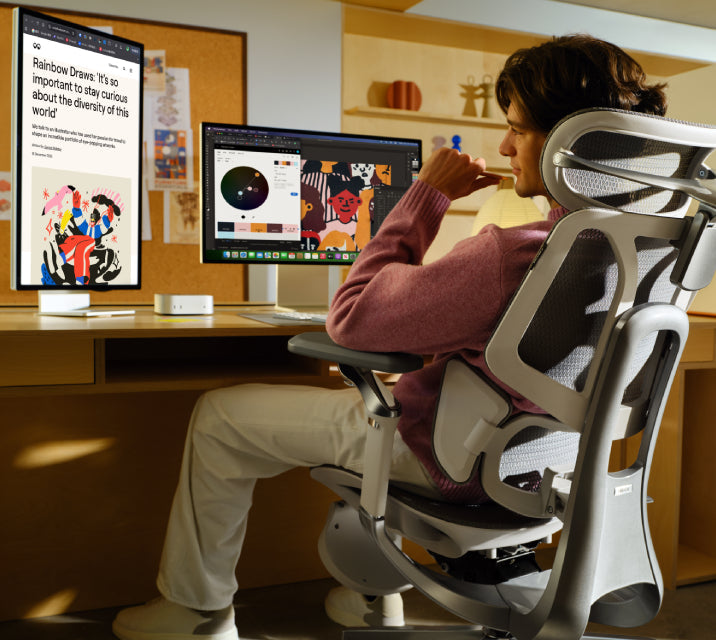
Updated August 2026
Eight hours at a desk has a way of exposing every weakness in a chair. A backrest that felt acceptable in the morning may feel unsupportive by mid-afternoon, while poorly positioned armrests can leave your shoulders doing more work than they should.
This guide compares the main differences without assuming that the most expensive or feature-heavy model is automatically the right one. For a broader buying checklist, see our ergonomic office chair buying guide .
What Matters During Long Workdays?
The word “ergonomic” on its own does not tell you whether a chair will fit your body or remain comfortable throughout the day. Fit and adjustability matter more than the label.
OSHA’s computer workstation guidance recommends looking at the backrest, seat, armrests and base together. That is a useful way to assess a chair because one adjustment cannot compensate for an otherwise poor fit.
- Lumbar support: It should meet the natural curve of your lower back without feeling like a hard point pressing into it.
- Seat height and depth: Your feet should be supported, and the seat edge should not press into the backs of your knees.
- Recline: Changing position during the day is generally more useful than trying to hold one “perfect” posture for hours.
- Armrest adjustment: Your forearms should be supported without forcing your shoulders upward.
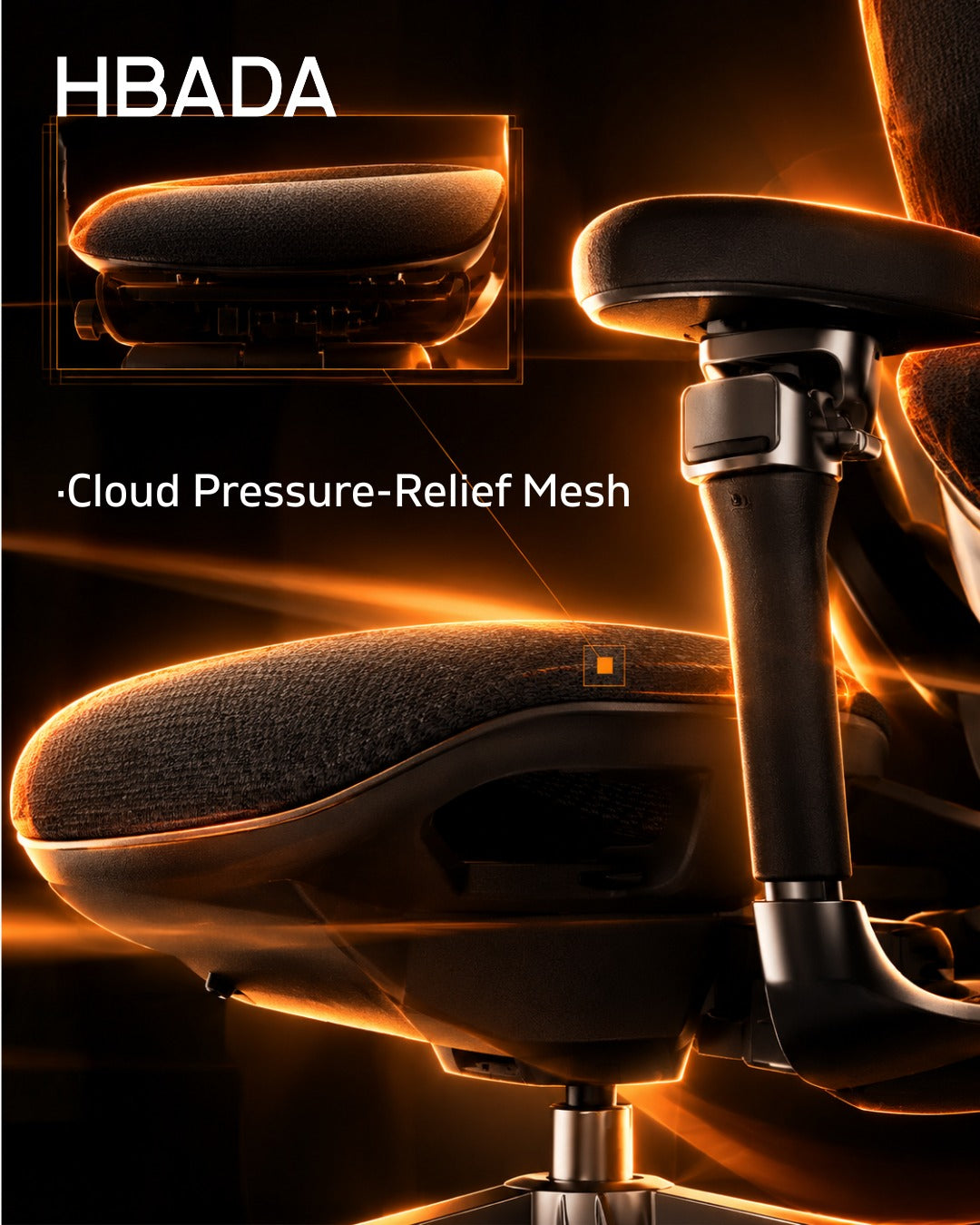
- Breathability: Mesh and ventilated surfaces can make long sessions more comfortable in warmer rooms.
- Stable construction: The chair should feel secure during movement, recline and everyday use.
HBADA Chair Comparison for Long Hours
| Model | Best suited to | Lumbar approach | Break and comfort features | Consider before buying |
|---|---|---|---|---|
| HBADA X7 | Users who want support that adjusts with less manual input | Smart lumbar tracking and automatic adjustment | Ventilated seat, massage functions and broad adjustability | More functions mean more controls and a higher price tier |
| HBADA E3 Pro | Users who want detailed mechanical lumbar adjustment | Three-zone adaptive lumbar support | Multi-position recline and highly adjustable armrests | Lumbar settings still need to be adjusted to the individual user |
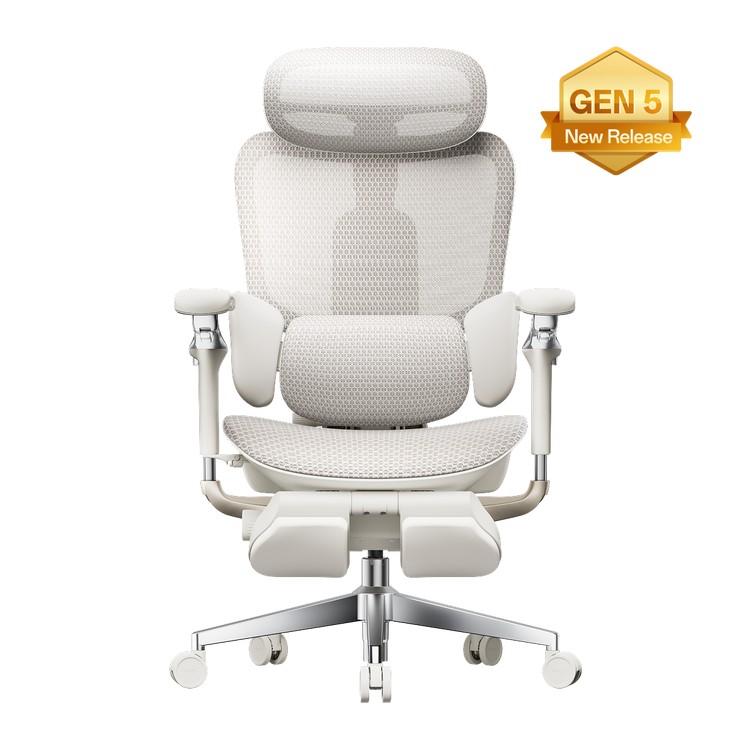
| HBADA E3 Ultra | Users who take reclined recovery breaks during the day | Three-zone elastic lumbar support | Deep recline and an integrated footrest | The footrest is useful for breaks, not a substitute for regular movement |
| HBADA E3 Air | Users who want the main ergonomic adjustments without smart functions | Adjustable lumbar support | Breathable mesh and adjustable upper-body support | Offers fewer automated and recovery-focused features |
HBADA X7: Automatic Lumbar Adjustment
Most people do not remain in one position for an entire workday. They lean forward to type, turn during calls and recline while reading. This is where the X7’s smart lumbar system is most relevant: it is designed to follow changes in sitting position instead of relying only on one manually fixed setting.
The model also combines a ventilated seat, massage functions, adjustable head support and 720° armrests. Those features make the X7 particularly relevant for long desk sessions in which cooling, arm positioning and changes of posture all matter.
The X7 is not automatically the correct chair for everyone. Someone who prefers simple mechanical controls may not need its additional technology. Users should also check the current dimensions, recommended height range and available configuration before ordering.
View the HBADA X7Owners can also consult the HBADA X7 charging and battery guide for information about its powered functions.
HBADA E3 Pro: Targeted Lumbar Adjustment

The E3 Pro takes a more mechanical approach. Its three-zone lumbar system is designed to support the centre and sides of the lower back, allowing users to fine-tune the contact rather than depend on a single lumbar pad.
This can be useful for someone who already knows where they prefer more or less support. The chair also offers multi-position recline and extensively adjustable armrests, helping it adapt between typing, reading and relaxed sitting.
It is better to describe the E3 Pro as a chair for targeted lumbar support, not as a treatment for back pain. The right setting still depends on the user’s height, body proportions, desk height and sitting habits.
View the HBADA E3 ProHBADA E3 Ultra: Recline and Recovery Breaks
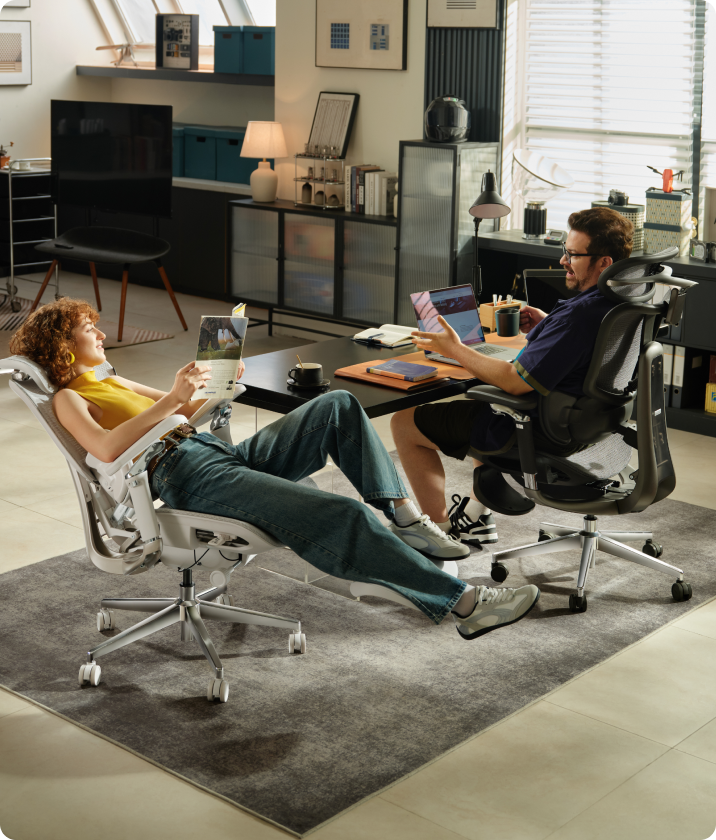
A long workday should not mean staying upright and motionless for eight hours. The E3 Ultra is the more break-oriented option in this comparison, combining adjustable lumbar support with deeper recline and an integrated footrest.
That setup is useful for short periods of reading, taking a call or reclining between focused tasks. It does not replace standing, walking or changing position, but it gives users another supported posture when they need a brief pause.
Because the E3 Ultra is available in different configurations, check the selected model, colour and footrest option on the product page before purchasing.
View the HBADA E3 UltraHBADA E3 Air: Practical Everyday Support
Not every buyer needs automatic lumbar tracking, massage or a footrest. The E3 Air is intended for people who mainly want an adjustable, breathable office chair for everyday desk work.
Its mesh construction helps with airflow, while the lumbar, headrest and armrest adjustments cover the areas most users need to configure. It has fewer advanced functions than the X7 and fewer break-focused features than the E3 Ultra, but that simpler design may be exactly what some home offices require.
View the HBADA E3 AirHow to Choose the Right Model

Start with the problem you are trying to solve rather than the longest feature list.
- Choose the X7 if you want lumbar support that responds automatically as your position changes.
- Choose the E3 Pro if you prefer detailed mechanical control over lower-back support.
- Choose the E3 Ultra if a footrest and supported reclining breaks are important to you.
- Choose the E3 Air if you want breathable, adjustable everyday seating without paying for functions you may not use.
Before deciding, compare seat height, seat depth, overall dimensions, weight capacity and recommended user height. Those measurements are often more important than small differences in the number of adjustment settings.
How to Set Up an Office Chair for Long Hours
- Sit fully against the backrest before positioning the lumbar support.
- Adjust the seat so your feet rest flat on the floor or on a stable footrest.
- Leave a small gap between the seat edge and the backs of your knees.
- Position the armrests so your shoulders remain relaxed and your elbows stay close to your body.
- Use a slight recline when comfortable instead of forcing yourself to remain perfectly upright.
- Recheck the settings when your task changes, especially when moving between typing, reading and reclining.
- Stand up and move regularly. No chair removes the need for movement.
Maintenance also affects long-term comfort. A worn seat, loose armrest or unstable mechanism may change how the chair supports you. Our guide to how long an office chair lasts explains what to monitor over time.
Frequently Asked Questions
Which HBADA chair is best for long working hours?
The X7 is the strongest match for users who want automatic lumbar adjustment. The E3 Pro may be more suitable for people who prefer detailed mechanical control, while the E3 Air provides a simpler everyday option. Body fit should remain the deciding factor.
Which HBADA chair offers the most targeted lumbar adjustment?
The E3 Pro uses a three-zone adaptive lumbar system intended to provide adjustable support across the centre and sides of the lower back.
Is the HBADA X7 worth considering for an eight-hour workday?
It may be a good fit if you value automatic lumbar tracking, ventilation and other powered comfort functions. Buyers who prefer a simpler chair may find that a mechanically adjustable E3 model meets their needs.
Which HBADA ergonomic office chair includes a footrest?
The E3 Ultra is available with an integrated footrest and is the most break-oriented option in this comparison. Always verify the selected variant because configurations can differ.
Do I need an expensive chair for long hours?
Not necessarily. Correct dimensions and useful adjustments matter more than price alone. The E3 Air covers the main ergonomic fundamentals for users who do not need smart tracking, massage or an integrated footrest.
Can an ergonomic chair fix back pain?
No. A properly adjusted chair may help reduce strain and support a more comfortable working posture, but it is not a medical treatment. Ongoing or severe pain requires professional assessment.
Final Thoughts
The best office chair for long hours is the one that fits your body, supports the tasks you perform and remains easy to adjust throughout the day. For some users that will be the automated X7. Others may prefer the precise mechanical support of the E3 Pro, the recovery-focused E3 Ultra or the simpler E3 Air.
Whichever model you choose, take time to set it up properly and keep moving during the day. A good chair can support better working habits, but it cannot replace them.
Product specifications, configurations, prices and availability may change. Confirm the current information on the relevant HBADA product page before purchasing.