










From the first unboxing to your everyday setup.
A chair becomes part of your workday one adjustment at a time. Here is how to approach the E3 Pro’s assembly, explore its support and keep track of what works for you over the first 90 days.
Start by identifying your E3 Pro edition and using its matching assembly guide. Once assembled, focus on seat fit, lumbar contact, armrest position and recline before judging everyday comfort. This guide combines a brief look at published assembly experiences with our practical setup advice. The 90-day section is an owner check-in plan, not a completed test or a promise of a 90-day return window.
HBADA E3 Pro Unboxing: Start with Your Edition

Before opening the packaging, check the model details on your order and carton. The E3 Pro name spans different editions, so an older review or assembly video may not describe the exact chair you have purchased.
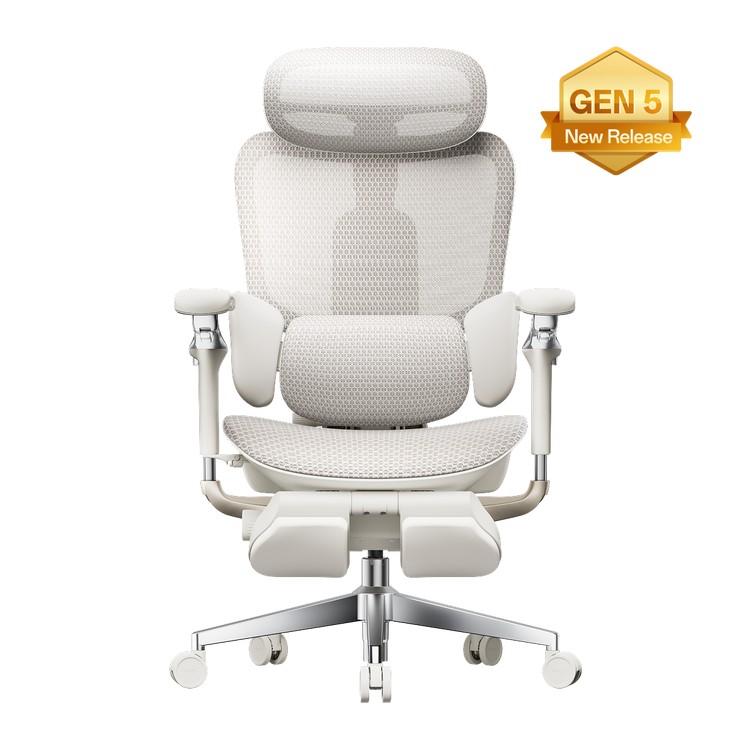
If you are researching the current model, begin with the E3 Pro 2026 product specifications and configuration options . Compare the selected configuration with your order rather than assuming every version includes the same accessories.
Check before building
Lay out the components on a protected surface. Match them to the parts list and inspect the frame, mesh and fittings before starting assembly.
Keep the essentials
Keep your order details, manual and supplied tools together. Retain the packaging while you check the delivery and review the applicable return instructions.
For help identifying the right documentation, use our HBADA user manuals and assembly videos . The hub lists E3 Pro and E3 Pro 2026 resources separately.
HBADA E3 Pro Assembly: What Published Reviews Report
Assembly experiences are useful context, but they are not a guaranteed completion time. The edition, your experience and the space available all affect the process.
| Source | Observation | How to use it |
|---|---|---|
| The Gadgeteer | Reported approximately 25–30 minutes for a one-person E3 Pro 2026 assembly. | Treat this as one reviewer’s experience, not a time limit. |
| TechRadar | Described clear instructions and manageable solo assembly for the E3 Pro unit reviewed. | This earlier review should not be treated as a test of the current 2026 edition. |
Leave enough time to check your work and ask for help when handling a component that feels awkward or heavy. Our assembly and troubleshooting guide covers common installation questions.
HBADA E3 Pro Instructions: Build Carefully, Then Adjust

Follow the manual supplied for your exact model. These general checks support that process; they do not replace its assembly sequence.
- Match the edition. Open the corresponding manual and video before beginning.
- Check orientation. Compare components with the diagrams before joining them.
- Align the fasteners. Start related screws by hand before tightening as instructed. Do not force a screw that does not turn correctly.
- Check the completed chair. Confirm that the base, casters and attached components are secure before use.
Optional footrest: Follow the instructions for your selected configuration. Do not use a pull-out footrest as a step or seat. If a component is missing, damaged or does not fit, contact our support team before continuing.
Keep the HBADA assembly, warranty and support FAQ handy for the next steps after setup.
Comfort and Adjustability in Daily Use
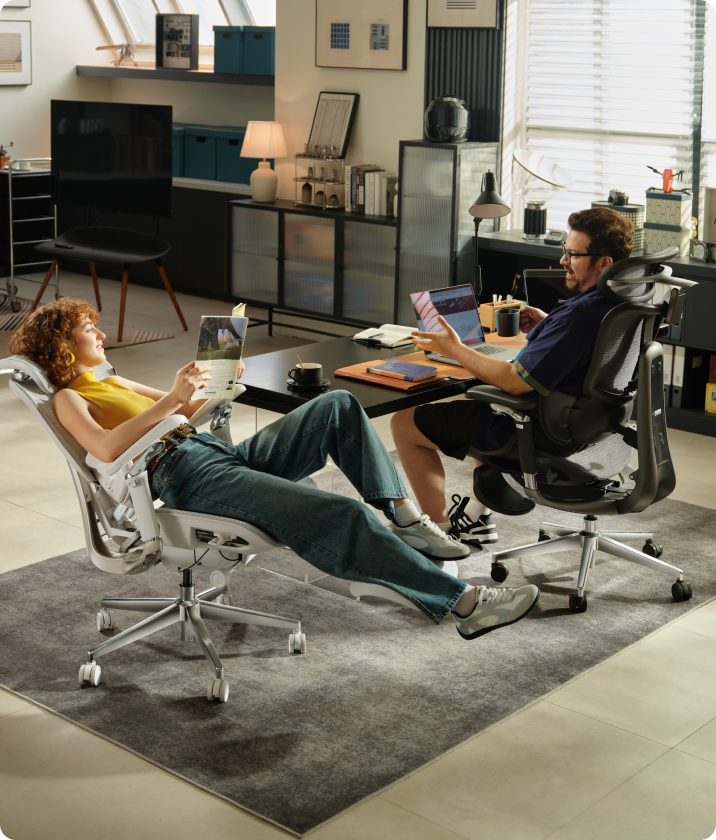
Our E3 Pro 2026 combines three-zone adaptive lumbar support, a 4D dual-axis headrest, 720° omni-mechanical armrests and breathable mesh. The useful question is how those features fit your body and your desk—not simply how many adjustments the chair offers.
Start with seat fit
Check height and depth before fine-tuning the backrest. Our office chair fit guide explains why overall height alone is not enough.
Find the lumbar contact
Explore the controls gradually rather than assuming maximum pressure is the best setting. Use our lumbar support guide to understand the different support approaches.
Bring the desk into the picture
Armrest position matters alongside keyboard and desk placement. Review the whole workspace with our ergonomic home office setup guide .
Learn the controls
Change one setting at a time so you can notice the difference. Our chair owner’s hub brings together setup resources and adjustment guidance.
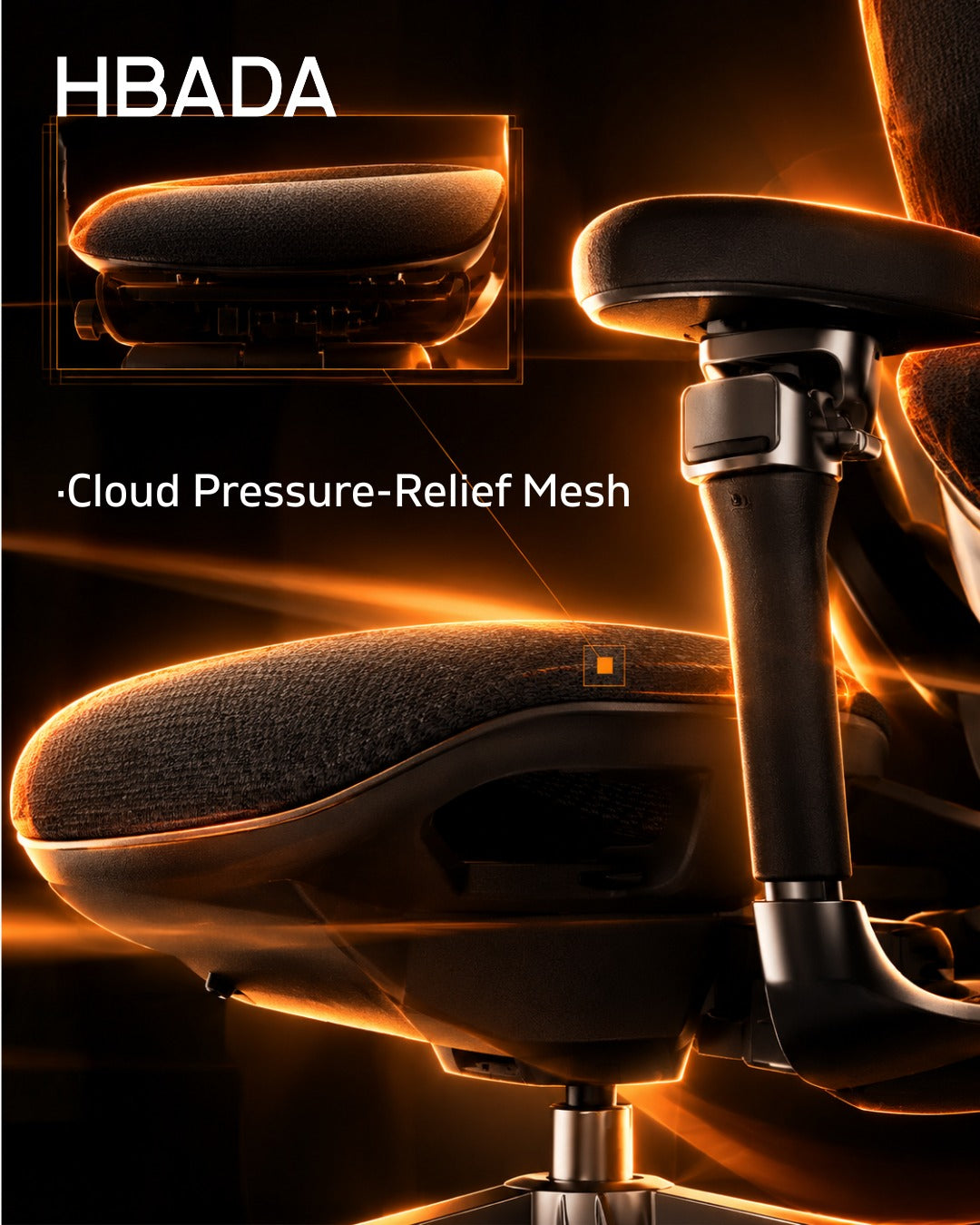
Breathable mesh allows airflow; it is not active cooling. Comfort also changes with room temperature, clothing, task and time spent in one position. Leave room in your routine for movement instead of relying on one fixed setup all day.
A 90-Day Check-In Plan for Your E3 Pro
First impressions and long-term ownership answer different questions. Use these check-ins to record your own experience, rather than treating a short review as proof of durability.
Record the baseline
Note the edition and configuration, check assembly and take a photo of your starting setup.
Refine your everyday settings
Try the chair during your usual tasks. Note which adjustments help and which contact points need attention.
Review fit and function
Check whether controls remain easy to use and whether your preferred setup still works with your desk. Do not wait for this milestone if there is a problem.
Compare with your baseline
Inspect the mesh and accessible fittings, note any unexpected movement or noise and follow the maintenance guidance for your model.
Check your return deadline separately. This 90-day plan is not an extension of any trial or return period. Review the terms that apply to your order early, and contact us promptly if something is not right.
Mesh color and visibility of underlying components are appearance considerations, not evidence that one colorway is more durable than another. Assess function and condition separately from visual preference.
Is the HBADA E3 Pro Worth It for Your Setup?
The E3 Pro is worth considering if you want an adjustable mesh chair and prefer to set your own support and seating position. Its value depends on whether the dimensions and controls work for you—not on a feature count alone.
- Check fit: compare the seat dimensions and adjustment ranges with your workspace and proportions.
- Check configuration: confirm the edition, color and footrest selection.
- Check the complete purchase: review the current price, delivery information and applicable service terms.
Use the current E3 Pro 2026 listing for purchase details rather than an older review’s sale price.
Frequently Asked Questions
How long does HBADA E3 Pro assembly take?
The Gadgeteer reported approximately 25–30 minutes for its E3 Pro 2026 assembly. Your time may differ with the model, experience and available help. Follow the manual rather than rushing to match a reviewer’s time.
Where can I find HBADA E3 Pro instructions?
Visit our user manual and assembly guide hub . Select the resource matching your edition; the E3 Pro and E3 Pro 2026 have separate entries.
Does every E3 Pro include a footrest?
Check the configuration selected on your order. Do not assume an accessory shown in a review is included with every edition or option.
Is this a completed 90-day durability test?
No. The 90-day section is a suggested owner check-in plan. It does not represent a controlled test, a lifespan guarantee or an extension of the return period.
What should I do if my chair starts squeaking?
Follow our maintenance and troubleshooting guidance . A noise alone does not identify the cause. If the chair feels unstable or a structural part is damaged, stop using it and contact support. Never open or modify the gas lift.
How should I judge comfort after assembly?
Start with a careful fit check and adjust one setting at a time during your usual tasks. Do not force yourself to tolerate sharp or worsening discomfort. Review your purchase terms while deciding whether the chair fits your needs.
The Final Check: Fit Before Feature Count
A useful E3 Pro review should help you make a better decision: choose the correct edition, understand assembly, explore the adjustments and evaluate your own day-to-day experience.
Start with the right documentation, give each adjustment a purpose and keep track of how your setup works over time. That is more useful than assuming any chair will feel the same for every person.
Build a setup that works for you.
Explore the E3 Pro 2026’s current specifications and configurations, then use our setup resources to get started.
Explore the HBADA E3 Pro 2026 →