Cart
Your shopping cart is empty
Continue Shopping
Every Order, Backed by HBADA
30-day in-home Trial
Free 2-Business-Day Shipping
5-Year Hassle-Free Warranty
24/7 Customer Support


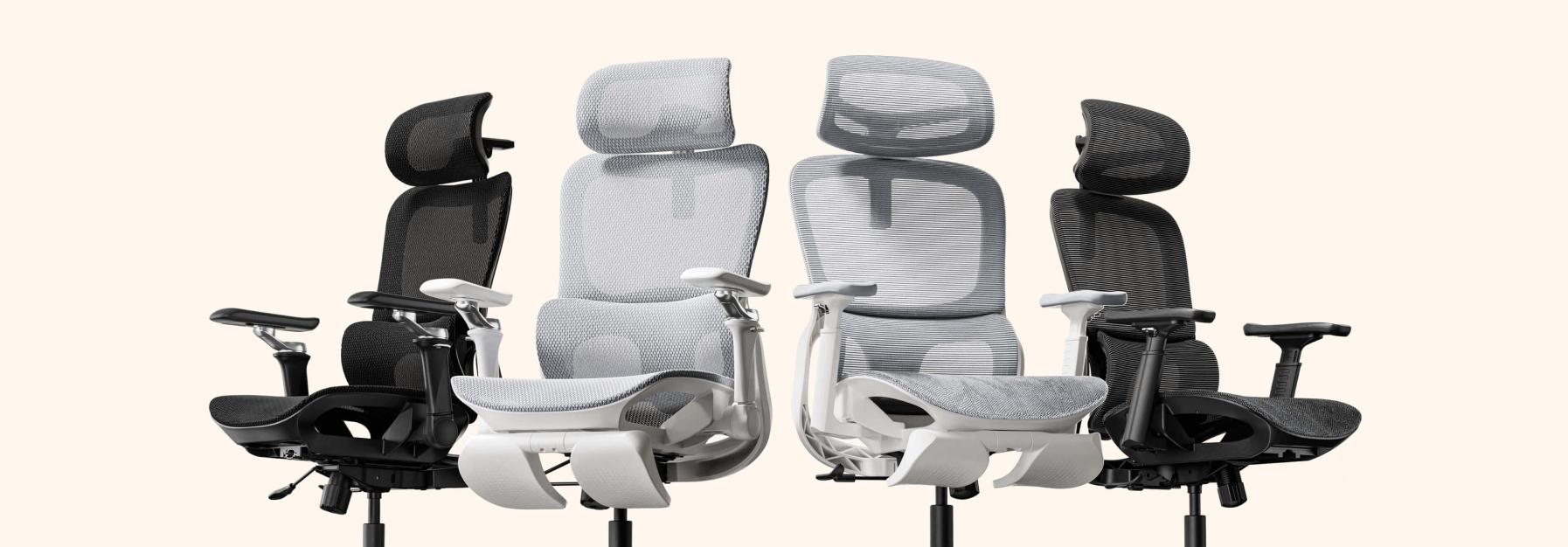
HBADA E3 Pro Ergonomic Office Chair

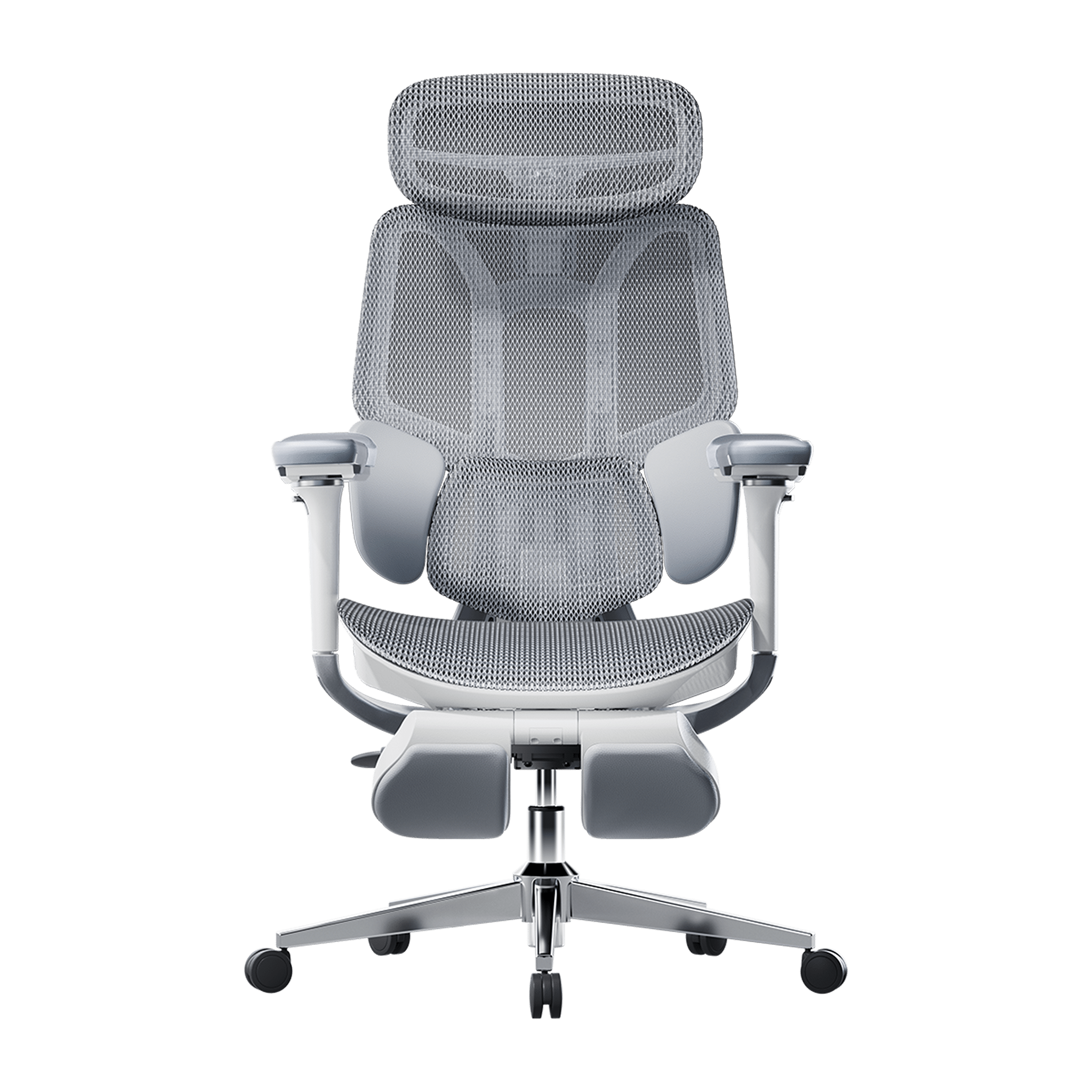
HBADA E3 Ultra Ergonomic Office Chair Futuristic

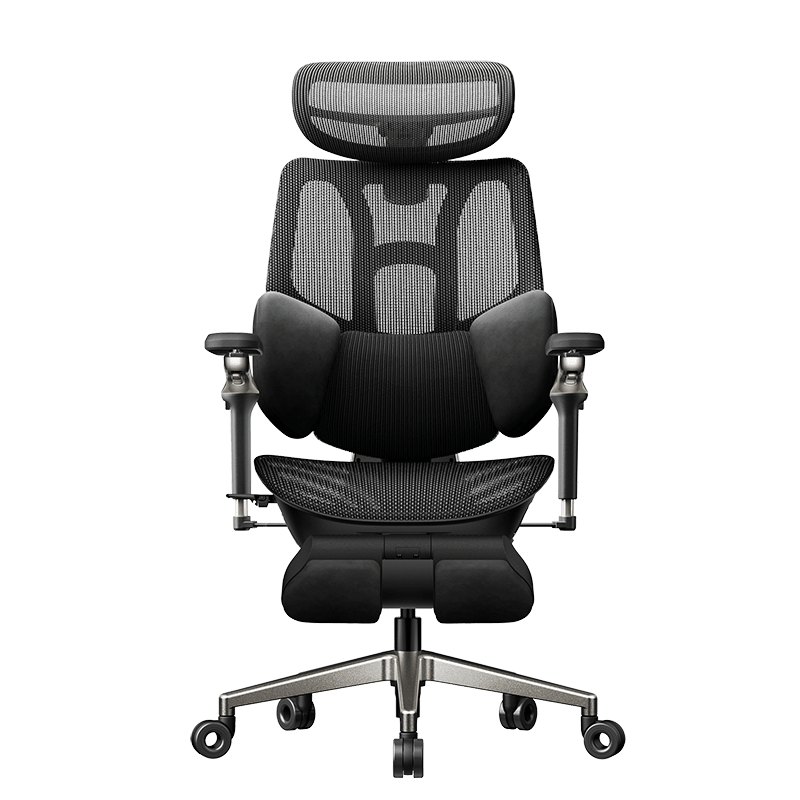
HBADA X7 Smart Ergonomic Office Chair with AI Lumbar Support

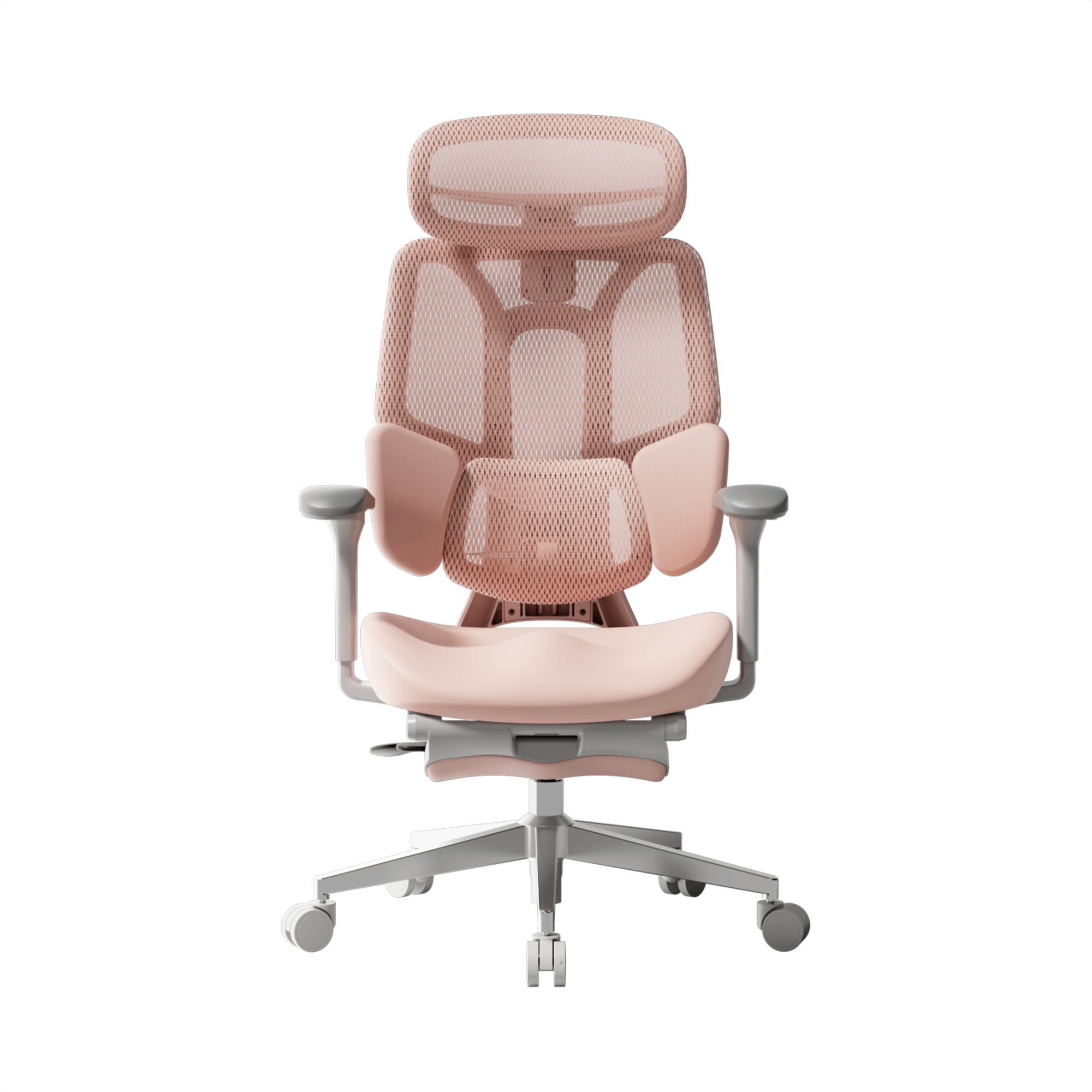
HBADA P2 Ergonomic Office Chair
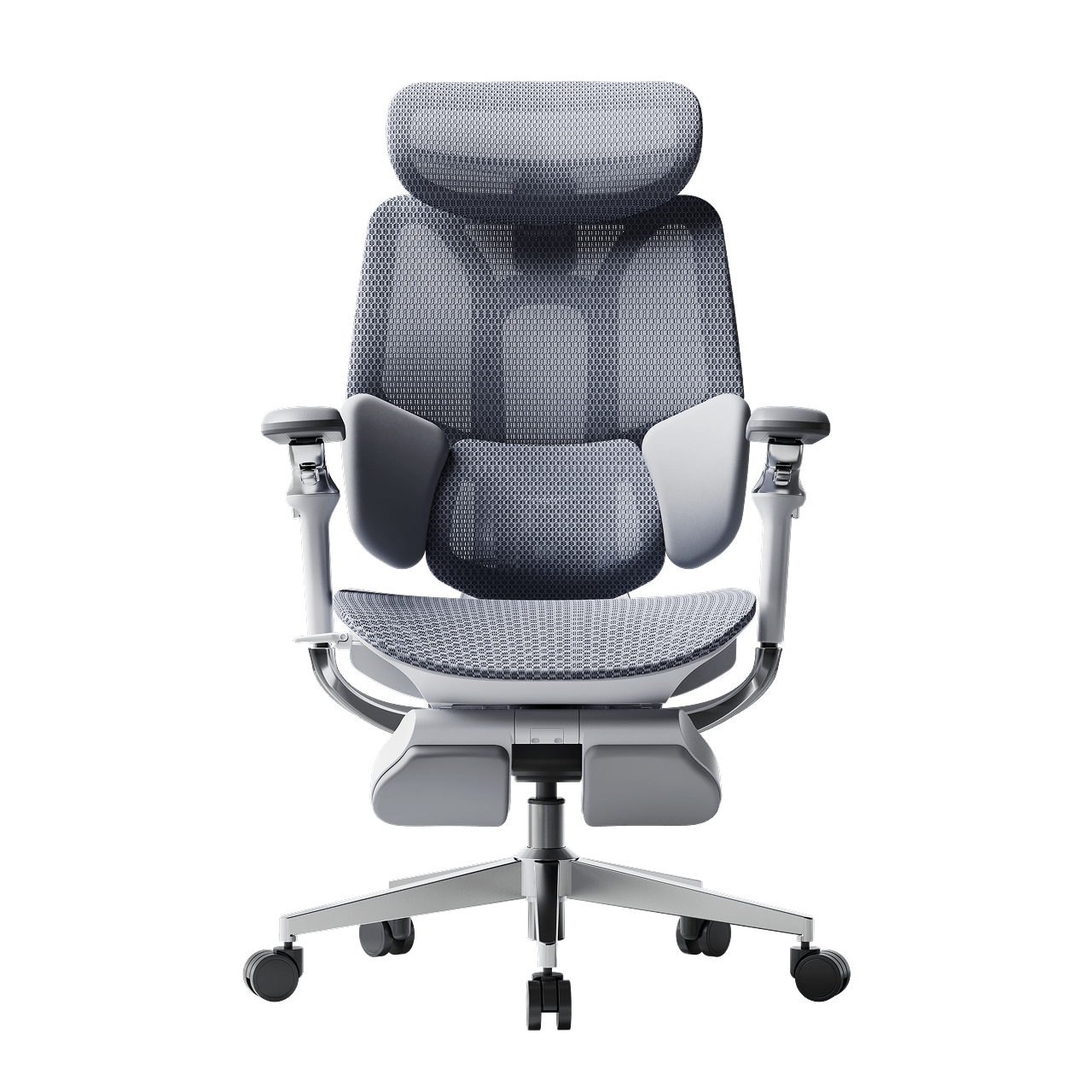
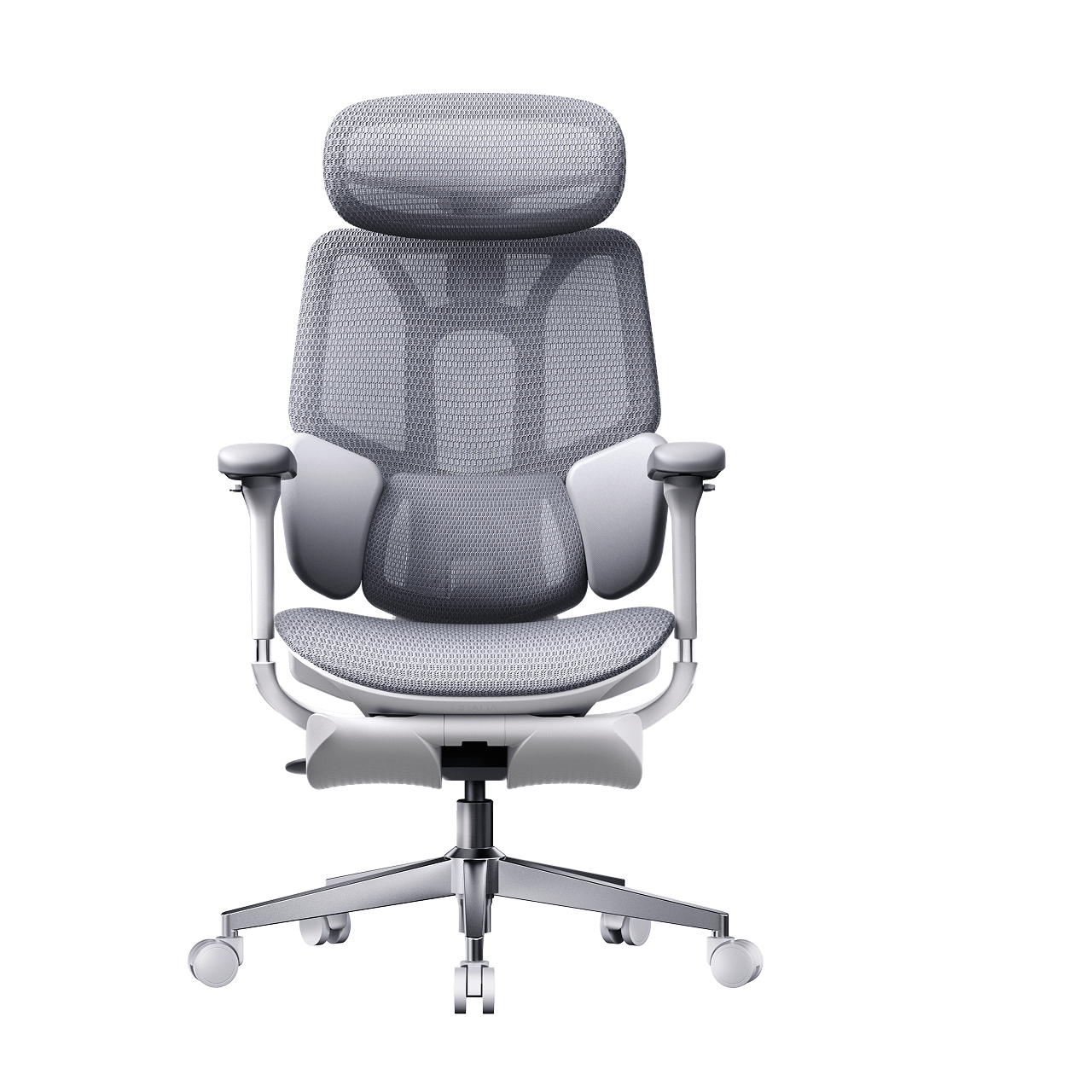
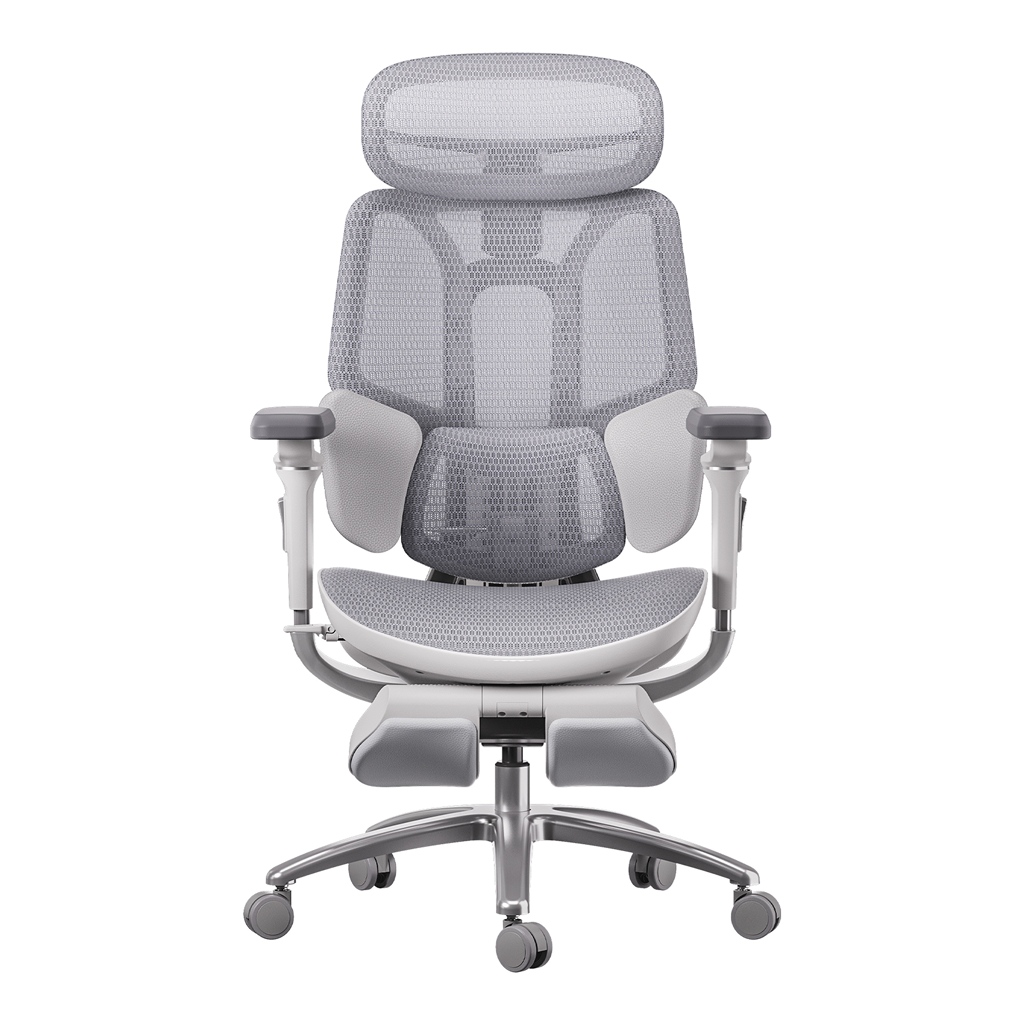

Remove this item from your cart?
Cart
 All the Things You Need to Know About Healthy Sitting Posture at Work
Contents
What is ergonomic posture?
The hidden costs of poor alignment
Meaning and benefits
Proper sitting posture: a step-by-step guide
Spinal alignment and computer ergonomics
Feet, legs, and circulation
Armrests for shoulder relief and posture
Why your office chair is your most important tool
The best ergonomic chair for long hours
The science of lumbar tracking
HBADA ergonomic chair comparison
Frequently asked questions
Conclusion
You don’t have to accept back pain as part of your workday. Good posture is important for your health and productivity. It helps reduce strain on your spine, increases your energy, and prevents joint injuries. The best approach is to build healthy habits and use supportive seating. Here’s how you can set up your workspace for comfort and focus.
What is Ergonomic Posture? Meaning and Benefits
The Hidden Costs of Poor Alignment
Many people don’t realize how much a typical office setup can affect their bodies. Slouching at your desk can put pressure on your spine, make it harder to breathe, and slow your digestion. Over time, this can lead to back pain, headaches, and fatigue. To feel better at work, it’s important to learn about posture and how your body moves.
Ergonomic Posture: Meaning and Benefits
What does ergonomic posture mean, and why is it helpful? It means keeping your body in a natural, relaxed position. This reduces tired muscles and takes pressure off your joints. You’ll notice fewer headaches, less back pain, and better blood flow in your legs. With a good setup, your muscles don’t have to work extra hard to keep you upright, so you can stay focused and avoid feeling tired in the afternoon.
Proper Sitting Posture for Office Workers: A Step-by-Step Guide
Just reminding yourself to “sit up straight” isn’t enough. Good sitting posture means your whole body works together with your desk, monitor, and chair. Here’s how to get it right from head to toe.
Spinal Alignment and Sitting Position in Front of the Computer Ergonomics
When you set up your computer workspace, start by making sure your monitor is at eye level and about an arm’s length away. This helps keep your neck straight and avoids strain. Sit with your hips all the way back in your chair. If you have an adjustable chair, set the seat depth so your back is supported and there’s a small gap between the seat and the back of your knees.
Feet, Legs, and Circulation
Your lower body matters for posture. Keep your knees at or just below hip level, and keep your feet flat on the floor. If your feet don’t reach, use a footrest. Try not to cross your legs, since it can twist your hips and reduce circulation, which may cause numbness or discomfort.
Ergonomic Armrests for Shoulder Relief and Posture
Pay attention to your arms and wrists. Keep your elbows close to your sides at a natural angle, about 90 to 100 degrees. Good armrests help support your arms and take pressure off your neck and shoulders. Place your keyboard and mouse so your wrists stay straight, not bent up or down.
Why Your Office Chair is Your Most Important Tool
Healthy habits are important, but your chair matters just as much. If your seat is stiff and doesn’t support you, it’s hard to keep good posture all day.
The Search for the Best Ergonomic Chair for Long Hours
If you spend many hours at your desk, you need a chair that’s made for long use. The best ergonomic chairs move with you and support your spine’s natural curve as you shift positions. Investing in a chair with lumbar support is a smart choice for your health and comfort, whether you work at home or in an office.
Advanced Support: The Science of Lumbar Tracking
Regular lumbar support doesn’t always work well because we move a lot during the day. An adaptive lumbar chair adjusts as you change positions, like when you lean forward or recline. Some chairs have three zones of support that fit the shape of your lower back and give relief to your muscles, spine, and pelvis. This way, your spine always gets the support it needs, no matter how you sit.
Hbada Ergonomic Chair Comparison: Elevate Your Workspace
We focus on creating chairs that support your health and help you work at your best. Whether you want a top ergonomic chair or a simple, lightweight option for your home office, our products are designed to deliver. Here’s a comparison to help you choose what’s right for your workspace.
Product Model
Ideal User Scenario
Key Ergonomic Features
Lumbar Support Technology
Hbada E3
Home Office / Remote Workers
Breathable mesh, dynamic tilt, ergonomic armrests for shoulder relief and posture.
Standard Dynamic Lumbar
Hbada E3 Pro
Intensive Desk Work / Corporates
Premium / advanced ergonomic features, gravity-sensing recline, ultimate comfort.
best ergonomic chair with 3-zone lumbar support
Hbada AI-Powered X7
Tech Enthusiasts / Posture Focus
Bio-synchronized tracking, real-time posture correction, AI health monitoring.
Adaptive lumbar tracking ergonomic chair
If you want to improve your posture, some new chairs give real-time feedback to help you adjust while you work. Some use smart technology to guide you, while others offer strong, multi-zone support for all-day comfort. Consider which features are most important to you, like active feedback or steady support.
Frequently Asked Questions About Healthy Sitting
Q: How often should I take breaks from sitting at my desk?A: Even with perfect posture, sitting still for extended periods restricts blood flow and stiffens your muscles. You should stand, stretch, or walk for at least five minutes every single hour.
Q: Can a high-quality chair actually correct my bad posture?A: A chair cannot forcefully lock you into perfect posture, but it provides the necessary biomechanical foundation. An ergonomic chair gently guides your spine into proper alignment and greatly reduces the muscular effort needed to sit upright.
Q: How do I know if my chair’s lumbar support is positioned correctly?A: Your lumbar support should fit seamlessly into the deepest inward curve of your lower back, resting just above your belt line. It should feel highly supportive but never intrusive. If it pushes your pelvis too far forward or feels too high up on your ribcage, you must adjust the height immediately.
Q: Are armrests strictly necessary for a home office chair?A: Yes, adjustable armrests are crucial for long-term comfort. Without them, the entire weight of your arms pulls down on your delicate neck and shoulder muscles, leading to severe tension.
Q: What makes an adaptive lumbar system better than standard support?A: Standard lumbar support is completely static; it only works when you sit perfectly still in one highly specific position. An adaptive lumbar system moves dynamically with your body.
Conclusion
Mastering your desk posture is an ongoing, vital commitment to your physical health. Improving your desk posture is important for your health, focus, and comfort at work. When you sit correctly and use supportive equipment, you can avoid pain and discomfort during your workday. Don’t accept aches and fatigue as normal. Check your workspace, make these changes, and choose an ergonomic setup that supports you.
Apr 16, 2026
All the Things You Need to Know About Healthy Sitting Posture at Work
Contents
What is ergonomic posture?
The hidden costs of poor alignment
Meaning and benefits
Proper sitting posture: a step-by-step guide
Spinal alignment and computer ergonomics
Feet, legs, and circulation
Armrests for shoulder relief and posture
Why your office chair is your most important tool
The best ergonomic chair for long hours
The science of lumbar tracking
HBADA ergonomic chair comparison
Frequently asked questions
Conclusion
You don’t have to accept back pain as part of your workday. Good posture is important for your health and productivity. It helps reduce strain on your spine, increases your energy, and prevents joint injuries. The best approach is to build healthy habits and use supportive seating. Here’s how you can set up your workspace for comfort and focus.
What is Ergonomic Posture? Meaning and Benefits
The Hidden Costs of Poor Alignment
Many people don’t realize how much a typical office setup can affect their bodies. Slouching at your desk can put pressure on your spine, make it harder to breathe, and slow your digestion. Over time, this can lead to back pain, headaches, and fatigue. To feel better at work, it’s important to learn about posture and how your body moves.
Ergonomic Posture: Meaning and Benefits
What does ergonomic posture mean, and why is it helpful? It means keeping your body in a natural, relaxed position. This reduces tired muscles and takes pressure off your joints. You’ll notice fewer headaches, less back pain, and better blood flow in your legs. With a good setup, your muscles don’t have to work extra hard to keep you upright, so you can stay focused and avoid feeling tired in the afternoon.
Proper Sitting Posture for Office Workers: A Step-by-Step Guide
Just reminding yourself to “sit up straight” isn’t enough. Good sitting posture means your whole body works together with your desk, monitor, and chair. Here’s how to get it right from head to toe.
Spinal Alignment and Sitting Position in Front of the Computer Ergonomics
When you set up your computer workspace, start by making sure your monitor is at eye level and about an arm’s length away. This helps keep your neck straight and avoids strain. Sit with your hips all the way back in your chair. If you have an adjustable chair, set the seat depth so your back is supported and there’s a small gap between the seat and the back of your knees.
Feet, Legs, and Circulation
Your lower body matters for posture. Keep your knees at or just below hip level, and keep your feet flat on the floor. If your feet don’t reach, use a footrest. Try not to cross your legs, since it can twist your hips and reduce circulation, which may cause numbness or discomfort.
Ergonomic Armrests for Shoulder Relief and Posture
Pay attention to your arms and wrists. Keep your elbows close to your sides at a natural angle, about 90 to 100 degrees. Good armrests help support your arms and take pressure off your neck and shoulders. Place your keyboard and mouse so your wrists stay straight, not bent up or down.
Why Your Office Chair is Your Most Important Tool
Healthy habits are important, but your chair matters just as much. If your seat is stiff and doesn’t support you, it’s hard to keep good posture all day.
The Search for the Best Ergonomic Chair for Long Hours
If you spend many hours at your desk, you need a chair that’s made for long use. The best ergonomic chairs move with you and support your spine’s natural curve as you shift positions. Investing in a chair with lumbar support is a smart choice for your health and comfort, whether you work at home or in an office.
Advanced Support: The Science of Lumbar Tracking
Regular lumbar support doesn’t always work well because we move a lot during the day. An adaptive lumbar chair adjusts as you change positions, like when you lean forward or recline. Some chairs have three zones of support that fit the shape of your lower back and give relief to your muscles, spine, and pelvis. This way, your spine always gets the support it needs, no matter how you sit.
Hbada Ergonomic Chair Comparison: Elevate Your Workspace
We focus on creating chairs that support your health and help you work at your best. Whether you want a top ergonomic chair or a simple, lightweight option for your home office, our products are designed to deliver. Here’s a comparison to help you choose what’s right for your workspace.
Product Model
Ideal User Scenario
Key Ergonomic Features
Lumbar Support Technology
Hbada E3
Home Office / Remote Workers
Breathable mesh, dynamic tilt, ergonomic armrests for shoulder relief and posture.
Standard Dynamic Lumbar
Hbada E3 Pro
Intensive Desk Work / Corporates
Premium / advanced ergonomic features, gravity-sensing recline, ultimate comfort.
best ergonomic chair with 3-zone lumbar support
Hbada AI-Powered X7
Tech Enthusiasts / Posture Focus
Bio-synchronized tracking, real-time posture correction, AI health monitoring.
Adaptive lumbar tracking ergonomic chair
If you want to improve your posture, some new chairs give real-time feedback to help you adjust while you work. Some use smart technology to guide you, while others offer strong, multi-zone support for all-day comfort. Consider which features are most important to you, like active feedback or steady support.
Frequently Asked Questions About Healthy Sitting
Q: How often should I take breaks from sitting at my desk?A: Even with perfect posture, sitting still for extended periods restricts blood flow and stiffens your muscles. You should stand, stretch, or walk for at least five minutes every single hour.
Q: Can a high-quality chair actually correct my bad posture?A: A chair cannot forcefully lock you into perfect posture, but it provides the necessary biomechanical foundation. An ergonomic chair gently guides your spine into proper alignment and greatly reduces the muscular effort needed to sit upright.
Q: How do I know if my chair’s lumbar support is positioned correctly?A: Your lumbar support should fit seamlessly into the deepest inward curve of your lower back, resting just above your belt line. It should feel highly supportive but never intrusive. If it pushes your pelvis too far forward or feels too high up on your ribcage, you must adjust the height immediately.
Q: Are armrests strictly necessary for a home office chair?A: Yes, adjustable armrests are crucial for long-term comfort. Without them, the entire weight of your arms pulls down on your delicate neck and shoulder muscles, leading to severe tension.
Q: What makes an adaptive lumbar system better than standard support?A: Standard lumbar support is completely static; it only works when you sit perfectly still in one highly specific position. An adaptive lumbar system moves dynamically with your body.
Conclusion
Mastering your desk posture is an ongoing, vital commitment to your physical health. Improving your desk posture is important for your health, focus, and comfort at work. When you sit correctly and use supportive equipment, you can avoid pain and discomfort during your workday. Don’t accept aches and fatigue as normal. Check your workspace, make these changes, and choose an ergonomic setup that supports you.
Apr 16, 2026
 5 Ways the Wrong Armrest Position Is Damaging Your Shoulders—How to Fix
Table of Contents
Shoulder Elevation and "The Shrug" Effect
Wide Armrest "Wingspan" and Rotator Cuff Strain
The "Floating Arm" Syndrome
Interference with Desk Proximity
Uneven Loading and Postural Lean
HBADA Armrest Technology Comparison
Frequently Asked Questions
Conclusion
If you end your workday with shoulder or neck discomfort, your armrests may be the cause. Though often overlooked, their position is crucial for offloading upper-body weight. Misaligned armrests make your muscles work harder, leading to strain. Here are five ways your chair setup may harm your shoulders, along with how to correct them.
Shoulder Elevation and "The Shrug" Effect
One of the most common issues occurs when armrests are set too high. This forces your shoulders into a permanent “shrug,” compressing the trapezius muscles and restricting blood flow to your neck. Over several hours, this static tension leads to severe stiffness and tension headaches.
The Fix: Precise Height Calibration
To achieve ergonomic armrests for shoulder relief and posture alignment, lower the supports until your shoulders drop into a natural, relaxed position. Your elbows should form about a 90-degree angle as your forearms rest on the pads. If you find your chair’s increments too large, you may need an ergonomic chair with precise armrest positioning to find the perfect, stress-free height.
Wide Armrest “Wingspan” and Rotator Cuff Strain
Many standard office chairs often have armrests that are too wide. This forces your arms out, causing your shoulder blades to move away from your spine. This stresses the rotator cuff and surrounding tendons.
The Fix: Inward Pivot Adjustments
Choose an Hbada office chair with multidirectional armrest adjustment that allows the pads to pivot inward. By bringing the armrests closer to your torso, your elbows stay tucked by your sides. This keeps your humerus (upper arm bone) securely in the shoulder socket, preventing the long-term wear and tear associated with reaching.
The “Floating Arm” Syndrome
When armrests are too low or missing entirely, your shoulders must bear the full weight of your arms—roughly 10% of your total body weight. This constant downward pull strains the ligaments and causes “slumping,” in which your chest collapses forward, disrupting your spinal alignment.
The Fix: Full Support for Long Hours
If you are struggling with how to fix shoulder pain from an office chair, the answer is consistent weight distribution. Using an adjustable armrest ergonomic chair for long hours ensures your arms are always supported, whether you are leaning back to read or sitting upright to type. Our premium ergonomic chair with full-arm support adjustment offers the range you need to bridge the gap between your body and your desk.
Interference with Desk Proximity
If your armrests hit the edge of your desk, you are forced to sit too far away from your keyboard. This causes you to lean forward and hunch your back, which is a leading cause of both shoulder impingement and lower back issues.
Uneven Loading and Postural Lean
Most people have a dominant hand, leading them to lean heavily on one armrest while the other “floats.” This creates a pelvic tilt and an asymmetrical shoulder line, which can eventually contribute to scoliosis-like symptoms or aggravate existing spinal conditions.
The Fix: Symmetrical Alignment and Core Engagement
Even when using an ergonomic chair with adjustable armrests for shoulder pain, you must remain mindful of your balance. Set both armrests to the exact same height and width. This encourages a centered sitting position, which is especially important when managing complex issues. For example, when considering the best sitting position for a herniated disc, symmetry is key to evenly distributing pressure across your spinal discs.
Hbada Armrest Technology Comparison
We engineer our products to provide active relief. Whether you are dealing with minor tension or chronic pain, our armrest technology is designed to adapt to your unique biomechanics.
Frequently Asked Questions (FAQ)
Q: How do I know if my armrests are at the right height?A: Your armrests are correct if your shoulders are relaxed and your elbows are at 90 degrees. You should reach your keyboard without lifting your shoulders or dropping your elbows.
Q: Should I use armrests while typing?A: Yes, use armrests while typing. They support your arms, reducing strain on your back and neck.
Q: Can the armrest position affect my lower back?A: Yes. Poor armrest position forces you to slouch, stressing your lower back.
Q: What is the benefit of a “multi-directional” armrest
A: Multi-directional armrests adjust height, width, depth, and pivot, adapting for different tasks and users.
Q: Can a better chair help with a herniated disc?A: While not a cure, ergonomic chairs support your spine and help relieve disc pressure.
Conclusion
Your shoulders carry enough stress; your office chair shouldn’t add to it. By identifying these five common armrest mistakes, you can take immediate action to align your body and eliminate workday pain. Remember that true ergonomic comfort comes from a chair that adjusts to you, not the other way around. Invest in a solution with multi-directional armrest adjustment today, check our best ergonomic chair product, choose the one that you like and give your shoulders the relief they deserve so you can focus on what truly matters, your work and your well-being.
Apr 16, 2026
5 Ways the Wrong Armrest Position Is Damaging Your Shoulders—How to Fix
Table of Contents
Shoulder Elevation and "The Shrug" Effect
Wide Armrest "Wingspan" and Rotator Cuff Strain
The "Floating Arm" Syndrome
Interference with Desk Proximity
Uneven Loading and Postural Lean
HBADA Armrest Technology Comparison
Frequently Asked Questions
Conclusion
If you end your workday with shoulder or neck discomfort, your armrests may be the cause. Though often overlooked, their position is crucial for offloading upper-body weight. Misaligned armrests make your muscles work harder, leading to strain. Here are five ways your chair setup may harm your shoulders, along with how to correct them.
Shoulder Elevation and "The Shrug" Effect
One of the most common issues occurs when armrests are set too high. This forces your shoulders into a permanent “shrug,” compressing the trapezius muscles and restricting blood flow to your neck. Over several hours, this static tension leads to severe stiffness and tension headaches.
The Fix: Precise Height Calibration
To achieve ergonomic armrests for shoulder relief and posture alignment, lower the supports until your shoulders drop into a natural, relaxed position. Your elbows should form about a 90-degree angle as your forearms rest on the pads. If you find your chair’s increments too large, you may need an ergonomic chair with precise armrest positioning to find the perfect, stress-free height.
Wide Armrest “Wingspan” and Rotator Cuff Strain
Many standard office chairs often have armrests that are too wide. This forces your arms out, causing your shoulder blades to move away from your spine. This stresses the rotator cuff and surrounding tendons.
The Fix: Inward Pivot Adjustments
Choose an Hbada office chair with multidirectional armrest adjustment that allows the pads to pivot inward. By bringing the armrests closer to your torso, your elbows stay tucked by your sides. This keeps your humerus (upper arm bone) securely in the shoulder socket, preventing the long-term wear and tear associated with reaching.
The “Floating Arm” Syndrome
When armrests are too low or missing entirely, your shoulders must bear the full weight of your arms—roughly 10% of your total body weight. This constant downward pull strains the ligaments and causes “slumping,” in which your chest collapses forward, disrupting your spinal alignment.
The Fix: Full Support for Long Hours
If you are struggling with how to fix shoulder pain from an office chair, the answer is consistent weight distribution. Using an adjustable armrest ergonomic chair for long hours ensures your arms are always supported, whether you are leaning back to read or sitting upright to type. Our premium ergonomic chair with full-arm support adjustment offers the range you need to bridge the gap between your body and your desk.
Interference with Desk Proximity
If your armrests hit the edge of your desk, you are forced to sit too far away from your keyboard. This causes you to lean forward and hunch your back, which is a leading cause of both shoulder impingement and lower back issues.
Uneven Loading and Postural Lean
Most people have a dominant hand, leading them to lean heavily on one armrest while the other “floats.” This creates a pelvic tilt and an asymmetrical shoulder line, which can eventually contribute to scoliosis-like symptoms or aggravate existing spinal conditions.
The Fix: Symmetrical Alignment and Core Engagement
Even when using an ergonomic chair with adjustable armrests for shoulder pain, you must remain mindful of your balance. Set both armrests to the exact same height and width. This encourages a centered sitting position, which is especially important when managing complex issues. For example, when considering the best sitting position for a herniated disc, symmetry is key to evenly distributing pressure across your spinal discs.
Hbada Armrest Technology Comparison
We engineer our products to provide active relief. Whether you are dealing with minor tension or chronic pain, our armrest technology is designed to adapt to your unique biomechanics.
Frequently Asked Questions (FAQ)
Q: How do I know if my armrests are at the right height?A: Your armrests are correct if your shoulders are relaxed and your elbows are at 90 degrees. You should reach your keyboard without lifting your shoulders or dropping your elbows.
Q: Should I use armrests while typing?A: Yes, use armrests while typing. They support your arms, reducing strain on your back and neck.
Q: Can the armrest position affect my lower back?A: Yes. Poor armrest position forces you to slouch, stressing your lower back.
Q: What is the benefit of a “multi-directional” armrest
A: Multi-directional armrests adjust height, width, depth, and pivot, adapting for different tasks and users.
Q: Can a better chair help with a herniated disc?A: While not a cure, ergonomic chairs support your spine and help relieve disc pressure.
Conclusion
Your shoulders carry enough stress; your office chair shouldn’t add to it. By identifying these five common armrest mistakes, you can take immediate action to align your body and eliminate workday pain. Remember that true ergonomic comfort comes from a chair that adjusts to you, not the other way around. Invest in a solution with multi-directional armrest adjustment today, check our best ergonomic chair product, choose the one that you like and give your shoulders the relief they deserve so you can focus on what truly matters, your work and your well-being.
Apr 16, 2026
 Why an Ergonomic Chair Is the Best Gift for Anyone with Back Pain
Contents
Why an ergonomic chair makes the most thoughtful gift
How back pain happens — and why your gift can fix it
Why the HBADA X7 makes the best gift
Smart massage & heating for daily pain relief
Self-adapting lumbar tracking
Ergonomic support for any body shape
The gift that actually improves someone's life
How to choose the right ergonomic chair as a gift
Why it's the perfect holiday gift
Ready to give the gift of comfort?
Why an Ergonomic Chair Makes the Most Thoughtful Gift
If you’re searching for a gift that’s practical, impactful, and genuinely life-changing, nothing beats an ergonomic chair—especially for anyone who struggles with lower back pain, long work hours, or poor posture.
Unlike typical holiday gifts, an ergonomic chair offers something far more valuable:
✔daily relief✔ better posture✔ more energy✔ less pain during work or study
That's why people often say: “The best gifts are the ones you use every day.”
How Back Pain Happens (and Why Your Gift Can Fix It)
Most lower back pain comes from:
sitting in unsupported chairs
poor spinal alignment
lack of lumbar contact
muscle fatigue from long work sessions
An ergonomic chair addresses all of these issues at once by supporting the spine’s natural S-curve and reducing pressure on the lower back.
Why the HBADA X7 Smart Ergonomic Chair Makes the Best Gift
The X7 is engineered specifically for pain relief and long-hour comfort—making it the perfect gift for someone with chronic back tension or a demanding desk setup.
1. Smart Massage &Heating for Daily Pain Relief
The X7 provides built-in lumbar massage and gentle heating to relax tight muscles and boost circulation—ideal for people who sit for hours.
This feature alone makes it an incredible gift because it provides:
muscle relaxation
stress reduction
comfort during long work sessions
soothing heat during winter
2. Self-Adapting Lumbar Tracking
The X7 automatically adjusts its lumbar support as you move—something no standard chair can do.
This ensures:
proper posture at every angle
no slouching or collapsing
consistent spinal support
reduced long-term back strain
3. Ergonomic Support for Any Body Shape
With its 6D armrests, automatic recline, breathable mesh, and full adjustability, the X7 works for a wide range of users—from students to professionals to gamers.
4. The Gift That Actually Improves Someone’s Life
Instead of guessing sizes, colors, or tastes…You’re giving comfort, health, and real relief.
For anyone with back pain, this isn’t a chair—it's a life upgrade.
How to Choose the Right Ergonomic Chair as a Gift
When shopping for someone who deals with back pain, look for:
✔ Dynamic or auto-adjusting lumbar support
Keeps the spine aligned without effort.
✔ Massage and heating functions
Accelerates relaxation and reduces daily soreness.
✔ Recline + leg rest
Relieves pressure from the lower spine.
✔ Breathable, supportive mesh
Prevents sinking and keeps posture stable.
✔ Adjustable armrests and headrest
Ensures a customized fit for any body shape.
The X7 checks all of these boxes—making it one of the most effective and thoughtful gifts you can give.
Why It's the Perfect Holiday Gift
Ergonomic chairs are becoming one of the top gifting trends because more people than ever are working or studying at home.
Your gift can:
⭐help prevent long-term back issues
⭐improve someone’s daily comfort
⭐support productivity
⭐boost their overall well-being
⭐It feels personal, premium, and meaningful—exactly what a great gift should be.
Ready to Give the Gift of Comfort?
Explore the full features of the HBADA X7 Smart Ergonomic Chair:[Shop the X7 Smart Chair →]
For more expert insights on whether an HBADA chair is good for back pain relief, check here:
Q: What is the best chair after spinal surgery?
A firm, high-back chair with stable lumbar support and high armrests to help you stand up. The HBADA E3 Ultra is a top recovery choice in 2026 due to its stable, non-slump design.
Q: What can you never do after spinal surgery?
The "BLT": Bending, Lifting, or Twisting. An HBADA swivel chair allows you to turn your whole body without twisting your spine.
Q: What not to do with L4 L5 disc bulge?
Avoid soft couches and prolonged static sitting. Use an HBADA chair with a forward-tilt seat to keep the pelvis neutral and reduce disc protrusion.
Q: What is the hardest back surgery to recover from?
Multi-level Spinal Fusion. Recovery requires 2026-level ergonomic support from brands like HBADA to ensure the graft sets correctly.
Q: What movements make spinal stenosis worse?
Extension (leaning back too far) and standing for long periods. A slightly flexed (forward-leaning) sitting position in an HBADA chair often provides relief.
Q: Is it better to sleep in a recliner or a bed after back surgery?
In the first 48 hours, a recliner (or an HBADA chair with 150° recline) is often easier for getting in and out of without twisting.
Q: How long are you bedridden after spinal surgery?
Usually only 1–2 days. 2026 medical advice suggests early mobilization, using a supportive HBADA chair for short sitting intervals.
Q: What chairs are good for arthritis?
Chairs with easy-to-reach controls and pressure-relief mesh. HBADA chairs use high-elasticity mesh that prevents "pressure hotspots" on arthritic joints.
Q: What should arthritis sufferers avoid?
Static positions and "claw-like" adjustment levers. HBADA uses light-touch paddle controls that are easy on arthritic fingers.
Q: What calms arthritis?
Gentle movement (active sitting) and heat. The breathable mesh on HBADA chairs keeps joints at a stable temperature, avoiding the stiffness caused by cold.
Q: What triggers osteoarthritis flare-ups?
Cold weather, overexertion, and sitting in one position too long. HBADA's dynamic backrest encourages micro-movements to keep joints lubricated.
Q: Does arthritis hurt more when sitting?
Yes, if the chair is hard or immobile. An HBADA chair distributes weight evenly, reducing the load on the hips and knees.
Q: Is sitting bad for arthritic knees?
Only if the chair is too low. HBADA's gas lift allows you to sit high enough that your knees are slightly below your hips, reducing knee stress.
Q: What chair is good for spinal stenosis?
A chair that supports a slightly "hunched" or flexed posture. HBADA's adjustable backrest tension allows you to lean forward slightly while still being supported.
Q: Is spinal stenosis worse with sitting or standing?
Worse with standing (extension). Sitting (flexion) usually widens the spinal canal and relieves pain. This is why HBADA chairs are essential for stenosis sufferers who need to work.
Q: Can sitting too long aggravate spinal stenosis?
Yes, if the posture is static. HBADA's 2026 "Dynamic Seating" tech ensures you are moving even while sitting.
Q: Does walking help or hurt spinal stenosis?
Short walks help circulation, but long walks can hurt. Chiropractors recommend a "sit-stand-walk" cycle using an HBADA setup.
Q: What is the best sleeping position for someone with spinal stenosis?
On your side in a fetal position with a pillow between your knees.
Q: What position should you avoid with spinal stenosis?
Avoid lying flat on your back or stomach, which arches the spine and narrows the canal.
Q: What is the life expectancy of someone with spinal stenosis?
It is a normal life expectancy. It is a condition of mobility, not mortality. HBADA helps maintain that mobility quality.
Nov 23, 2025
Why an Ergonomic Chair Is the Best Gift for Anyone with Back Pain
Contents
Why an ergonomic chair makes the most thoughtful gift
How back pain happens — and why your gift can fix it
Why the HBADA X7 makes the best gift
Smart massage & heating for daily pain relief
Self-adapting lumbar tracking
Ergonomic support for any body shape
The gift that actually improves someone's life
How to choose the right ergonomic chair as a gift
Why it's the perfect holiday gift
Ready to give the gift of comfort?
Why an Ergonomic Chair Makes the Most Thoughtful Gift
If you’re searching for a gift that’s practical, impactful, and genuinely life-changing, nothing beats an ergonomic chair—especially for anyone who struggles with lower back pain, long work hours, or poor posture.
Unlike typical holiday gifts, an ergonomic chair offers something far more valuable:
✔daily relief✔ better posture✔ more energy✔ less pain during work or study
That's why people often say: “The best gifts are the ones you use every day.”
How Back Pain Happens (and Why Your Gift Can Fix It)
Most lower back pain comes from:
sitting in unsupported chairs
poor spinal alignment
lack of lumbar contact
muscle fatigue from long work sessions
An ergonomic chair addresses all of these issues at once by supporting the spine’s natural S-curve and reducing pressure on the lower back.
Why the HBADA X7 Smart Ergonomic Chair Makes the Best Gift
The X7 is engineered specifically for pain relief and long-hour comfort—making it the perfect gift for someone with chronic back tension or a demanding desk setup.
1. Smart Massage &Heating for Daily Pain Relief
The X7 provides built-in lumbar massage and gentle heating to relax tight muscles and boost circulation—ideal for people who sit for hours.
This feature alone makes it an incredible gift because it provides:
muscle relaxation
stress reduction
comfort during long work sessions
soothing heat during winter
2. Self-Adapting Lumbar Tracking
The X7 automatically adjusts its lumbar support as you move—something no standard chair can do.
This ensures:
proper posture at every angle
no slouching or collapsing
consistent spinal support
reduced long-term back strain
3. Ergonomic Support for Any Body Shape
With its 6D armrests, automatic recline, breathable mesh, and full adjustability, the X7 works for a wide range of users—from students to professionals to gamers.
4. The Gift That Actually Improves Someone’s Life
Instead of guessing sizes, colors, or tastes…You’re giving comfort, health, and real relief.
For anyone with back pain, this isn’t a chair—it's a life upgrade.
How to Choose the Right Ergonomic Chair as a Gift
When shopping for someone who deals with back pain, look for:
✔ Dynamic or auto-adjusting lumbar support
Keeps the spine aligned without effort.
✔ Massage and heating functions
Accelerates relaxation and reduces daily soreness.
✔ Recline + leg rest
Relieves pressure from the lower spine.
✔ Breathable, supportive mesh
Prevents sinking and keeps posture stable.
✔ Adjustable armrests and headrest
Ensures a customized fit for any body shape.
The X7 checks all of these boxes—making it one of the most effective and thoughtful gifts you can give.
Why It's the Perfect Holiday Gift
Ergonomic chairs are becoming one of the top gifting trends because more people than ever are working or studying at home.
Your gift can:
⭐help prevent long-term back issues
⭐improve someone’s daily comfort
⭐support productivity
⭐boost their overall well-being
⭐It feels personal, premium, and meaningful—exactly what a great gift should be.
Ready to Give the Gift of Comfort?
Explore the full features of the HBADA X7 Smart Ergonomic Chair:[Shop the X7 Smart Chair →]
For more expert insights on whether an HBADA chair is good for back pain relief, check here:
Q: What is the best chair after spinal surgery?
A firm, high-back chair with stable lumbar support and high armrests to help you stand up. The HBADA E3 Ultra is a top recovery choice in 2026 due to its stable, non-slump design.
Q: What can you never do after spinal surgery?
The "BLT": Bending, Lifting, or Twisting. An HBADA swivel chair allows you to turn your whole body without twisting your spine.
Q: What not to do with L4 L5 disc bulge?
Avoid soft couches and prolonged static sitting. Use an HBADA chair with a forward-tilt seat to keep the pelvis neutral and reduce disc protrusion.
Q: What is the hardest back surgery to recover from?
Multi-level Spinal Fusion. Recovery requires 2026-level ergonomic support from brands like HBADA to ensure the graft sets correctly.
Q: What movements make spinal stenosis worse?
Extension (leaning back too far) and standing for long periods. A slightly flexed (forward-leaning) sitting position in an HBADA chair often provides relief.
Q: Is it better to sleep in a recliner or a bed after back surgery?
In the first 48 hours, a recliner (or an HBADA chair with 150° recline) is often easier for getting in and out of without twisting.
Q: How long are you bedridden after spinal surgery?
Usually only 1–2 days. 2026 medical advice suggests early mobilization, using a supportive HBADA chair for short sitting intervals.
Q: What chairs are good for arthritis?
Chairs with easy-to-reach controls and pressure-relief mesh. HBADA chairs use high-elasticity mesh that prevents "pressure hotspots" on arthritic joints.
Q: What should arthritis sufferers avoid?
Static positions and "claw-like" adjustment levers. HBADA uses light-touch paddle controls that are easy on arthritic fingers.
Q: What calms arthritis?
Gentle movement (active sitting) and heat. The breathable mesh on HBADA chairs keeps joints at a stable temperature, avoiding the stiffness caused by cold.
Q: What triggers osteoarthritis flare-ups?
Cold weather, overexertion, and sitting in one position too long. HBADA's dynamic backrest encourages micro-movements to keep joints lubricated.
Q: Does arthritis hurt more when sitting?
Yes, if the chair is hard or immobile. An HBADA chair distributes weight evenly, reducing the load on the hips and knees.
Q: Is sitting bad for arthritic knees?
Only if the chair is too low. HBADA's gas lift allows you to sit high enough that your knees are slightly below your hips, reducing knee stress.
Q: What chair is good for spinal stenosis?
A chair that supports a slightly "hunched" or flexed posture. HBADA's adjustable backrest tension allows you to lean forward slightly while still being supported.
Q: Is spinal stenosis worse with sitting or standing?
Worse with standing (extension). Sitting (flexion) usually widens the spinal canal and relieves pain. This is why HBADA chairs are essential for stenosis sufferers who need to work.
Q: Can sitting too long aggravate spinal stenosis?
Yes, if the posture is static. HBADA's 2026 "Dynamic Seating" tech ensures you are moving even while sitting.
Q: Does walking help or hurt spinal stenosis?
Short walks help circulation, but long walks can hurt. Chiropractors recommend a "sit-stand-walk" cycle using an HBADA setup.
Q: What is the best sleeping position for someone with spinal stenosis?
On your side in a fetal position with a pillow between your knees.
Q: What position should you avoid with spinal stenosis?
Avoid lying flat on your back or stomach, which arches the spine and narrows the canal.
Q: What is the life expectancy of someone with spinal stenosis?
It is a normal life expectancy. It is a condition of mobility, not mortality. HBADA helps maintain that mobility quality.
Nov 23, 2025
 HBADA Lumbar Support Guide: The Science of Sitting Right
Contents
Why lower back pain is so common
The science behind HBADA's 3D lumbar system
Dynamic vs. fixed lumbar support
Real user stories
HBADA chairs with advanced lumbar systems
Conclusion
Why Lower Back Pain Is So Common
If you’ve ever ended a long workday with a stiff or aching lower back, you’re not alone. Studies show that poor sitting posture and inadequate lumbar support are leading causes of chronic back pain among office workers. When your spine isn’t aligned properly, pressure builds around the lumbar area, leading to fatigue, discomfort, and long-term issues with posture.
That’s where ergonomic back support makes all the difference — and where HBADA’s 3D lumbar support system steps in.
The Science Behind HBADA’s 3D Lumbar System
HBADA’s ergonomic design is built around one key principle: dynamic spinal alignment. Unlike traditional chairs that use a static cushion, HBADA’s 3D lumbar support automatically adapts to the natural curve of your lower back.
The system works in three dimensions:
Depth adjustment – controls how much support pushes forward.
Height adjustment – aligns with your spine’s curvature.
Elastic flexibility – moves with your body as you lean, stretch, or recline.
This 3D adaptive design helps maintain healthy posture, encourages natural movement, and promotes lower back relief — especially during long working hours. You’ll feel supported whether you’re typing, brainstorming, or relaxing between tasks.
Dynamic vs. Fixed Lumbar Support — What’s Better for You?
The debate between dynamic and fixed lumbar systems comes down to how you sit.
Dynamic lumbar support (like on the HBADA X7 and E3 Pro) adjusts in real time to your movements, keeping your spine aligned even as you shift positions. This is ideal for professionals who work long hours or switch frequently between sitting upright and reclining.
Fixed lumbar support (like on the E2 Pro) provides steady, targeted support for users who prefer a firm, consistent feel — perfect for maintaining stable posture throughout the day.
Whichever you choose, HBADA’s lumbar systems are engineered to keep your spine supported in its natural S-curve, helping prevent slouching and improving circulation.
Real User Stories: Comfort That Feels Different
Our community says it best:
“I used to have chronic lower back pain, but with the E3 Pro, I can finally sit through my 8-hour workdays without discomfort.”— Mark T., Designer
“The X7’s lumbar support actually moves with me, and the massage function really eases the soreness in my lower back — it feels like the chair understands what my body needs.””— Sophie L., Video Editor
These user experiences show how a chair designed for posture correction and spinal health can truly transform daily comfort and productivity.
HBADA Chairs with Advanced Lumbar Systems
If lumbar health is your top priority, here are the best HBADA models to explore:
E3 Pro Ergonomic Chair: Fully adjustable 3D lumbar system for precise posture alignment.
X7 Smart Ergonomic Chair: Dynamic lumbar tracking, plus massage and heating for active back support.
E2 Pro Ergonomic Chair: Firm, fixed lumbar pad for stable everyday comfort.
Each model is designed to balance comfort, ergonomics, and long-term spinal wellness — so you can find the chair that fits your body and workflow best.
Conclusion: Sit Right, Feel Better
Your lower back deserves better than static support. With HBADA’s 3D lumbar system, every angle and curve of your spine is cared for — helping you stay comfortable, productive, and pain-free through every work session.
👉 Compare lumbar support features → [HBADA Comparison Page]
Frequently Asked Questions About Lumbar Support & ErgonomicsFinding the perfect sitting posture isn't always intuitive. To help you maximize the benefits of your ergonomic setup and make the most out of HBADA’s advanced spinal science, we’ve answered the most common questions our community asks about lumbar support and posture health below:
1. Should you use lumbar support while sitting?
Answer: Yes, using lumbar support while sitting is absolutely essential, especially for prolonged periods. Without proper support, your lower back naturally tends to slouch, which flattens the spine's natural "S-curve." This leads to muscle fatigue, increased pressure on your spinal discs, and chronic lower back pain. A good lumbar support system fills the gap between your back and the chair, holding your spine in a healthy, neutral alignment.
2. What is a Hbada chair?
Answer: A HBADA chair is a premium ergonomic office chair engineered to provide scientifically backed spinal support and ultimate comfort. Known for solving chronic back pain among office workers and gamers, HBADA chairs feature advanced ergonomic innovations, such as the 3D Adaptive Lumbar System and Dynamic AI Lumbar Tracking (found in models like the E3 Pro and X7 Smart Chair). They are designed to correct posture and promote long-term spinal health.
3. How to properly sit with lumbar support?
Answer: To sit correctly with lumbar support, follow these 3 expert steps for proper spinal alignment:
Sit All the Way Back: Push your hips as far back into the seat pan as possible so your back makes full contact with the backrest.
Align the Support: Ensure the lumbar pad rests exactly in the natural curve of your lower back (just above your belt line).
Ground Your Feet: Keep both feet completely flat on the floor or a footrest, with your knees bent at a 90-degree angle. This prevents your lower back from overcompensating.
4. How important is lumbar support in a chair?
Answer: Lumbar support is arguably the most important feature of any ergonomic chair. It carries the weight of your upper body and relieves the immense pressure placed on the L4 and L5 vertebrae when sitting. Studies show that inadequate lumbar support is the leading cause of posture-related back pain. Having proper support prevents long-term musculoskeletal injuries and significantly improves focus and productivity.
5. How To Position the Lumbar Support on Your Office Chair?
Answer: Positioning your lumbar support correctly is key to back pain relief. Adjust the height of the lumbar pad so it fits snugly into the "small of your back" (the deepest part of your lower spine curve). Then, adjust the depth or tension so it gently pushes your spine forward into a healthy posture. It should feel supportive and natural—if it forces you to arch your back too much, it is too tight or positioned too high.
6. What is the difference between dynamic and fixed lumbar support?Answer: The choice depends on your working habits. Dynamic lumbar support (featured in the HBADA X7 and E3 Pro) adjusts in real-time, moving with your body as you lean, stretch, or recline. This is ideal for users who work long hours and shift positions frequently. Fixed lumbar support (like the HBADA E2 Pro) provides steady, targeted firmness for users who prefer a consistent feel to maintain a stable posture all day.
7. How does HBADA's 3D Lumbar System work?Answer: Unlike traditional static cushions, HBADA’s 3D Lumbar System works in three dimensions to provide dynamic spinal alignment:• Depth adjustment: Controls how much the support pushes forward.• Height adjustment: Aligns perfectly with your unique spinal curvature.• Elastic flexibility: Automatically adapts and moves with your body as you shift your weight, ensuring you never lose support.
8. Can the right ergonomic chair actually relieve chronic back pain?Answer: Yes. Many users report significant relief from chronic lower back pain after switching to a scientifically designed ergonomic chair. By keeping the spine supported in its natural S-curve, chairs like the HBADA E3 Pro or X7 Smart Chair(which even includes built-in massage and heating) relieve muscle tension, improve blood circulation, and allow professionals to comfortably sit through 8-hour workdays.
Nov 13, 2025
HBADA Lumbar Support Guide: The Science of Sitting Right
Contents
Why lower back pain is so common
The science behind HBADA's 3D lumbar system
Dynamic vs. fixed lumbar support
Real user stories
HBADA chairs with advanced lumbar systems
Conclusion
Why Lower Back Pain Is So Common
If you’ve ever ended a long workday with a stiff or aching lower back, you’re not alone. Studies show that poor sitting posture and inadequate lumbar support are leading causes of chronic back pain among office workers. When your spine isn’t aligned properly, pressure builds around the lumbar area, leading to fatigue, discomfort, and long-term issues with posture.
That’s where ergonomic back support makes all the difference — and where HBADA’s 3D lumbar support system steps in.
The Science Behind HBADA’s 3D Lumbar System
HBADA’s ergonomic design is built around one key principle: dynamic spinal alignment. Unlike traditional chairs that use a static cushion, HBADA’s 3D lumbar support automatically adapts to the natural curve of your lower back.
The system works in three dimensions:
Depth adjustment – controls how much support pushes forward.
Height adjustment – aligns with your spine’s curvature.
Elastic flexibility – moves with your body as you lean, stretch, or recline.
This 3D adaptive design helps maintain healthy posture, encourages natural movement, and promotes lower back relief — especially during long working hours. You’ll feel supported whether you’re typing, brainstorming, or relaxing between tasks.
Dynamic vs. Fixed Lumbar Support — What’s Better for You?
The debate between dynamic and fixed lumbar systems comes down to how you sit.
Dynamic lumbar support (like on the HBADA X7 and E3 Pro) adjusts in real time to your movements, keeping your spine aligned even as you shift positions. This is ideal for professionals who work long hours or switch frequently between sitting upright and reclining.
Fixed lumbar support (like on the E2 Pro) provides steady, targeted support for users who prefer a firm, consistent feel — perfect for maintaining stable posture throughout the day.
Whichever you choose, HBADA’s lumbar systems are engineered to keep your spine supported in its natural S-curve, helping prevent slouching and improving circulation.
Real User Stories: Comfort That Feels Different
Our community says it best:
“I used to have chronic lower back pain, but with the E3 Pro, I can finally sit through my 8-hour workdays without discomfort.”— Mark T., Designer
“The X7’s lumbar support actually moves with me, and the massage function really eases the soreness in my lower back — it feels like the chair understands what my body needs.””— Sophie L., Video Editor
These user experiences show how a chair designed for posture correction and spinal health can truly transform daily comfort and productivity.
HBADA Chairs with Advanced Lumbar Systems
If lumbar health is your top priority, here are the best HBADA models to explore:
E3 Pro Ergonomic Chair: Fully adjustable 3D lumbar system for precise posture alignment.
X7 Smart Ergonomic Chair: Dynamic lumbar tracking, plus massage and heating for active back support.
E2 Pro Ergonomic Chair: Firm, fixed lumbar pad for stable everyday comfort.
Each model is designed to balance comfort, ergonomics, and long-term spinal wellness — so you can find the chair that fits your body and workflow best.
Conclusion: Sit Right, Feel Better
Your lower back deserves better than static support. With HBADA’s 3D lumbar system, every angle and curve of your spine is cared for — helping you stay comfortable, productive, and pain-free through every work session.
👉 Compare lumbar support features → [HBADA Comparison Page]
Frequently Asked Questions About Lumbar Support & ErgonomicsFinding the perfect sitting posture isn't always intuitive. To help you maximize the benefits of your ergonomic setup and make the most out of HBADA’s advanced spinal science, we’ve answered the most common questions our community asks about lumbar support and posture health below:
1. Should you use lumbar support while sitting?
Answer: Yes, using lumbar support while sitting is absolutely essential, especially for prolonged periods. Without proper support, your lower back naturally tends to slouch, which flattens the spine's natural "S-curve." This leads to muscle fatigue, increased pressure on your spinal discs, and chronic lower back pain. A good lumbar support system fills the gap between your back and the chair, holding your spine in a healthy, neutral alignment.
2. What is a Hbada chair?
Answer: A HBADA chair is a premium ergonomic office chair engineered to provide scientifically backed spinal support and ultimate comfort. Known for solving chronic back pain among office workers and gamers, HBADA chairs feature advanced ergonomic innovations, such as the 3D Adaptive Lumbar System and Dynamic AI Lumbar Tracking (found in models like the E3 Pro and X7 Smart Chair). They are designed to correct posture and promote long-term spinal health.
3. How to properly sit with lumbar support?
Answer: To sit correctly with lumbar support, follow these 3 expert steps for proper spinal alignment:
Sit All the Way Back: Push your hips as far back into the seat pan as possible so your back makes full contact with the backrest.
Align the Support: Ensure the lumbar pad rests exactly in the natural curve of your lower back (just above your belt line).
Ground Your Feet: Keep both feet completely flat on the floor or a footrest, with your knees bent at a 90-degree angle. This prevents your lower back from overcompensating.
4. How important is lumbar support in a chair?
Answer: Lumbar support is arguably the most important feature of any ergonomic chair. It carries the weight of your upper body and relieves the immense pressure placed on the L4 and L5 vertebrae when sitting. Studies show that inadequate lumbar support is the leading cause of posture-related back pain. Having proper support prevents long-term musculoskeletal injuries and significantly improves focus and productivity.
5. How To Position the Lumbar Support on Your Office Chair?
Answer: Positioning your lumbar support correctly is key to back pain relief. Adjust the height of the lumbar pad so it fits snugly into the "small of your back" (the deepest part of your lower spine curve). Then, adjust the depth or tension so it gently pushes your spine forward into a healthy posture. It should feel supportive and natural—if it forces you to arch your back too much, it is too tight or positioned too high.
6. What is the difference between dynamic and fixed lumbar support?Answer: The choice depends on your working habits. Dynamic lumbar support (featured in the HBADA X7 and E3 Pro) adjusts in real-time, moving with your body as you lean, stretch, or recline. This is ideal for users who work long hours and shift positions frequently. Fixed lumbar support (like the HBADA E2 Pro) provides steady, targeted firmness for users who prefer a consistent feel to maintain a stable posture all day.
7. How does HBADA's 3D Lumbar System work?Answer: Unlike traditional static cushions, HBADA’s 3D Lumbar System works in three dimensions to provide dynamic spinal alignment:• Depth adjustment: Controls how much the support pushes forward.• Height adjustment: Aligns perfectly with your unique spinal curvature.• Elastic flexibility: Automatically adapts and moves with your body as you shift your weight, ensuring you never lose support.
8. Can the right ergonomic chair actually relieve chronic back pain?Answer: Yes. Many users report significant relief from chronic lower back pain after switching to a scientifically designed ergonomic chair. By keeping the spine supported in its natural S-curve, chairs like the HBADA E3 Pro or X7 Smart Chair(which even includes built-in massage and heating) relieve muscle tension, improve blood circulation, and allow professionals to comfortably sit through 8-hour workdays.
Nov 13, 2025
 How to Adjust Your Ergonomic Chair for Correct Sitting Posture and Back Pain Relief
Contents
Why adjusting your chair matters
Step-by-step: how to adjust your ergonomic chair
1. Set the right seat height
2. Adjust seat depth for balance
3. Fine-tune the lumbar support
4. Recline and tilt tension
5. Set armrest and headrest properly
When to consider an upgrade
Expert tips for long-term comfort
Frequently asked questions
Final thoughts
Why Adjusting Your Chair Matters
Back pain is one of the most common problems for people who work at a desk. On average, office workers spend over 1,800 hours a year sitting, and a poorly adjusted chair can strain your lower back, neck, and shoulders.
An ergonomic chair — especially one with adjustable lumbar support — can make a major difference. When adjusted correctly, it promotes healthy spinal alignment, improves blood circulation, and helps prevent long-term discomfort.
Let’s explore how to fine-tune your chair for the perfect posture.
Step-by-Step: How to Adjust Your Ergonomic Chair for Proper Posture
1. Set the Right Seat Height
Your feet should rest flat on the floor, with your knees at a 90° angle. Adjust the seat height so your thighs are parallel to the ground.
✅ Tip: If your chair is too high, use a footrest. If too low, raise it to avoid putting pressure on your thighs.
2. Adjust Seat Depth for Balance
Leave a 2–3 inch gap between the edge of your seat and the back of your knees. This allows healthy blood flow while keeping your lower back supported.If your chair allows, slide the seat pan forward or backward until you feel comfortably balanced.
3. Fine-Tune the Lumbar Support
Proper lumbar positioning is crucial for relieving lower back pain.Adjust the lumbar support height and depth until it fits naturally into the curve of your spine. A well-fitted office chair with adjustable lumbar support helps your body maintain its natural S-shape — reducing pressure and fatigue during long sitting hours.
4. Recline and Tilt Tension
Your backrest recline angle should be between 95–110°, supporting slight movement while keeping your spine aligned.Use the tilt tension knob to find resistance that allows you to lean back gently — this encourages active sitting and prevents stiffness.
5. Set Armrest and Headrest Properly
Armrests: Keep your elbows at a 90° angle. This reduces tension in your shoulders and wrists.
Headrest: Adjust it so it supports the middle of your head, not your neck, when you’re leaning back.
✅ Tip: A fully adjustable office chair gives you personalized control over every ergonomic setting — ideal for home offices or long workdays.
When to Consider an Upgrade
If you find that your current chair doesn’t allow enough flexibility or support, it might be time for an upgrade.A modern ergonomic posture chair or ergonomic zero gravity chair offers advanced lumbar tracking, breathable mesh comfort, and multi-point adjustability that traditional chairs lack.
👉 Explore HBADA’s ergonomic chair collection:Shop HBADA Office Chairs — including the E3 Pro, X7 Smart, and P2 Ergonomic Chair, all designed for long-hour comfort and back health.
Expert Tips for Long-Term Comfort
Take breaks every hour and stand or stretch.
Keep your monitor at eye level to reduce neck strain.
Combine your desk chair adjustment with proper desk height and keyboard placement.
Choose breathable mesh chairs for ventilation — no more sweat or stiffness during long hours.
Frequently Asked Questions
Q: How do I adjust my ergonomic chair?To properly adjust your ergonomic chair for maximum comfort and posture support, it is best to adjust it from the ground up. Follow these 5 expert steps:Seat Height: Use the pneumatic lift to raise or lower the seat until your feet are completely flat on the floor and your knees are at a 90-degree angle.Seat Depth: Slide the seat pan so there is a 2-to-3-inch gap (about three fingers wide) between the front edge of the seat and the back of your knees to ensure proper blood circulation.Lumbar Support: Adjust the backrest or lumbar pad up and down so it snugly fits into the natural curve of your lower back.Armrests: Adjust the armrests so your elbows bend at a 90-degree angle. Your shoulders should be completely relaxed, not hunched.Backrest Tilt: Set the recline angle between 95° and 110° to reduce pressure on your spinal discs.
Q: What is the 90-90-90 rule in ergonomics? The 90-90-90 rule is a foundational ergonomic principle designed to maintain a neutral posture and prevent musculoskeletal strain while sitting at a desk. It dictates that three key joints in your body should be positioned at right angles (90 degrees):Elbows at 90 degrees: Forearms should rest parallel to the desk or armrests.Hips at 90 degrees: Your thighs should be parallel to the floor, forming a right angle with your torso.Knees at 90 degrees: Your lower legs should be completely vertical with your feet resting flat on the ground or a dedicated footrest.
Q: How do you adjust ergonomics for back pain? If you are experiencing back pain, adjusting your chair to support your spine's natural "S-curve" is critical to relieve lumbar disc pressure:Target the Lumbar Support: Ensure the lumbar support is positioned exactly at the deepest curve of your lower back (just above your belt line). It should fill the gap between your back and the chair.Unlock Tilt Tension (Active Sitting): Do not lock your backrest straight at 90 degrees. Allow a slight recline (95°–110°) and loosen the tilt tension knob. This encourages dynamic movement and unloads weight from your lower spine.Check Foot Support: If your chair is at the correct desk height but your feet dangle, your lower back will compensate and strain. Always use an under-desk footrest to ground your weight.
Q: How to adjust back support on a chair? Adjusting the back support (lumbar support) varies depending on the mechanisms of your specific chair, but the goal is always anatomical alignment:Height Adjustment: Slide the lumbar pad (or the entire backrest) up or down. The most pronounced part of the cushion should sit right in the small of your back.Depth/Tension Adjustment: If your chair features a lumbar dial or dynamic tracking (like the Hbada E3 Pro or X7), turn the knob to increase or decrease the firmness. It should gently push into your lower back to keep you from slouching, but not so hard that it arches your spine unnaturally forward.
Q: How do I know if my seat depth is correctly adjusted?Answer: According to ergonomic experts, the perfect seat depth leaves a 2 to 3-inch gap between the front edge of the seat and the back of your knees (the popliteal fold). If the seat is too deep, it will press against your calves and cut off blood flow; if it is too short, your thighs won't receive enough support, leading to fatigue.
Q: Should my ergonomic chair be locked upright or tilted back?Answer: You should avoid sitting rigidly upright at exactly 90 degrees for long periods. It is recommended to set your backrest recline angle between 95° and 110°. Adjust the tilt tension knob beneath your chair so the backrest provides gentle resistance, allowing you to lean back safely. This encourages "active sitting" and prevents stiffness.
Q: Can an improperly adjusted chair cause shoulder and wrist pain?Answer: Yes. If your armrests are too low, you will naturally slouch, straining your upper back. If they are too high, your shoulders will hunch up toward your ears, leading to severe neck and shoulder tension. Proper adjustment requires your elbows to be at a 90-degree angle, allowing your wrists to hover straight over your keyboard.
Q: Where should the headrest be positioned on an office chair?Answer: A common mistake is placing the headrest behind the neck. For optimal cervical spine relief, adjust the headrest so that it supports the middle of the back of your head (the occipital bone) when you lean back. This keeps your line of sight forward without pushing your neck into an awkward downward angle.
Q: When is it time to upgrade to a new ergonomic chair?Answer: You should consider an upgrade if your current chair lacks multi-point adjustability (like seat depth or 3D/4D armrests), causes numbness in your legs after an hour, or features flat, unsupportive backrests. Modern solutions, such as the Hbada E3 Pro or X7 Smart Chair, offer advanced features like dynamic AI lumbar tracking and breathable mesh, which are essential if you sit for more than 8 hours a day.
Q: How do I know if my chair is adjusted correctly?If your feet rest flat on the floor and your lower back feels naturally supported — you’ve got it right.
Q: Can an ergonomic chair really help with back pain?Yes. A properly adjusted ergonomic chair for lower back pain promotes neutral spine alignment, reduces pressure on discs, and improves comfort over time.
Q: What’s the best ergonomic chair for home office work?Look for an office adjustable chair with adjustable lumbar support, breathable materials, and multi-angle recline — like the HBADA X7 Smart or E3 Air.
Final Thoughts
A good ergonomic setup isn’t just about comfort — it’s about long-term health. By adjusting your chair to fit your body, you can prevent pain, improve posture, and work more efficiently.
🪑 Find your fit: Discover HBADA Ergonomic Chairs →
Oct 16, 2025
How to Adjust Your Ergonomic Chair for Correct Sitting Posture and Back Pain Relief
Contents
Why adjusting your chair matters
Step-by-step: how to adjust your ergonomic chair
1. Set the right seat height
2. Adjust seat depth for balance
3. Fine-tune the lumbar support
4. Recline and tilt tension
5. Set armrest and headrest properly
When to consider an upgrade
Expert tips for long-term comfort
Frequently asked questions
Final thoughts
Why Adjusting Your Chair Matters
Back pain is one of the most common problems for people who work at a desk. On average, office workers spend over 1,800 hours a year sitting, and a poorly adjusted chair can strain your lower back, neck, and shoulders.
An ergonomic chair — especially one with adjustable lumbar support — can make a major difference. When adjusted correctly, it promotes healthy spinal alignment, improves blood circulation, and helps prevent long-term discomfort.
Let’s explore how to fine-tune your chair for the perfect posture.
Step-by-Step: How to Adjust Your Ergonomic Chair for Proper Posture
1. Set the Right Seat Height
Your feet should rest flat on the floor, with your knees at a 90° angle. Adjust the seat height so your thighs are parallel to the ground.
✅ Tip: If your chair is too high, use a footrest. If too low, raise it to avoid putting pressure on your thighs.
2. Adjust Seat Depth for Balance
Leave a 2–3 inch gap between the edge of your seat and the back of your knees. This allows healthy blood flow while keeping your lower back supported.If your chair allows, slide the seat pan forward or backward until you feel comfortably balanced.
3. Fine-Tune the Lumbar Support
Proper lumbar positioning is crucial for relieving lower back pain.Adjust the lumbar support height and depth until it fits naturally into the curve of your spine. A well-fitted office chair with adjustable lumbar support helps your body maintain its natural S-shape — reducing pressure and fatigue during long sitting hours.
4. Recline and Tilt Tension
Your backrest recline angle should be between 95–110°, supporting slight movement while keeping your spine aligned.Use the tilt tension knob to find resistance that allows you to lean back gently — this encourages active sitting and prevents stiffness.
5. Set Armrest and Headrest Properly
Armrests: Keep your elbows at a 90° angle. This reduces tension in your shoulders and wrists.
Headrest: Adjust it so it supports the middle of your head, not your neck, when you’re leaning back.
✅ Tip: A fully adjustable office chair gives you personalized control over every ergonomic setting — ideal for home offices or long workdays.
When to Consider an Upgrade
If you find that your current chair doesn’t allow enough flexibility or support, it might be time for an upgrade.A modern ergonomic posture chair or ergonomic zero gravity chair offers advanced lumbar tracking, breathable mesh comfort, and multi-point adjustability that traditional chairs lack.
👉 Explore HBADA’s ergonomic chair collection:Shop HBADA Office Chairs — including the E3 Pro, X7 Smart, and P2 Ergonomic Chair, all designed for long-hour comfort and back health.
Expert Tips for Long-Term Comfort
Take breaks every hour and stand or stretch.
Keep your monitor at eye level to reduce neck strain.
Combine your desk chair adjustment with proper desk height and keyboard placement.
Choose breathable mesh chairs for ventilation — no more sweat or stiffness during long hours.
Frequently Asked Questions
Q: How do I adjust my ergonomic chair?To properly adjust your ergonomic chair for maximum comfort and posture support, it is best to adjust it from the ground up. Follow these 5 expert steps:Seat Height: Use the pneumatic lift to raise or lower the seat until your feet are completely flat on the floor and your knees are at a 90-degree angle.Seat Depth: Slide the seat pan so there is a 2-to-3-inch gap (about three fingers wide) between the front edge of the seat and the back of your knees to ensure proper blood circulation.Lumbar Support: Adjust the backrest or lumbar pad up and down so it snugly fits into the natural curve of your lower back.Armrests: Adjust the armrests so your elbows bend at a 90-degree angle. Your shoulders should be completely relaxed, not hunched.Backrest Tilt: Set the recline angle between 95° and 110° to reduce pressure on your spinal discs.
Q: What is the 90-90-90 rule in ergonomics? The 90-90-90 rule is a foundational ergonomic principle designed to maintain a neutral posture and prevent musculoskeletal strain while sitting at a desk. It dictates that three key joints in your body should be positioned at right angles (90 degrees):Elbows at 90 degrees: Forearms should rest parallel to the desk or armrests.Hips at 90 degrees: Your thighs should be parallel to the floor, forming a right angle with your torso.Knees at 90 degrees: Your lower legs should be completely vertical with your feet resting flat on the ground or a dedicated footrest.
Q: How do you adjust ergonomics for back pain? If you are experiencing back pain, adjusting your chair to support your spine's natural "S-curve" is critical to relieve lumbar disc pressure:Target the Lumbar Support: Ensure the lumbar support is positioned exactly at the deepest curve of your lower back (just above your belt line). It should fill the gap between your back and the chair.Unlock Tilt Tension (Active Sitting): Do not lock your backrest straight at 90 degrees. Allow a slight recline (95°–110°) and loosen the tilt tension knob. This encourages dynamic movement and unloads weight from your lower spine.Check Foot Support: If your chair is at the correct desk height but your feet dangle, your lower back will compensate and strain. Always use an under-desk footrest to ground your weight.
Q: How to adjust back support on a chair? Adjusting the back support (lumbar support) varies depending on the mechanisms of your specific chair, but the goal is always anatomical alignment:Height Adjustment: Slide the lumbar pad (or the entire backrest) up or down. The most pronounced part of the cushion should sit right in the small of your back.Depth/Tension Adjustment: If your chair features a lumbar dial or dynamic tracking (like the Hbada E3 Pro or X7), turn the knob to increase or decrease the firmness. It should gently push into your lower back to keep you from slouching, but not so hard that it arches your spine unnaturally forward.
Q: How do I know if my seat depth is correctly adjusted?Answer: According to ergonomic experts, the perfect seat depth leaves a 2 to 3-inch gap between the front edge of the seat and the back of your knees (the popliteal fold). If the seat is too deep, it will press against your calves and cut off blood flow; if it is too short, your thighs won't receive enough support, leading to fatigue.
Q: Should my ergonomic chair be locked upright or tilted back?Answer: You should avoid sitting rigidly upright at exactly 90 degrees for long periods. It is recommended to set your backrest recline angle between 95° and 110°. Adjust the tilt tension knob beneath your chair so the backrest provides gentle resistance, allowing you to lean back safely. This encourages "active sitting" and prevents stiffness.
Q: Can an improperly adjusted chair cause shoulder and wrist pain?Answer: Yes. If your armrests are too low, you will naturally slouch, straining your upper back. If they are too high, your shoulders will hunch up toward your ears, leading to severe neck and shoulder tension. Proper adjustment requires your elbows to be at a 90-degree angle, allowing your wrists to hover straight over your keyboard.
Q: Where should the headrest be positioned on an office chair?Answer: A common mistake is placing the headrest behind the neck. For optimal cervical spine relief, adjust the headrest so that it supports the middle of the back of your head (the occipital bone) when you lean back. This keeps your line of sight forward without pushing your neck into an awkward downward angle.
Q: When is it time to upgrade to a new ergonomic chair?Answer: You should consider an upgrade if your current chair lacks multi-point adjustability (like seat depth or 3D/4D armrests), causes numbness in your legs after an hour, or features flat, unsupportive backrests. Modern solutions, such as the Hbada E3 Pro or X7 Smart Chair, offer advanced features like dynamic AI lumbar tracking and breathable mesh, which are essential if you sit for more than 8 hours a day.
Q: How do I know if my chair is adjusted correctly?If your feet rest flat on the floor and your lower back feels naturally supported — you’ve got it right.
Q: Can an ergonomic chair really help with back pain?Yes. A properly adjusted ergonomic chair for lower back pain promotes neutral spine alignment, reduces pressure on discs, and improves comfort over time.
Q: What’s the best ergonomic chair for home office work?Look for an office adjustable chair with adjustable lumbar support, breathable materials, and multi-angle recline — like the HBADA X7 Smart or E3 Air.
Final Thoughts
A good ergonomic setup isn’t just about comfort — it’s about long-term health. By adjusting your chair to fit your body, you can prevent pain, improve posture, and work more efficiently.
🪑 Find your fit: Discover HBADA Ergonomic Chairs →
Oct 16, 2025
 How long an office chair lasts
A few creaks and malfunctions don’t necessarily mean it’s time to replace an office chair.Here’s how to tell if your chair needs a good service or you should invest in a new one.
Jun 07, 2024
How long an office chair lasts
A few creaks and malfunctions don’t necessarily mean it’s time to replace an office chair.Here’s how to tell if your chair needs a good service or you should invest in a new one.
Jun 07, 2024


