Cart
Your shopping cart is empty
Continue Shopping
Every Order, Backed by HBADA
30-day in-home Trial
Free 2-Business-Day Shipping
5-Year Hassle-Free Warranty
24/7 Customer Support


HBADA E3 Pro Ergonomic Office Chair

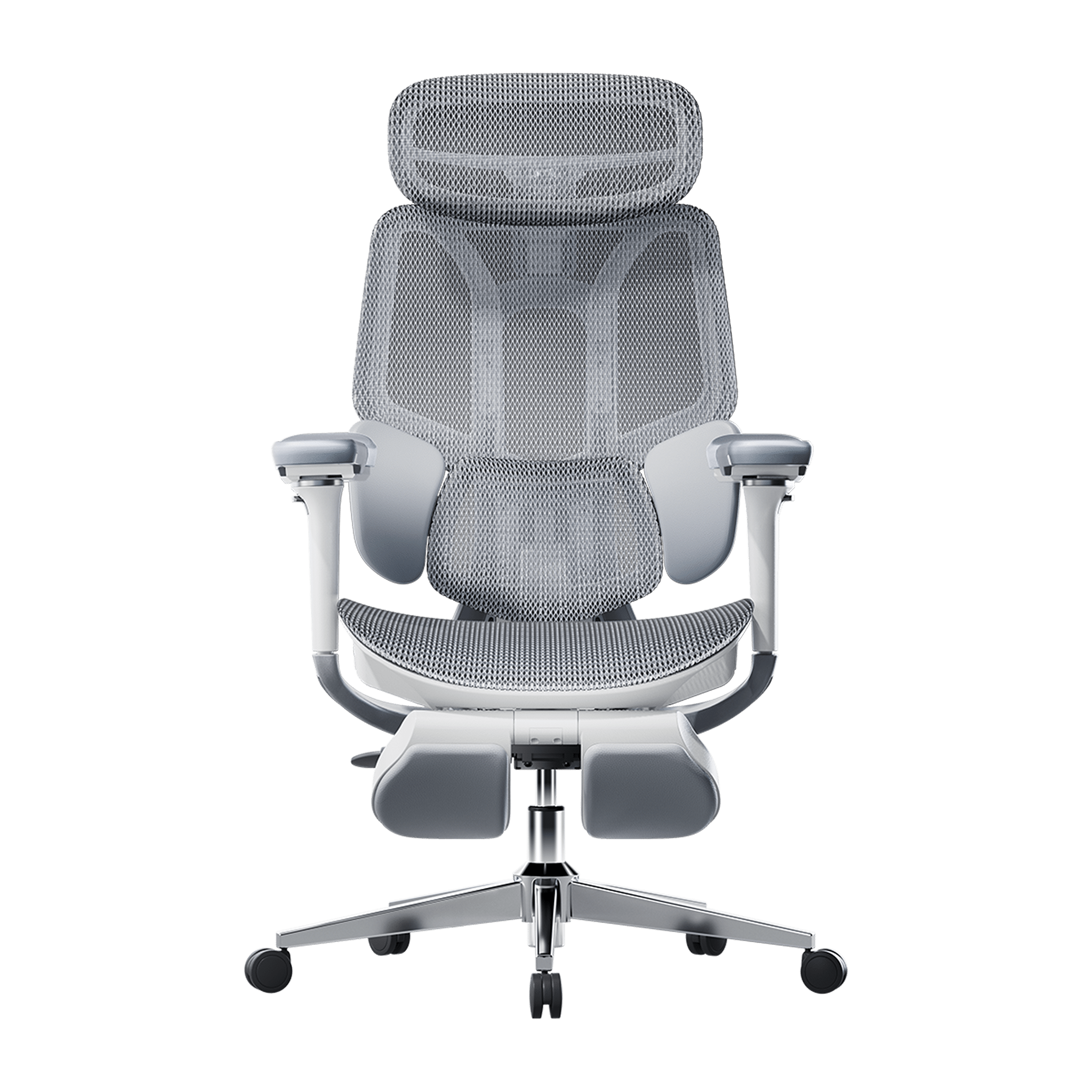
HBADA E3 Ultra Ergonomic Office Chair Futuristic

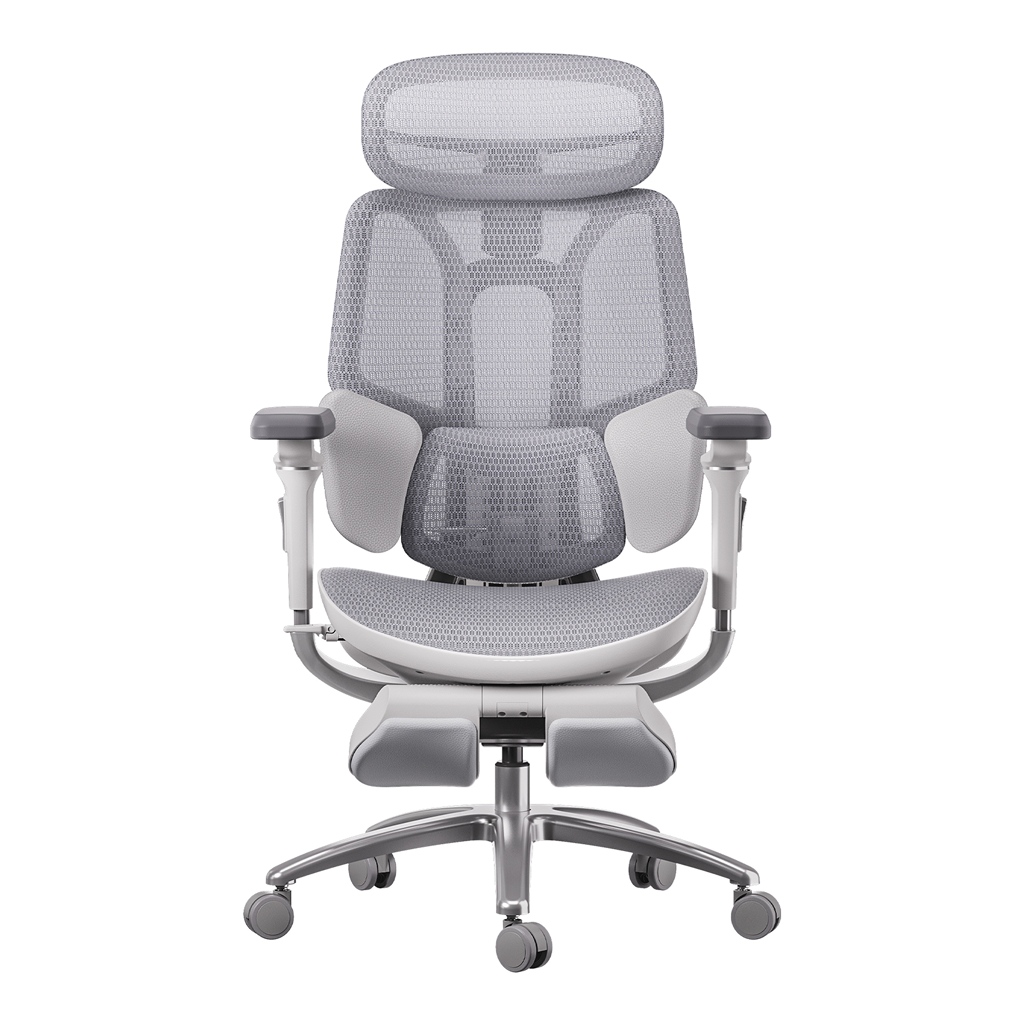
HBADA X7 Smart Ergonomic Chair

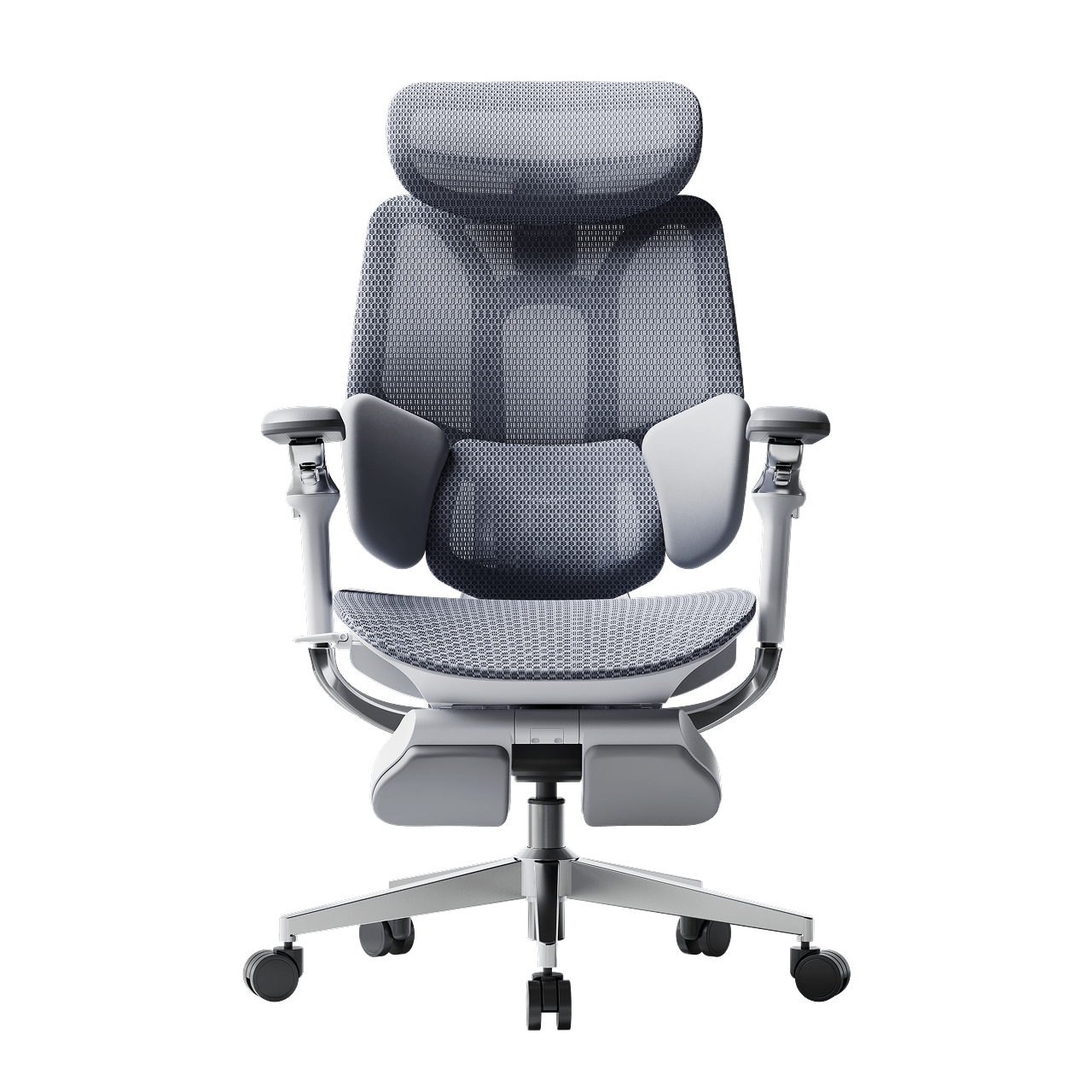
HBADA P2 Ergonomic Office Chair

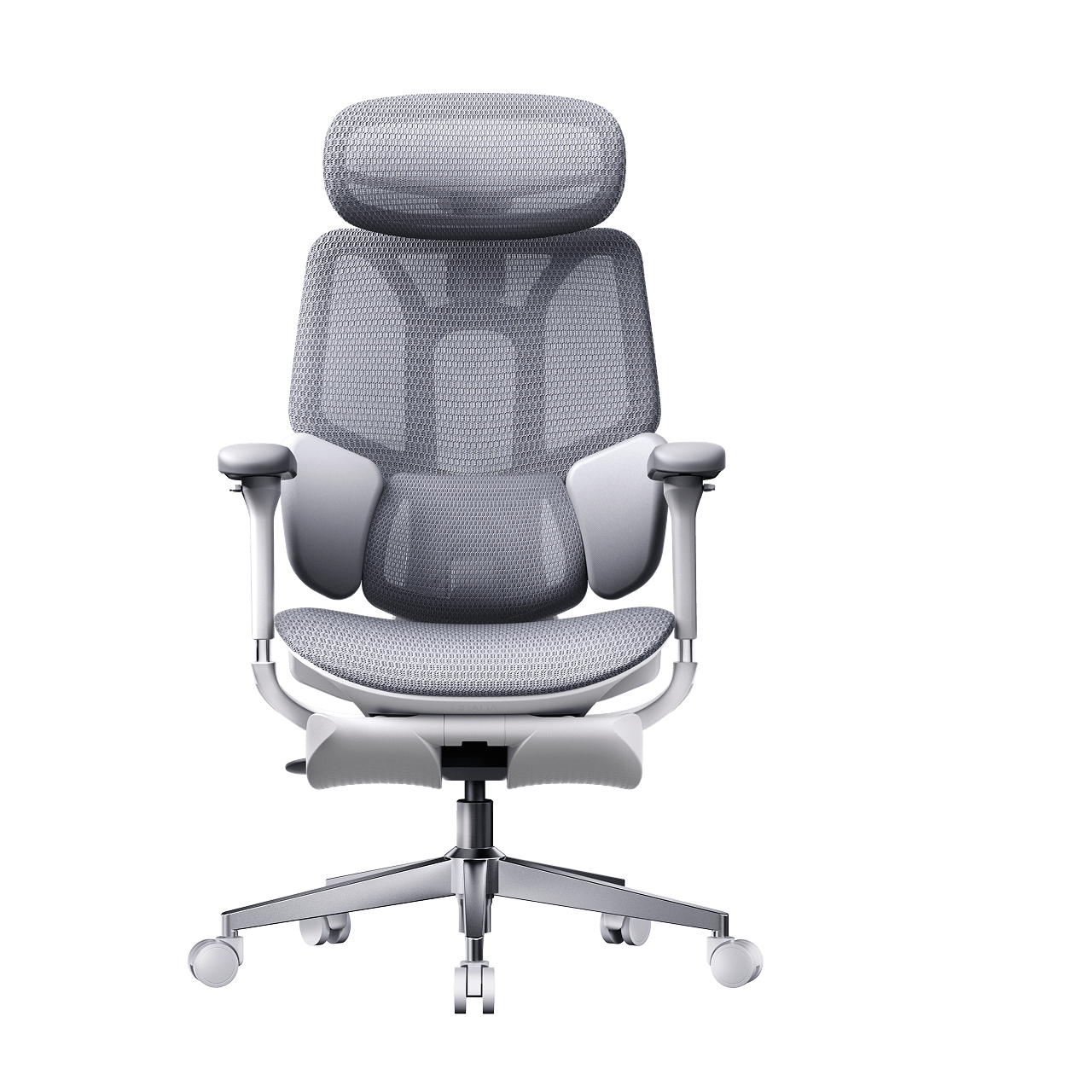
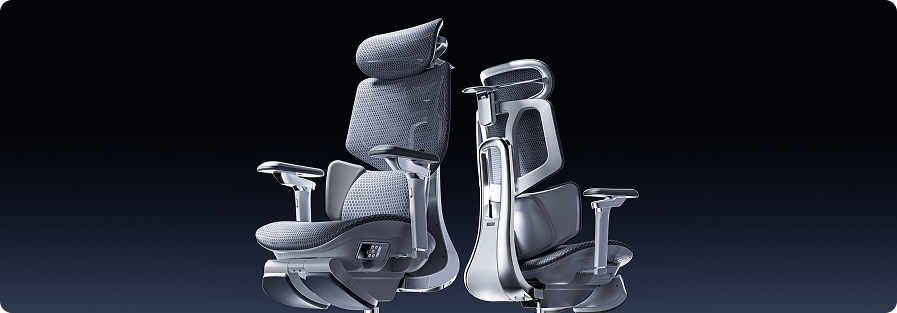
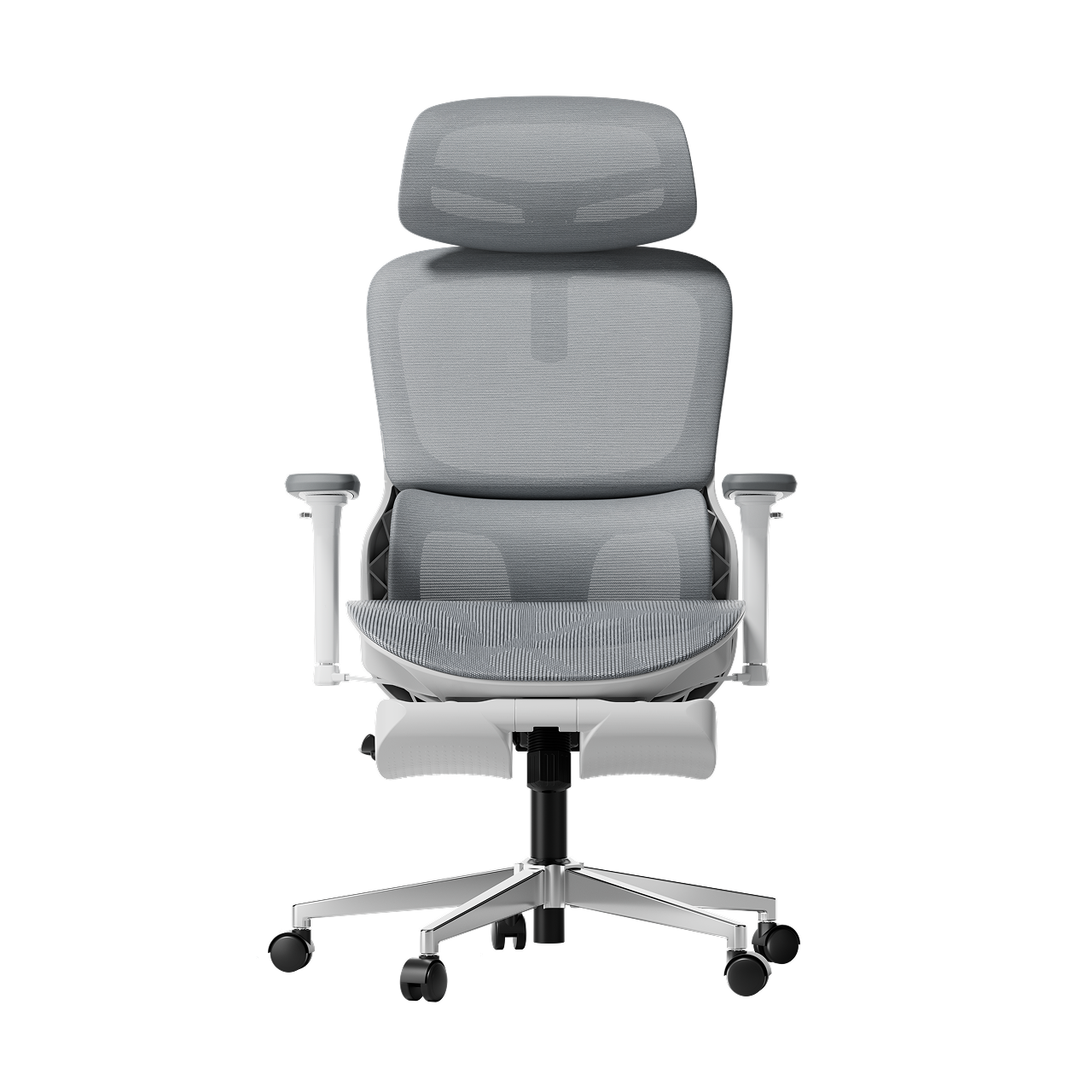
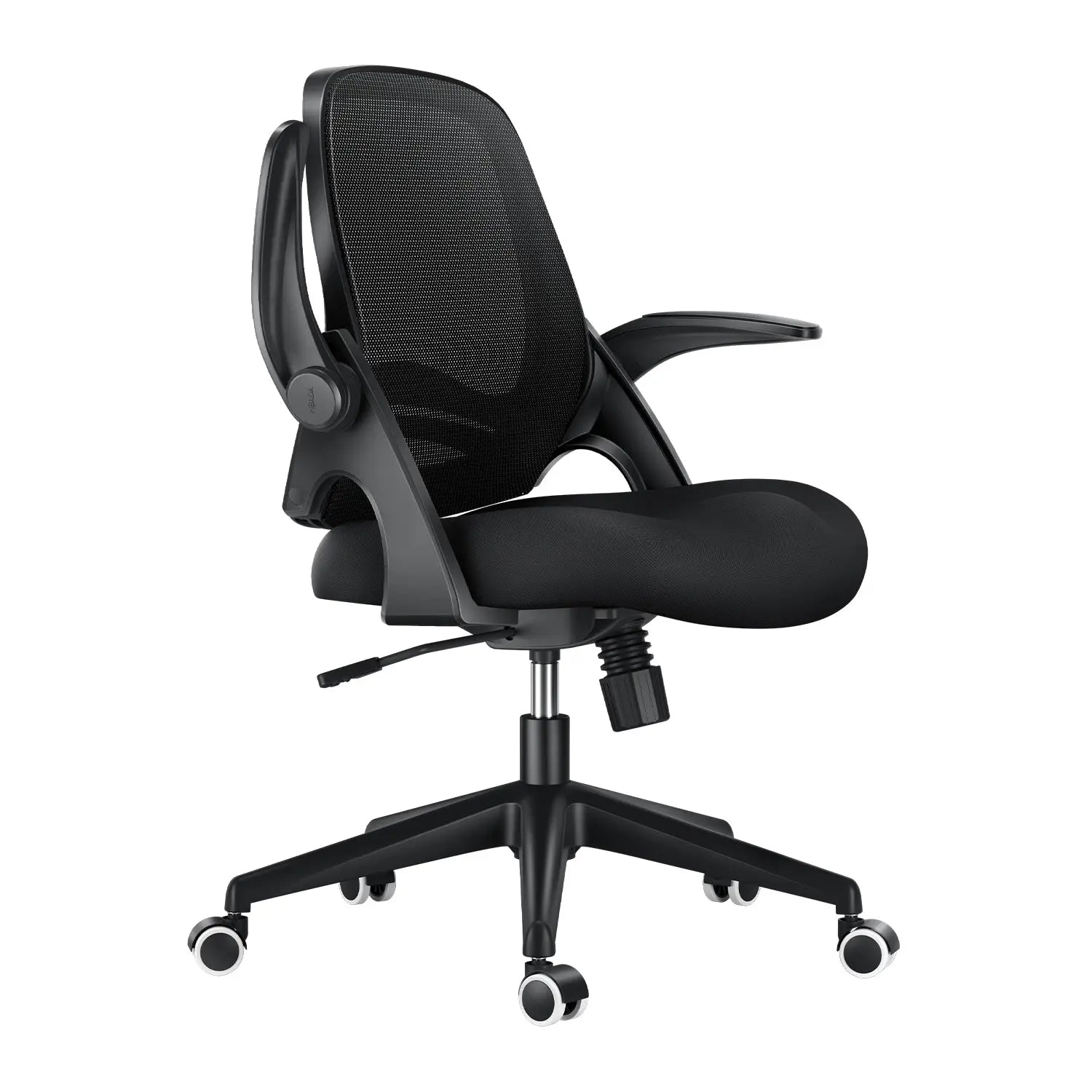
Remove this item from your cart?
Cart
 Are You at Risk of a Herniated Disc? How Your Chair Could Be the Cause
Contents
The hidden connection between sitting and spinal health
Understanding spinal compression from sitting
The dangers of bad posture and herniated discs
Is your chair causing lower back pain?
From aches to sciatica
Engineering support for a healthy spine
Adaptive lumbar tracking ergonomic chair
3-zone dynamic lumbar support
How to sit with a herniated disc
Best sitting position for a herniated disc
Does lumbar support help a herniated disc?
Choosing the right HBADA chair for spinal protection
Frequently asked questions
Conclusion
Sitting all day at work shouldn’t be risky, but for many people, it is. If you feel sharp pains or a dull ache in your lower back, your chair could be to blame. Learning how your workstation affects your spine is the first step to feeling better. Here’s how your chair can impact your discs and what you can do about it.
The Hidden Connection Between Sitting and Spinal Health
People often ask if office chairs can cause herniated discs. The answer is yes. While a chair doesn’t cause the injury right away, a poorly designed chair can set the stage for spinal problems. Sitting in a chair without good support flattens your spine’s natural S-shape into a C-shape, putting uneven pressure on your discs.
Understanding Spinal Compression from Sitting
When you sit still for hours, your spine gets compressed. This pressure pushes fluid out of your spinal discs, making them dry and more likely to tear. Over time, this ongoing stress can cause the soft center of a disc to bulge or leak, pressing on sensitive nerves and causing a herniation.
The Dangers of Bad Posture and Herniated Discs
Orthopedic specialists have shown that poor posture is closely linked to herniated discs. Slouching or sitting on the edge of your seat puts up to 150% more pressure on your lower back than standing. If you already feel a twinge, sitting without good support can turn a small problem into a serious one.
Identifying the Signs: Is Your Chair Causing Lower Back Pain?
If you find yourself constantly shifting, stretching, or standing up to escape discomfort, you are likely using a chair that causes lower back pain. This discomfort is your body’s early warning system.
From Aches to Sciatica
If you ignore back fatigue, it can turn into nerve problems like radiculopathy. Many people look for office chairs that relieve sciatica because their current chair puts pressure on the sciatic nerve. This can cause numbness, tingling, or a sharp, shooting feeling down your leg. Without proper lumbar support, your lower back takes all the weight, which can lead to these symptoms.
The Solution: Engineering Support for a Healthy Spine
To protect your back, you need more than a simple cushion. At Hbada, we focus on Bio-Synchronization, which means designing chairs that move with your body.
The Power of an Adaptive Lumbar Tracking Ergonomic Chair
A regular chair only supports you if you sit completely still, but work involves movement. An adaptive lumbar tracking ergonomic chair has a backrest that moves with your spine. Whether you lean forward or recline, the support stays in place, helping keep your lower back supported and closing the gap that can cause injuries.
Benefits of a 3-Zone Dynamic Lumbar Support Chair
If you already have back pain, a dynamic lumbar support chair can make a big difference. A 3-zone lumbar support chair gives targeted relief: the middle zone supports your spine, and the side zones support your waist muscles. This spreads your weight out, reducing pressure on any one disc and helping your back stay healthy over time.
Mastering Your Workday: How to Sit with a Herniated Disc
If you already have a back injury, it’s important to set up your workspace carefully. Knowing how to sit at your desk with a herniated disc can help you avoid more pain and recover faster.
What is the Best Sitting Position for a Herniated Disc?
When people ask, “What is the best sitting position for a herniated disc?” we suggest the Neutral Reach position. Line up your ears, shoulders, and hips vertically. Keep your feet flat on the floor and your knees just below your hips. This helps open your pelvis and lowers pressure on your spinal discs.
Does Lumbar Support Help a Herniated Disc?
You might wonder, “Does lumbar support help a herniated disc?” The answer is yes. Good support works like a brace for your spine. It maintains the natural curve of your lower back, spreading your weight evenly across the disc rather than putting pressure on the edges where herniations often occur.
Choosing the Right Hbada Chair for Spinal Protection
We have developed a range of chairs designed specifically for proper sitting posture for office workers with back pain. Use the table below to find the best fit for your specific needs.
Feature
Hbada E3
Hbada E3 Pro
Hbada AI-Powered
Primary Focus
Daily Comfort
Advanced Pain Relief
Maximum Posture Correction
Lumbar Tech
Dynamic Support
3-Zone Support
AI Bio-Synchronized
Ideal For
General Office Work
Existing Back Pain
Office chair sciatica relief
Adjustment
4D Armrests
5D Armrests + Leg Rest
Fully Automated Tracking
When you use an ergonomic chair to improve your posture, you go from just managing pain to actively preventing injuries. Our AI-powered chairs can even remind you to move if you’ve been sitting too long, helping keep your discs healthy.
Frequently Asked Questions (FAQ)
Q: Can a good chair really fix a herniated disc?A: A chair won’t cure a herniated disc, but it’s an important part of recovery. An ergonomic chair lowers the stress on your discs each day, which helps inflammation go down. Without good support, you might keep hurting your disc every time you sit at your desk.
Q: How do I know if my lumbar support is in the right place?A: The lumbar support should fit comfortably in the small of your back, just above your belt. It should feel like a firm hand supporting your spine, helping you sit upright without straining your muscles. If it pushes against your ribs, it’s set too high.
Q: Why does my back hurt more in a “comfy” plush chair?A: Soft, plush chairs usually don’t give enough support. They let your pelvis tilt backward, causing your spine to slouch. This slumping puts more pressure on your discs than a firm, supportive ergonomic chair, which keeps your body in the right position.
Q: How often should I adjust my chair settings?A: Adjust your chair whenever you switch tasks. For example, if you go from typing to a long video call, you should also change your recline and lumbar support. Our adaptive lumbar tracking chair makes this easy by adjusting automatically for you.
Conclusion
A herniated disc is a serious condition, but it is often preventable with good habits and the right equipment. Your chair is a key part of your work life, so make sure it supports you. Choosing a chair with active, 3-zone support and bio-synchronized movement helps protect your spine for the long term. Don’t wait for the pain to get worse. Invest in your health now.
Apr 16, 2026
Are You at Risk of a Herniated Disc? How Your Chair Could Be the Cause
Contents
The hidden connection between sitting and spinal health
Understanding spinal compression from sitting
The dangers of bad posture and herniated discs
Is your chair causing lower back pain?
From aches to sciatica
Engineering support for a healthy spine
Adaptive lumbar tracking ergonomic chair
3-zone dynamic lumbar support
How to sit with a herniated disc
Best sitting position for a herniated disc
Does lumbar support help a herniated disc?
Choosing the right HBADA chair for spinal protection
Frequently asked questions
Conclusion
Sitting all day at work shouldn’t be risky, but for many people, it is. If you feel sharp pains or a dull ache in your lower back, your chair could be to blame. Learning how your workstation affects your spine is the first step to feeling better. Here’s how your chair can impact your discs and what you can do about it.
The Hidden Connection Between Sitting and Spinal Health
People often ask if office chairs can cause herniated discs. The answer is yes. While a chair doesn’t cause the injury right away, a poorly designed chair can set the stage for spinal problems. Sitting in a chair without good support flattens your spine’s natural S-shape into a C-shape, putting uneven pressure on your discs.
Understanding Spinal Compression from Sitting
When you sit still for hours, your spine gets compressed. This pressure pushes fluid out of your spinal discs, making them dry and more likely to tear. Over time, this ongoing stress can cause the soft center of a disc to bulge or leak, pressing on sensitive nerves and causing a herniation.
The Dangers of Bad Posture and Herniated Discs
Orthopedic specialists have shown that poor posture is closely linked to herniated discs. Slouching or sitting on the edge of your seat puts up to 150% more pressure on your lower back than standing. If you already feel a twinge, sitting without good support can turn a small problem into a serious one.
Identifying the Signs: Is Your Chair Causing Lower Back Pain?
If you find yourself constantly shifting, stretching, or standing up to escape discomfort, you are likely using a chair that causes lower back pain. This discomfort is your body’s early warning system.
From Aches to Sciatica
If you ignore back fatigue, it can turn into nerve problems like radiculopathy. Many people look for office chairs that relieve sciatica because their current chair puts pressure on the sciatic nerve. This can cause numbness, tingling, or a sharp, shooting feeling down your leg. Without proper lumbar support, your lower back takes all the weight, which can lead to these symptoms.
The Solution: Engineering Support for a Healthy Spine
To protect your back, you need more than a simple cushion. At Hbada, we focus on Bio-Synchronization, which means designing chairs that move with your body.
The Power of an Adaptive Lumbar Tracking Ergonomic Chair
A regular chair only supports you if you sit completely still, but work involves movement. An adaptive lumbar tracking ergonomic chair has a backrest that moves with your spine. Whether you lean forward or recline, the support stays in place, helping keep your lower back supported and closing the gap that can cause injuries.
Benefits of a 3-Zone Dynamic Lumbar Support Chair
If you already have back pain, a dynamic lumbar support chair can make a big difference. A 3-zone lumbar support chair gives targeted relief: the middle zone supports your spine, and the side zones support your waist muscles. This spreads your weight out, reducing pressure on any one disc and helping your back stay healthy over time.
Mastering Your Workday: How to Sit with a Herniated Disc
If you already have a back injury, it’s important to set up your workspace carefully. Knowing how to sit at your desk with a herniated disc can help you avoid more pain and recover faster.
What is the Best Sitting Position for a Herniated Disc?
When people ask, “What is the best sitting position for a herniated disc?” we suggest the Neutral Reach position. Line up your ears, shoulders, and hips vertically. Keep your feet flat on the floor and your knees just below your hips. This helps open your pelvis and lowers pressure on your spinal discs.
Does Lumbar Support Help a Herniated Disc?
You might wonder, “Does lumbar support help a herniated disc?” The answer is yes. Good support works like a brace for your spine. It maintains the natural curve of your lower back, spreading your weight evenly across the disc rather than putting pressure on the edges where herniations often occur.
Choosing the Right Hbada Chair for Spinal Protection
We have developed a range of chairs designed specifically for proper sitting posture for office workers with back pain. Use the table below to find the best fit for your specific needs.
Feature
Hbada E3
Hbada E3 Pro
Hbada AI-Powered
Primary Focus
Daily Comfort
Advanced Pain Relief
Maximum Posture Correction
Lumbar Tech
Dynamic Support
3-Zone Support
AI Bio-Synchronized
Ideal For
General Office Work
Existing Back Pain
Office chair sciatica relief
Adjustment
4D Armrests
5D Armrests + Leg Rest
Fully Automated Tracking
When you use an ergonomic chair to improve your posture, you go from just managing pain to actively preventing injuries. Our AI-powered chairs can even remind you to move if you’ve been sitting too long, helping keep your discs healthy.
Frequently Asked Questions (FAQ)
Q: Can a good chair really fix a herniated disc?A: A chair won’t cure a herniated disc, but it’s an important part of recovery. An ergonomic chair lowers the stress on your discs each day, which helps inflammation go down. Without good support, you might keep hurting your disc every time you sit at your desk.
Q: How do I know if my lumbar support is in the right place?A: The lumbar support should fit comfortably in the small of your back, just above your belt. It should feel like a firm hand supporting your spine, helping you sit upright without straining your muscles. If it pushes against your ribs, it’s set too high.
Q: Why does my back hurt more in a “comfy” plush chair?A: Soft, plush chairs usually don’t give enough support. They let your pelvis tilt backward, causing your spine to slouch. This slumping puts more pressure on your discs than a firm, supportive ergonomic chair, which keeps your body in the right position.
Q: How often should I adjust my chair settings?A: Adjust your chair whenever you switch tasks. For example, if you go from typing to a long video call, you should also change your recline and lumbar support. Our adaptive lumbar tracking chair makes this easy by adjusting automatically for you.
Conclusion
A herniated disc is a serious condition, but it is often preventable with good habits and the right equipment. Your chair is a key part of your work life, so make sure it supports you. Choosing a chair with active, 3-zone support and bio-synchronized movement helps protect your spine for the long term. Don’t wait for the pain to get worse. Invest in your health now.
Apr 16, 2026
 All the Things You Need to Know About Healthy Sitting Posture at Work
Contents
What is ergonomic posture?
The hidden costs of poor alignment
Meaning and benefits
Proper sitting posture: a step-by-step guide
Spinal alignment and computer ergonomics
Feet, legs, and circulation
Armrests for shoulder relief and posture
Why your office chair is your most important tool
The best ergonomic chair for long hours
The science of lumbar tracking
HBADA ergonomic chair comparison
Frequently asked questions
Conclusion
You don’t have to accept back pain as part of your workday. Good posture is important for your health and productivity. It helps reduce strain on your spine, increases your energy, and prevents joint injuries. The best approach is to build healthy habits and use supportive seating. Here’s how you can set up your workspace for comfort and focus.
What is Ergonomic Posture? Meaning and Benefits
The Hidden Costs of Poor Alignment
Many people don’t realize how much a typical office setup can affect their bodies. Slouching at your desk can put pressure on your spine, make it harder to breathe, and slow your digestion. Over time, this can lead to back pain, headaches, and fatigue. To feel better at work, it’s important to learn about posture and how your body moves.
Ergonomic Posture: Meaning and Benefits
What does ergonomic posture mean, and why is it helpful? It means keeping your body in a natural, relaxed position. This reduces tired muscles and takes pressure off your joints. You’ll notice fewer headaches, less back pain, and better blood flow in your legs. With a good setup, your muscles don’t have to work extra hard to keep you upright, so you can stay focused and avoid feeling tired in the afternoon.
Proper Sitting Posture for Office Workers: A Step-by-Step Guide
Just reminding yourself to “sit up straight” isn’t enough. Good sitting posture means your whole body works together with your desk, monitor, and chair. Here’s how to get it right from head to toe.
Spinal Alignment and Sitting Position in Front of the Computer Ergonomics
When you set up your computer workspace, start by making sure your monitor is at eye level and about an arm’s length away. This helps keep your neck straight and avoids strain. Sit with your hips all the way back in your chair. If you have an adjustable chair, set the seat depth so your back is supported and there’s a small gap between the seat and the back of your knees.
Feet, Legs, and Circulation
Your lower body matters for posture. Keep your knees at or just below hip level, and keep your feet flat on the floor. If your feet don’t reach, use a footrest. Try not to cross your legs, since it can twist your hips and reduce circulation, which may cause numbness or discomfort.
Ergonomic Armrests for Shoulder Relief and Posture
Pay attention to your arms and wrists. Keep your elbows close to your sides at a natural angle, about 90 to 100 degrees. Good armrests help support your arms and take pressure off your neck and shoulders. Place your keyboard and mouse so your wrists stay straight, not bent up or down.
Why Your Office Chair is Your Most Important Tool
Healthy habits are important, but your chair matters just as much. If your seat is stiff and doesn’t support you, it’s hard to keep good posture all day.
The Search for the Best Ergonomic Chair for Long Hours
If you spend many hours at your desk, you need a chair that’s made for long use. The best ergonomic chairs move with you and support your spine’s natural curve as you shift positions. Investing in a chair with lumbar support is a smart choice for your health and comfort, whether you work at home or in an office.
Advanced Support: The Science of Lumbar Tracking
Regular lumbar support doesn’t always work well because we move a lot during the day. An adaptive lumbar chair adjusts as you change positions, like when you lean forward or recline. Some chairs have three zones of support that fit the shape of your lower back and give relief to your muscles, spine, and pelvis. This way, your spine always gets the support it needs, no matter how you sit.
Hbada Ergonomic Chair Comparison: Elevate Your Workspace
We focus on creating chairs that support your health and help you work at your best. Whether you want a top ergonomic chair or a simple, lightweight option for your home office, our products are designed to deliver. Here’s a comparison to help you choose what’s right for your workspace.
Product Model
Ideal User Scenario
Key Ergonomic Features
Lumbar Support Technology
Hbada E3
Home Office / Remote Workers
Breathable mesh, dynamic tilt, ergonomic armrests for shoulder relief and posture.
Standard Dynamic Lumbar
Hbada E3 Pro
Intensive Desk Work / Corporates
Premium / advanced ergonomic features, gravity-sensing recline, ultimate comfort.
best ergonomic chair with 3-zone lumbar support
Hbada AI-Powered X7
Tech Enthusiasts / Posture Focus
Bio-synchronized tracking, real-time posture correction, AI health monitoring.
Adaptive lumbar tracking ergonomic chair
If you want to improve your posture, some new chairs give real-time feedback to help you adjust while you work. Some use smart technology to guide you, while others offer strong, multi-zone support for all-day comfort. Consider which features are most important to you, like active feedback or steady support.
Frequently Asked Questions About Healthy Sitting
Q: How often should I take breaks from sitting at my desk?A: Even with perfect posture, sitting still for extended periods restricts blood flow and stiffens your muscles. You should stand, stretch, or walk for at least five minutes every single hour.
Q: Can a high-quality chair actually correct my bad posture?A: A chair cannot forcefully lock you into perfect posture, but it provides the necessary biomechanical foundation. An ergonomic chair gently guides your spine into proper alignment and greatly reduces the muscular effort needed to sit upright.
Q: How do I know if my chair’s lumbar support is positioned correctly?A: Your lumbar support should fit seamlessly into the deepest inward curve of your lower back, resting just above your belt line. It should feel highly supportive but never intrusive. If it pushes your pelvis too far forward or feels too high up on your ribcage, you must adjust the height immediately.
Q: Are armrests strictly necessary for a home office chair?A: Yes, adjustable armrests are crucial for long-term comfort. Without them, the entire weight of your arms pulls down on your delicate neck and shoulder muscles, leading to severe tension.
Q: What makes an adaptive lumbar system better than standard support?A: Standard lumbar support is completely static; it only works when you sit perfectly still in one highly specific position. An adaptive lumbar system moves dynamically with your body.
Conclusion
Mastering your desk posture is an ongoing, vital commitment to your physical health. Improving your desk posture is important for your health, focus, and comfort at work. When you sit correctly and use supportive equipment, you can avoid pain and discomfort during your workday. Don’t accept aches and fatigue as normal. Check your workspace, make these changes, and choose an ergonomic setup that supports you.
Apr 16, 2026
All the Things You Need to Know About Healthy Sitting Posture at Work
Contents
What is ergonomic posture?
The hidden costs of poor alignment
Meaning and benefits
Proper sitting posture: a step-by-step guide
Spinal alignment and computer ergonomics
Feet, legs, and circulation
Armrests for shoulder relief and posture
Why your office chair is your most important tool
The best ergonomic chair for long hours
The science of lumbar tracking
HBADA ergonomic chair comparison
Frequently asked questions
Conclusion
You don’t have to accept back pain as part of your workday. Good posture is important for your health and productivity. It helps reduce strain on your spine, increases your energy, and prevents joint injuries. The best approach is to build healthy habits and use supportive seating. Here’s how you can set up your workspace for comfort and focus.
What is Ergonomic Posture? Meaning and Benefits
The Hidden Costs of Poor Alignment
Many people don’t realize how much a typical office setup can affect their bodies. Slouching at your desk can put pressure on your spine, make it harder to breathe, and slow your digestion. Over time, this can lead to back pain, headaches, and fatigue. To feel better at work, it’s important to learn about posture and how your body moves.
Ergonomic Posture: Meaning and Benefits
What does ergonomic posture mean, and why is it helpful? It means keeping your body in a natural, relaxed position. This reduces tired muscles and takes pressure off your joints. You’ll notice fewer headaches, less back pain, and better blood flow in your legs. With a good setup, your muscles don’t have to work extra hard to keep you upright, so you can stay focused and avoid feeling tired in the afternoon.
Proper Sitting Posture for Office Workers: A Step-by-Step Guide
Just reminding yourself to “sit up straight” isn’t enough. Good sitting posture means your whole body works together with your desk, monitor, and chair. Here’s how to get it right from head to toe.
Spinal Alignment and Sitting Position in Front of the Computer Ergonomics
When you set up your computer workspace, start by making sure your monitor is at eye level and about an arm’s length away. This helps keep your neck straight and avoids strain. Sit with your hips all the way back in your chair. If you have an adjustable chair, set the seat depth so your back is supported and there’s a small gap between the seat and the back of your knees.
Feet, Legs, and Circulation
Your lower body matters for posture. Keep your knees at or just below hip level, and keep your feet flat on the floor. If your feet don’t reach, use a footrest. Try not to cross your legs, since it can twist your hips and reduce circulation, which may cause numbness or discomfort.
Ergonomic Armrests for Shoulder Relief and Posture
Pay attention to your arms and wrists. Keep your elbows close to your sides at a natural angle, about 90 to 100 degrees. Good armrests help support your arms and take pressure off your neck and shoulders. Place your keyboard and mouse so your wrists stay straight, not bent up or down.
Why Your Office Chair is Your Most Important Tool
Healthy habits are important, but your chair matters just as much. If your seat is stiff and doesn’t support you, it’s hard to keep good posture all day.
The Search for the Best Ergonomic Chair for Long Hours
If you spend many hours at your desk, you need a chair that’s made for long use. The best ergonomic chairs move with you and support your spine’s natural curve as you shift positions. Investing in a chair with lumbar support is a smart choice for your health and comfort, whether you work at home or in an office.
Advanced Support: The Science of Lumbar Tracking
Regular lumbar support doesn’t always work well because we move a lot during the day. An adaptive lumbar chair adjusts as you change positions, like when you lean forward or recline. Some chairs have three zones of support that fit the shape of your lower back and give relief to your muscles, spine, and pelvis. This way, your spine always gets the support it needs, no matter how you sit.
Hbada Ergonomic Chair Comparison: Elevate Your Workspace
We focus on creating chairs that support your health and help you work at your best. Whether you want a top ergonomic chair or a simple, lightweight option for your home office, our products are designed to deliver. Here’s a comparison to help you choose what’s right for your workspace.
Product Model
Ideal User Scenario
Key Ergonomic Features
Lumbar Support Technology
Hbada E3
Home Office / Remote Workers
Breathable mesh, dynamic tilt, ergonomic armrests for shoulder relief and posture.
Standard Dynamic Lumbar
Hbada E3 Pro
Intensive Desk Work / Corporates
Premium / advanced ergonomic features, gravity-sensing recline, ultimate comfort.
best ergonomic chair with 3-zone lumbar support
Hbada AI-Powered X7
Tech Enthusiasts / Posture Focus
Bio-synchronized tracking, real-time posture correction, AI health monitoring.
Adaptive lumbar tracking ergonomic chair
If you want to improve your posture, some new chairs give real-time feedback to help you adjust while you work. Some use smart technology to guide you, while others offer strong, multi-zone support for all-day comfort. Consider which features are most important to you, like active feedback or steady support.
Frequently Asked Questions About Healthy Sitting
Q: How often should I take breaks from sitting at my desk?A: Even with perfect posture, sitting still for extended periods restricts blood flow and stiffens your muscles. You should stand, stretch, or walk for at least five minutes every single hour.
Q: Can a high-quality chair actually correct my bad posture?A: A chair cannot forcefully lock you into perfect posture, but it provides the necessary biomechanical foundation. An ergonomic chair gently guides your spine into proper alignment and greatly reduces the muscular effort needed to sit upright.
Q: How do I know if my chair’s lumbar support is positioned correctly?A: Your lumbar support should fit seamlessly into the deepest inward curve of your lower back, resting just above your belt line. It should feel highly supportive but never intrusive. If it pushes your pelvis too far forward or feels too high up on your ribcage, you must adjust the height immediately.
Q: Are armrests strictly necessary for a home office chair?A: Yes, adjustable armrests are crucial for long-term comfort. Without them, the entire weight of your arms pulls down on your delicate neck and shoulder muscles, leading to severe tension.
Q: What makes an adaptive lumbar system better than standard support?A: Standard lumbar support is completely static; it only works when you sit perfectly still in one highly specific position. An adaptive lumbar system moves dynamically with your body.
Conclusion
Mastering your desk posture is an ongoing, vital commitment to your physical health. Improving your desk posture is important for your health, focus, and comfort at work. When you sit correctly and use supportive equipment, you can avoid pain and discomfort during your workday. Don’t accept aches and fatigue as normal. Check your workspace, make these changes, and choose an ergonomic setup that supports you.
Apr 16, 2026
 5 Ways the Wrong Armrest Position Is Damaging Your Shoulders—How to Fix
Table of Contents
Shoulder Elevation and "The Shrug" Effect
Wide Armrest "Wingspan" and Rotator Cuff Strain
The "Floating Arm" Syndrome
Interference with Desk Proximity
Uneven Loading and Postural Lean
HBADA Armrest Technology Comparison
Frequently Asked Questions
Conclusion
If you end your workday with shoulder or neck discomfort, your armrests may be the cause. Though often overlooked, their position is crucial for offloading upper-body weight. Misaligned armrests make your muscles work harder, leading to strain. Here are five ways your chair setup may harm your shoulders, along with how to correct them.
Shoulder Elevation and "The Shrug" Effect
One of the most common issues occurs when armrests are set too high. This forces your shoulders into a permanent “shrug,” compressing the trapezius muscles and restricting blood flow to your neck. Over several hours, this static tension leads to severe stiffness and tension headaches.
The Fix: Precise Height Calibration
To achieve ergonomic armrests for shoulder relief and posture alignment, lower the supports until your shoulders drop into a natural, relaxed position. Your elbows should form about a 90-degree angle as your forearms rest on the pads. If you find your chair’s increments too large, you may need an ergonomic chair with precise armrest positioning to find the perfect, stress-free height.
Wide Armrest “Wingspan” and Rotator Cuff Strain
Many standard office chairs often have armrests that are too wide. This forces your arms out, causing your shoulder blades to move away from your spine. This stresses the rotator cuff and surrounding tendons.
The Fix: Inward Pivot Adjustments
Choose an Hbada office chair with multidirectional armrest adjustment that allows the pads to pivot inward. By bringing the armrests closer to your torso, your elbows stay tucked by your sides. This keeps your humerus (upper arm bone) securely in the shoulder socket, preventing the long-term wear and tear associated with reaching.
The “Floating Arm” Syndrome
When armrests are too low or missing entirely, your shoulders must bear the full weight of your arms—roughly 10% of your total body weight. This constant downward pull strains the ligaments and causes “slumping,” in which your chest collapses forward, disrupting your spinal alignment.
The Fix: Full Support for Long Hours
If you are struggling with how to fix shoulder pain from an office chair, the answer is consistent weight distribution. Using an adjustable armrest ergonomic chair for long hours ensures your arms are always supported, whether you are leaning back to read or sitting upright to type. Our premium ergonomic chair with full-arm support adjustment offers the range you need to bridge the gap between your body and your desk.
Interference with Desk Proximity
If your armrests hit the edge of your desk, you are forced to sit too far away from your keyboard. This causes you to lean forward and hunch your back, which is a leading cause of both shoulder impingement and lower back issues.
Uneven Loading and Postural Lean
Most people have a dominant hand, leading them to lean heavily on one armrest while the other “floats.” This creates a pelvic tilt and an asymmetrical shoulder line, which can eventually contribute to scoliosis-like symptoms or aggravate existing spinal conditions.
The Fix: Symmetrical Alignment and Core Engagement
Even when using an ergonomic chair with adjustable armrests for shoulder pain, you must remain mindful of your balance. Set both armrests to the exact same height and width. This encourages a centered sitting position, which is especially important when managing complex issues. For example, when considering the best sitting position for a herniated disc, symmetry is key to evenly distributing pressure across your spinal discs.
Hbada Armrest Technology Comparison
We engineer our products to provide active relief. Whether you are dealing with minor tension or chronic pain, our armrest technology is designed to adapt to your unique biomechanics.
Frequently Asked Questions (FAQ)
Q: How do I know if my armrests are at the right height?A: Your armrests are correct if your shoulders are relaxed and your elbows are at 90 degrees. You should reach your keyboard without lifting your shoulders or dropping your elbows.
Q: Should I use armrests while typing?A: Yes, use armrests while typing. They support your arms, reducing strain on your back and neck.
Q: Can the armrest position affect my lower back?A: Yes. Poor armrest position forces you to slouch, stressing your lower back.
Q: What is the benefit of a “multi-directional” armrest
A: Multi-directional armrests adjust height, width, depth, and pivot, adapting for different tasks and users.
Q: Can a better chair help with a herniated disc?A: While not a cure, ergonomic chairs support your spine and help relieve disc pressure.
Conclusion
Your shoulders carry enough stress; your office chair shouldn’t add to it. By identifying these five common armrest mistakes, you can take immediate action to align your body and eliminate workday pain. Remember that true ergonomic comfort comes from a chair that adjusts to you, not the other way around. Invest in a solution with multi-directional armrest adjustment today, check our best ergonomic chair product, choose the one that you like and give your shoulders the relief they deserve so you can focus on what truly matters, your work and your well-being.
Apr 16, 2026
5 Ways the Wrong Armrest Position Is Damaging Your Shoulders—How to Fix
Table of Contents
Shoulder Elevation and "The Shrug" Effect
Wide Armrest "Wingspan" and Rotator Cuff Strain
The "Floating Arm" Syndrome
Interference with Desk Proximity
Uneven Loading and Postural Lean
HBADA Armrest Technology Comparison
Frequently Asked Questions
Conclusion
If you end your workday with shoulder or neck discomfort, your armrests may be the cause. Though often overlooked, their position is crucial for offloading upper-body weight. Misaligned armrests make your muscles work harder, leading to strain. Here are five ways your chair setup may harm your shoulders, along with how to correct them.
Shoulder Elevation and "The Shrug" Effect
One of the most common issues occurs when armrests are set too high. This forces your shoulders into a permanent “shrug,” compressing the trapezius muscles and restricting blood flow to your neck. Over several hours, this static tension leads to severe stiffness and tension headaches.
The Fix: Precise Height Calibration
To achieve ergonomic armrests for shoulder relief and posture alignment, lower the supports until your shoulders drop into a natural, relaxed position. Your elbows should form about a 90-degree angle as your forearms rest on the pads. If you find your chair’s increments too large, you may need an ergonomic chair with precise armrest positioning to find the perfect, stress-free height.
Wide Armrest “Wingspan” and Rotator Cuff Strain
Many standard office chairs often have armrests that are too wide. This forces your arms out, causing your shoulder blades to move away from your spine. This stresses the rotator cuff and surrounding tendons.
The Fix: Inward Pivot Adjustments
Choose an Hbada office chair with multidirectional armrest adjustment that allows the pads to pivot inward. By bringing the armrests closer to your torso, your elbows stay tucked by your sides. This keeps your humerus (upper arm bone) securely in the shoulder socket, preventing the long-term wear and tear associated with reaching.
The “Floating Arm” Syndrome
When armrests are too low or missing entirely, your shoulders must bear the full weight of your arms—roughly 10% of your total body weight. This constant downward pull strains the ligaments and causes “slumping,” in which your chest collapses forward, disrupting your spinal alignment.
The Fix: Full Support for Long Hours
If you are struggling with how to fix shoulder pain from an office chair, the answer is consistent weight distribution. Using an adjustable armrest ergonomic chair for long hours ensures your arms are always supported, whether you are leaning back to read or sitting upright to type. Our premium ergonomic chair with full-arm support adjustment offers the range you need to bridge the gap between your body and your desk.
Interference with Desk Proximity
If your armrests hit the edge of your desk, you are forced to sit too far away from your keyboard. This causes you to lean forward and hunch your back, which is a leading cause of both shoulder impingement and lower back issues.
Uneven Loading and Postural Lean
Most people have a dominant hand, leading them to lean heavily on one armrest while the other “floats.” This creates a pelvic tilt and an asymmetrical shoulder line, which can eventually contribute to scoliosis-like symptoms or aggravate existing spinal conditions.
The Fix: Symmetrical Alignment and Core Engagement
Even when using an ergonomic chair with adjustable armrests for shoulder pain, you must remain mindful of your balance. Set both armrests to the exact same height and width. This encourages a centered sitting position, which is especially important when managing complex issues. For example, when considering the best sitting position for a herniated disc, symmetry is key to evenly distributing pressure across your spinal discs.
Hbada Armrest Technology Comparison
We engineer our products to provide active relief. Whether you are dealing with minor tension or chronic pain, our armrest technology is designed to adapt to your unique biomechanics.
Frequently Asked Questions (FAQ)
Q: How do I know if my armrests are at the right height?A: Your armrests are correct if your shoulders are relaxed and your elbows are at 90 degrees. You should reach your keyboard without lifting your shoulders or dropping your elbows.
Q: Should I use armrests while typing?A: Yes, use armrests while typing. They support your arms, reducing strain on your back and neck.
Q: Can the armrest position affect my lower back?A: Yes. Poor armrest position forces you to slouch, stressing your lower back.
Q: What is the benefit of a “multi-directional” armrest
A: Multi-directional armrests adjust height, width, depth, and pivot, adapting for different tasks and users.
Q: Can a better chair help with a herniated disc?A: While not a cure, ergonomic chairs support your spine and help relieve disc pressure.
Conclusion
Your shoulders carry enough stress; your office chair shouldn’t add to it. By identifying these five common armrest mistakes, you can take immediate action to align your body and eliminate workday pain. Remember that true ergonomic comfort comes from a chair that adjusts to you, not the other way around. Invest in a solution with multi-directional armrest adjustment today, check our best ergonomic chair product, choose the one that you like and give your shoulders the relief they deserve so you can focus on what truly matters, your work and your well-being.
Apr 16, 2026
 The Ultimate $500-Class King: HBADA E3 Series 2026 Edition Launches in the U.S.
Contents
Expert consensus
4th-gen innovations: precision mechanics
3-zone dynamic lumbar system
720° omni-mechanical arm
CloudMesh™ technology
Integrated wire-controlled adjustment
Built for the American demographic
Technical comparison: why upgrade to 2026?
For over 16 years, HBADA has been a global titan in ergonomic innovation, trusted by over 10 million users. Today, that legacy reaches a new pinnacle with the official U.S. launch of the HBADA E3 Series 2026 Edition (4th-Gen).
While the market is flooded with "flashy tech gimmicks," HBADA has spent a decade perfecting the bionic mechanics of sitting. The result? A flagship series that redefines what a $500 ergonomic chair can achieve.
1. Expert Consensus: "Pretty Darn Good"
The E3 Series 2026 Edition hasn't just launched; it has been vetted by the harshest critics in the American tech space.
Leading ergonomic experts at BTOD.com / BTOD tv noted:
"In terms of its implementation, in terms of how springy and comfortable it feels, it actually feels pretty darn good."
Popular setup reviewer Ahnestly added:
"If you really value a footrest, a good headrest, and overall adjustability in a chair, then this could be a great fit."
2. 4th-Gen Innovations: Precision Mechanics
The 2026 Edition (4th-Gen) introduces four proprietary upgrades that separate it from the previous 3rd-Gen models:
3-Zone Dynamic Lumbar System
Unlike static pillows, this system features zero-lag tracking and an 80° auto-wrap. It provides sincere, hands-like lateral support that follows your spine’s micro-movements, now featuring one-touch locking for multi-dimensional stability.
720° Omni-Mechanical Arm
Defy spatial limits. These arms offer 360° dual-axis rotation and a 40° synchro-tilt linkage. Whether you are mobile gaming, typing, or reclining, your shoulders remain perfectly supported at every angle.
CloudMesh™ Technology
A leap forward in material science. This high-density, high-elasticity weave provides a softer, cloud-like seating feel while ensuring the chair doesn't "bottom out" during grueling 8+ hour workdays.
Integrated Wire-Controlled Adjustment
Say goodbye to awkward bending. The 2026 Edition replaces independent levers with a one-touch integrated system, making height and recline adjustments smoother and more intuitive than ever.
3. Built for the American Demographic
HBADA understands that durability is non-negotiable for U.S. consumers. The E3 Series 2026 is strictly certified by the German IGR Institute and fully compliant with BIFMA standards.
Heavy-Duty Testing: Tested for over 120,000 fatigue cycles—exceeding industry requirements.
Safety First: Equipped with an SGS Class-4 Gas Lift for absolute reliability.
Extended Peace of Mind: We have officially extended the warranty on core components (Base, Gas Lift, and Casters) to 5 years.
4. Technical Comparison: Why Upgrade to 2026?
Feature
E3 Pro (3rd-Gen)
E3 Pro 2026 (4th-Gen)
Lumbar Support
8-Directional Adaptive
Dynamic Locking System
Armrests
6D Adjustable
720° Omni-Mechanical
Mesh Type
High-Elastic Mesh
CloudMesh™ Technology
Control System
Independent Levers
One-Touch Wire Control
Warranty
3-Year Standard
5-Year Core Component
Mar 30, 2026
The Ultimate $500-Class King: HBADA E3 Series 2026 Edition Launches in the U.S.
Contents
Expert consensus
4th-gen innovations: precision mechanics
3-zone dynamic lumbar system
720° omni-mechanical arm
CloudMesh™ technology
Integrated wire-controlled adjustment
Built for the American demographic
Technical comparison: why upgrade to 2026?
For over 16 years, HBADA has been a global titan in ergonomic innovation, trusted by over 10 million users. Today, that legacy reaches a new pinnacle with the official U.S. launch of the HBADA E3 Series 2026 Edition (4th-Gen).
While the market is flooded with "flashy tech gimmicks," HBADA has spent a decade perfecting the bionic mechanics of sitting. The result? A flagship series that redefines what a $500 ergonomic chair can achieve.
1. Expert Consensus: "Pretty Darn Good"
The E3 Series 2026 Edition hasn't just launched; it has been vetted by the harshest critics in the American tech space.
Leading ergonomic experts at BTOD.com / BTOD tv noted:
"In terms of its implementation, in terms of how springy and comfortable it feels, it actually feels pretty darn good."
Popular setup reviewer Ahnestly added:
"If you really value a footrest, a good headrest, and overall adjustability in a chair, then this could be a great fit."
2. 4th-Gen Innovations: Precision Mechanics
The 2026 Edition (4th-Gen) introduces four proprietary upgrades that separate it from the previous 3rd-Gen models:
3-Zone Dynamic Lumbar System
Unlike static pillows, this system features zero-lag tracking and an 80° auto-wrap. It provides sincere, hands-like lateral support that follows your spine’s micro-movements, now featuring one-touch locking for multi-dimensional stability.
720° Omni-Mechanical Arm
Defy spatial limits. These arms offer 360° dual-axis rotation and a 40° synchro-tilt linkage. Whether you are mobile gaming, typing, or reclining, your shoulders remain perfectly supported at every angle.
CloudMesh™ Technology
A leap forward in material science. This high-density, high-elasticity weave provides a softer, cloud-like seating feel while ensuring the chair doesn't "bottom out" during grueling 8+ hour workdays.
Integrated Wire-Controlled Adjustment
Say goodbye to awkward bending. The 2026 Edition replaces independent levers with a one-touch integrated system, making height and recline adjustments smoother and more intuitive than ever.
3. Built for the American Demographic
HBADA understands that durability is non-negotiable for U.S. consumers. The E3 Series 2026 is strictly certified by the German IGR Institute and fully compliant with BIFMA standards.
Heavy-Duty Testing: Tested for over 120,000 fatigue cycles—exceeding industry requirements.
Safety First: Equipped with an SGS Class-4 Gas Lift for absolute reliability.
Extended Peace of Mind: We have officially extended the warranty on core components (Base, Gas Lift, and Casters) to 5 years.
4. Technical Comparison: Why Upgrade to 2026?
Feature
E3 Pro (3rd-Gen)
E3 Pro 2026 (4th-Gen)
Lumbar Support
8-Directional Adaptive
Dynamic Locking System
Armrests
6D Adjustable
720° Omni-Mechanical
Mesh Type
High-Elastic Mesh
CloudMesh™ Technology
Control System
Independent Levers
One-Touch Wire Control
Warranty
3-Year Standard
5-Year Core Component
Mar 30, 2026
 CNET Tested HBADA E3 Pro for 2026: The Chair That Adapts to How You Sit
Contents
E3 Pro's adaptive support
Why trust the experts?
Conclusion
Finding a high-quality office chair shouldn't feel like a luxury reserved for senior executives. This year, the tech experts at CNET have put the industry’s top seating solutions to the test, and HBADA E3 Pro 2026 Edition has emerged as a top recommendation for users who refuse to compromise on spinal health or their budget.
The "Doomscroll" King: E3 Pro’s Adaptive Support
In a recent feature, CNET highlighted the HBADA E3 Pro as a standout solution for those who spend long hours at a desk—whether working, gaming, or "doomscrolling."
"The E3 Pro is designed to adapt to how you sit rather than forcing you into a fixed position all day... The three-zone floating wing lumbar is one of the standout features here." — CNET Deals
The 2026 Edition takes this further with CloudMesh™ upholstery, offering breathability that CNET notes "matters more than you'd think during long sessions."
Why Trust the Experts?
HBADA’s inclusion in CNET’s list isn't just about price. It’s about Tailored Reliability.
Tested for Longevity: Our chairs exceed BIFMA standards with over 120,000 fatigue cycles.
Universal Fit: Engineered to support users from 5'1" to 6'5".
Upgraded Protection: We've listened to user feedback and officially extended our core component warranty to 5 years for the E3 and X7 series.
Conclusion: Upgrade Your Workspace Today
Whether you are looking for the flagship E3 Pro 2026 or a budget-friendly essential, CNET’s endorsement confirms what 10 million HBADA users already know: sincere craftsmanship leads to better health.
[Explore CNET’s Top HBADA Picks]
E3 Air Ergonomic Office Chair 2026 Edition
E3 Pro Ergonomic Office Chair 2026 Edition
Relevent aritcle: https://www.cnet.com/deals/hbada-ergonomic-office-chairs-deals/
Mar 30, 2026
CNET Tested HBADA E3 Pro for 2026: The Chair That Adapts to How You Sit
Contents
E3 Pro's adaptive support
Why trust the experts?
Conclusion
Finding a high-quality office chair shouldn't feel like a luxury reserved for senior executives. This year, the tech experts at CNET have put the industry’s top seating solutions to the test, and HBADA E3 Pro 2026 Edition has emerged as a top recommendation for users who refuse to compromise on spinal health or their budget.
The "Doomscroll" King: E3 Pro’s Adaptive Support
In a recent feature, CNET highlighted the HBADA E3 Pro as a standout solution for those who spend long hours at a desk—whether working, gaming, or "doomscrolling."
"The E3 Pro is designed to adapt to how you sit rather than forcing you into a fixed position all day... The three-zone floating wing lumbar is one of the standout features here." — CNET Deals
The 2026 Edition takes this further with CloudMesh™ upholstery, offering breathability that CNET notes "matters more than you'd think during long sessions."
Why Trust the Experts?
HBADA’s inclusion in CNET’s list isn't just about price. It’s about Tailored Reliability.
Tested for Longevity: Our chairs exceed BIFMA standards with over 120,000 fatigue cycles.
Universal Fit: Engineered to support users from 5'1" to 6'5".
Upgraded Protection: We've listened to user feedback and officially extended our core component warranty to 5 years for the E3 and X7 series.
Conclusion: Upgrade Your Workspace Today
Whether you are looking for the flagship E3 Pro 2026 or a budget-friendly essential, CNET’s endorsement confirms what 10 million HBADA users already know: sincere craftsmanship leads to better health.
[Explore CNET’s Top HBADA Picks]
E3 Air Ergonomic Office Chair 2026 Edition
E3 Pro Ergonomic Office Chair 2026 Edition
Relevent aritcle: https://www.cnet.com/deals/hbada-ergonomic-office-chairs-deals/
Mar 30, 2026
 HBADA E3 Pro: Highlighted in PCGamesN as a Fully Adjustable Ergonomic Chair
Contents
Why the E3 Pro is gaining attention
Key features highlighted in public discussions
Deep adjustability for personalized fit
Ergonomic & breathable mesh structure
Built for gamers, creators, and remote workers
Ergonomic chairs vs. traditional gaming chairs
Read the full PCGamesN article
Consider the HBADA X7 Smart ergonomic chair
As the conversation around long-hours seating evolves, the HBADA E3 Pro Ergonomic Chair continues to draw attention from tech and gaming media for its focus on adjustability, posture support, and hybrid (work + gaming) usability.
Recently, the E3 Pro was the subject of a publicly available review on PCGamesN, a leading source in PC hardware and gaming lifestyle coverage. You can read their full article here:https://www.pcgamesn.com/hbada-e3-pro-ergonomic-chair-review
Note: HBADA does not summarize or restate the publication’s opinions and makes no claim of endorsement, ranking, or partnership. All editorial evaluations belong solely to the respective publication.
Why the E3 Pro Is Gaining Attention in the Gaming & Productivity Space
Across the industry, reviewers and ergonomic specialists have increasingly discussed how gamers and remote workers benefit from chair designs that go beyond traditional racing-style aesthetics. With more users sitting 6–12 hours daily, posture, adjustability, and lower-back health have become essential priorities.
This industry trend provides helpful context for why the HBADA E3 Pro is frequently included in ergonomic-chair discussions.
Key Features of the E3 Pro Highlighted in Public Product Discussions
While each reviewer evaluates chairs independently, several features are commonly recognized in public coverage and customer feedback:
1. Deep Adjustability for Personalized Fit
The E3 Pro includes adjustments often found in higher-end ergonomic models:
3D dynamic lumbar support
Adjustable seat depth
Multi-angle headrest Customizations
6D armrests Adjustments
Adaptive synchro-tilt mechanism
This makes the chair adaptable to a wide range of body shapes, sitting habits, and work/gaming setups.
2. Ergonomic & Breathable Mesh Structure
Unlike racing-style gaming seats, the E3 Pro uses:
A full mesh back and seat for airflow
An open ergonomic frame for natural posture
Design focused on spinal alignment and pressure relief
Public ergonomic studies consistently show that breathable mesh and adjustable lumbar systems reduce fatigue in long work sessions.
3. Built for Gamers, Creators, and Remote Workers
Based on its design characteristics, the E3 Pro is particularly suited for:
PC gamers needing long-session support
Video editors & content creators
Developers & remote professionals
Students, officers and remote-workers
Anyone experiencing lower-back discomfort from long sitting hours
Its versatility makes it a hybrid work/play chair for modern setups.
Ergonomic Chairs vs. Traditional Gaming Chairs — Neutral Overview
Ergonomic Chairs:
Prioritize posture alignment
Use adjustable lumbar and seat-depth controls
Mesh designs that reduce heat & pressure
Built for 6–12 hours of use
Gaming Chairs:
Often use bucket-seat styling
Limited lumbar customization
Typically upholstered rather than mesh
Prioritize visual theme over ergonomic tailoring
These observations come from general market research and ergonomics studies—not from the PCGamesN article.
Read the Full PCGamesN Article
For readers who want to see PCGamesN’s independent analysis, the full review is publicly accessible here:👉 https://www.pcgamesn.com/hbada-e3-pro-ergonomic-chair-review
All opinions expressed in the article belong solely to PCGamesN.
Looking for More Comfort? Consider the HBADA X7 Smart Ergonomic Chair
For gamers or creators who want posture support plus muscle relief, the HBADA X7 Smart Ergonomic Chair adds features designed specifically for long-hour comfort:
Why Gamers May Prefer the X7
Active lumbar tracking that follows your spine as you move
Built-in massage to loosen tight lower-back muscles
Soothing heating therapy for mid-game tension or long editing sessions
Auto-recline with leg rest for rest breaks
Breathable mesh seat with ventilation
8D Dual-Core Bionic Massage – Engineered to Mimic a Real Therapist’s Touch
AI Smart Lumbar Tracking - Adapts to Your Motion, Sustains Support All Day
If your gaming or work sessions stretch late into the night, the X7 offers comfort-enhancing technologies that help reduce muscle stiffness and maintain better posture hour after hour.
Explore the X7 Smart Ergonomic Chair →
Dec 04, 2025
HBADA E3 Pro: Highlighted in PCGamesN as a Fully Adjustable Ergonomic Chair
Contents
Why the E3 Pro is gaining attention
Key features highlighted in public discussions
Deep adjustability for personalized fit
Ergonomic & breathable mesh structure
Built for gamers, creators, and remote workers
Ergonomic chairs vs. traditional gaming chairs
Read the full PCGamesN article
Consider the HBADA X7 Smart ergonomic chair
As the conversation around long-hours seating evolves, the HBADA E3 Pro Ergonomic Chair continues to draw attention from tech and gaming media for its focus on adjustability, posture support, and hybrid (work + gaming) usability.
Recently, the E3 Pro was the subject of a publicly available review on PCGamesN, a leading source in PC hardware and gaming lifestyle coverage. You can read their full article here:https://www.pcgamesn.com/hbada-e3-pro-ergonomic-chair-review
Note: HBADA does not summarize or restate the publication’s opinions and makes no claim of endorsement, ranking, or partnership. All editorial evaluations belong solely to the respective publication.
Why the E3 Pro Is Gaining Attention in the Gaming & Productivity Space
Across the industry, reviewers and ergonomic specialists have increasingly discussed how gamers and remote workers benefit from chair designs that go beyond traditional racing-style aesthetics. With more users sitting 6–12 hours daily, posture, adjustability, and lower-back health have become essential priorities.
This industry trend provides helpful context for why the HBADA E3 Pro is frequently included in ergonomic-chair discussions.
Key Features of the E3 Pro Highlighted in Public Product Discussions
While each reviewer evaluates chairs independently, several features are commonly recognized in public coverage and customer feedback:
1. Deep Adjustability for Personalized Fit
The E3 Pro includes adjustments often found in higher-end ergonomic models:
3D dynamic lumbar support
Adjustable seat depth
Multi-angle headrest Customizations
6D armrests Adjustments
Adaptive synchro-tilt mechanism
This makes the chair adaptable to a wide range of body shapes, sitting habits, and work/gaming setups.
2. Ergonomic & Breathable Mesh Structure
Unlike racing-style gaming seats, the E3 Pro uses:
A full mesh back and seat for airflow
An open ergonomic frame for natural posture
Design focused on spinal alignment and pressure relief
Public ergonomic studies consistently show that breathable mesh and adjustable lumbar systems reduce fatigue in long work sessions.
3. Built for Gamers, Creators, and Remote Workers
Based on its design characteristics, the E3 Pro is particularly suited for:
PC gamers needing long-session support
Video editors & content creators
Developers & remote professionals
Students, officers and remote-workers
Anyone experiencing lower-back discomfort from long sitting hours
Its versatility makes it a hybrid work/play chair for modern setups.
Ergonomic Chairs vs. Traditional Gaming Chairs — Neutral Overview
Ergonomic Chairs:
Prioritize posture alignment
Use adjustable lumbar and seat-depth controls
Mesh designs that reduce heat & pressure
Built for 6–12 hours of use
Gaming Chairs:
Often use bucket-seat styling
Limited lumbar customization
Typically upholstered rather than mesh
Prioritize visual theme over ergonomic tailoring
These observations come from general market research and ergonomics studies—not from the PCGamesN article.
Read the Full PCGamesN Article
For readers who want to see PCGamesN’s independent analysis, the full review is publicly accessible here:👉 https://www.pcgamesn.com/hbada-e3-pro-ergonomic-chair-review
All opinions expressed in the article belong solely to PCGamesN.
Looking for More Comfort? Consider the HBADA X7 Smart Ergonomic Chair
For gamers or creators who want posture support plus muscle relief, the HBADA X7 Smart Ergonomic Chair adds features designed specifically for long-hour comfort:
Why Gamers May Prefer the X7
Active lumbar tracking that follows your spine as you move
Built-in massage to loosen tight lower-back muscles
Soothing heating therapy for mid-game tension or long editing sessions
Auto-recline with leg rest for rest breaks
Breathable mesh seat with ventilation
8D Dual-Core Bionic Massage – Engineered to Mimic a Real Therapist’s Touch
AI Smart Lumbar Tracking - Adapts to Your Motion, Sustains Support All Day
If your gaming or work sessions stretch late into the night, the X7 offers comfort-enhancing technologies that help reduce muscle stiffness and maintain better posture hour after hour.
Explore the X7 Smart Ergonomic Chair →
Dec 04, 2025


