





The HBADA Comfort Guide
Your back is individual.
Your chair should adjust.
When you have scoliosis, finding a comfortable office chair can take more than choosing a soft seat or a prominent lumbar cushion. The important question is how the chair fits your body—and whether you can adjust its support without feeling pushed into position.
At HBADA, we design ergonomic seating around adjustable support and everyday comfort. This guide explains what to look for, what to adjust, and how to build a more comfortable desk setup.
Quick answer: choose adjustable support, not a corrective promise.
An office chair for scoliosis should give you room to adjust seat height, seat depth, back support and arm positioning around your individual needs. A well-fitted chair may help reduce sitting discomfort, but it cannot straighten a spinal curve. Prioritize comfortable contact, supported feet and the freedom to change position rather than forcing your back against a rigid shape.
What can an ergonomic office chair do for scoliosis?
Scoliosis involves a sideways curvature of the spine, and individual support needs can differ. A chair that feels comfortable to one person may create pressure or leave an unsupported area for another.
The practical role of an ergonomic office chair is to help you create a more comfortable working position: a seat that fits your legs, a backrest you can rest against, and arm support that does not make you lift your shoulders.
Better fit can also make it easier to stop compensating for your furniture—for example, perching at the front of a deep seat or reaching forward because the armrests keep you too far from the desk. That is a useful goal even though a chair is not a treatment for the spinal curve itself.
Support should feel like assistance—not a position you have to endure.
You do not need to force your body into a perfectly symmetrical silhouette. Look for a setup that feels supported, allows comfortable movement and works with any individual advice from your clinician or physical therapist.
Four features to prioritize before extras.
When comparing office chairs for scoliosis and back comfort, start with the adjustments that determine whether the chair actually fits. Added features are most useful after that foundation is right.
A seat height that works with your feet and desk
You should be able to sit back with your feet supported. Check the chair’s actual height range rather than relying only on a recommended user-height label. A separate footrest may help if your desk requires a higher sitting position.
Enough seat-depth adjustment
An overly deep seat can make it difficult to reach the backrest without pressure behind your knees. Look for a depth that supports your thighs while leaving comfortable clearance at the knee crease.
Back support you can position comfortably
Check where the lumbar support contacts your back and whether its available adjustments suit you. More pronounced support is not automatically better: it should not feel like a hard point pushing you forward.
Armrests that fit your working position
Useful armrests support your forearms without lifting your shoulders or blocking access to the desk. Check height and positioning, along with whether the chair can move close enough to your keyboard.
Need to organize your priorities before choosing a model? Our 12-question office chair buying guide helps you work through fit, desk setup and everyday preferences.
How to adjust an office chair when you have scoliosis.
Begin with a comfortable, supported position rather than an idealized posture diagram. Make one adjustment at a time so you can notice whether it improves the way you sit.
| Adjustment | What to look for | A reason to readjust |
|---|---|---|
| Seat height | Feet supported, with a comfortable relationship between your legs and the desk. | Dangling feet or pressure beneath your thighs. |
| Seat depth | You can sit back while leaving space behind your knees. | You slide forward to avoid the seat edge. |
| Back and lumbar support | Support feels comfortable where it contacts your back. | A concentrated pressure point or a feeling of being pushed forward. |
| Armrests | Forearms feel supported and shoulders can relax. | You shrug your shoulders or reach around the armrests. |
| Recline and tension | You can change position with control, using the chair’s intended settings. | You brace yourself to avoid tipping back or struggle to move the backrest. |
| Keyboard and screen | Frequently used items are within comfortable reach and view. | You repeatedly twist or lean forward to work. |
Try the setup during real tasks—not only while sitting still. Typing, reading and video calls may reveal different fit issues. If an adjustment causes pain, numbness or tingling, stop using that position and seek individual advice.
Is lumbar support good for scoliosis?
Lumbar support may make sitting more comfortable when it fits the individual. The important detail is not simply whether the chair has a lumbar feature, but where it contacts your back and how that contact feels.
Start with a gentle setting where adjustment is available. Sit back, check your seat depth and notice whether the support feels helpful or intrusive. Avoid assuming that a stronger forward push will provide greater relief.
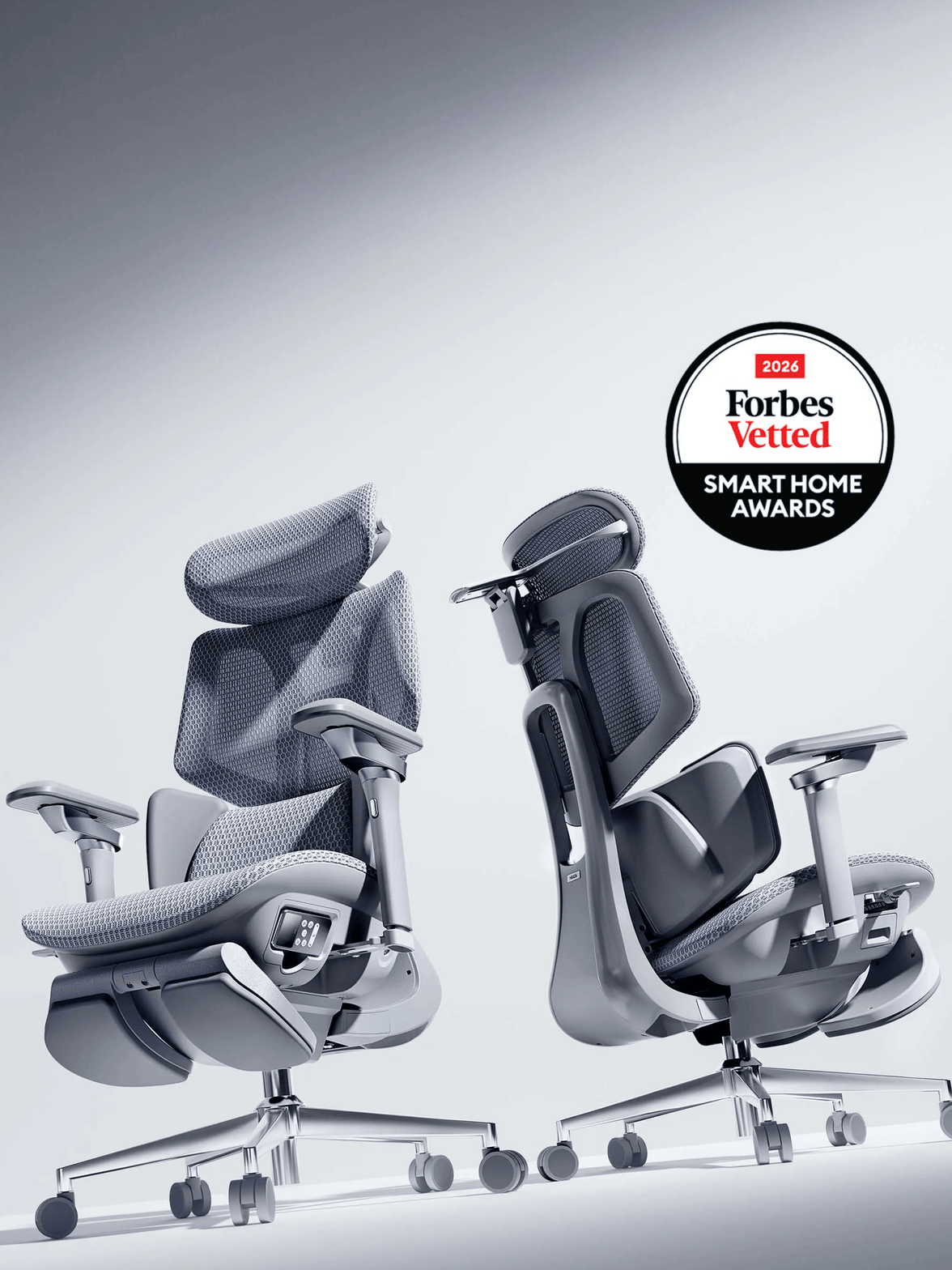
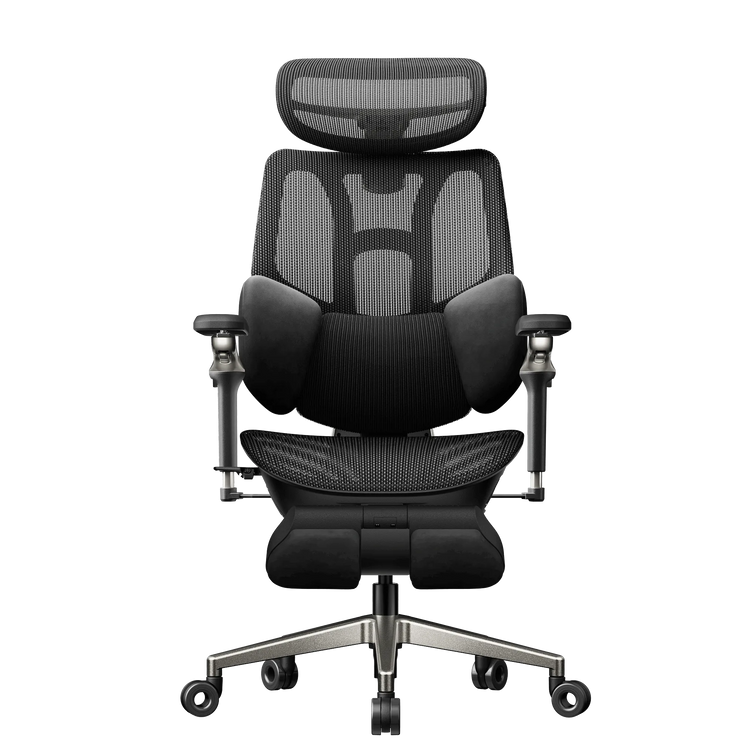
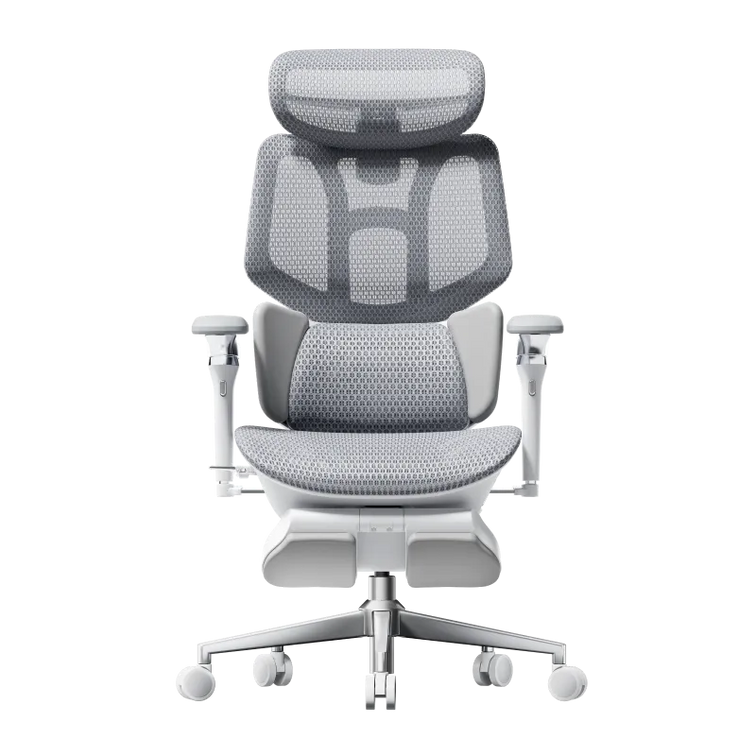
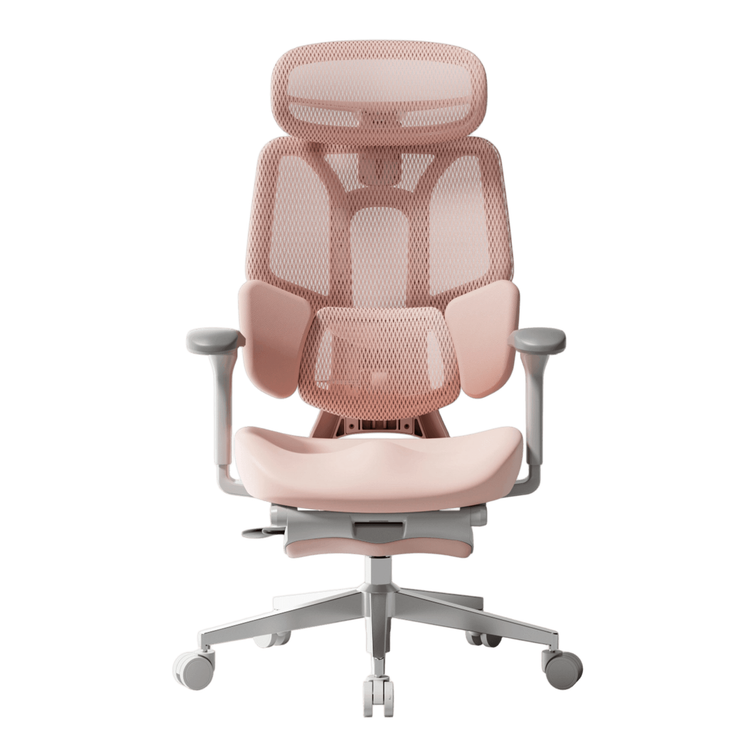
At HBADA, our range includes different approaches to lumbar support, including the three-zone design on the E3 Ultra ergonomic office chair and the responsive lumbar system on the X7 smart ergonomic chair. These are different comfort features to consider—not a prescription for a particular spinal curve.
The most useful support is the support that fits you—not the support that pushes hardest.
For individual support needs: if your clinician recommends a specific cushion, positioning aid or seating setup, check that the chair can accommodate it. Do not add uneven padding to try to correct your spinal curve without professional guidance.
Where massage and warmth fit into back comfort.
Support and relaxation serve different purposes. Your chair’s fit helps you establish a comfortable working position, while massage and warmth can add a soothing experience during a break.
Our HBADA E3 Ultra combines 4D bionic massage and graphene heating with adjustable ergonomic support. These comfort features are designed to help ease everyday lower-back tension and bring a more relaxing pause to desk-based routines.
That does not mean massage or heat is appropriate for everyone with scoliosis. If you have a diagnosed spinal condition, previous spinal surgery, altered sensation or instructions about avoiding heat or pressure, check with your healthcare professional before using these functions.
For working
Prioritize seat fit, comfortable back contact and easy access to your keyboard. Extra features cannot compensate for a chair that is too deep or support that feels uncomfortable.
For taking a break
Where suitable for you, use massage and warmth according to the product instructions. Keep the experience comfortable, and stop if it aggravates your symptoms.
A seated break can feel good, but it should not replace getting up and moving. Build opportunities to change position into your day.
Which HBADA features match your priorities?
Start with the kind of support and comfort you want, then check the selected model’s dimensions and adjustments against your own needs. These two options offer different starting points within our range.
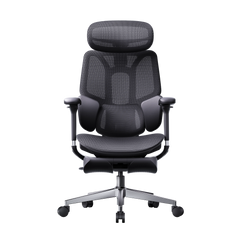
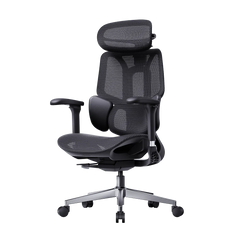
HBADA E3 Ultra
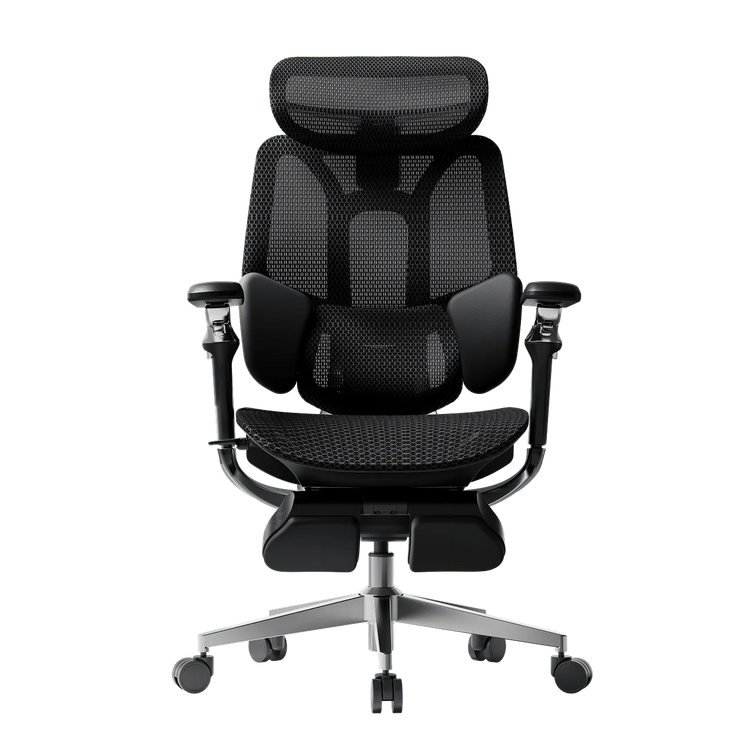
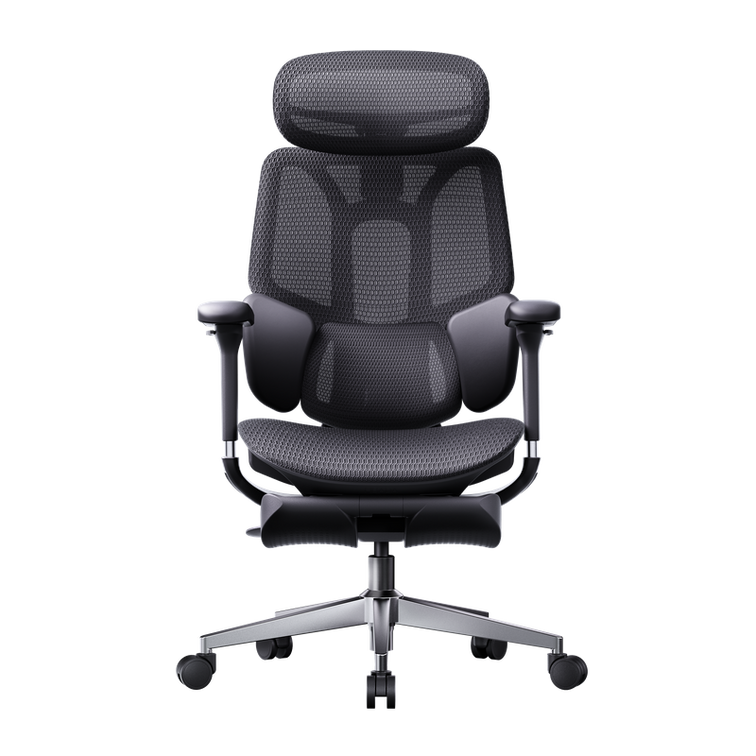
Consider E3 Ultra if you want ergonomic adjustability alongside built-in lower-back massage and warmth. Its three-zone lumbar support, adjustable seating and arm support let you personalize the setup around work and breaks.
Your fit check: confirm that the seat dimensions and lumbar contact suit you, and that massage and heating are appropriate for your individual circumstances.
Meet the E3 Ultra →HBADA X7
Consider X7 if responsive lumbar support is a priority in your chair search. Its smart lumbar system offers a different approach to back contact as you change position.
Your fit check: evaluate how the support feels during your usual desk tasks. A responsive system still needs to feel comfortable to you; it is not a substitute for individual seating advice.
Get to know the X7 →Before ordering, review the current product specifications and purchase terms. If you are unsure which measurements to compare, begin with our guide to choosing an office chair for your body and workspace.
Five signs your setup is working with you.
- You can sit back without the seat edge pressing behind your knees.
- Your feet have support without needing to perch on the front of the seat.
- The backrest feels supportive rather than creating a concentrated pressure point.
- You can reach your keyboard and mouse without repeatedly leaning or twisting.
- You can change position comfortably and take regular movement breaks.
These are practical fit checks, not a test of whether your scoliosis is improving. If discomfort persists despite adjustments, or your symptoms change, speak with a healthcare professional about your individual needs.
Office chairs and scoliosis: FAQs.
What type of office chair is best for scoliosis?
There is no single chair that is best for everyone with scoliosis. Start with an adjustable ergonomic chair whose seat dimensions, back support and armrests fit your body and desk. Comfortable support and room to change position matter more than a “corrective” label.
Can an ergonomic chair help relieve back discomfort?
A well-fitted ergonomic chair may help reduce sitting discomfort by supporting a more comfortable working position. It does not treat every cause of back pain or correct scoliosis. Persistent or worsening pain needs individual assessment.
Should I use a lumbar cushion if I have scoliosis?
A cushion may feel helpful for some people, but more padding is not always better. It can reduce usable seat depth or create unwanted pressure. Check the chair’s existing adjustments first and seek advice if you need targeted or asymmetric support.
Do I need to sit perfectly upright all day?
The goal is not to hold one rigid position throughout the day. Find a supported working position, change posture as comfortable, and take movement breaks. Follow any individual positioning guidance given by your healthcare professional.
Is a massage office chair suitable for someone with scoliosis?
Suitability depends on the individual. Massage is a comfort feature, not a scoliosis treatment. Ask your healthcare professional whether massage and heat are appropriate for you, especially after spinal surgery or if you have altered sensation or specific restrictions.
Is a softer office chair always more comfortable?
No. A soft first impression does not tell you whether the chair provides a comfortable fit during work. Compare usable seat depth, back contact, adjustability and your ability to move rather than judging the chair only by cushioning.
Comfort starts with your fit
A chair should support your day.
Not ask you to fit its shape.
The right starting point is personal: your measurements, your desk and the support that feels comfortable to you. Our ergonomic chairs bring together adjustable seating and thoughtful comfort features to help you create a workspace that works better for your body.
Find your chair-fit priorities →