



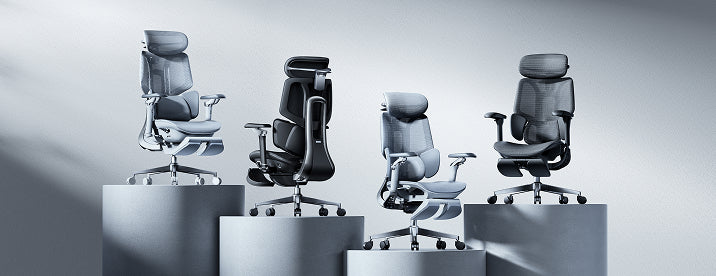
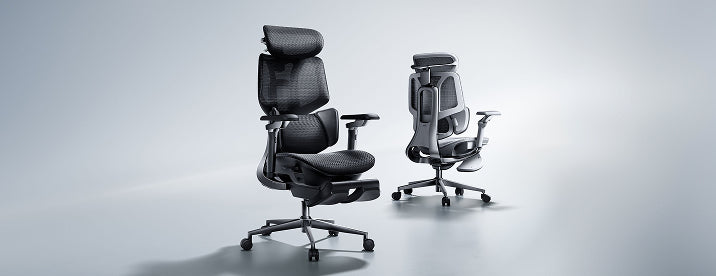




HBADA / Home Studio
One workspace.
Three ways to make it yours.
Your office chair does not have to disappear when the workday ends. It can help set the direction for the whole room.
Here, we build three home office looks around HBADA seating: a light oak corner, a graphic black-and-white setup, and a warm study that belongs beside your bookshelves. Each starts with the chair and ends with a room you can actually use.
Which look should you choose?
Choose warm oak if your room already has light wood and soft neutrals. Choose black and white if your monitors and accessories dominate the desk. Choose the cozy study if the workspace shares a living area and you want it to feel more like furniture than an equipment station.
A grey chair, a wood desk, and a softer backdrop.
For the home office that shares space with morning light, linen curtains, and the rest of everyday life.

Let the desk warm up the grey.
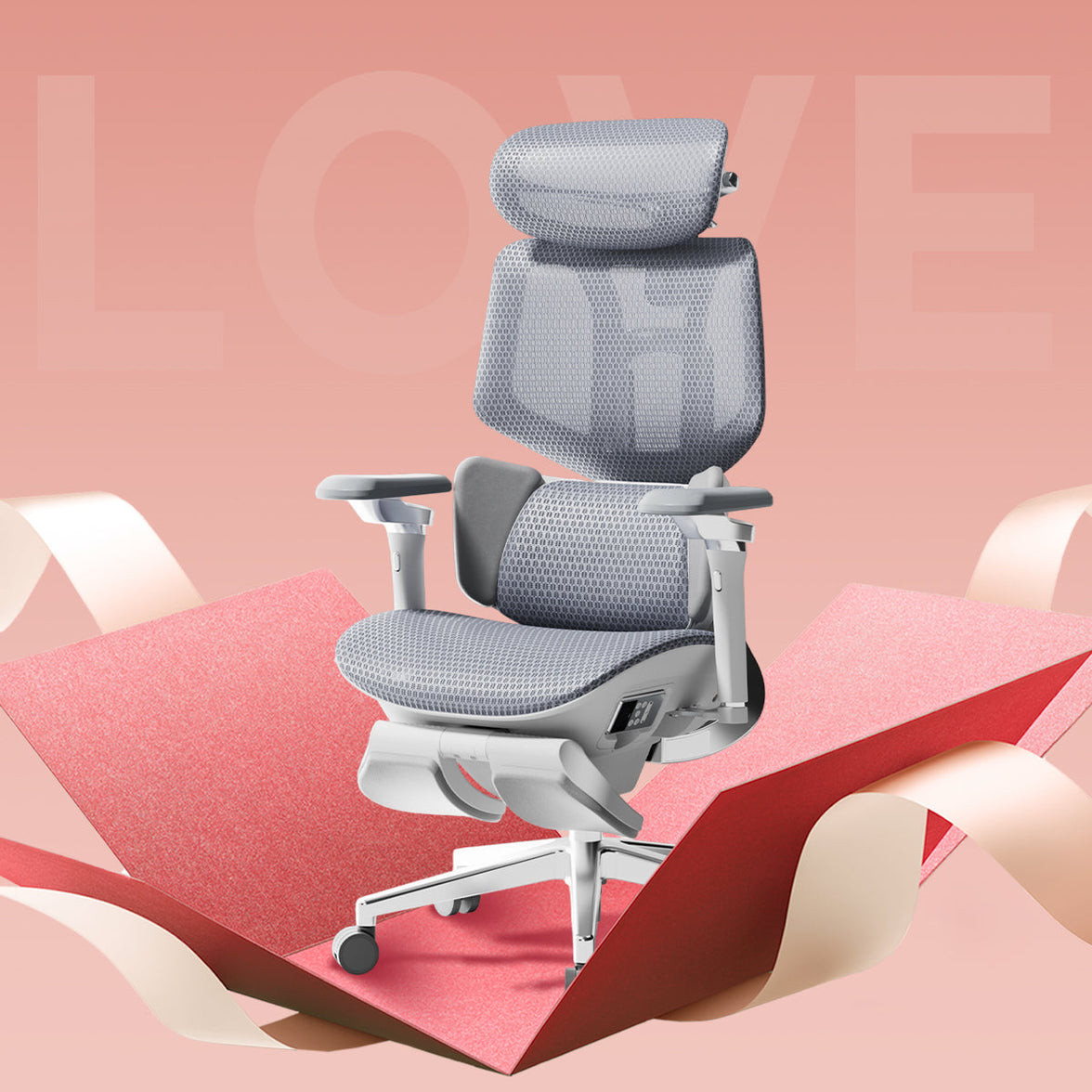
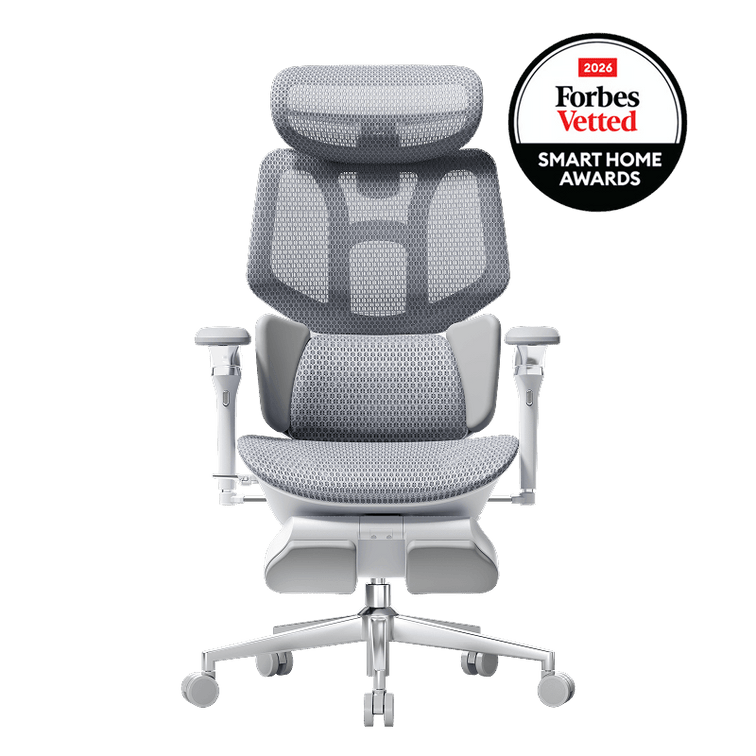
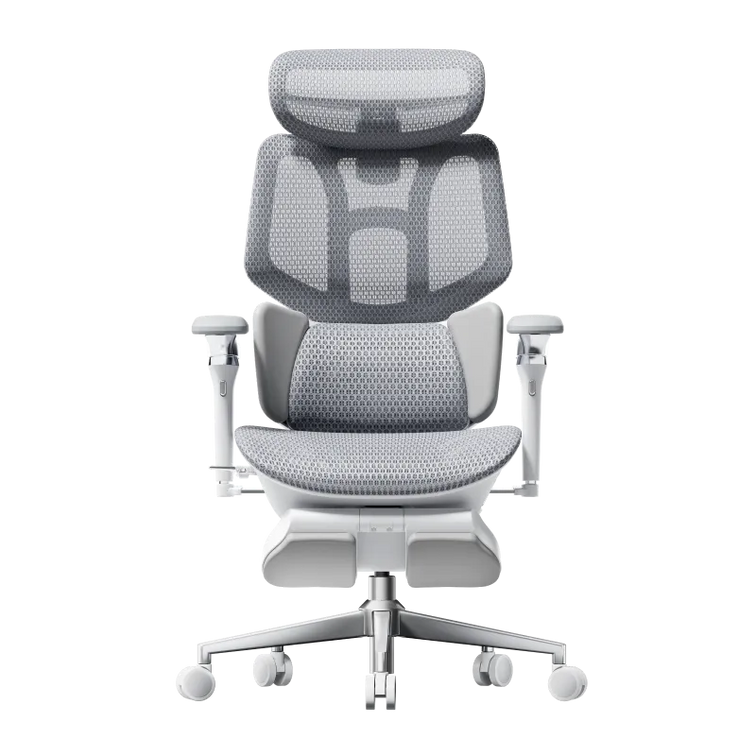
Grey mesh and a metallic frame introduce cooler tones. A pale oak desktop gives them a warmer setting without making the room feel heavy. Cream walls work well here because they soften the contrast between the chair and the surrounding furniture.
Choose a desk with an open base rather than filling both sides with drawer units. The visible space beneath it gives the chair’s frame room to stand on its own.
Keep the desktop quiet: a sage lamp, a matching mat, and one terracotta cup are enough. Put the plant beside the desk or at its far edge so the chair remains the main furniture feature.
Skip this: adding a thick decorative cushion just to match the room. It changes how you sit in the chair. Bring softness into the surroundings instead.
Make the screens part of the composition.
For multi-monitor desks, creative workstations, and spaces where technology is always going to be visible.
Repeat black instead of fighting it.
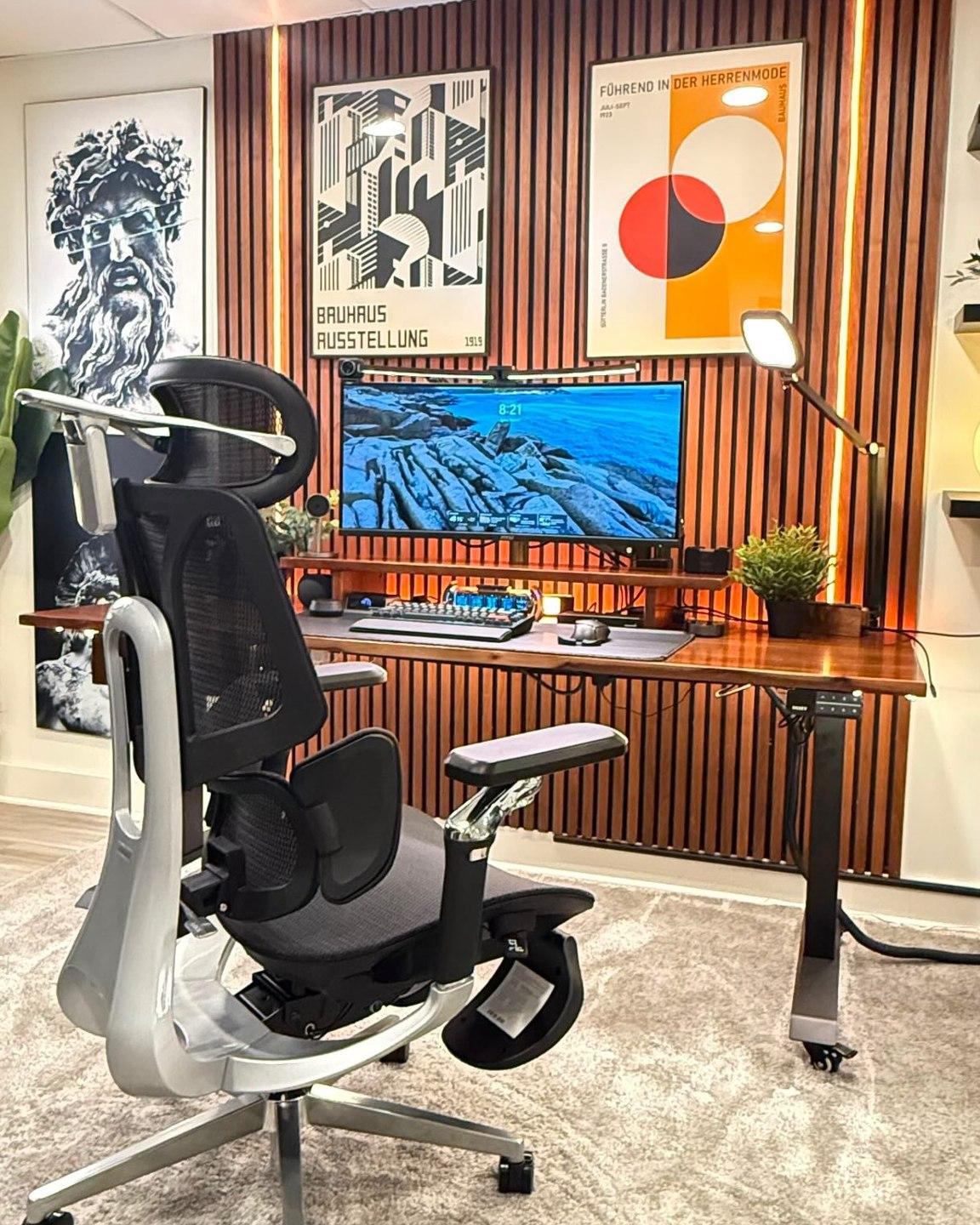
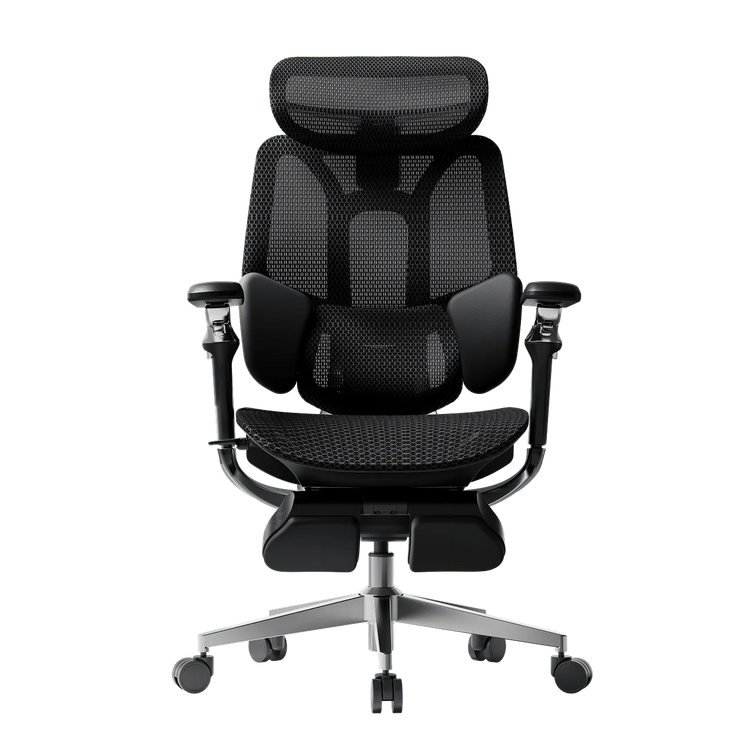
A black HBADA chair can connect visually with monitor bezels, a microphone arm, or speakers. Use a white or light-toned desktop to separate those shapes rather than placing every dark object against another dark surface.
Keep the strongest black elements near the working area: chair, screens, and perhaps a lamp. Let storage boxes and the wall stay lighter. This gives the desk a clear outline without making every accessory compete for attention.
If you use a monitor arm, check the desk’s clamp compatibility and load requirements before buying. The goal is to free usable surface space—not simply add another technical detail.
Skip this: running every cable straight down behind the chair. Route cables along the desk first, then leave a clear path around the chair’s wheels and moving parts.
A workspace that belongs beside the bookshelves.
For a living-room office, a guest-room desk, or a quieter corner where work equipment should not define the entire room.
Use furniture-like storage, not more desktop storage.
Pair your HBADA chair with a warm wood desk and place a cabinet or bookshelf nearby. Moving paperwork off the desk makes room for a shaded lamp and a small writing area without sacrificing the things you need for work.
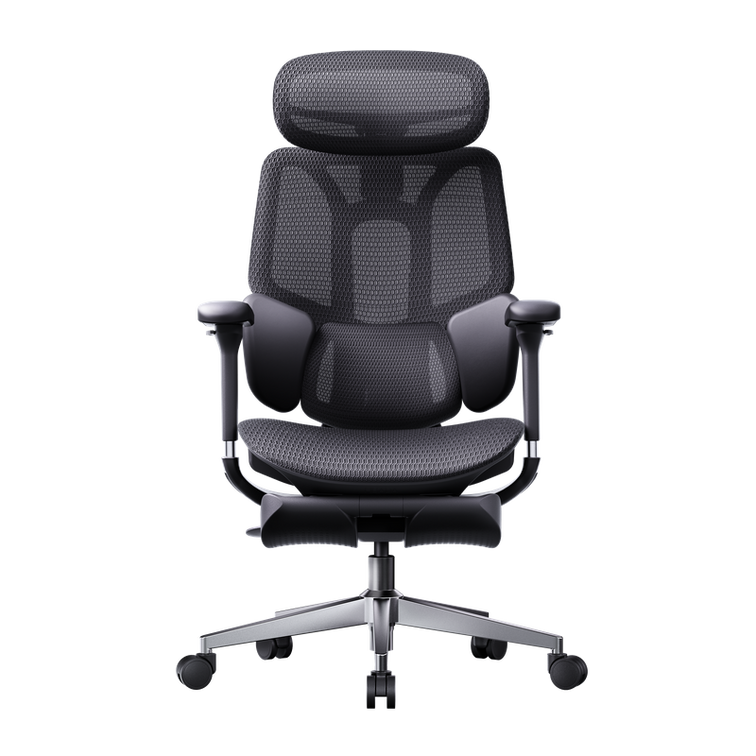
A grey chair creates a softer contrast with darker wood. A black chair gives the arrangement more definition. Either can work; repeat the chosen finish in a picture frame or lamp base to make the pairing feel deliberate.
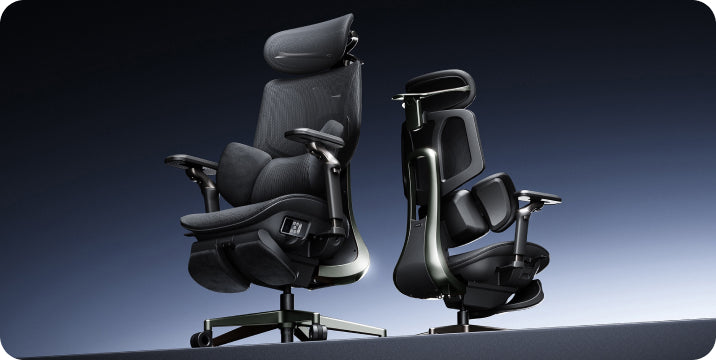
Consider the view from the sofa or doorway, not only the view from behind the keyboard. Check the rear of the selected chair in its product photographs before deciding how the desk should face.
Skip this: pushing the desk into the narrowest gap simply because it fits. The chair still needs room to pull out, turn, and let you stand up comfortably.
The chair does not need to match everything. It needs a few good connections.
Four decisions a mood board cannot make for you.

Once you have chosen a look, check how it will work in your actual room. Product photos show the arrangement; measurements tell you whether you can live with it.
| Decision | What to check | Why it changes the setup |
|---|---|---|
| Desk with drawers or an open base? | The clear width and height beneath the desktop. | Drawers and support bars can limit legroom or armrest clearance. |
| Chair near a wall or in open space? | Room to pull out, turn, and use the selected recline settings. | The tucked-in footprint does not represent the space needed during use. |
| Rug, hard floor, or protective mat? | Floor-care guidance and compatibility with the chair’s castors. | A rug edge or thick pile may interfere with movement. |
| Powered features at this desk? | The selected model’s charging or power instructions. | You need an accessible connection without cables crossing moving parts. |
E3 Ultra or X7? Think about the room’s daily routine.
The styling ideas above are not tied to one set of accessories. Choose the chair for the way you want to use it, then adapt the palette to the finish available on that model.
HBADA E3 Ultra / A desk that also makes room for breaks
Plan the space around changing activities.
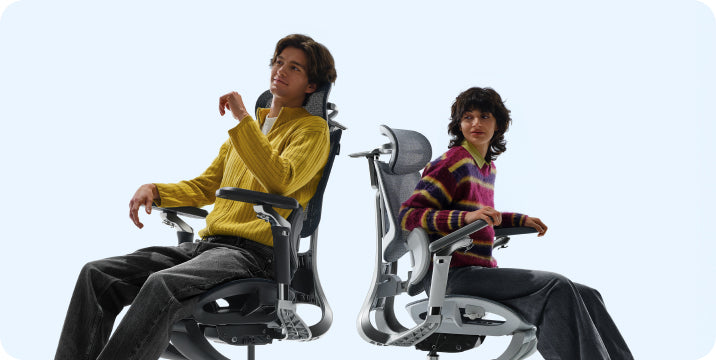
If the appeal of E3 Ultra is moving between desk work and a seated break, do not place it in a layout that prevents that change. Keep nearby storage outside the chair’s movement area and leave access to its controls.
Its massage and heating features can be part of that break routine. In a home setting, a clear cable plan and an uncluttered surrounding area matter more than adding extra decorations around the chair.
See E3 Ultra configurations and product details →HBADA X7 / A visible part of a technical workspace
Give the chair’s design a clear backdrop.

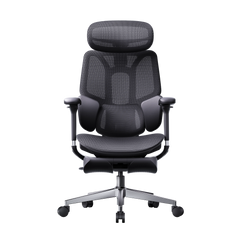
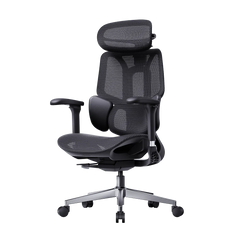
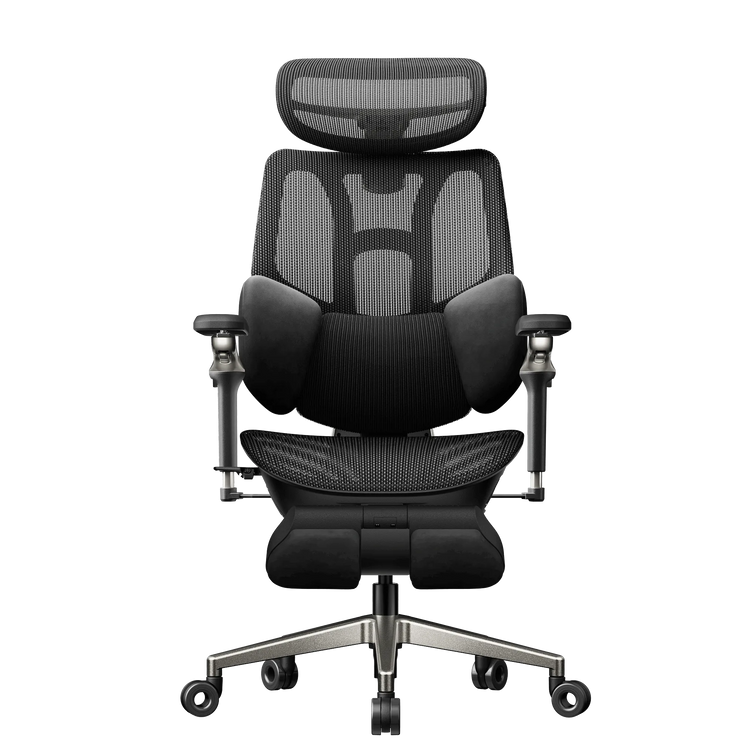
X7 is a natural visual starting point for a workspace with screens and other equipment. Keep the desktop organized and use repeated finishes so the chair’s technical structure feels connected to the setup.
Its smart lumbar-tracking system is a functional reason to consider the model. For the room itself, check the overall dimensions and the view from each side—not just the front-facing product image.
View X7 and check the selected model’s specifications →If you have not settled on your seating priorities, our 12-question office chair buying guide helps you work through the practical choices before you build a room around them.
You do not need to replace the entire setup.
If the desk works with your chair and equipment, keep it. The most noticeable change may be removing mismatched storage from the floor, replacing a crowded organizer with one tray, or moving the lamp to a better position.
Start by taking a photograph of the room from the doorway. Notice which objects draw your eye. If the chair looks disconnected, repeat its color once elsewhere. If the room looks crowded, remove an item before buying another.
One change at a time makes the result easier to judge.
Set up your HBADA chair first. Use it at the desk. Then decide whether the room needs a different light, more useful storage, or simply less on the desktop. Your everyday routine will tell you more than a shopping list.
Home office styling FAQs.
Will a grey chair look out of place with a dark wood desk?
Not necessarily. Grey can create a softer contrast against dark wood. Repeat a related neutral in a lamp, artwork, or desk accessory, and keep the other finishes restrained. You do not need to replace a useful desk just because it is darker than the chair.
My desk is visible from the living room. How do I make it look less like an office?
Use nearby closed storage for work materials, choose lighting that relates to the room, and consider how the chair looks from behind. Keep the desk surface easy to clear rather than hiding the chair under a cover or filling the area with decorative objects.
Should the chair slide completely under the desk?
It can be useful for storage, but it is not the only test of a good pairing. First check whether you can sit at a comfortable working distance. If you also want the chair to tuck away, compare armrest settings with the desk’s underside and any drawer units.
Can I place a reclining chair directly against a wall?
Only if the available clearance supports the movements you intend to use. Check the selected chair’s instructions and dimensions, then test the layout before placing furniture behind it. Do not rely on the upright footprint alone.
How do I choose a rug without making the chair difficult to move?
Check the rug thickness, edge placement, and the chair’s floor compatibility. Avoid arranging the rug so the castors repeatedly cross a raised edge. A suitable protective mat may be a more practical option, depending on your flooring and chair guidance.
What is the easiest styling change after adding a HBADA chair?
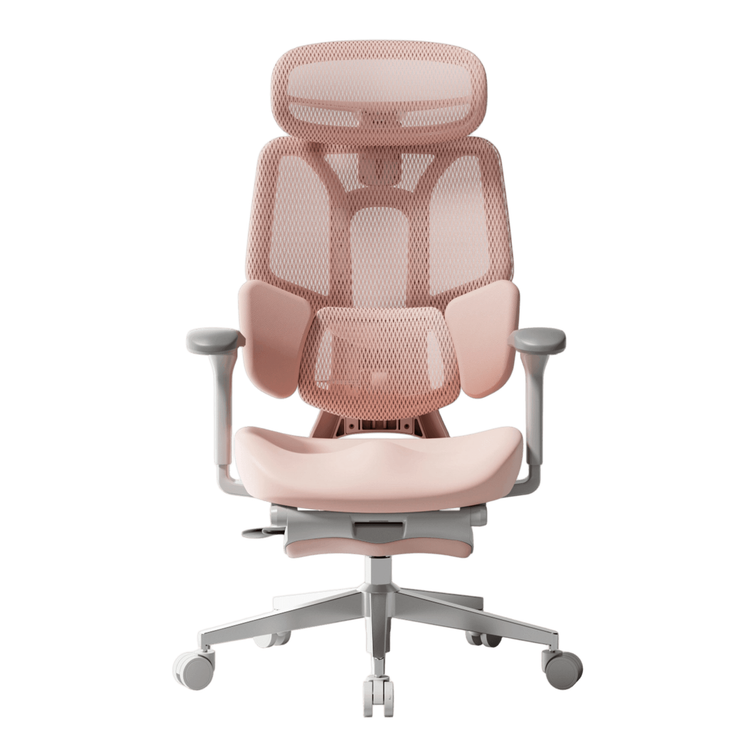
Repeat one of the chair’s colors in something you already need, such as a task lamp or desk mat. Then clear the surrounding floor area. Those two changes often make the chair feel more connected to the room without requiring a full redesign.
Your chair. Your room. Your routine.
Choose the look you want to come back to.

Warm oak, graphic contrast, or a quieter study: each starts with a different mood, but the same practical idea. Give your HBADA chair a considered place in the room, and build the rest around the way you use it.
Start with E3 Ultra →