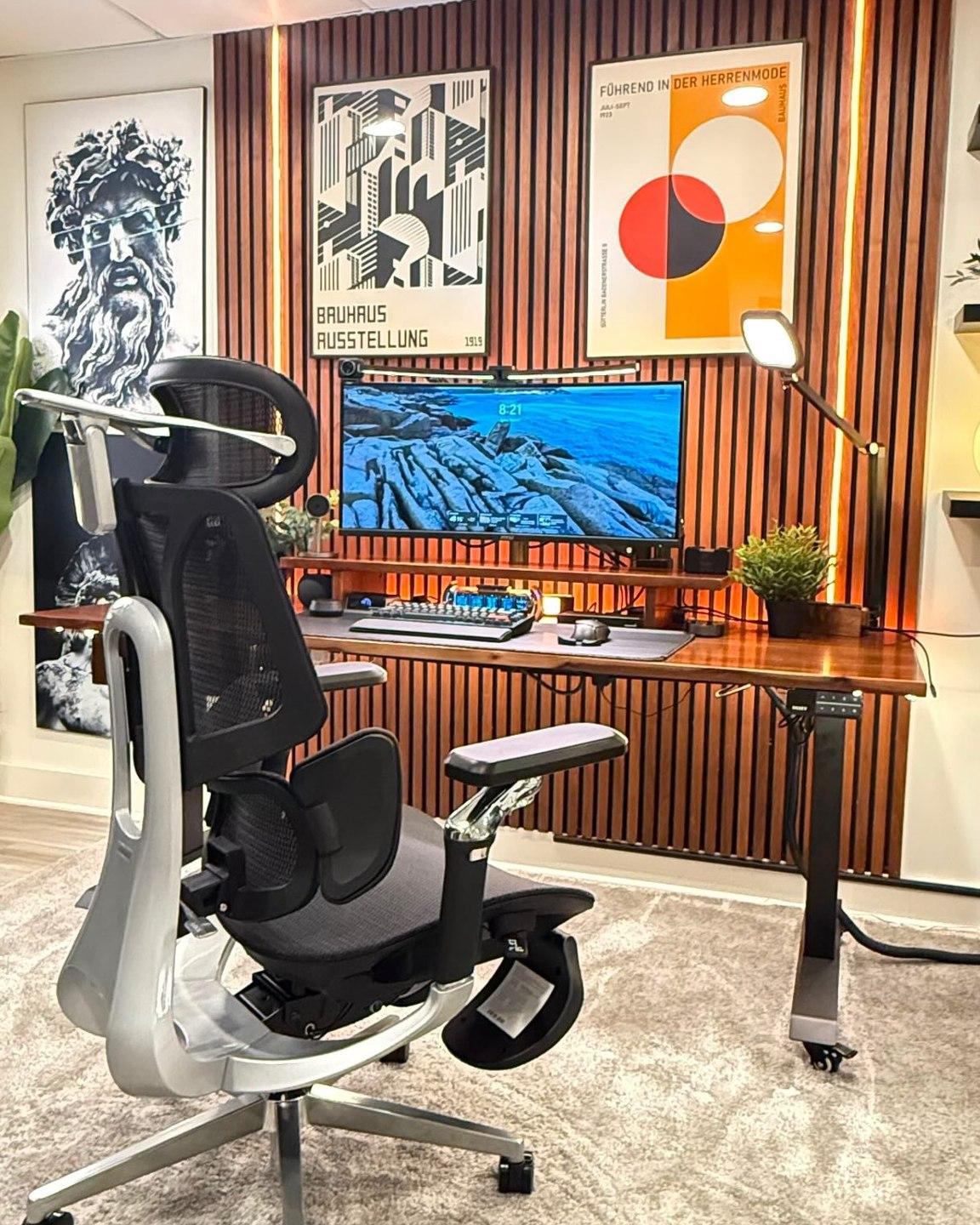





Your everyday workspace, thoughtfully adjusted
Seven small adjustments.
A better place to work.
A comfortable desk setup rarely comes from one dramatic fix. It comes from the small details working together: where your feet land, how your back is supported, and how easily you can reach the things you use.
Work through this desk posture checklist from the seat up. Then put your findings to work when choosing your next HBADA chair.
Quick answer: What should you adjust first?
A practical desk posture checklist covers seven adjustments: seat height, seat depth, lumbar support, backrest recline, armrest position, monitor height, and keyboard and mouse placement. Start with your chair, then arrange the screen and input devices around your seated position.
Why a Checklist Beats Guesswork
Proper desk posture rarely comes from one dramatic fix. Seat height, monitor position and armrest placement all affect how you settle into your workspace. Change one, and you may need to revisit another.
That is why a structured ergonomic workstation checklist is useful. Working through each item in order gives you a complete picture instead of adjusting one part of the setup and overlooking the rest.
Fit the workspace around you—not the other way around.
Seat Height
Start here. Your feet should rest securely on the floor or a stable footrest. If you are reaching for the floor with your toes or feeling cramped under the desk, revisit the seat height before moving on.
Check the fit while wearing the shoes you normally use at your desk. Once the seat feels right, make sure you can still reach your keyboard without lifting your shoulders.
Seat Depth
Sit fully back against the backrest, then check the space between the front of the seat and the backs of your knees. A small gap—around two to three finger-widths—is a useful starting point rather than a rigid measurement.
If the seat is too deep, its front edge may press behind your knees or encourage you to slide forward. If it is too shallow, it may leave more of your thighs unsupported than feels comfortable.
Lumbar Support
Position the lumbar support around the natural curve of your lower back. Aim for comfortable contact rather than a strong push that moves you away from the backrest.
Make small changes, sit normally and check the result. If the support feels too high, too low or too prominent, use the available adjustments rather than forcing yourself into one position.
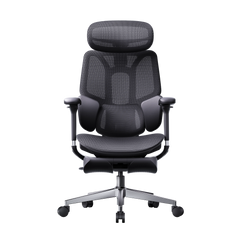
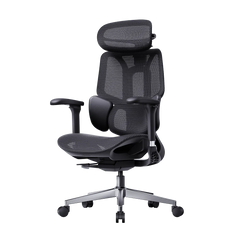
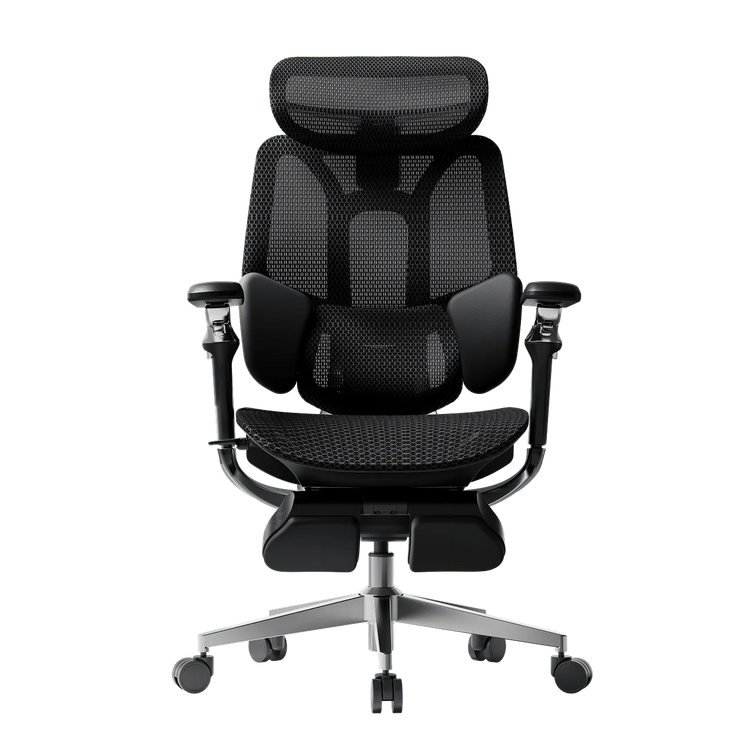
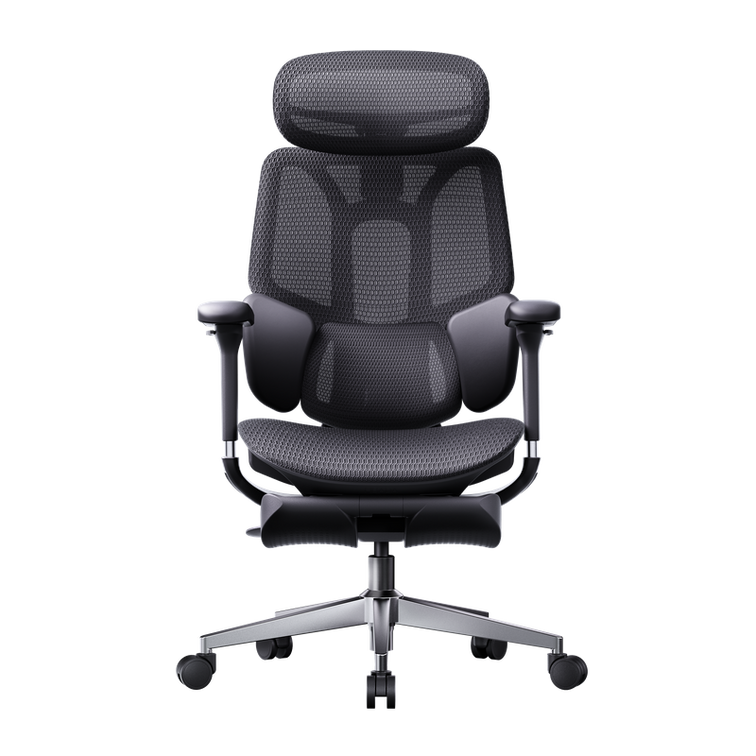
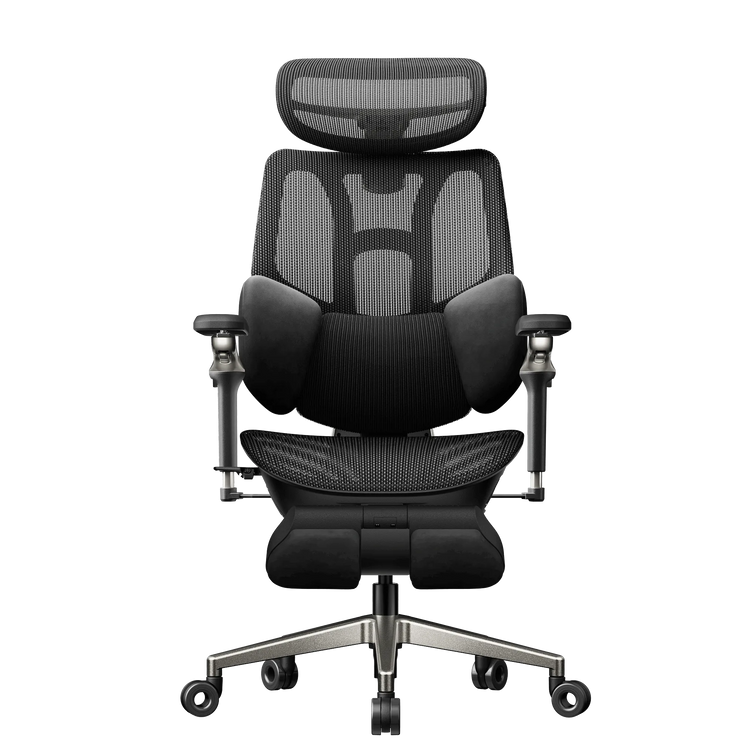
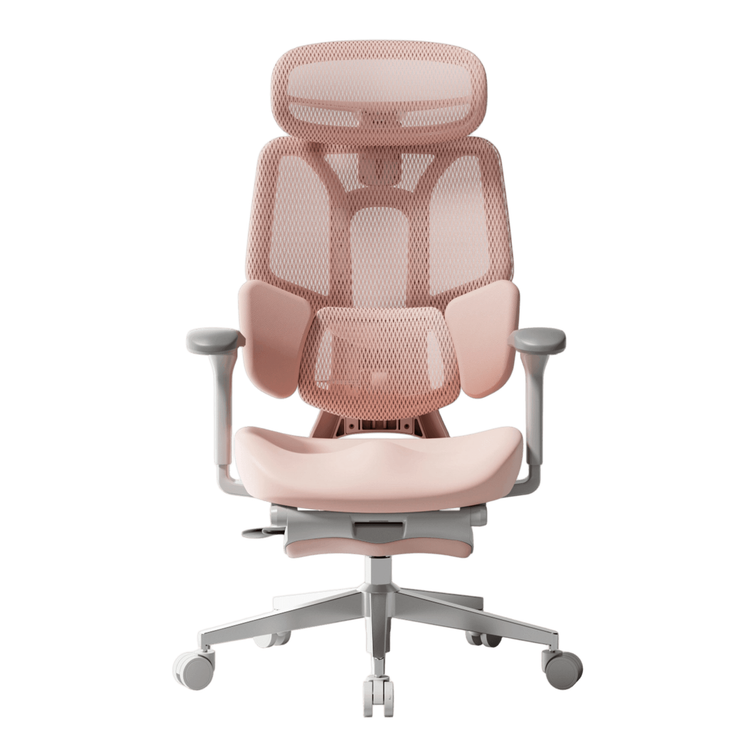
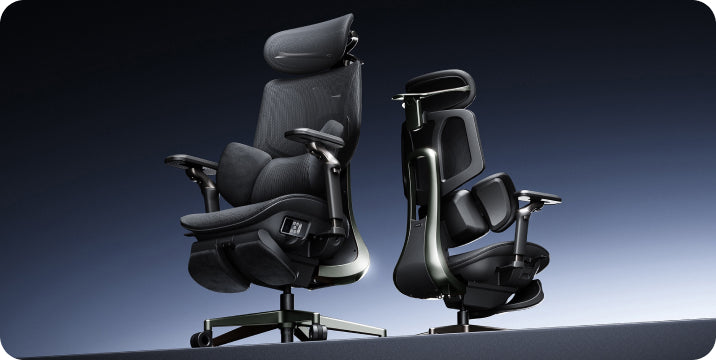
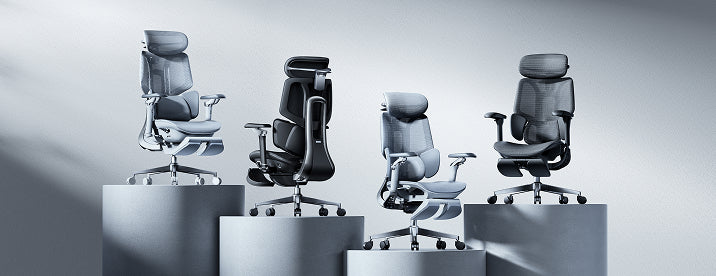
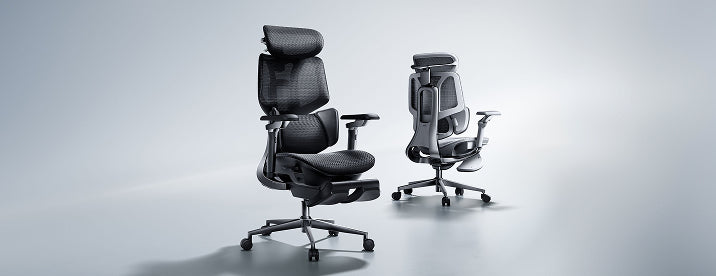
When choosing your next chair, take a closer look at the HBADA E3 Pro and compare its support and adjustment options with your needs.
Backrest Recline
You do not need to hold one perfectly upright position throughout the day. Try a gentle supported recline, then check that your screen and keyboard remain easy to use.
Adjust the tilt tension or lock setting according to your chair’s instructions. For focused typing, avoid leaning so far back that you have to reach forward again. Change the setup when you switch from desk work to a seated break.
Armrest Position
Set your armrests so your shoulders can relax and your elbows stay near your body. If the pads rotate or move sideways, position them around the way you actually use your keyboard and mouse.
Armrests should not stop you from moving close enough to the desk. Recheck their height and position if they collide with the desktop or push your elbows outward.
Monitor Height and Distance
Place your main monitor directly in front of you, with the top of the screen at or slightly below eye level. Around an arm’s length away is a practical starting point; adjust the distance and text size so you can read without leaning forward.
If you wear bifocals or progressive lenses, you may prefer a lower screen position to avoid tilting your head back. Recheck the screen whenever you change your seat height.
Keyboard and Mouse Placement
Keep your keyboard close enough that you do not have to reach, with your wrists in a comfortable, fairly straight position. Start with the keyboard flat and adjust its angle only if that improves your wrist position.
Place the mouse at the same level and within easy reach. Check the position during real work—not just while sitting still—because a comfortable setup needs to work while you type, click and switch tasks.
Quick Reference: Desk Posture Checklist
Tick each item as you check your setup. These boxes are for your own review; your selections are not submitted and may reset when you leave or reload the page.
If your current chair cannot accommodate several of these checks together, use the list as your buying checklist. Our 12-question chair buying guide can help you turn those findings into a clearer shortlist.
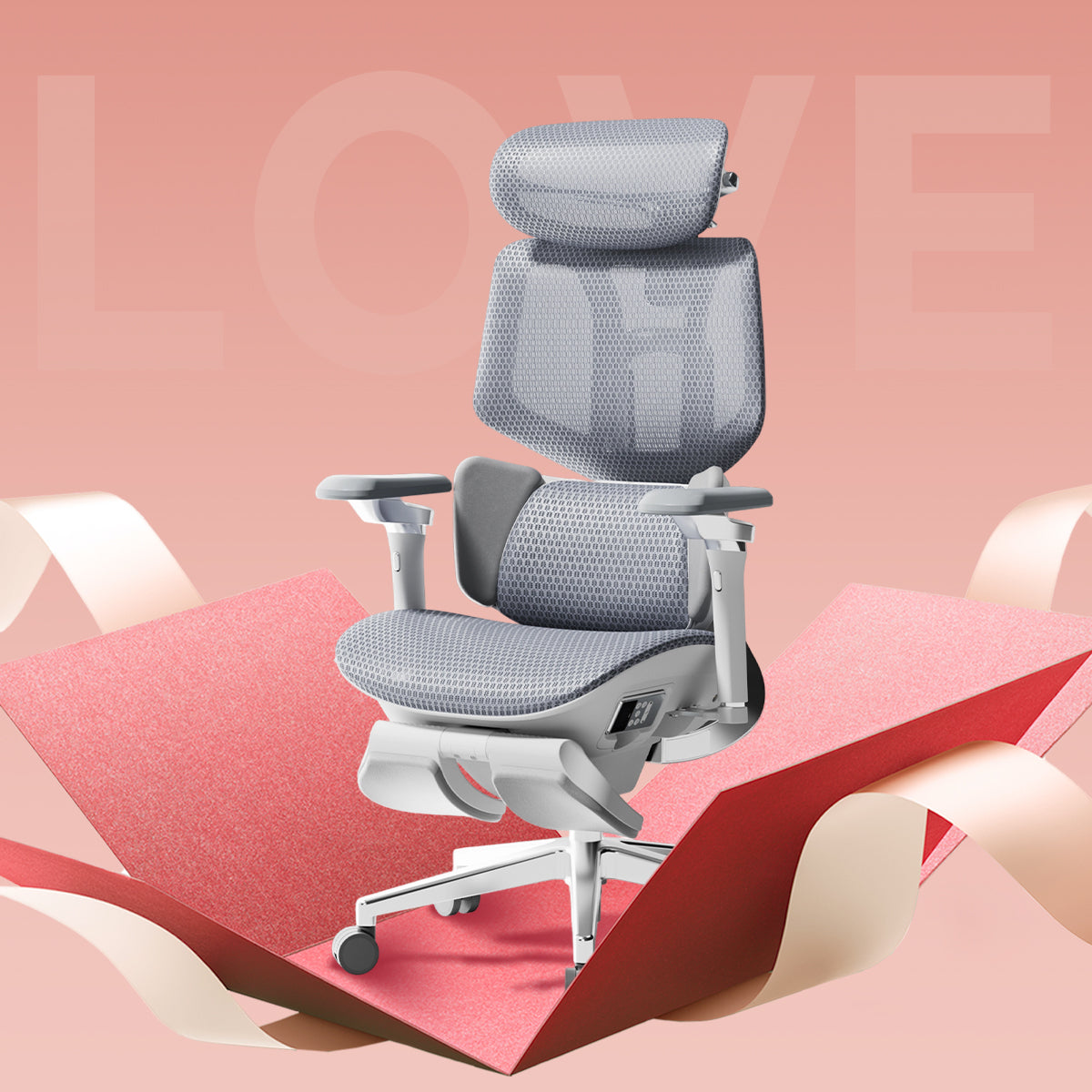
Your checklist. Our Black Friday savings.
Found the limits of your current chair? This is a great opportunity to upgrade your everyday workspace for less. Our Black Friday event brings substantial savings to selected HBADA ergonomic office chairs.
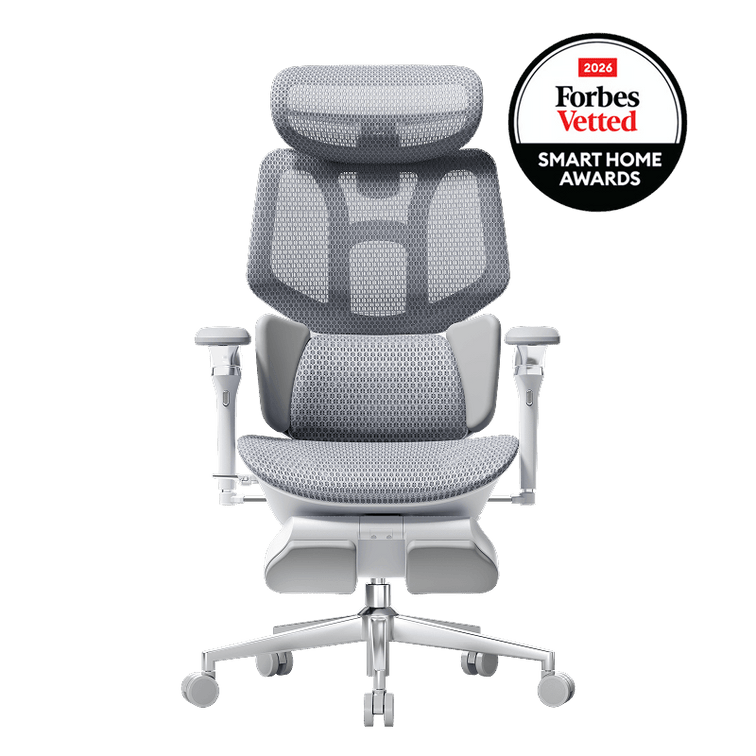
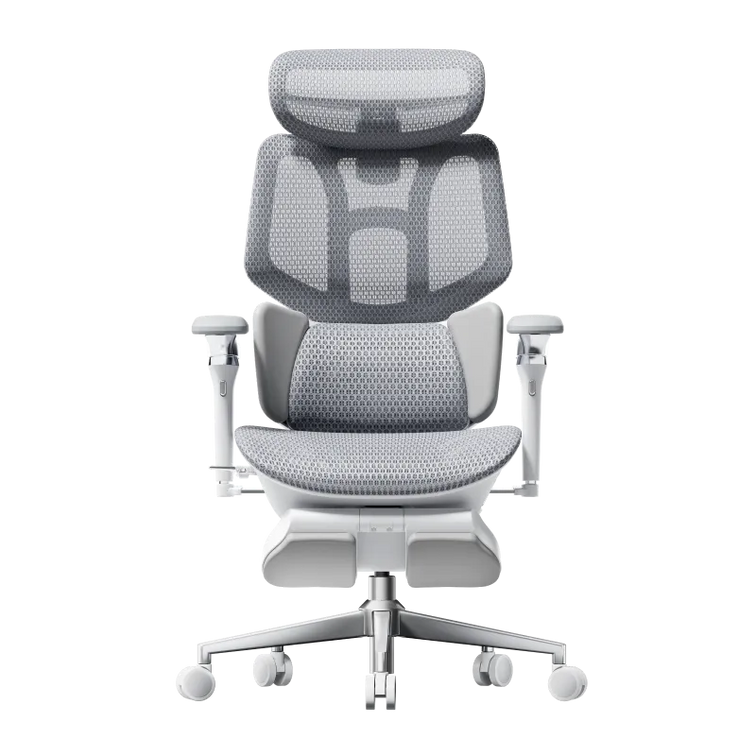
HBADA E3 Air
$339Featured offer: Black, without footrest.
Put E3 Air on your shortlist for an ergonomic workspace upgrade under $350 at the featured sale price.
Shop E3 Air →HBADA E3 Pro
$469Featured offer: Black, without footrest.
Bring E3 Pro into your workday for under $500 at the featured sale price. Review the fit and choose your configuration.
Shop E3 Pro →There is more to unlock: the event includes subscriber discount milestones and 2X points on eligible member orders during November 6–15, 2026. Visit the sale page for the current unlocked offer and participation details.
Shop Black Friday savings →Offers apply to selected products and configurations. Prices and availability may change. Member 2X points apply to eligible US/Canada orders November 6–15; returned orders have points deducted. Coupon codes do not stack. Check the event page and checkout for current terms.
Signs Your Setup Needs a Recheck
Even a familiar desk setup benefits from another look. Watch for these signs that your settings or working habits may need attention:
- You repeatedly lean toward the screen to read.
- Your shoulders rise while you type or use the mouse.
- You slide forward rather than using the backrest.
- Your wrists feel uncomfortable during desk work.
- You notice new neck, shoulder or lower-back discomfort.
Start again with seat height and work through the list. Also make room for regular movement and breaks away from the desk. Persistent or worsening pain deserves individual advice from a healthcare professional.
Frequently Asked Questions
What should be on a basic desk posture checklist?
Include seat height, seat depth, lumbar support, backrest recline, armrest position, monitor height, and keyboard and mouse placement. Review them together rather than treating each adjustment as a separate task.
What is proper desk posture, in simple terms?
Think of a supported, comfortable position that lets you work without unnecessary reaching or leaning. It is not a single pose to hold all day; change position and take movement breaks.
How often should I recheck my workstation?
Recheck when you change equipment, share a desk, move your chair settings or notice new discomfort. A brief review after setting up for the day can also catch simple issues such as a mouse left too far away.
Does posture matter more than the chair itself?
They work together. A chair that fits gives you useful options for support, while the arrangement of your screen, desk and input devices helps you use those options comfortably.
Why should I check seat depth as well as seat height?
Height alone does not tell you whether you can sit back comfortably. Seat depth affects the clearance behind your knees and how easily you can make use of the backrest.
Can monitor position affect the way I sit?
Yes. If text is difficult to read or the screen is awkwardly placed, you may lean or tilt your head. Review screen position and text size together.
Seven Small Fixes, One Better Workday
None of these adjustments has to be complicated. Work through them together, keep what feels supportive and revisit the setup as your tasks change.
Ready for a chair that gives you more options? Bring your checklist to our Black Friday sale and find your next HBADA upgrade—with up to $470 off selected chairs. Do not miss the opportunity to make your everyday workspace more comfortable for less.
Find my Black Friday chair deal →