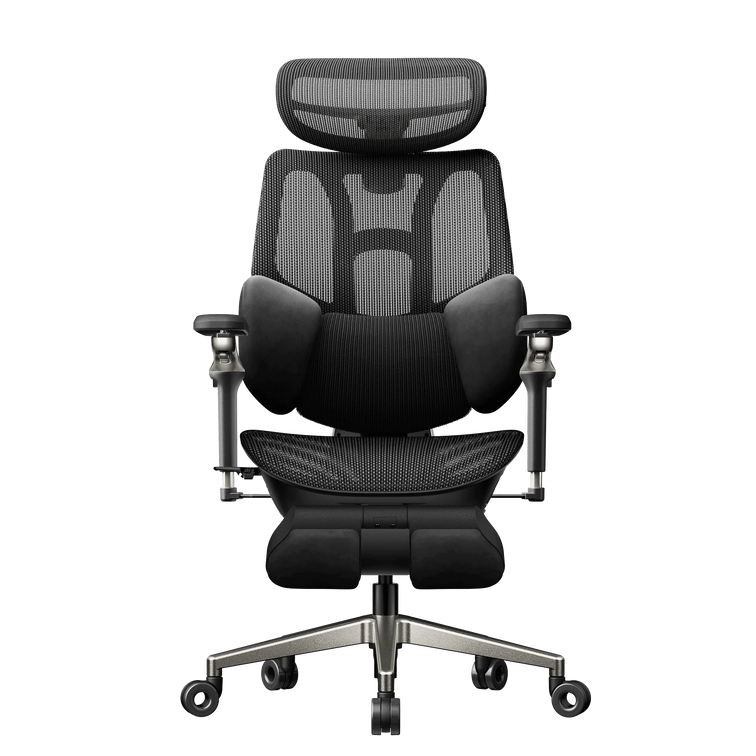
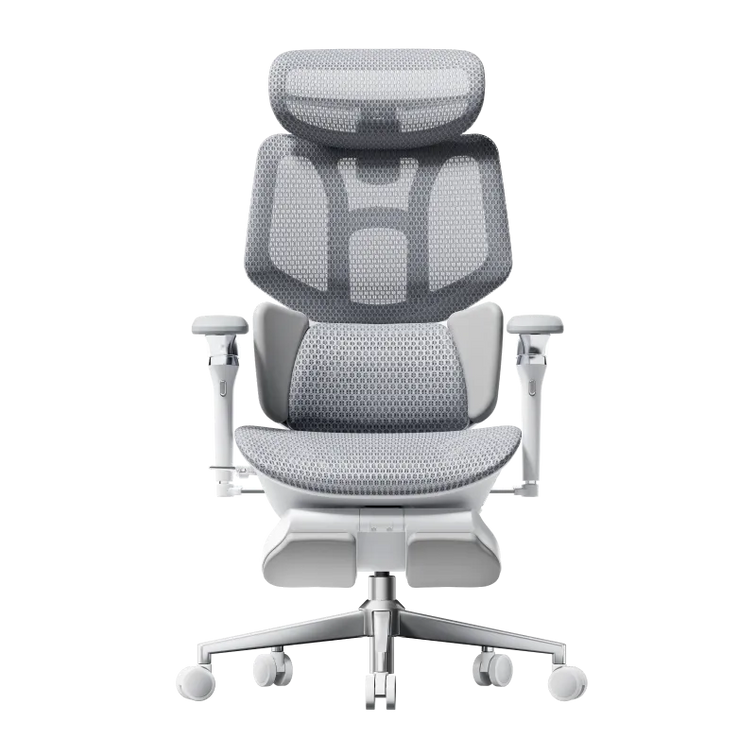
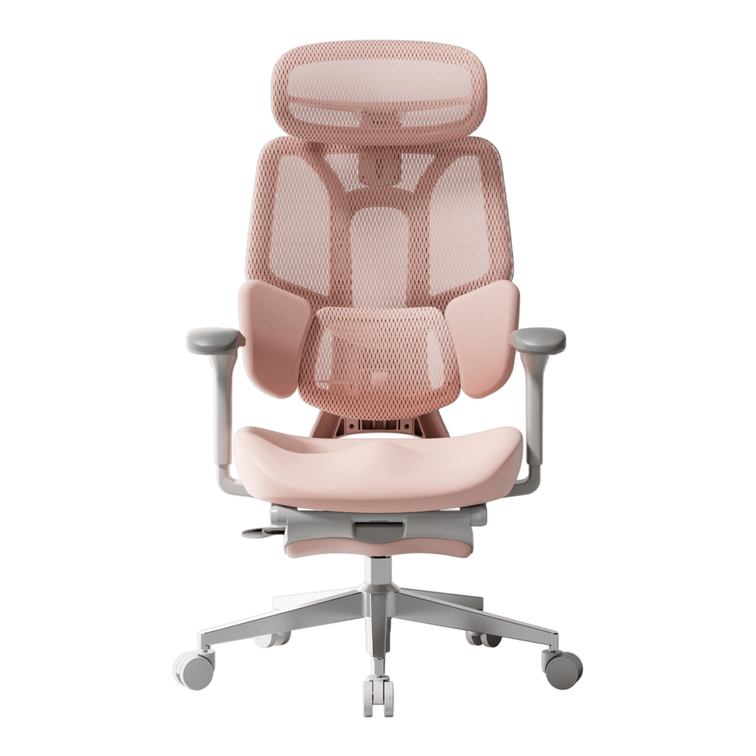
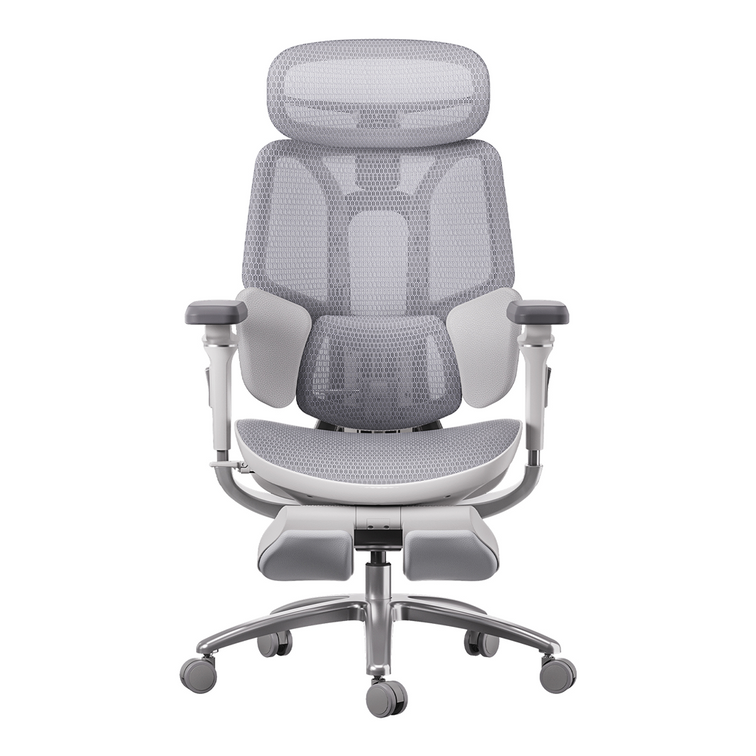

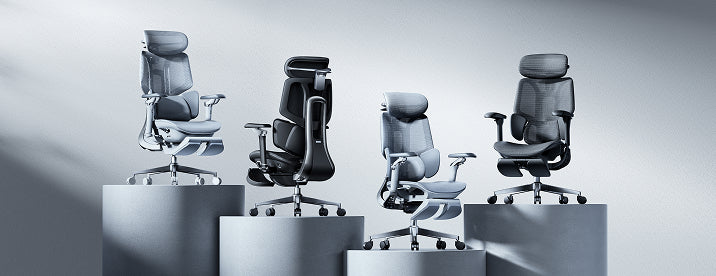
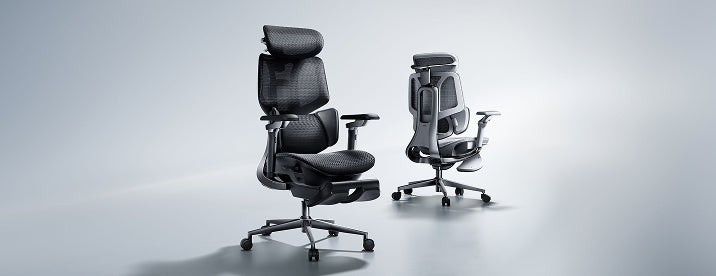
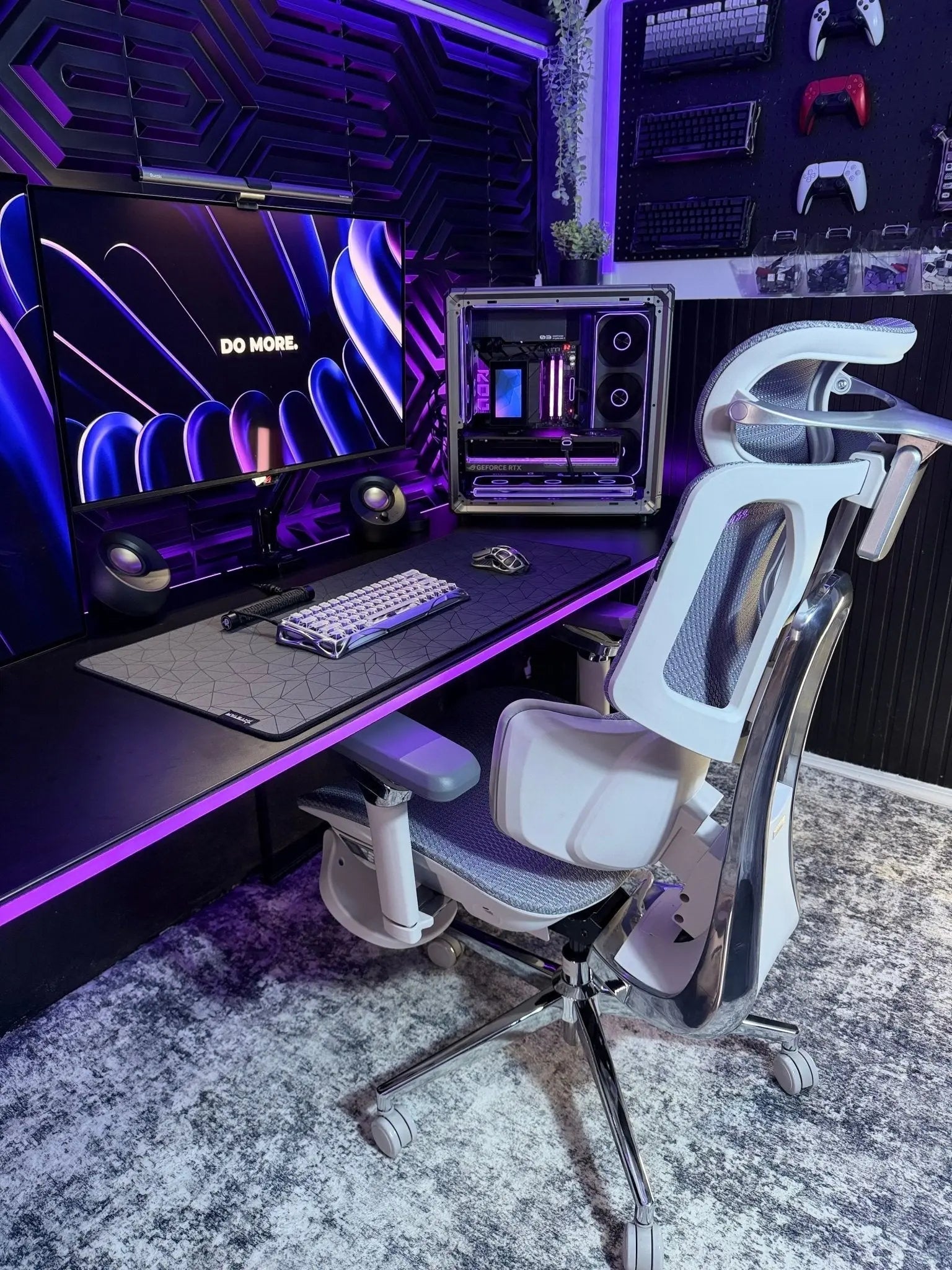
If you sit at a desk for hours, finding the best ergonomic office chair 2026 has to offer is the single most important investment you can make for your health, focus, and long-term daily productivity. Spending eight to ten hours a day in a poorly designed chair strains your spine, drains your energy, and compromises your physical well-being over time.
As remote and hybrid work setups evolve, traditional static seating can no longer keep up with the dynamic movements of modern professionals. Investing in advanced, responsive seating engineering is no longer a luxury—it is a vital health strategy that actively shields your body from the physical toll of a demanding digital workday.

The Evolution of Sitting: Why Traditional Office Chairs Fail Your Spine
Most standard office chairs are designed as if people never move. They keep you in a stiff, 90-degree position that flattens your spine’s natural curve. After hours of sitting, your muscles get tired, your shoulders hunch, and you start to slouch. This constant pressure can strain your lower back and leave you feeling worn out.
By 2026, top office chairs will have moved from manual adjustments to smart, responsive designs. Now, the focus is on maintaining healthy alignment in your body. The best chairs automatically adapt to your weight, shape, and small movements, so you stay comfortable without having to adjust anything yourself.
Core Technologies Defining the Best Ergonomic Office Chair 2026
When you’re choosing a high-quality office chair, look for features that truly support your body. Two major innovations set advanced ergonomic chairs apart from basic models:
1. Bio-Synchronized Seating and Dynamic Mechanics
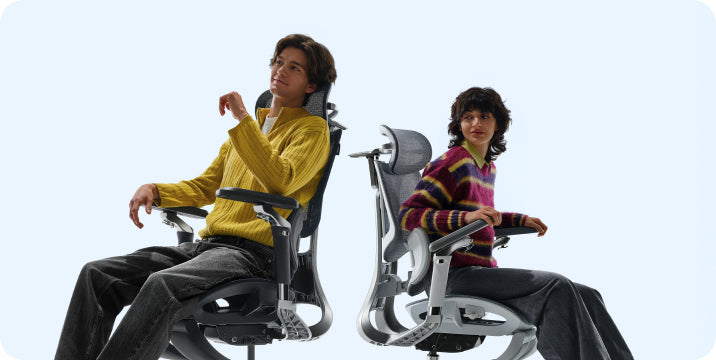
Traditional chairs break contact with your lower back the moment you lean back. Bio-synchronized seating solves this issue by connecting the movement of the backrest and the seat cushion. When you recline, the entire frame shifts in harmony with your body’s natural pivot points.
Our advanced chairs use a gravity-sensing system that automatically adjusts the recline resistance based on your weight. This keeps your spine supported whether you’re typing or leaning back for a call.
2. AI-Powered Lumbar Support and Tracking Systems
The most important part of any office chair is how it supports your lower back. Basic chairs use a fixed plastic pad, while the newest models feature an AI-powered lumbar-tracking system.
[Sensors Detect Posture Change] ➔ [AI Core Recalibrates Support] ➔ [Lumbar Pod Shifts Real-Time]
With built-in gravity and pressure sensors, our AI-powered lumbar support follows your movements as you sit. If you shift or lean, the chair moves its support to fit your lower back. This keeps your spine aligned and helps prevent the aches caused by poor posture.
Finding Your Perfect Match: Hbada 2026 Core Product Guide
To make it easier to find the right chair for your workspace, we’ve designed a range of high-performance chairs for different professional needs.
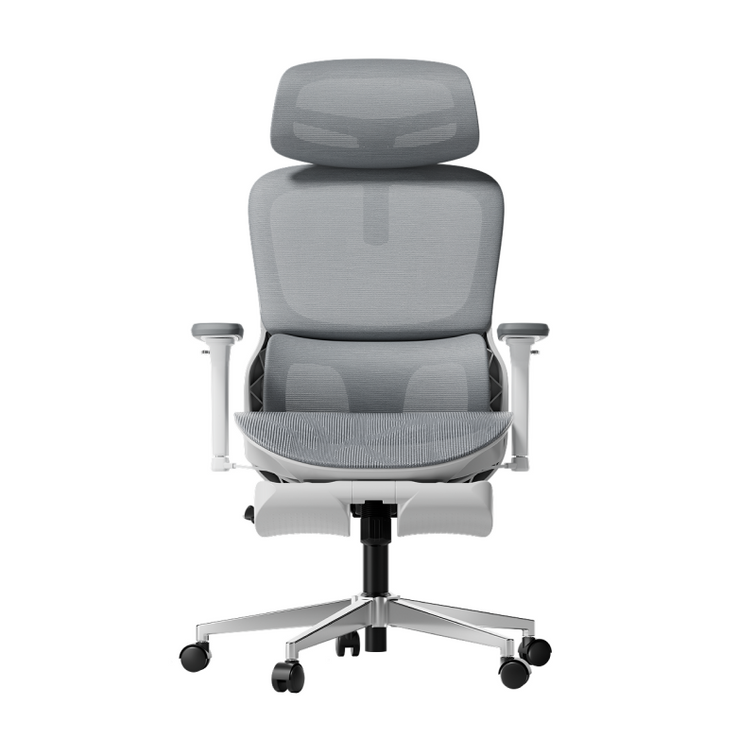
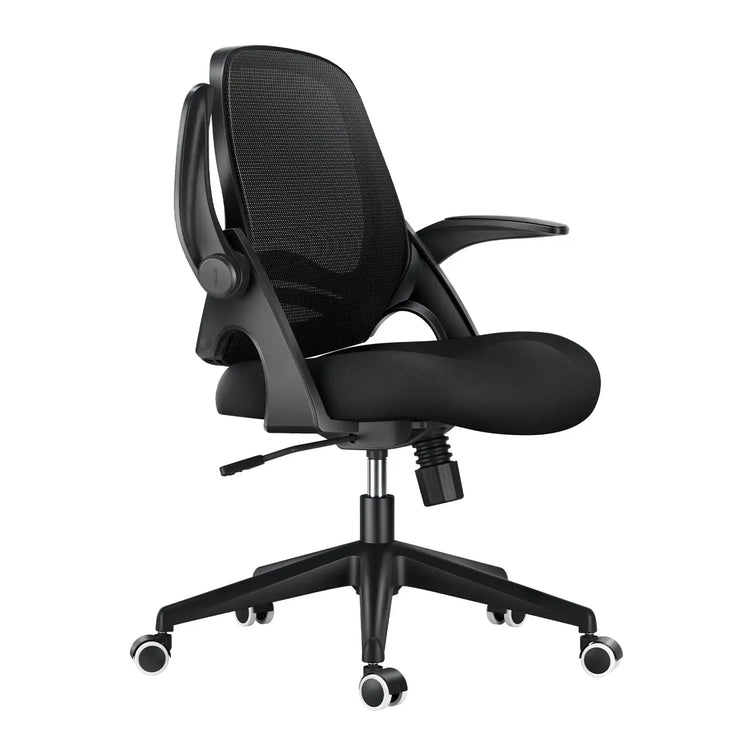
The Everyday High Performer: Hbada E3 Air
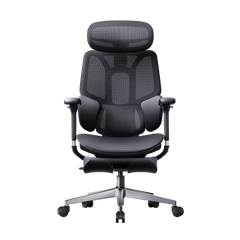
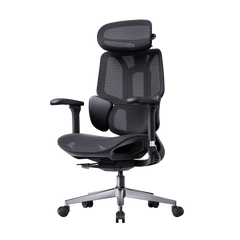
If you need reliable, low-maintenance support for a home office or small workspace, the Hbada E3 Air is a great choice. Its strong mesh keeps you cool, and its design helps your spine stay in a healthy position all day.
The Ultimate Professional Flagship: HBADA E3 Pro
If you work long 8-to-12-hour days, the HBADA E3 Pro sets the standard for chairs in the $500 range. Its unique 3-zone lumbar support cradles your spine, and its flexible side wings help distribute pressure on your lower back.
It also comes with 720° adjustable armrests that lift, widen, slide, and pivot. This keeps your elbows supported at any angle and takes pressure off your neck and shoulders.
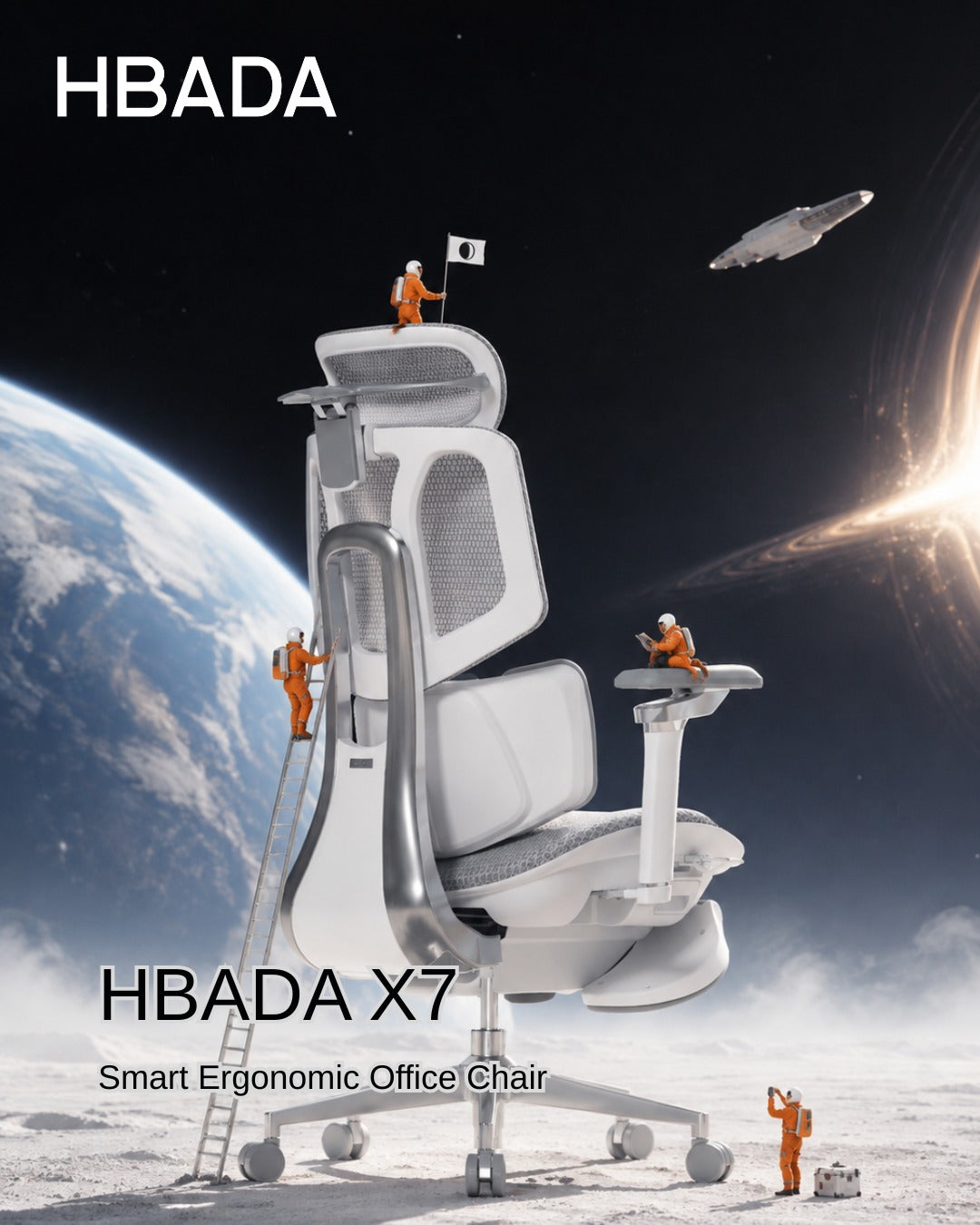
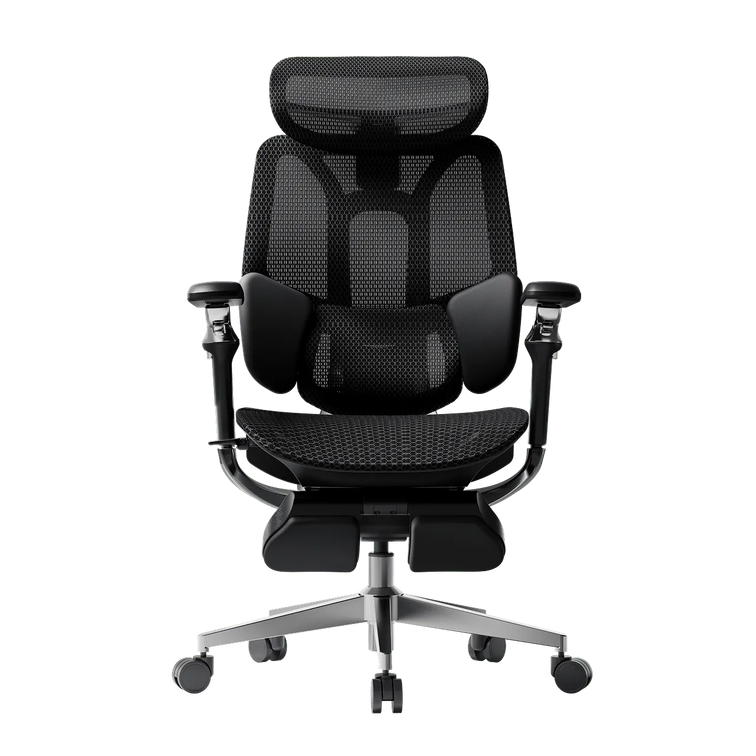
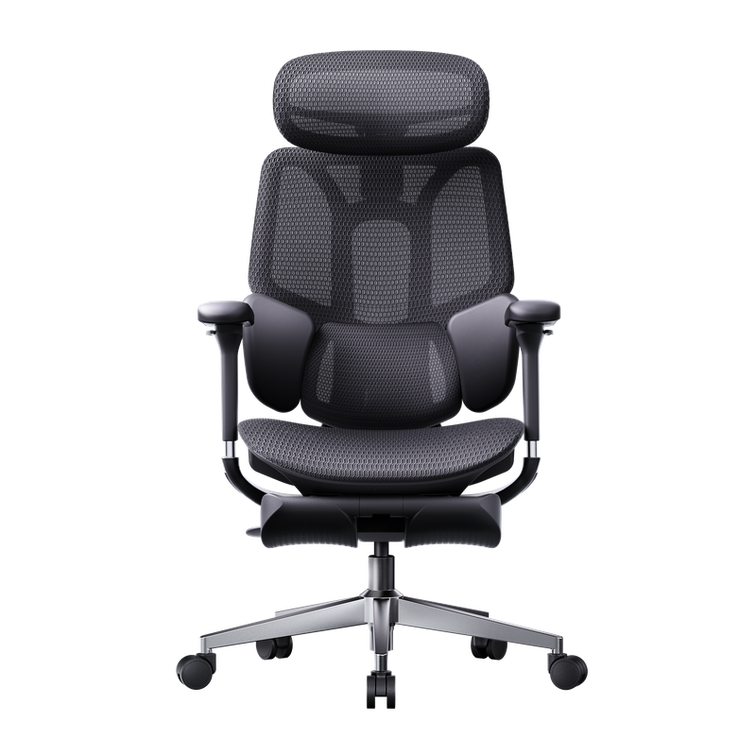
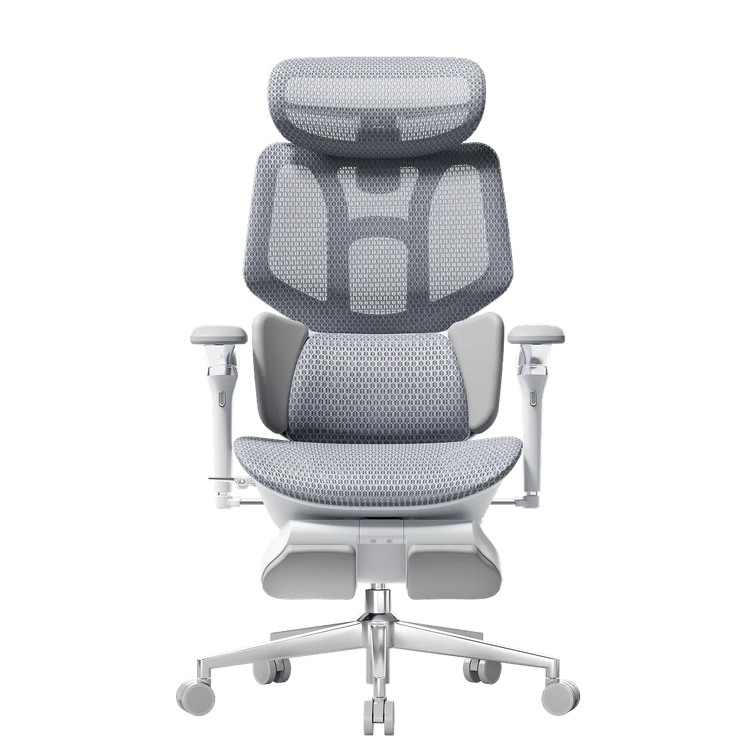
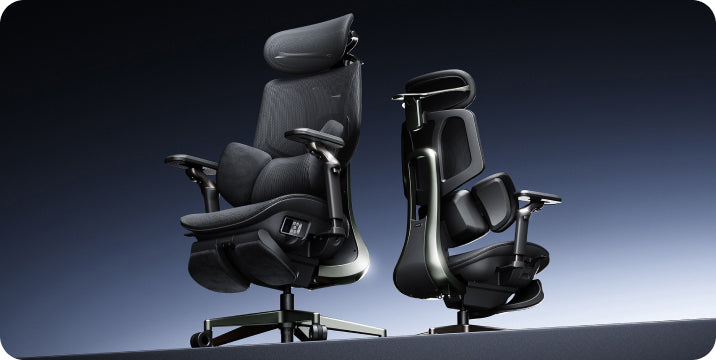
The Intelligent Health Frontier: Hbada AI-Powered x7
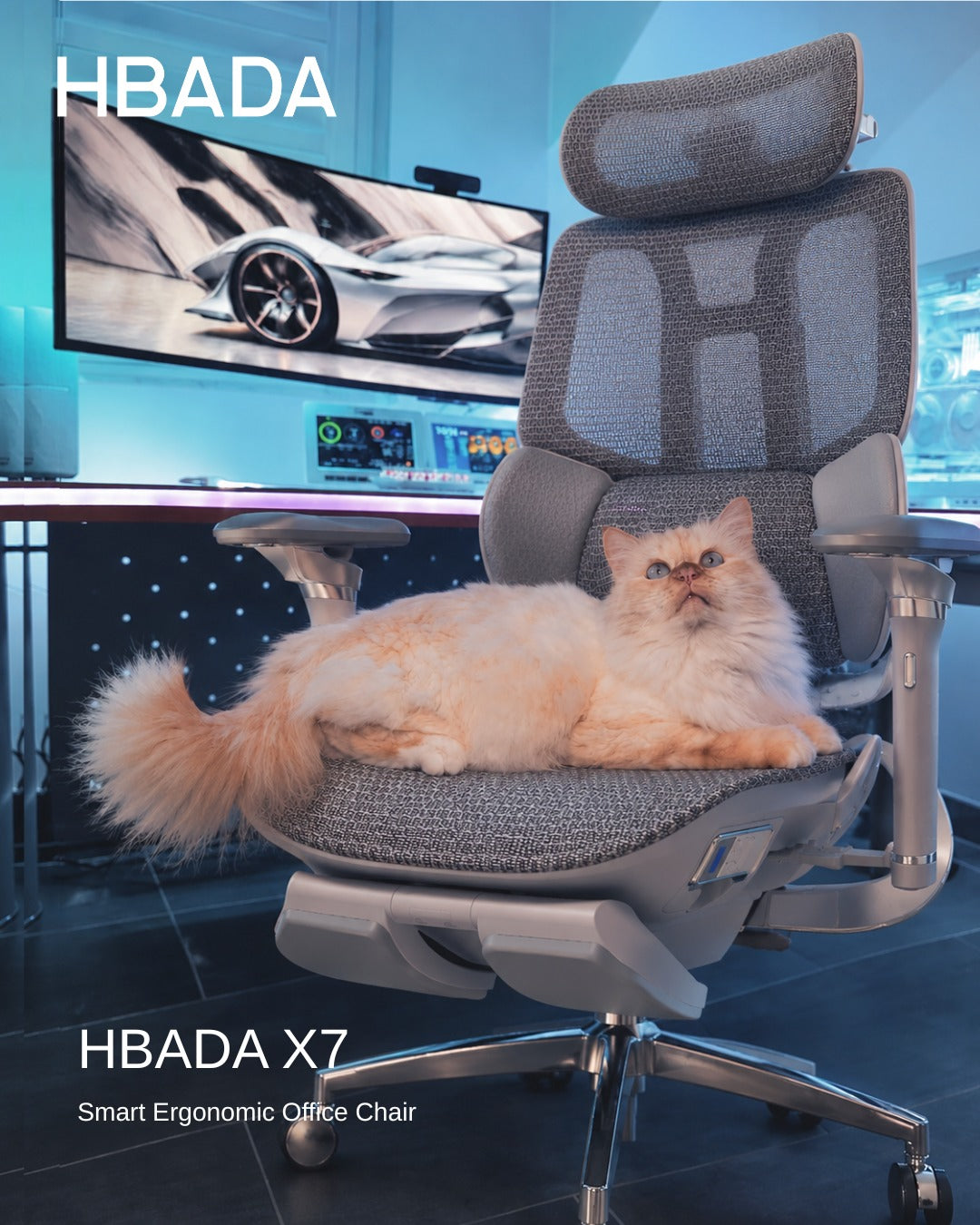
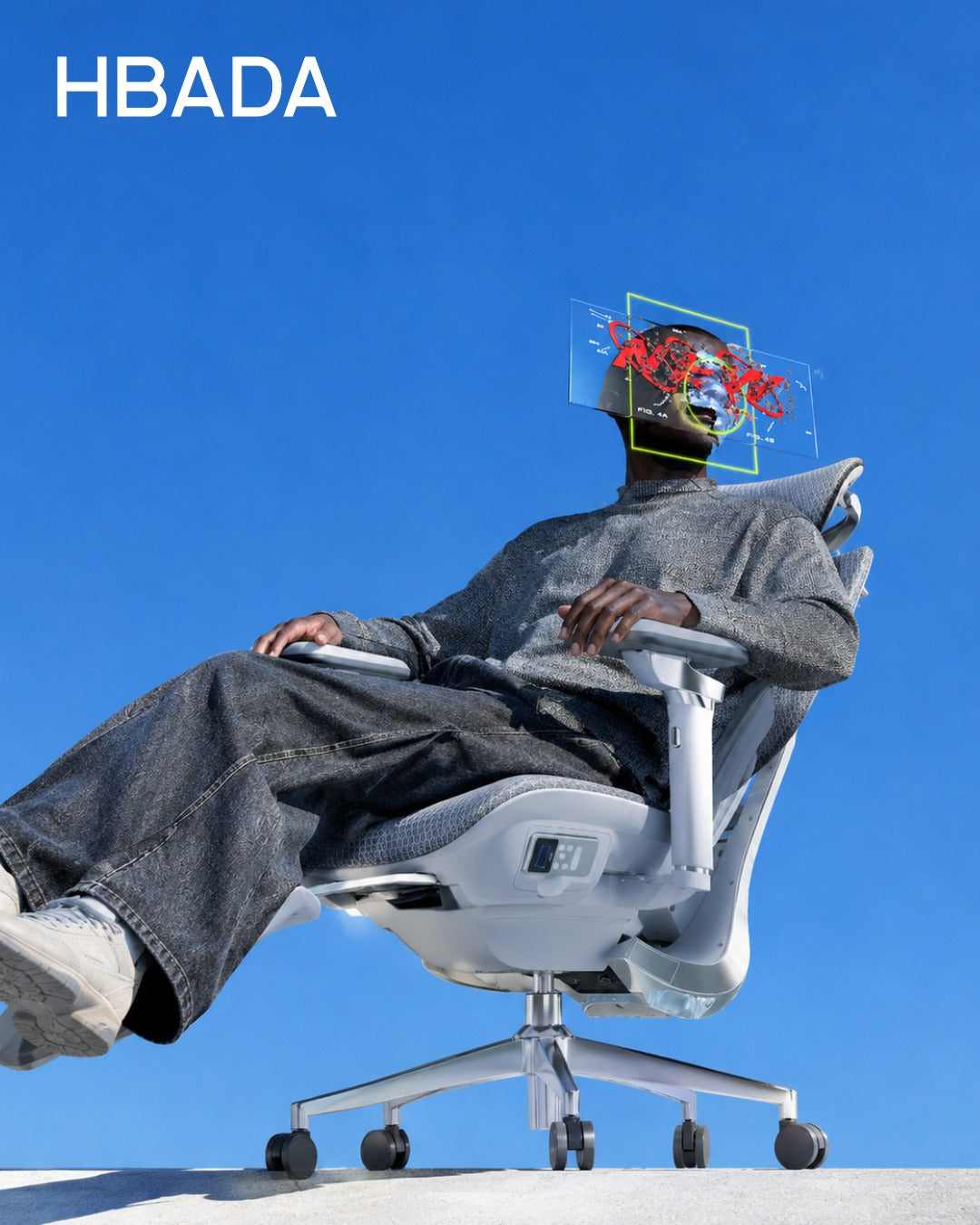
If you want the latest in spinal health technology, the Hbada AI-Powered x7 is the next step in ergonomic seating. You won’t have to adjust knobs or guess your settings. The x7 uses smart sensors and posture memory to learn your body and sitting habits, automatically adjusting its support as you move to keep you comfortable all day.
Comparative Data: Feature Analysis of Core Models
|
Product Model |
Best For |
Lumbar Support System |
Armrest Adjustability |
Recline Capabilities |
|
Hbada E3 Air |
Compact spaces & daily hybrid work |
3-Zone Dynamic Elastic Support |
3D Adjustable |
135° Recline |
|
HBADA E3 Pro |
Long shifts & premium home offices |
3-Zone Adaptive System with Floating Wings |
720° Omni-Mechanical Arm |
140° Zero-Gravity Recline + Footrest |
|
Hbada AI-Powered x7 |
Ultimate spinal health & tech enthusiasts |
Active AI-Synchronized Tracking |
720° Bio-Sync Tracking Arms |
Posture Memory + Bionic Massage |
Designing for Different User Personas: What Is Your Sitting Style?
When picking your next chair, it’s important to choose one that fits your daily routine:
· The Deep-Focus Developer: If you spend long hours typing code, your arms need constant grounding to prevent carpal tunnel strain. The HBADA E3 Pro keeps your forearms perfectly parallel to your desk, while its bio-synchronized seating maintains lower back contact even when you lean in toward your monitors.
· The Agility-Driven Creative: If you constantly shift between sketching, taking video calls, and reading documents, a traditional fixed chair will fail you. The Hbada AI-Powered x7 is built for this exact movement, automatically adjusting to keep your posture perfect across every task.
· The Tech-Forward Professional: If you care about staying healthy at work, a chair with active AI lumbar tracking helps protect your back from long-term problems.
Ergonomic Buying Checklist: Key Features to Verify
To choose wisely, check that your next office chair meets these professional standards:
· SGS Class-4 Gas Lift: Ensure the chair uses a certified gas lift that has been tested for safety and heavy-duty longevity.
· BIFMA Certification: Look for hardware components verified to withstand over 120,000 fatigue cycles.
· Breathable Elastic Mesh: Avoid thick foam seats that trap heat. Premium mesh ensures optimal temperature regulation for long hours of sitting.
· Adjustable Seat Depth: Your chair should let you move the seat forward or back, leaving a 2-to-3-inch gap behind your knees to help your circulation.
Frequently Asked Questions (FAQ)
How do I know if an office chair fits my body correctly?
A good fit means your feet are flat on the floor and your knees are at 90 degrees. Your lower back should touch the lumbar support, and there should be a two-inch gap between the seat and the back of your knees to keep your blood flowing well.
Compare leading chair features and recommended uses in our 2026 ergonomic office chair guide.
Why is an AI-powered lumbar support system better than a manual one?
Manual support only works in one position. If you move or lean back, a fixed pad can push your spine out of place. An AI-powered lumbar support system follows your posture in real time, moving to support your back no matter how you sit.
What is the typical break-in period for a new ergonomic chair?
Most people need about 7 to 14 days to get used to a new ergonomic chair. During this time, your muscles adjust to better posture. After that, sitting upright will feel natural and comfortable.
How does a breathable mesh chair compare to traditional foam seating?
Traditional foam seats trap heat and lose their shape, which can make you slouch. A good mesh chair lets air flow to keep you cool, and its elastic weave evenly distributes your weight for lasting support.
Conclusion
The right chair depends entirely on how you work and what your body needs. If you want a proven, heavy-duty mechanical solution that offers full control over your seating positions, the HBADA E3 Pro provides an unmatched professional setup. If you want a chair that adapts to your body automatically and uses advanced technology to protect your spinal health, the Hbada AI-Powered x7 is the perfect choice for your modern workspace.