







Updated July 22, 2026
The best ergonomic office chair is the one that fits your body, desk, work habits, and budget—not simply the model with the longest feature list. For most people working eight or more hours at a desk, the most useful features are adjustable lumbar support, adjustable seat height and depth, armrests that align with the desk, a breathable seat and back, and a recline mechanism that supports changes in posture.
This guide compares current HBADA ergonomic office chairs by intended use, adjustment range, lumbar-support design, footrest availability, and price tier. It does not claim to review every chair on the market, and it should not replace medical advice. If sitting causes persistent pain, numbness, or weakness, speak with a qualified healthcare professional.
Quick picks: the best HBADA ergonomic office chairs in 2026
| Chair | Best for | Lumbar approach | Footrest | Main trade-off |
|---|---|---|---|---|
| HBADA X7 Smart Ergonomic Chair | People who want automatic support and premium features | Sensor-assisted lumbar tracking | Model dependent | Highest price tier |
| HBADA E3 Pro Ergonomic Office Chair | Long workdays and extensive manual adjustment | Three-zone adjustable lumbar support | Available | More controls to set up correctly |
| HBADA E3 Air 2026 Edition | Balanced support at a lower price than flagship models | Adjustable multi-zone support | Check current variant | Fewer premium functions |
| HBADA P2 Ergonomic Office Chair | Budget-conscious home offices | Essential adjustable lumbar support | Available on selected variants | Less adjustment range than E3 or X7 models |
Specifications, variants, prices, and availability can change. Confirm the current product page before purchasing.
How we selected these chairs
We assessed the current HBADA range using five practical criteria. This is a specification-based buying guide, not an independent laboratory test.
- Fit range: whether the seat height, seat depth, backrest, headrest, and armrests can be adjusted for different users.
- Lumbar support: how the chair supports the lower back as the user works upright, leans forward, or reclines.
- Long-session comfort: breathable materials, pressure distribution, recline options, and the ability to change posture.
- Ease of use: how easy it is to understand and repeat the chair settings.
- Value and ownership: feature level, warranty, trial period, shipping terms, and intended user.
We also considered the certifications and product information displayed by HBADA. Certification can support claims about durability or safety testing, but it does not guarantee that one chair will be comfortable for every body type. For general information about commercial furniture testing standards, see BIFMA.
Best premium smart chair: HBADA X7
The HBADA X7 Smart Ergonomic Chair is designed for users who want lumbar support that responds as their posture changes. Its sensor-driven system is intended to track the lower back and adjust support without requiring the user to stop working and reset a manual control.
The X7 is the strongest fit for professionals who frequently shift between typing, meetings, focused work, and reclining. It also includes premium comfort functions on selected variants. Those additions make the X7 more complex and more expensive than a conventional ergonomic office chair, so buyers should decide whether automatic tracking and massage-related features will be used regularly.
Choose the X7 if:
- You frequently change posture during the day.
- You value automatic lumbar adjustment over manual controls.
- You want a premium smart-chair experience and the budget supports it.
Consider another model if:
- You prefer simple mechanical adjustments.
- You do not need smart or massage-related functions.
- Price is more important than automation.
Best for long hours and manual adjustment: HBADA E3 Pro
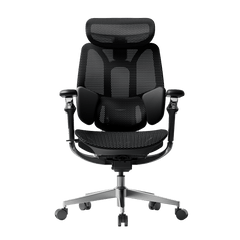
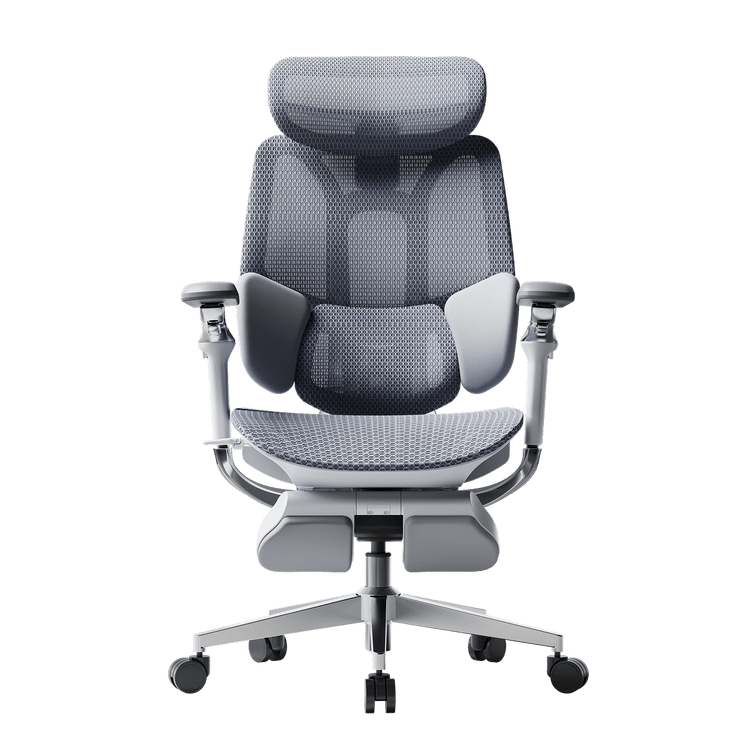
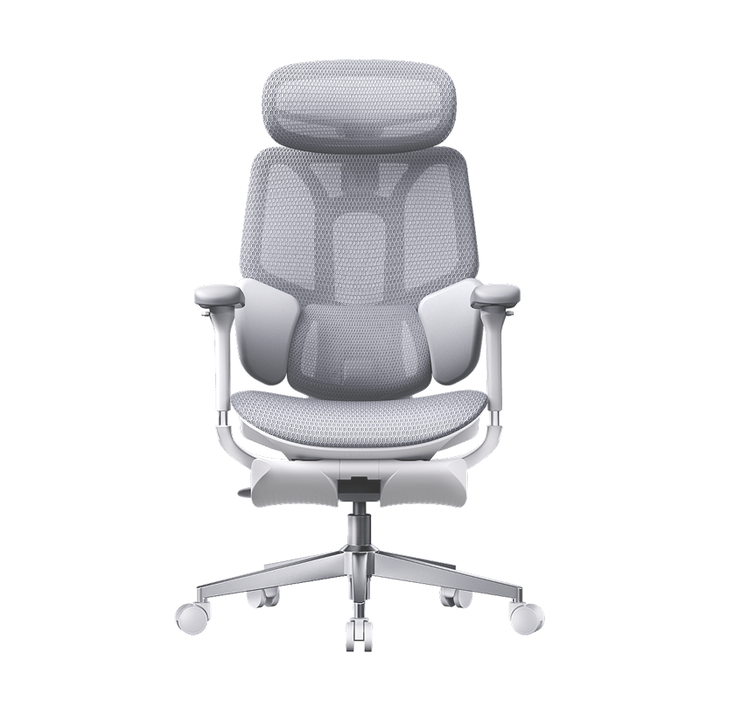
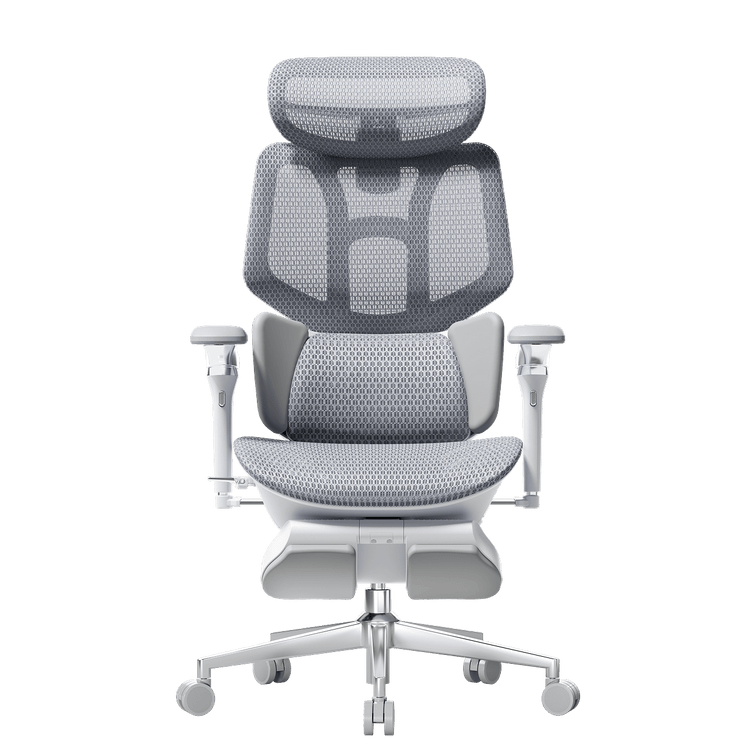
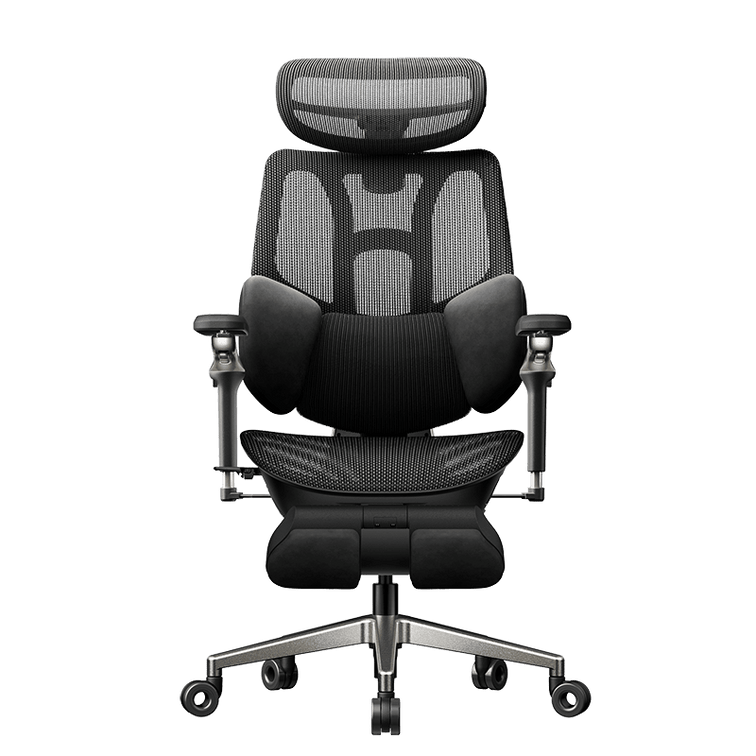
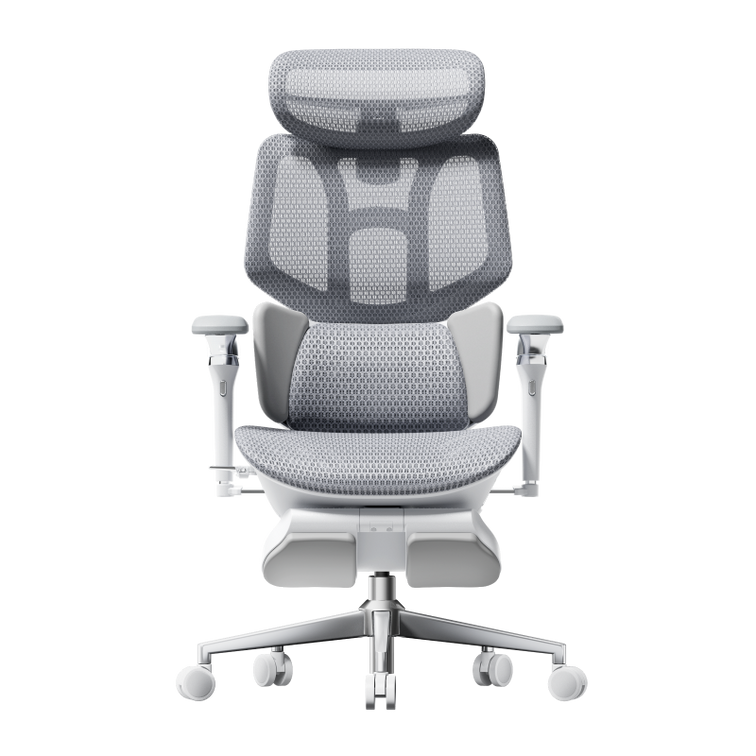
The HBADA E3 Pro Ergonomic Office Chair is our practical choice for long workdays because it combines extensive manual adjustment with a three-zone lumbar system. The chair is designed to let users tune the back support, headrest, armrests, seat, and recline rather than relying on a single fixed lumbar pad.
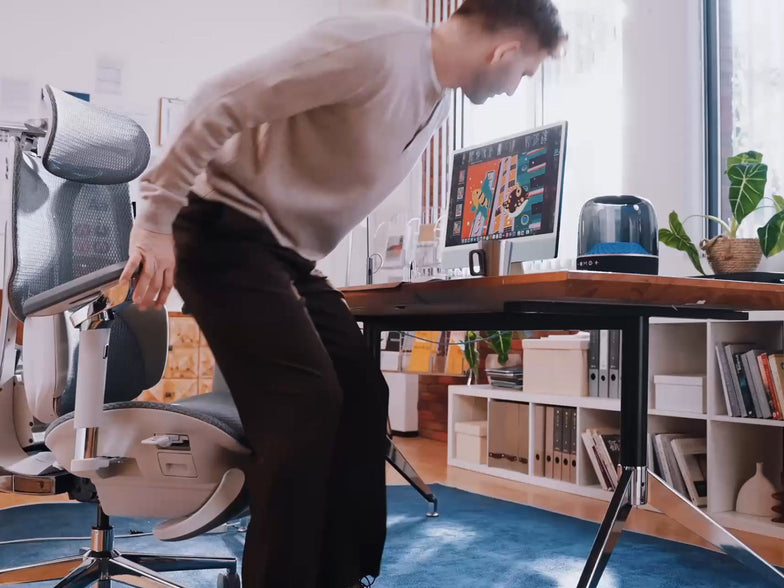
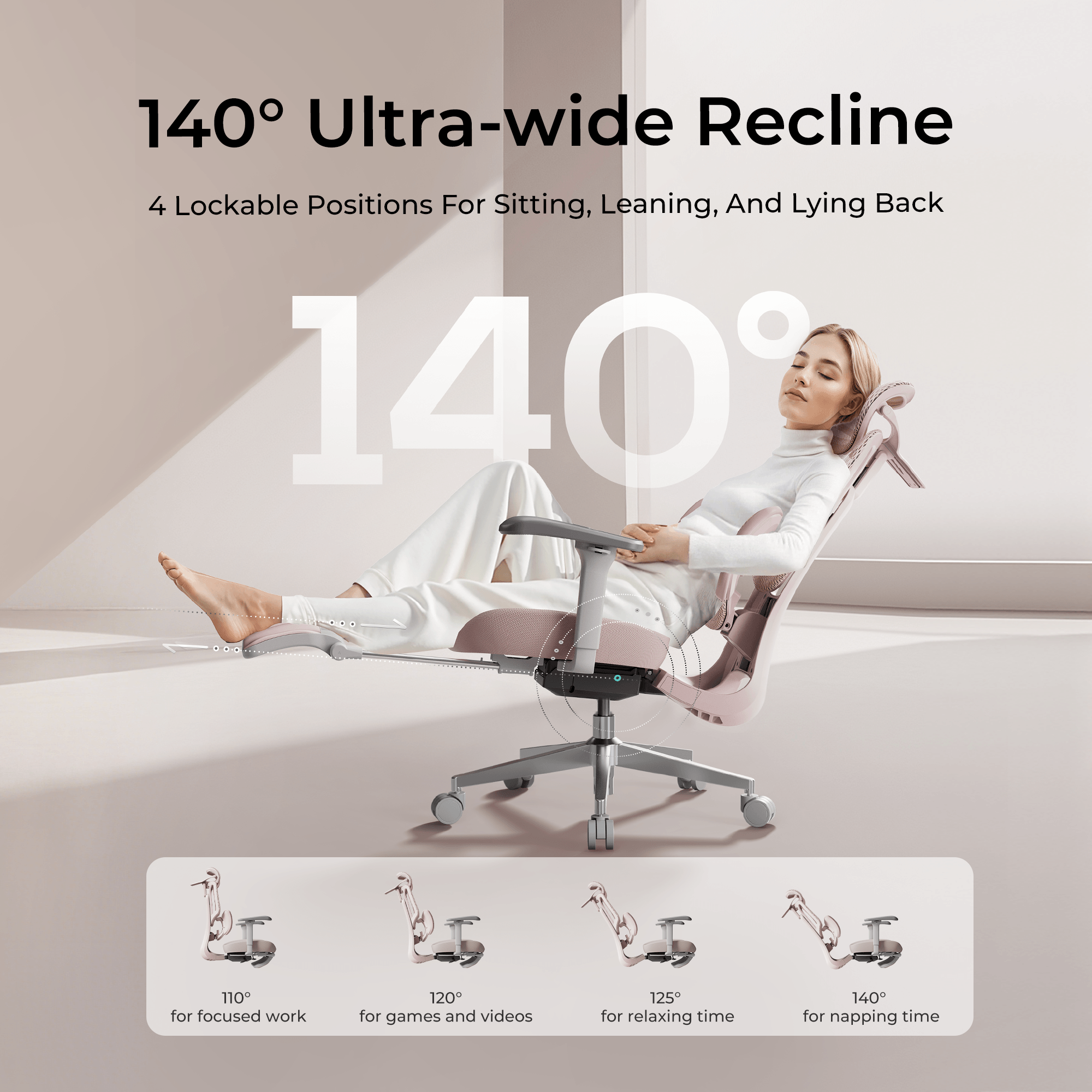
Selected E3 Pro variants include a retractable footrest. A footrest can be useful during breaks or reclined reading, but it should not be treated as the default working posture. While typing, feet should normally remain supported and the user should be able to keep the elbows close to desk height.
Choose the E3 Pro if:
- You sit for extended periods and want detailed manual control.
- You want an ergonomic office chair with a footrest option.
- You are willing to spend time setting the chair up correctly.
Potential drawbacks:
- The large number of adjustments can feel complicated at first.
- Users should confirm chair dimensions against their own height and desk.
- Footrest and armrest specifications vary by selected version.
Best value for a modern home office: HBADA E3 Air
The HBADA E3 Air is positioned between essential task chairs and the brand's premium models. It is suited to buyers who want an adjustable ergonomic office chair with breathable materials and modern styling but do not need every flagship function.
The E3 Air is especially relevant for home offices where size, appearance, and value matter alongside support. Buyers should compare the current E3 Air variants carefully because color, armrest, lumbar, and footrest configurations may differ.
Choose the E3 Air if:
- You want a balance of ergonomic adjustment and price.
- You prefer a lighter visual design for a home workspace.
- You do not need the X7's automated support functions.
For a color-specific option, see the pink ergonomic office chair.
Best budget option: HBADA P2
The HBADA P2 Ergonomic Office Chair focuses on the adjustments most buyers need at an accessible price. It is a suitable starting point for a home office, student desk, or secondary workspace where essential lumbar support and seat adjustment matter more than premium automation.
The P2 has a more limited adjustment range than higher-tier chairs, so checking fit is particularly important. Compare seat width, seat-depth range, minimum and maximum height, armrest position, and weight capacity before ordering.
How to choose the right ergonomic office chair
1. Start with body fit, not the feature list
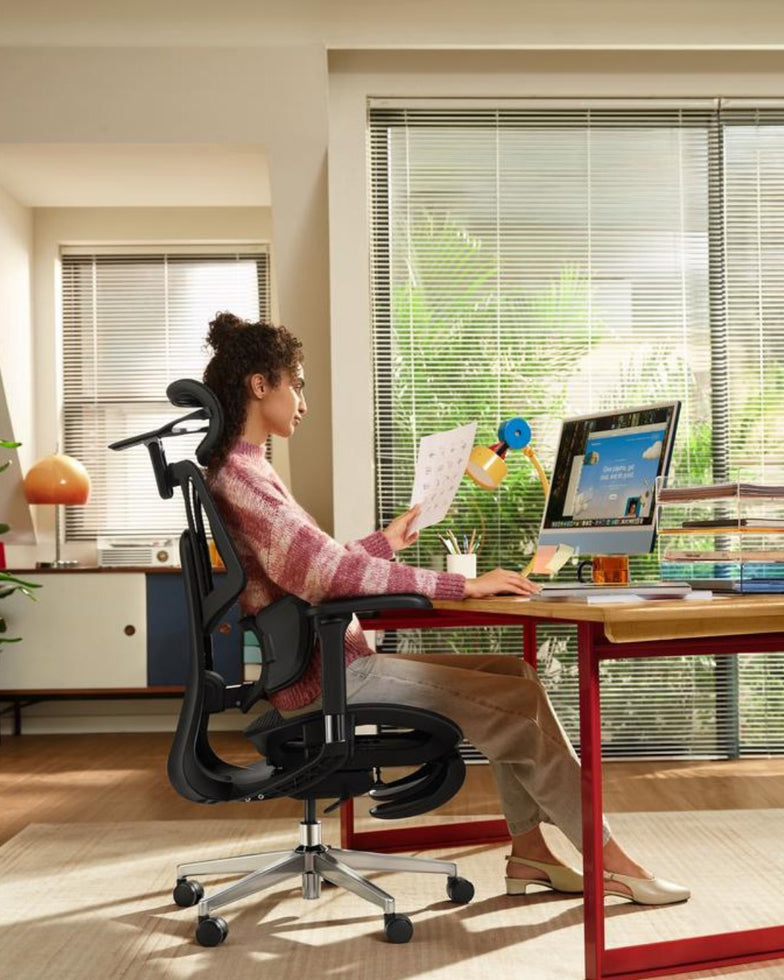
When seated, your feet should be supported, your knees should remain near hip level, and the front edge of the seat should not press into the back of the knees. The lumbar support should meet the natural curve of the lower back rather than pushing into the pelvis or sitting too high.
2. Match the armrests to your desk
Armrests should allow the shoulders to relax and the forearms to approach desk height. If they cannot move low enough to fit under the desk, they may force the user to sit too far from the keyboard.
3. Choose adjustability you will actually use
More adjustments are useful only when they can be understood and repeated. Users who prefer simplicity may be happier with a well-fitted mechanical chair, while users who change posture often may benefit from a wider adjustment range or automated lumbar support.
4. Treat comfort and healthcare as different questions
An ergonomic chair can help create a more supportive workstation, but no chair diagnoses or treats a medical condition. Regular movement, desk height, monitor position, keyboard placement, and work breaks all influence comfort.
5. Check the ownership terms
Before buying, review the current warranty, return requirements, trial period, replacement-part coverage, shipping times, and assembly instructions. These details can matter as much as an additional adjustment feature.
Which chair should you choose?
- Choose the X7 if automatic lumbar tracking and premium smart functions are the priority.
- Choose the E3 Pro if you want extensive manual adjustment and an available footrest for long workdays.
- Choose the E3 Air if you want a balanced, modern chair without paying for every flagship feature.
- Choose the P2 if price and essential ergonomic support are the main priorities.
If you are still comparing models, visit the HBADA ergonomic chairs collection for current specifications, colors, prices, and availability.
Frequently asked questions
What is the best ergonomic office chair for long hours?
For long sessions, prioritize fit, lumbar adjustment, seat-depth adjustment, supportive armrests, breathable materials, and the ability to change posture. Within the current HBADA range, the E3 Pro is the strongest manual-adjustment option, while the X7 is intended for users who prefer automatic lumbar tracking.
Is an office chair with a footrest better?
A footrest can add comfort while reclining or taking a break, but it does not automatically make a chair more ergonomic. The chair still needs to fit the user during active desk work.
How much should I spend on an ergonomic chair?
Spend according to fit, daily sitting time, adjustment needs, and ownership terms rather than a feature count alone. A correctly fitted mid-range chair can be a better purchase than a premium chair that does not suit the user's body or desk.
Can an ergonomic chair prevent back pain?
No chair can guarantee prevention or treatment of back pain. A supportive chair may improve workstation comfort, but persistent or severe symptoms should be evaluated by a healthcare professional.