Measure the space.
Then find your fit.
To check whether your office chair fits under your desk, compare the desk's lowest underside clearance with the height of the armrests from the floor. Measure the chair at the seat height you actually use—not only at its lowest possible setting. Then check the opening's width, legroom and any obstructions.
It's a surprisingly common problem. You unbox a new chair, roll it up to your desk, and the armrests hit the underside before you can get close enough to type. Suddenly, a comfortable chair feels awkward in your actual workspace.
This guide explains how to check desk and chair clearance before buying, or troubleshoot a setup you already own. A few measurements can help you choose a HBADA chair that works with your desk, rather than considering the two separately.
Why This Question Matters More Than People Expect

A chair that cannot move close enough to your desk can make everyday tasks less comfortable. If the armrests stop you too far from the keyboard, you may find yourself reaching forward instead of using the backrest.
That is why desk compatibility deserves attention alongside seat comfort and lumbar support. Even a highly adjustable chair needs enough physical room to work as intended.
Working fit and storage fit are different. Lowering the empty chair may help you tuck it away. For typing, check clearance again at your normal sitting height. You should not need to adopt an uncomfortable seat position simply to clear the desk.
The Two Measurements That Actually Decide Fit
Start with two measurements for vertical clearance. They tell you whether the armrests can pass beneath the desk, although width and depth still need checking.
Measure from the floor to the lowest obstruction where the armrests will pass. Include drawers, support rails and keyboard trays.
Measure from the floor to the top of the armrest with the seat at your working height and the armrest in the position you want to use.
A positive gap indicates vertical clearance at the measured point. It does not guarantee that the full chair fits: check width, depth and the entire entry path. Illustration is a measurement guide, not a product specification.
If the armrest top is equal to or higher than the lowest obstruction, it will not pass underneath in that position. If there is only a very small gap, allow for floor unevenness and changes as the chair moves.
Office Chair Armrest Height: What to Check
An armrest height measurement can mean several things: its height above the seat, its adjustment travel, or its total height from the floor. Only the last measurement can be compared directly with desk underside clearance.
Seat height also matters. Raising the seat generally raises the armrests with it, so a chair that clears the desk at its lowest setting may not clear it at your usual working height.
- Check whether the listed dimension is measured from the floor or from the seat.
- Confirm the seat-height setting used for that measurement.
- Check the armrest's height, width and forward position, not just how far it adjusts vertically.
- Distinguish rotating arm pads from armrests that fold completely out of the way.
When considering the HBADA E3 Pro , confirm the dimensions for the exact version you plan to buy. An adjustment range alone does not establish the minimum floor-to-armrest height.
Standard Desk and Chair Height: The Numbers That Matter
A desk's advertised height normally describes its top surface. The usable opening underneath is lower and depends on the desktop thickness, frame, drawers and accessories.
Instead of relying on a generic “standard desk” range, record the dimensions of your own setup. Two desks with the same overall height can provide very different chair clearance.
| Measurement | How to measure it | Why it matters |
|---|---|---|
| Desktop height | Floor to the top of the work surface. | Helps assess the working setup, but is not the under-desk clearance. |
| Underside clearance | Floor to the lowest obstruction along the chair's entry path. | Determines available vertical space. |
| Floor-to-armrest height | Floor to the armrest top at your chosen seat height. | Compare directly with underside clearance. |
| Opening width | Narrowest clear space between legs, drawers or side panels. | Check against the parts of the chair that need to pass through. |
| Usable depth | Clear space from the desk edge to rear obstructions. | Determines how far the chair and your legs can move in. |
Example only: a desk may be 29 inches tall but have just 27 inches of clearance beneath its frame. An armrest measuring 28 inches from the floor will hit the frame. An armrest measuring 26 inches leaves a 1-inch vertical gap, but width and depth still need checking. These are illustrative measurements, not HBADA specifications.
Desk Chair Clearance: More Than Just Armrests

Armrest height is only one part of the fit. Check the space around the chair as well as the opening under the desktop.
Width and base clearance
Desk legs and drawer units can block the chair's armrests or base. Measure the narrowest opening and check the chair as it rolls and swivels, not only when it faces straight ahead.
Legroom and under-desk accessories
A keyboard tray, cable tray or rear support bar may reduce usable space. Confirm that your knees, thighs and feet have room in the position you actually use for work.
Recline and footrest space
Reclining requires room behind the chair, while an extended footrest needs room in front. A recline angle alone does not tell you how much floor space is required. Use the exact model's dimensions or measure its full movement rather than relying on one universal clearance figure.
How to Measure Your Own Setup
Use a tape measure and record the following before comparing chairs or changing an existing setup.
- Measure the desk's lowest obstruction. Check beneath the desktop and along the route the armrests will follow. Include the frame, drawers and any trays rather than measuring only the front edge.
- Set the chair for working, not storage. Use your normal seat height. Check the chair on the same floor or mat where it will be used.
- Measure the armrest top from the floor. Record the height with the armrests lowered, then check whether your preferred working position also clears. Recheck during normal use if the seat compresses.
- Compare the measurements and test gently. The armrests need to sit below the obstruction. Allow a practical gap rather than aiming for exact contact, and do not force the chair underneath.
- Check the rest of the movement. Measure width, legroom and usable depth. Test swivel clearance and leave suitable space for recline or footrest use away from the desk.
For storage, repeat the check with the empty chair lowered or its armrests folded only as the model's instructions permit. Restore your working settings before using the chair again.
Common Fit Problems to Watch For

A well-designed chair can still be a poor physical match for a particular desk. Identify what is blocking movement before deciding which adjustment to make.
| Problem | What to check | Possible response |
|---|---|---|
| Armrests hit the desk frame | Floor-to-armrest height at your normal seat setting. | Lower or reposition the armrests within their approved range; check desk adjustment options. |
| Fits when lowered, but not when working | Whether the original measurement used the chair's lowest storage position. | Reassess desk and chair compatibility at your actual working height. |
| Chair stops halfway under the desk | Rear rails, cable trays, drawers and narrowing side panels. | Relocate removable accessories where appropriate; do not remove structural supports. |
| Armrests clear but the chair still catches | Chair-base width, caster movement and desk-leg position. | Check the full footprint and the entry angle. |
| Chair fits, but typing still feels awkward | Keyboard distance, work-surface height and the position of the armrests. | Adjust the working setup rather than focusing only on pushing the chair farther underneath. |
If the chair genuinely supports flip-up armrests, folding them may help with storage. Removing armrests is an option only where the manufacturer permits it. For desk-height changes, use the desk's built-in adjustment or a suitable manufacturer-approved solution, rather than improvised blocks.
How HBADA Chairs Handle Desk Clearance
When comparing HBADA chairs, use the exact product version and a real measurement of your desk opening. Armrest adjustability can help you position the chair, but no adjustment label guarantees that it will fit every desk.
| Chair or configuration | Desk-fit check | Next step |
|---|---|---|
| HBADA E3 Pro | Confirm floor-to-armrest height at the seat setting you need, plus the width across the arms. | View E3 Pro details |
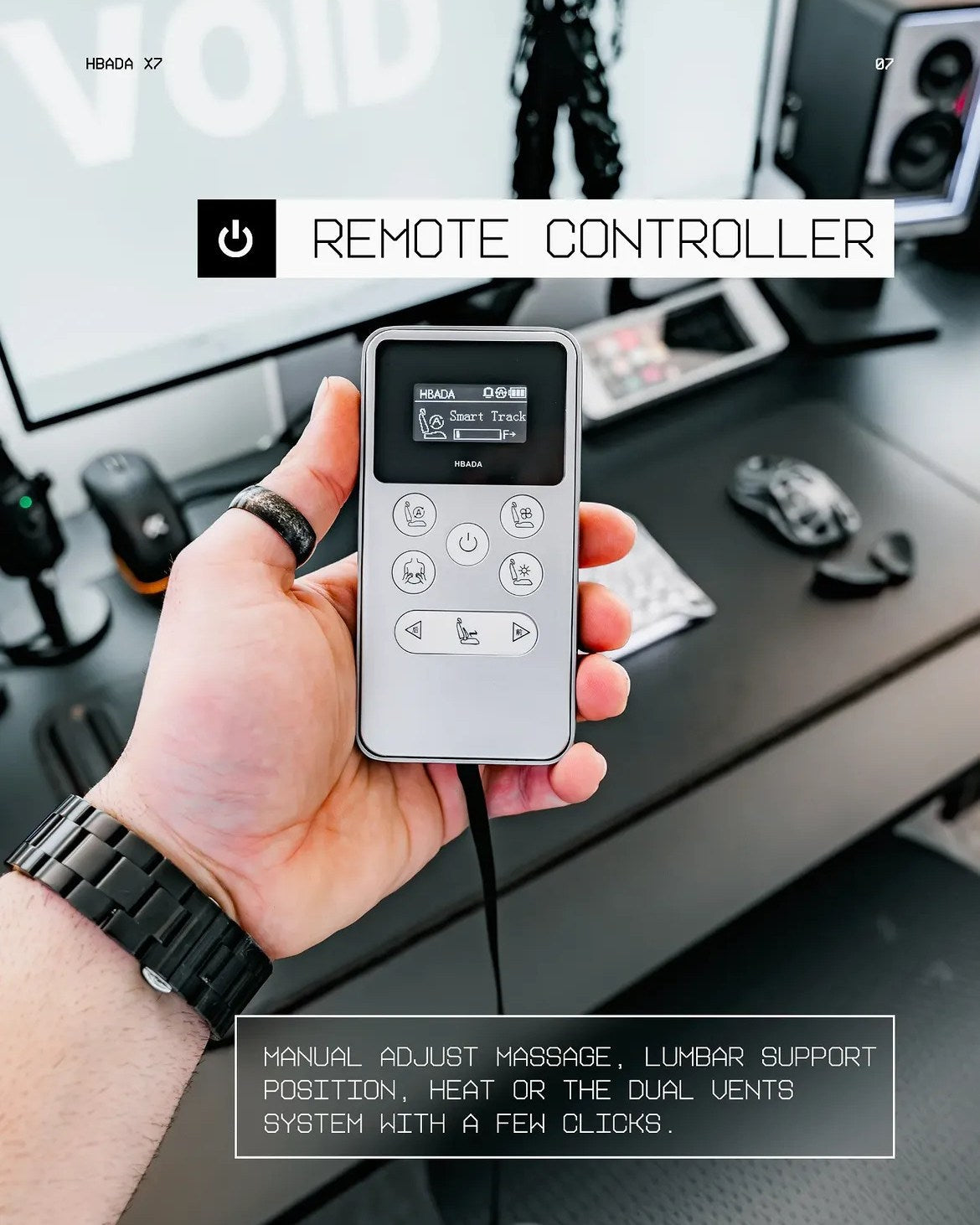
| HBADA X7 | Check armrest position, the chair footprint and space for movement away from the desk. | View X7 details |
| A HBADA model with flip-up arms | Confirm that the exact version folds clear of the opening. Pad rotation is not the same as a fully folding armrest. | Check the model's instructions and dimensions before relying on this feature. |
Make the fit question specific. When contacting HBADA, provide your desk's underside clearance and opening width, plus the exact chair model. Ask for the floor-to-armrest measurement at the relevant seat setting—not only the armrest's adjustment travel.
If you already own a chair, start with HBADA's assembly and troubleshooting guidance before removing or modifying components.
Frequently Asked Questions
How do I know if my office chair will fit under my desk?
Compare the lowest underside clearance along the chair's path with the floor-to-armrest height at your working seat setting. The armrests need to sit below the obstruction. Also check the opening's width, depth and the chair base.
What numbers should I use when planning desk and chair height?
Use measurements of your actual desk and the exact chair version. Desktop height is not underside clearance, and armrest adjustment travel is not the same as armrest height from the floor.
What if my chair's armrests will not lower enough?
Check the permitted height and position adjustments. Genuine flip-up arms may help with storage, while a compatible adjustable desk may offer another option. Remove armrests only if the manufacturer allows it, and do not lower the seat into an uncomfortable working position just to make it fit.
Does armrest height matter more than seat height for desk fit?
Armrest height often determines whether the chair can pass underneath, but seat height affects it. Check both together at your working settings rather than treating them as independent measurements.
What other office chair dimensions should I check?
Check the width across the arms, base footprint, available legroom and usable under-desk depth. Leave room behind the chair for recline and in front for a footrest, where fitted.
Are flip-up armrests useful for tight desk clearance?
They can help an empty chair tuck away if the arms fold fully clear of the opening. Check the exact mechanism and the remaining chair dimensions. A rotating or tilting arm pad does not necessarily provide the same clearance.
Final Thoughts
A good desk-and-chair match starts with actual measurements. Compare the desk's underside clearance with the armrest height at your working seat setting, then check the width, depth and room to move.
Whether you are considering the HBADA E3 Pro or HBADA X7 , measure your desk first and compare the exact chair specifications. The goal is not simply to tuck the chair away—it is to create a setup that works comfortably when you sit down.