







 5-year warranty
 Lifetime Customer Support
 Free shipping & Ship in 2 working days
 30-day returns for non-customer-related issues




Contents
A herniated disc can turn a regular eight-hour workday into a real challenge. When the soft center of a spinal disc pushes through its outer layer, it can press on nerves and cause pain or numbness. Medical treatment is important, but your chair also plays a big role in how many stress your spine faces each day. Choosing the right office chair for herniated disc support is not just about comfort. It is about helping your spine decompress and stay properly aligned.

Understanding the Impact of Sitting on Spinal Disc
Sitting puts more pressure on your spinal disc than standing or walking does. If you already have a disc injury, a bad chair can make things worse. For healing, your spine needs a neutral position where pressure is evenly distributed, not focused on the injured area.
Chair Features That Reduce Spinal Compression
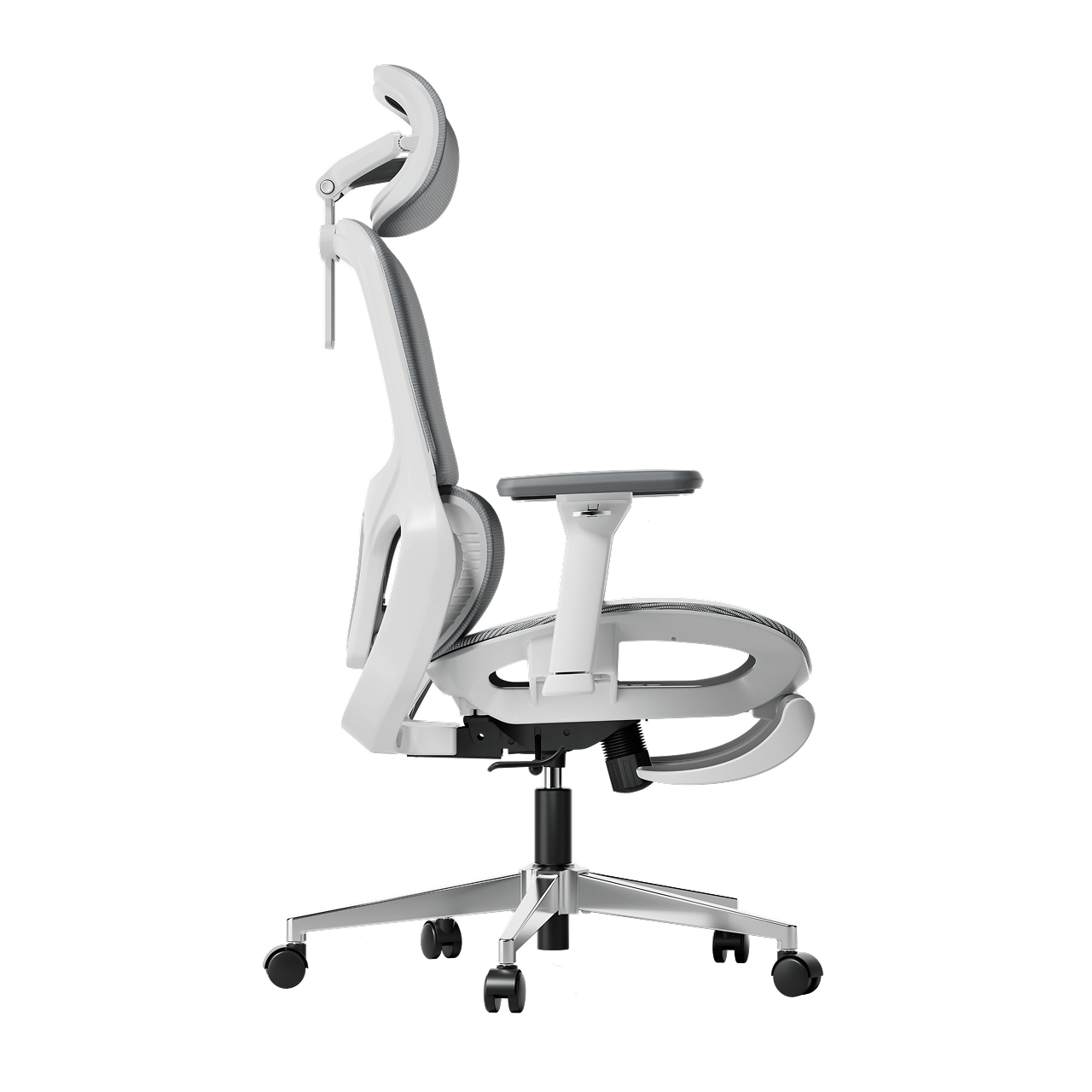
To reduce back pain while sitting at work, look for chairs that distribute pressure evenly across your spine. The key feature is a backrest that moves with you, allowing small adjustments. A stiff chair keeps your spine still, limiting blood flow and preventing your discs from rehydrating. Choose chairs with good gas lifts and recline features that let you lean back a bit. Sitting at a 100- to 110-degree angle helps take pressure off your lower back.
Lumbar Support vs. No Lumbar Support for Back Pain
In the debate of lumbar support vs no lumbar support for back pain, the science is clear: the human spine has a natural inward curve called lordosis. Without support, your back eventually flattens against the chair, causing the discs to bulge outward. An ergonomic office chair with lumbar support for back pain fills this gap, maintaining the natural curve and ensuring that the weight of your upper body is supported by the chair’s structure rather than your sensitive spinal nerves.
Master the Best Sitting Position for a Herniated Disc at the Computer
Even the best chair works best when you know how to sit properly. Learning the right way to sit with a herniated disc is key to long-term recovery.
The Foundation of Proper Alignment
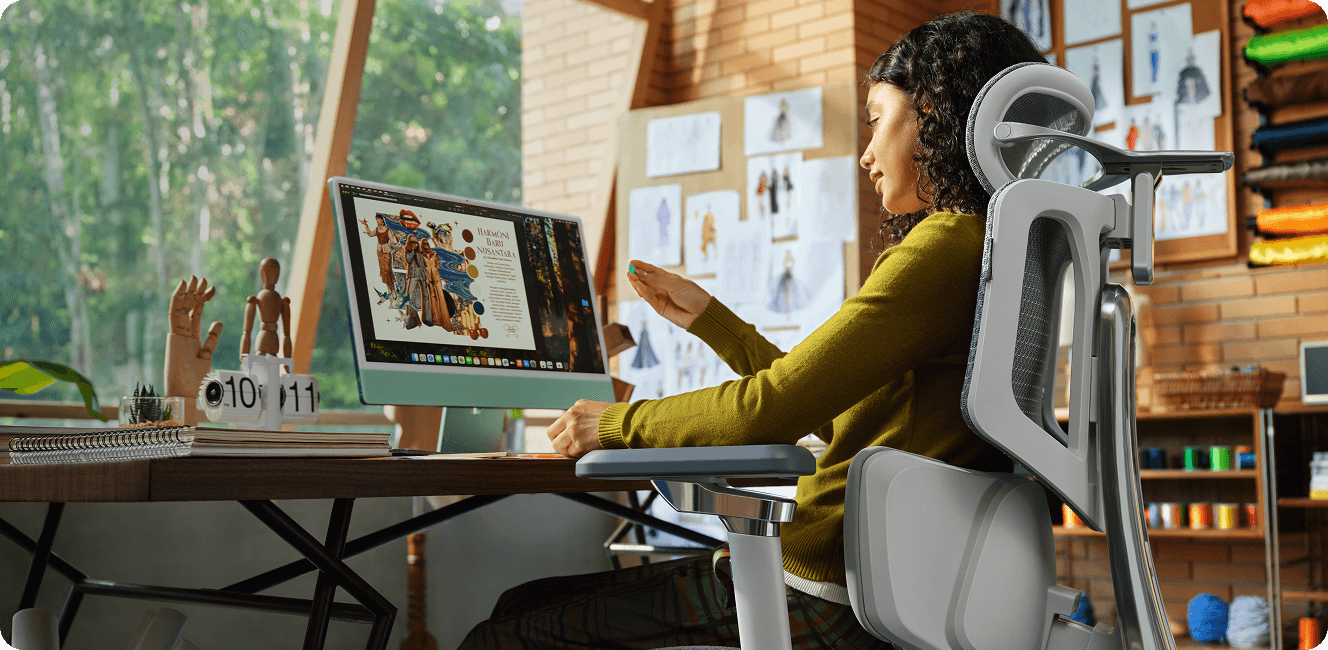
The right sitting position for a herniated disc starts with your feet flat on the floor to keep your pelvis steady. Your knees should be bent to 90 degrees, slightly below your hips. This open hip angle helps keep your lower back’s natural curve. Make sure your monitor is at eye level to avoid neck strain, which can strain your upper and lower back.
Refining Your Daily Habits
The best sitting posture for a herniated disc in office work involves “active sitting.” This means you should shift your position frequently and utilize the full depth of your seat. Ensure your lower back is always in contact with the lumbar pad. If you feel yourself slouching forward, your chair’s seat depth might be too long. A proper ergonomic chair setup for herniated disc support allows for 2 fingers' width between the seat edge and the backs of your knees.

Why Hbada Technology Is the Solution for Back Pain
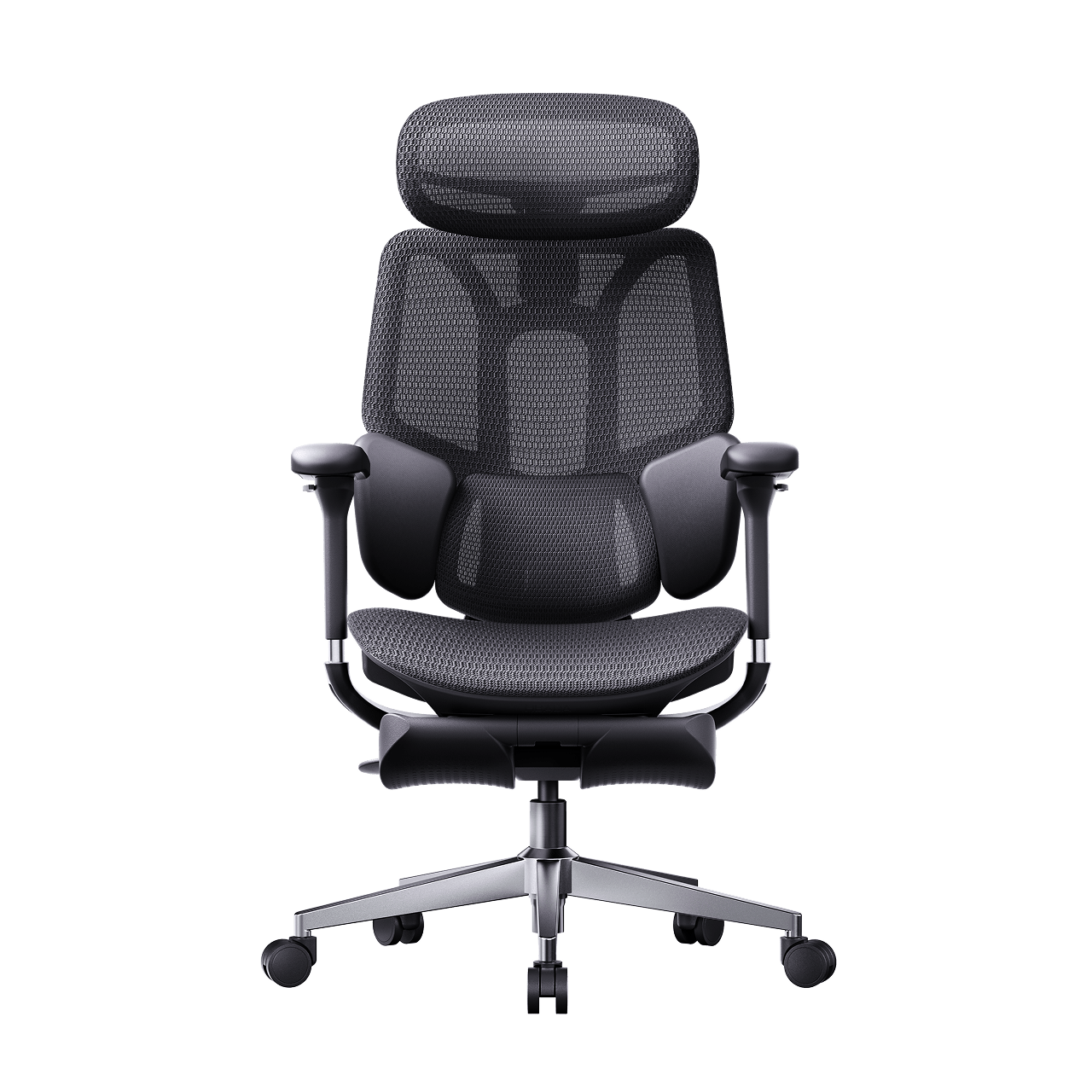
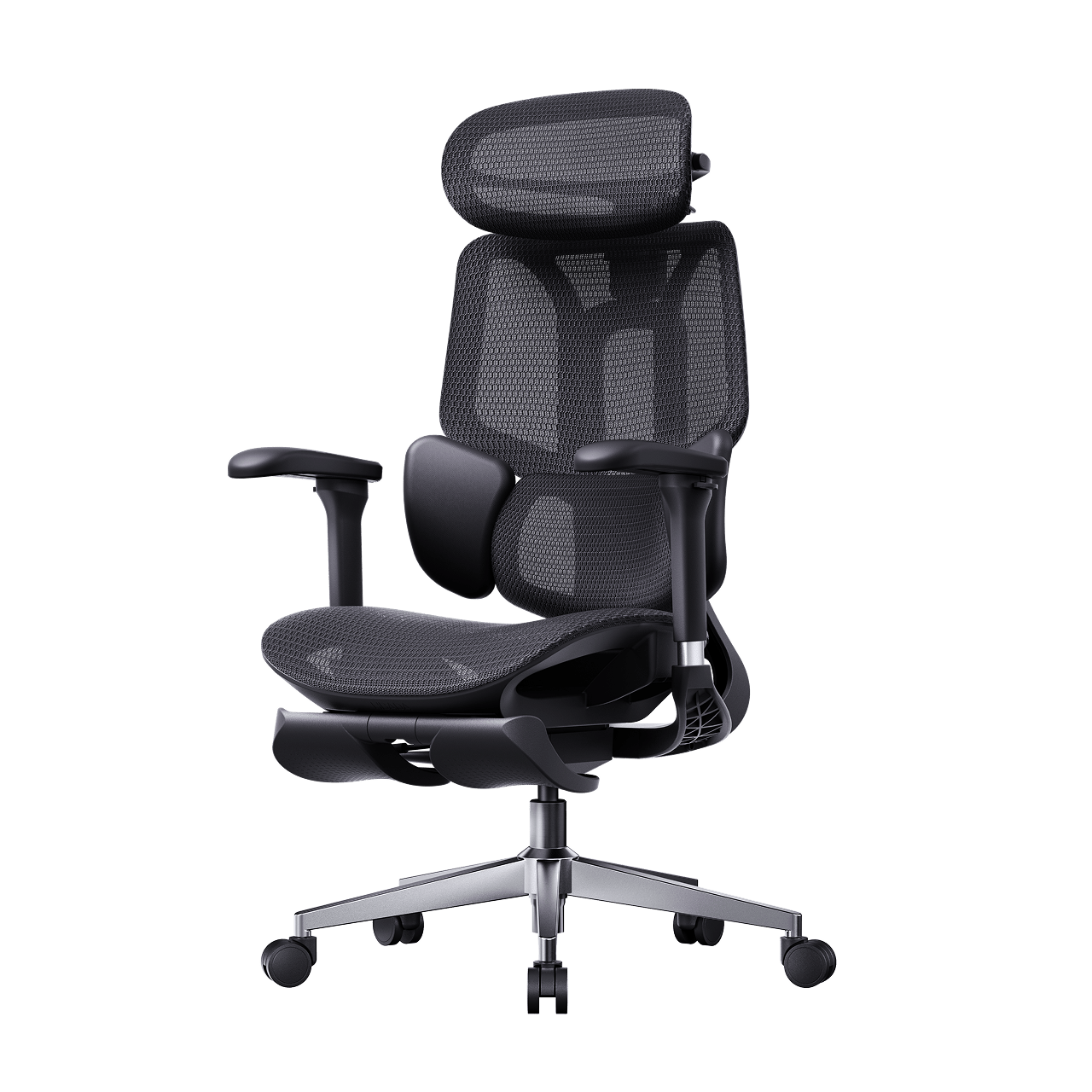
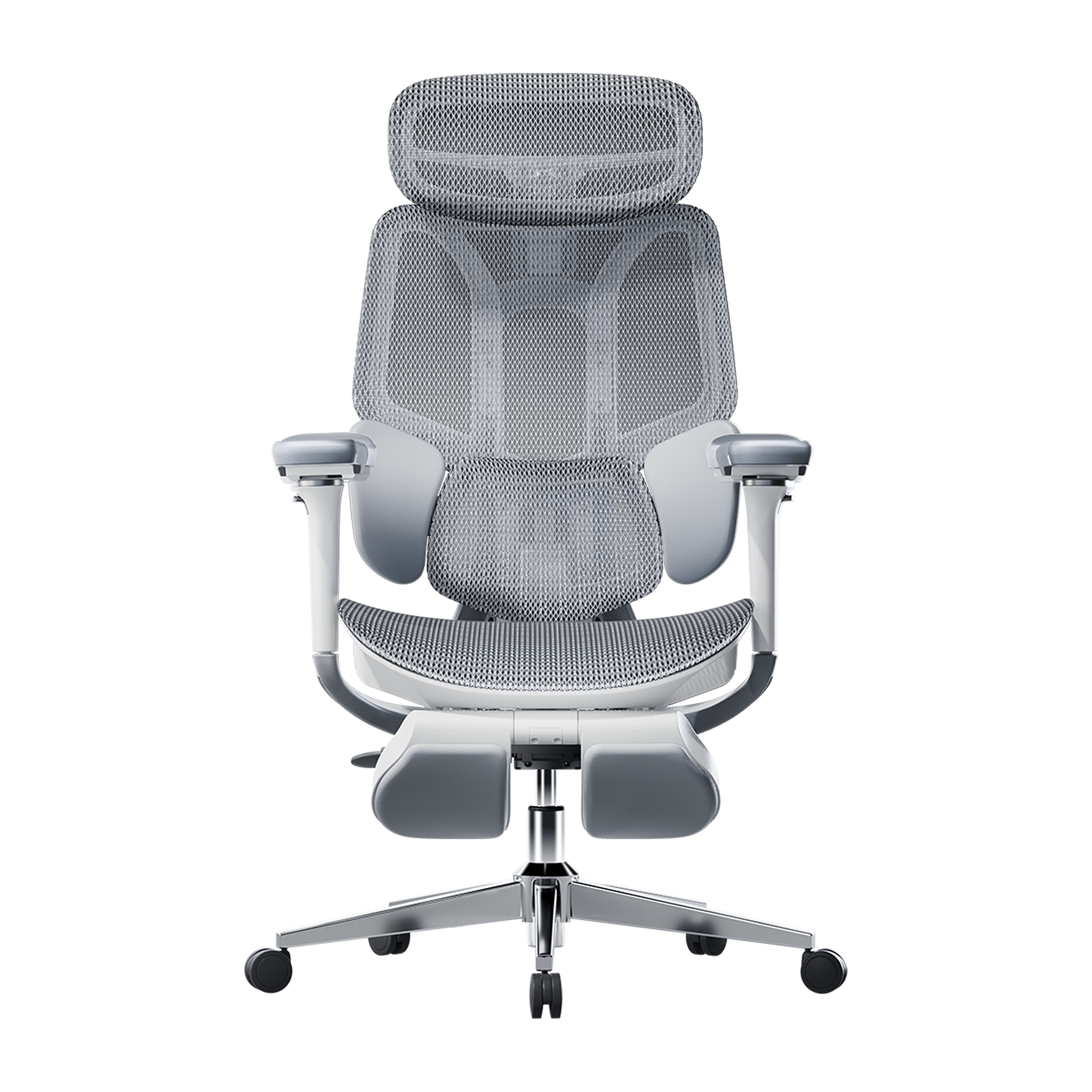
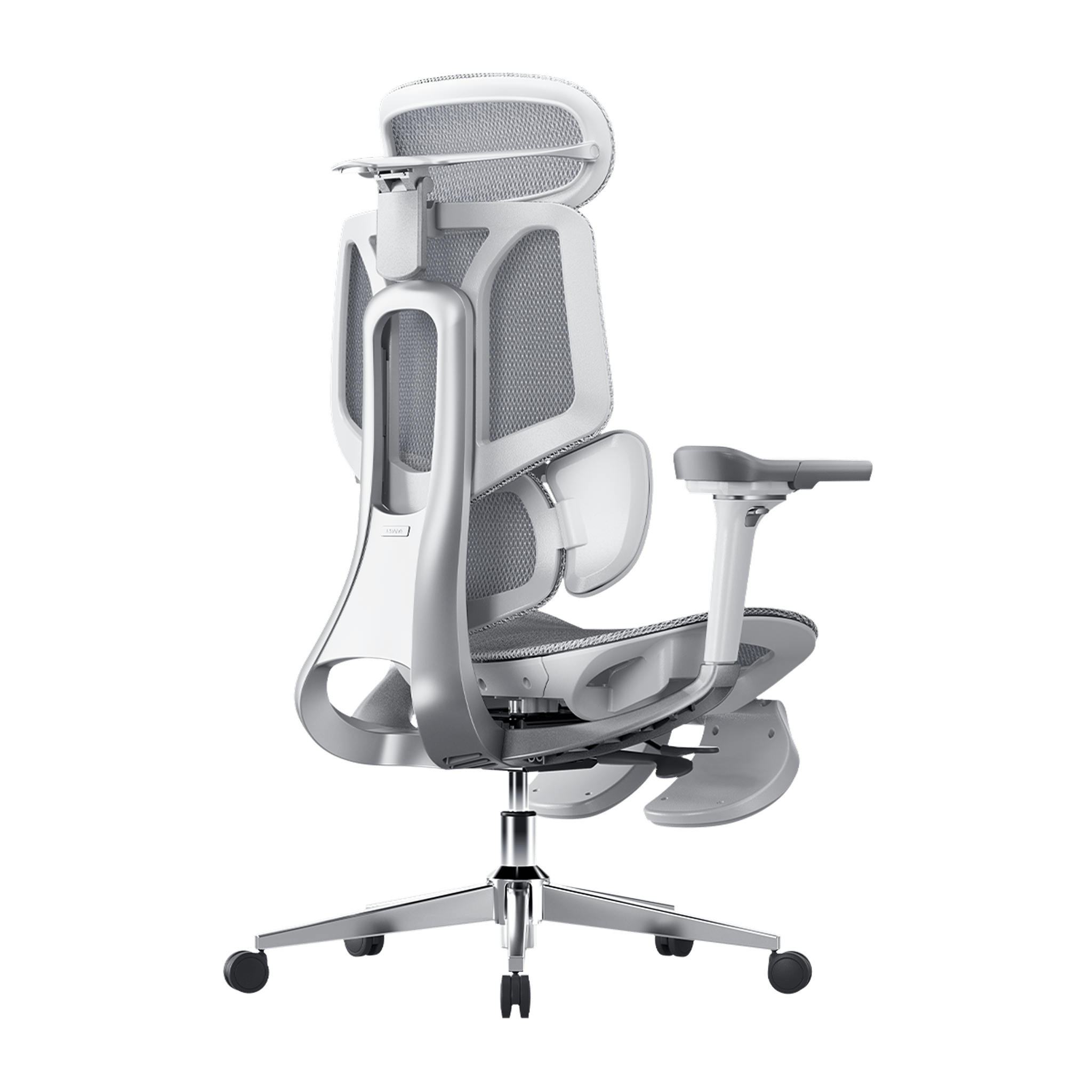
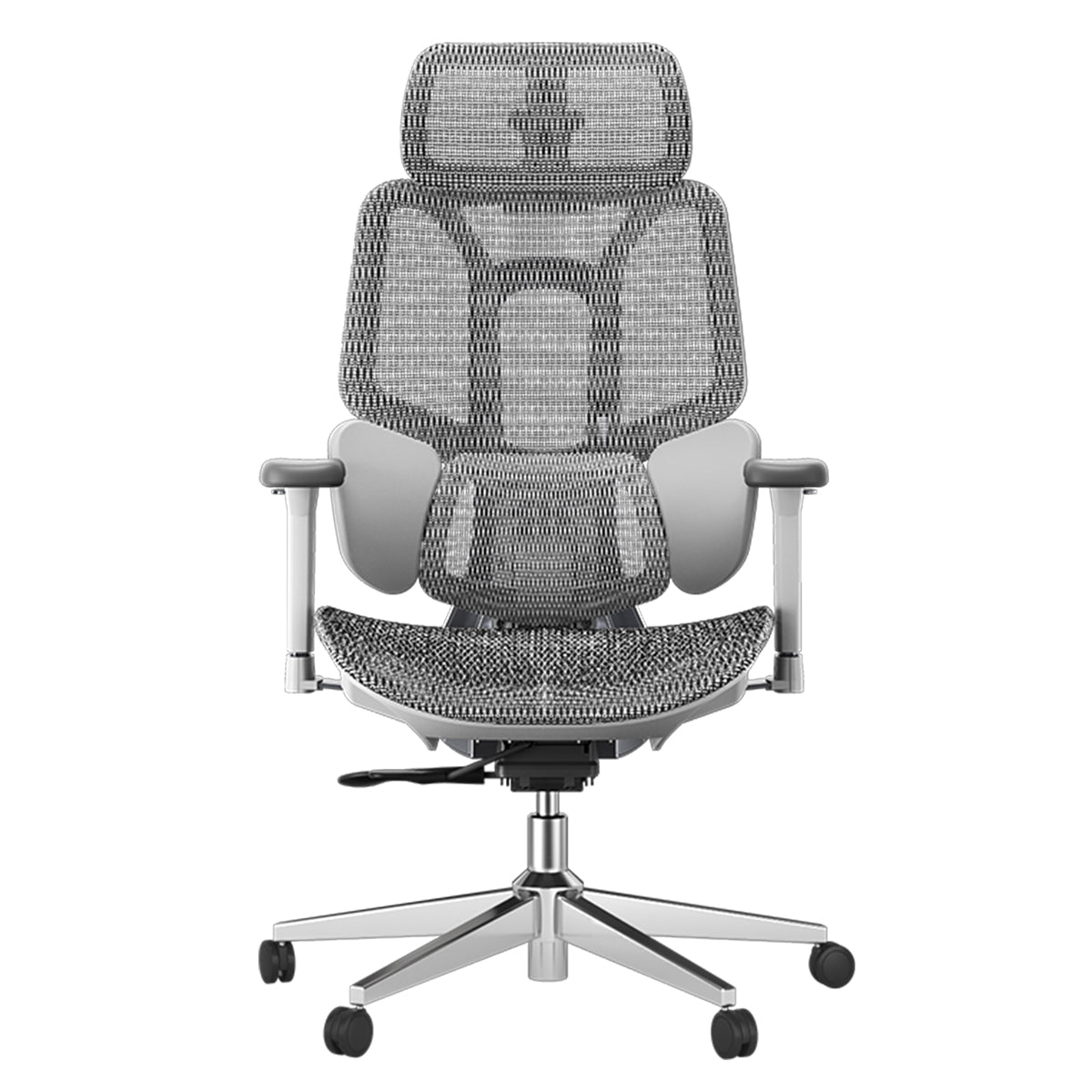
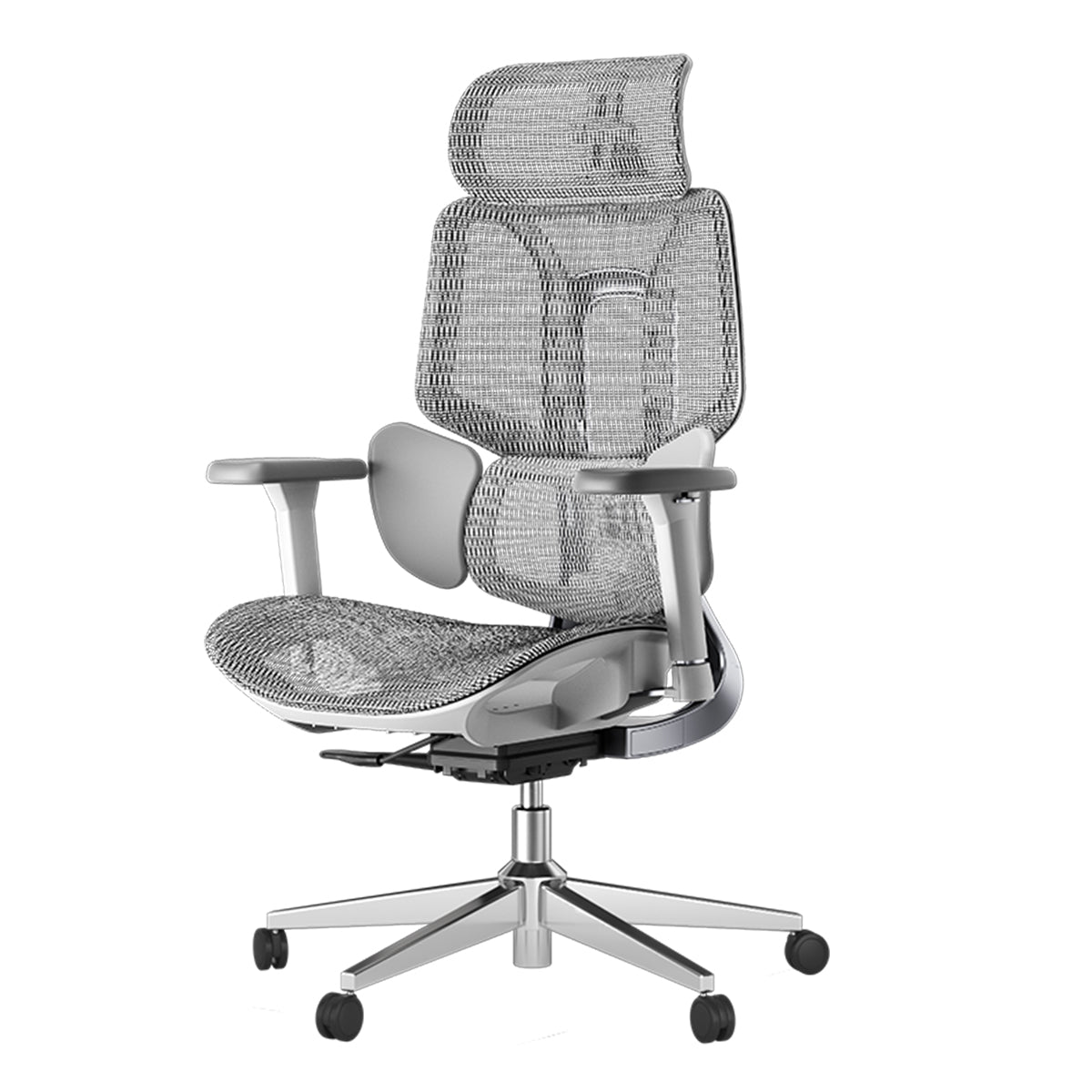
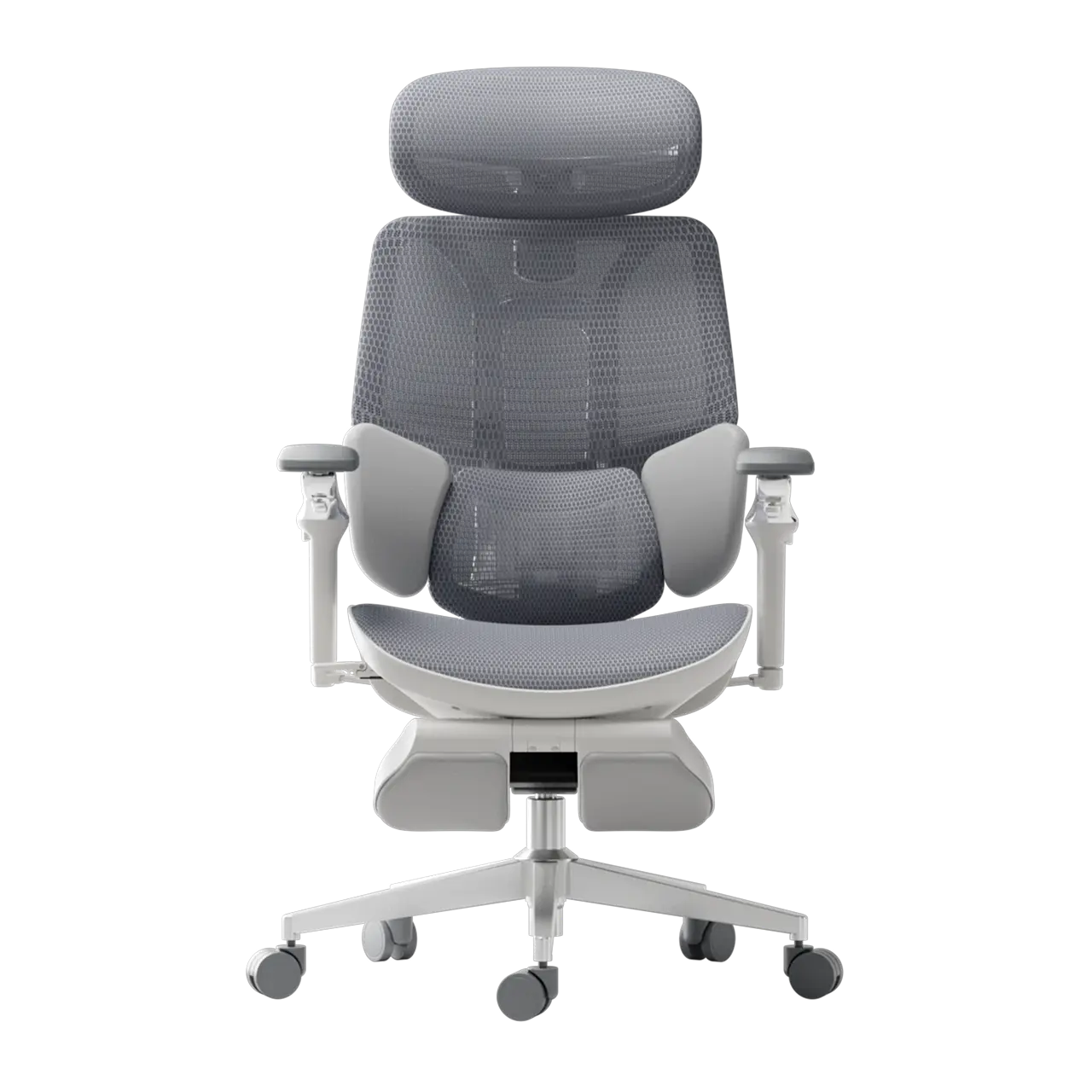
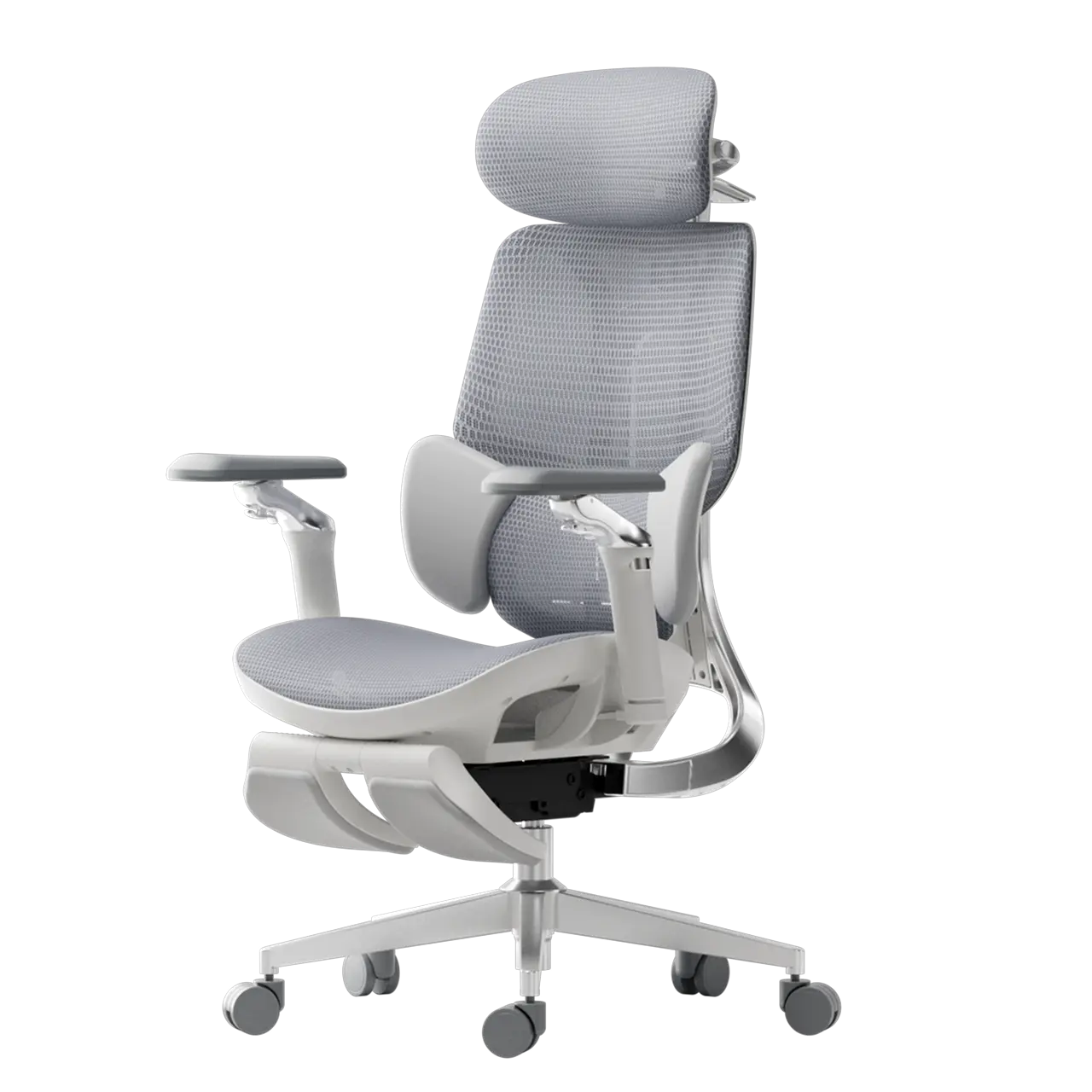
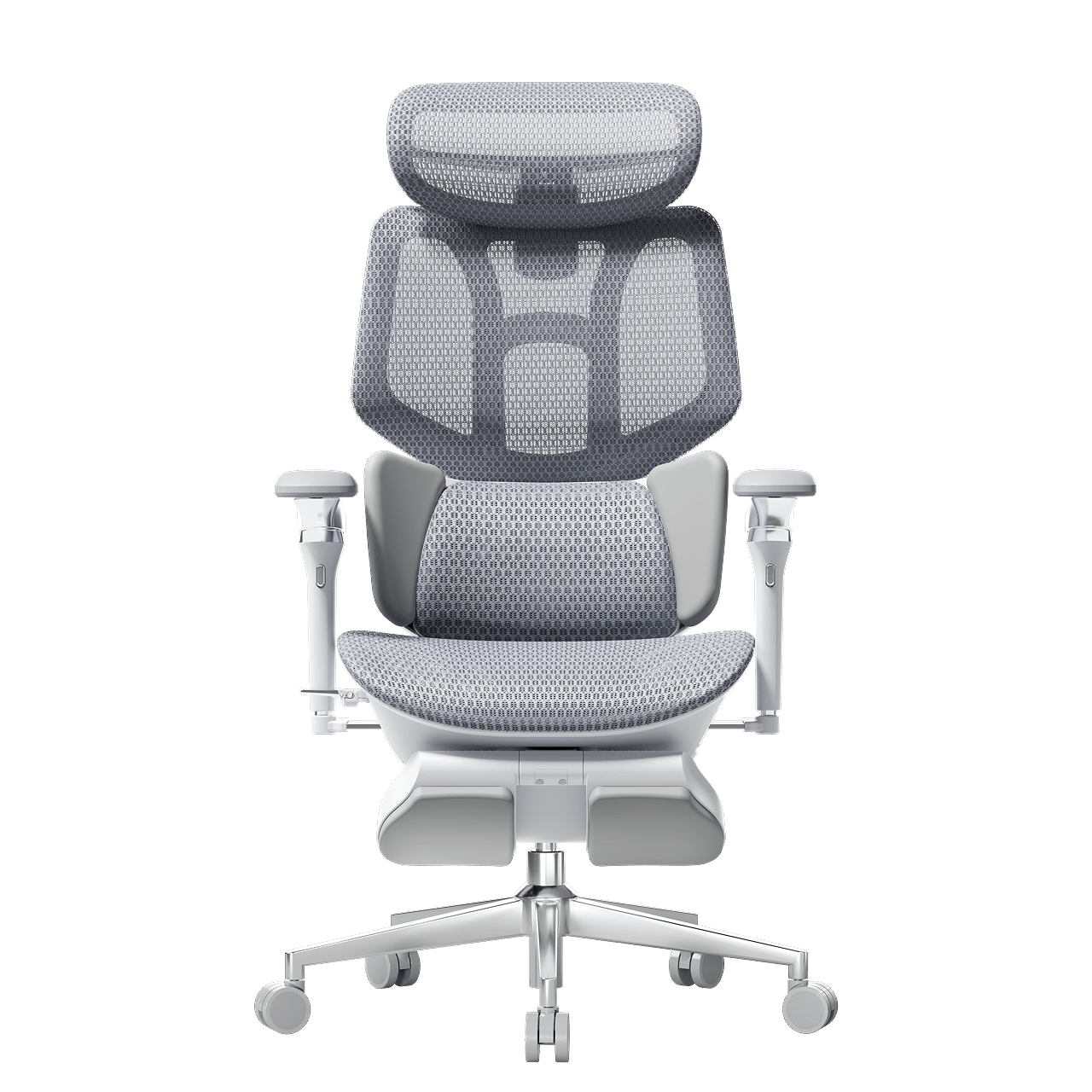
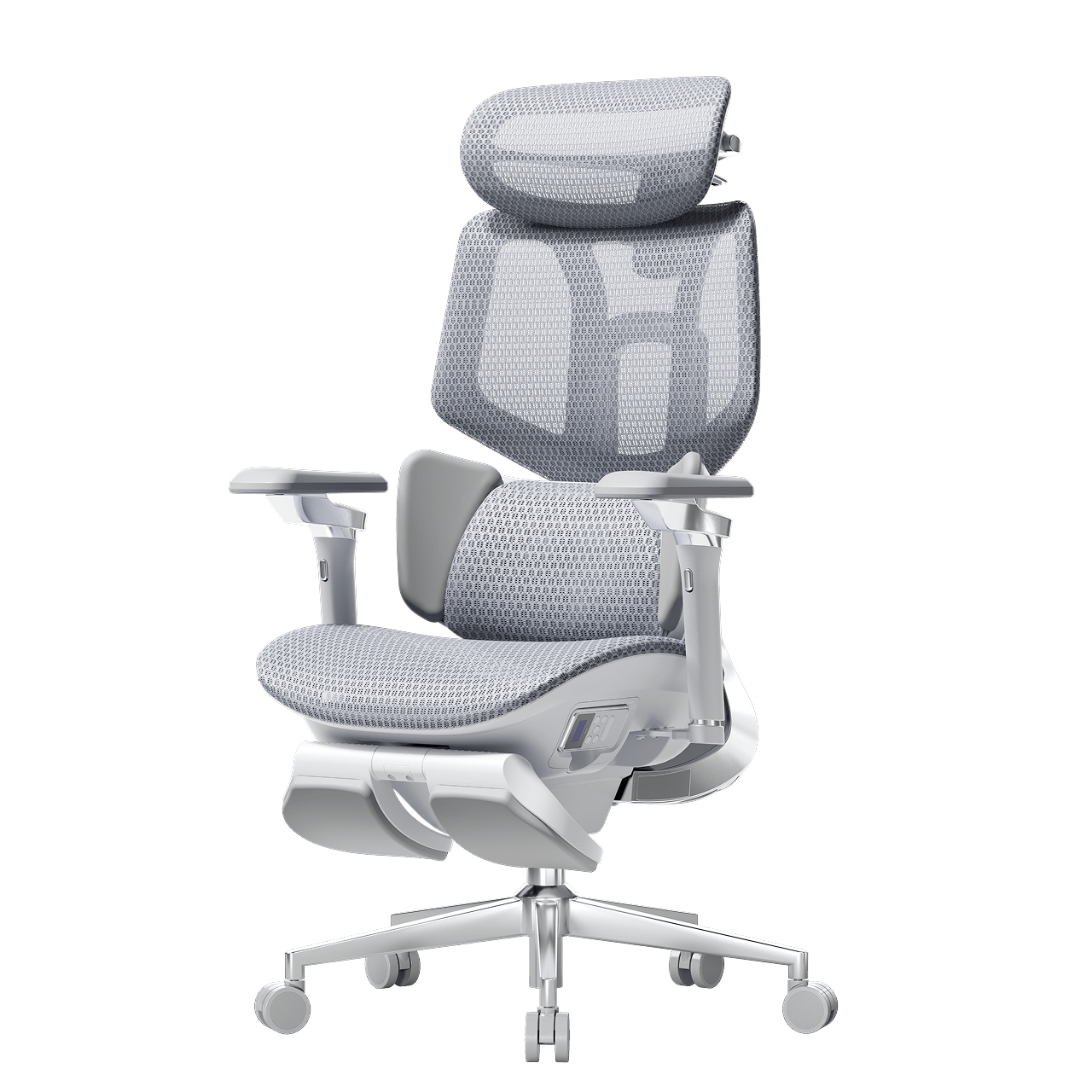
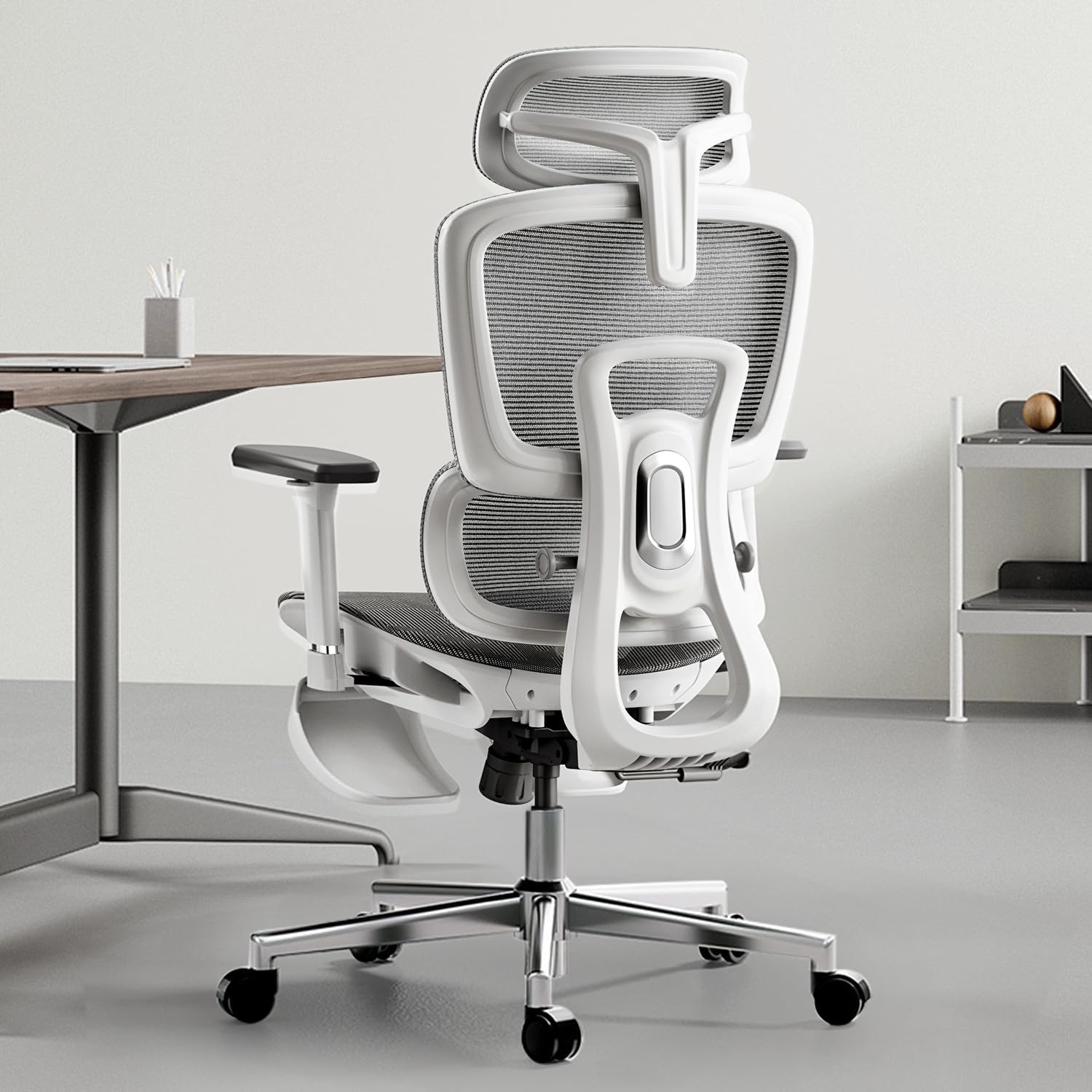
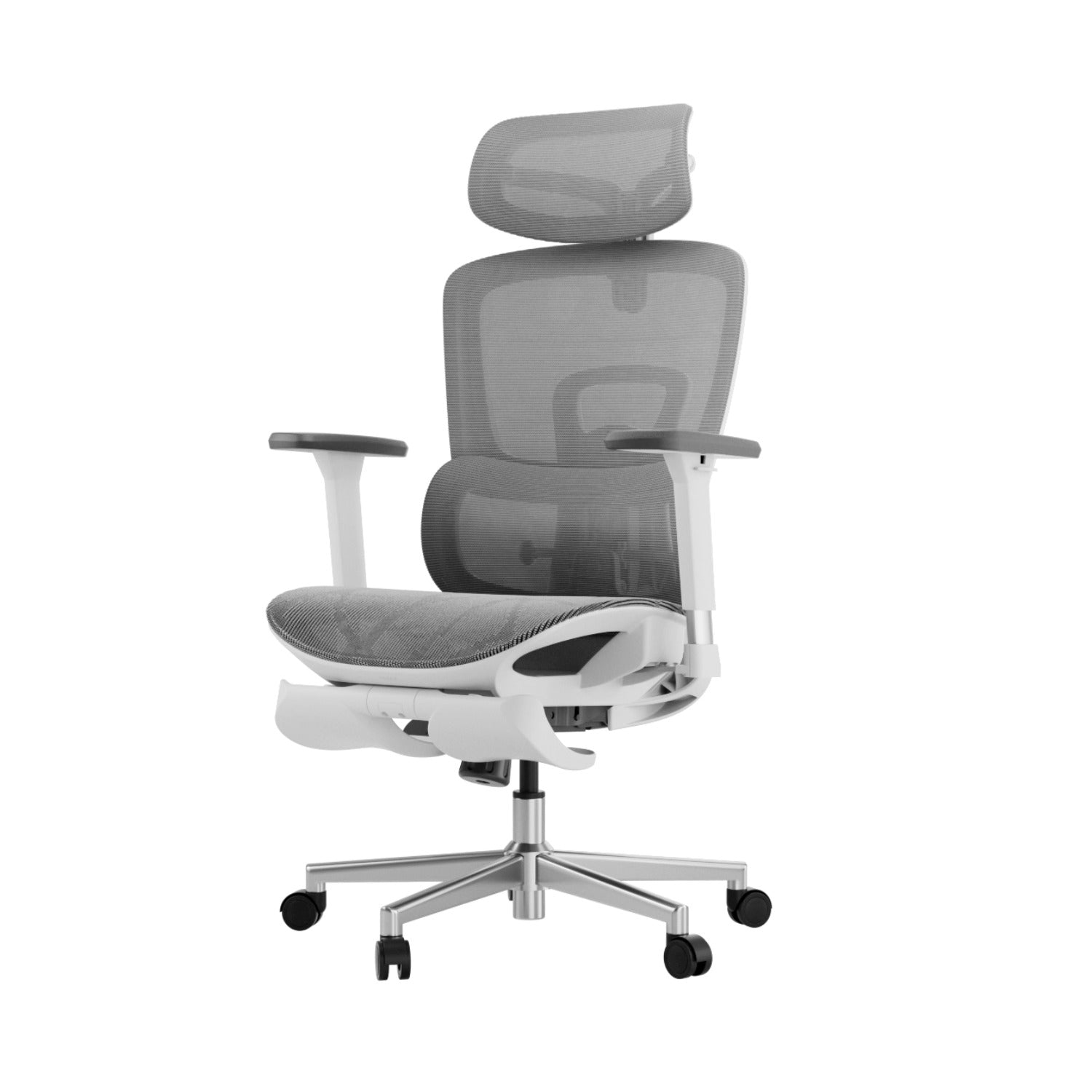
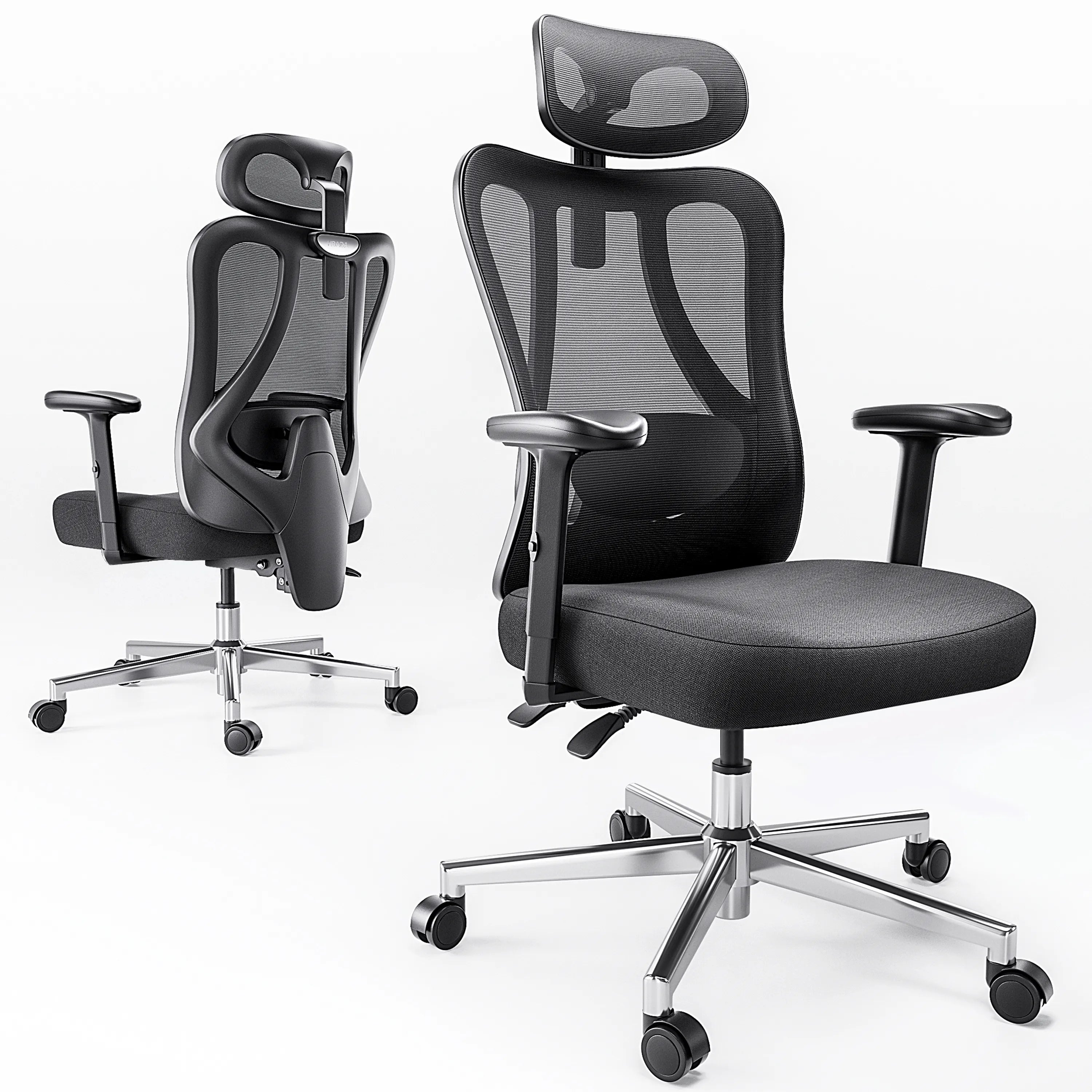
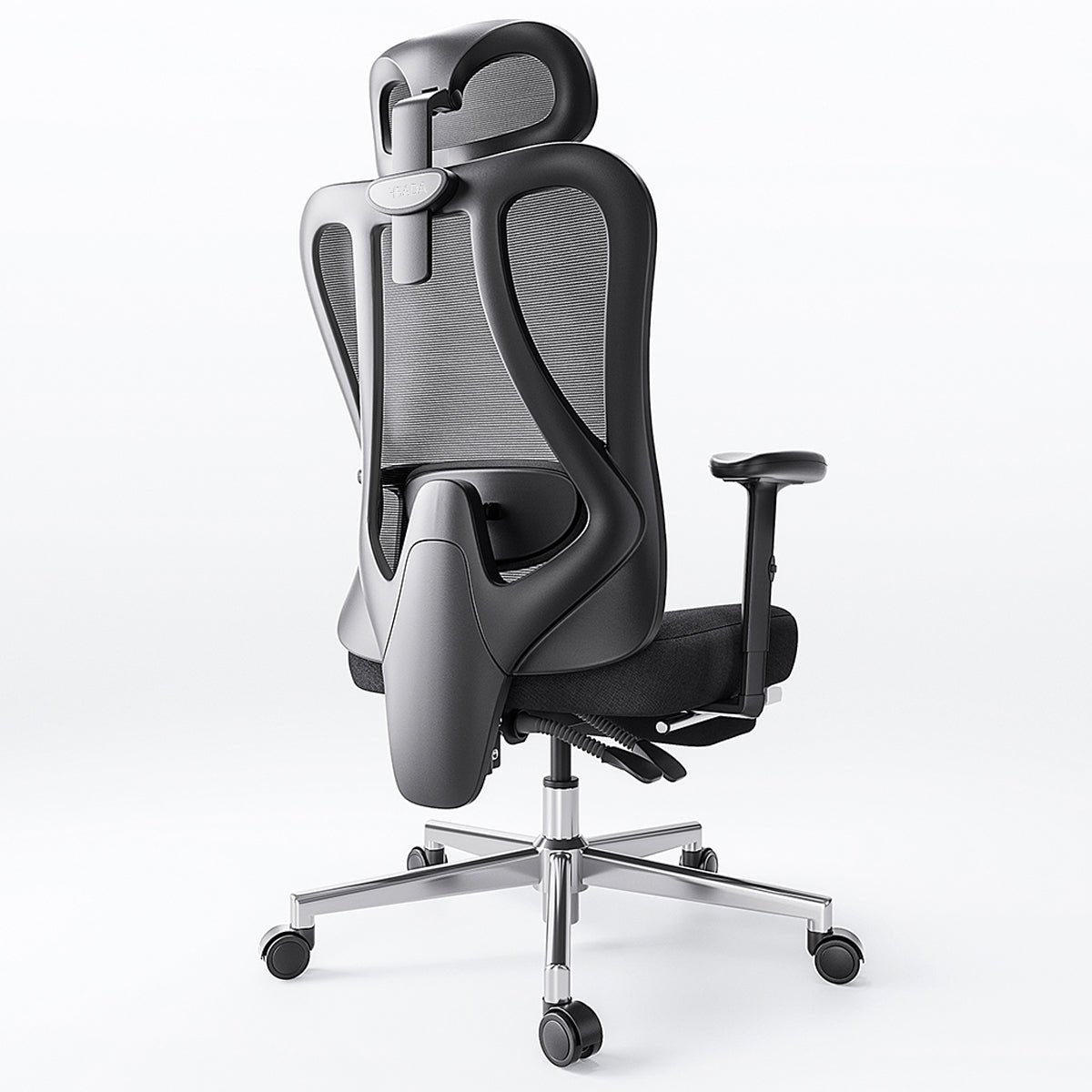
At Hbada, we focus on making chairs that move with your body. Our 'Bio-Synchronized' seating is designed to support you as you move. When you look for the best ergonomic chair for lower back pain, our chairs stand out because they address the main cause of pain: constant pressure.
How Lumbar Support Helps Lower Back Pain
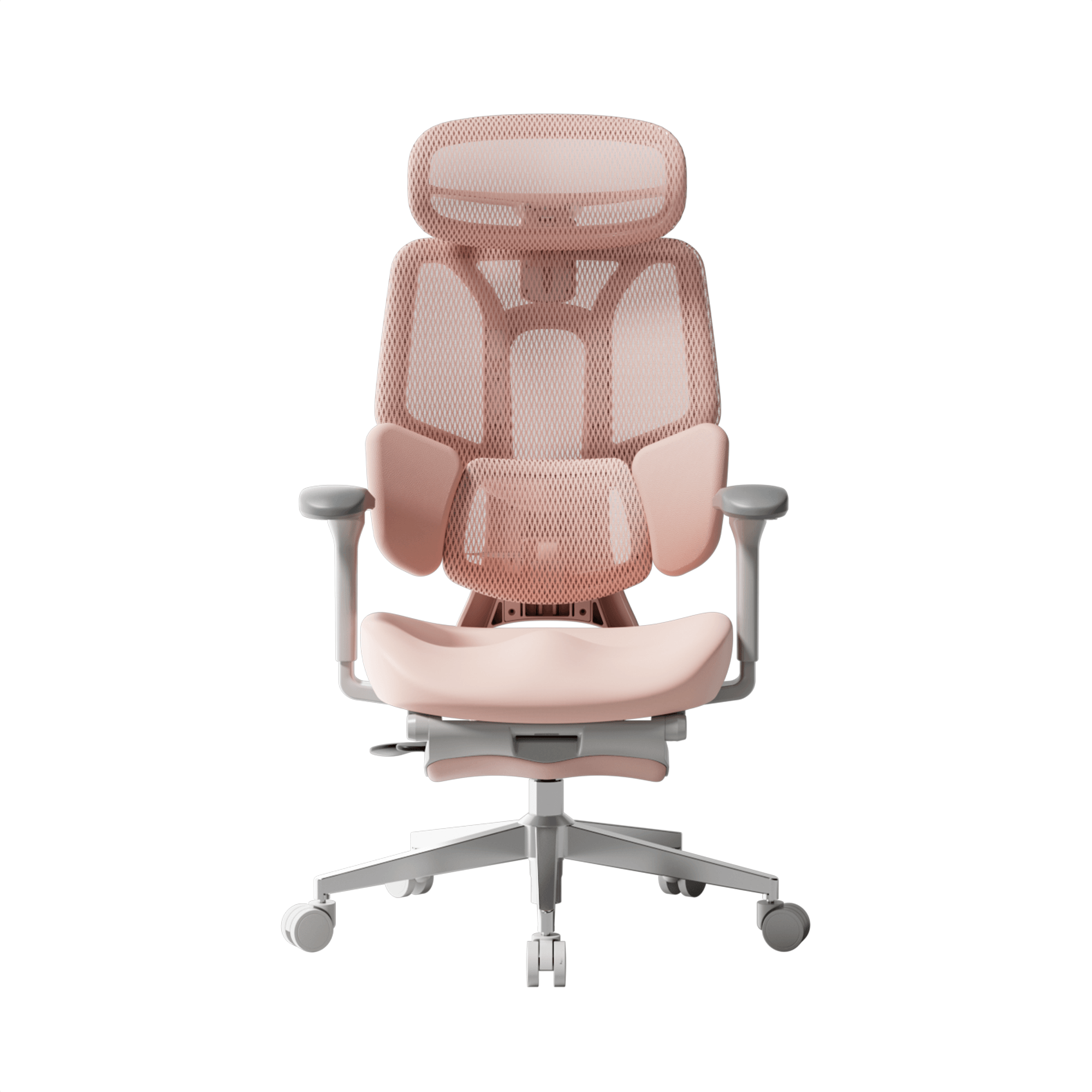
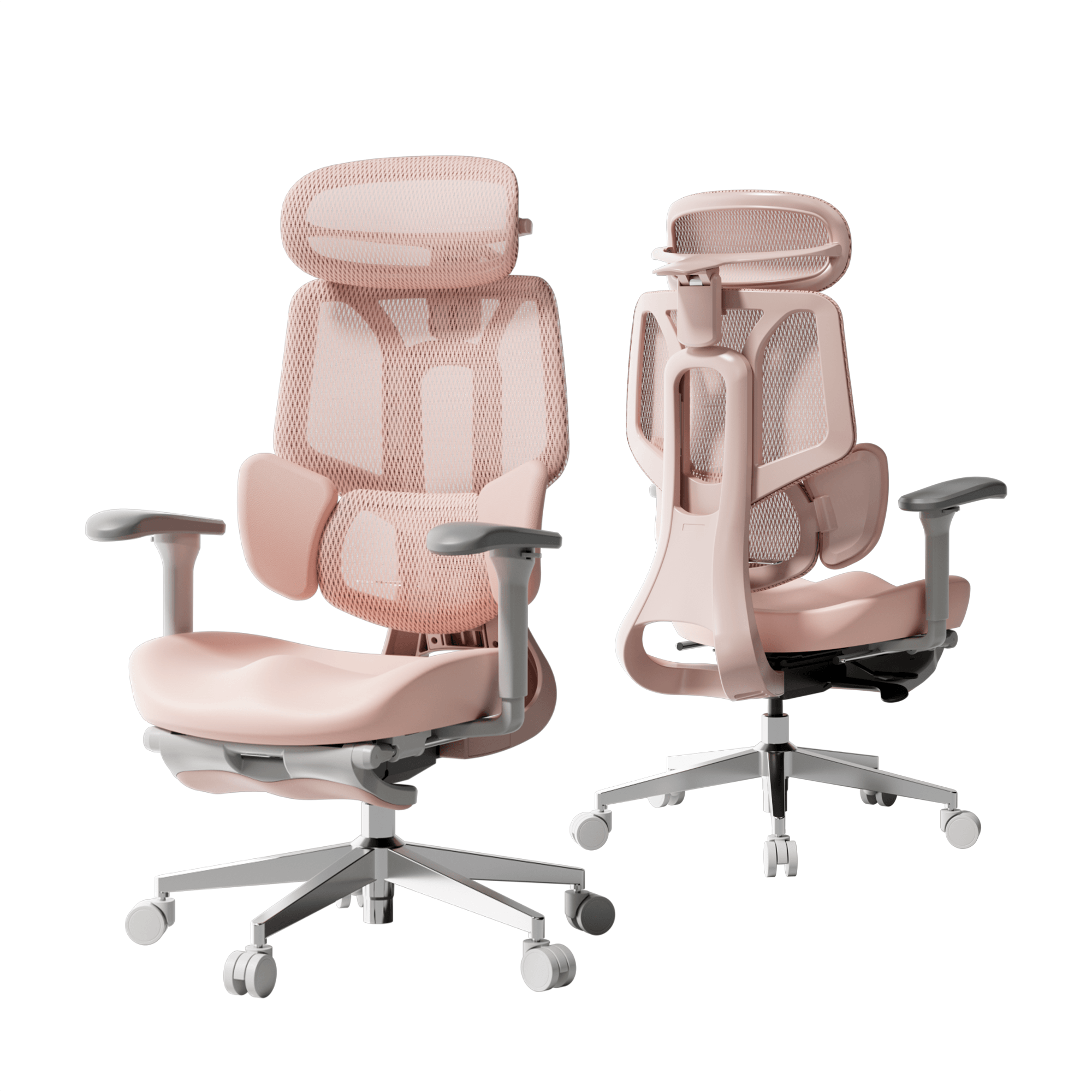
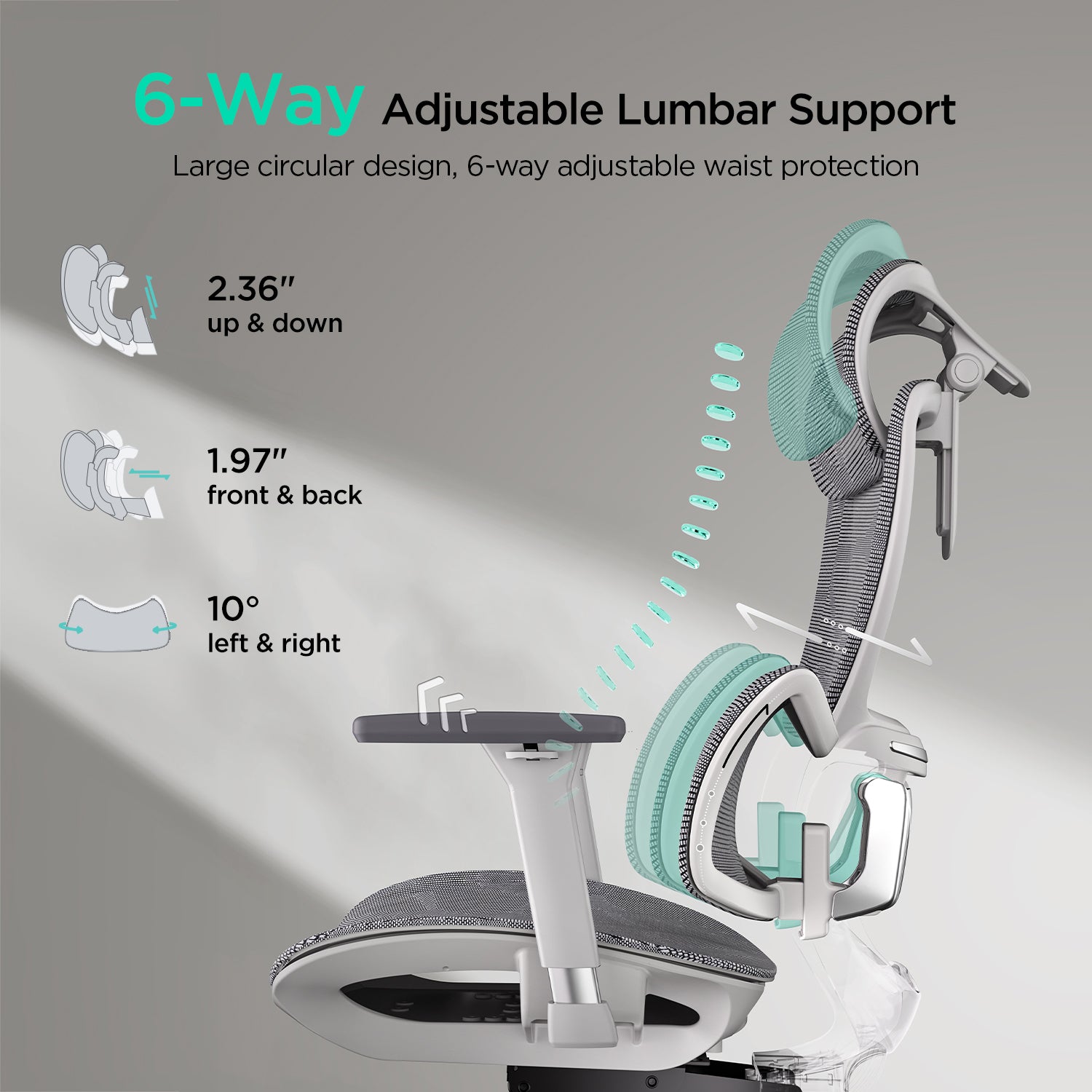
You may ask how lumbar support helps with lower back pain from disc problems. Our adaptive tracking technology moves with you as you lean. Unlike fixed supports, our 3-zone dynamic system follows your spine. So whether you are typing or leaning back, your lower back is always supported. This steady support acts like a brace, taking pressure off the disc and letting your muscles relax.
The Role of Armrests in Spinal Health
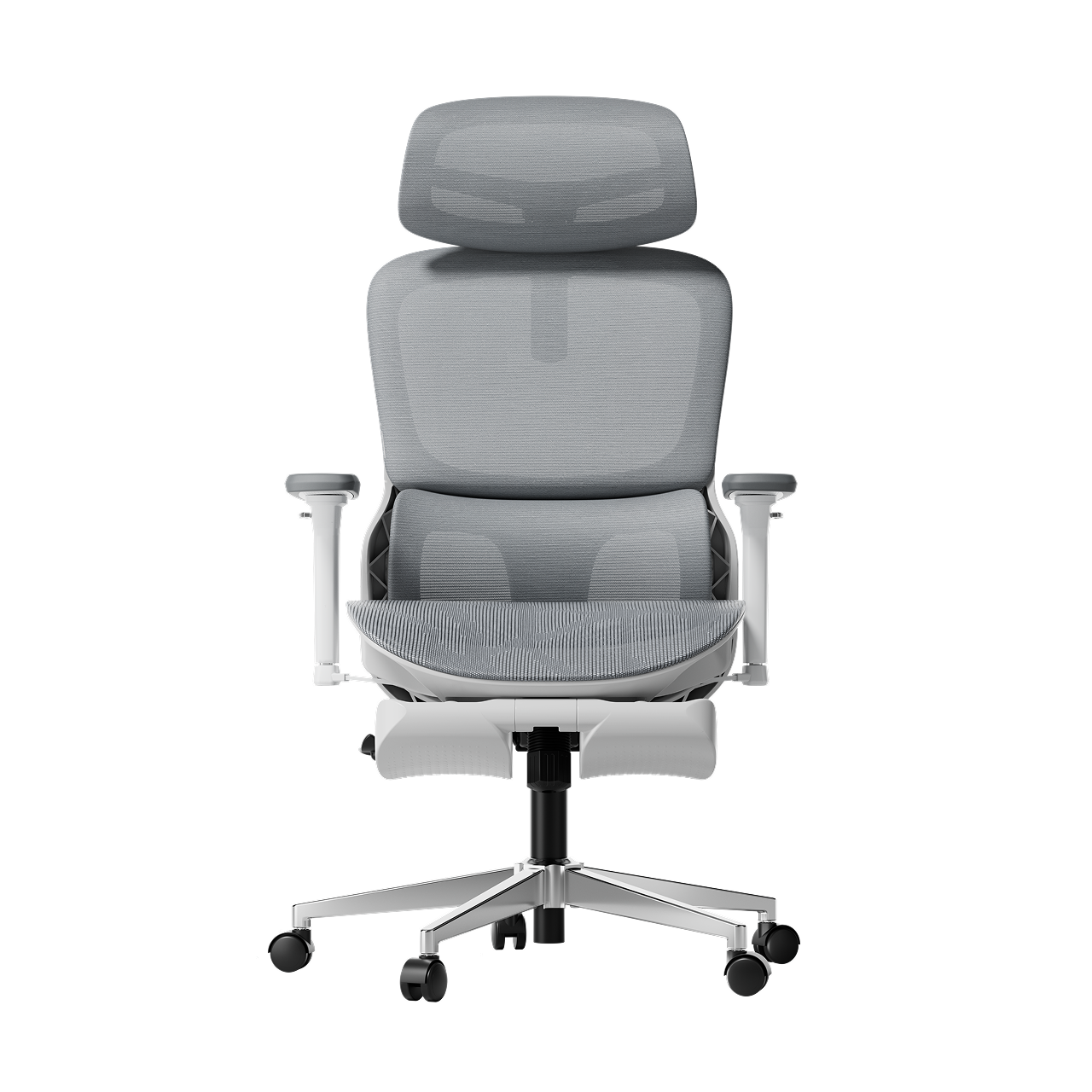
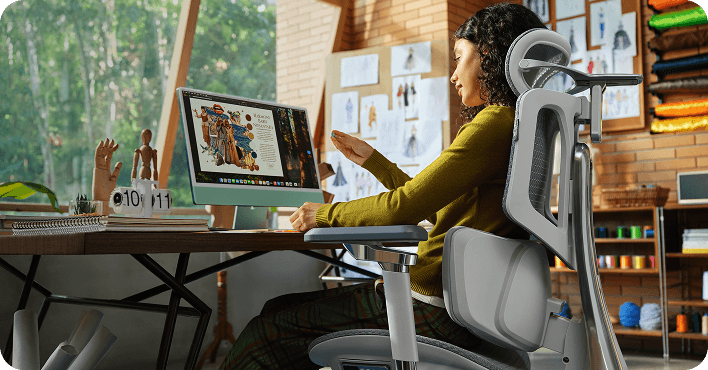
Many people forget that their arms are heavy. Without support, your shoulders pull forward, which rounds your back and compresses your spine. A premium ergonomic chair with full-arm support adjustment lets you bring the armrests close to your body. This helps support the weight of your upper limbs, preventing the downward pull that can aggravate a herniated disc. Our 5D and 720° armrest systems ensure that no matter how you work, your shoulders remain neutral.

Comparison of Hbada Ergonomic Solutions
The right chair for you depends on the level of pain you have and your daily work routine. Here is how our main models help support your spine.
|
Model |
Primary Technology |
Best For |
Support Level |
|
Dynamic Lumbar Tracking |
Daily Prevention |
High |
|
|
Hbada E3 Pro |
3-Zone Dynamic Support |
Chronic Lower Back Pain |
Professional |
|
Bio-Synchronized AI |
Herniated Disc Recovery |
Ultimate |
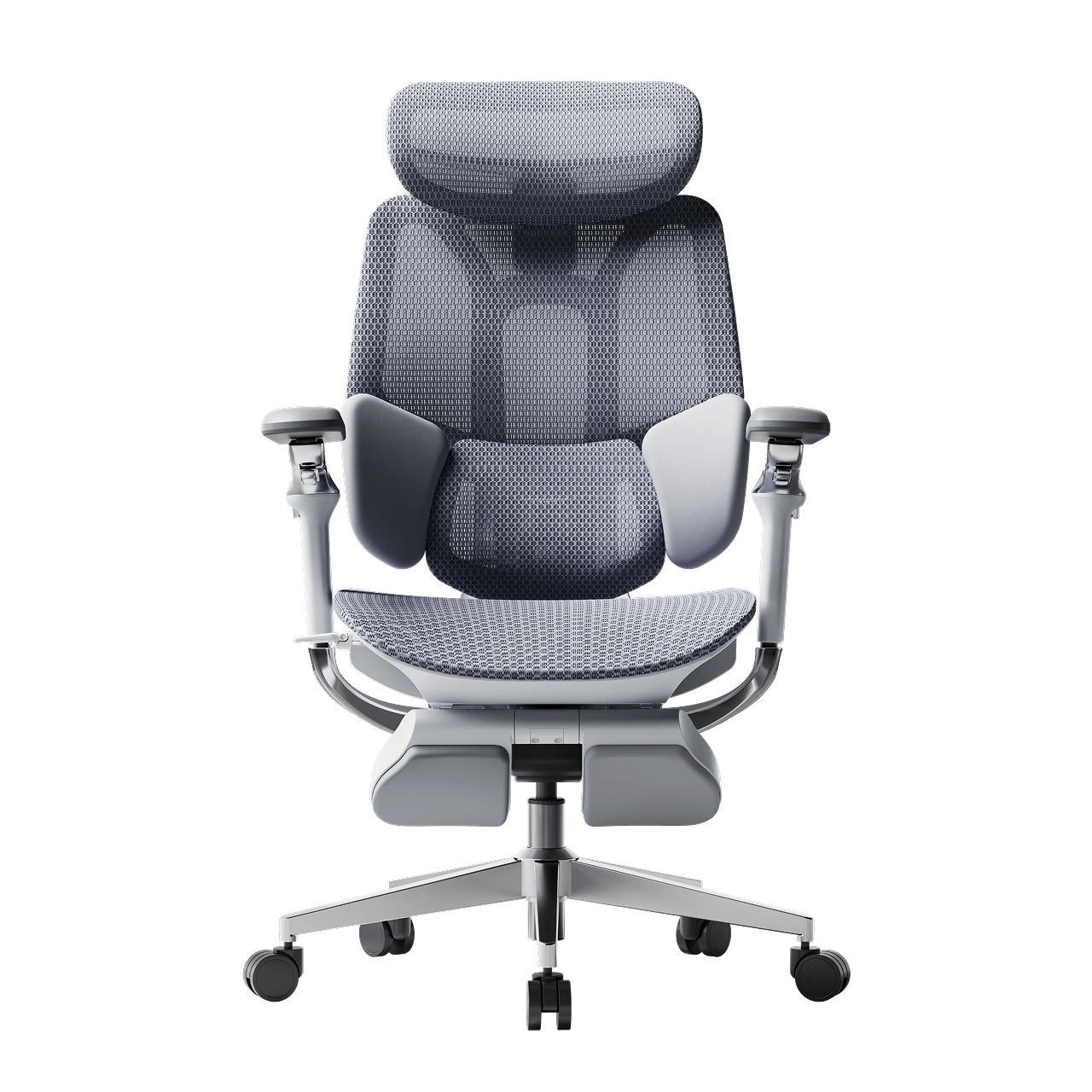
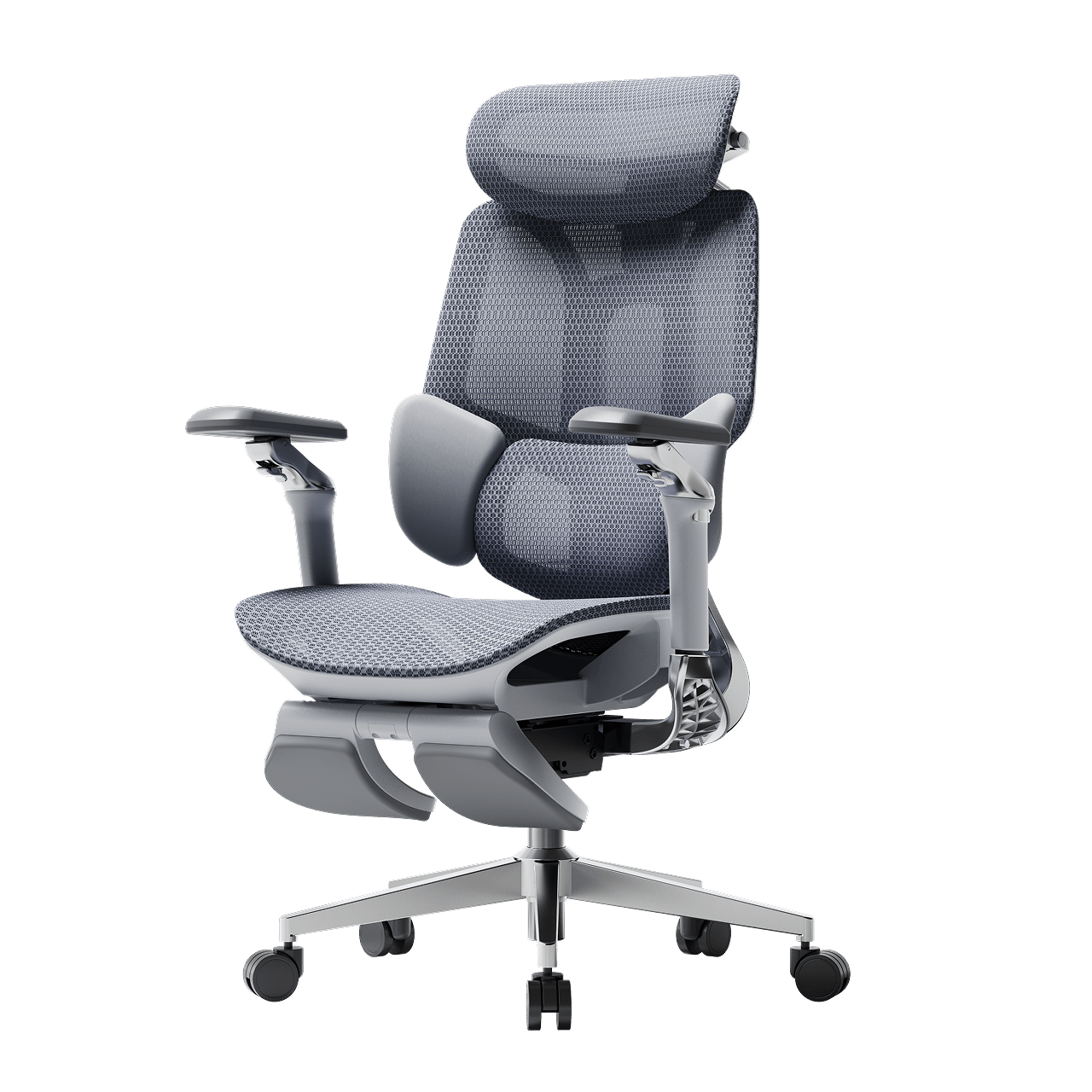
The Hbada E3 Pro is often considered our best chair for lower back pain because its 3-zone support wraps around your lower back and stabilizes it from multiple angles. If you are recovering, our AI-Powered series offers real-time posture correction to help you avoid bad sitting habits. For more information, click to check:
Frequently Asked Questions (FAQ)
Q: Can a new office chair heal a herniated disc?
A: A chair cannot cure a herniated disc, but it is an important part of your recovery. Using the right office chair for herniated disc support lowers the daily stress on your spine and helps your disc heal. It also helps break the cycle of reinjury caused by poor posture.
Q: How often should I take breaks if I have a disc injury?
A: Even if you have a top ergonomic chair with adjustable armrests, you should stand up every 30 to 45 minutes. Moving around helps spinal fluid flow, which brings nutrients to your discs. Use your chair’s recline feature often to shift pressure on your back.
Q: Is a hard or soft seat better for lower back pain?
A: A medium-firm seat is usually best. If a seat is too soft, your pelvis tilts backward, which flattens your lower back and puts more pressure on your discs. A firm, shaped seat keeps your pelvis in a good position and works well with your ergonomic chair for herniated disc support.
Q: Why does my pain get worse at the end of the day?
A: This usually happens because of postural fatigue. As your muscles get tired, you start to slouch. This is when lumbar support really helps. The chair keeps your spine in line even when your muscles are tired.

Conclusion
A herniated disc does not have to stop you from being productive. By using the right sitting position and an orthopedically designed chair, you can reclaim your workday. Your spine is the base of your health, so do not let a basic chair put it at risk. Choose a chair with active tracking, 3-zone support, and full adjustability. Try an Hbada ergonomic chair today and feel the relief of real support.


Leave a comment
This site is protected by hCaptcha and the hCaptcha Privacy Policy and Terms of Service apply.