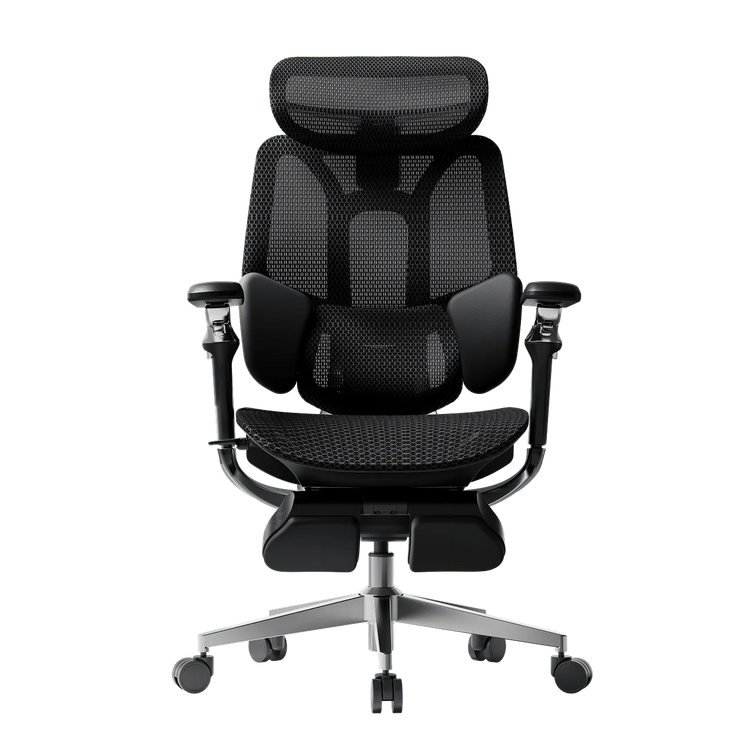
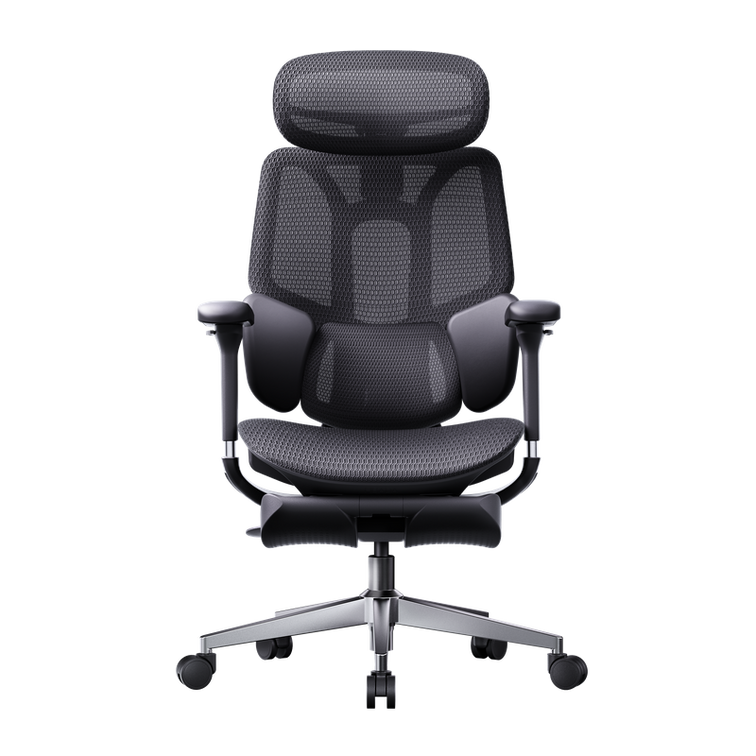
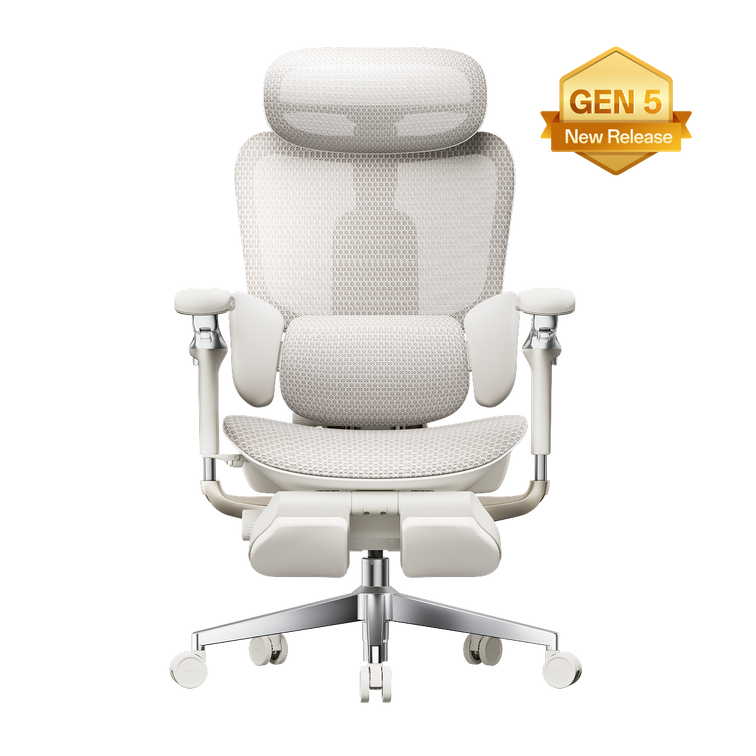
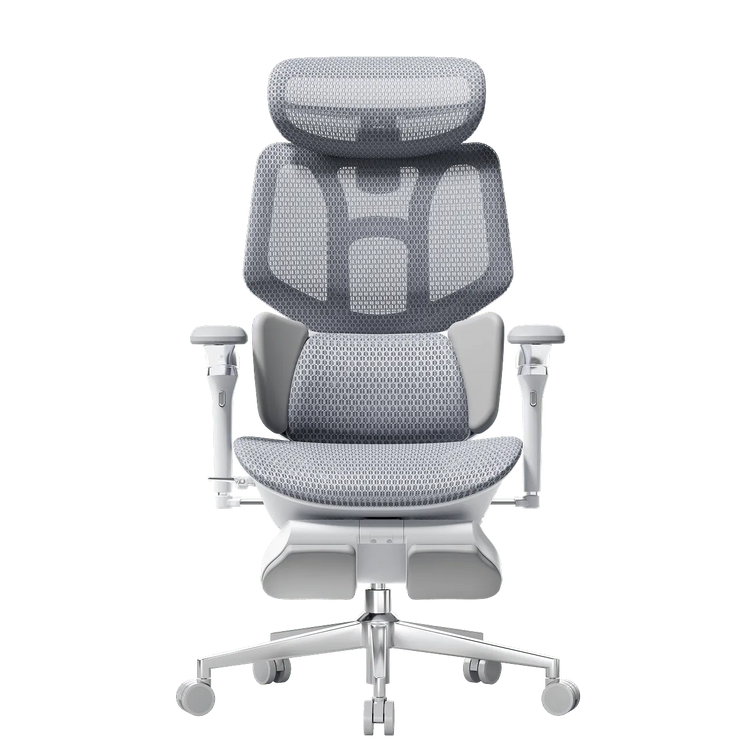
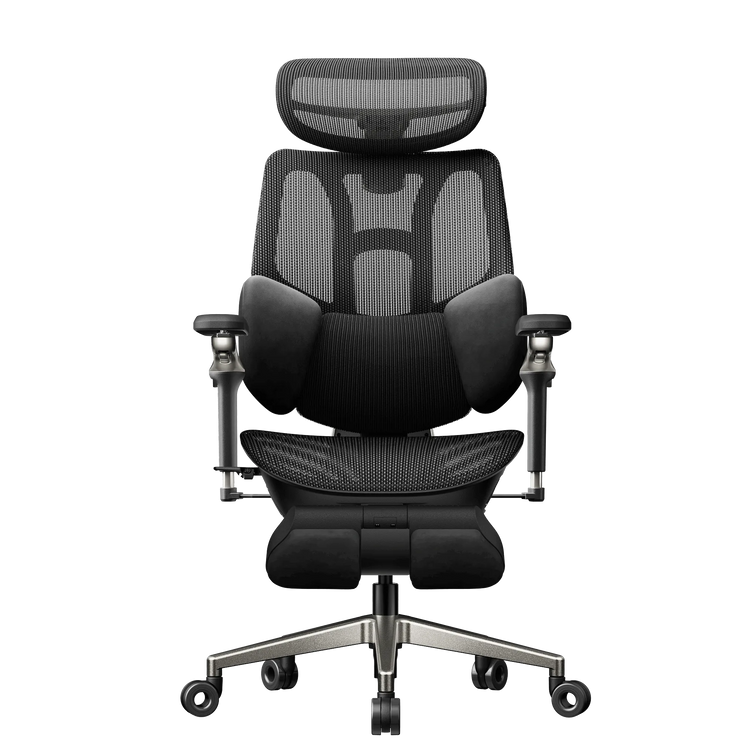
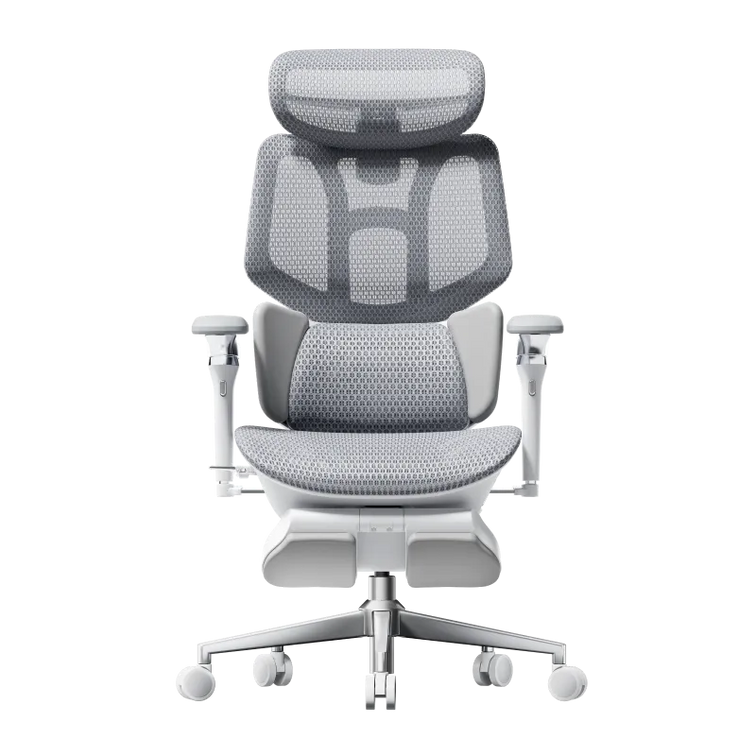
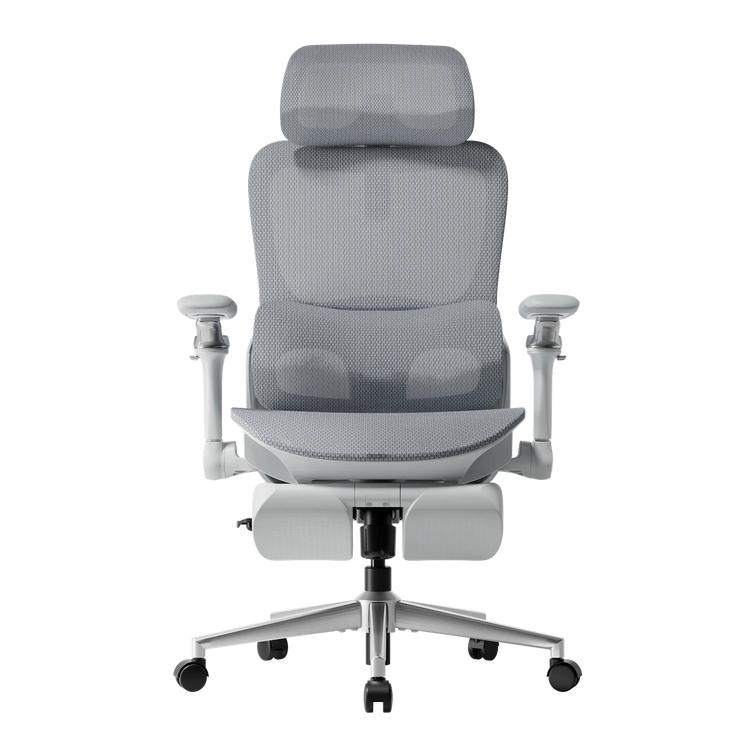
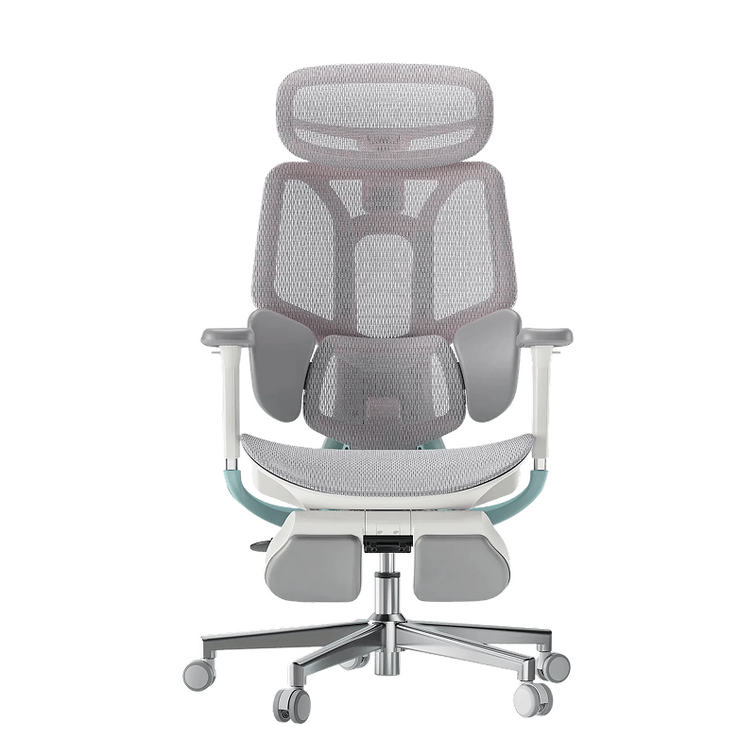
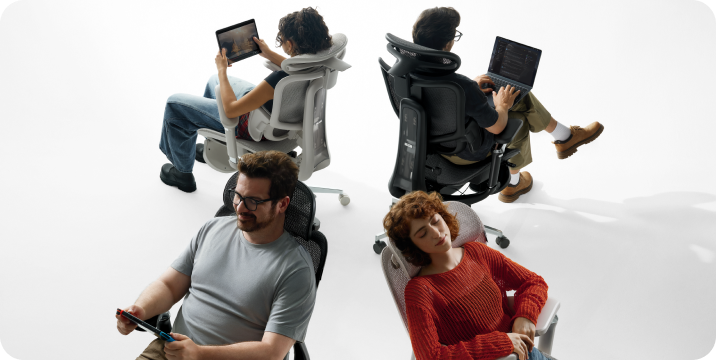
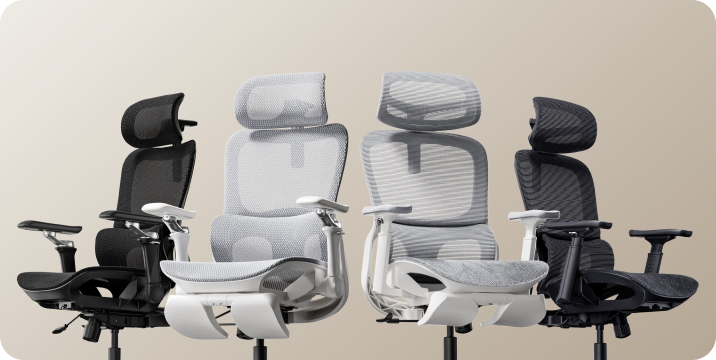
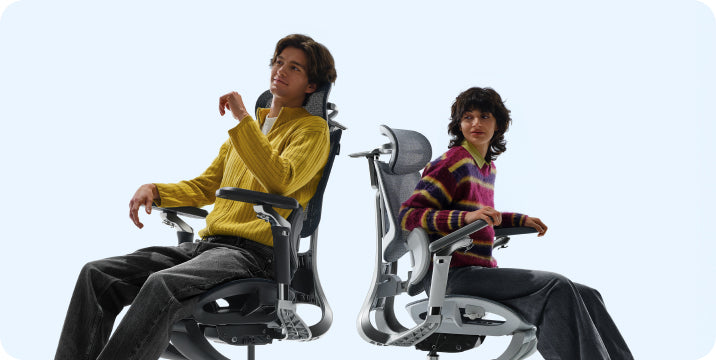



Different chairs.
Different adjustments.
Your way of sitting.
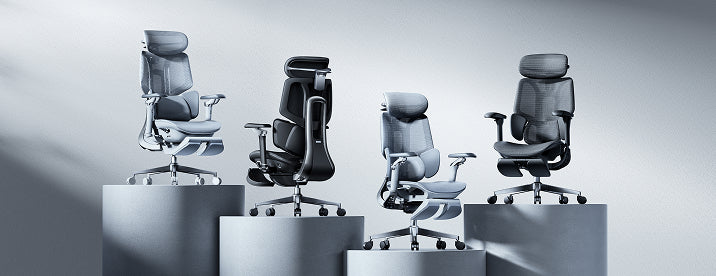
HBADA E3 Pro 2026, Steelcase Leap and Gesture—compared through the things you actually do at your desk.
The useful question in an HBADA vs Steelcase comparison is not which brand has the longest feature list. It is whether a particular chair can be adjusted around your body and the way you spend your working day.
answer.
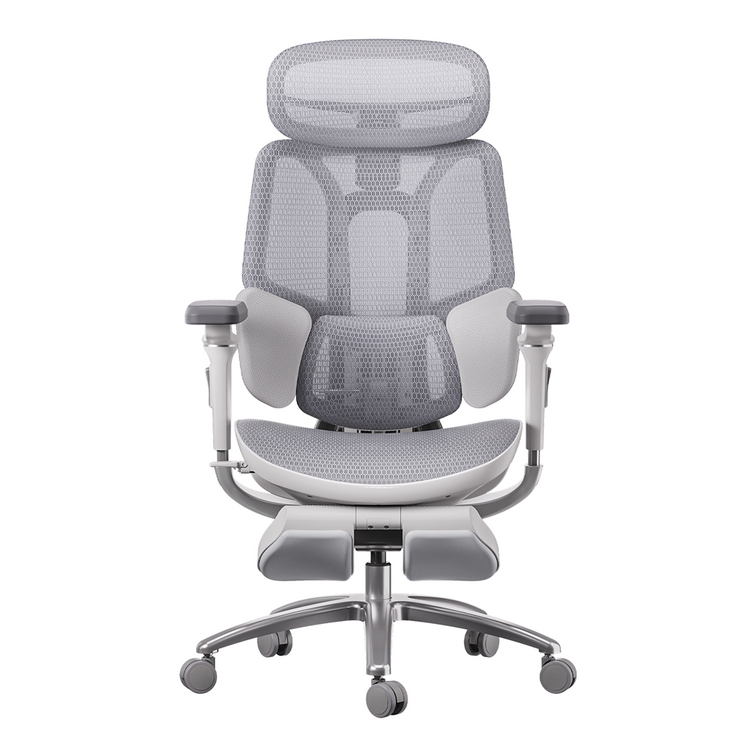
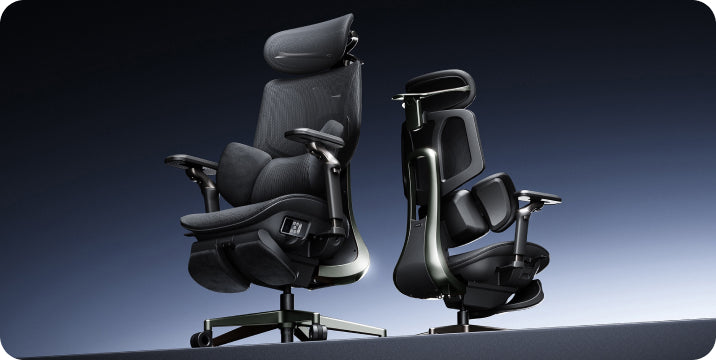
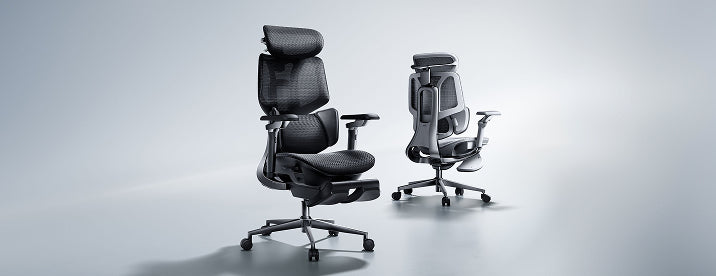
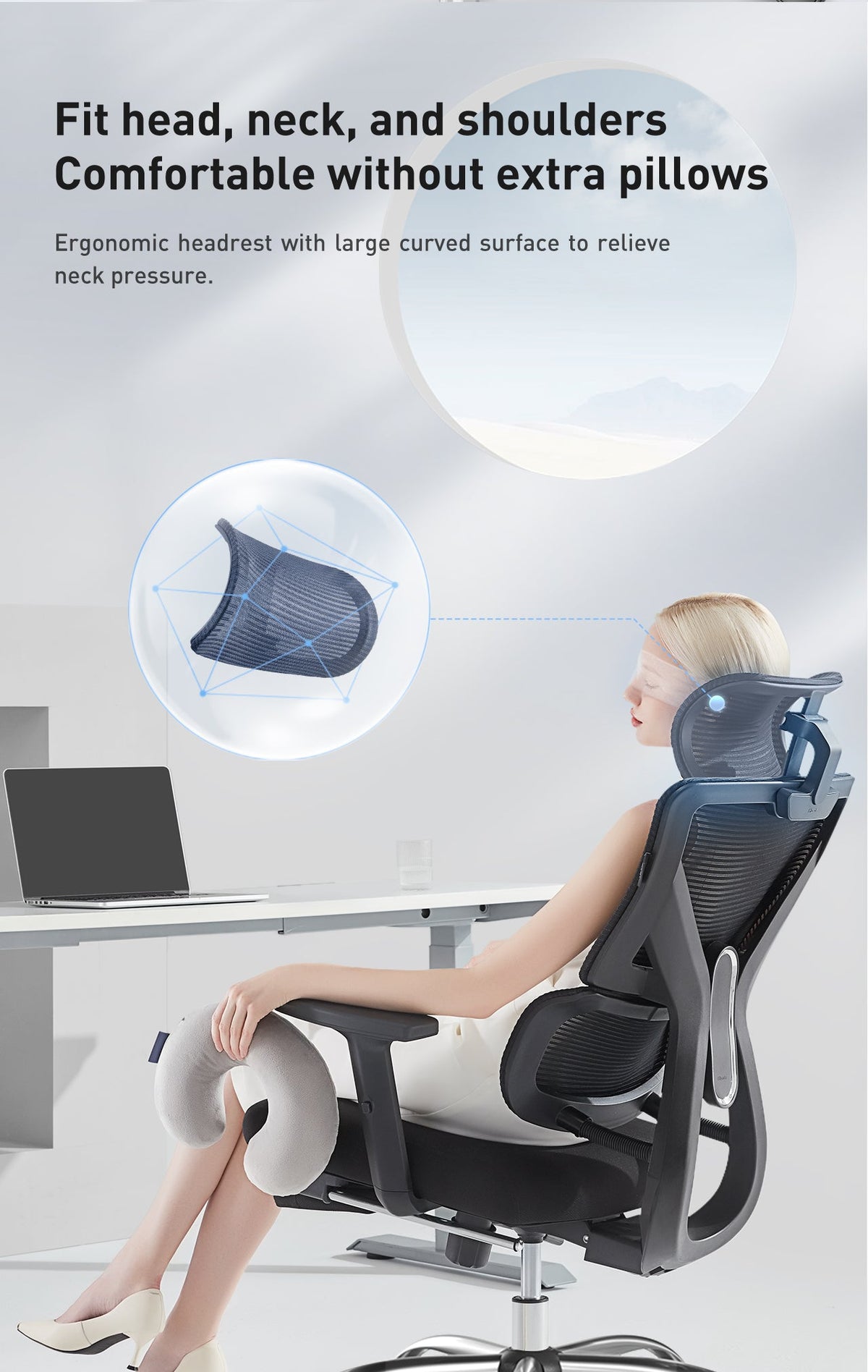
Our E3 Pro 2026 combines three-zone lumbar support, adjustable armrests, a headrest and a multi-position recline. Leap and Gesture use different back-support and adjustment systems. Compare their model-specific controls, then check whether the available positions suit your desk and body. Specifications can explain the design; they cannot decide personal comfort.
This is a HBADA-authored, specification-based comparison, not an independent hands-on test. It compares the E3 Pro 2026 with Leap and Gesture, not every chair from either brand. Options can vary by configuration and market.
What the specifications tell you.
What they cannot.
Design facts
An adjustable seat, a lumbar-height control or a recline stop is a feature you can identify. Published dimensions can help you decide whether the chair deserves a closer look.
Personal comfort
The pressure of a lumbar pad, the feel of an armrest and the effort needed to recline depend on your body and preferences. More adjustment directions do not automatically mean a better fit.
Start by measuring your existing setup. Our office chair fit guide explains how seat height, usable depth, width and lumbar position work together.
Support your work.
Not just a showroom posture.
Keyboard work involves small movements: reaching for the mouse, reading a second screen and shifting between tasks. You should be able to reach your controls without repeatedly pulling your body away from the backrest.
Lumbar support: compare the mechanism and the contact
The E3 Pro’s three-zone design combines a central lumbar area with side support sections. Its adjustable lumbar height lets you position the support around your lower back.
Leap uses LiveBack technology; Gesture uses 3D LiveBack. These designs differ from a separate three-zone lumbar assembly. The presence of a different mechanism does not, by itself, establish which will feel more comfortable.
When comparing lumbar support, ask two questions: can you position it where you need it, and does the contact remain comfortable as you move?
Armrests: look beyond the adjustment label
Our E3 Pro offers multiple armrest adjustments, including pad and arm-body rotation. Leap’s adjustable arms provide height, width, depth and pivot adjustment, while Gesture uses its articulated 360 arms.
The practical test is the same: can your elbows rest naturally while your shoulders stay relaxed? Check whether the arms let you move close enough to the desk without blocking the edge or pushing your elbows outward.
Lean back.
Compare the whole movement.
The E3 Pro 2026 provides four recline positions, up to 140°. The positions below are the published settings for this model, not instructions to use a particular angle for every task.
Leap lists four recline angle stops plus an upright back lock. Gesture lists three stops plus an upright back lock. Those descriptions should not be treated as directly equivalent angle measurements.
A meaningful comparison includes the effort needed to lean back, the support you feel through the movement and how easily you return to a working position—not only the maximum angle.
The differences,
without the scorecard.
This overview compares design approaches. It does not assign comfort scores or imply that an unlisted measurement means a feature is absent.
| What to compare | HBADA E3 Pro 2026 | Steelcase Leap | Steelcase Gesture |
|---|---|---|---|
| Back support | Three-zone lumbar design with lumbar-height adjustment. | LiveBack backrest design. | 3D LiveBack; additional lumbar support is an option. |
| Arm support | Multiple adjustments, including dual rotation. | Adjustable arms: height, width, depth and pivot. | Articulated 360 arms. |
| Seat adjustment | Adjustable height and depth; 1.97-inch depth travel. | Adjustable seat height and depth. | Seat height and depth controlled by the front knob. |
| Recline | Four positions, up to 140°. | Four angle stops plus upright back lock. | Three angle stops plus upright back lock. |
| Headrest | Adjustable 4D dual-axis headrest. | Headrest configuration available. | Headrest configuration available. |
| Your fit check | Check usable seat depth, foot support, armrest clearance, lumbar contact and comfort during your usual tasks. | ||
On a smaller screen, swipe the comparison table sideways. This is a feature overview, not a ranking of independently measured performance.
For the current E3 Pro configuration and adjustment details, explore our E3 Pro 2026 product page .
Three tasks.
A much more useful fit test.
When you have an opportunity to try a chair, repeat the activities you actually perform. Adjust one setting at a time so you can tell what changes the experience.
Type and use the mouse
Sit back with your feet supported. Check whether your elbows rest naturally and whether the chair allows you to approach the desk comfortably.
Notice any need to shrug your shoulders or repeatedly reach away from the backrest.
Lean back and read
Try the recline within a comfortable range. Notice the effort, lower-back contact and headrest position.
A deeper angle is only useful if the supported position feels appropriate for you.
Change the task
Switch from keyboard work to a call or reading. Check whether the controls are easy to reach and whether you can return to your preferred setup.
An adjustment matters most when you can use it comfortably in your actual workspace.
If a return or trial option is part of your purchase, check its conditions before ordering. Do not assume that return shipping, assembly status or the original packaging requirements are identical across sellers.
A better fit is not always
one more adjustment.
The measurements deserve
as much attention as the mechanism.
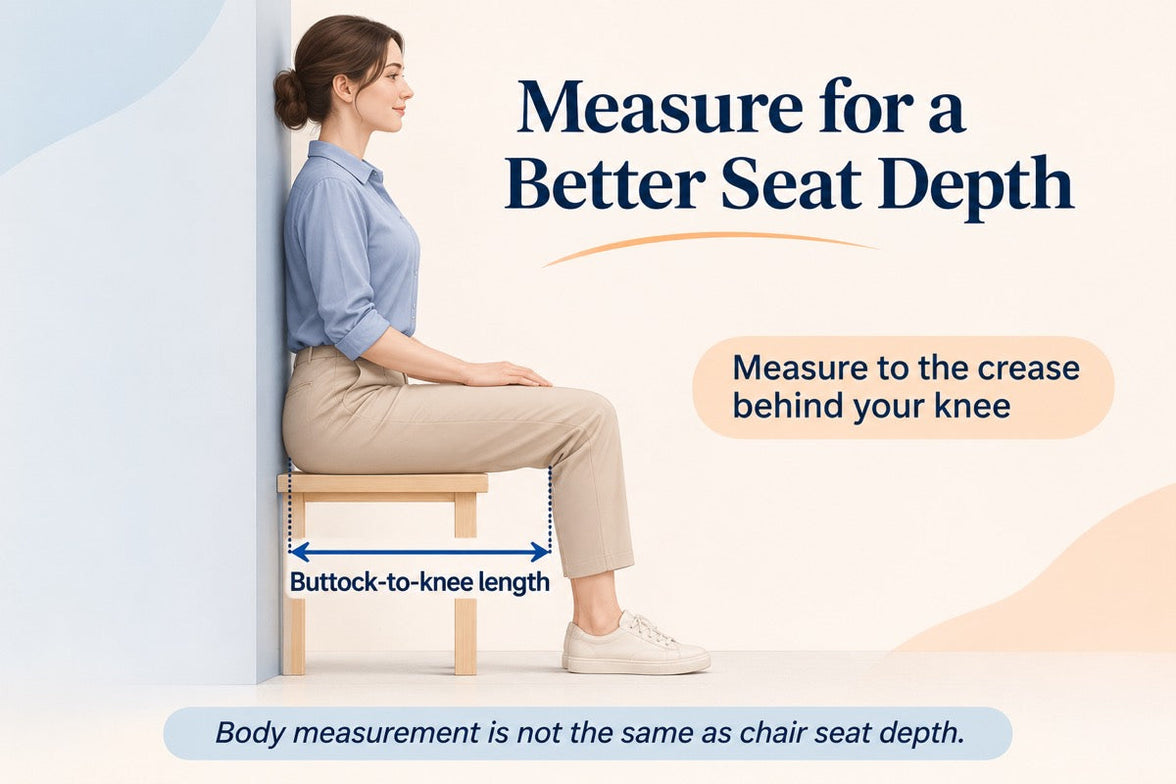
Height recommendations are useful starting points, but two people of the same height can have different leg and torso proportions. Check the chair against your own measurements, not height alone.
- Seat height: can your feet remain supported while the desk is at a comfortable working height?
- Usable seat depth: can you sit against the backrest without pressure behind your knees?
- Armrest clearance: can the chair move close enough to the desk without the arms getting in the way?
- Lumbar contact: does the support meet your lower back without forcing you forward?
- Capacity and configuration: does the exact version meet your requirements?
If you are still deciding which features matter, our 12-question chair buying guide helps organize the decision around your body, workspace and preferences.
Why consider the E3 Pro 2026?
The E3 Pro brings a three-zone lumbar assembly, adjustable headrest, flexible arm positioning and recline settings into one ergonomic office chair. If those are the adjustments you want to explore, start by checking how they match your workspace.
That is a more useful reason to shortlist it than assuming that a brand name, a higher price or an adjustment label determines comfort. We encourage you to compare the specific model, configuration and fit.
For a broader overview of choosing a chair for your setup, read our US ergonomic office chair buyer’s guide .
Questions worth asking.
Is HBADA or Steelcase better for lumbar support?
The models use different support designs. The E3 Pro has a three-zone lumbar assembly, while Leap and Gesture use LiveBack designs. Your decision should consider support position, pressure and comfort during movement—not the brand name alone.
Does more adjustability always mean better comfort?
No. An adjustment is useful when its range and control help you reach a comfortable position. The number of adjustment directions does not tell you how a chair will feel.
Which chair reclines farther?
The E3 Pro 2026 lists a maximum recline of 140°. A count of recline stops is not an angle measurement, so this comparison does not use stop counts to claim a greater maximum angle than Leap or Gesture.
Do Leap and Gesture have headrest options?
Both model ranges include headrest configurations. Check the exact chair being offered. A product image without a headrest does not establish that none is available.
Does optional additional lumbar support mean no basic support?
No. An additional support option is separate from the support provided by the chair’s underlying backrest design. Compare the standard configuration and optional equipment separately.
Is this an independent hands-on comparison?
No. This is a HBADA-authored comparison of published product designs and features. It does not claim independent comfort testing or assign a universal winner.
What should I measure before buying an office chair?
Start with seat height, usable seat depth, seating width and desk clearance. Then consider lumbar and headrest position. Your own proportions matter alongside overall height.
Find your fit.
Then make it your own.
Explore the E3 Pro 2026 and see how its adjustable support, headrest and recline fit the way you work, read and take a pause.