
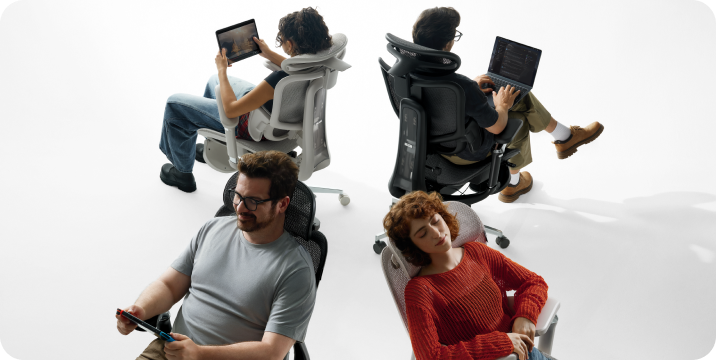
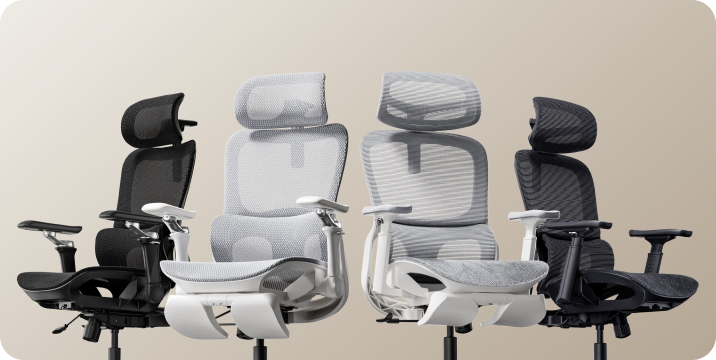
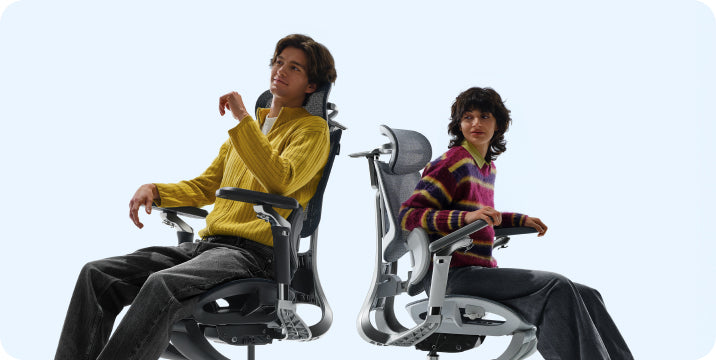
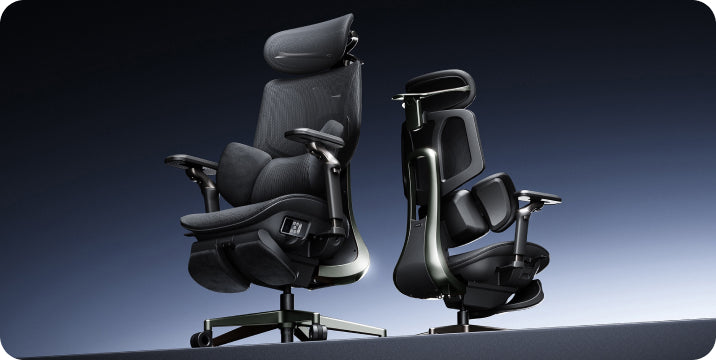

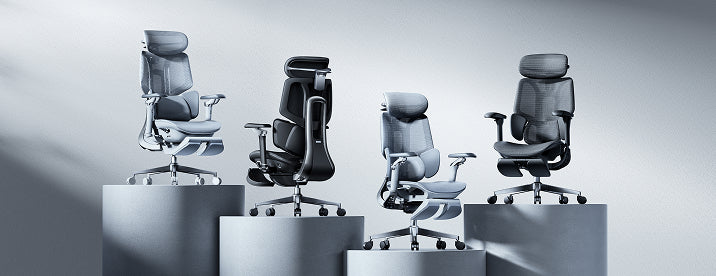
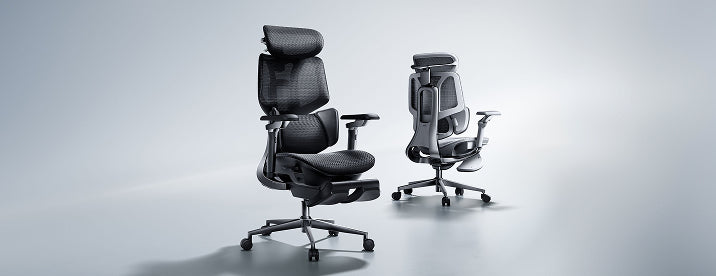



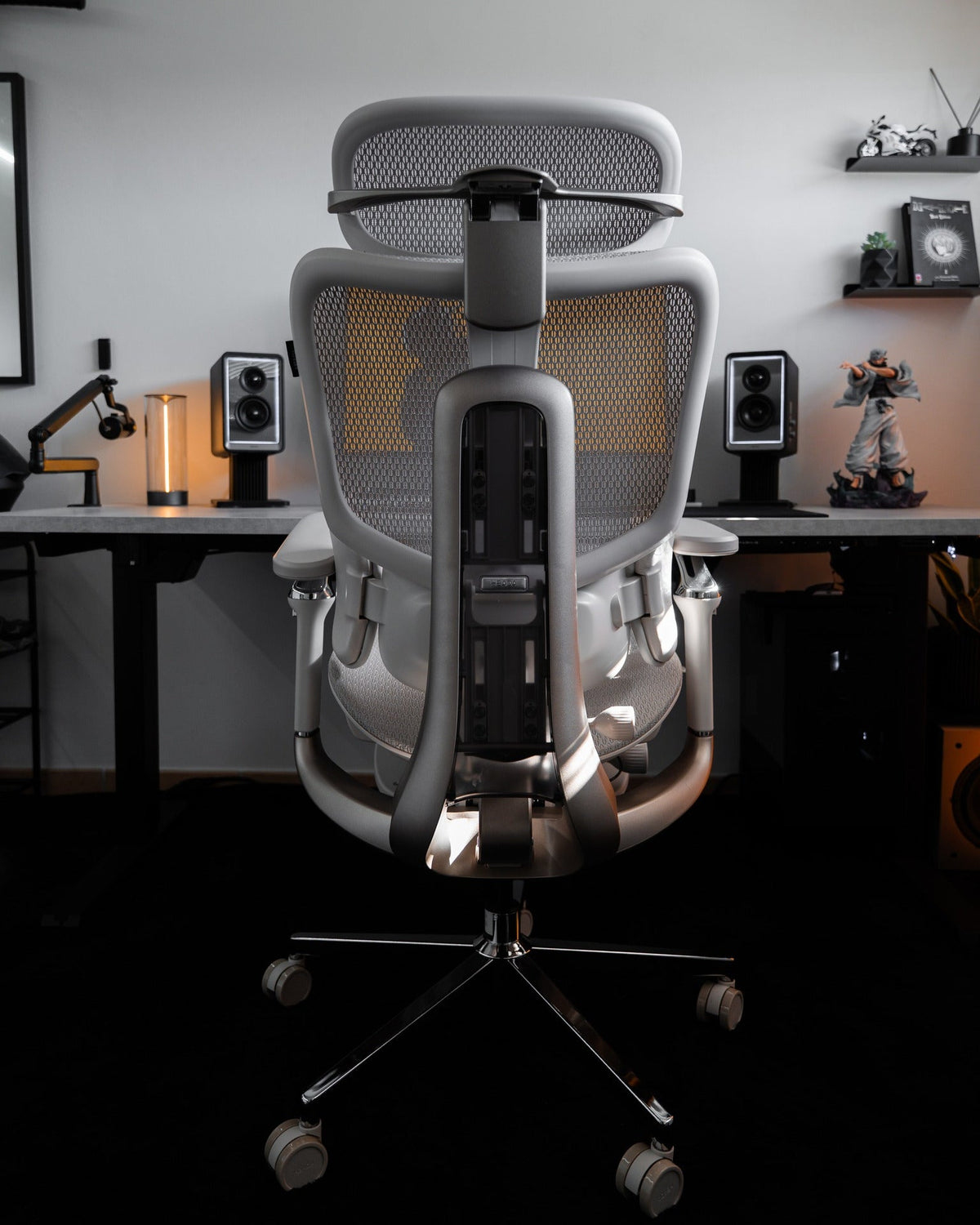
Start with your body.
Then your habits.
Then your chair.
Four models can mean a lot of specifications. Three thoughtful questions give you a better place to start.
Why start with questions instead of specifications?
Comparison charts are useful once you know what you are choosing between. But when every model has a long feature list, it is easy to compare adjustments you may rarely use while overlooking the ones that matter at your desk.
A decision path works differently. Start with what your body needs. Decide how much hands-on adjustment you want. Then think about the balance between working upright and leaning back. You can compare the finer details after the field is smaller.
This guide focuses on choosing between HBADA models. For a broader introduction to chair features and buying considerations, explore our ergonomic office chair buyer’s guide .
How tall are you—and what actually fits?
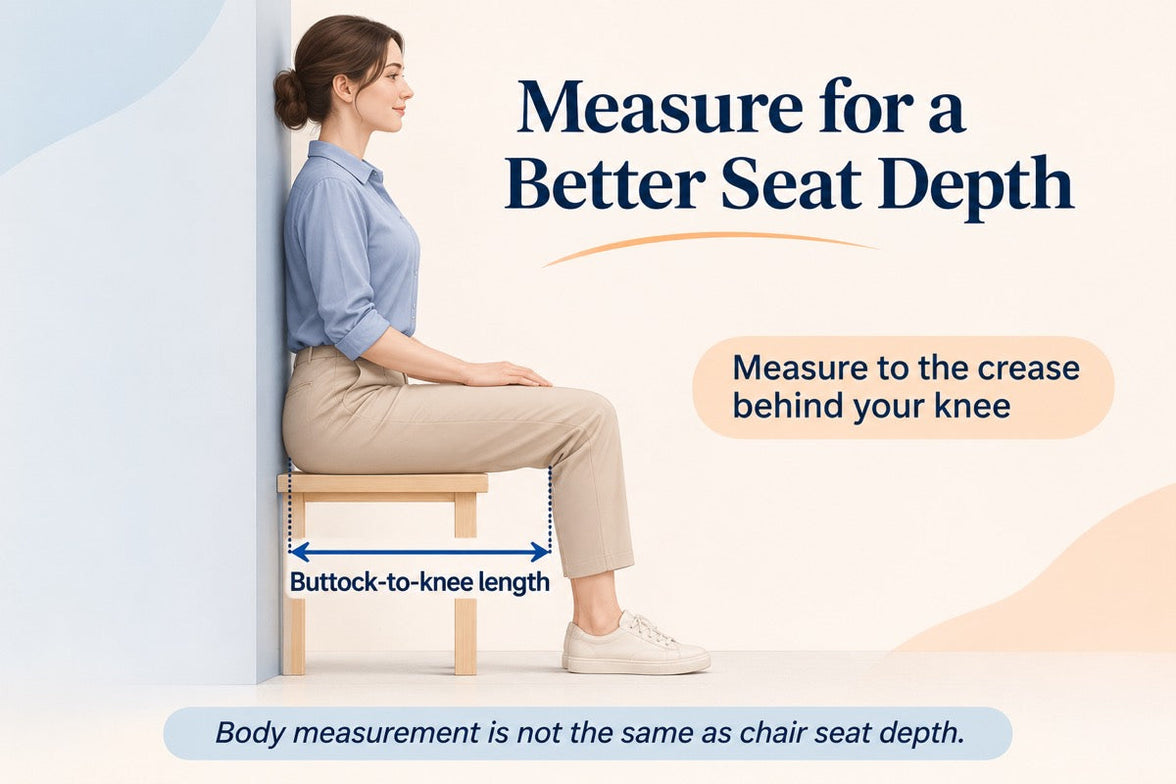
Height is a helpful first filter, but it cannot tell you your ideal seat depth on its own. Two people of the same height can have different leg lengths, torso proportions and support preferences.
Instead of assigning a fixed seat depth to a height bracket, compare the chair’s adjustment range with the space your body actually needs. You should be able to sit back against the backrest without the seat edge pressing into the backs of your knees.
If you are shorter, pay particular attention to the lowest seat height and shortest usable seat depth. If you are taller, check the upper adjustment range as well as where the backrest and headrest meet your body.
Seat height
Can you reach a comfortable desk position while keeping your feet supported?
Seat depth
Can you use the backrest without the front edge crowding the backs of your knees?
Width and support
Is there room for your hips, and can the lumbar support and armrests meet you comfortably?
Would you rather set your support—or have it track your movement?
This is not a choice between “advanced” and “basic.” It is a choice about how you want to interact with your chair. Manual adjustment, mechanical responsiveness and powered tracking are different ways of managing support.
“I want active lumbar tracking.”
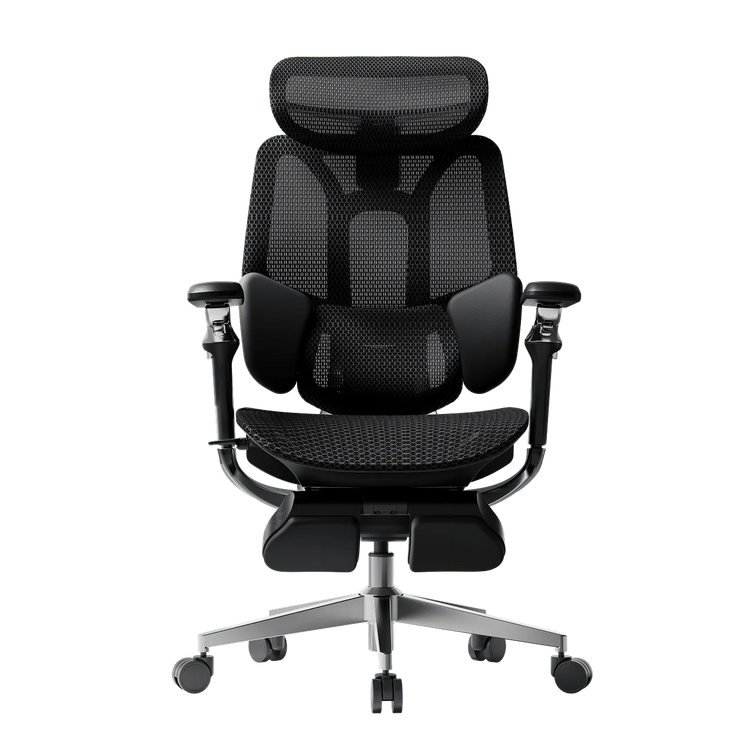
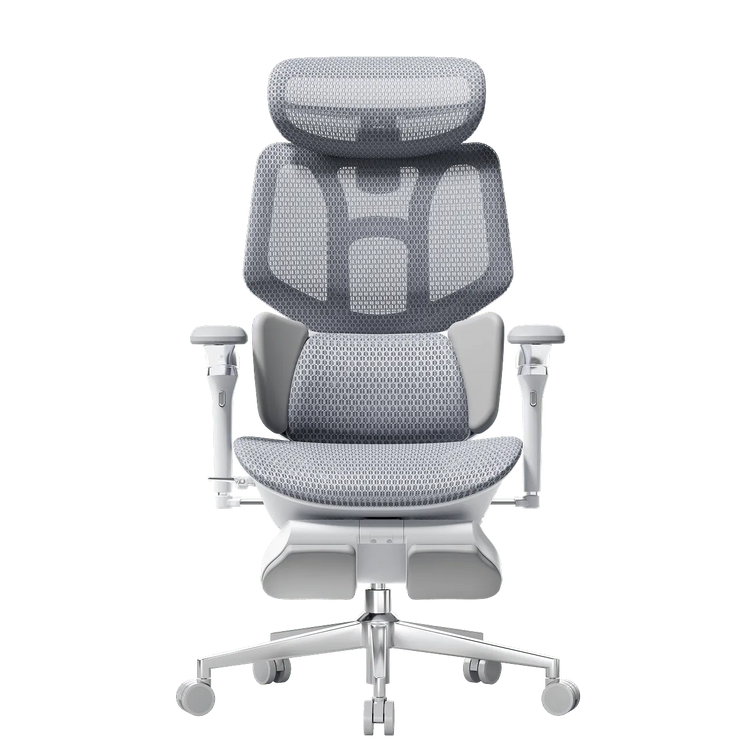
Start with the HBADA X7 . Its AI lumbar-tracking system adjusts the lumbar support as your posture changes. This is the direction to explore if powered tracking is one of your main priorities.
You still need to set up the chair around your body and desk. Automatic lumbar tracking does not mean that every chair adjustment happens automatically.
“I prefer hands-on adjustment.”
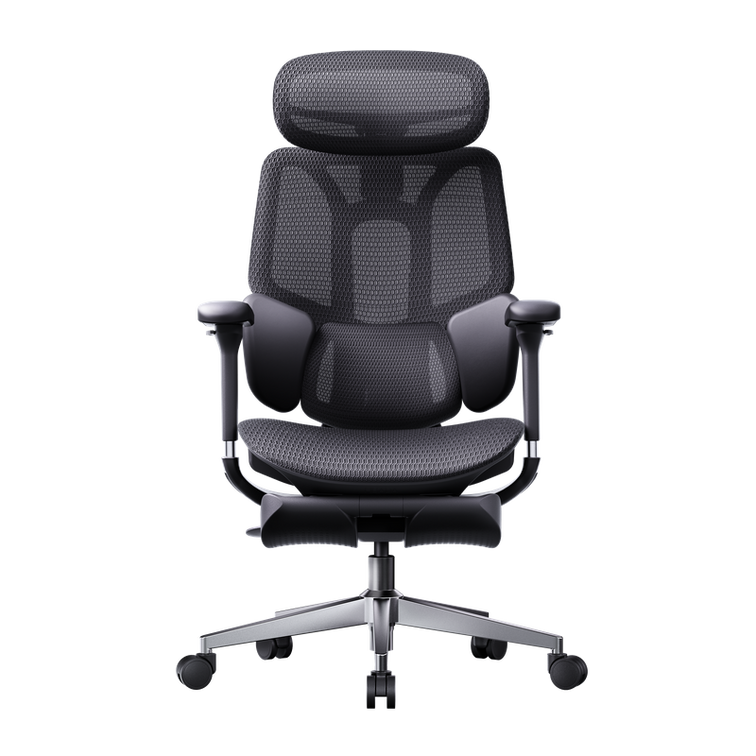
Compare the E3 Air 2026 and E3 Pro 2026 . Focus on the seat, lumbar and armrest adjustments that you will actually use.
A chair can also respond mechanically to movement after you set it up. Hands-on controls do not necessarily mean rigid, fixed support.
A separate consideration: massage and heating are comfort features, not another name for automatic lumbar tracking. If those matter to you, include E3 Ultra in your comparison.
Is your chair mainly for focused work—or work and reclined breaks?
Think about a normal day, not an ideal one. Do you spend most of your seated time typing? Do you lean back to read? Would you actually use a footrest, massage or heat during a break? These answers help you decide which extras deserve a place on your shortlist.
Mostly typing and desk work
Prioritize seat fit, lumbar contact and armrest positioning. Compare E3 Air and E3 Pro first if you prefer hands-on setup. Include X7 if active lumbar tracking is important to you.
A deeper recline is not automatically a better typing setup. Choose around the posture you use for your main tasks.
Work with regular reclined breaks
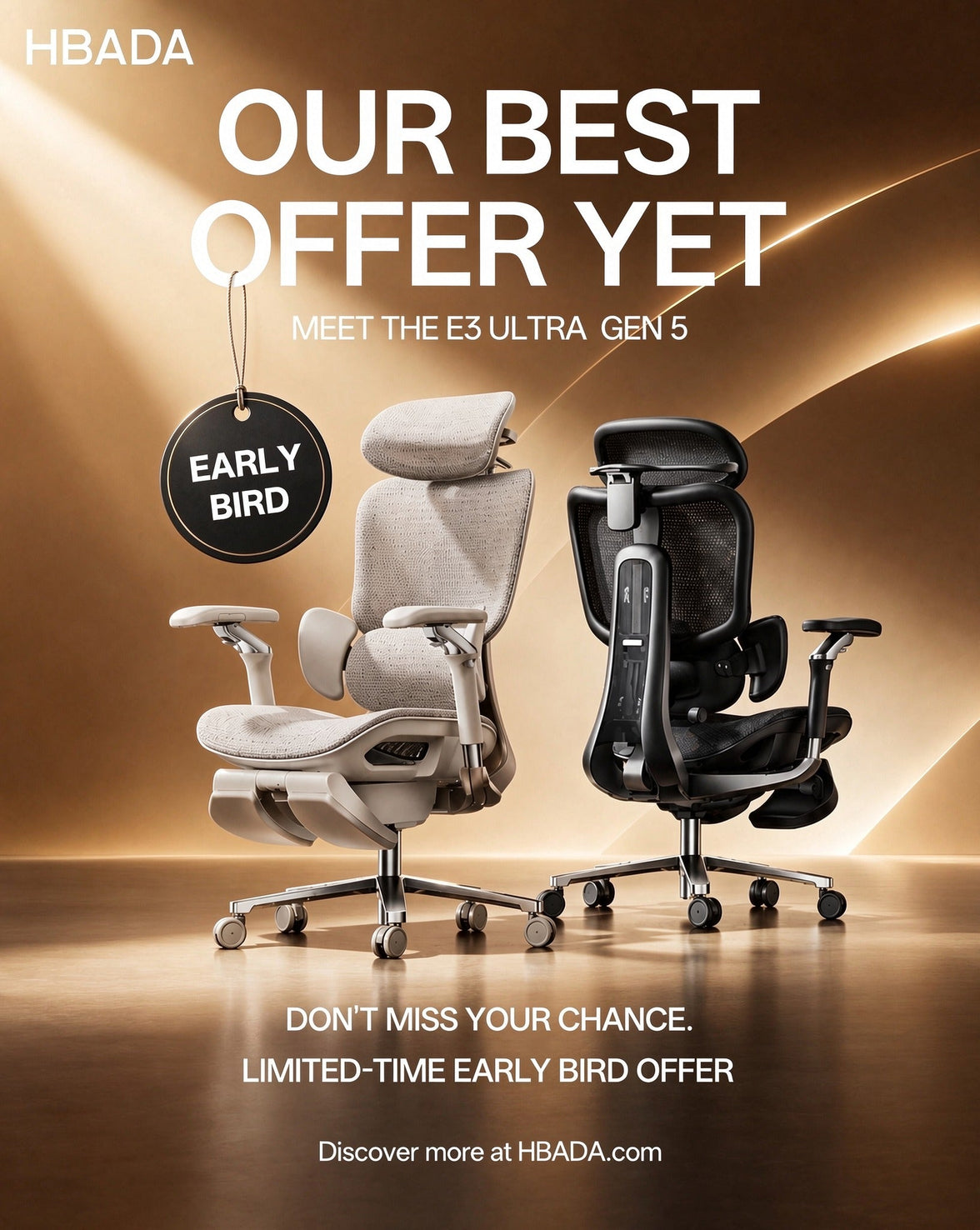
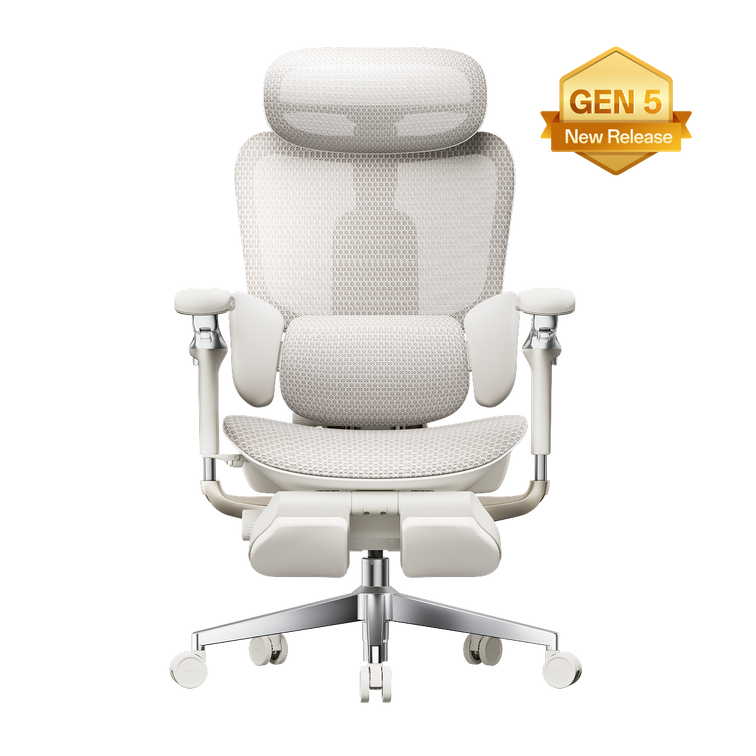
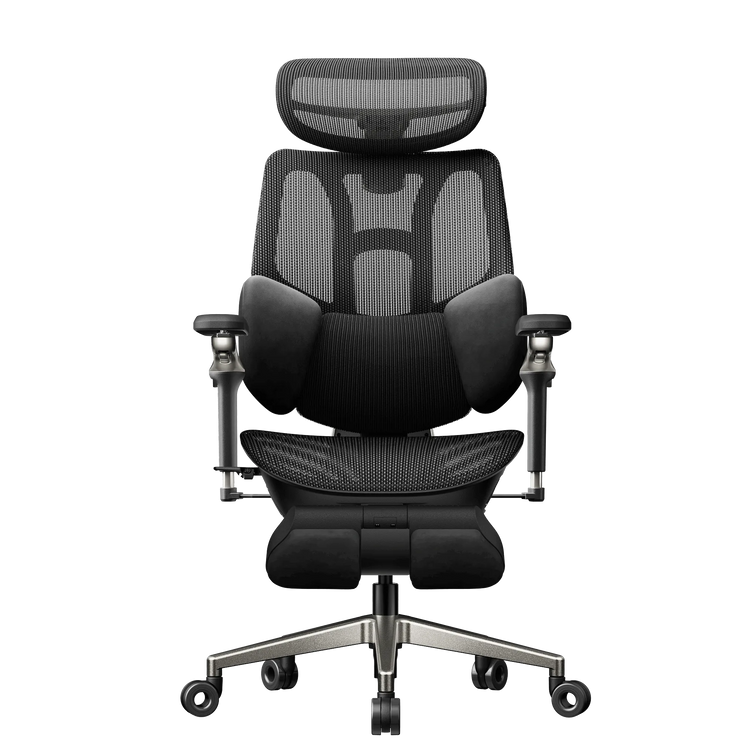
Give more attention to recline controls, head support, a footrest and the space behind your desk. The E3 Ultra Gen 5 combines a 150° recline and integrated footrest with 4D bionic massage and graphene heating.
If you also want AI lumbar tracking, compare X7 alongside it. Do not treat the two models as interchangeable simply because both offer features for relaxed sitting.
You do not have to pick only one use case. Start with a chair that works at your desk, then decide which break-time features you value. A pull-out footrest supports reclined rest; it is not the same as a separate under-desk footrest for upright work.
The goal is not the longest feature list.
It is a shorter list of chairs that make sense for you.
Put your three answers together.
Use this map as a starting point, not an automatic fit guarantee. More than one model may suit your preferences. Body fit remains the final filter on every path.
| Your priority | Start your comparison here | What to check next |
|---|---|---|
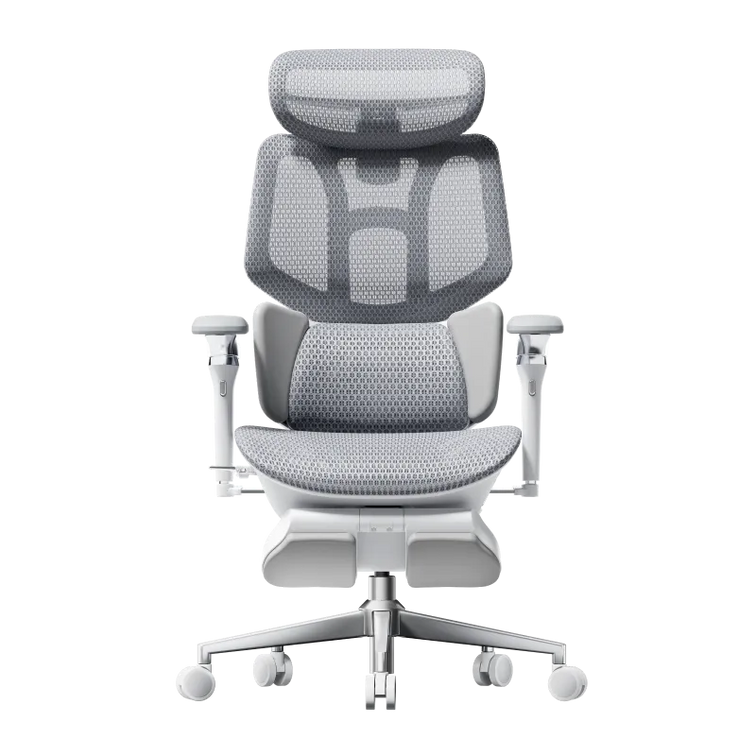
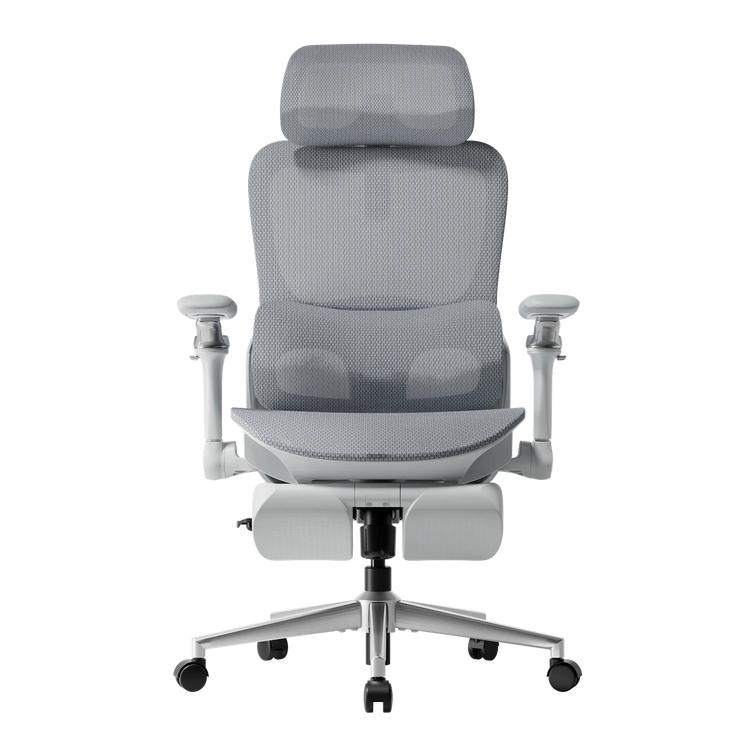
| Everyday desk comfort with hands-on setup | E3 Air 2026 | Seat fit, lumbar positioning and whether the armrest adjustments meet your everyday needs. |
| More adjustment options for your desk setup | E3 Pro 2026 | Whether its lumbar, seat and armrest adjustments address something you want to improve. |
| Powered lumbar support that follows movement | X7 | Tracking preferences, overall dimensions and the setup and power requirements of the selected model. |
| Massage, heat and reclined breaks alongside work | E3 Ultra Gen 5 | Seat fit, recline clearance and whether you will regularly use the massage, heat and footrest. |
E3 Air: start with the essentials you use.
A useful starting point when your priority is an everyday ergonomic desk setup. Compare its adjustment range with your measurements before deciding whether additional features are necessary.
Explore E3 Air 2026 →E3 Pro: look closer at personal adjustment.
Its three-zone lumbar system and flexible armrest adjustments make it worth comparing if you want more ways to fine-tune your setup. Choose it for useful adjustments, not an assumption that “Pro” automatically means a larger body size.
Explore E3 Pro 2026 →X7: make active tracking the deciding feature.
If powered lumbar tracking is what you are looking for, X7 belongs on your shortlist. Compare that experience with your preference for manually setting support.
Explore HBADA X7 →E3 Ultra: consider how you like to unwind.
Gen 5 brings full-body dynamic support together with lower-back massage and heat. It is a model to explore when both your working setup and your seated breaks matter.
Explore E3 Ultra Gen 5 →Before you buy, check the details that decide fit.
Your three answers should give you a shortlist. Now use the current product information to confirm the choice.
- Check usable dimensions. Compare seat height, seat depth and usable width with your body and desk—not just a general recommended-height range.
- Check the published weight capacity. Read the rating for the exact model. Do not assume that one model supports more weight because of its name or price.
- Choose the right version. Confirm the generation, color and footrest configuration. A footrest does not correct an unsuitable seat depth.
- Measure your workspace. Check armrest clearance, the chair’s footprint and the room needed to recline.
- Review purchase terms. Read our warranty and service information and return policy for the applicable conditions before ordering.
For shared desks, include every regular user’s measurements in the comparison and consider how easy it is to reset the chair between users.
A few questions before you decide.
What are the three questions for choosing a HBADA chair?
Start with your height and body measurements, then decide how you prefer to adjust your support, and finally consider whether you mainly work upright or also take regular reclined breaks. Use the answers to narrow your options before checking exact specifications.
Can my height tell me which HBADA chair will fit?
Height helps you screen models, but it does not determine seat depth by itself. Leg length, usable seat width and desk height also matter. Compare the chair’s adjustment ranges with your own measurements.
Which HBADA chair should I consider for automatic lumbar tracking?
Start with X7 if active AI lumbar tracking is a priority. You still need to adjust the rest of the chair for your body and workspace; lumbar tracking does not replace the initial setup.
How should I choose between E3 Air and E3 Pro?
Compare their current seat, lumbar and armrest adjustment ranges. E3 Air is a starting point for everyday ergonomic seating; E3 Pro is worth exploring when its additional adjustments solve a specific fit or positioning need. Do not choose solely by body-size labels.
Is E3 Ultra the same kind of smart chair as X7?
No. E3 Ultra Gen 5 emphasizes dynamic support, 4D bionic massage, graphene heat and reclined comfort. X7 includes AI lumbar tracking. Massage, heating and tracking are separate functions, so compare the features you actually want.
What if I work upright and also like to recline?
Confirm your working fit first, then compare recline controls, head support, footrest options and available space. You do not need to select an automatic-tracking model simply because you enjoy reclined breaks.
Will these questions identify one perfect chair?
They help you build a practical shortlist, not guarantee a single perfect match. More than one model may work for you. Dimensions, personal comfort, configuration and budget complete the decision.
Three questions.
A clearer shortlist.
A chair chosen for you.
Start with fit. Choose the kind of support you want. Make room for the way your day really works. Then compare the details that matter—not every number on every page.
Explore the complete HBADA buying guide →