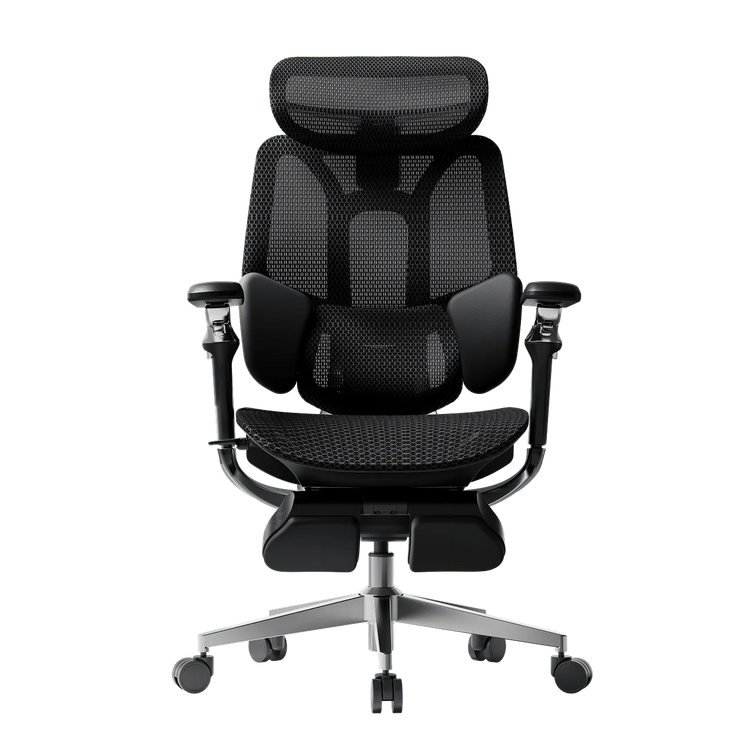
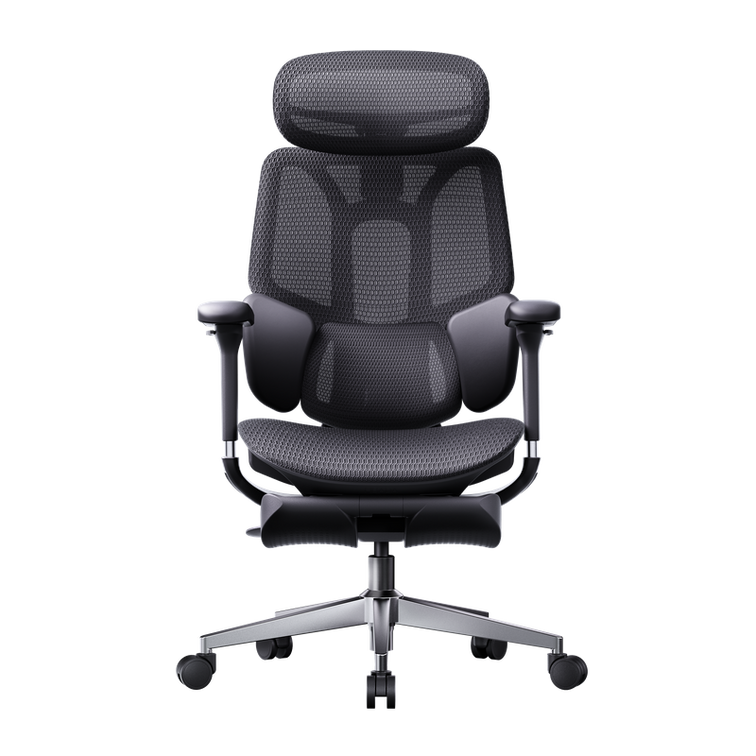
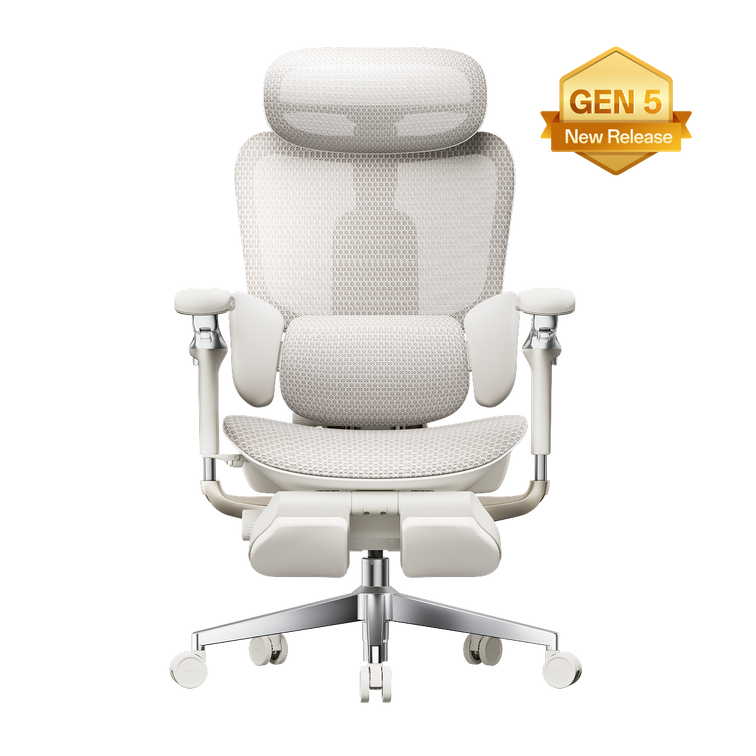
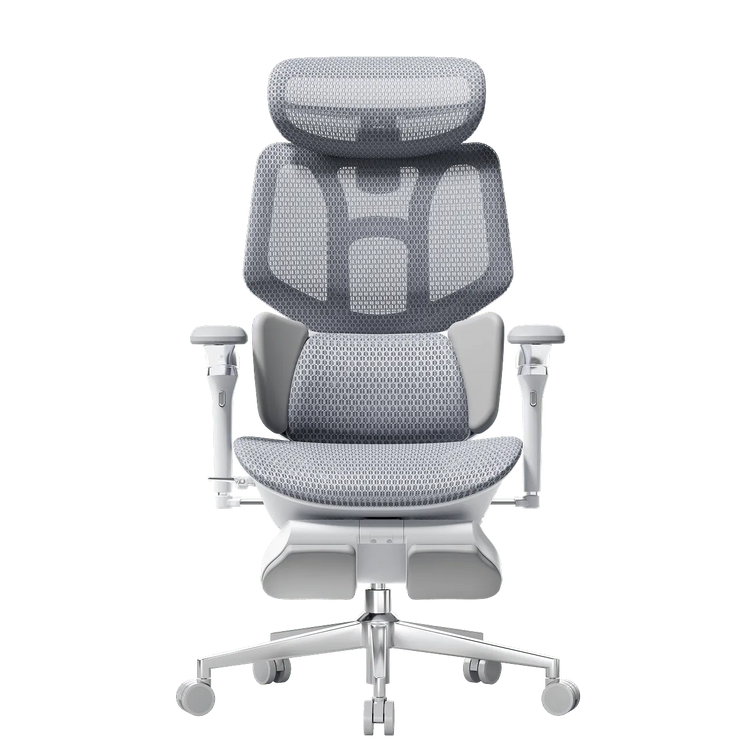
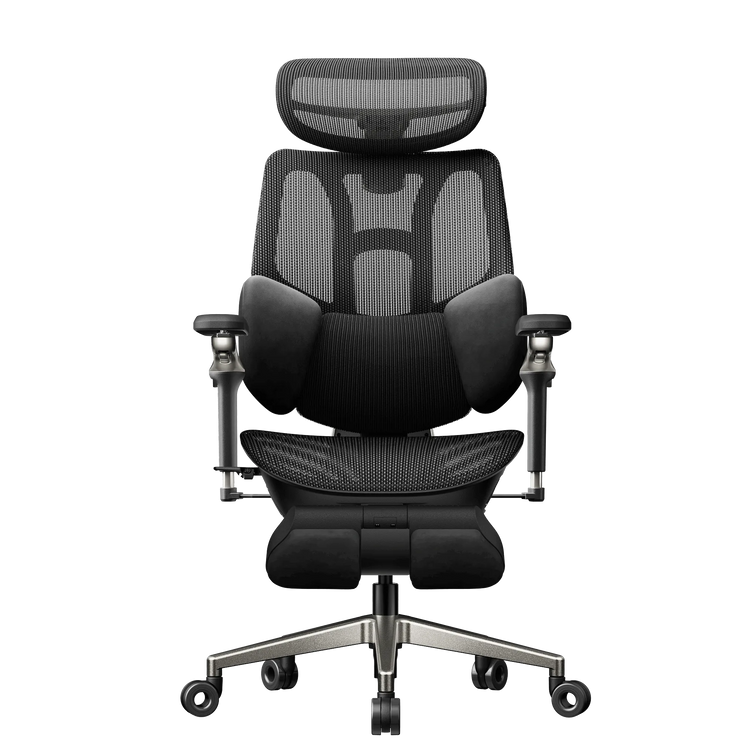
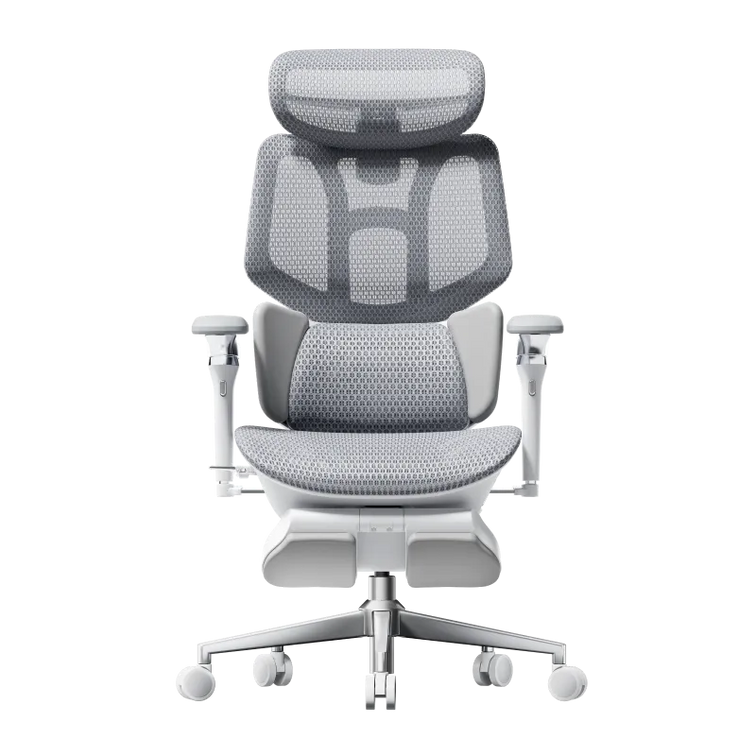
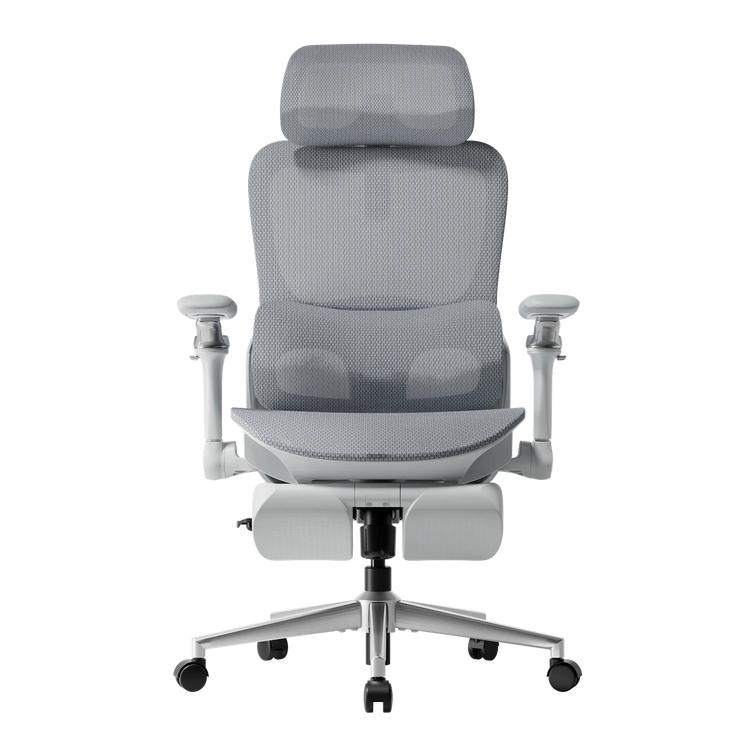


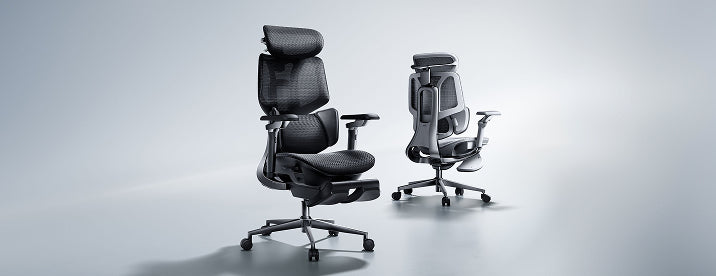


E3 Air 2026
Elite Ergonomic Comfort. Within Reach
Best for
Essential support for consistent desk work
Remove this item from your cart?
Cart

Answer a few simple questions about your needs and sitting style, and we’ll help you find the HBADA chair that fits you best.
Choose E3 for precise, hands-on adjustment across lumbar, arm, and recline settings.
Elite Ergonomic Comfort. Within Reach
Best for
Essential support for consistent desk work

World's First 3-Zone Elastic Lumbar Support System
Best for
Long hours & multi-posture sitting

Full-Body Dynamic Support Meets Bionic Massage for All-Day Relief.
Best for
Premium comfort & deep recline
Choose X7 for AI lumbar tracking and smart support that adapts as your posture changes.

Full AI Lumbar Tracking, Lighter Frame.
Best for
Essential support for consistent desk work

The World's First AI Smart Lumbar-Tracking Ergonomic Chair.
Best for
Long hours & multi-posture sitting

Supercar Leather. Foldable Lumbar Wings. Full AI.
Best for
Premium comfort & deep recline

Smooth adjustment with one-touch locking for a precise fit.

Support follows you as you shift

Relieves back tension like a personal physical therapist on call.

Distributes pressure while staying cool and breathable.

UPGRADE
Choose E3 Pro 2026 if you want upgraded lumbar support, more flexible armrests, and greater long-hour comfort.
STAY
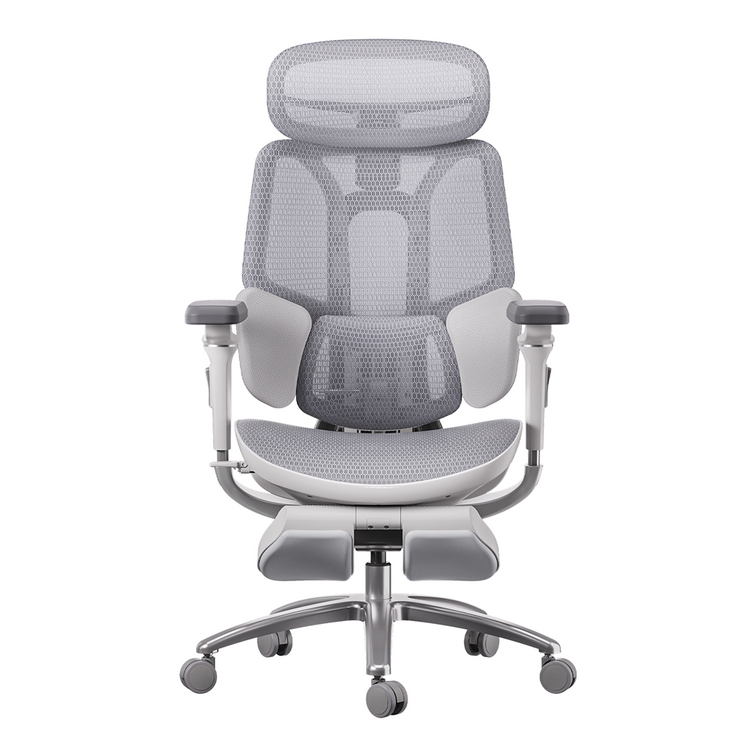
Choose E3 Air 2026 if reliable everyday support and essential adjustments already meet your needs.

UPGRADE
Choose E3 Ultra (Gen 5) if you want more complete full-body support, a closer ergonomic fit, and built-in massage for added comfort and recovery.
STAY
Choose E3 Pro 2026 if precise lumbar support and advanced adjustability already meet your needs.

UPGRADE
Choose X7 if you want a premium aluminum-alloy backrest structure and a more refined overall build.
STAY
Choose X7 Air if you want the core X7 smart-support experience at the best value.

UPGRADE
Choose X7 Prestige if you want flagship comfort, premium Supercar Leather, and the most refined X7 experience.
STAY
Choose X7 if the core smart lumbar, massage, heat, and airflow features already meet your needs.
Not just by us.
16 Years
Focused on ergonomics
300+
Product & design patents
30+
Countries & regions shipped
10M+
Users worldwide

Furniture standard — passed durability & performance tests

Co-developed with chiropractic experts for spinal support

Independent lab — full-chair inspection to intl. standards

Ergonomics institute — certified for healthy, active sitting

Safety authority — tested and approved for daily use
Start with your body measurements, desk height and daily activities. Compare seat height, usable seat depth, seat width and lumbar support before looking at extras. The right chair should let you sit back with your feet supported, shoulders relaxed and space behind your knees. Use our chair guide to narrow your options, then check each model’s dimensions.
Your height is a useful starting point, but leg length and torso proportions also affect fit. Check the chair’s seat-height range, seat depth and backrest height in centimetres. You should be able to use the backrest without the seat pressing behind your knees. Treat recommended user-height ranges as guidance rather than a guarantee of fit.
Prioritise lumbar support that meets your lower back comfortably, together with suitable seat depth and an adjustable backrest. Support should feel steady rather than forceful or push you towards the front of the seat. If you are choosing an office chair because of back pain, remember that fit and regular movement matter; a chair is not a treatment for an underlying condition.
Look for a chair that fits your body, offers useful adjustments and lets you change position comfortably. Seat height and depth, lumbar support, armrest positioning and recline are important comparison points. Choose a seat material you find comfortable, and plan regular movement breaks. No chair makes uninterrupted sitting comfortable for everyone.
Sit with your lower back against the backrest. The seat should support your thighs while leaving a small gap behind your knees. If you need to slide forward to avoid pressure, the seat may be too deep. Adjustable seat depth helps you fine-tune this fit without losing contact with the backrest.
Shorter users should check the minimum seat height, minimum seat depth and whether the armrests adjust close enough to the body. Taller users should check maximum seat height, thigh support and backrest or headrest positioning. In either case, compare actual dimensions rather than relying on “small” or “large” labels, and check the stated weight capacity separately.
Mesh offers an open surface that allows airflow, while a padded seat provides cushioning with a different feel. Neither material is automatically more comfortable for everyone. Consider your preference for firmness, how warm your workspace gets and how well the seat fits your body. Breathable mesh allows ventilation; it does not actively cool the chair.
Adjustable armrests are useful when they support your forearms without raising your shoulders or preventing you from sitting close to the desk. A headrest can be useful during reclined breaks, but it should not push your head forward when you work. Compare the actual adjustment movements rather than choosing solely by the number of “D” settings.
Choose an integrated footrest if you want leg support while reclining during breaks. It serves a different purpose from a separate under-desk footrest, which supports your feet during upright desk work. If your feet cannot reach the floor at the seat height needed for your desk, consider a separate footrest rather than relying on the chair’s pull-out leg support.
Measure your current chair and note what feels too high, too deep, too narrow or poorly supported. Compare those measurements with the model you are considering, and check adjustment demonstrations and assembly instructions. Before ordering, review delivery availability, return conditions and any return costs for your country. If you are unsure, contact our team with your height, desk height and fit preferences.