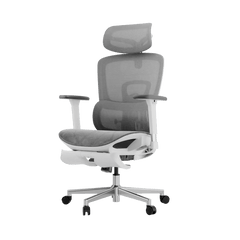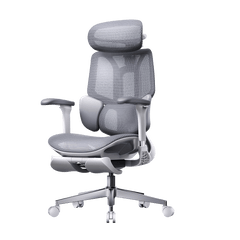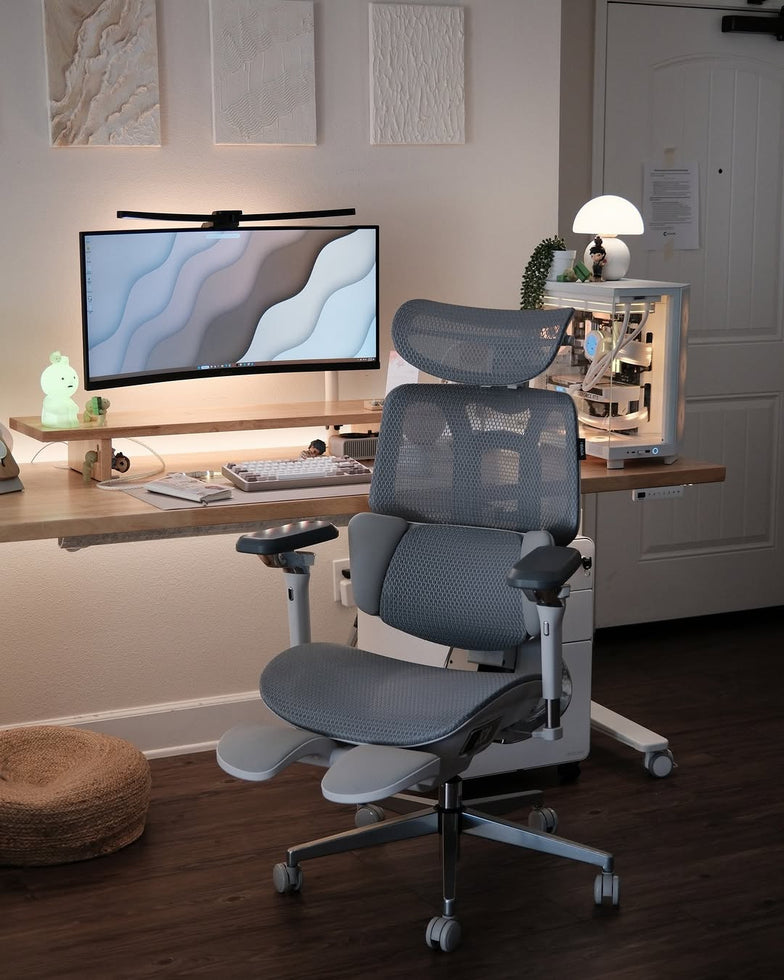


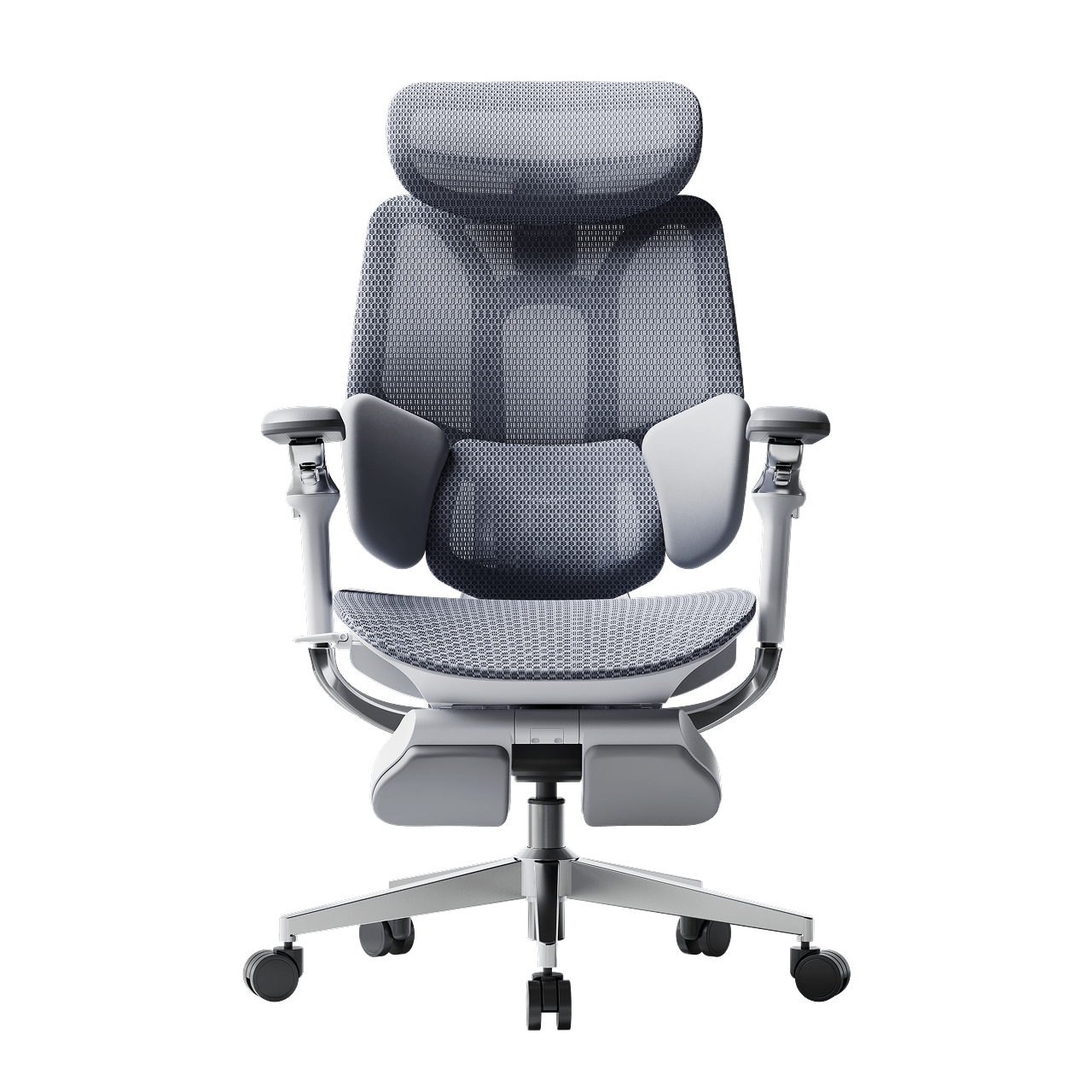
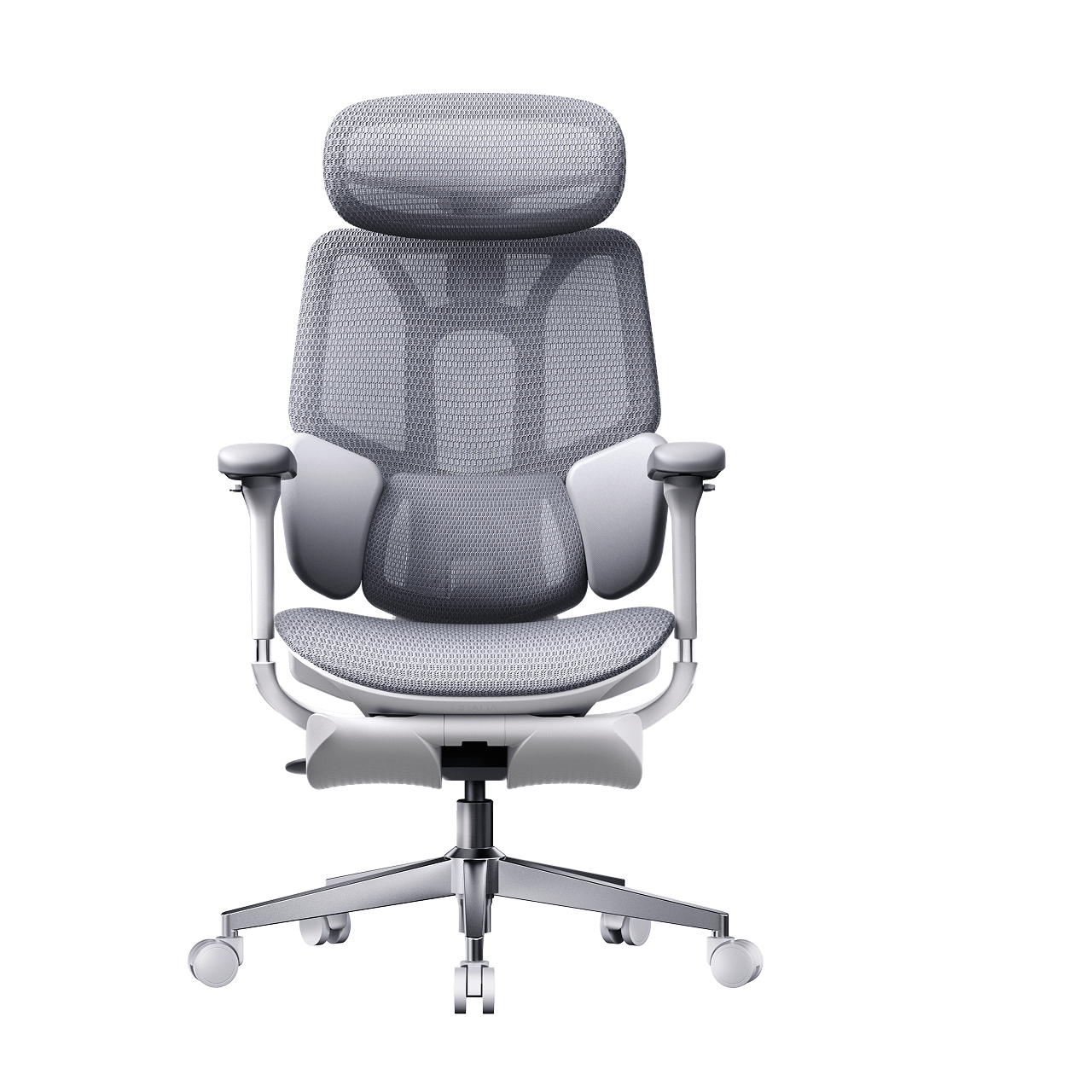
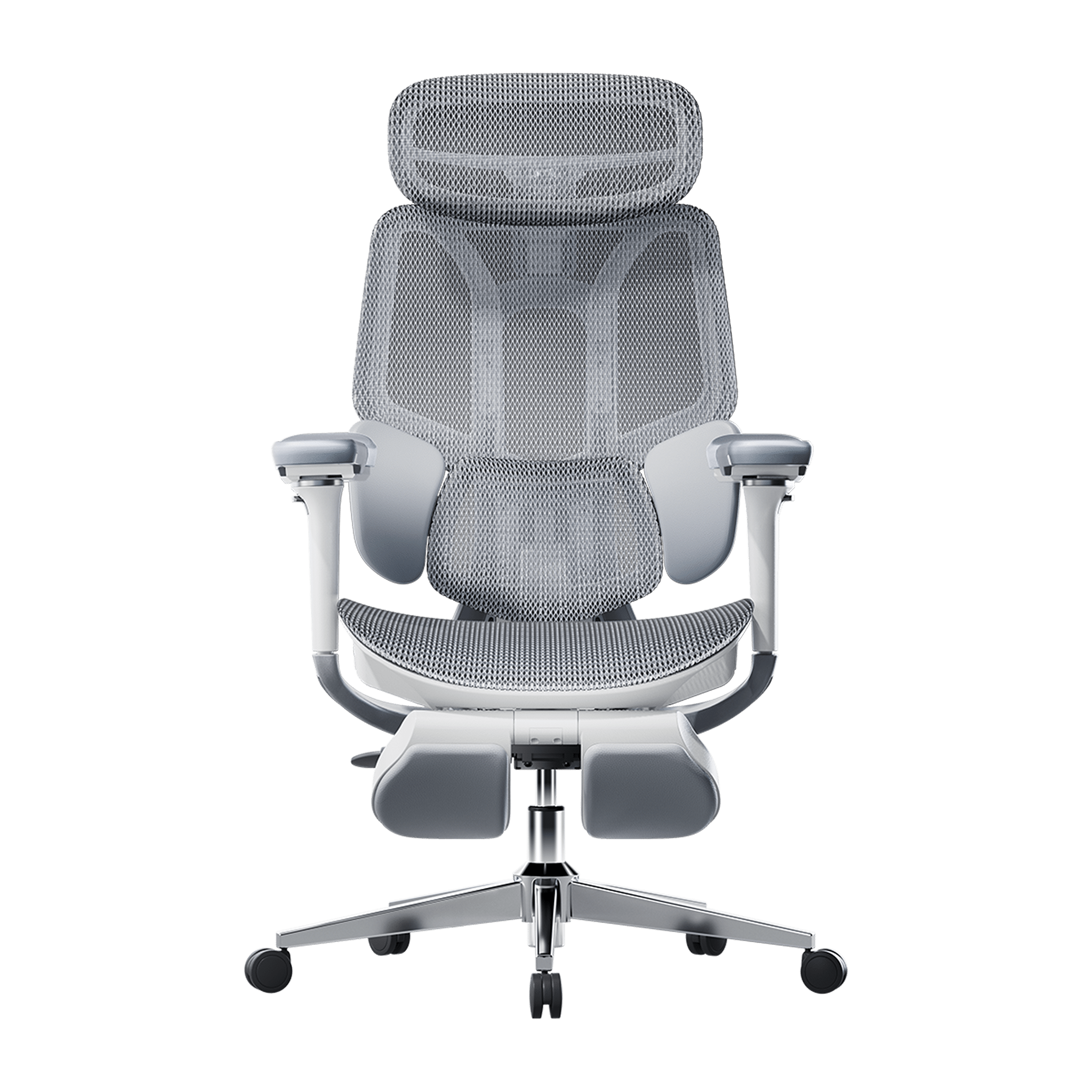
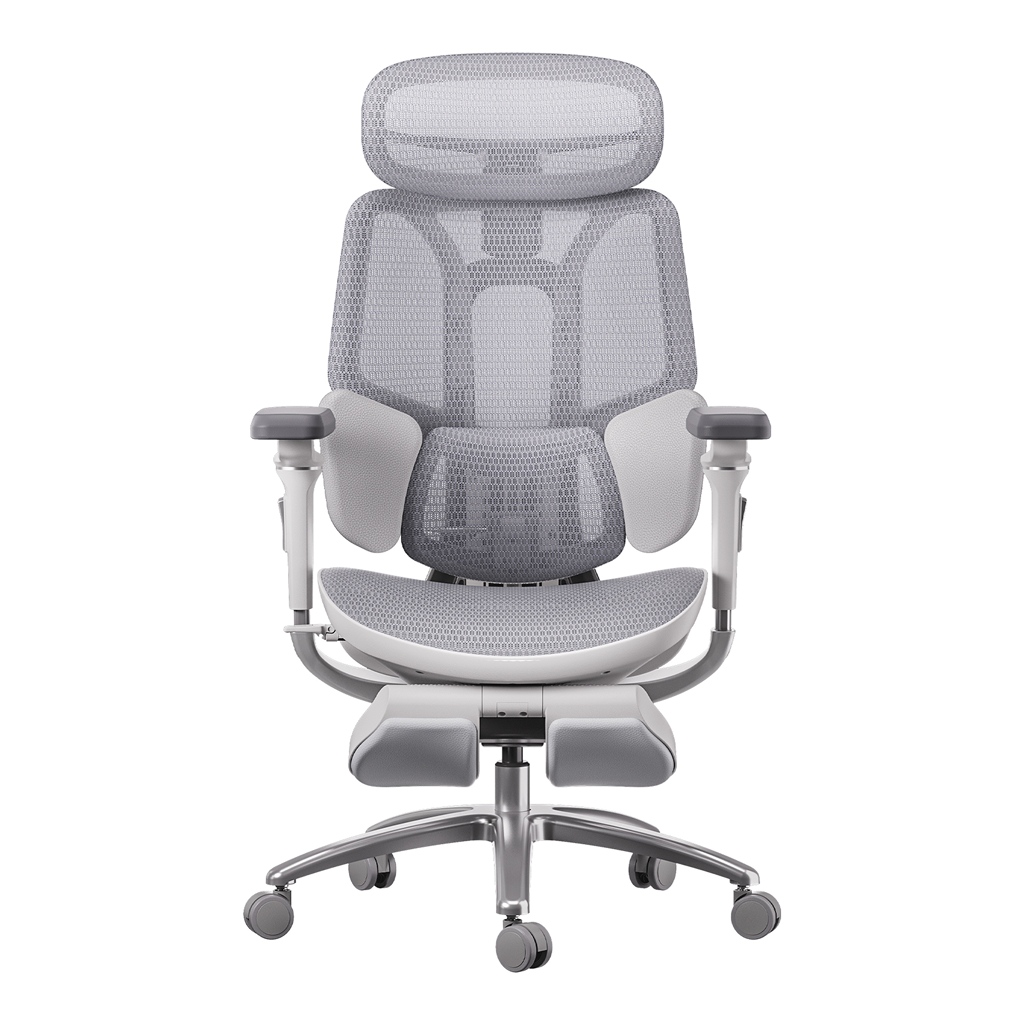





A squeaky, sinking, or stiff desk chair can quickly interrupt your work and make it hard to focus. Many people think they need to throw out their chair or buy a costly new one as soon as it starts having problems.
However, learning how to fix an office chair on your own is remarkably simple and rarely requires special technical skills. Most common mechanical, structural, and alignment issues can be diagnosed and completely resolved at home in under ten minutes. By understanding the basics of modern furniture engineering, you can master fast chair repair methods, eliminate distracting noises, and restore your professional workspace to perfect working order.

Step 1: Solving the Sinking Chair Syndrome (Gas Lift Cylinder Maintenance)
Having your office chair at the right height is important for your posture, but if the gas lift cylinder fails, your chair will slowly sink during the day. When the seal inside loses pressure, the seat drops to the bottom every time you sit.
Diagnosing the Pressure Seal
Most office chairs use a gas lift cylinder filled with nitrogen and controlled by a valve. Over time, dirt or small cracks in the rubber seal can cause the gas to leak slowly.
To check for this problem, turn your chair over and look at the plastic button on top of the cylinder. Sometimes, the metal plate in the control can bend or move, pressing on the valve and making the chair sink even when you are not pressing it.
The Clean Modular Swap
If the pressure seals are worn out, using tape or clamps will only fix the problem temporarily. The best way to fix a sinking chair is to replace the cylinder completely.
· Pull the retaining clip out from the very bottom of your current wheelbase using needle-nosed pliers.
· Tap the underside of the base gently with a rubber mallet to detach the cylinder from the five-star wheel assembly.
· Twist the cylinder out from the top control chassis mechanism using an adjustable pipe wrench.
· Drop a fresh, certified gas lift into the center of the base and press down firmly to complete the assembly.
Our modern chair lines emphasize modular engineering to make this process incredibly quick. By choosing components built around clean structural connections, we ensure you can swap out core parts, like a pneumatic lift, in under 10 minutes without specialized tools.

Step 2: Eliminating Creaks and Squeaks (Chassis Lubrication)
Noise distraction behaves like a major enemy of deep mental focus in quiet corporate settings or home offices. A loud screeching sound every time you recline or twist indicates that two dry metal surfaces are rubbing against each other.
Locating the Metal-on-Metal Friction Points
To trace the exact source of a squeak, sit in your seat and lean gently from side to side, then tilt back slowly to narrow down the noise. Turn the seat upside down on a clean rug or towel to expose the mechanical control chassis.
The main causes are often the recline hinge pin, the steel tension spring housing, or the brackets that attach the seat to the base. Over time, the original grease dries out or collects dust, becoming a gritty paste that stops working.
Applying Commercial Lubricants Safely
Do not spray random household oils onto your seating hardware, as they dry out too quickly and attract dust, which can worsen friction later. Instead, use a high-quality silicone spray or a dedicated PTFE dry-film lubricant to resolve the issue.
· Wipe down all exposed steel joints with a microfibre cloth to clear away built-up grime and old oil.
· Spray your lubricant directly into the recline spring housing and around the pivot pins.
· Activate the mechanical joints by tilting the chassis back and forth to work the fluid deep into the bearings.
· Wipe away any excess overspray with a clean towel to keep oil from dripping onto your office floor.
Our strong aluminum frames and self-lubricating recline parts are designed to minimize friction. This design helps keep your workspace quiet, even during long workdays.

Step 3: Tightening Loose Components and Stiff Armrests
Small movements throughout the day can slowly loosen the steel bolts that hold your chair together over time.
The 6-Month Hardware Inspection Checklist
A wobbly backrest or loose armrest usually just means your chair needs a routine check, not that something is broken. Doing a quick check every six months helps keep your furniture in good condition. Use this checklist to keep your workspace steady:
· Chassis-to-Seat Screws: Verify that all four primary mounting bolts beneath the main cushion are completely tight.
· Backrest Support Arm: Tighten the heavy-duty bolts connecting the vertical spine to the underside of the mechanical engine.
· Armrest Base Brackets: Inspect the underside connections to stop your armrests from shaking or twisting out of alignment.
· Caster Stem Sockets: Ensure each wheel stem is fully inserted into the five-star base socket to keep the chair level.
Servicing Highly Dynamic Joints
If you have an older chair with fixed arms, the brackets can loosen over time due to the pressure when you push yourself up from your desk. This is why many basic office chairs end up with wobbly arms.
Upgrading to a better chair can fix this problem. Our advanced designs spread your weight evenly, so your armrests stay tight and supportive for years.
Maintenance Blueprint: Structural Care Across Seating Tiers
Different chair designs need different maintenance routines to keep them working well and reliably.
|
Product Model |
Key Mechanical Node |
10-Minute Maintenance Focus |
Tool Required |
|
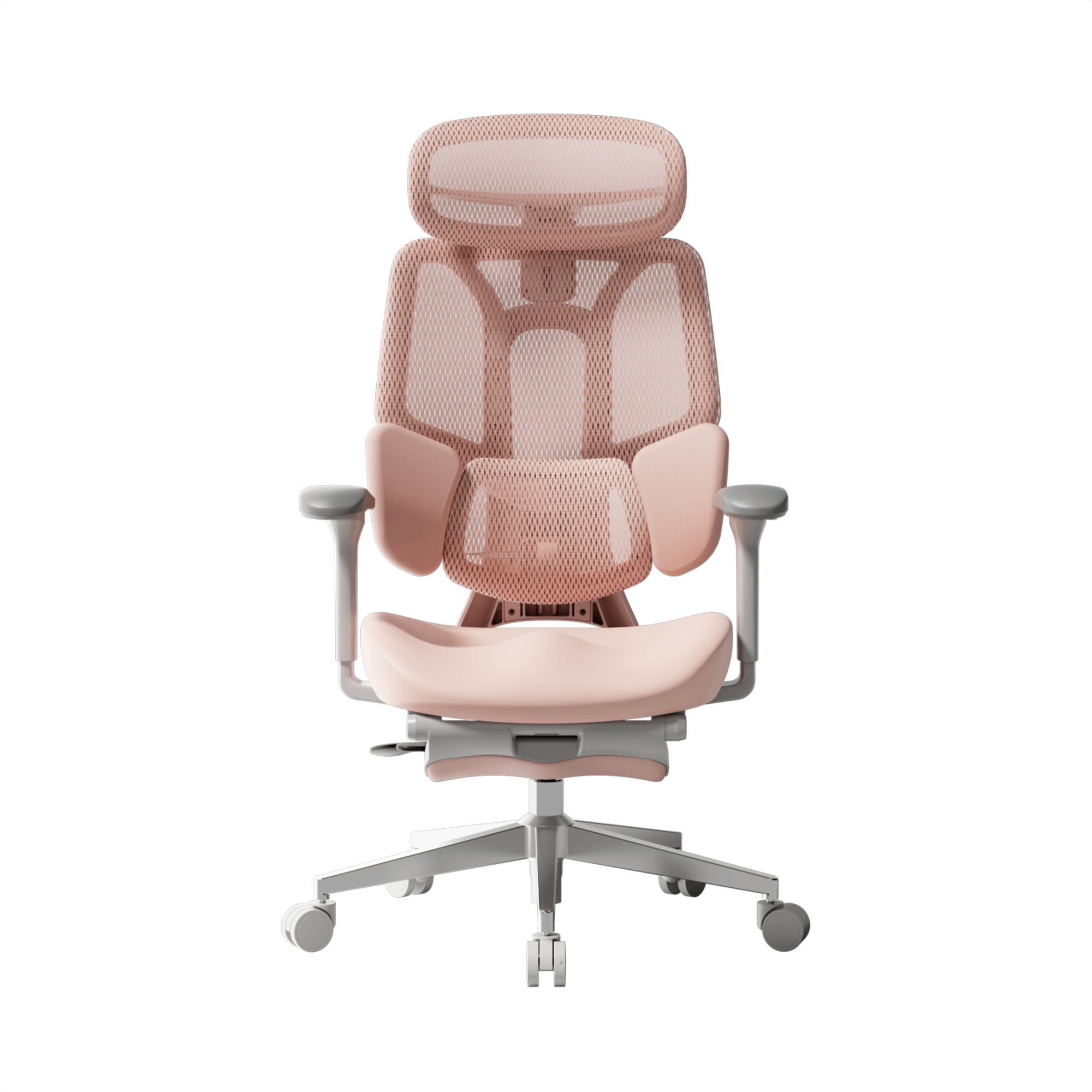
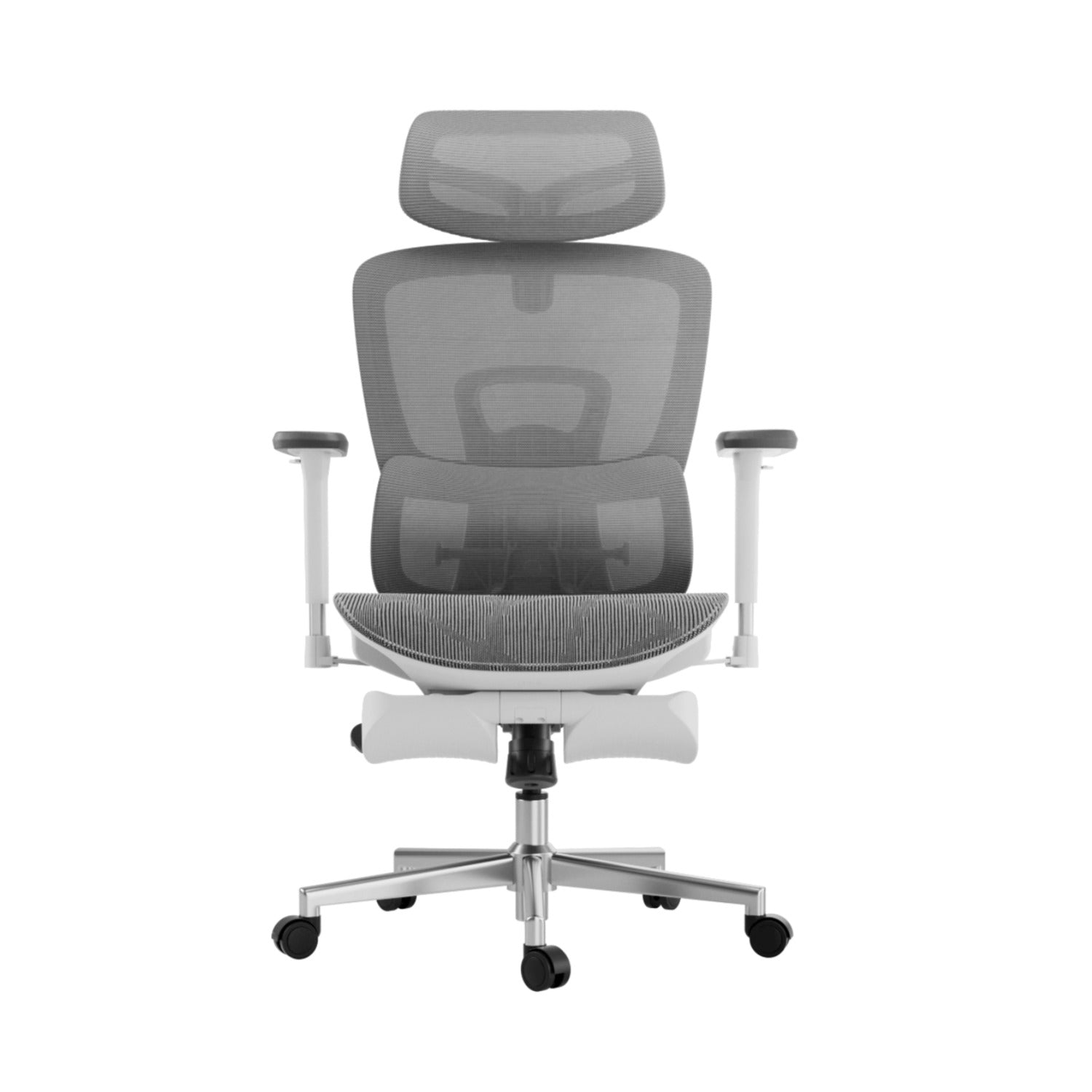
Hbada E3 Air |
High-Elasticity CloudMesh Panel |
Cleaning mesh pores & clearing caster debris |
Vacuum attachment & soft brush |
|
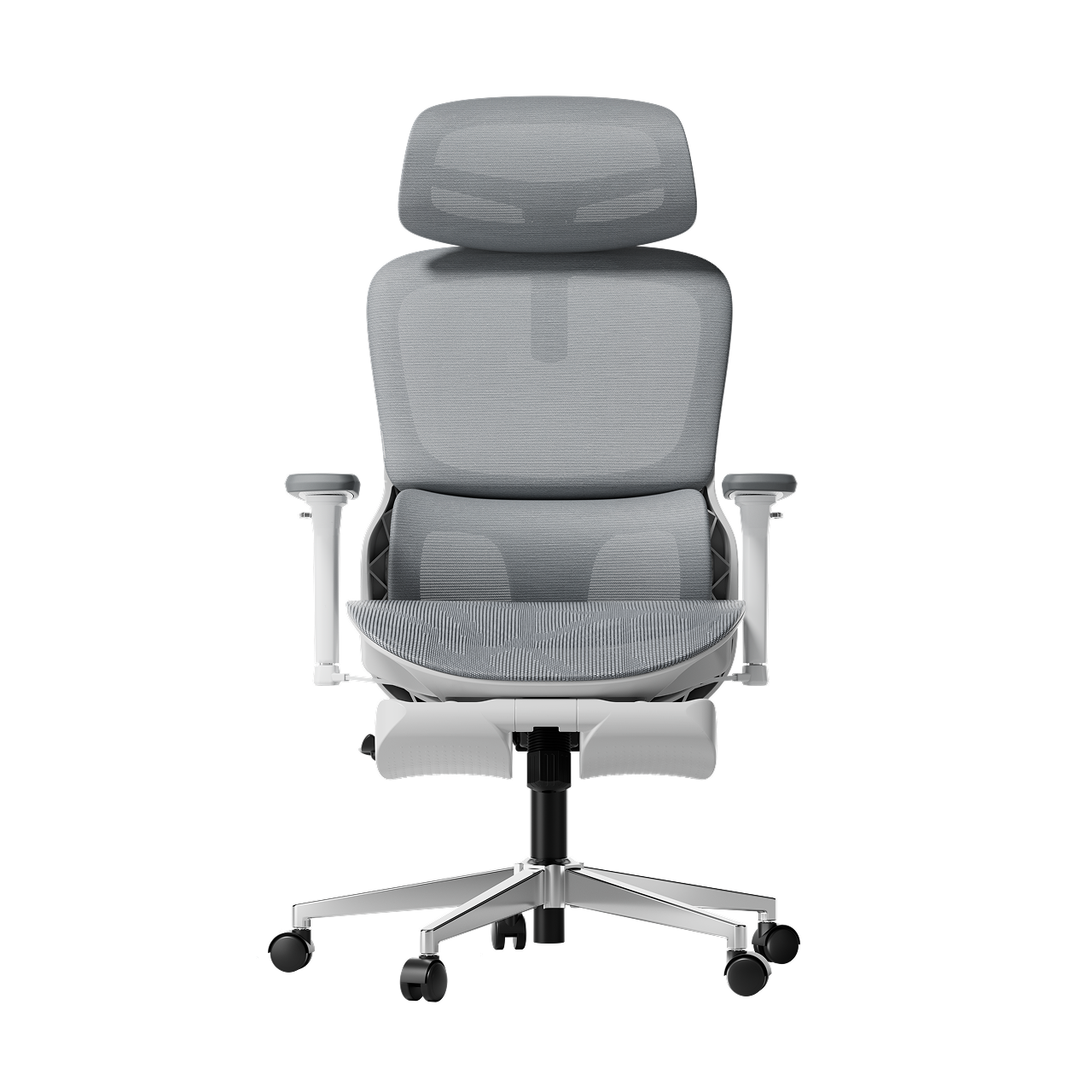
HBADA E3 Pro |
3-Zone Adaptive Floating Wings |
Checking internal spring tension & armrest bolts |
Included M6 Allen wrench |
|
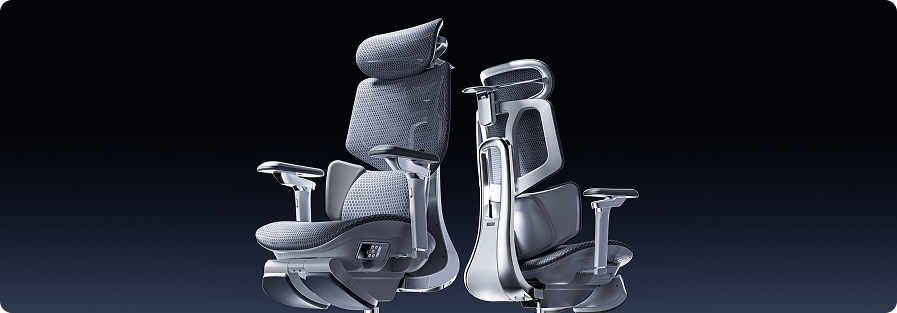
Hbada AI-Powered x7 |
Sensor Core & Motorized Tracks |
Battery charging & sensor surface calibration |
USB-C cable & microfiber cloth |
Troubleshooting Onboard Tech: The Smart Maintenance Frontier
When you switch to smart furniture, taking care of your setup involves more than just checking nuts and bolts.
Battery and Core Power Management on the Hbada AI-Powered x7
The Hbada AI-Powered x7 uses smart electronics to support posture, so you need to manage its power consumption. It runs on a removable 5,200 mAh lithium-ion battery pack that fits into the lower frame.
To ensure your active features continue running smoothly, connect the hidden charging port to a standard USB-C power adapter every few days. If the active tracking features do not initialize, slide the battery out of its secure housing to check that the metallic contact points are completely clean and free of dust.
Sensor Alignment Calibration
The tracking system uses sensitive sensors to check your posture 1,000 times per second. If you move your chair over thick carpet or bump it, you may need to reset the system.
· Clear all weight off the seat cushion and ensure the chair is resting flat on an even surface.
· Hold down the primary calibration button located on the side-mounted magnetic remote control for five seconds.
· Allow the motorized lumbar module to move through its full forward and backward range during its self-test.
· Once the system bleeps, sit in your usual working posture so the active tracking software can capture your body shape accurately.
Frequently Asked Questions (FAQ)
What tools do I need to keep in my desk drawer for basic chair maintenance?
You only need a few basic tools to keep your office chair working perfectly. Keeping a standard dual-head screwdriver, an M6/M8 Allen wrench, a small can of silicone lubricant spray, and a simple adjustable wrench nearby will let you handle almost any standard adjustment or repair in under 10 minutes.
How do I clean and maintain performance elastic mesh without damaging the fabric fibers?
To safely clean high-performance mesh, vacuum the seat and backrest panels weekly using a soft-bristle attachment to remove dust. If you spill something, blot the spot immediately with a damp microfiber cloth and a drop of mild dish soap, avoiding harsh chemicals that can weaken the elastic fibers.
Does upgrading to an active AI-lumbar tracking chair complicate regular maintenance?
Not at all. Even though the Hbada AI-Powered x7 has advanced sensors and motors, its main frame uses the same strong aluminum hardware as regular office chairs. The smart features adjust themselves, so you just need to keep the battery charged.
How often should I check and tighten the structural bolts on the underside of my office furniture?
For standard home offices, checking your primary mounting hardware every six months is ideal. If your chairs are in high-use corporate areas or hybrid hot-desking zones, inspecting the underside bolts every three months ensures the frames stay perfectly stable and safe for everyone.
Conclusion
The time you spend maintaining your workspace depends entirely on the design and quality of the engineering you choose. If you want a robust, fully mechanical setup with highly accessible, spring-loaded components that are easy to adjust by hand, the HBADA E3 Pro provides an exceptionally stable and low-maintenance foundation.
However, if you want to eliminate manual adjustments entirely, upgrading to the Hbada AI-Powered x7 is the ideal solution. The Hbada AI-Powered x7 combines durable aircraft-grade aluminum hardware with intelligent, self-calibrating software that automatically tracks your posture, minimizing physical maintenance while providing active, ongoing protection for your spine.