




Updated for 2026
If you sit for work, you have probably heard the phrase “lumbar support” many times. But what does lumbar support actually do, and how can you tell whether it is correctly positioned?
Lumbar support is designed to meet the natural inward curve of the lower back. When it fits your body and is adjusted correctly, it can support a more neutral sitting position and may reduce discomfort associated with prolonged, unsupported sitting. It is not simply extra cushioning, and it is not a medical treatment.
What Lumbar Support Actually Does
The human spine is not completely straight. The lumbar region has a natural inward curve that helps distribute load through the lower back. During prolonged sitting, some people gradually move away from the backrest, rotate the pelvis backwards or begin to slouch.
When the lumbar area is left unsupported, the muscles around the lower back may have to work harder to maintain the sitting position. A correctly positioned lumbar support fills the space between the lower back and the chair, helping the backrest support more of the body’s weight.
The US Occupational Safety and Health Administration recommends a backrest that conforms to the natural curvature of the spine and provides adequate lumbar support. It also notes that adjustability helps a chair support different users and different seated positions. See the OSHA computer workstation chair guidance for further information.
Practical Lumbar Support Benefits

1. Supports a More Neutral Sitting Position
Lumbar support can make it easier to keep the lower back in contact with the backrest. This does not mean that you must hold one rigid posture all day. Instead, the goal is to begin from a balanced position while retaining the ability to move, recline and change posture.
2. May Reduce Sitting-Related Lower-Back Discomfort
A chair cannot treat an underlying spinal condition. However, correctly positioned support may reduce the discomfort associated with prolonged sitting in an unsupported or awkward position.
If lower-back discomfort is an important consideration, review this guide to choosing an office chair for lower-back support . The article discusses chair features and sitting adjustments, but it should not replace advice from a qualified healthcare professional.
3. Reduces the Need for Constant Posture Correction
Without suitable back support, some users repeatedly sit forward, slouch or shift position in search of comfort. An appropriately adjusted lumbar system can provide a stable reference point for the lower back, reducing the need to make the same manual correction again and again.
4. May Reduce Muscular Fatigue
When a backrest supports the body effectively, the muscles of the lower back do not have to carry the entire postural load. This may make extended desk sessions feel less physically demanding, although individual results depend on body dimensions, chair fit, working habits and existing health conditions.
5. Supports More Than One Sitting Position
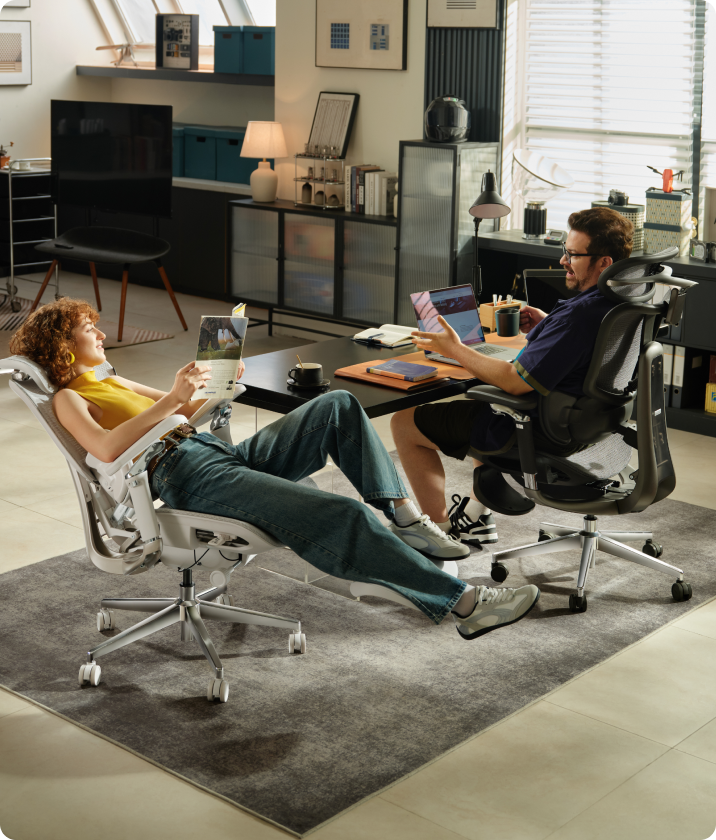
A useful ergonomic chair should support posture changes instead of forcing the user to remain completely still. Adjustable or dynamic lumbar systems can be especially useful for people who alternate between typing, reading, video meetings and a slightly reclined position.
- More consistent contact with the lower back
- Support for the spine’s natural lumbar curve
- Less reliance on muscular effort to remain upright
- Reduced slouching during prolonged desk work
- Greater comfort when changing between supported sitting positions
Static vs. Dynamic Lumbar Support

| Support Type | How It Works | Potential Advantage | What to Check |
|---|---|---|---|
| Static lumbar support | Remains in one position after it has been adjusted. | Simple, predictable support for a preferred upright position. | Make sure its height and depth fit the curve of your lower back. |
| Dynamic lumbar support | Moves or flexes as the user changes position. | Can maintain more consistent contact while leaning or reclining. | The movement should feel supportive without pushing you forward. |
| Powered lumbar tracking | Uses sensors and powered adjustment to respond to posture changes. | Reduces the need for repeated manual readjustment. | Confirm the adjustment range, controls and power requirements. |
Static lumbar support can work well when it is correctly positioned and the user remains in a relatively consistent working posture. Dynamic systems may be more suitable for users who move frequently or use several recline positions during the day.
Neither system is automatically better for everyone. The most important factors are fit, adjustability and whether the support remains comfortable during the positions you actually use.
How HBADA Lumbar Systems Work
HBADA uses different lumbar-support approaches across its chair ranges. Buyers should compare the specifications of the exact model and variant rather than assuming that every HBADA chair uses the same mechanism.
HBADA E3 Pro: Mechanical 3-Zone Support
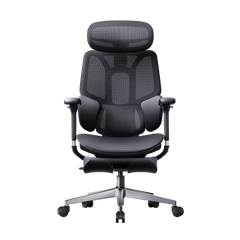
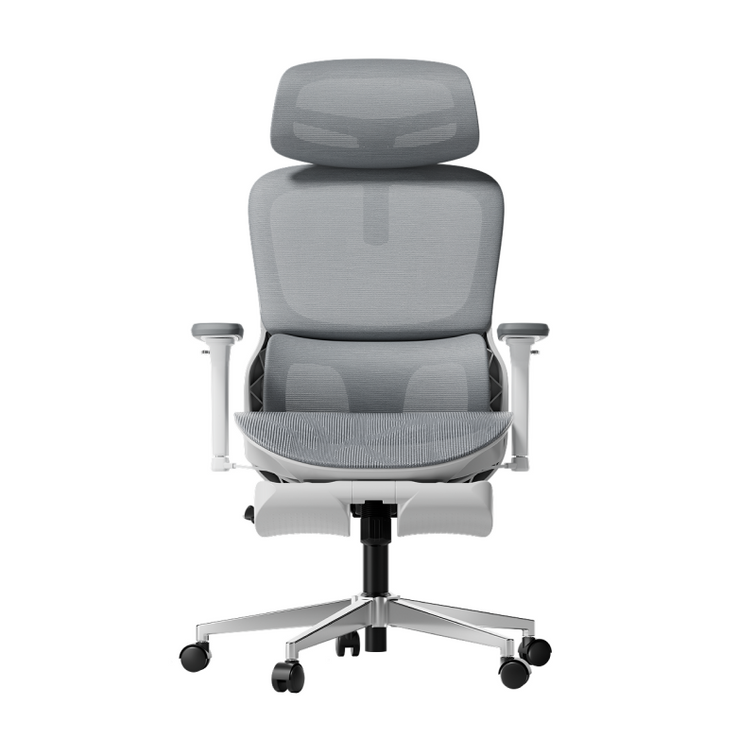
The HBADA E3 Pro uses a mechanical three-zone lumbar design intended to support the centre and sides of the lower back. Its moving sections are designed to maintain contact as the user changes position or reclines.
This approach may suit users who prefer targeted lower-back contact and manual adjustment rather than a powered system. View the HBADA E3 Pro ergonomic office chair for current specifications, available configurations and regional stock.
HBADA X7: Powered Lumbar Tracking
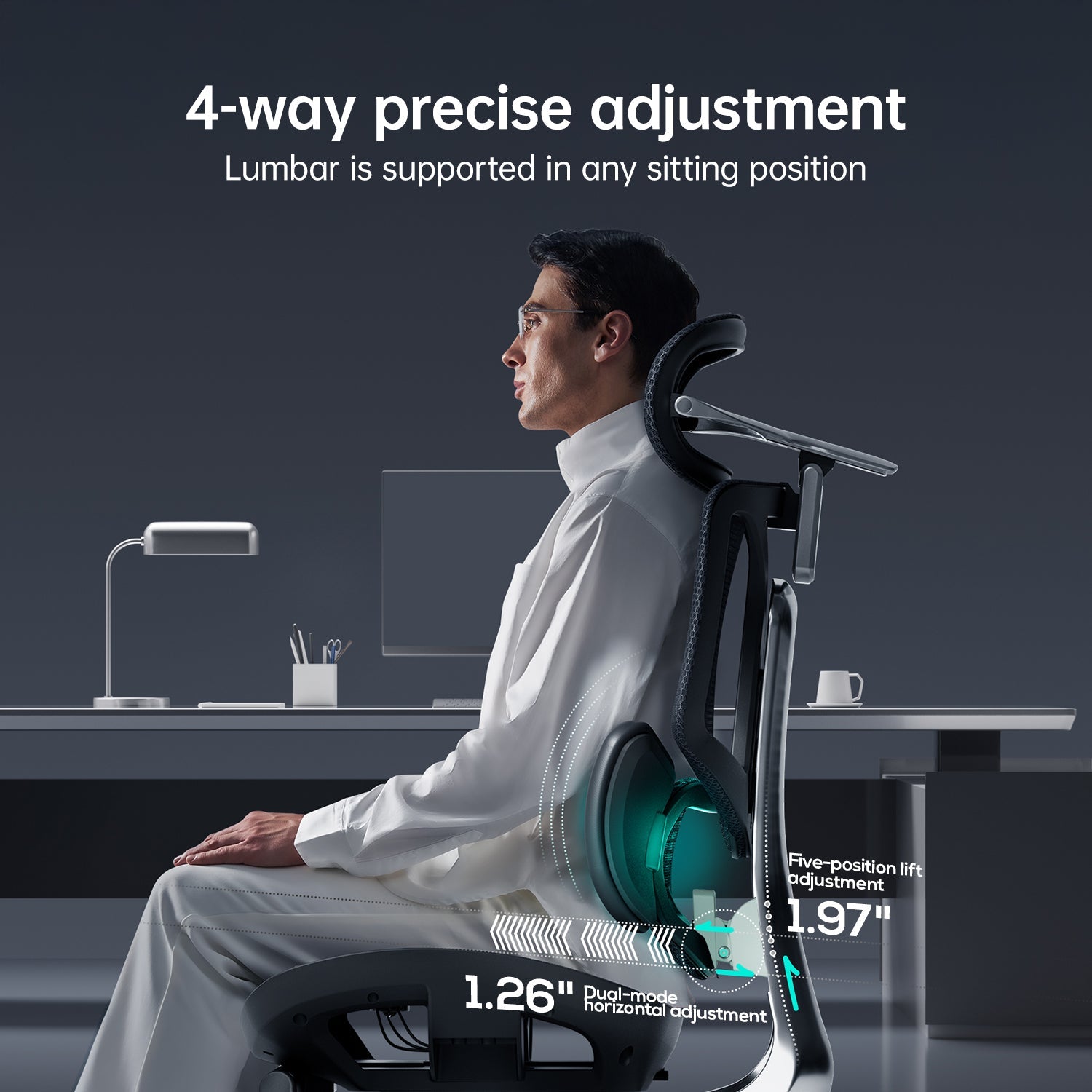
The HBADA X7 Smart Ergonomic Office Chair uses pressure sensing and powered adjustment to respond as the user changes posture. According to the current HBADA product specifications, the system is designed to adjust lumbar-support depth automatically instead of requiring repeated manual changes.
The X7 also includes adjustable seat depth, a 4D dual-axis headrest, adjustable arm support and controlled recline. These features allow the lumbar system to work as part of a more complete chair setup rather than as an isolated cushion.
Automatic tracking may be useful for users who move regularly between upright and reclined positions. It does not guarantee relief from back pain, and the chair still needs to fit the user’s height, seat-depth requirements and preferred working position.
How to Adjust Lumbar Support Correctly
Even an advanced lumbar system can feel ineffective when the rest of the chair is not properly adjusted. Use this sequence:
- Sit fully against the backrest. Position your hips towards the rear of the seat before changing the lumbar support.
- Set the seat height. Keep your feet supported by the floor or a suitable footrest, with your knees close to hip level.
- Check the seat depth. Leave a small, comfortable space between the seat edge and the backs of your knees.
- Position the lumbar support. It should meet the inward curve of your lower back rather than pressing into the pelvis or upper back.
- Begin with moderate pressure. Increase the depth gradually. More pressure does not automatically mean better support.
- Relax your shoulders. Adjust the armrests so that they support your forearms without forcing your shoulders upwards.
- Test more than one position. Type, read and recline briefly to confirm that the support remains comfortable during normal movement.
- Recheck the setup. Small adjustments may be necessary after several working sessions.
For a broader setup process, read how to adjust an ergonomic chair for better comfort .
What Lumbar Support Cannot Do
A chair also cannot replace movement. Remaining in any single position for an extended period can become uncomfortable, even when the chair is properly adjusted. Combine supportive seating with regular standing, walking and gentle movement breaks.
If you have persistent, severe or worsening pain, numbness, weakness or symptoms that travel into the leg, consult a qualified doctor or physiotherapist. Product information should not be used as a substitute for individual medical advice.
Frequently Asked Questions
What are the main lumbar support benefits?
Proper lumbar support helps maintain contact with the natural curve of the lower back. It may reduce slouching, muscular fatigue and discomfort associated with prolonged unsupported sitting.
Where should lumbar support touch my back?
It should meet the inward curve of your lower back, generally above the belt line. It should not press primarily into the pelvis or feel as though it is forcing the entire torso forward.
Is dynamic lumbar support better than a static cushion?
Dynamic support can maintain more consistent contact when you lean or recline. Static support may still work well when it fits your body and is correctly positioned. The better choice depends on your movement, preferred adjustments and daily working routine.
Can lumbar support help with sitting-related back discomfort?
Correctly adjusted lumbar support may reduce discomfort associated with prolonged sitting and inadequate back support. It cannot treat an underlying injury or medical condition.
Can lumbar support fix a herniated disc?
No. A chair cannot repair or cure a herniated disc. It may help create a more comfortable supported sitting position, but diagnosed spinal conditions require guidance from a qualified healthcare professional.
How firm should lumbar support feel?
It should feel supportive without creating a concentrated pressure point or pushing you away from the backrest. Begin with a moderate setting and make small adjustments based on comfort.
Do I need to adjust lumbar support more than once?
Yes. Recheck the position after changing the seat height, seat depth or recline setting. Different tasks may also make a small adjustment more comfortable.
Does lumbar support replace movement breaks?
No. Supportive seating and regular movement serve different purposes. Continue standing, walking and changing position during the working day.
Final Thoughts
Lumbar support is more than an extra pad on a chair. Its purpose is to support the natural curve of the lower back and help the backrest maintain useful contact as you work.
Static support may be sufficient for a consistent upright position, while dynamic or powered lumbar tracking may suit people who change position frequently. Whichever system you choose, correct chair fit and adjustment remain essential.
Set the seat height and depth first, position the lumbar support carefully, and test it during the tasks you perform every day. Combine the chair with regular movement and seek professional guidance when back symptoms are persistent or severe.