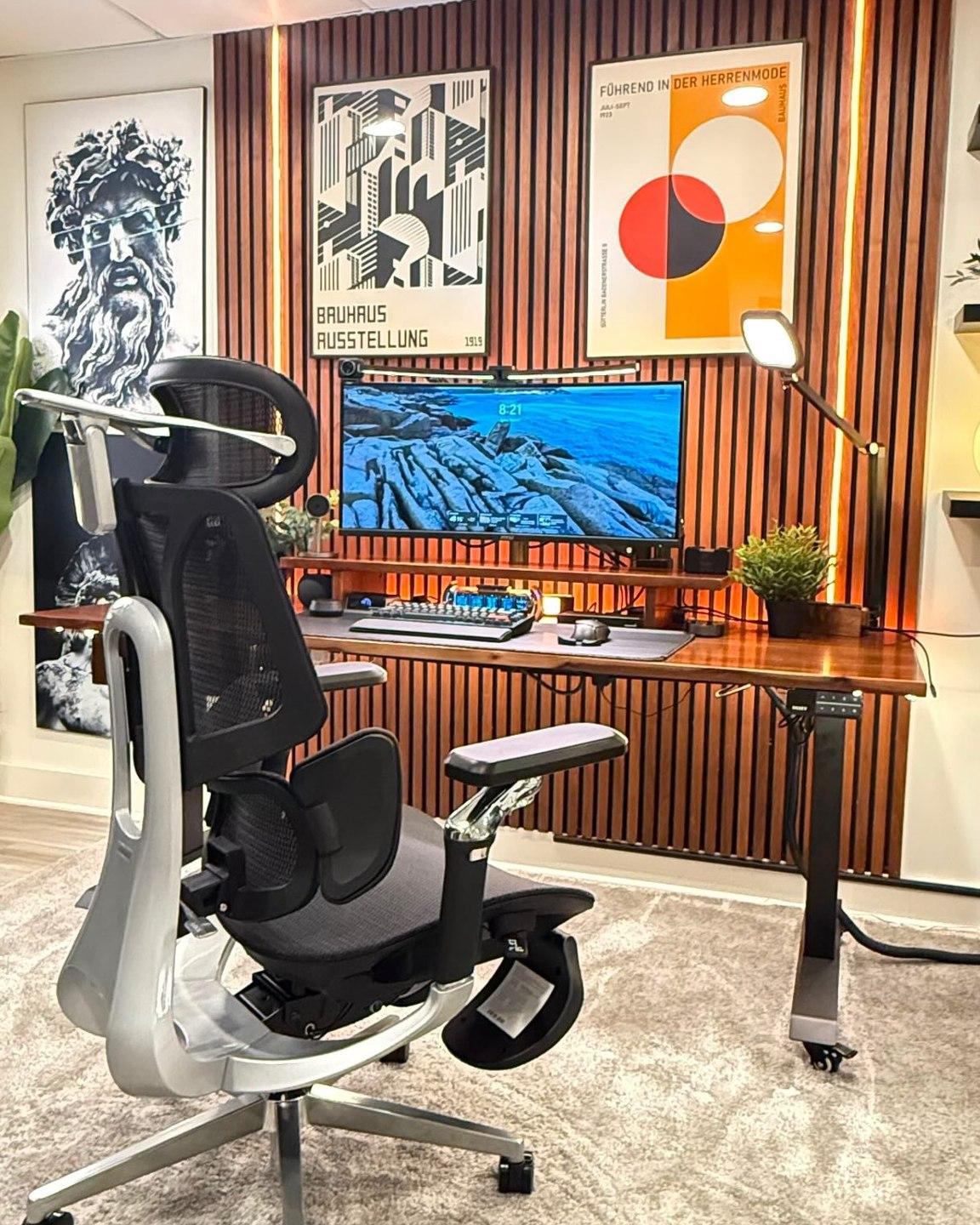






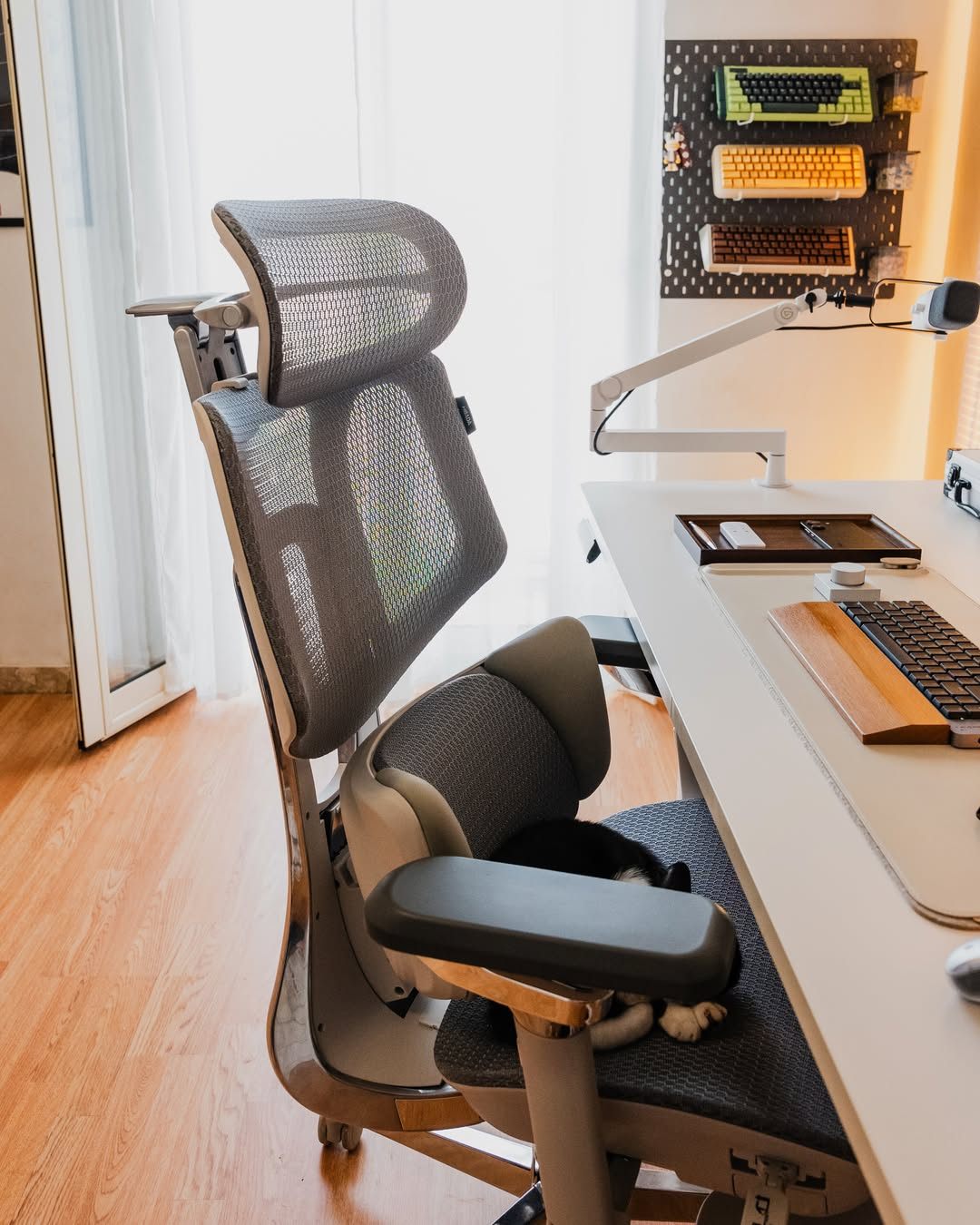
Your lower back isn't flat.
Its support shouldn't be one-dimensional.
Lumbar support specs can start to blur together after comparing a few chairs. “Adjustable.” “Dynamic.” “Ergonomic.” The more useful question is what happens to that support when you actually move.
Here is how our HBADA E3 Pro 3-zone lumbar support brings central and lateral support together—and how that approach differs from a basic fixed pad or an upper/lower split backrest.
Quick answer: HBADA’s 3-zone lumbar support combines a central support area with two rotating side wings. On the E3 Pro, this creates an adjustable, wraparound lower-back fit rather than relying on a single uniform pad. A split backrest, by comparison, separates upper-back and lower-back sections; that separation alone does not describe how much lateral adjustment the lumbar area offers.
Three lumbar designs, one useful question.
When comparing an ergonomic office chair with lumbar support, look beyond the number of adjustment controls. Ask: where does the chair support my lower back, and how does that contact change between positions?
A fixed pad, a split backrest and a zoned lumbar system describe different design choices. They are useful starting points for comparison, not a complete classification of every office chair.
One main contact area
A basic lumbar pad provides support through one main surface. Depending on the chair, its height, depth or firmness may be adjustable. A fixed version does not offer separate left and right support adjustments.
The fit check is straightforward: does the pad meet your lower-back curve comfortably when you sit back, without creating a hard pressure point?
Separate upper and lower sections
A split backrest separates the upper-back section from the lumbar section. Some designs allow the lower section to pivot or flex independently; others use different mechanisms.
A visible split does not tell the whole story. Check whether the lumbar section also offers height, depth or lateral adjustment, and how it behaves during recline.
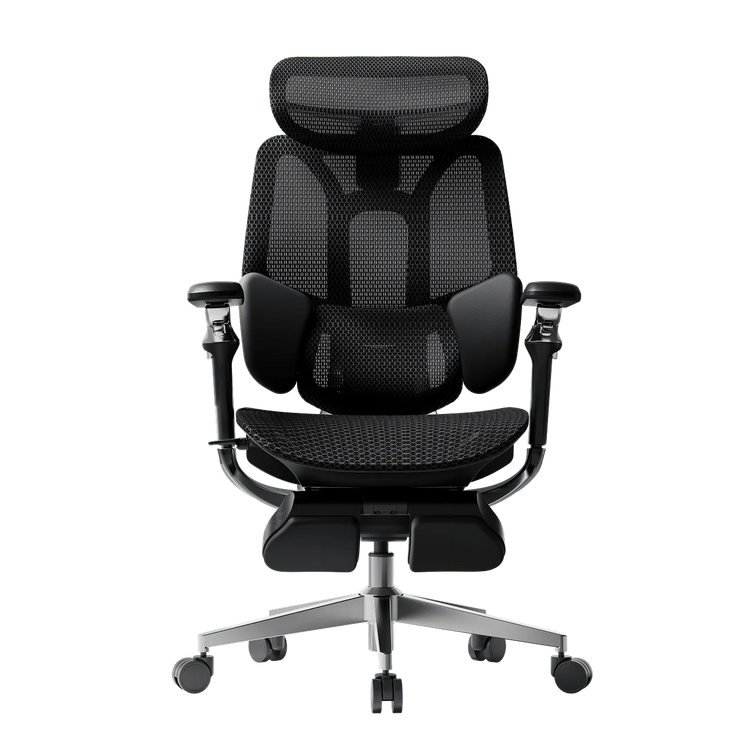
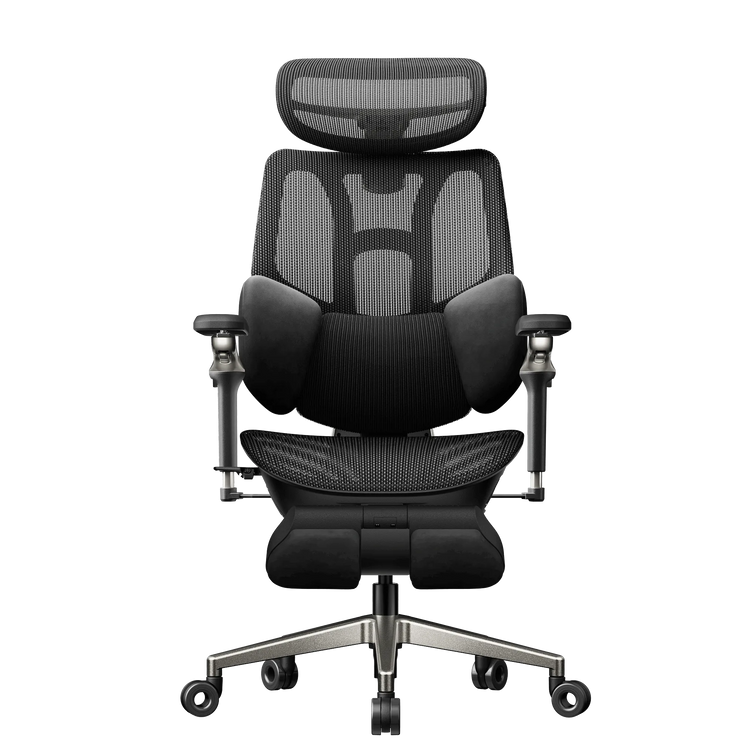
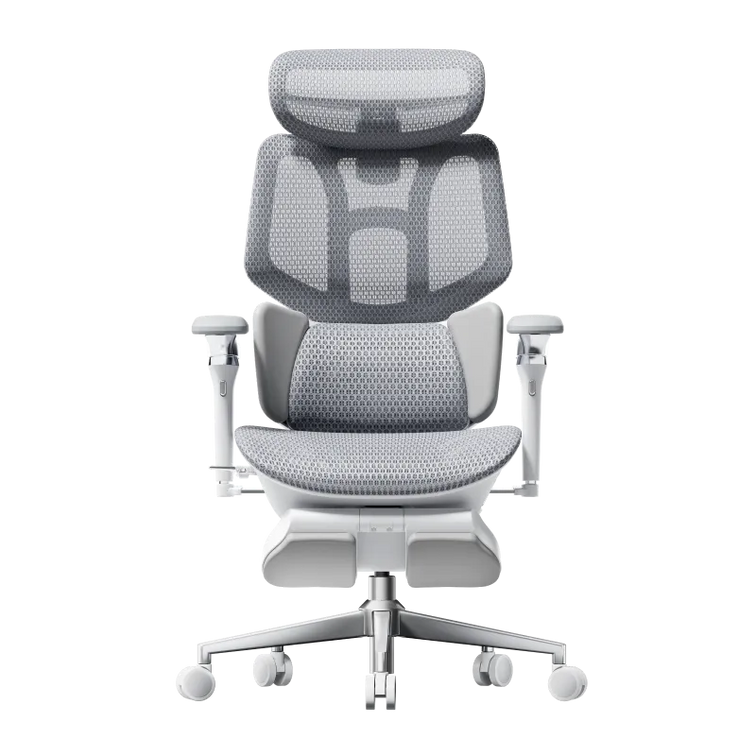
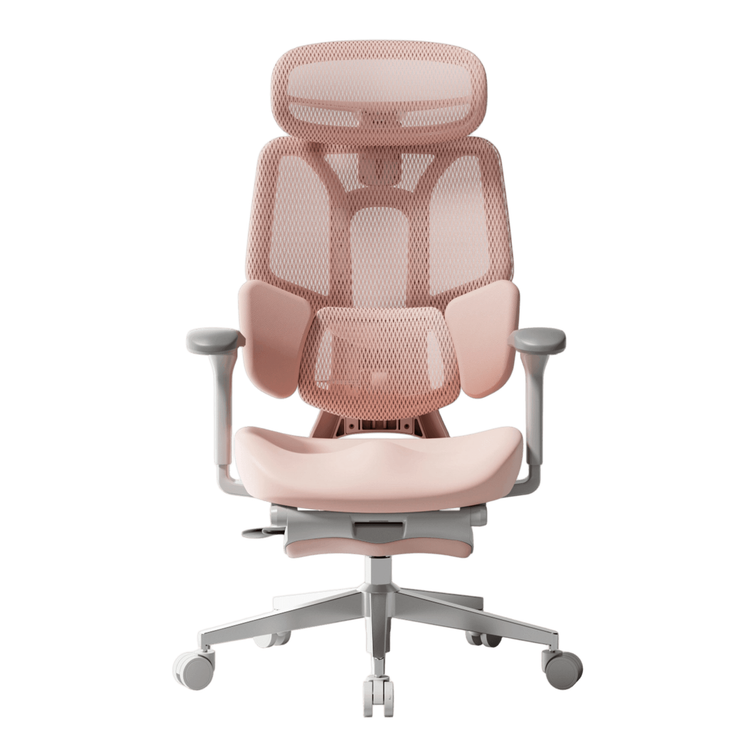
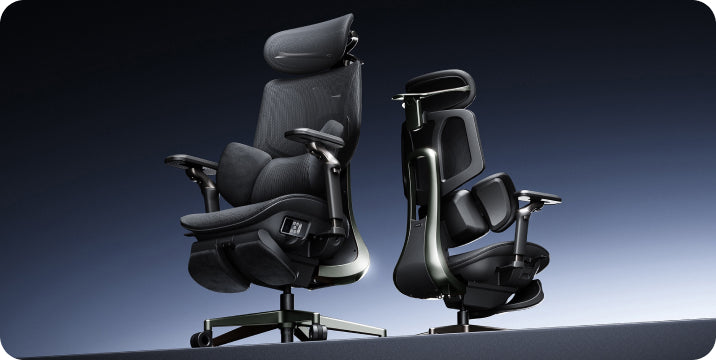
Our E3 Pro focuses on the shape of the lumbar contact itself: a central area supported by two side wings. That is the distinction behind its 3-zone lumbar design.
Central support.
Side wings. A more personal fit.

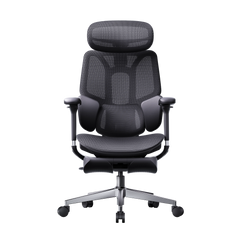
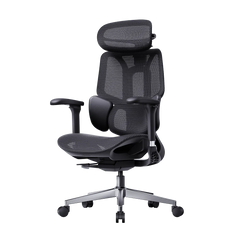
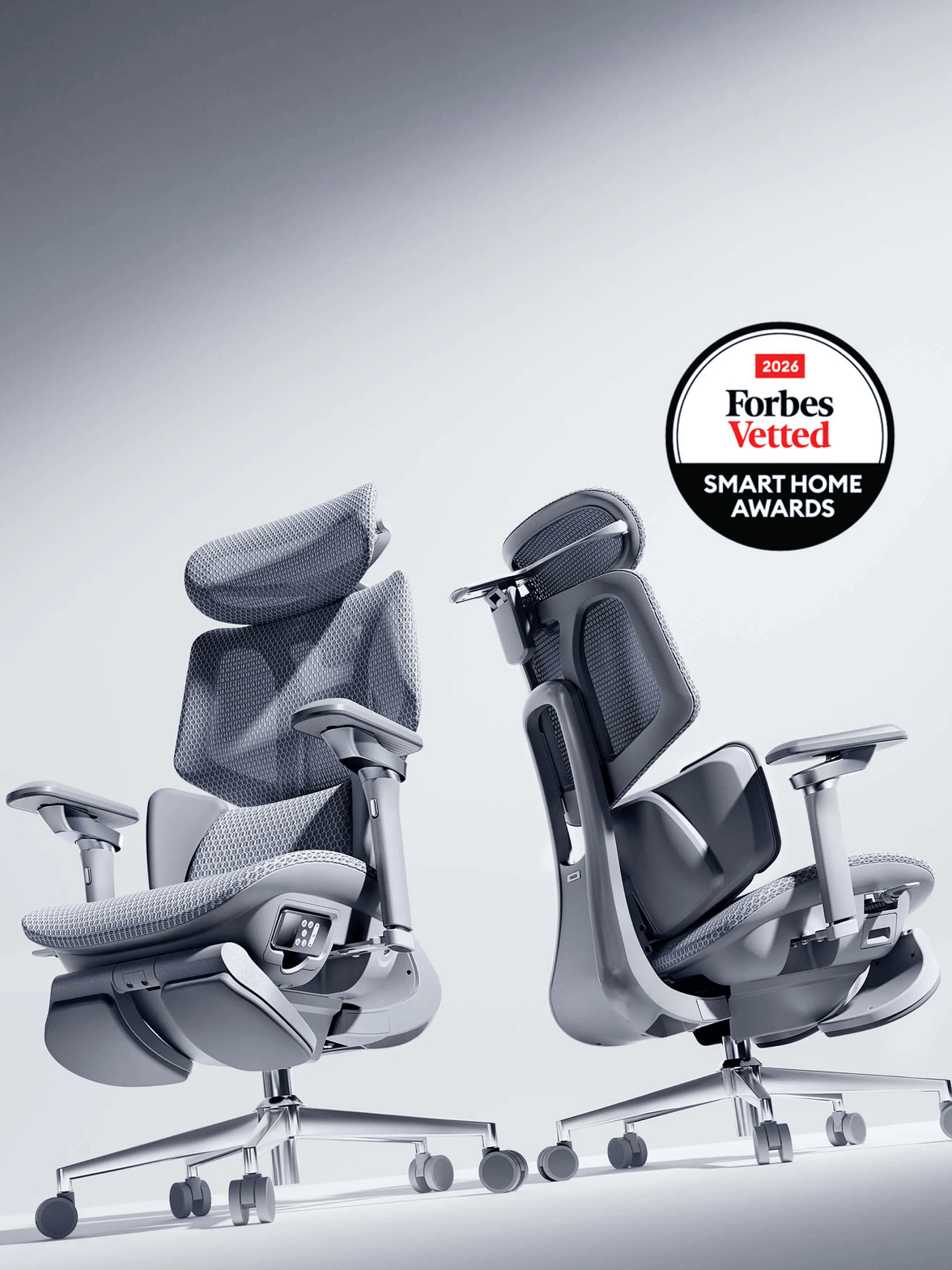
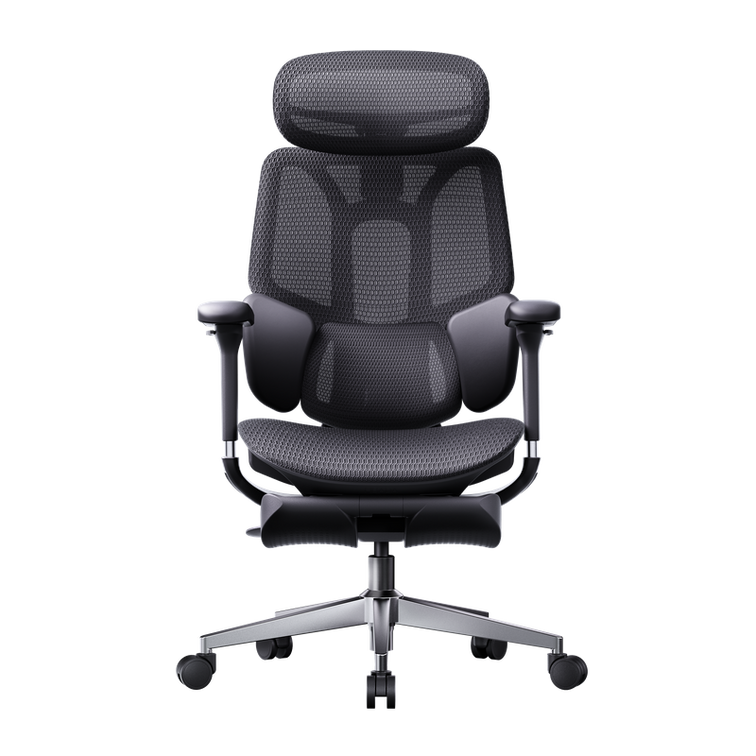
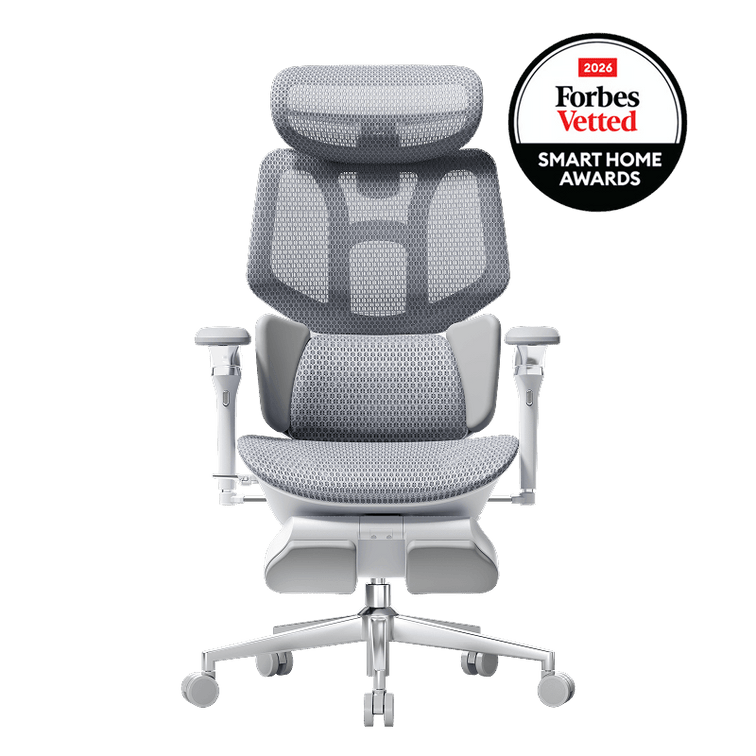
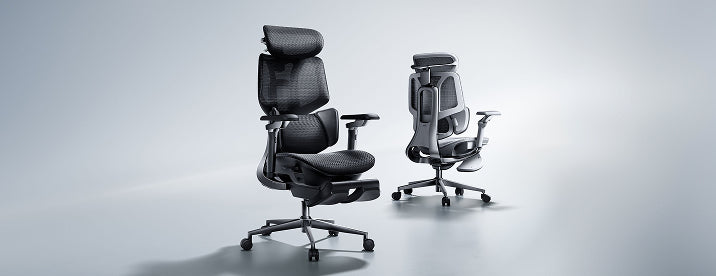
On the HBADA E3 Pro ergonomic office chair , the lumbar area combines a central support zone with two rotating side wings. The E3 Pro 2026 lists 40° side-wing rotation, allowing you to adjust the wrap around your waist.
The central area meets the lower back, while the side wings extend the contact around either side. Instead of treating the entire lumbar area as one flat surface, our design gives you more control over how that support feels across your back.
Three contact zones working together
Conceptual layout of the support zones, not a technical drawing. Adjustment details depend on the model and edition.
Think of the side-wing adjustment as setting the shape of the fit, while the chair’s responsive lumbar mechanism accommodates changes in seated pressure. Both matter: movement is useful only when the starting position feels right for your body.
For the next step, use our guide to adjusting your ergonomic chair to coordinate lumbar positioning with the rest of your setup.
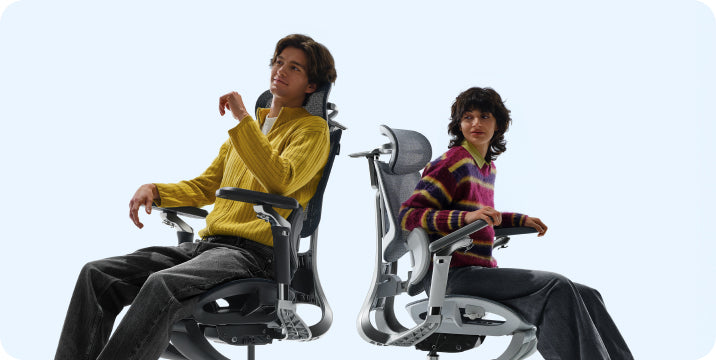
A workday is not one sitting position.
You type, pause, turn toward another screen and lean back to think. These small changes can alter where your lower back meets the chair. If a lumbar pad feels comfortable in only one position, you may notice a gap or a concentrated pressure point when you move.
Our E3 Pro pairs a shaped, three-zone lumbar area with responsive support. The aim is a supportive fit that accommodates posture changes while you remain seated against the backrest—not a chair that asks you to hold one rigid pose all day.
The important adjustment is the one you can feel working when you return to your everyday tasks.
During focused work
Set the chair so you can sit back while reaching your keyboard comfortably. Lower-back contact should feel supportive, not like a pad pushing you toward the edge of the seat.
During a reclined pause
Check the fit again after reclining. Notice whether pressure remains comfortable and whether the headrest and armrests suit the new position.
If putting your legs up is part of your break routine, our office chairs with footrests comparison explains the configurations to consider alongside back support.
Keep movement in the routine. Dynamic support does not mean you need to stay seated longer. Stand up, change tasks and take regular movement breaks.
Different bodies need more than a height label.
For taller or larger users, lumbar support is one part of the fit equation. Usable seat depth, seat width, armrest spacing and the chair’s weight capacity also deserve attention. The same applies to smaller users who need to sit back without the seat edge pressing behind their knees.
E3 Pro brings lumbar adjustment together with adjustable seating, armrests and a headrest. Use those adjustments as a system: the seat should allow you to reach the backrest comfortably, and the lumbar area should meet your lower-back curve.
Before choosing a configuration, check the current E3 Pro dimensions and specifications . A recommended height range is a starting point, not a guarantee that every person within that range will prefer the same fit.
What actually changes between designs?
| Design | How support is arranged | What to check when sitting |
|---|---|---|
| Basic fixed lumbar pad | One main support surface without separate lateral zones. Available adjustment varies by chair. | Pad height, pressure and contact when you move away from your initial sitting position. |
| Split upper/lower backrest | Separate upper-back and lumbar sections. Pivoting, flexibility and adjustment depend on the mechanism. | Whether the lower section stays comfortable during recline, and whether its shape suits your lower back. |
| HBADA E3 Pro 3-zone lumbar support | A central support area plus two rotating side wings, combined with responsive lumbar support. | Set the central contact and side-wing wrap, then check comfort during typing and reclined breaks. |
This compares design approaches, not every product in each category. Individual mechanisms and adjustment ranges vary.
A practical check for your lumbar fit.
Start with a comfortable, light contact rather than turning every setting to its maximum. Then test the chair at your actual desk.
- Set the seat first. Adjust the height and depth so your feet are supported and you can sit against the backrest without pressure behind your knees.
- Position the central support. Find a comfortable contact around your lower-back curve. If it feels too high, too low or intrusive, readjust before changing the side wings.
- Adjust the side-wing wrap. Bring the wings into gentle contact. You are looking for a supported fit, not a tight grip around your waist.
- Try your normal tasks. Type, use your mouse and ease into a reclined pause. Make small adjustments if pressure becomes concentrated or you find yourself sliding forward.
Working through the full setup? Keep our chair adjustment guide open while you fine-tune the fit.
The details worth knowing before you choose.
What makes HBADA’s 3-zone lumbar support different?
Our E3 Pro uses a central support area and two rotating side wings. The distinction is the combination of central and lateral contact, rather than relying on one uniform lumbar pad.
Is 3-zone lumbar support the same as a split backrest?
No. A split backrest describes separate upper and lower backrest sections. Three-zone lumbar support describes the central and side support areas within the lumbar region. These terms describe different aspects of a chair’s construction.
Does dynamic lumbar support replace manual adjustment?
No. Responsive movement and personal setup do different jobs. Set the chair’s height, depth and available lumbar adjustments first; then check how the responsive support feels as you change position.
Should the side wings press firmly against my waist?
Aim for comfortable contact rather than the strongest possible pressure. If the wings feel restrictive or create a pressure point, reduce the wrap and reassess your seat and backrest positioning.
Is this an office chair for treating back pain?
E3 Pro is designed to provide adjustable seating support and comfort, not to diagnose or treat back pain. If sitting causes persistent or worsening pain, seek advice from a qualified healthcare professional.
Which HBADA model should I look at for this design?
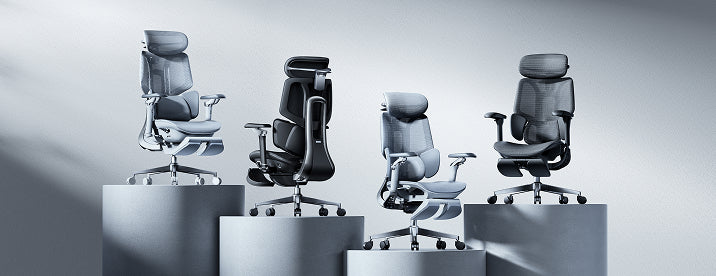
Start with the HBADA E3 Pro 2026 . Check the selected edition and footrest configuration, along with the current dimensions, before placing your order.
Support that fits.
Room to move.
A better lumbar experience starts with the shape of the support, not just the number of settings. Our E3 Pro brings a central support area, rotating side wings and personal adjustment together for the way you work and take a break.
Find your E3 Pro configuration →