







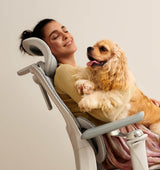
Room to focus.
Space to lean back.
An ergonomic office chair with a footrest brings another option to your working day: a supported, reclined break. The right choice starts with how the chair fits—not just whether a footrest slides out.
Which HBADA ergonomic office chair with a footrest should you choose? Consider the X7 for a pull-out footrest with powered lumbar tracking, massage, heating and ventilation. Choose the E3 Pro 2026 with footrest if you prefer mechanical adjustment and adaptive lumbar support. Confirm your selected configuration before ordering.
Do you need an ergonomic office chair with a footrest?

Before comparing chairs, decide what you want the footrest to do. Supporting your legs while reclining is different from supporting your feet while typing at a desk.
A built-in chair footrest
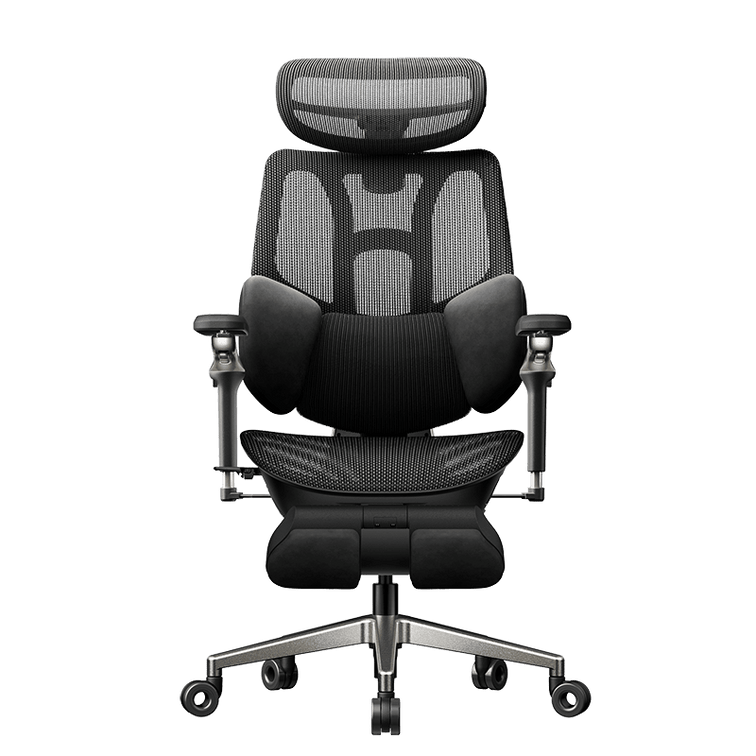
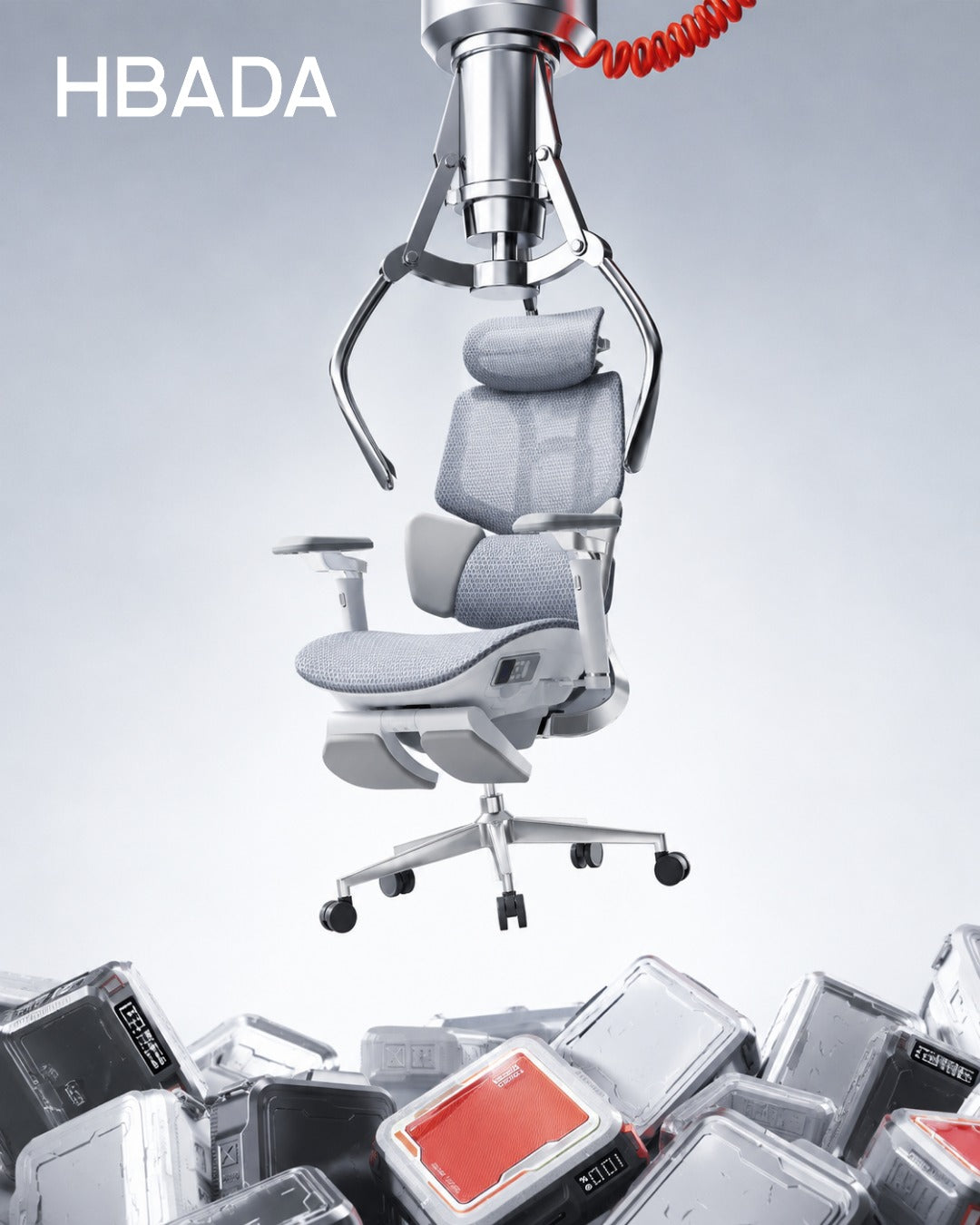
A retractable footrest extends from beneath the seat to support your legs when you lean back. It tucks away when you return to upright work.
A separate floor footrest
A stable platform under the desk supports your feet when the chair must be raised to reach the work surface comfortably.
OSHA’s workstation guidance recommends supporting the feet on the floor or a footrest. That does not mean extending a chair’s reclining leg support is the right solution for typing with dangling feet. See OSHA’s working-position guidance .
Who benefits most from a built-in footrest?
- People who regularly alternate between desk work and reclined breaks.
- Users who want leg support that stores beneath the seat.
- Anyone who prefers an integrated setup instead of a separate ottoman.
Shorter users may need a floor footrest for upright work, whether or not their chair also has a retractable footrest.
Which HBADA models offer a footrest?
HBADA X7: powered support and reclining comfort
The HBADA X7 combines a pull-out footrest with automatic lumbar tracking, an 8D massage system, heating and fan-assisted seat ventilation. Its mesh construction and adjustable support provide options for both desk work and breaks.
HBADA E3 Pro 2026: mechanical adjustment
The E3 Pro 2026 offers adaptive three-zone lumbar support, an adjustable headrest, multi-directional armrests and breathable mesh. Select the With Footrest option if you want the retractable footrest included.
Check the exact model and option. This guide compares X7 with E3 Pro 2026. Do not assume that older E3 versions, X7 Air or other models have identical specifications or included accessories.
HBADA footrest chair comparison

Start with the difference in support systems, then check the dimensions and configuration on the product listing.
| Feature | HBADA X7 | E3 Pro 2026 |
|---|---|---|
| Footrest | Pull-out design; confirm the selected model | Choose the With Footrest configuration |
| Lumbar support | Powered automatic tracking | Mechanical three-zone adaptive support |
| Head support | 4D bi-axial headrest | 4D dual-axis headrest |
| Seat material | Breathable mesh | Breathable high-elastic mesh |
| Additional functions | Massage, heating and fan-assisted ventilation | Mechanical adjustments without powered comfort functions |
| Main choice | Powered features alongside reclining leg support | Hands-on adjustment with a retractable footrest |
Product options can change. Confirm dimensions, footrest inclusion, load limits and warranty terms for the exact US configuration before purchasing.
How should a footrest chair fit?

A footrest cannot correct a seat that is too deep or a backrest that does not suit you. Compare four things: seat height, seat depth, lumbar position and armrest fit.
You should be able to sit against the backrest without crowding the backs of your knees. Your shoulders should remain relaxed when using the keyboard, and the lumbar support should feel comfortable rather than forceful.
| If you notice | Check this | Aim for |
|---|---|---|
| Feet dangle while typing | Seat and desk height; a separate floor footrest if needed | Supported feet without reaching upward to the keyboard |
| Pressure behind the knees | Seat depth and seat height | Comfortable clearance at the seat edge |
| Lower back feels unsupported | Seat depth, sitting position and lumbar settings | Comfortable contact with the lower-back curve |
| Shoulders lift while typing | Desk height, keyboard position and armrests | Relaxed shoulders and easy keyboard access |
| Leg support feels awkward when reclining | Footrest extension, recline and model dimensions | Supported legs without uncomfortable pressure |
How to set up your chair and footrest correctly
- Start with upright work. Adjust seat height so you can use the keyboard with relaxed shoulders. Support your feet on the floor or a separate floor footrest.
- Set the seat depth. Sit against the backrest and leave comfortable clearance behind your knees.
- Position the lumbar support and armrests. Bring support to your body without pushing your torso forward or raising your shoulders.
- Check your screen and reach. Keep the screen in front of you and the keyboard close enough to use without stretching.
- Try the reclined position. Move clear of desk obstructions, extend the footrest according to the instructions and recline gradually. Do not stand or sit on the extended footrest.
- Return to work—and keep moving. Retract the footrest when appropriate for desk work. Take regular opportunities to stand and walk rather than relying only on changes in recline.
Which HBADA chair should you choose?
Choose X7
Choose X7 if automatic lumbar tracking, massage, heating and cooling airflow are features you want alongside a pull-out footrest.
Explore X7 →Choose E3 Pro 2026
Choose the With Footrest version if you prefer adaptive mechanical support and hands-on adjustment without a battery-powered comfort system.
Explore E3 Pro 2026 →If your main problem is that your feet do not reach the floor while typing, evaluate the chair and desk height first. A separate floor footrest may address that need without changing the chair.
Limitations and when this advice may not apply
- A chair and footrest are comfort tools, not medical treatments.
- Recommended user-height ranges do not replace checking your actual proportions.
- A height-adjustable desk may help, but the chair still needs to fit.
- Check footrest instructions and load limits separately from the chair’s overall capacity.
- Seek professional advice for severe, persistent or radiating pain.
The takeaway: choose fit before features
The right ergonomic office chair with a footrest should work well when you are sitting upright and when you take a reclined break. Start with seat fit and support, then choose between powered X7 features and the mechanical adjustment of E3 Pro 2026.
Confirm the footrest configuration, check the dimensions and leave room for movement throughout your day.
Frequently asked questions
Are office chairs with footrests good for your back?
A built-in footrest can make a reclined break more comfortable by supporting the legs. Overall comfort still depends on seat fit, back support and movement. It is not a treatment for back conditions.
Do all HBADA chairs come with a footrest?
No. Footrest availability depends on the model and configuration. For E3 Pro 2026, select With Footrest. Check the exact X7 model and included features rather than assuming every chair in the series is identical.
Is a built-in footrest better than a separate one?
They serve different purposes. A built-in retractable footrest supports the legs during reclining. A separate floor footrest supports the feet during upright desk work when the floor is out of reach. Some setups benefit from both.
Which HBADA chair should I choose for long workdays?
Compare fit first. X7 adds powered lumbar tracking, massage, heating and ventilation. E3 Pro 2026 offers mechanical adaptive support and an optional footrest. Neither replaces regular movement breaks.
Can a footrest help with short legs or a tall desk?
A separate floor footrest can help support your feet when the seat must be raised for a fixed-height desk. A reclining chair footrest should not automatically be used as a substitute.
Can I type with the chair footrest extended?
Check whether that position allows comfortable access to your keyboard without reaching forward. Deep recline is usually better suited to breaks than typing at a standard desk. Follow the chair’s instructions.