





Finding the perfect office chair isn’t just about the cushion; it’s about how the backrest interacts with your unique anatomy. A lumbar support that feels like a dream to a petite user might feel like a painful lump to someone with a larger frame. If you want to eliminate midday backaches, you must learn how to choose lumbar support that suits your body type. Let’s explore how to match your physical profile with the right ergonomic technology to ensure lasting comfort.
Why One-Size-Fits-All Lumbar Support Fails
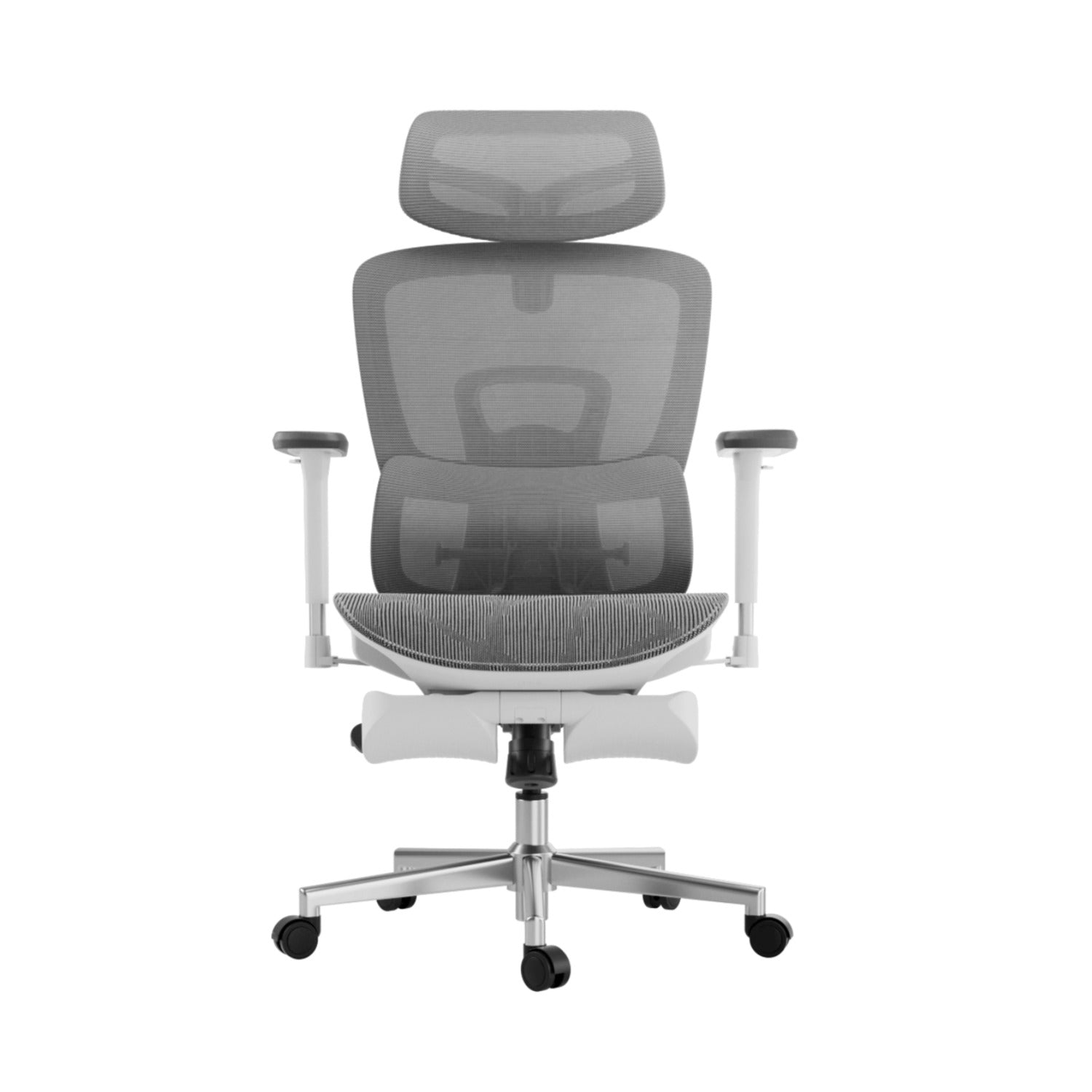
Most office chairs have a fixed curve in the backrest. However, everyone’s spine is different, and the lower vertebrae sit at different heights depending on your torso and hips. If the support is in the wrong spot, it can cause muscle fatigue and poor posture. To solve this, look for an ergonomic chair with adjustable lumbar support or one made from flexible materials.
Lumbar Support for Posture Correction and Spinal Health
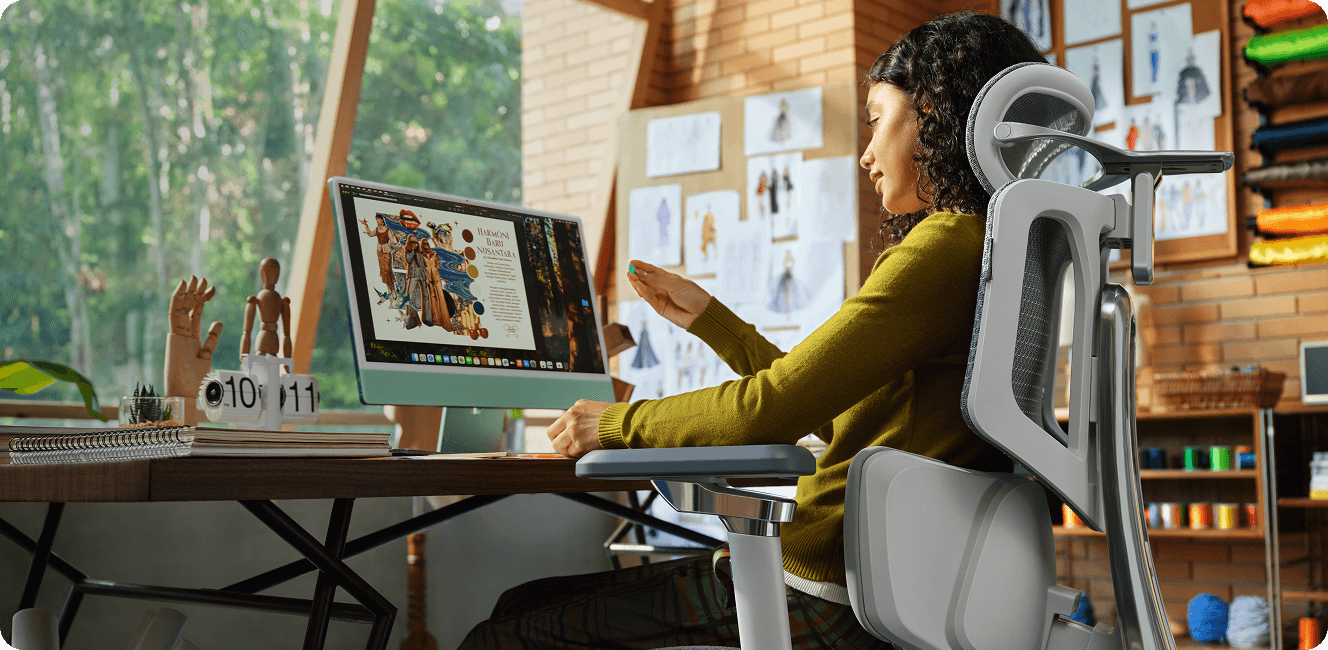
The primary goal of any backrest is to maintain the natural inward curve of your lower spine. Proper lumbar support for posture correction and spinal health acts as a physical reminder for your body to sit upright. Filling the gap between your lower back and the chair, it prevents the “C-slouch” that compresses spinal discs. For the best results, look for a high-back ergonomic chair that supports the entire length of your back, not just the base.

Identifying Your Body Type and Support Needs
To choose the best office chair for your body, start by thinking about your height and body shape.
1. Petite and Average Frames
If you have a shorter torso, the depth of the lumbar support matters more than its height. Too much support can push you forward in your seat. Look for a chair with adjustable lumbar height so you can set the support right at the small of your back.
2. Tall and Large Frames
Finding an ergonomic chair for tall people with lumbar support can be a challenge. Tall users often find that standard lumbar “humps” hit them at the top of the pelvis rather than the lower back. A high-back ergonomic chair for spinal alignment is non-negotiable here. It ensures the lumbar zone can be raised high enough to comfortably reach the L1-L5 vertebrae.
3. Users with Existing Chronic Pain
If you already have back pain, you need an ergonomic chair that does more than just adjust in height. Look for a chair that helps spread your weight away from your spine to reduce pressure and discomfort.

The Solution for 3-Zone Dynamic Lumbar Support
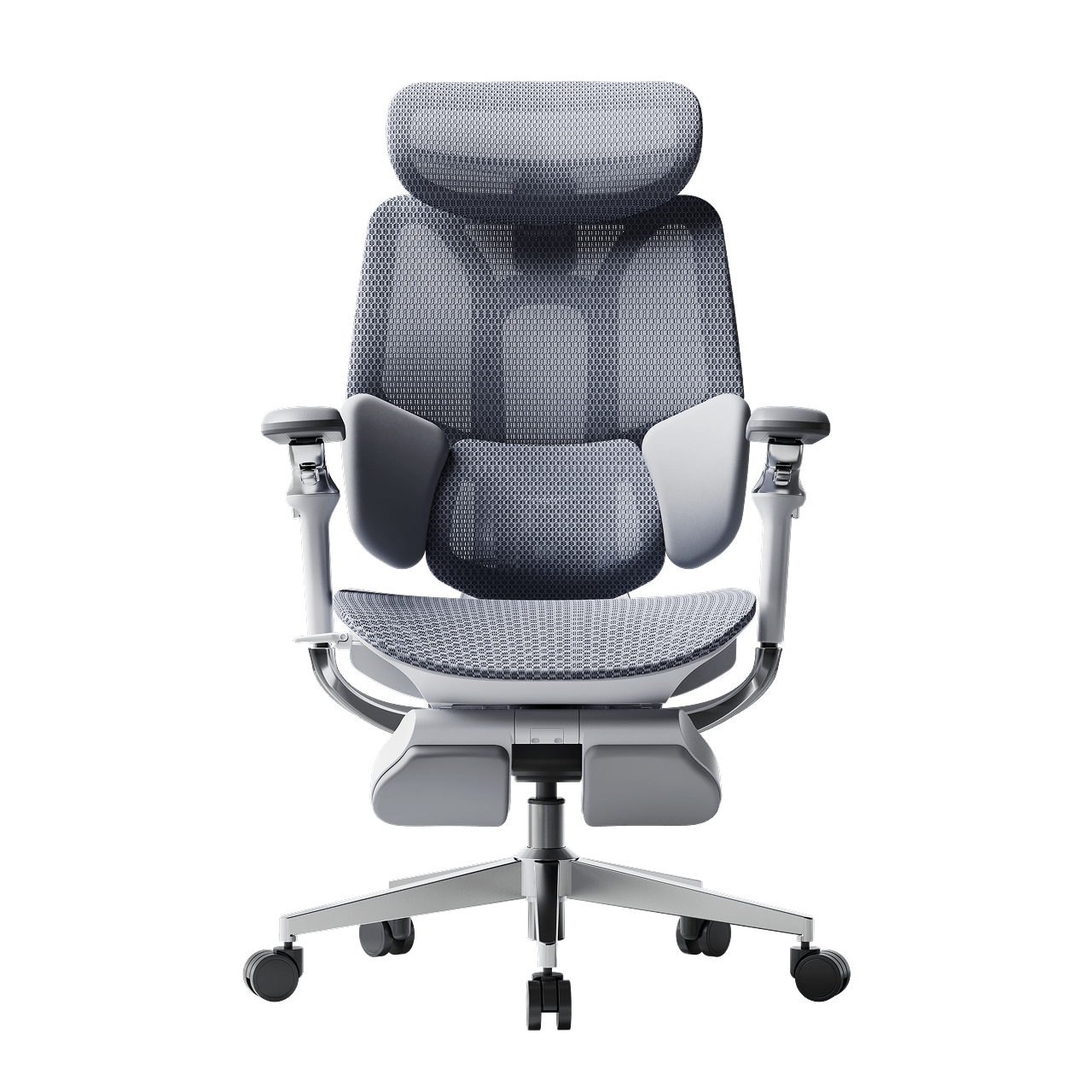
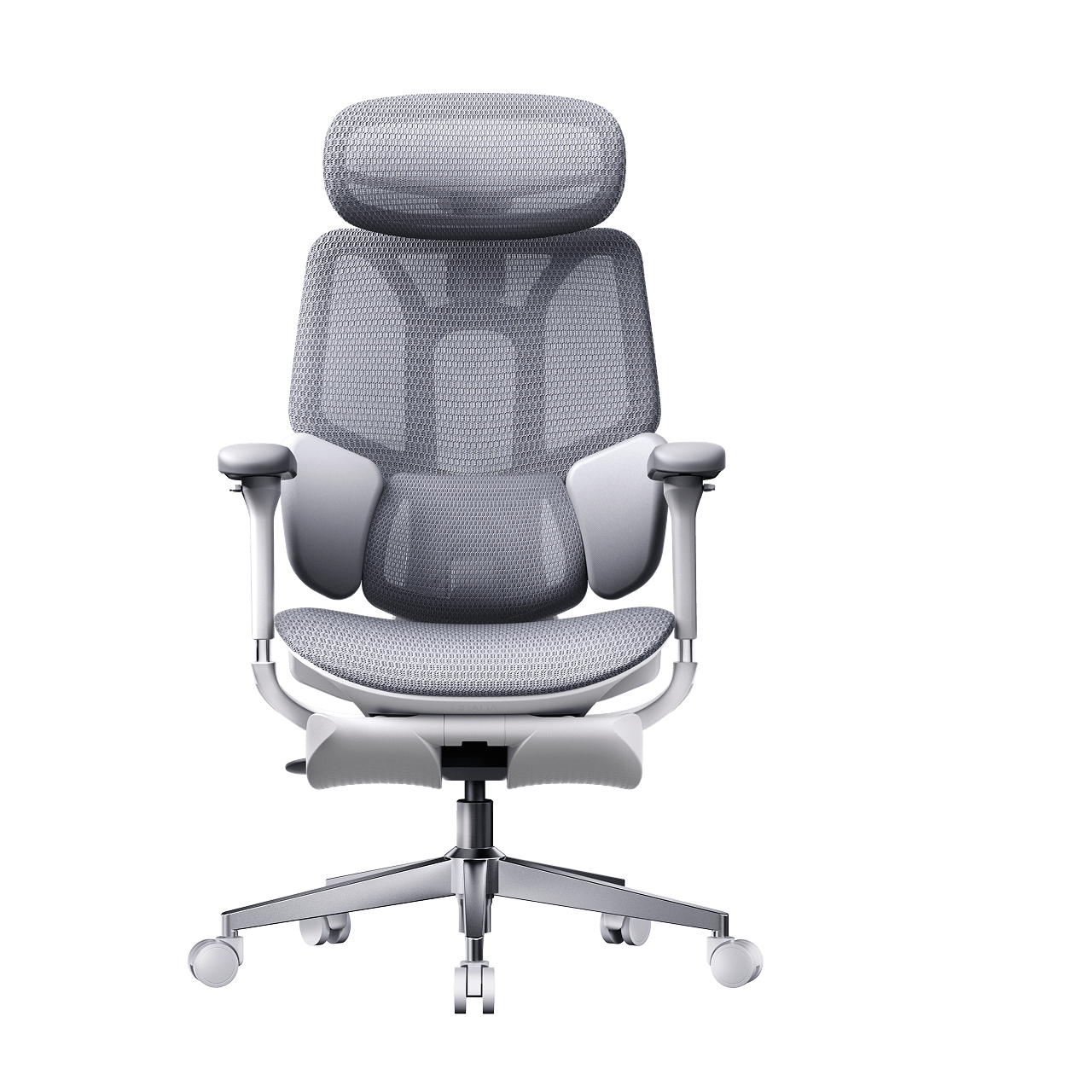
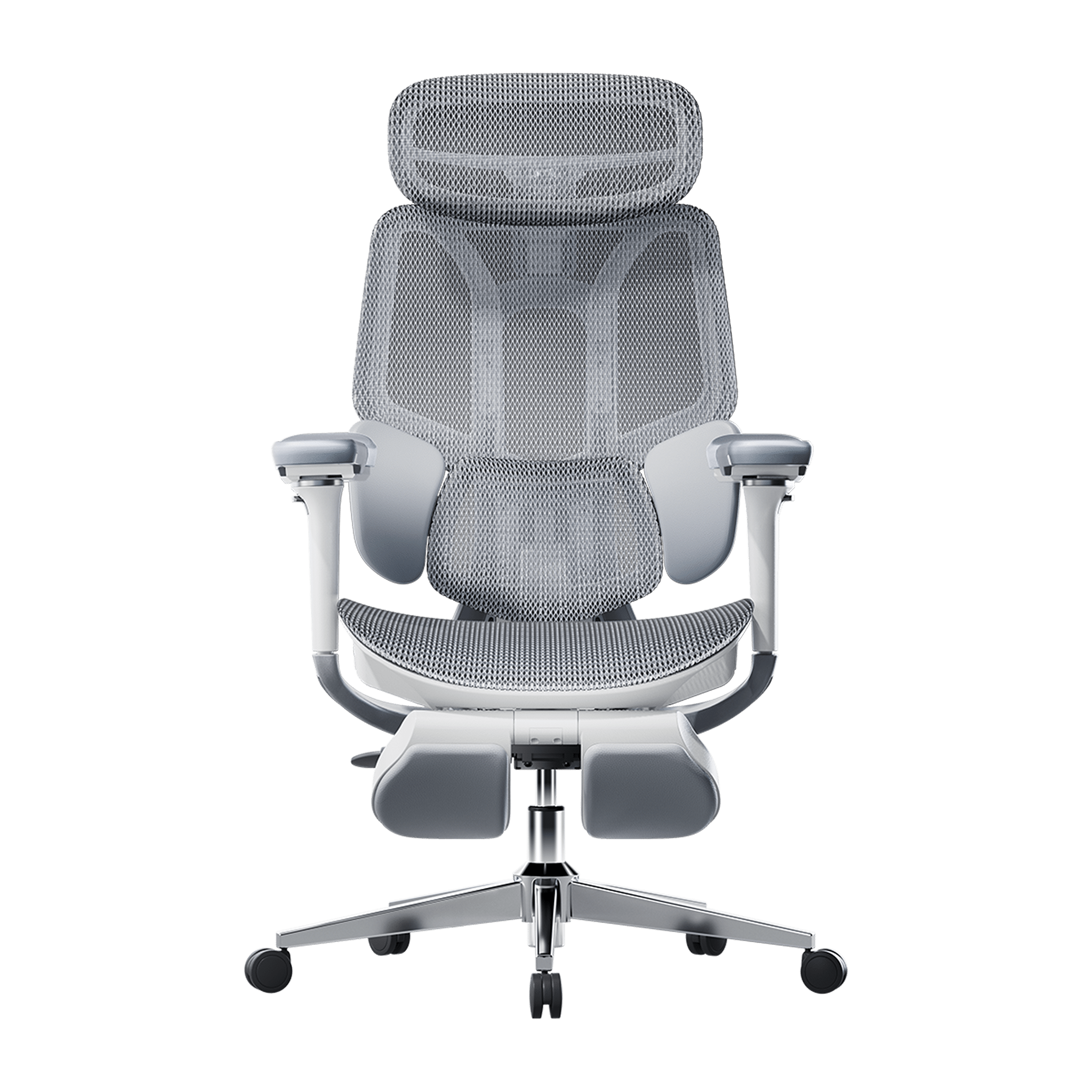
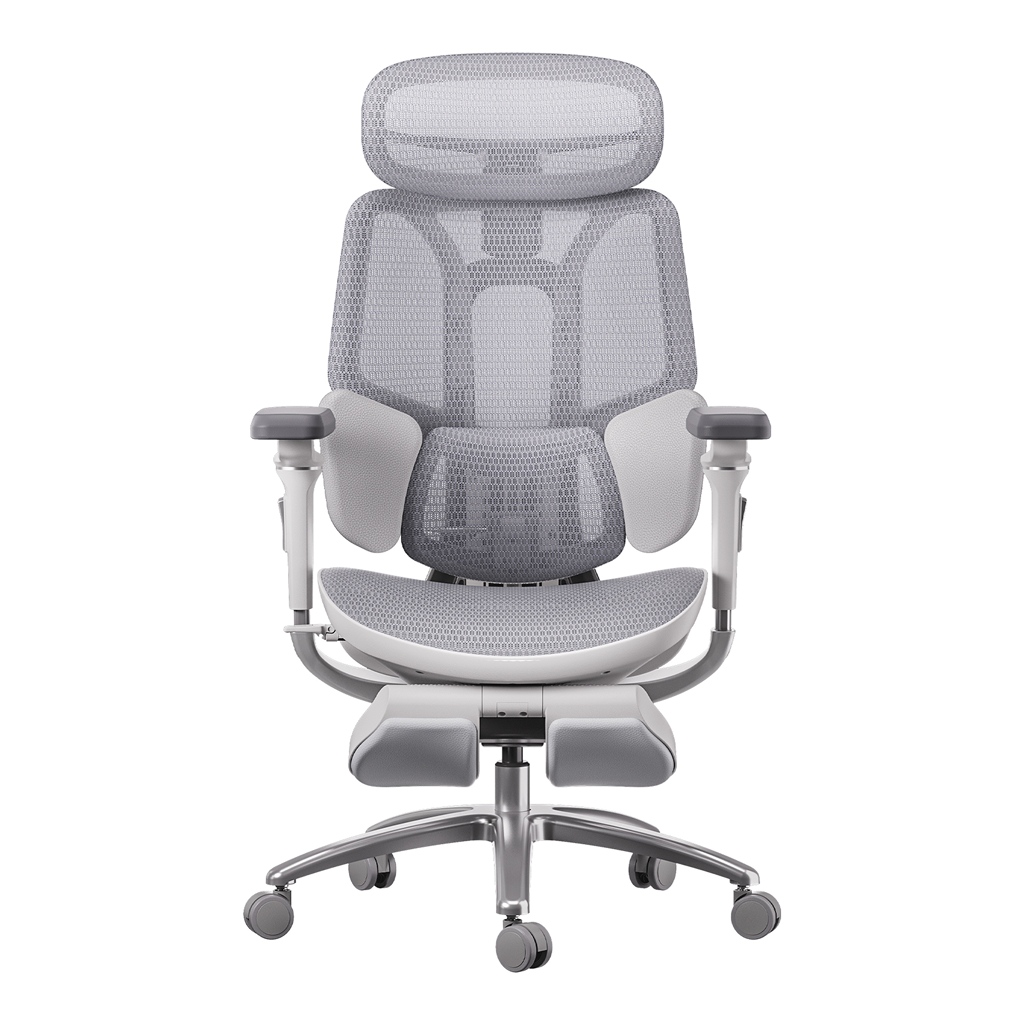
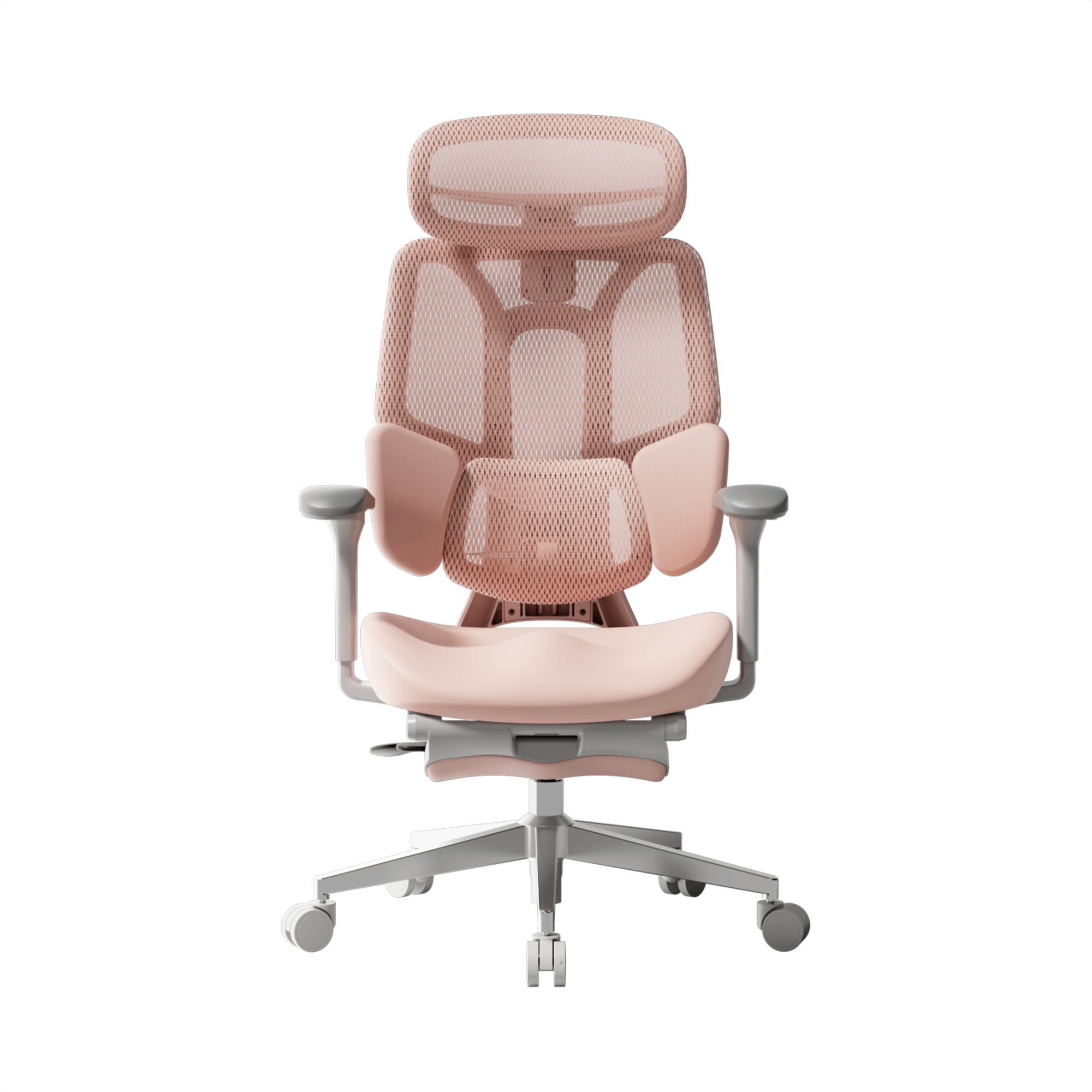
Most chairs only support your back in one spot. Our 3-zone dynamic lumbar support chair is different. It divides the backrest into three sections that move independently to better fit your back.
Benefits of the Best Ergonomic Chair with 3-Zone Lumbar Support
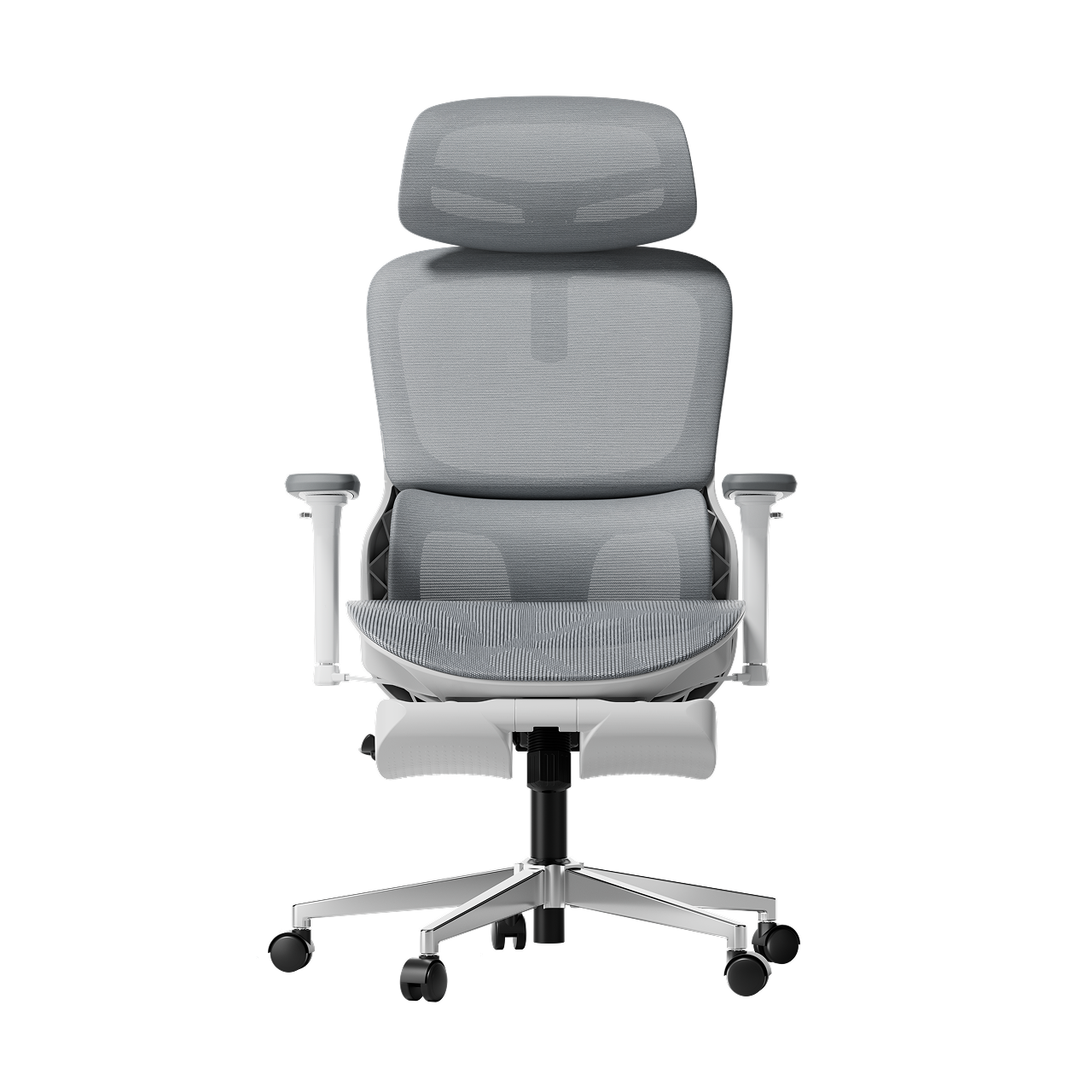
A chair with 3-zone lumbar support provides full back support. The middle part supports your spine, while the sides help the muscles on each side of your back. This design works especially well for people with wider hips or backs, since the side wings adjust to fit your shape.

Advanced Technology, Adaptive Tracking and AI
By 2026, office chairs will no longer rely on manual knobs. If you want a chair, you can adjust it once and not worry about it; adaptive technology is the way to go.
The Adaptive Lumbar Tracking Ergonomic Chair
An adaptive lumbar tracking chair uses sensors to keep the support in contact with your back as you move. Whether you lean forward to type or lean back to relax, the support stays with you. This way, your lower back is always protected.
Hbada AI-Powered x7: The Peak of Personalization
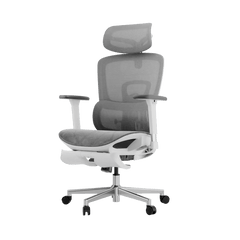
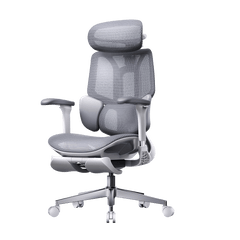
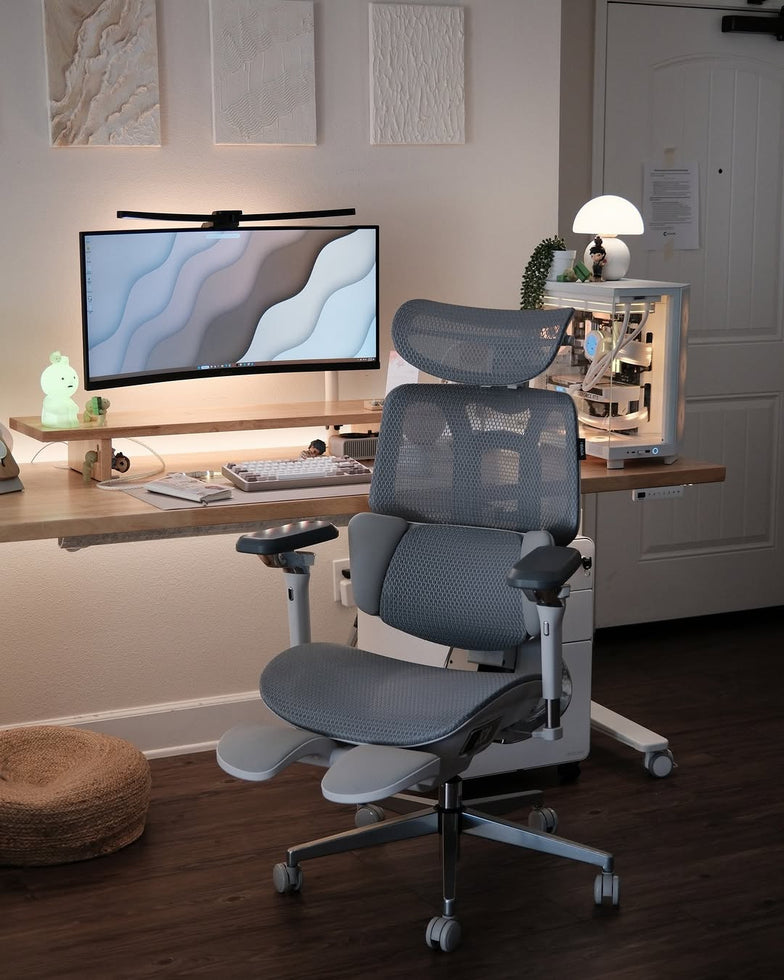
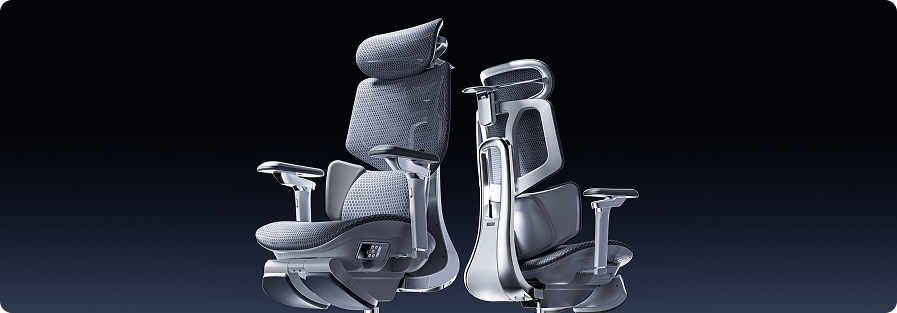
For the best fit for any body type, we suggest the Hbada AI-Powered x7. It uses sensors to track your posture in real time. No matter your height, the chair automatically changes the lumbar support to match your needs. It helps you stay in the best position for your back.

Comparison of Support Technologies
|
Feature |
Standard Ergonomic |
3-Zone Dynamic |
Hbada AI-Powered x7 |
|
Adjustment Type |
Manual Knob/Slide |
Flex-Wing Gravity |
Fully Automated |
|
Body Type Fit |
Limited |
Broad Range |
Universal Adaptation |
|
Support Feel |
Firm/Static |
Wrap-around/Supportive |
Adaptive/Bio-sync |
|
Best For |
Short-term use |
Best for back pain |
Long-term Spinal Health |
Frequently Asked Questions (FAQ)
Q: How do I know if the lumbar support is in the right spot?
A: The lumbar support should fit comfortably in the curve of your lower back, just above your belt. It should feel firm but not hurt. If your shoulders are pushed forward or your feet lift off the floor, the support is probably too low or too strong.
Q: Is a mesh backrest better than foam for lumbar support?
A: Mesh is usually better for fitting different body types. Foam can lose its shape over time, but strong mesh stays supportive and feels more flexible. Mesh chairs also let air flow through and fit your body’s shape more naturally.
Q: Does lumbar support really help with sciatica?
A: Yes. Sciatica often happens when discs in your lower back are pressed too much. An adaptive lumbar tracking chair can help take pressure off those discs, which may ease the nerve pain that causes leg discomfort.
Q: Why should tall people avoid “mid-back” chairs?
A: Mid-back chairs usually have lumbar support that sits too low for tall people, which can make you hunch over. Tall users should pick a high-back ergonomic chair so the headrest and lumbar support fit their height.
Conclusion
Everyone’s body is different, so your office chair should fit you. The right lumbar support can mean the difference between feeling good at the end of the day and having back pain. Look for features such as 3-zone support and adaptive tracking to help keep your spine healthy. Don’t settle for a chair that doesn’t fit—choose one like the Hbada AI-Powered x7 that adjusts to you. Your back deserves the best support.