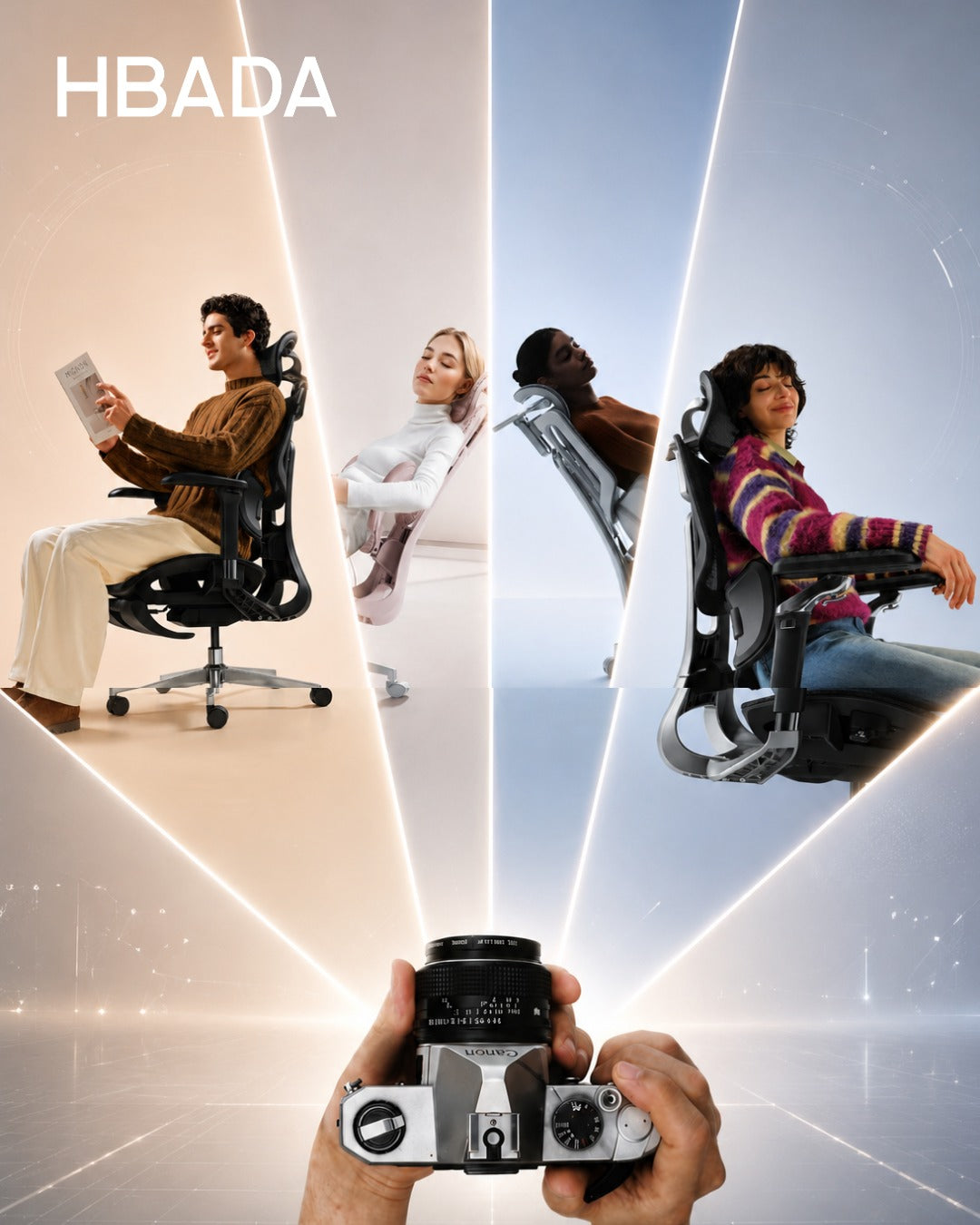
Updated August 20, 2026
A task chair is not just a place to sit. It is the piece of furniture your body depends on through meetings, focused work and everyday desk tasks. Choosing the right chair means matching its adjustments, materials and support system to your body and the way you work.
Quick Answer
The best task chair depends on your daily sitting time, preferred adjustments, body dimensions and budget. Choose the HBADA X7 for automatic lumbar tracking, ventilation and smart comfort features. The E3 Pro is designed for targeted lower-back support and may help ease sitting-related back discomfort when properly adjusted. The E3 Air provides breathable everyday support at a more accessible price, while the E3 Ultra adds deeper recline and an integrated footrest.
What Is a Task Chair?
A task chair is an office chair designed for focused work at a desk. Unlike a basic dining chair or lounge chair, it normally includes adjustable seat height, lumbar support, armrests and recline so it can accommodate different users and working positions.
The term covers a broad range of chairs. A basic model may only allow you to change the seat height, while a more advanced ergonomic task chair can adjust around the lumbar area, neck, arms and seat position. This is why it is important to compare actual adjustments instead of choosing by appearance alone.
If you already own an ergonomic chair, follow this guide on how to adjust an ergonomic chair for better comfort .
Key Features to Look for in a Task Chair

1. Adjustable lumbar support
Lumbar support should meet the natural inward curve of your lower back without creating an uncomfortable pressure point. Height, depth or adaptive movement can help different users position the support more accurately.
Correctly positioned lumbar support may help reduce the discomfort associated with sitting for long periods without adequate lower-back support. However, the adjustment should feel supportive rather than forceful.
2. Suitable seat height and depth
Your feet should rest securely on the floor or a footrest, with your knees close to hip level. The front edge of the seat should not press firmly into the backs of your knees. Check the product dimensions rather than assuming one chair fits every body.
3. Breathable upholstery
Mesh can improve airflow during long working sessions. The material should also provide stable support and retain its shape through normal daily use.
4. A usable recline range
A slightly reclined position can be comfortable for desk work, while a deeper recline may suit reading or short breaks. What matters most is controlled movement and stable back support throughout the available range.
5. Adjustable armrests
Armrests should support the forearms without forcing the shoulders upward. Height, width, depth and rotation adjustments make it easier to position the arms for typing, reading and other tasks.
6. Stable construction
Look for a stable base, suitable weight capacity and clearly stated product specifications. Warranty and replacement-part support should also be considered when the chair will be used every day.
Quick HBADA Task Chair Comparison
| Chair | Support System | Recline | Positioning | Best Suited To |
|---|---|---|---|---|
| HBADA X7 | AI lumbar tracking with automatic adjustment | Up to 140° | Premium | Long workdays and automated support |
| HBADA E3 Pro | 3-zone adaptive lumbar support | Up to 140° | Mid-to-premium | Targeted lower-back support and mechanical adjustment |
| HBADA E3 Air | 3-zone adaptive lumbar support | Up to 140° | Value-focused | Breathable support for everyday office work |
| HBADA E3 Ultra | 3-zone elastic lumbar support | Up to 140° with footrest | Mid-to-premium | Recline, relaxation and a built-in footrest |
| HBADA P2 | Adjustable zoned lumbar support, depending on variant | Up to 140° | Entry-to-mid range | Value-focused or occasional workspaces |
HBADA X7: For Demanding, All-Day Work

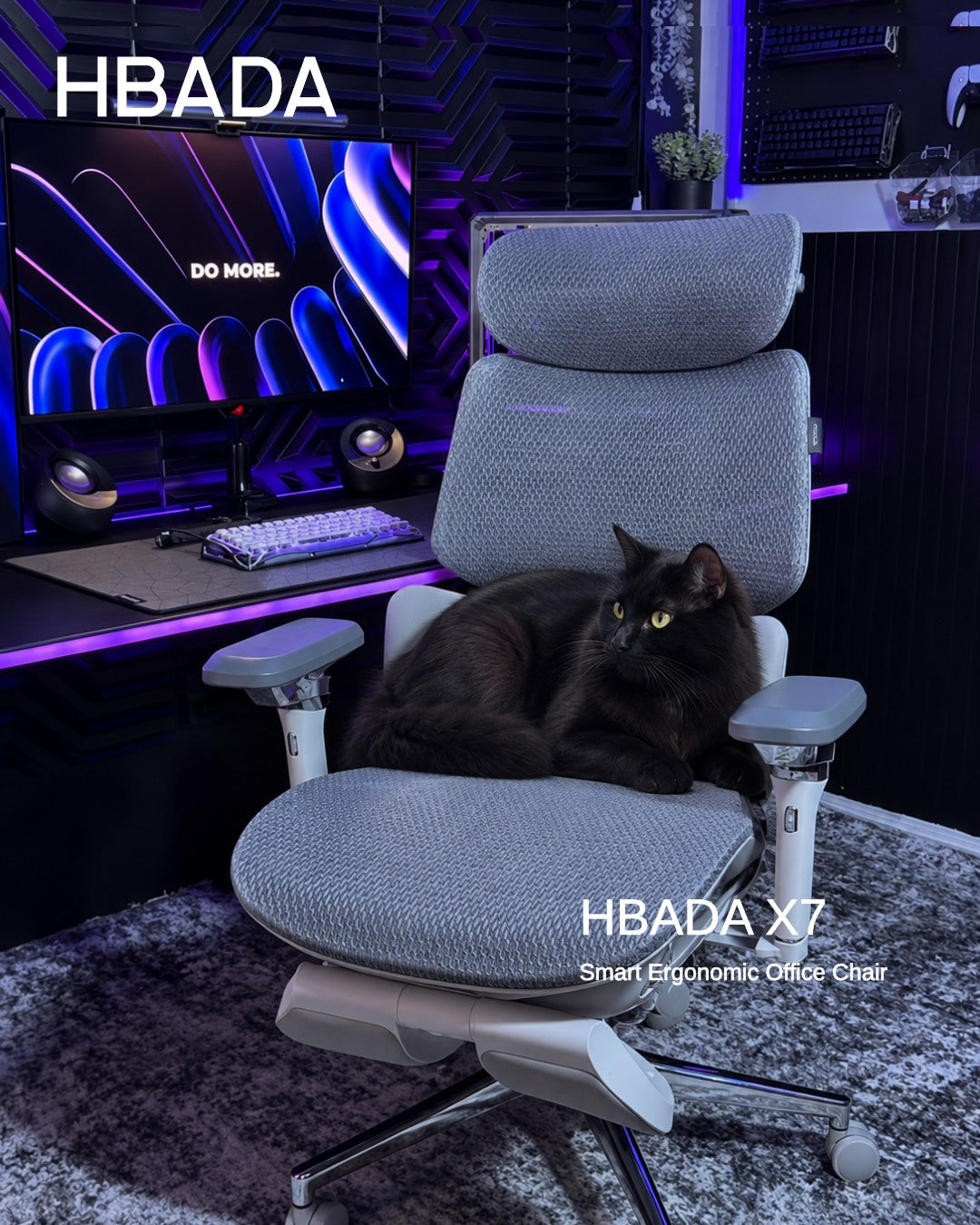
The HBADA X7 Smart Ergonomic Chair is designed for users who want their chair to respond as their posture changes. Its lumbar-tracking system uses pressure sensing and powered adjustment to maintain support as the user moves.
The X7 also combines adjustable arm support, seat ventilation and massage functions. These features make it the most technology-focused option in this comparison.
It may be a practical fit for users who sit for long periods and do not want to stop repeatedly to readjust a manual lumbar mechanism.
- You regularly work long hours at a desk.
- You prefer automatic rather than manual lumbar adjustment.
- Seat ventilation is important in a warm workspace.
- You want a premium chair with smart comfort features.
HBADA E3 Pro: Best for Targeted Lower-Back Support
For people who experience lower-back pain or discomfort during prolonged sitting, the HBADA E3 Pro Ergonomic Office Chair provides targeted, adjustable support through its 3-zone adaptive lumbar system.
Its independently adjustable lumbar zones are designed to maintain more consistent contact with the lower back as the user changes position. When correctly adjusted, this support may help ease sitting-related lower-back discomfort and reduce pressure associated with an unsupported posture.
The E3 Pro is therefore a strong option for users looking for an ergonomic office chair for back pain support without relying on powered controls. However, an ergonomic chair is not a medical treatment and results can vary between individuals.
- You experience lower-back discomfort during long sitting sessions.
- Targeted and adjustable lumbar contact is a priority.
- You want to fine-tune several parts of the chair manually.
- You switch regularly between upright and reclined positions.
HBADA E3 Air: A Value-Focused Everyday Task Chair
The HBADA E3 Air Ergonomic Office Chair combines 3-zone adaptive lumbar support, breathable mesh, adjustable armrests and a recline of up to 140 degrees.
It does not include the X7's powered lumbar tracking, ventilation and massage systems. Instead, it focuses on the ergonomic adjustments most people use during ordinary office work.
That balance makes it suitable for home offices, shared workspaces and buyers seeking a more accessible entry into the E3 range.
- You want breathable support for everyday desk work.
- You prefer manual controls and straightforward adjustment.
- You need a lower-priced alternative to HBADA's smart chairs.
- You still want lumbar, headrest and armrest adjustment.
HBADA E3 Ultra: For Recline and Short Breaks

The HBADA E3 Ultra Ergonomic Office Chair combines a 3-zone lumbar system with a recline of up to 140 degrees and an integrated footrest.
This configuration is useful for people who want one chair for focused work, reading and short seated breaks. Its lumbar support can also help maintain lower-back contact as the sitting position changes.
The footrest should be treated as an occasional relaxation feature rather than a substitute for standing up and moving during the day.
- A built-in footrest is important to you.
- You regularly use a deeper reclined position.
- You want extensive mechanical adjustment.
- The required variant is currently available in your region.
HBADA P2: A Value Option When Available
The HBADA P2 Ergonomic Office Chair offers adjustable lumbar support, a headrest, rotating arm support and a recline of up to 140 degrees, depending on the selected configuration.
Different P2 variants may have different lumbar, armrest and footrest features. Buyers should therefore compare the specifications of the exact variant instead of relying on the series name alone.
- You are building an occasional or secondary workspace.
- You want meaningful adjustment at a lower price point.
- You have checked the specifications of the selected variant.
- The required colour and configuration are in stock.
How to Choose a Task Chair Based on Your Workday
| If Your Workday Includes | Model to Consider | Why |
|---|---|---|
| Long, intensive desk sessions | HBADA X7 | Automatic lumbar tracking and active comfort features |
| Lower-back discomfort during prolonged sitting | HBADA E3 Pro | Targeted, adjustable 3-zone lumbar support |
| Frequent posture changes and manual adjustment | HBADA E3 Pro | Extensive mechanical adjustment |
| Everyday work on a tighter budget | HBADA E3 Air | Breathable mesh and essential ergonomic adjustments |
| Reading or short reclined breaks | HBADA E3 Ultra | Deeper recline and integrated footrest |
| Occasional work or a secondary desk | HBADA P2 | Value-focused adjustability, subject to availability |
There is no single best task chair for every office. The right choice depends on how long you sit, which adjustments you will actually use, your body dimensions and the amount you want to invest.
Setup Tips for Any Task Chair
- Sit fully against the backrest. Adjust the lumbar support only after your back is positioned against the chair.
- Set the seat height. Keep your feet supported and your knees around hip level.
- Check the seat depth. Leave a small gap between the front edge of the seat and the backs of your knees.
- Position the lumbar support. It should support the inward curve of the lower back without creating excessive pressure.
- Relax your shoulders. Raise or lower the armrests until your forearms are supported without lifting your shoulders.
- Position the screen correctly. Keep the main part of the display close to eye level to avoid repeatedly bending the neck.
- Change position regularly. Even a well-adjusted chair should be combined with standing, walking and movement breaks.
Frequently Asked Questions
What is the best HBADA task chair for long workdays?
The HBADA X7 is the most technology-focused option for long desk sessions because it combines automatic lumbar tracking, ventilation and adjustable support. The best choice still depends on your dimensions, preferred controls and budget.
Which HBADA chair may help with sitting-related back discomfort?
The HBADA E3 Pro is a strong option for targeted lower-back support. Its 3-zone adaptive lumbar system can be adjusted to maintain contact with the lower back and may help ease discomfort associated with prolonged, unsupported sitting.
It does not treat an underlying back condition, and persistent, severe or worsening pain should be assessed by a healthcare professional.
Which HBADA task chair offers the most manual adjustment?
The E3 Pro is a strong option for users who want extensive mechanical adjustment, including its 3-zone lumbar system, adjustable headrest, armrests and recline controls.
Which HBADA task chair is best for a limited budget?
The E3 Air is designed as a value-focused everyday chair with breathable mesh and essential ergonomic adjustments. P2 variants may also offer a lower-cost option when the required configuration is available.
Should a task chair have a footrest?
A built-in footrest is optional. It can be useful during a short reclined break, but it is not necessary for focused desk work. During active work, your feet should be supported by the floor or a properly positioned external footrest.
How much recline should a task chair provide?
A modest recline is generally useful for desk work, while a deeper position can support reading or short breaks. Controlled movement, stable support and suitable recline tension are more important than the maximum angle alone.
Can an ergonomic task chair treat back pain?
No. A properly adjusted task chair may help ease sitting-related discomfort and support a more comfortable posture, but it is not a medical treatment and cannot correct an underlying condition. Persistent or severe back pain should be discussed with a qualified healthcare professional.
Final Thoughts
Choosing the right task chair is not about selecting the model with the longest feature list. It is about finding the chair whose adjustments match your body, working style and daily sitting time.
Choose the X7 for automated support and smart comfort features. The E3 Pro is the stronger option for targeted lumbar adjustment and users seeking relief from sitting-related lower-back discomfort. Choose the E3 Air for value-focused everyday use or the E3 Ultra for deeper recline and a footrest.
The P2 can suit a lighter-use workspace when the appropriate variant is available. Before ordering, compare the live specifications, dimensions, warranty, price and availability.
After delivery, take time to adjust the chair correctly and continue changing position throughout the working day.