
Ergonomic Solutions for Tall Desks: Keyboard Trays, Low Height Chairs, and Workstation Upgrades

Ergonomic Solutions for Tall Desks: Keyboard Trays, Low Height Chairs, and Workstation Upgrades


Many professionals experience repetitive strain injury (RSI) due to flawed ergonomic setups and repetitive movements. RSI can hinder computer-related activities and potentially lead to more severe injuries. The standard desktop height of 27 to 30 inches may not be suitable for petite or average-height users, causing discomfort and various problems like shoulder, back, and neck pain. While switching to a new desk can be inconvenient and costly, there are affordable solutions to adapt your existing tall desk. By using a regular office chair and a few inexpensive gadgets, you can make your tall desk more ergonomic and alleviate potential health issues.


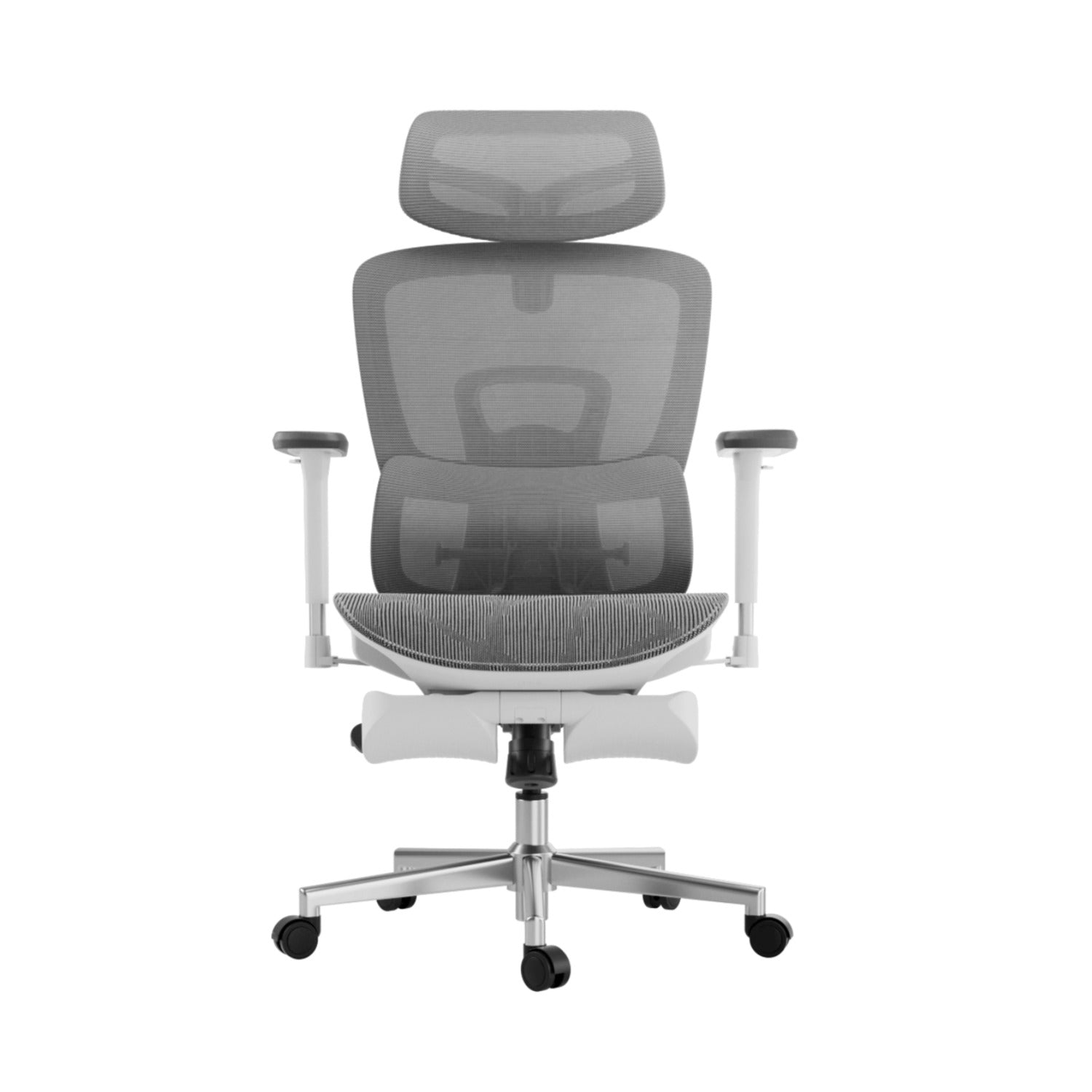
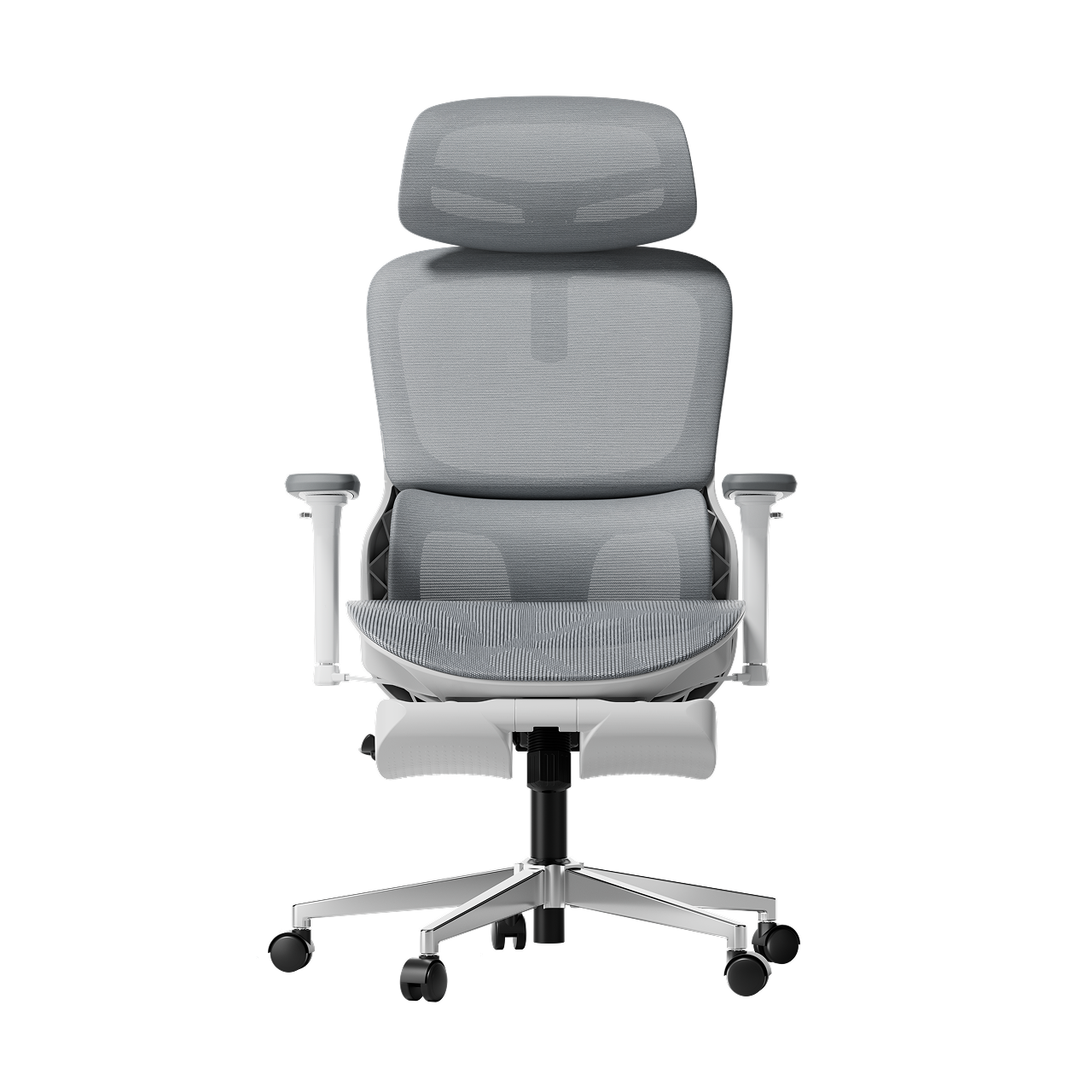
1. Consider purchasing a medium height chair with a 5" cylinder and a footrest for improved ergonomics.
Pros: Raise your seat height for comfortable typing and eliminate foot dangling with a footrest, which is an affordable solution.
Cons:
A. Lack of stability: The footrest may not provide a stable platform, leading to potential issues with chair control and relying on arms and shoulders to adjust proximity to the keyboard.
B. Prolonged sitting: While this solution works for those primarily sitting during the workday, sitting for extended periods can contribute to serious health concerns. Although inexpensive, it is considered less desirable due to these reasons.

2. Improve Ergonomics with a Low Height Chair and Under Desk Keyboard Tray
Pros: The Keyboard Tray option offers the advantage of bringing the keyboard closer to your lap, providing relief for arm and shoulder pain. Additionally, a 4" cylinder height is suitable for petite individuals, allowing them to comfortably rest their feet flat on the floor.
Cons: It's important to note that relying solely on a sitting solution, such as a Keyboard Tray, may not be the healthiest choice as sitting for extended periods can have negative effects.
By considering a range of solutions and incorporating various healthy habits, you can optimize your workspace for both comfort and overall well-being.

3. Upgrade Your Workstation: Buy a Low Height Chair with 4" Cylinder and Desk Converter
Pros: Affordable and Versatile Desk Converter for Sit-Stand Work: A desk converter is a cost-effective solution that allows you to easily switch between sitting and standing while working. It brings the keyboard below the desktop, promoting better ergonomics and reducing strain on your body.
Cons: Challenging to Achieve Ideal Monitor Position: One potential drawback is that achieving the perfect working position can be challenging if your monitor is not properly adjusted to your eye level. This may require additional adjustments or accessories to ensure proper ergonomics and reduce strain on your neck and eyes.

4. Enhance Your Ergonomic Setup: Purchase a Low Height Chair with 4" Cylinder, Sit-Stand Desk, and Monitor Arm
Pros: The versatility of a Sit-Stand Desk allows you to easily switch between sitting and standing positions while working. Additionally, using a Monitor Arm enables precise adjustments to align your monitor with your eye level and set the keyboard at a comfortable typing height.
Cons: One drawback of this ergonomic setup is the higher cost compared to other options available in the market.

5. The Benefits of Keyboard Trays for Improved Ergonomics
Achieving good ergonomics is crucial for maintaining a comfortable work environment. According to experts, positioning your keyboard and mouse to ensure a neutral wrist posture is essential. Due to variations in body structures and personal requirements, achieving a neutral wrist position lacks a universally applicable solution.One helpful tip for heavy computer users is to place the keyboard and mouse close to the belly button. It's also important to avoid raising your shoulders to compensate for a desk that is too low, as it can strain your back and neck. Additionally, desk chair armrests positioned above your elbows' natural position can contribute to poor posture.

But what if your desk is too tall, even with your chair adjusted to its maximum height? Fear not, as there is a simple and cost-effective solution: a keyboard tray. Keyboard trays, although not as popular as they used to be, are still highly effective in lowering the keyboard and bringing it closer to your torso. They not only improve ergonomics but also free up space on your desk and have a sleek appearance. If you're concerned about drilling into your desk, clamp-on keyboard trays are a viable alternative. Look for trays with two clamps for added stability and ensure that your desk has enough space for a tray if it has a protruding frame.

Ultimately, finding the right ergonomic setup is a personal journey. Everyone is unique, and different activities, such as gaming, may require varying amounts of mouse movement. It's crucial to experiment with different positions to find what is most comfortable and enables you to maintain good posture while working or gaming.
People Also Asked
Q: Is the HBADA chair good for back pain?
Specifically, HBADA chairs like the E3 series are engineered to combat chronic back pain. Their dynamic lumbar tracking tech prevents the "slump" that causes lower back strain, making them highly effective for posture correction.
Q: What is the most comfortable chair for back problems?
For back problems, the most comfortable chair is one that offers constant lumbar contact. The HBADA E3 Ultra is a top contender in 2026 because its "gravity-sensing" backrest adjusts in real-time to your spine's curvature.
Q: What type of chair is recommended to prevent lower back pain?
Chiropractors recommend chairs with independent lumbar support, adjustable seat depth, and breathable mesh. HBADA's professional series meets all these criteria, ensuring the pelvis remains neutral and the lower spine is supported.
Q: What chairs do chiropractors recommend at an office?
Chiropractors frequently recommend brands that prioritize "Active Seating." In 2026, HBADA is often cited due to its AI-driven intervention features that nudge users to adjust their posture when they begin to slouch.
Q: What is the 90-90-90 rule in ergonomics?
The 90-90-90 rule states that your elbows, hips, and knees should all be bent at a 90-degree angle. HBADA chairs facilitate this by providing highly adjustable gas lifts and seat pans that accommodate various heights to maintain this optimal posture.


Relevant Product

You May Also Like

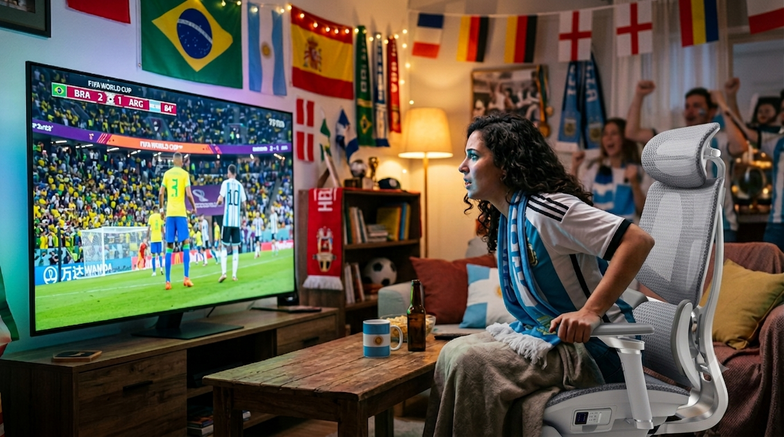
Work Hard, Cheer Harder: Balancing WFH Productivity and World Cup Fever Work Hard, Cheer Harder: Balancing WFH Productivity and World Cup Fever For the millions of remote workers out there, the middle of the year 2026 represents the biggest challenge imaginable. On one side you have a constant stream of Zoom calls, ever-changing marketing KPIs and important messages on Slack. While at the same time on another screen (or at least positioned directly below your main monitor), the 2026 World Cup is producing some amazing emotionally charged games with amazing goals and completely unexpected results. If you are one of the WFH elite (programmers, digital marketers, designers and executives), you’ve mastered the multi-screen setup. But balancing your productivity with football fever can be a real test of your endurance. The moment that game is over, there’s going to be an extra half an hour (extra time) added onto those matches. That’s making your work bleed into the nighttime hours – which is going to leave you physically drained. You should be able to both meet your daily goals and support your national team without feeling like you have to pick one or the other. if you want to work hard and cheer on even harder, you're going to need more than just a better schedule; you need to turn your desk chair into the best seat in the entire stadium. Here's a guide for you so you don't get a "Red Card" from back pain during the football season. 1. Tactical Formations: Switching from "Focus Mode" to "Cheer Mode" In football, a manager changes formations based on the opponent. In a home office, you need a chair that changes its configuration based on your task. Slouching on a soft living room sofa for a 90-minute match might feel comfortable for the first half, but by the final whistle, your lower back is completely defenseless against spinal strain. This is where the HBADA E3 Pro and flagship smart series act as your ultimate defensive line. The 90° Focus Formation: When a critical deadline approaches, lock the backrest upright. HBADA’s pioneering 3-zone dynamic lumbar support conforms aggressively to your spine's natural curve, keeping you alert, productive, and highly focused. The 140° Cheer Adaptive System: The moment your team moves into the final third of the pitch, unlock the floating recline. Utilizing an auto-gravity sensor, the chair automatically balances your weight. Whether you are leaning forward in nail-biting suspense or throwing yourself back in celebration after a spectacular goal, the chair moves with you dynamically, eliminating sudden shocks to your lumbar vertebrae. 2. Supporting the Wingers: 720° Armrests Built for Controllers and Cans To really handle several tasks at once, your upper body needs to stay relaxed. Think about how you sit when you are watching something on a tablet while also checking emails on a laptop, or when you pick up a controller for a quick game during a break. Most of the time, your elbows are just hanging in air, which makes your shoulders hold all that tension. HBADA designed their 720 Omni Mechanical Armrests specifically for this. While standard office chairs are usually pretty stiff, these armrests allow both the top pad and the arm itself to rotate in a full circle. When you move your arms inward to hold a phone, tablet, or controller, the armrests slide in and lift up to support your forearms. This helps you stay comfortable whether you are focusing on work or just relaxing with some entertainment. 3. Surviving Extra Time: Thermal Control & Post-Match Recovery Sitting for eight, ten, or twelve hours a day is a grueling physical challenge—especially during hot summer tournament months. When a match enters a tense penalty shootout, your heart rate spikes, your palms sweat, and traditional mesh or foam seats quickly turn into heat traps. The HBADA X7 Smart Ergonomic Chair solves this with its advanced Cloud Ventilated Seat Cushion. Powered by high-speed dual fans with quiet, balanced, and turbo modes, it improves breathability by 65% compared to conventional office chairs, keeping you cool under pressure. And when the final whistle blows late at night and the adrenaline fades, your body enters recovery mode. Instead of heading straight to bed with stiff muscles, you can activate the built-in 8D Dual-Core Bionic Massage system. Paired with a 3-level graphene heat therapy module (operating at a soothing 104–122°F), it simulates a professional sports massage to relieve deep tissue fatigue, ensuring you wake up refreshed and ready for tomorrow's morning stand-up meeting. 4. Uncompromising Smart Innovation, Built Safely Bringing active technology into furniture requires a commitment to safety. The HBADA smart ecosystem features automated intelligence like Smart Posture Memory, which actively learns your preferred lumbar intensity levels, and a completely wireless design powered by a slide-out lithium-ion battery. To eliminate any WFH safety anxieties, HBADA utilizes a fully UL-certified battery system equipped with multi-layered intelligent overheating and short-circuit protections. You get the cutting-edge luxury of wireless AI tracking, heating, and cooling, with the total peace of mind required for high-tech household environments. Game-Winning Upgrades Without Financial Strain You don't need to drop $1,500+ on overpriced, legacy corporate brands to get elite, medical-grade ergonomics. As part of the HBADA Early Prime Day promotion, you can secure significant savings on our entire lineup of advanced seating tech ahead of the summer logistics rush, backed fully by a strict Price Match Guarantee. Best of all, you don't have to compromise your monthly budget to secure your back health before the tournament finals. Through our flexible financing partnership, you can bring home premium ergonomic luxury today and divide the cost into bite-sized, manageable pieces. Ready to build your ultimate World Cup command center? Work hard, cheer harder, and protect your spine. Explore HBADA Early Prime Day Ergonomic Deals Now Want to split the bill? Check out how you can enjoy 4 interest-free installments or monthly financing options directly on our HBADA x Klarna Payment Page.   🎁 🏆 Join Our Party Night Giveaway! (Jun 16 – Jun 27) The soccer fever is reaching its peak, and we are giving away the ultimate tech gear to upgrade your WFH and viewing setup! From June 16 to June 27, enter for a chance to win: 1x THUNDEROBOT VIC68 Magnetical Keyboard 2x 50% OFF Coupons for HBADA E3 Ultra Ergonomic Chair 1x Fosi Audio K7 Desktop DAC Headphone Amplifier 2x Loona Robot Gaming Companions Don't let back pain give you a "red card" during the knockout rounds. HBADA Official Branding & Corporate Social Responsibility HBADA Official Branding & Corporate Social Responsibility Explore global career opportunities at HBADA. Build your future with a brand dedicated to human diversity, continuous upskilling (IDP), and world-class design. Behind the Screen: Addressing Reddit’s Biggest Questions About HBADA Chairs (The 2026 Engineering Guide) Behind the Screen: Addressing Reddit’s Biggest Questions About HBADA Chairs (The 2026 Engineering Guide) Is the HBADA chair worth it? We address Reddit's biggest questions with tech lab facts, from our Anti-sinking Class 4 Gas Lift to 3-Zone Lumbar engineering.