
All the Things You Need to Know About Healthy Sitting Posture at Work

All the Things You Need to Know About Healthy Sitting Posture at Work

You don’t have to accept back pain as part of your workday. Good posture is important for your health and productivity. It helps reduce strain on your spine, increases your energy, and prevents joint injuries. The best approach is to build healthy habits and use supportive seating. Here’s how you can set up your workspace for comfort and focus.


What is Ergonomic Posture? Meaning and Benefits

The Hidden Costs of Poor Alignment

Many people don’t realize how much a typical office setup can affect their bodies. Slouching at your desk can put pressure on your spine, make it harder to breathe, and slow your digestion. Over time, this can lead to back pain, headaches, and fatigue. To feel better at work, it’s important to learn about posture and how your body moves.

Ergonomic Posture: Meaning and Benefits

What does ergonomic posture mean, and why is it helpful? It means keeping your body in a natural, relaxed position. This reduces tired muscles and takes pressure off your joints. You’ll notice fewer headaches, less back pain, and better blood flow in your legs. With a good setup, your muscles don’t have to work extra hard to keep you upright, so you can stay focused and avoid feeling tired in the afternoon.


Proper Sitting Posture for Office Workers: A Step-by-Step Guide

Just reminding yourself to “sit up straight” isn’t enough. Good sitting posture means your whole body works together with your desk, monitor, and chair. Here’s how to get it right from head to toe.

Spinal Alignment and Sitting Position in Front of the Computer Ergonomics

When you set up your computer workspace, start by making sure your monitor is at eye level and about an arm’s length away. This helps keep your neck straight and avoids strain. Sit with your hips all the way back in your chair. If you have an adjustable chair, set the seat depth so your back is supported and there’s a small gap between the seat and the back of your knees.

Feet, Legs, and Circulation

Your lower body matters for posture. Keep your knees at or just below hip level, and keep your feet flat on the floor. If your feet don’t reach, use a footrest. Try not to cross your legs, since it can twist your hips and reduce circulation, which may cause numbness or discomfort.

Ergonomic Armrests for Shoulder Relief and Posture

Pay attention to your arms and wrists. Keep your elbows close to your sides at a natural angle, about 90 to 100 degrees. Good armrests help support your arms and take pressure off your neck and shoulders. Place your keyboard and mouse so your wrists stay straight, not bent up or down.

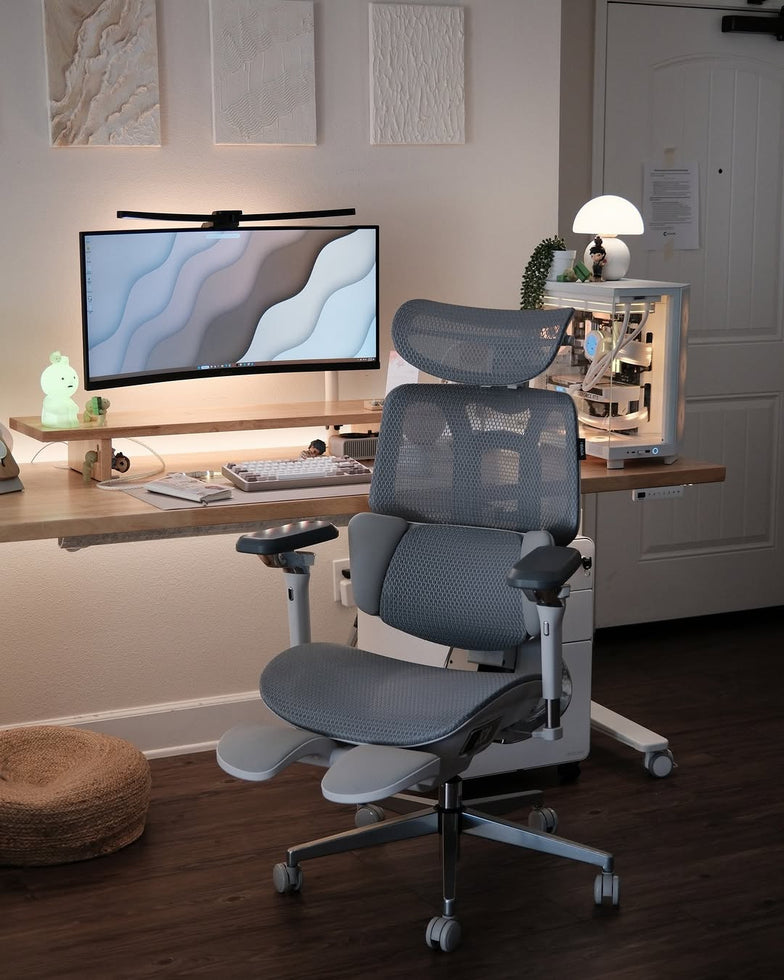
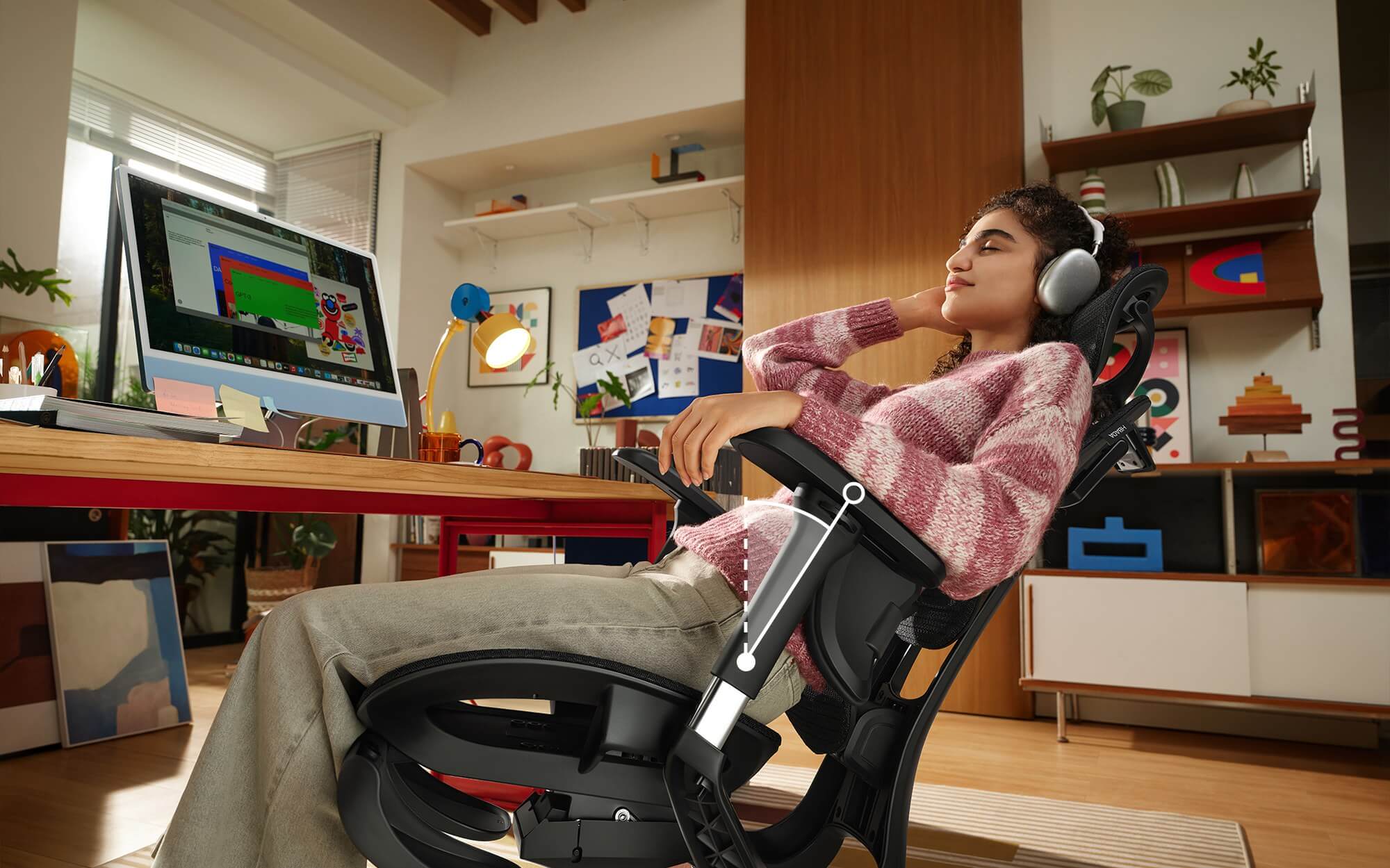
 Hbada Chair facing time Real Customer Review Photo — Ergonomic Setup at Home

Why Your Office Chair is Your Most Important Tool

Healthy habits are important, but your chair matters just as much. If your seat is stiff and doesn’t support you, it’s hard to keep good posture all day.

The Search for the Best Ergonomic Chair for Long Hours

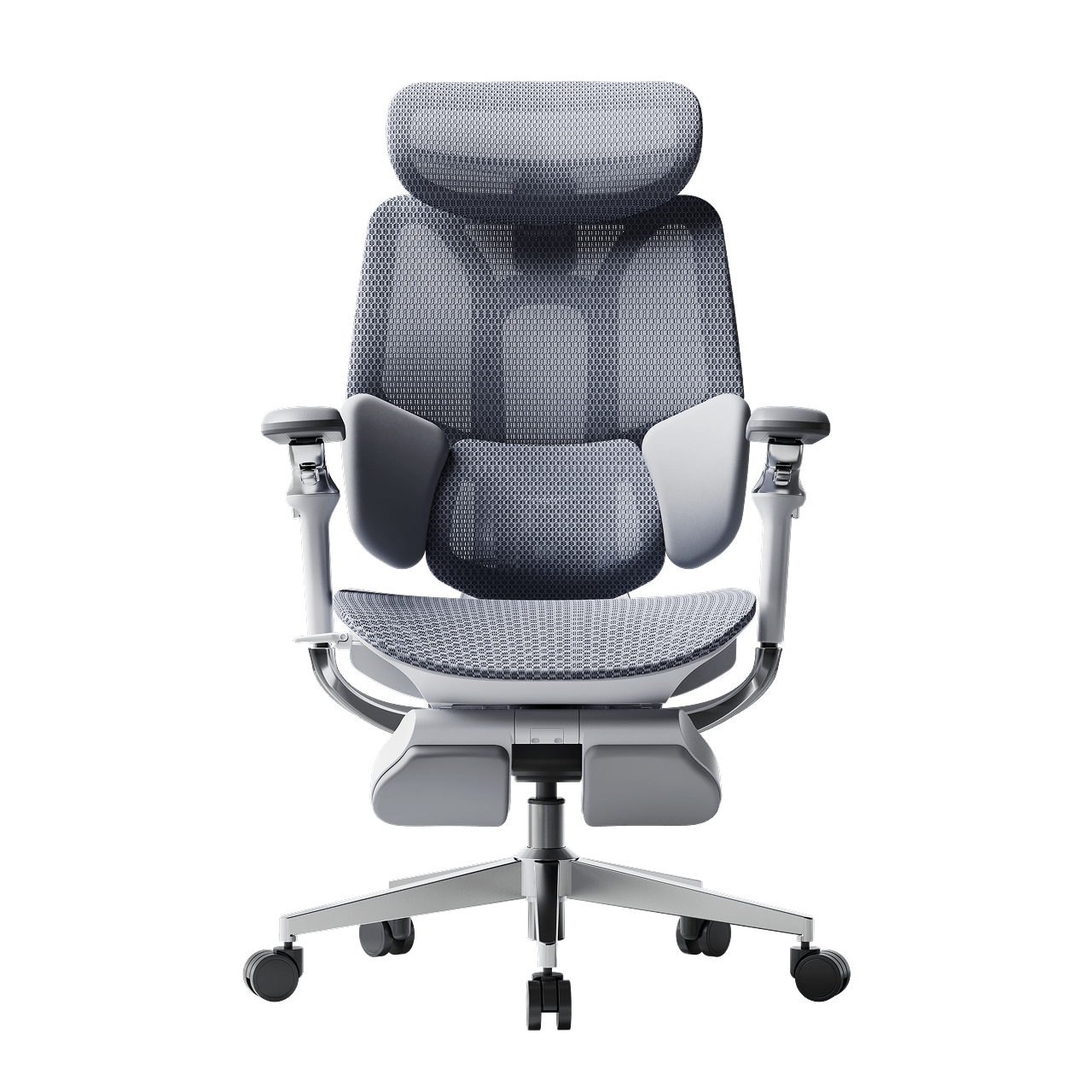
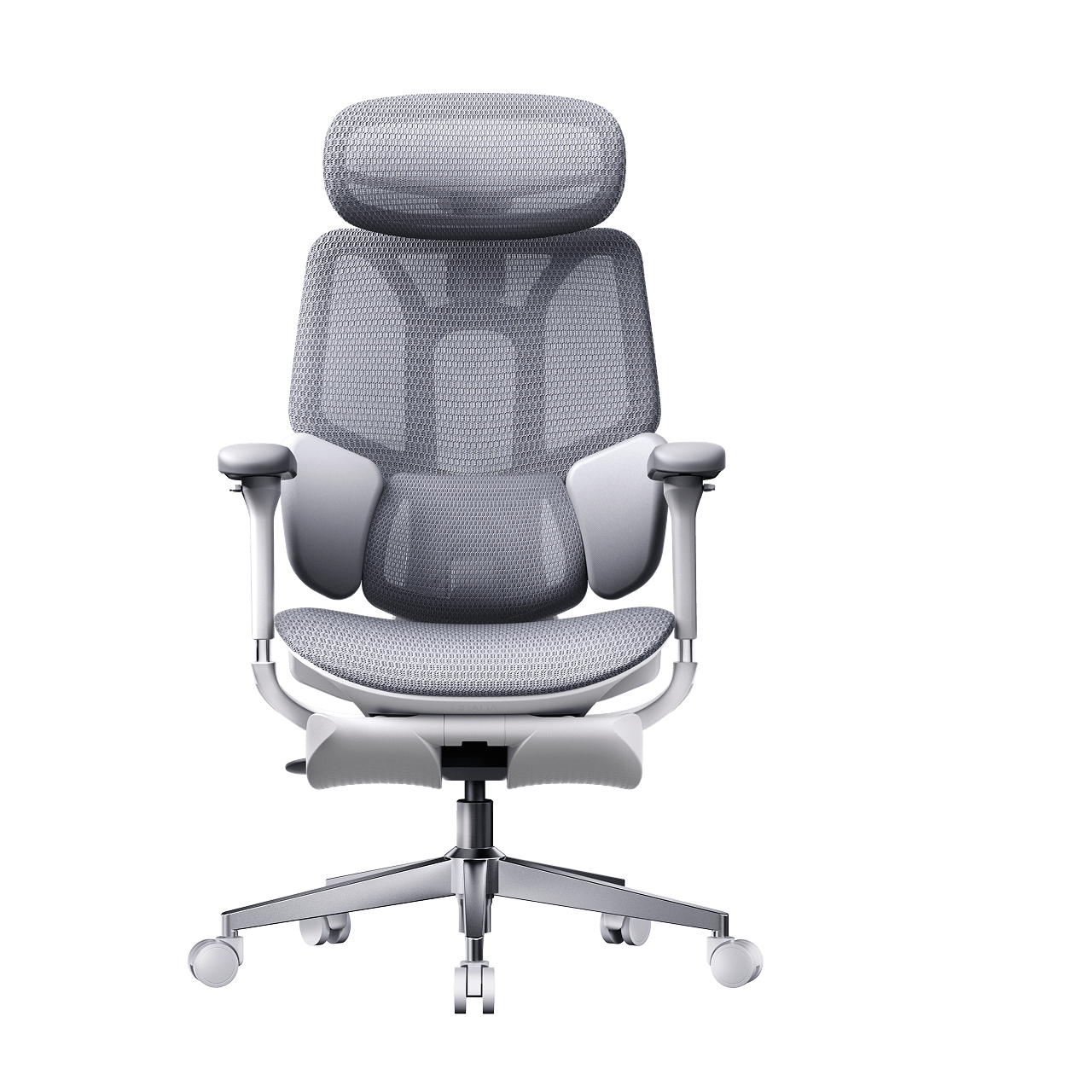
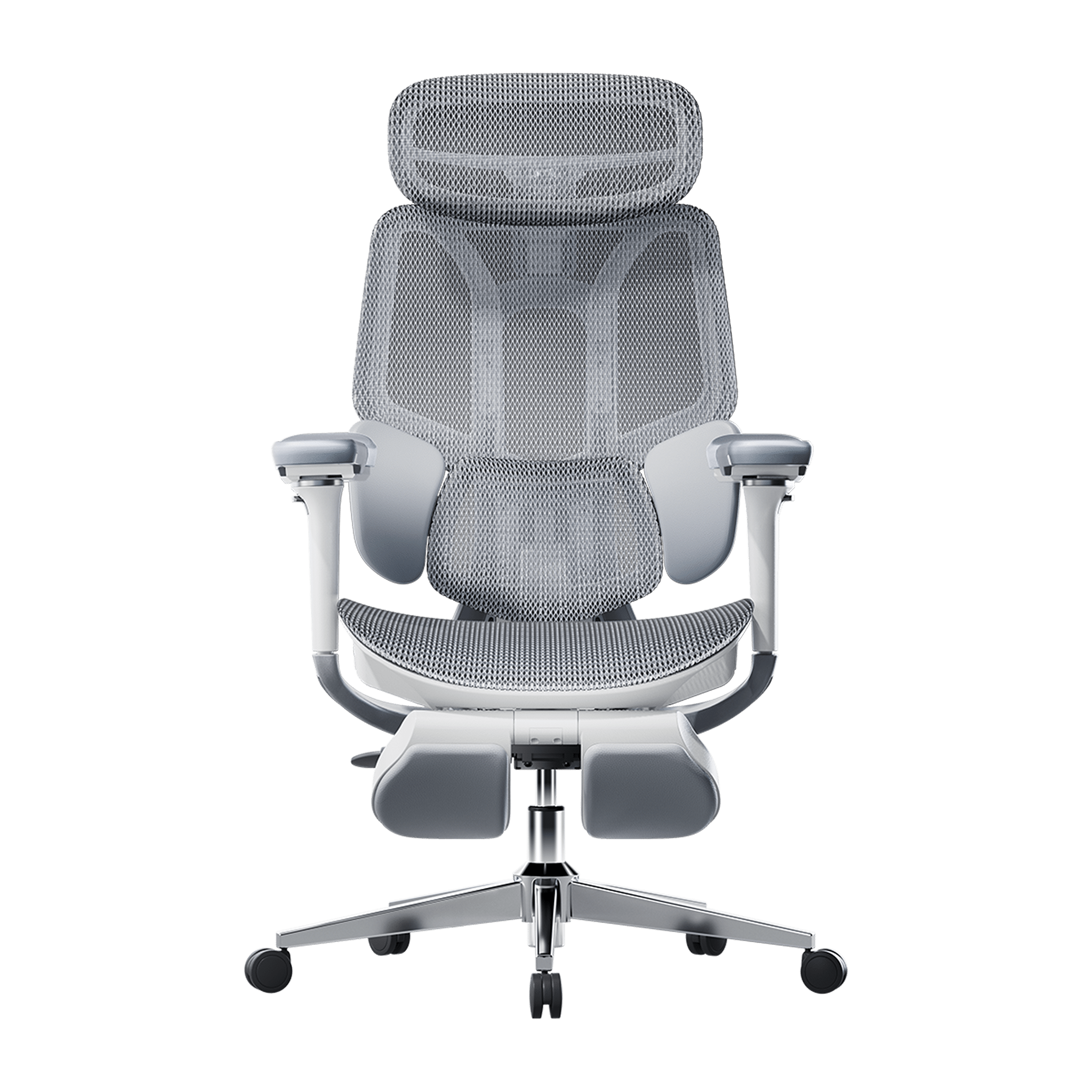
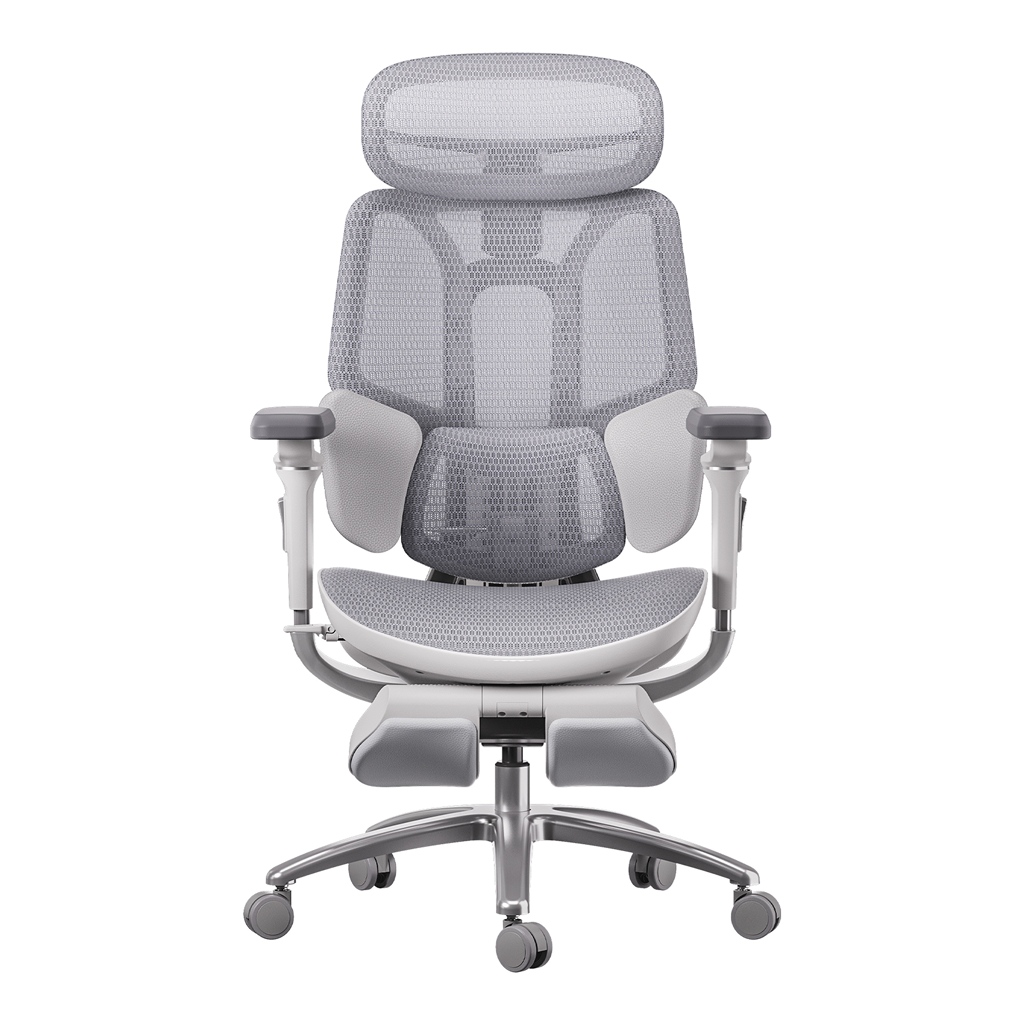
If you spend many hours at your desk, you need a chair that’s made for long use. The best ergonomic chairs move with you and support your spine’s natural curve as you shift positions. Investing in a chair with lumbar support is a smart choice for your health and comfort, whether you work at home or in an office.

Advanced Support: The Science of Lumbar Tracking

Regular lumbar support doesn’t always work well because we move a lot during the day. An adaptive lumbar chair adjusts as you change positions, like when you lean forward or recline. Some chairs have three zones of support that fit the shape of your lower back and give relief to your muscles, spine, and pelvis. This way, your spine always gets the support it needs, no matter how you sit.

 Man sitting on a black ergonomic chair in an e3 air ergonomic chair  ~scene

Hbada Ergonomic Chair Comparison: Elevate Your Workspace

We focus on creating chairs that support your health and help you work at your best. Whether you want a top ergonomic chair or a simple, lightweight option for your home office, our products are designed to deliver. Here’s a comparison to help you choose what’s right for your workspace.


Product Model

Ideal User Scenario

Key Ergonomic Features

Lumbar Support Technology

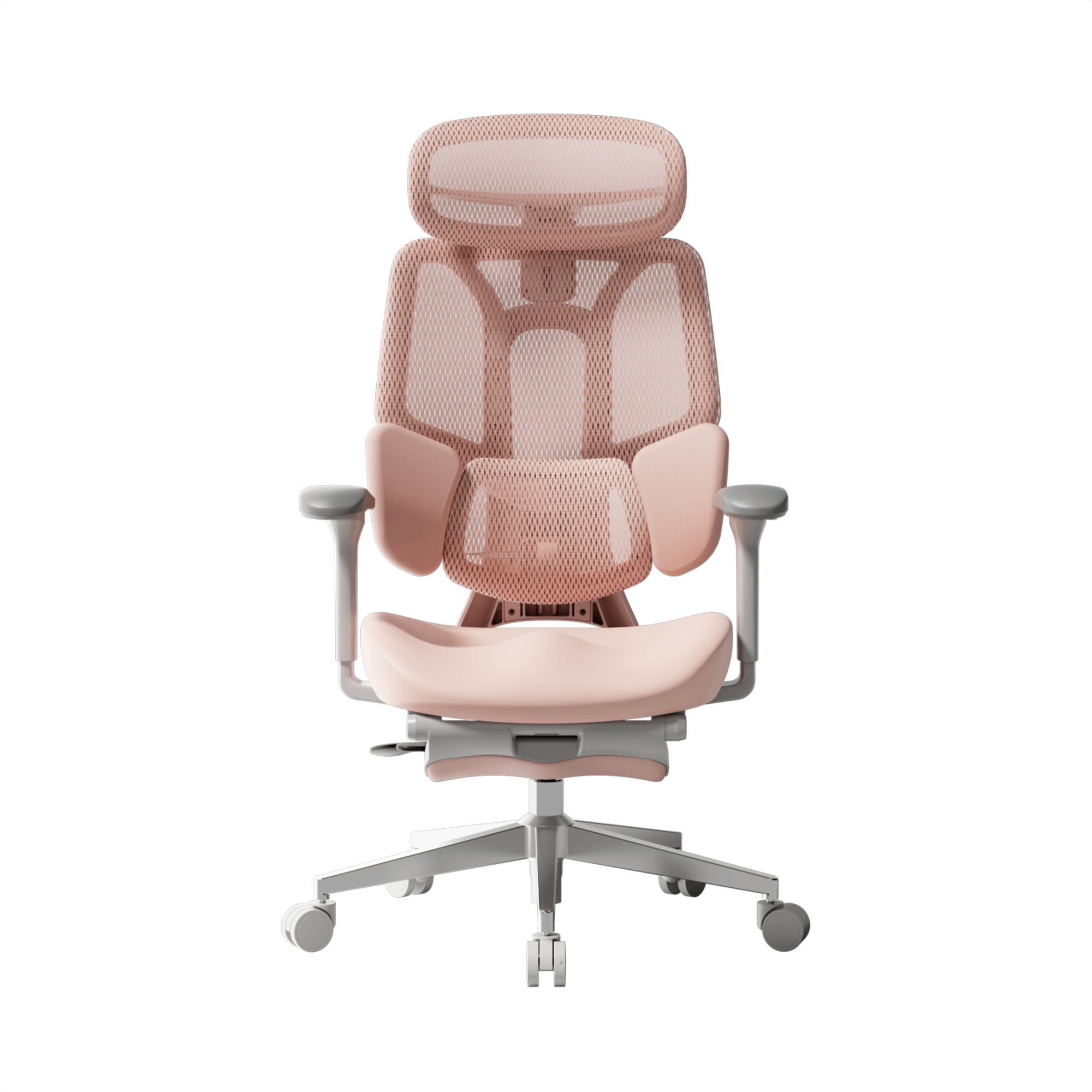
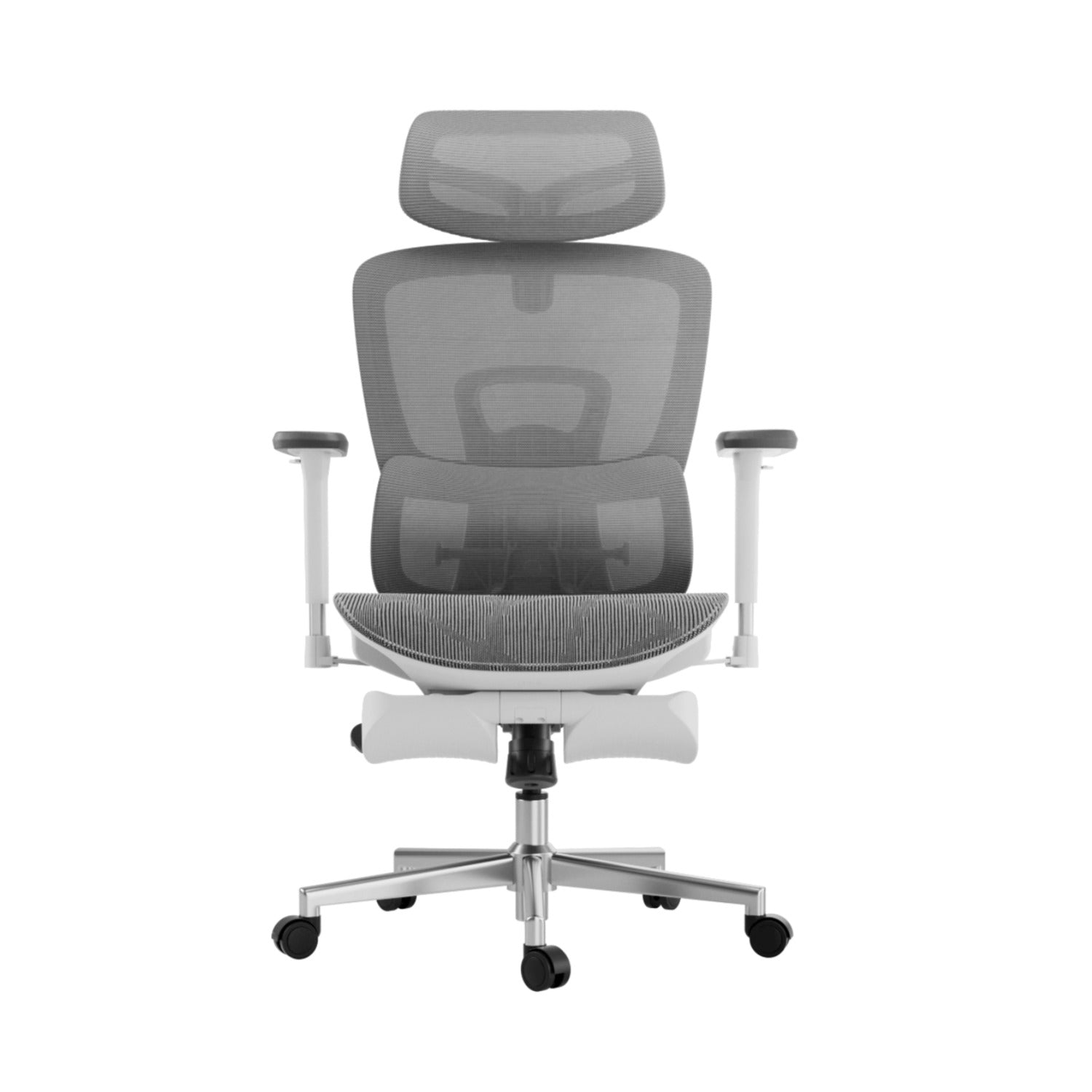
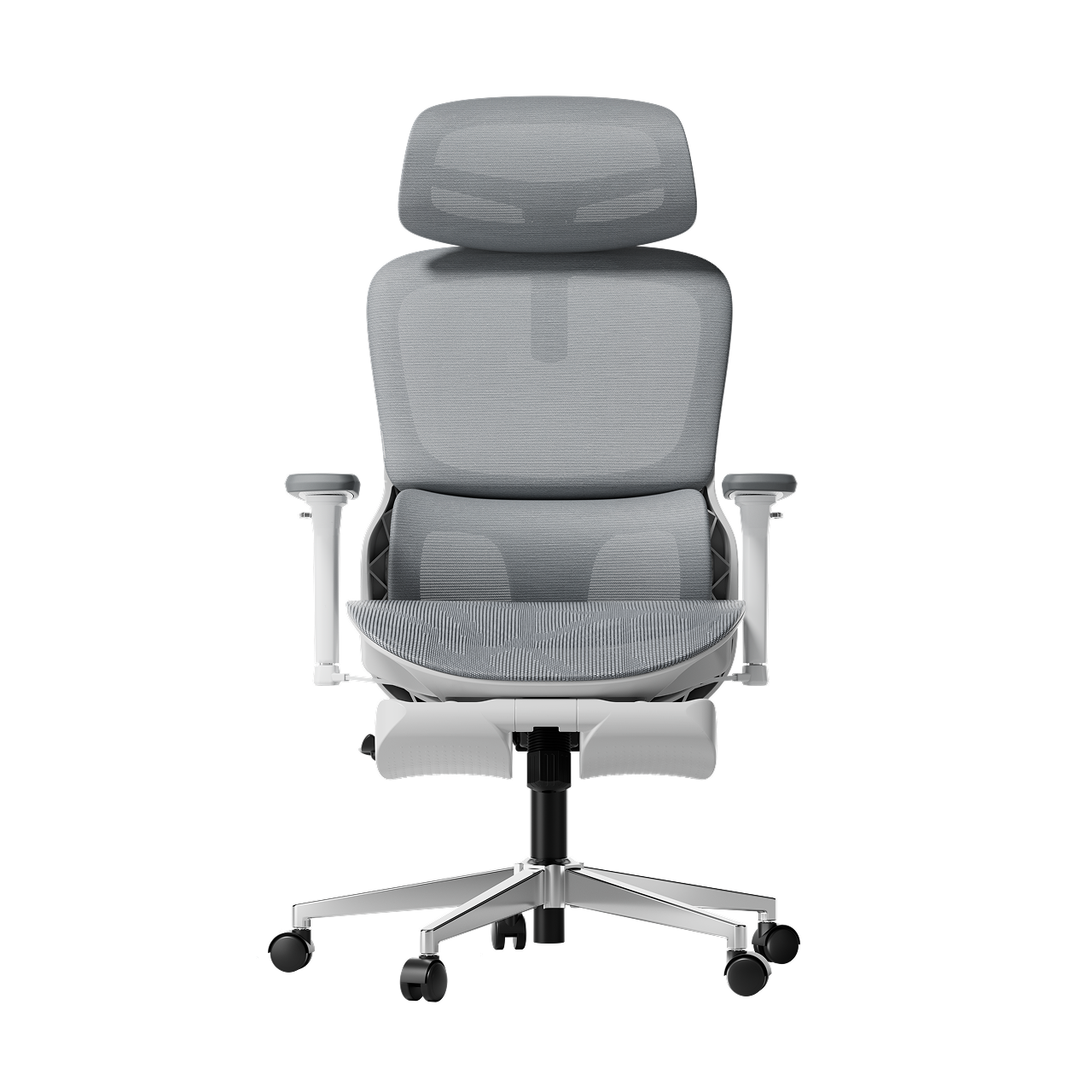
Hbada E3

Home Office / Remote Workers

Breathable mesh, dynamic tilt, ergonomic armrests for shoulder relief and posture.

Standard Dynamic Lumbar

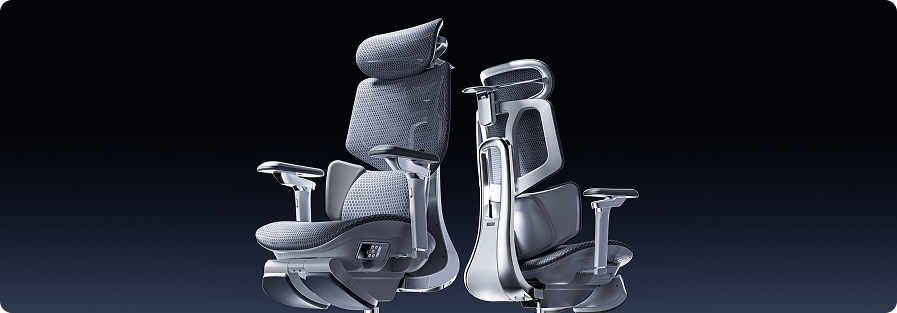
Hbada E3 Pro

Intensive Desk Work / Corporates

Premium / advanced ergonomic features, gravity-sensing recline, ultimate comfort.

best ergonomic chair with 3-zone lumbar support

Hbada AI-Powered X7

Tech Enthusiasts / Posture Focus

Bio-synchronized tracking, real-time posture correction, AI health monitoring.

Adaptive lumbar tracking ergonomic chair


If you want to improve your posture, some new chairs give real-time feedback to help you adjust while you work. Some use smart technology to guide you, while others offer strong, multi-zone support for all-day comfort. Consider which features are most important to you, like active feedback or steady support.


Frequently Asked Questions About Healthy Sitting

Q: How often should I take breaks from sitting at my desk?
A: Even with perfect posture, sitting still for extended periods restricts blood flow and stiffens your muscles. You should stand, stretch, or walk for at least five minutes every single hour.

Q: Can a high-quality chair actually correct my bad posture?
A: A chair cannot forcefully lock you into perfect posture, but it provides the necessary biomechanical foundation. An ergonomic chair gently guides your spine into proper alignment and greatly reduces the muscular effort needed to sit upright.

Q: How do I know if my chair’s lumbar support is positioned correctly?
A: Your lumbar support should fit seamlessly into the deepest inward curve of your lower back, resting just above your belt line. It should feel highly supportive but never intrusive. If it pushes your pelvis too far forward or feels too high up on your ribcage, you must adjust the height immediately.

Q: Are armrests strictly necessary for a home office chair?
A: Yes, adjustable armrests are crucial for long-term comfort. Without them, the entire weight of your arms pulls down on your delicate neck and shoulder muscles, leading to severe tension.

Q: What makes an adaptive lumbar system better than standard support?
A: Standard lumbar support is completely static; it only works when you sit perfectly still in one highly specific position. An adaptive lumbar system moves dynamically with your body.

Conclusion

Mastering your desk posture is an ongoing, vital commitment to your physical health. Improving your desk posture is important for your health, focus, and comfort at work. When you sit correctly and use supportive equipment, you can avoid pain and discomfort during your workday. Don’t accept aches and fatigue as normal. Check your workspace, make these changes, and choose an ergonomic setup that supports you.
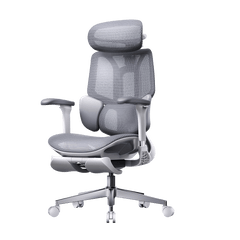
Relevant Product

You May Also Like

Work Hard, Cheer Harder: Balancing WFH Productivity and World Cup Fever Work Hard, Cheer Harder: Balancing WFH Productivity and World Cup Fever For the millions of remote workers out there, the middle of the year 2026 represents the biggest challenge imaginable. On one side you have a constant stream of Zoom calls, ever-changing marketing KPIs and important messages on Slack. While at the same time on another screen (or at least positioned directly below your main monitor), the 2026 World Cup is producing some amazing emotionally charged games with amazing goals and completely unexpected results. If you are one of the WFH elite (programmers, digital marketers, designers and executives), you’ve mastered the multi-screen setup. But balancing your productivity with football fever can be a real test of your endurance. The moment that game is over, there’s going to be an extra half an hour (extra time) added onto those matches. That’s making your work bleed into the nighttime hours – which is going to leave you physically drained. You should be able to both meet your daily goals and support your national team without feeling like you have to pick one or the other. if you want to work hard and cheer on even harder, you're going to need more than just a better schedule; you need to turn your desk chair into the best seat in the entire stadium. Here's a guide for you so you don't get a "Red Card" from back pain during the football season. 1. Tactical Formations: Switching from "Focus Mode" to "Cheer Mode" In football, a manager changes formations based on the opponent. In a home office, you need a chair that changes its configuration based on your task. Slouching on a soft living room sofa for a 90-minute match might feel comfortable for the first half, but by the final whistle, your lower back is completely defenseless against spinal strain. This is where the HBADA E3 Pro and flagship smart series act as your ultimate defensive line. The 90° Focus Formation: When a critical deadline approaches, lock the backrest upright. HBADA’s pioneering 3-zone dynamic lumbar support conforms aggressively to your spine's natural curve, keeping you alert, productive, and highly focused. The 140° Cheer Adaptive System: The moment your team moves into the final third of the pitch, unlock the floating recline. Utilizing an auto-gravity sensor, the chair automatically balances your weight. Whether you are leaning forward in nail-biting suspense or throwing yourself back in celebration after a spectacular goal, the chair moves with you dynamically, eliminating sudden shocks to your lumbar vertebrae. 2. Supporting the Wingers: 720° Armrests Built for Controllers and Cans To really handle several tasks at once, your upper body needs to stay relaxed. Think about how you sit when you are watching something on a tablet while also checking emails on a laptop, or when you pick up a controller for a quick game during a break. Most of the time, your elbows are just hanging in air, which makes your shoulders hold all that tension. HBADA designed their 720 Omni Mechanical Armrests specifically for this. While standard office chairs are usually pretty stiff, these armrests allow both the top pad and the arm itself to rotate in a full circle. When you move your arms inward to hold a phone, tablet, or controller, the armrests slide in and lift up to support your forearms. This helps you stay comfortable whether you are focusing on work or just relaxing with some entertainment. 3. Surviving Extra Time: Thermal Control & Post-Match Recovery Sitting for eight, ten, or twelve hours a day is a grueling physical challenge—especially during hot summer tournament months. When a match enters a tense penalty shootout, your heart rate spikes, your palms sweat, and traditional mesh or foam seats quickly turn into heat traps. The HBADA X7 Smart Ergonomic Chair solves this with its advanced Cloud Ventilated Seat Cushion. Powered by high-speed dual fans with quiet, balanced, and turbo modes, it improves breathability by 65% compared to conventional office chairs, keeping you cool under pressure. And when the final whistle blows late at night and the adrenaline fades, your body enters recovery mode. Instead of heading straight to bed with stiff muscles, you can activate the built-in 8D Dual-Core Bionic Massage system. Paired with a 3-level graphene heat therapy module (operating at a soothing 104–122°F), it simulates a professional sports massage to relieve deep tissue fatigue, ensuring you wake up refreshed and ready for tomorrow's morning stand-up meeting. 4. Uncompromising Smart Innovation, Built Safely Bringing active technology into furniture requires a commitment to safety. The HBADA smart ecosystem features automated intelligence like Smart Posture Memory, which actively learns your preferred lumbar intensity levels, and a completely wireless design powered by a slide-out lithium-ion battery. To eliminate any WFH safety anxieties, HBADA utilizes a fully UL-certified battery system equipped with multi-layered intelligent overheating and short-circuit protections. You get the cutting-edge luxury of wireless AI tracking, heating, and cooling, with the total peace of mind required for high-tech household environments. Game-Winning Upgrades Without Financial Strain You don't need to drop $1,500+ on overpriced, legacy corporate brands to get elite, medical-grade ergonomics. As part of the HBADA Early Prime Day promotion, you can secure significant savings on our entire lineup of advanced seating tech ahead of the summer logistics rush, backed fully by a strict Price Match Guarantee. Best of all, you don't have to compromise your monthly budget to secure your back health before the tournament finals. Through our flexible financing partnership, you can bring home premium ergonomic luxury today and divide the cost into bite-sized, manageable pieces. Ready to build your ultimate World Cup command center? Work hard, cheer harder, and protect your spine. Explore HBADA Early Prime Day Ergonomic Deals Now Want to split the bill? Check out how you can enjoy 4 interest-free installments or monthly financing options directly on our HBADA x Klarna Payment Page.   🎁 🏆 Join Our Party Night Giveaway! (Jun 16 – Jun 27) The soccer fever is reaching its peak, and we are giving away the ultimate tech gear to upgrade your WFH and viewing setup! From June 16 to June 27, enter for a chance to win: 1x THUNDEROBOT VIC68 Magnetical Keyboard 2x 50% OFF Coupons for HBADA E3 Ultra Ergonomic Chair 1x Fosi Audio K7 Desktop DAC Headphone Amplifier 2x Loona Robot Gaming Companions Don't let back pain give you a "red card" during the knockout rounds. HBADA Official Branding & Corporate Social Responsibility HBADA Official Branding & Corporate Social Responsibility Explore global career opportunities at HBADA. Build your future with a brand dedicated to human diversity, continuous upskilling (IDP), and world-class design. Behind the Screen: Addressing Reddit’s Biggest Questions About HBADA Chairs (The 2026 Engineering Guide) Behind the Screen: Addressing Reddit’s Biggest Questions About HBADA Chairs (The 2026 Engineering Guide) Is the HBADA chair worth it? We address Reddit's biggest questions with tech lab facts, from our Anti-sinking Class 4 Gas Lift to 3-Zone Lumbar engineering.