






Contents
Why Adjusting Your Chair Matters
Back pain is one of the most common problems for people who work at a desk. On average, office workers spend over 1,800 hours a year sitting, and a poorly adjusted chair can strain your lower back, neck, and shoulders.
An ergonomic chair — especially one with adjustable lumbar support — can make a major difference. When adjusted correctly, it promotes healthy spinal alignment, improves blood circulation, and helps prevent long-term discomfort.
Let’s explore how to fine-tune your chair for the perfect posture.
Step-by-Step: How to Adjust Your Ergonomic Chair for Proper Posture
1. Set the Right Seat Height
Your feet should rest flat on the floor, with your knees at a 90° angle. Adjust the seat height so your thighs are parallel to the ground.

2. Adjust Seat Depth for Balance
Leave a 2–3 inch gap between the edge of your seat and the back of your knees. This allows healthy blood flow while keeping your lower back supported.
If your chair allows, slide the seat pan forward or backward until you feel comfortably balanced.

3. Fine-Tune the Lumbar Support
Proper lumbar positioning is crucial for relieving lower back pain.
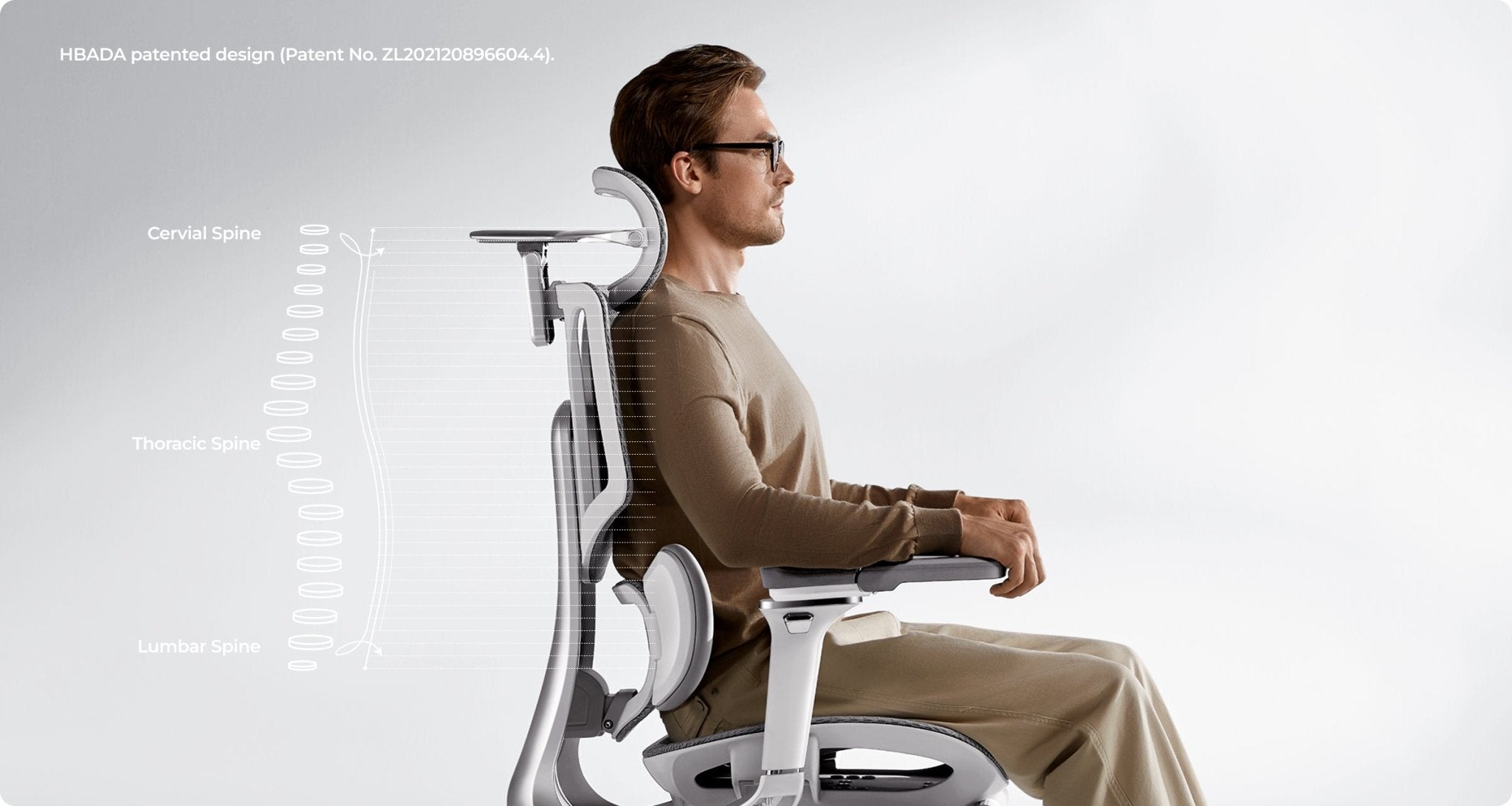
Adjust the lumbar support height and depth until it fits naturally into the curve of your spine. A well-fitted office chair with adjustable lumbar support helps your body maintain its natural S-shape — reducing pressure and fatigue during long sitting hours.

4. Recline and Tilt Tension
Your backrest recline angle should be between 95–110°, supporting slight movement while keeping your spine aligned.
Use the tilt tension knob to find resistance that allows you to lean back gently — this encourages active sitting and prevents stiffness.

5. Set Armrest and Headrest Properly
- Armrests: Keep your elbows at a 90° angle. This reduces tension in your shoulders and wrists.
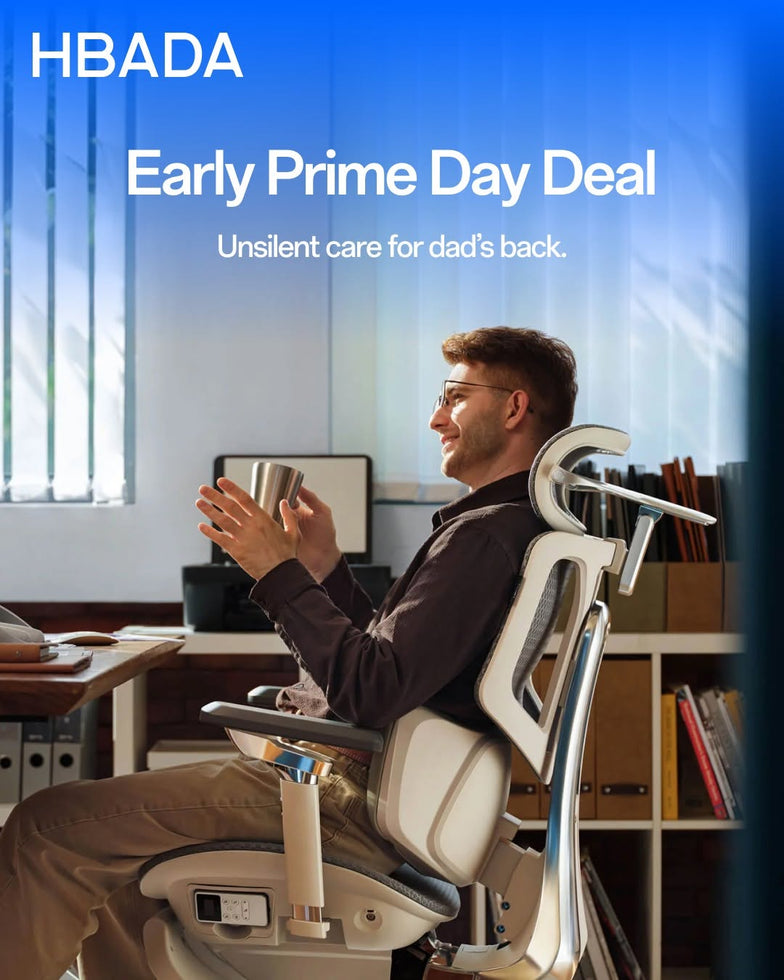
- Headrest: Adjust it so it supports the middle of your head, not your neck, when you’re leaning back.

✅ Tip: A fully adjustable office chair gives you personalized control over every ergonomic setting — ideal for home offices or long workdays.
When to Consider an Upgrade
If you find that your current chair doesn’t allow enough flexibility or support, it might be time for an upgrade.
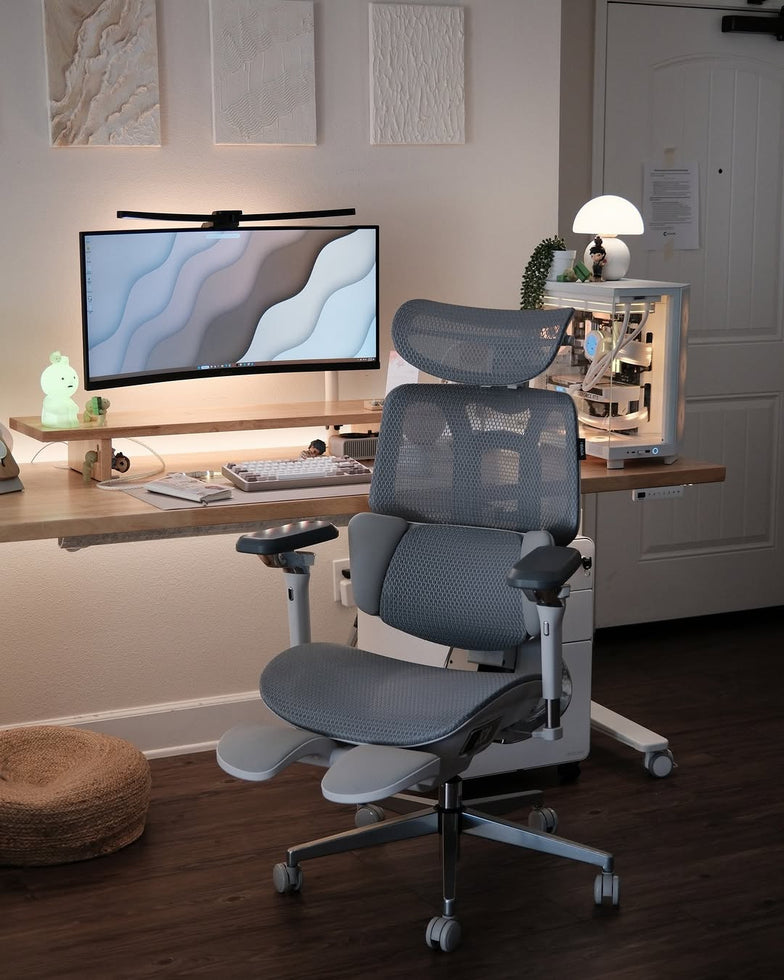
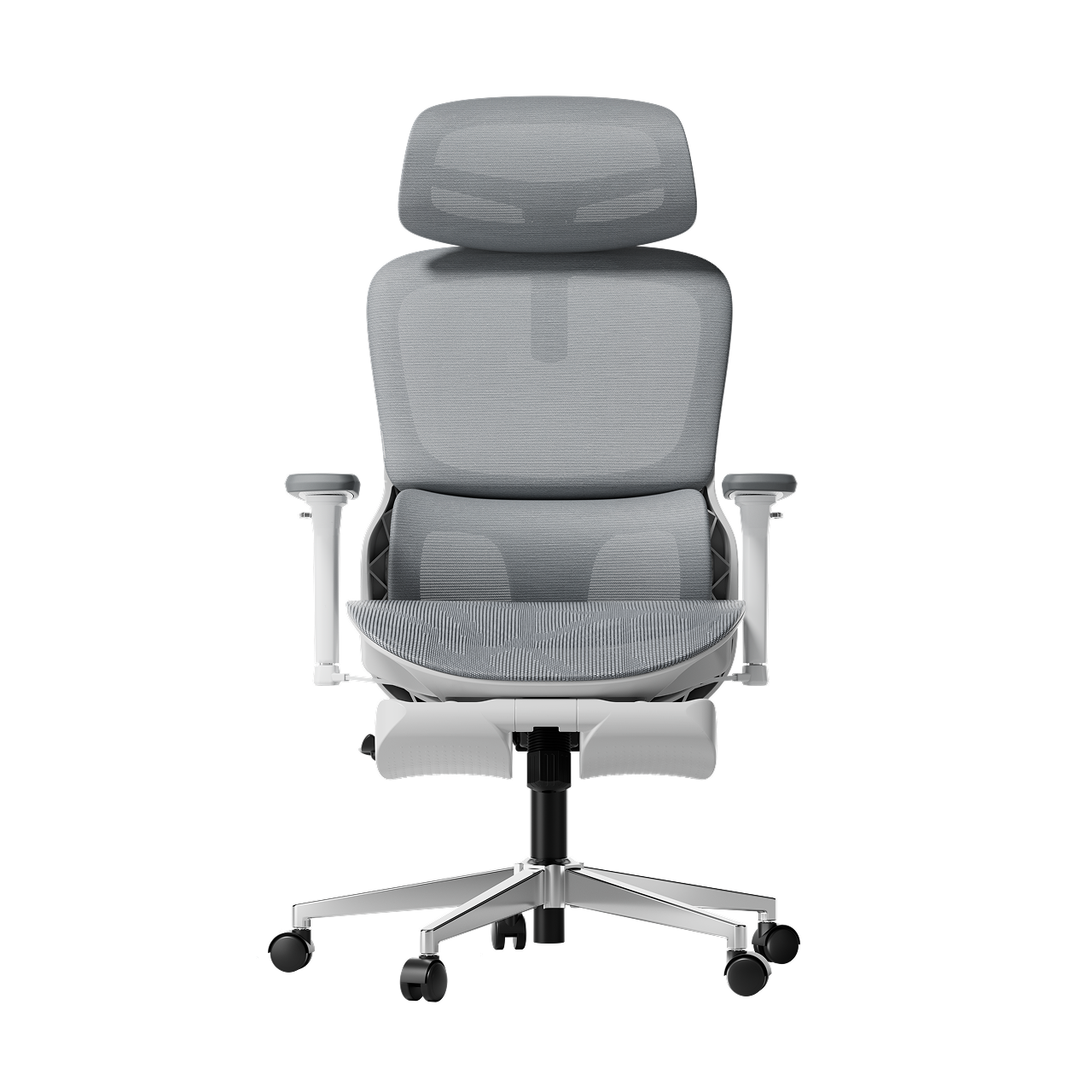
A modern ergonomic posture chair or ergonomic zero gravity chair offers advanced lumbar tracking, breathable mesh comfort, and multi-point adjustability that traditional chairs lack.
👉 Explore HBADA’s ergonomic chair collection:
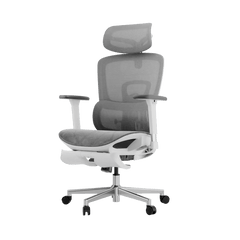
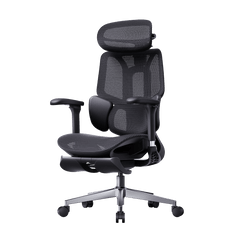
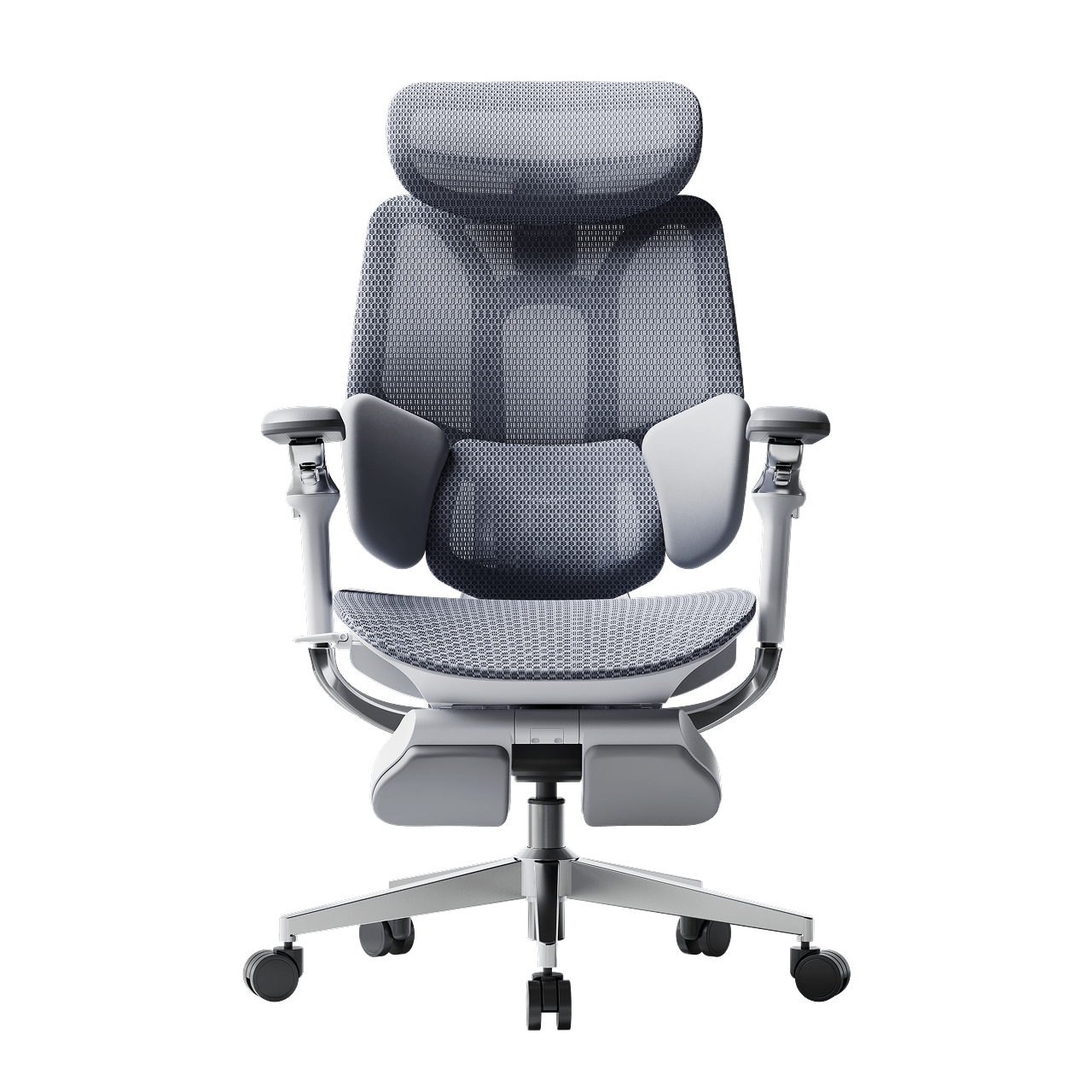
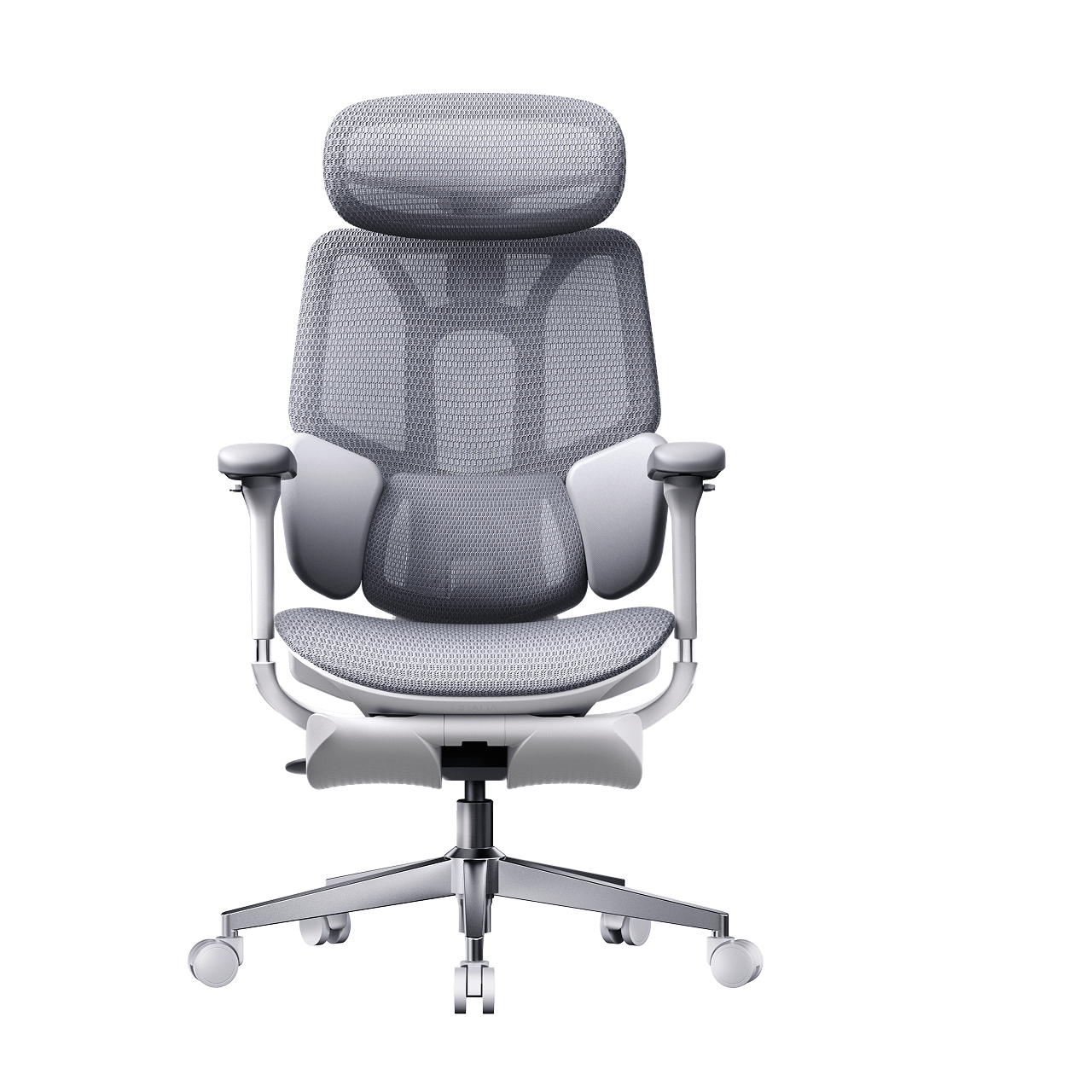
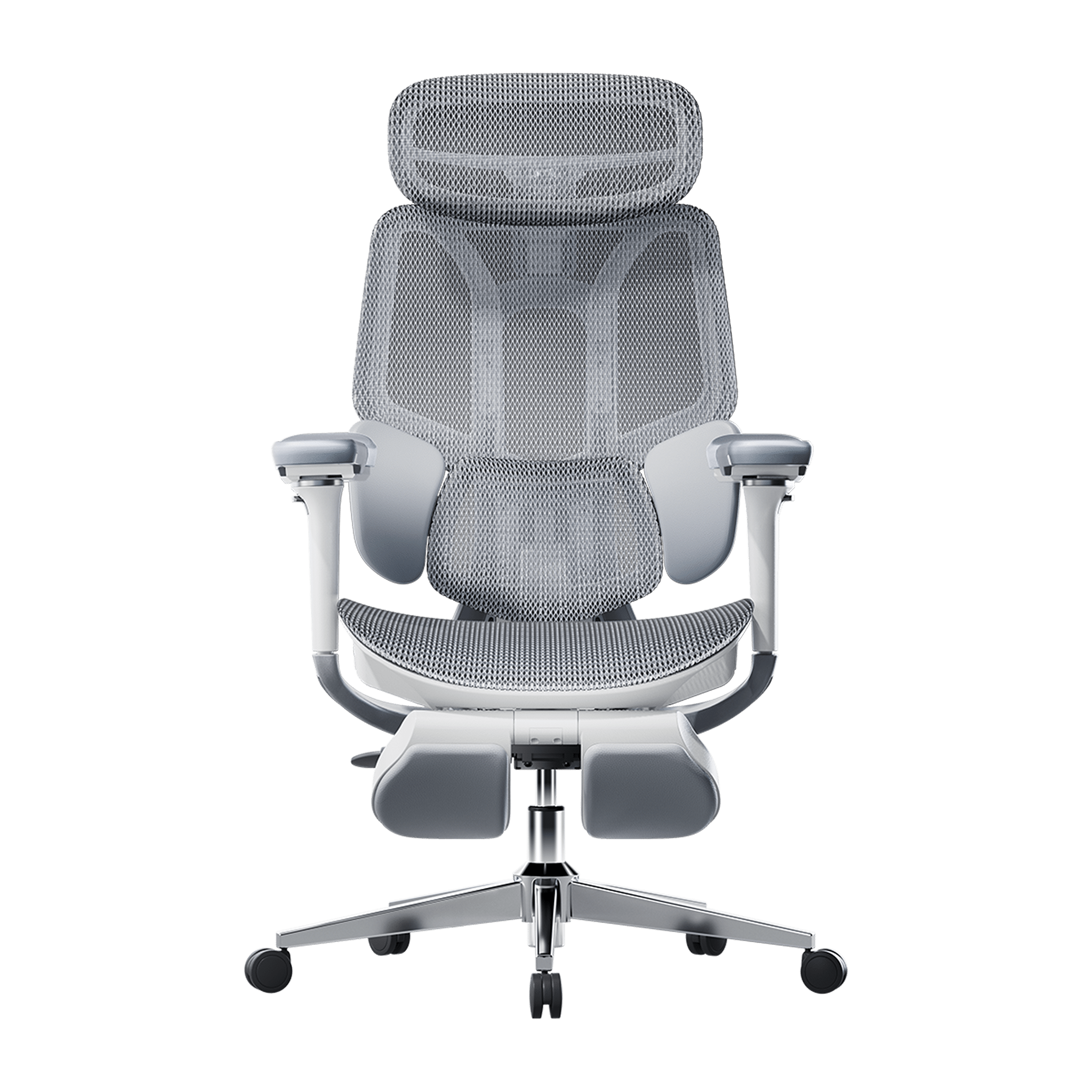
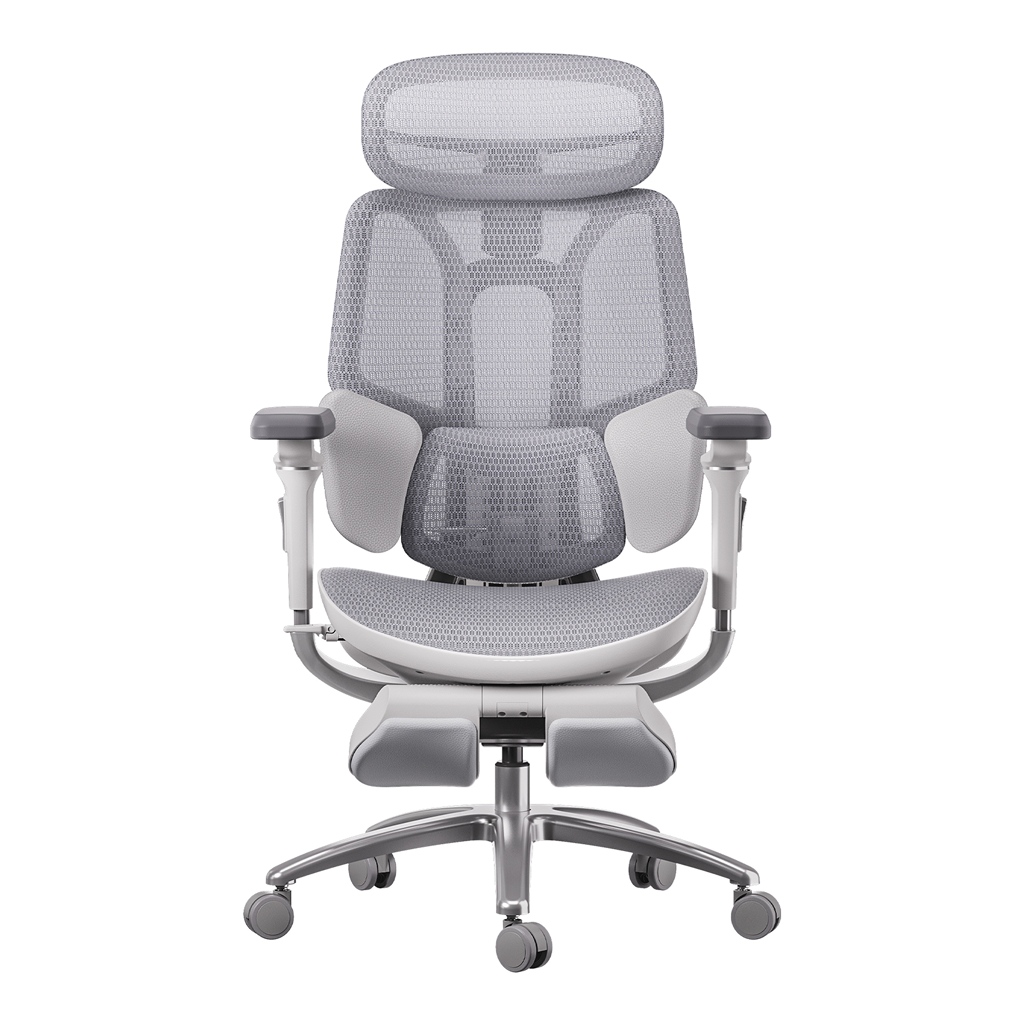
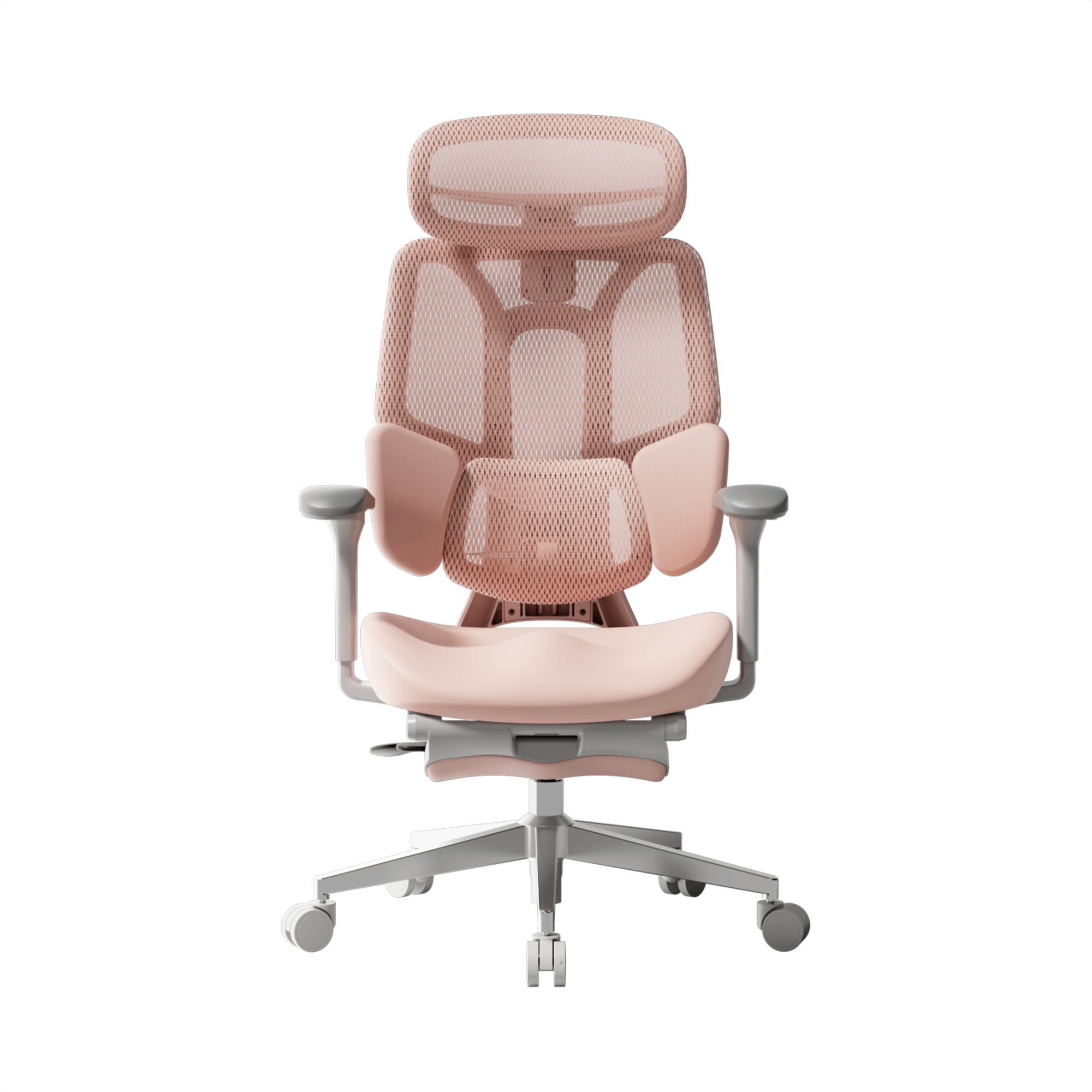
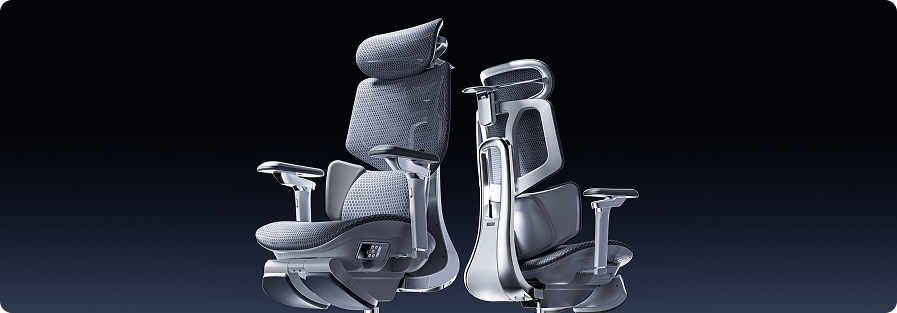
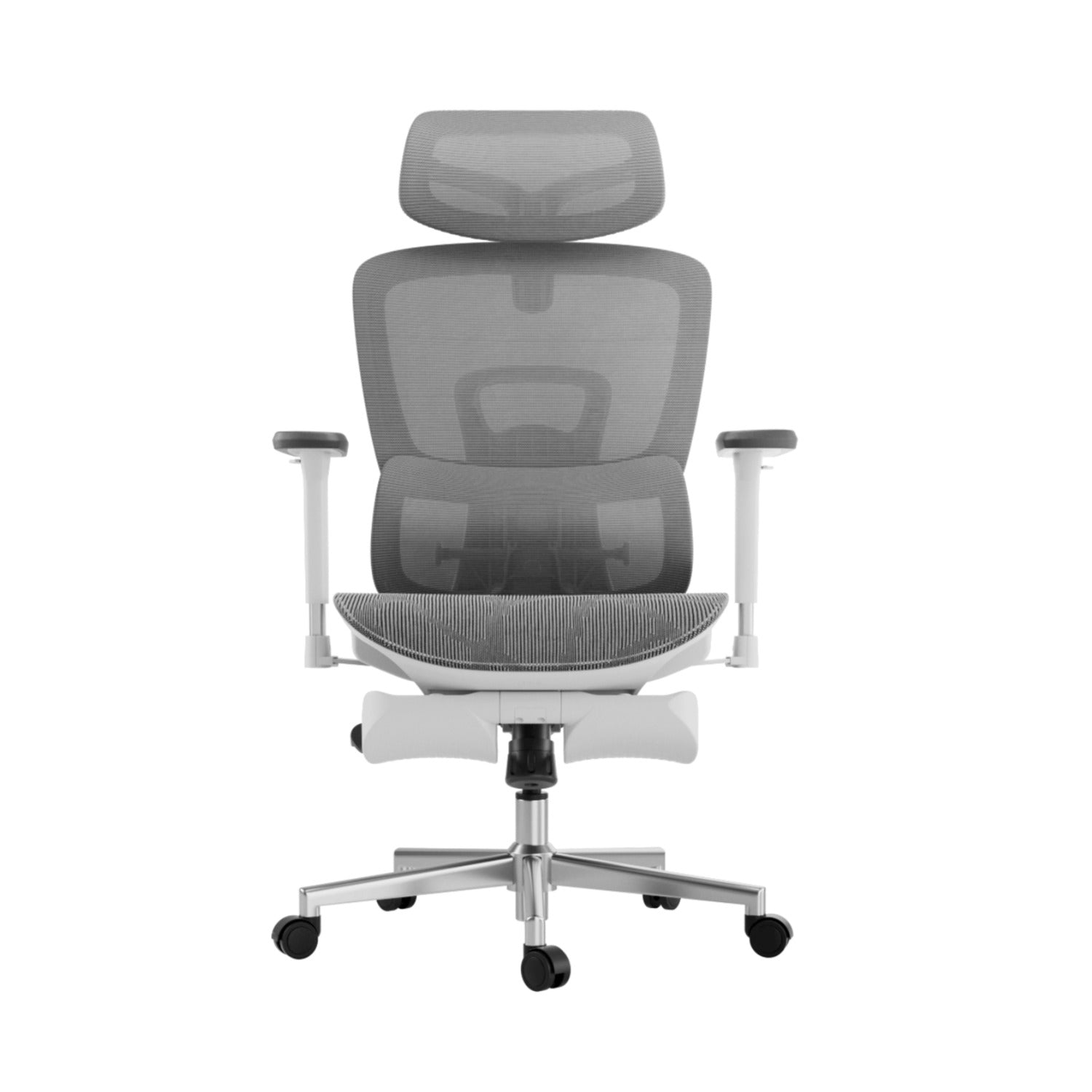
Shop HBADA Office Chairs — including the E3 Pro, X7 Smart, and P2 Ergonomic Chair, all designed for long-hour comfort and back health.
Expert Tips for Long-Term Comfort
- Take breaks every hour and stand or stretch.
- Keep your monitor at eye level to reduce neck strain.
- Combine your desk chair adjustment with proper desk height and keyboard placement.
- Choose breathable mesh chairs for ventilation — no more sweat or stiffness during long hours.
Frequently Asked Questions
Q: How do I adjust my ergonomic chair?
To properly adjust your ergonomic chair for maximum comfort and posture support, it is best to adjust it from the ground up. Follow these 5 expert steps:
Seat Height: Use the pneumatic lift to raise or lower the seat until your feet are completely flat on the floor and your knees are at a 90-degree angle.
Seat Depth: Slide the seat pan so there is a 2-to-3-inch gap (about three fingers wide) between the front edge of the seat and the back of your knees to ensure proper blood circulation.
Lumbar Support: Adjust the backrest or lumbar pad up and down so it snugly fits into the natural curve of your lower back.
Armrests: Adjust the armrests so your elbows bend at a 90-degree angle. Your shoulders should be completely relaxed, not hunched.
Backrest Tilt: Set the recline angle between 95° and 110° to reduce pressure on your spinal discs.
Q: What is the 90-90-90 rule in ergonomics?
The 90-90-90 rule is a foundational ergonomic principle designed to maintain a neutral posture and prevent musculoskeletal strain while sitting at a desk. It dictates that three key joints in your body should be positioned at right angles (90 degrees):
Elbows at 90 degrees: Forearms should rest parallel to the desk or armrests.
Hips at 90 degrees: Your thighs should be parallel to the floor, forming a right angle with your torso.
Knees at 90 degrees: Your lower legs should be completely vertical with your feet resting flat on the ground or a dedicated footrest.
Q: How do you adjust ergonomics for back pain?
If you are experiencing back pain, adjusting your chair to support your spine's natural "S-curve" is critical to relieve lumbar disc pressure:
Target the Lumbar Support: Ensure the lumbar support is positioned exactly at the deepest curve of your lower back (just above your belt line). It should fill the gap between your back and the chair.
Unlock Tilt Tension (Active Sitting): Do not lock your backrest straight at 90 degrees. Allow a slight recline (95°–110°) and loosen the tilt tension knob. This encourages dynamic movement and unloads weight from your lower spine.
Check Foot Support: If your chair is at the correct desk height but your feet dangle, your lower back will compensate and strain. Always use an under-desk footrest to ground your weight.
Q: How to adjust back support on a chair?
Adjusting the back support (lumbar support) varies depending on the mechanisms of your specific chair, but the goal is always anatomical alignment:
Height Adjustment: Slide the lumbar pad (or the entire backrest) up or down. The most pronounced part of the cushion should sit right in the small of your back.
Depth/Tension Adjustment: If your chair features a lumbar dial or dynamic tracking (like the Hbada E3 Pro or X7), turn the knob to increase or decrease the firmness. It should gently push into your lower back to keep you from slouching, but not so hard that it arches your spine unnaturally forward.
Q: How do I know if my seat depth is correctly adjusted?
Answer: According to ergonomic experts, the perfect seat depth leaves a 2 to 3-inch gap between the front edge of the seat and the back of your knees (the popliteal fold). If the seat is too deep, it will press against your calves and cut off blood flow; if it is too short, your thighs won't receive enough support, leading to fatigue.
Q: Should my ergonomic chair be locked upright or tilted back?
Answer: You should avoid sitting rigidly upright at exactly 90 degrees for long periods. It is recommended to set your backrest recline angle between 95° and 110°. Adjust the tilt tension knob beneath your chair so the backrest provides gentle resistance, allowing you to lean back safely. This encourages "active sitting" and prevents stiffness.
Q: Can an improperly adjusted chair cause shoulder and wrist pain?
Answer: Yes. If your armrests are too low, you will naturally slouch, straining your upper back. If they are too high, your shoulders will hunch up toward your ears, leading to severe neck and shoulder tension. Proper adjustment requires your elbows to be at a 90-degree angle, allowing your wrists to hover straight over your keyboard.
Q: Where should the headrest be positioned on an office chair?
Answer: A common mistake is placing the headrest behind the neck. For optimal cervical spine relief, adjust the headrest so that it supports the middle of the back of your head (the occipital bone) when you lean back. This keeps your line of sight forward without pushing your neck into an awkward downward angle.
Q: When is it time to upgrade to a new ergonomic chair?
Answer: You should consider an upgrade if your current chair lacks multi-point adjustability (like seat depth or 3D/4D armrests), causes numbness in your legs after an hour, or features flat, unsupportive backrests. Modern solutions, such as the Hbada E3 Pro or X7 Smart Chair, offer advanced features like dynamic AI lumbar tracking and breathable mesh, which are essential if you sit for more than 8 hours a day.
Q: How do I know if my chair is adjusted correctly?
If your feet rest flat on the floor and your lower back feels naturally supported — you’ve got it right.
Q: Can an ergonomic chair really help with back pain?
Yes. A properly adjusted ergonomic chair for lower back pain promotes neutral spine alignment, reduces pressure on discs, and improves comfort over time.
Q: What’s the best ergonomic chair for home office work?
Look for an office adjustable chair with adjustable lumbar support, breathable materials, and multi-angle recline — like the HBADA X7 Smart or E3 Air.
Final Thoughts
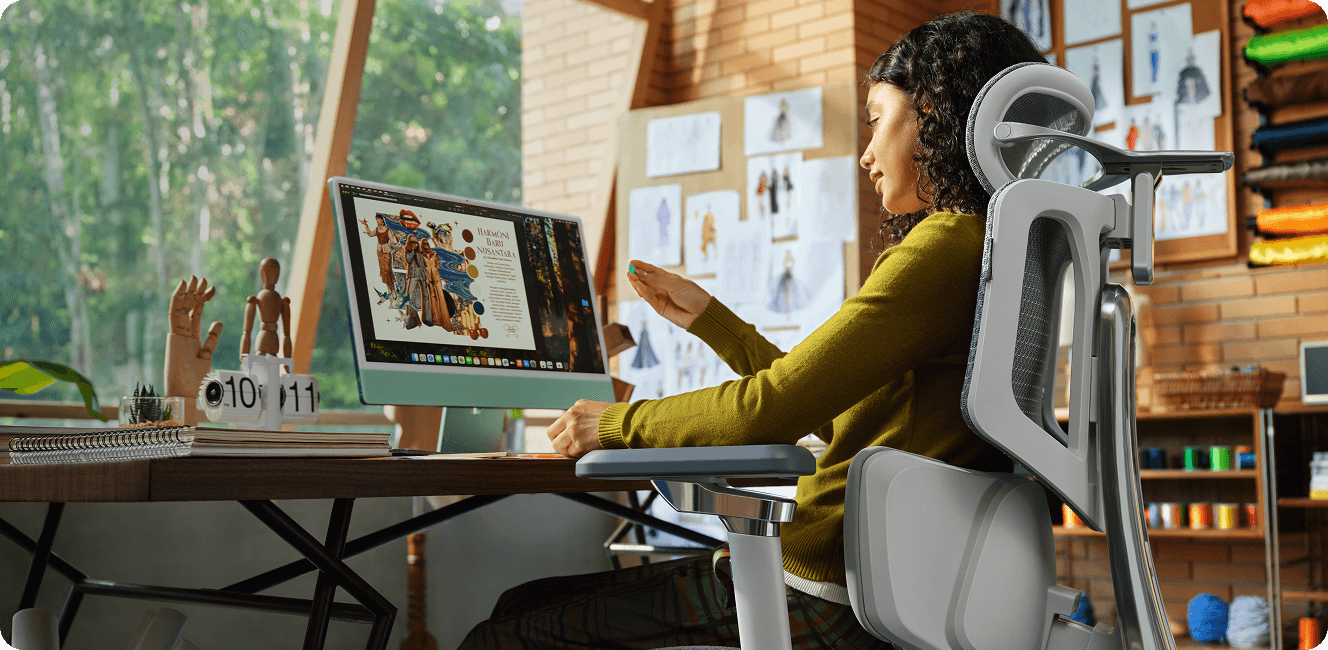
A good ergonomic setup isn’t just about comfort — it’s about long-term health. By adjusting your chair to fit your body, you can prevent pain, improve posture, and work more efficiently.
🪑 Find your fit: Discover HBADA Ergonomic Chairs →