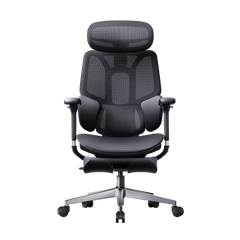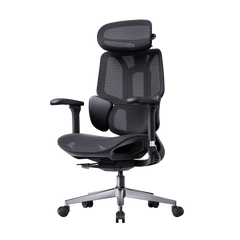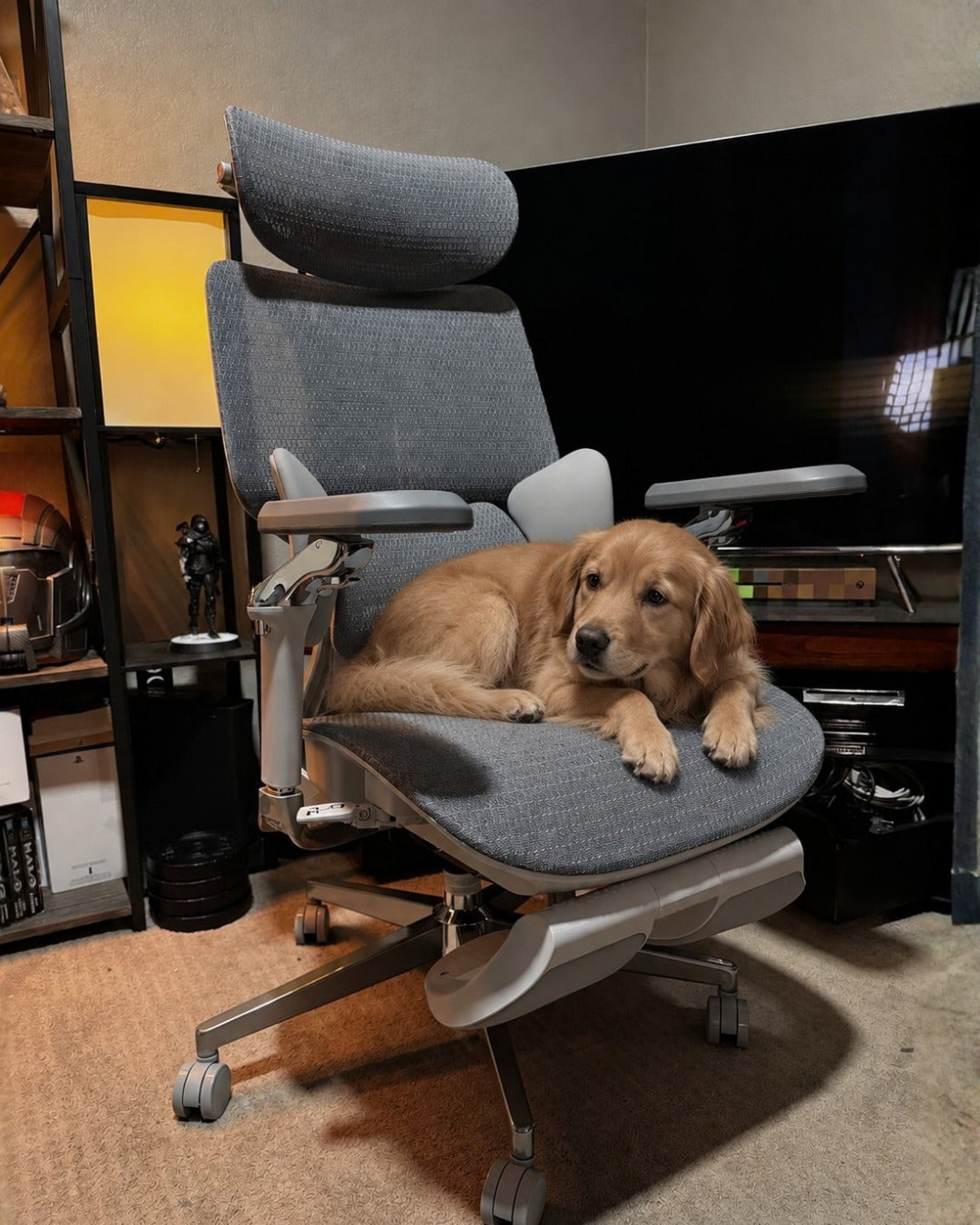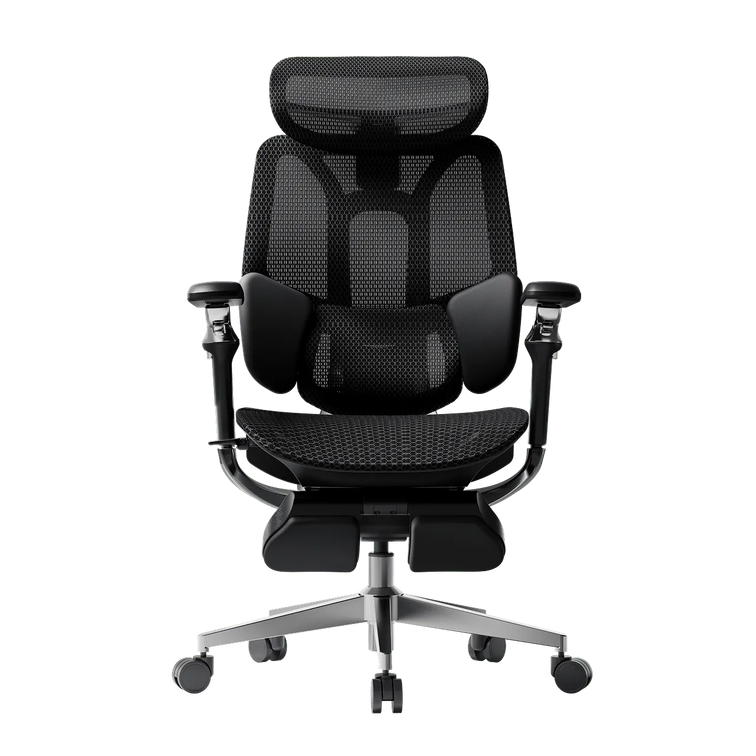
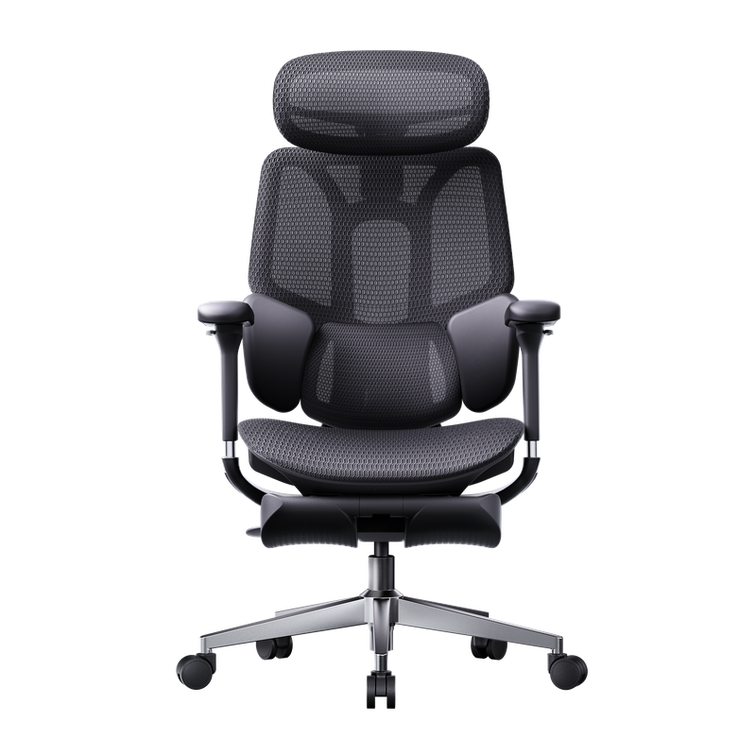
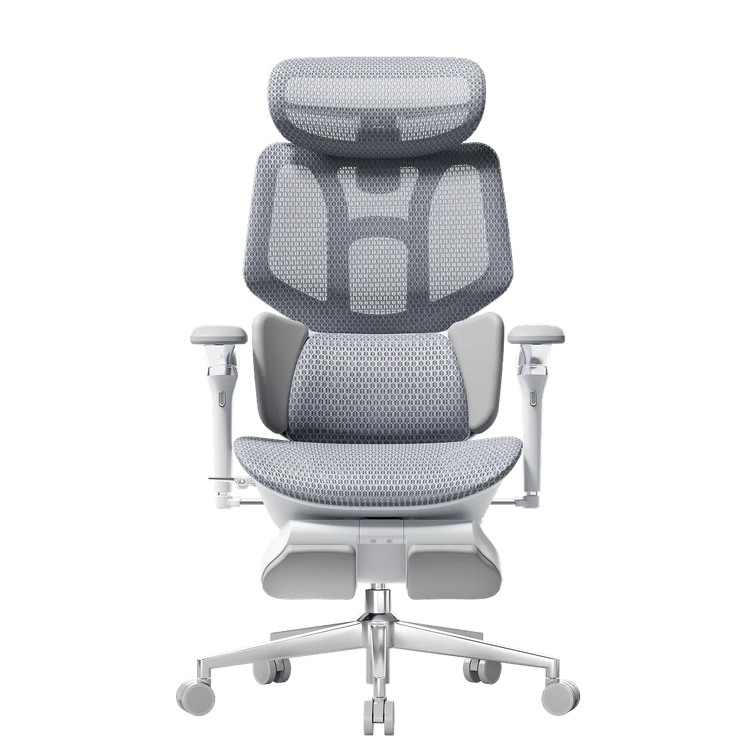

In today’s US workplaces, long hours of sitting are common. Whether you work from home or in an office, your chair plays a big role in your productivity and comfort. Many chairs claim to be “ergonomic,” but not all of them truly support your spine. To choose the right chair, it’s important to look beyond its appearance and focus on how it works. This guide highlights the key features to look for in an ergonomic chair to help you avoid pain and stay focused.
Advanced Lumbar Support Systems
The most important part of any office chair is how it supports your lower back. While older chairs have a fixed curve, newer models use dynamic systems that adjust to your movements.
The Power of an Adaptive Lumbar Tracking Ergonomic Chair
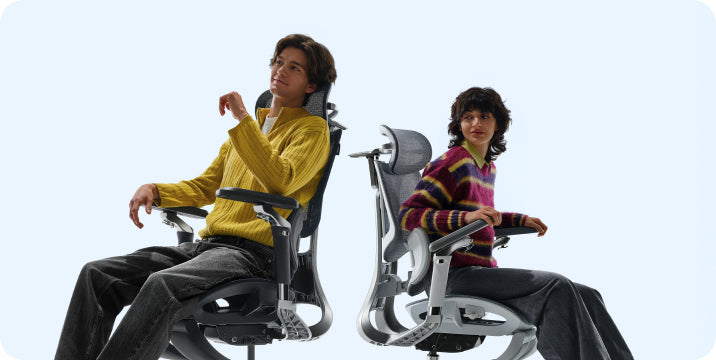
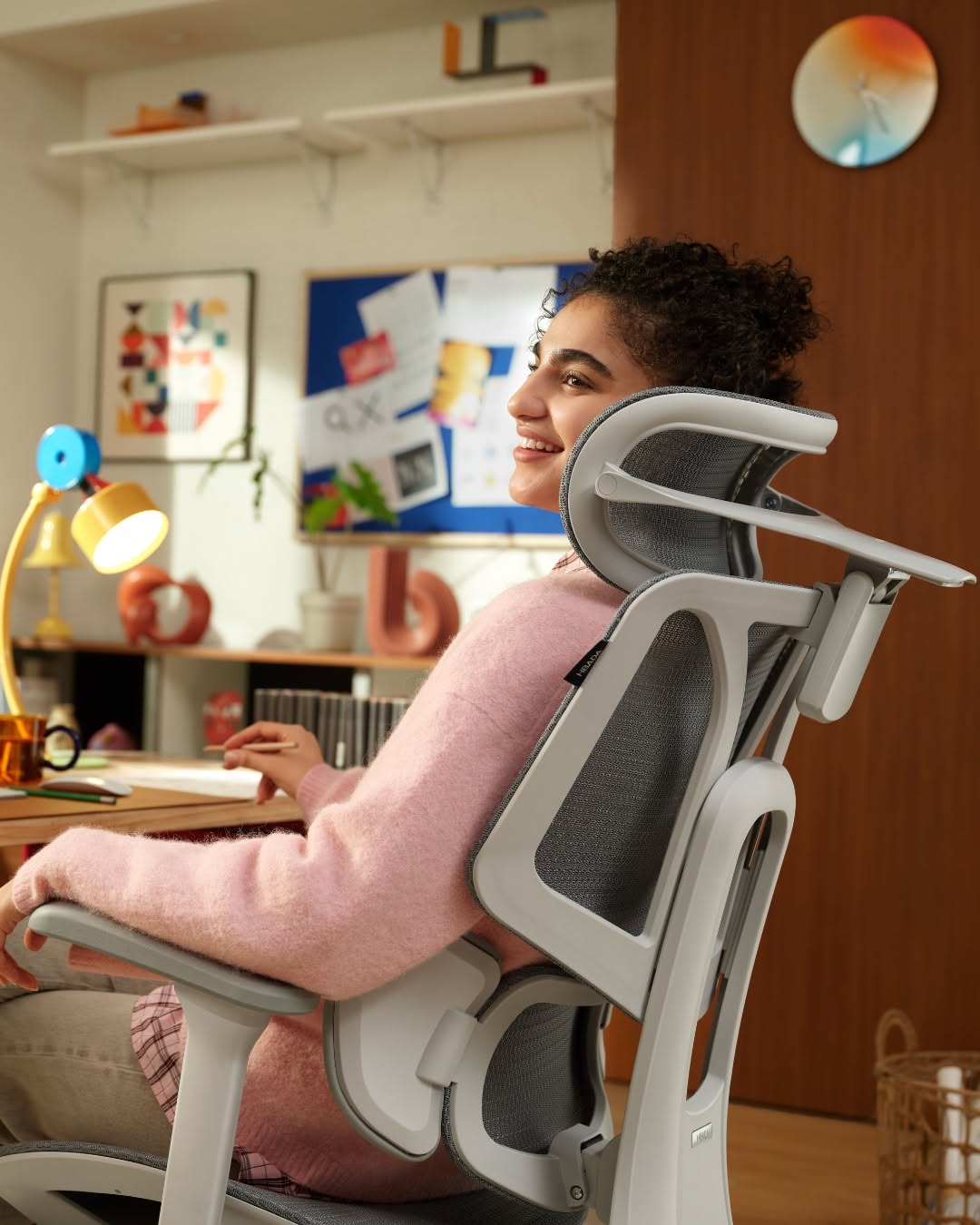
A good ergonomic office chair with lumbar support should move with you. The newest adaptive lumbar-tracking chairs use gravity sensors to track your spine as you move. Whether you lean forward to type or lean back to read, the support stays in place for your lower back. This helps prevent the gap that can cause slouching and back problems.
Why You Need a 3-Zone Dynamic Lumbar Support Chair
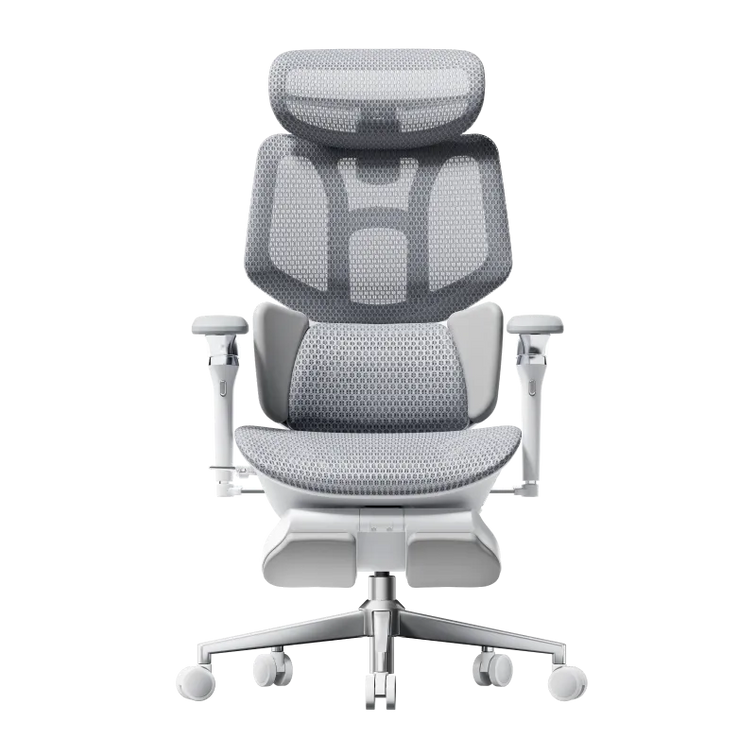
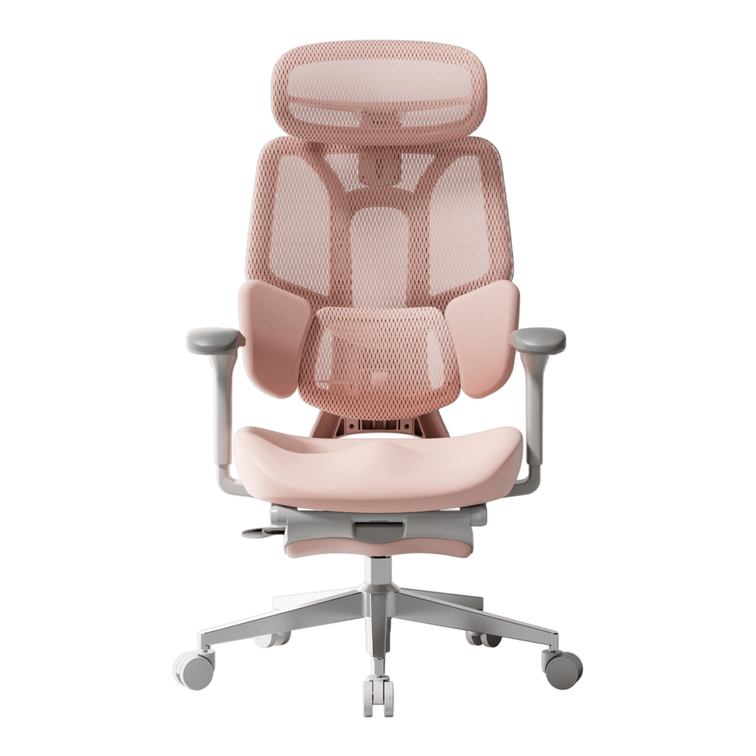
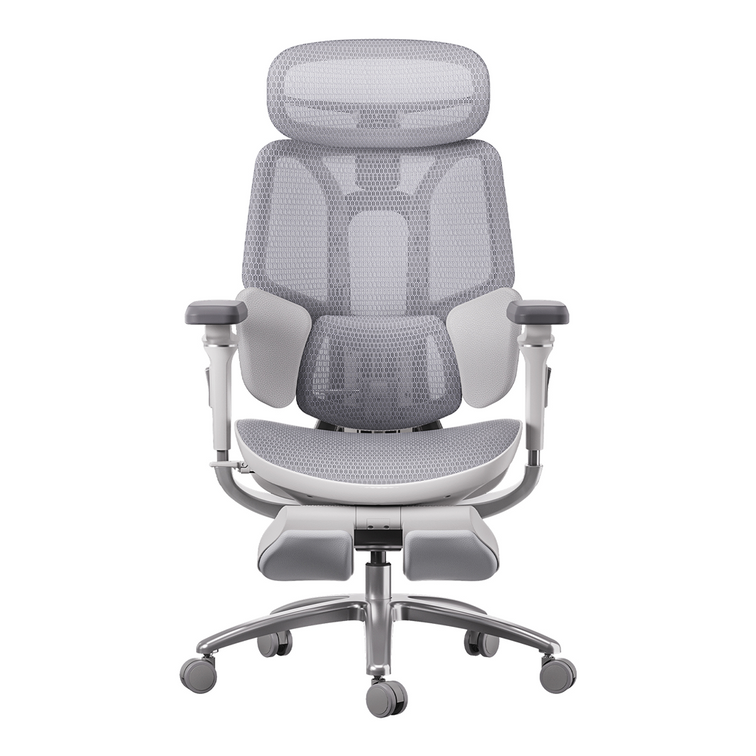
For optimal posture support, look for a chair with 3-zone dynamic lumbar support. Instead of a single pad, this design uses three flexible sections. The middle part supports your spine, and the side wings support your waist muscles. This setup evenly distributes pressure across your lower back and helps keep your core stable.

Multi-Dimensional Armrest Customization
Your arms make up a lot of your upper body weight. If they aren’t supported, that weight can strain your neck and shoulders, causing headaches and stiffness.
720° Omni-Adjustable Armrests
A 720° omni-adjustable armrest chair offers unparalleled freedom. Unlike basic armrests that only move up and down, these allow for height, width, depth, and pivot adjustments. This is essential for providing ergonomic armrests for shoulder relief and posture alignment. Whether you are using a mouse, typing on a laptop, or holding a mobile device, your elbows should always be supported to keep your shoulders in a neutral, relaxed position.
Reducing Upper Body Strain
A chair with multi-directional adjustable armrests lets you move the support closer to your body. This stops your elbows from sticking out, which can strain your shoulders. By supporting your forearms properly, you take pressure off your upper back muscles, making it a great choice for long hours at your desk.
High-Performance Mesh and Thermal Regulation
Staying comfortable at work often depends on temperature. If your chair gets too warm, you may feel tired and restless, making it hard to focus.
Breathable Mesh for Long Hours
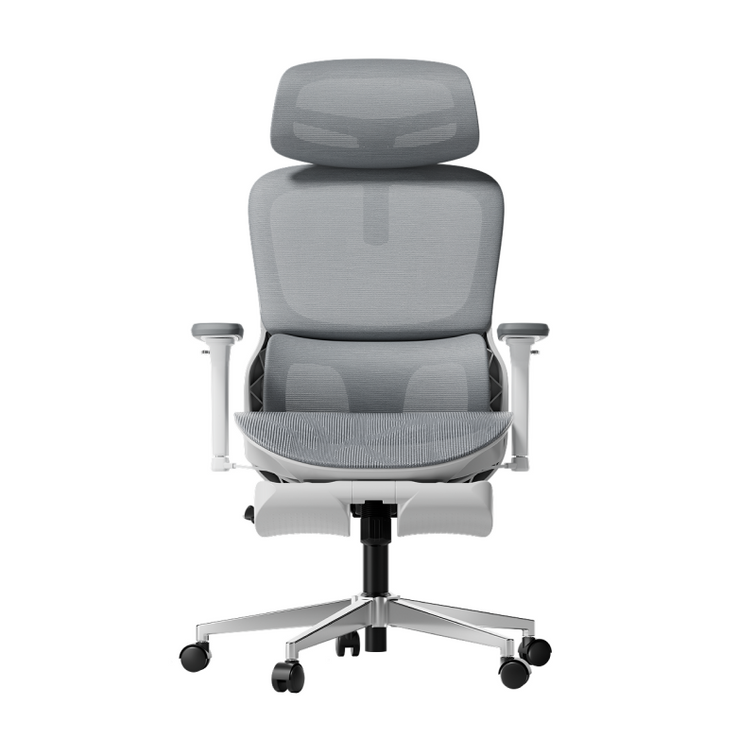
A mesh ergonomic chair is better than foam or leather for long hours. Mesh lets air flow through, so you don’t get too hot sitting for a long time. A chair with a mesh back and seat also spreads your weight evenly and keeps you cool.
Comfort Meets Durability
A mesh office chair is not only cooler, but also keeps its shape over time. A strong mesh stays firm for years, while foam can lose its support over time. This steady support is important for good posture and back health, even after many hours of sitting.

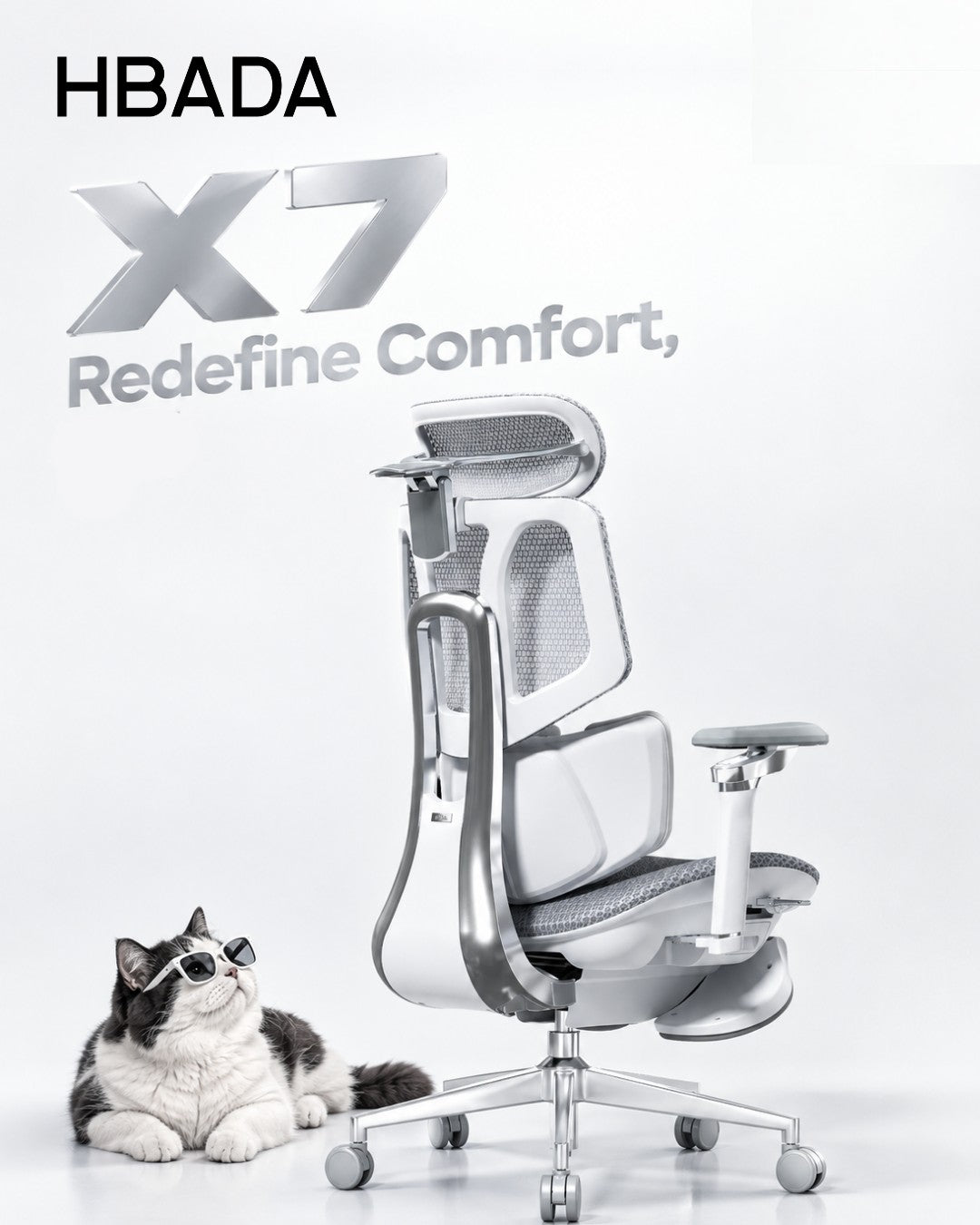
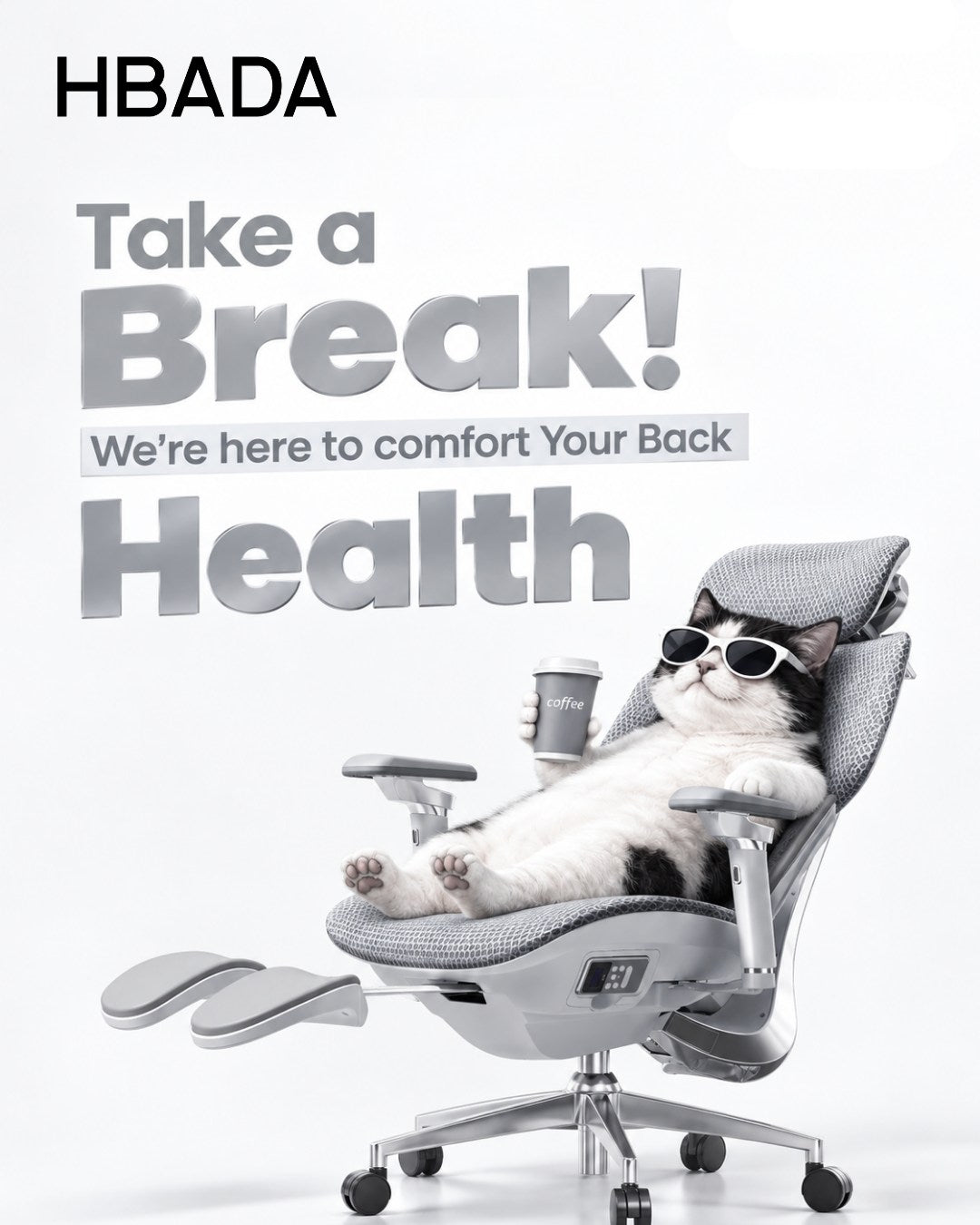
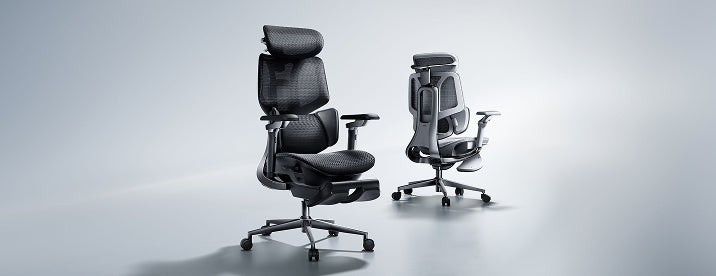
The Intelligence of the Hbada AI-Powered x7
Looking ahead, artificial intelligence is becoming more important in office furniture. The Hbada AI-Powered x7 is a top example of this new trend.
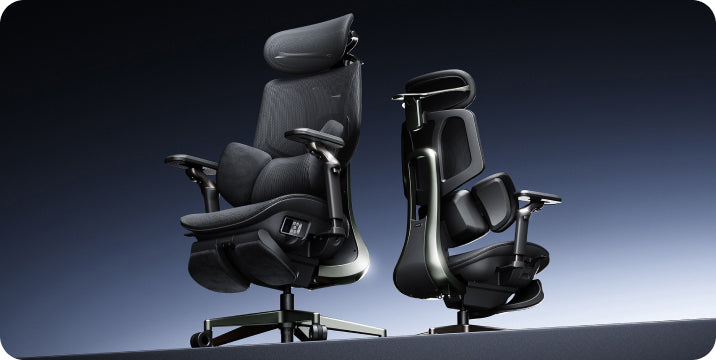
The Hbada AI-Powered x7 has a smart system that learns how you sit. If you start to slouch, the chair's sensors adjust the support to help you sit up straight again. This technology automatically adapts to your body, so you don’t have to make any adjustments yourself. That’s why the Hbada x7 stands out for its support of spinal health.
Frequently Asked Questions (FAQ)
Q: What ergonomic chair features prevent back pain?
A: The most effective features are a 3-zone dynamic lumbar support chair and a seat-depth slider. These ensure that your spine maintains its natural curve and that your thighs are fully supported, helping prevent pelvic tilting that can cause lower back pain.
Q: How does lumbar support improve sitting posture?
A: Lumbar support fills the inward curve of your lower back. Providing a firm surface for the lower spine prevents you from slouching into a “C-shape.” This keeps your head, neck, and shoulders aligned over your hips, which is the foundation of healthy posture.
Q: Why do adjustable armrests reduce shoulder pain?
A: When your arms are not supported, your shoulder muscles must work constantly to hold them up. Multi-directional adjustable armrests in ergonomic chair designs take that weight off your shoulders, allowing your muscles to relax and preventing chronic tension in your neck and upper back.
Q: What is the best chair for long desk work?
A: The best ergonomic chair for long hours is one that combines a breathable mesh ergonomic chair with an adaptive lumbar tracking ergonomic chair system. This combination ensures you stay cool and supported even as your muscles tire throughout the day.
Q: Is mesh or foam better for posture correction?
A: Mesh is generally better for an ergonomic chair for posture correction and spinal health. Mesh provides a consistent, resistive force that encourages you to sit back against the support. Foam can be too soft, allowing you to “sink” into poor positions over time.
Conclusion
Build Your Workspace on a Healthy Foundation
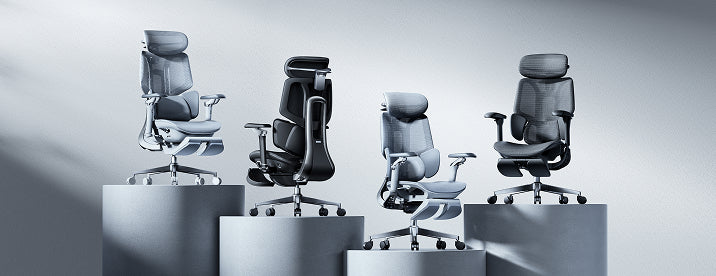
Picking a chair with the right features is a smart way to protect your health at work. Chairs with dynamic lumbar support and fully adjustable armrests help prevent the pain many office workers feel. Whether you go for the flexible E3 series or the advanced Hbada AI-Powered x7, the main goal is the same: a chair that supports you and keeps you comfortable. Don’t settle for a basic chair—choose one that adapts to you and notice the difference in your workday.