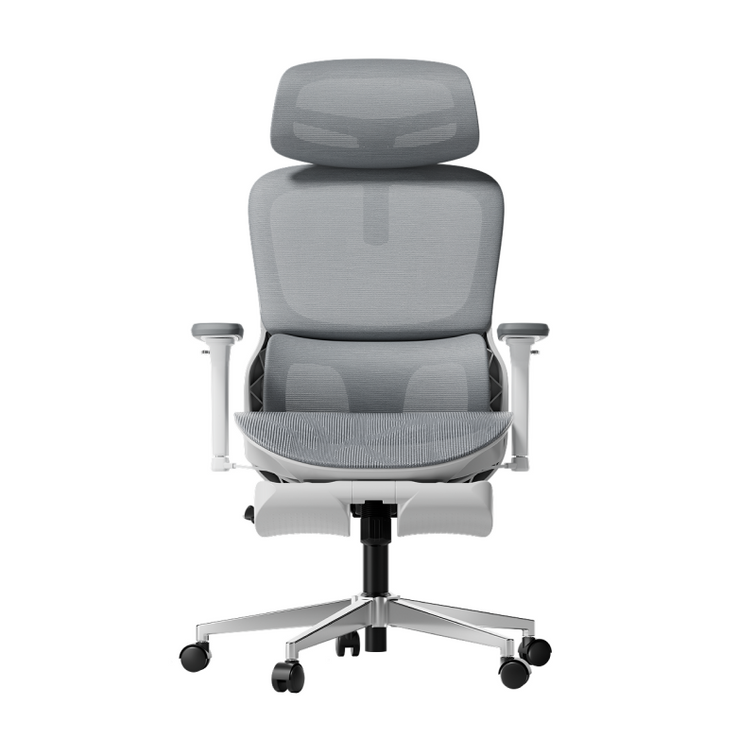
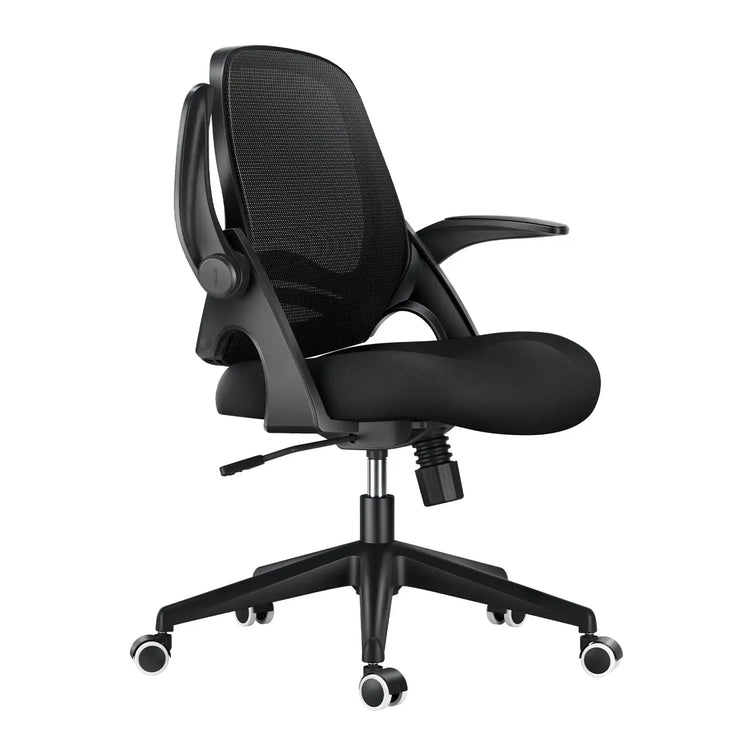







More ways to move.
A better way to compare.
Understand 2D, 3D, 4D, and 6D armrests—and choose the adjustments that actually fit your day.
Quick answer: The main difference between 2D, 3D, 4D, and 6D armrests is the range of adjustments offered. A common 4D setup includes height, depth, width, and pivot. Other labels vary by manufacturer. Choose the movements that support your forearms comfortably and fit your desk, rather than assuming a higher number is always better.
Armrest labels are one of the most confusing parts of chair shopping. 2D. 3D. 4D. 6D. They sound technical, but they describe something practical: how you can reposition the arm supports.
This guide walks through the common configurations, then helps you figure out which movements are worth paying for.
What Does the “D” in Armrests Actually Mean?
The “D” usually stands for dimensions and is used to describe adjustment functions. Moving up and down normally counts as one adjustment, not two.
In practice, the labels do not give you a reliable cross-brand checklist. Manufacturers may count sliding, rotation, tilt, and linked movement differently. Two chairs sold with the same D-number may offer different controls and ranges.
Someone who mostly types may value inward adjustment and pivot. Someone who often reclines may prefer armrests that remain useful as the backrest moves. Look at the actual movements before deciding what you need.
2D Armrests Explained
A 2D armrest generally offers two adjustment functions. Depending on the chair, that might mean:
- Height: raising or lowering the support.
- A second movement: width, depth, or rotation.
Height and width are one possible combination, but not the only one. Check the product description rather than assuming every 2D armrest works the same way.
A simpler setup can be enough if it puts the pads in the right place. Its limitation is fewer options when your desk, shoulder width, or working position requires extra adjustment.
3D Armrests Explained

A 3D design adds another adjustment function. One common combination is:
- Height adjustment.
- Depth adjustment, moving the pad forward and backward.
- Pivot, angling the pad inward or outward.
Other designs may include width instead of pivot. Rotation helps the pad follow your forearm angle, while depth adjustment helps position support without pushing you away from the desk.
For regular desk work, a well-fitting 3D design can be useful. The question is whether its particular movements cover your needs.
4D Armrests Explained
A common 4D configuration combines height, depth, width, and pivot. Independent width adjustment lets you bring the supports closer to your body or move them farther apart.
This is particularly useful when fixed armrests feel too wide or too narrow. It gives you more flexibility to support your forearms without reaching outward or drawing your shoulders up.
For everyday typing and mouse work, this can be a practical balance of function and cost. However, “4D” is not an eight-hour comfort certification. Pad spacing, height range, firmness, and desk clearance still matter.
6D Armrests Explained

Products described as 6D generally add functions beyond basic sliding and pivoting. Depending on the design, these may include:
- Pad tilt: changing the angle of the support surface.
- Additional rotation: repositioning the pad or supporting arm.
- Recline-linked movement: moving with the chair as you lean back.
- Fold-away movement: moving the support out of the way.
These are features to look for, not a definition that every 6D product must follow. In particular, recline-linked movement is not exclusive to chairs marketed as 6D.
Extra movement can be useful if you switch between typing, calls, and reclined breaks. It is worth paying for when it solves a positioning problem you actually have.
Comparing All Four Office Chair Armrest Types
| Label | Typical description | What to check |
|---|---|---|
| 2D | Height plus one other adjustment. | Whether the second movement is width, depth, or pivot. |
| 3D | Three functions, such as height, depth, and pivot. | Whether the pads can also reach your preferred spacing. |
| 4D | Often height, depth, width, and pivot. | Actual travel, pad stability, and desk clearance. |
| 6D | A manufacturer-defined combination of additional movements. | Which functions are included and whether you will use them. |
Why the Numbering Isn't Standardized
Treat D-labels as product descriptions rather than a universal ranking. A manufacturer may describe separate rotation points individually, while another may group them into one function.
The same caution applies to degree-based terms such as “720°”. An angular description is not directly comparable with a count of adjustment functions.
Best Armrests for Office Chair by Use Case

Choosing between these designs comes down to your workspace and tasks, not just the highest number available.
Typing and mouse work
Prioritize usable height, width, and depth ranges. Pivot can help match the angle of your forearms.
A narrow or wide build
Check the minimum and maximum distance between the pads. A higher D-number does not guarantee enough width adjustment.
Calls and reclined breaks
Check how the armrests behave during recline. Linked movement or pad tilt may help maintain useful support.
A tight desk setup
Measure clearance beneath the desktop, including drawers. Check minimum armrest height and whether the pads move back.
For example, if the underside of your desk is 28 inches above the floor, measure the armrest height with the chair at your actual working seat height—not just its lowest setting.
For workstation setup guidance, see OSHA's chair and armrest guidance.
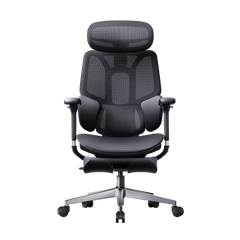
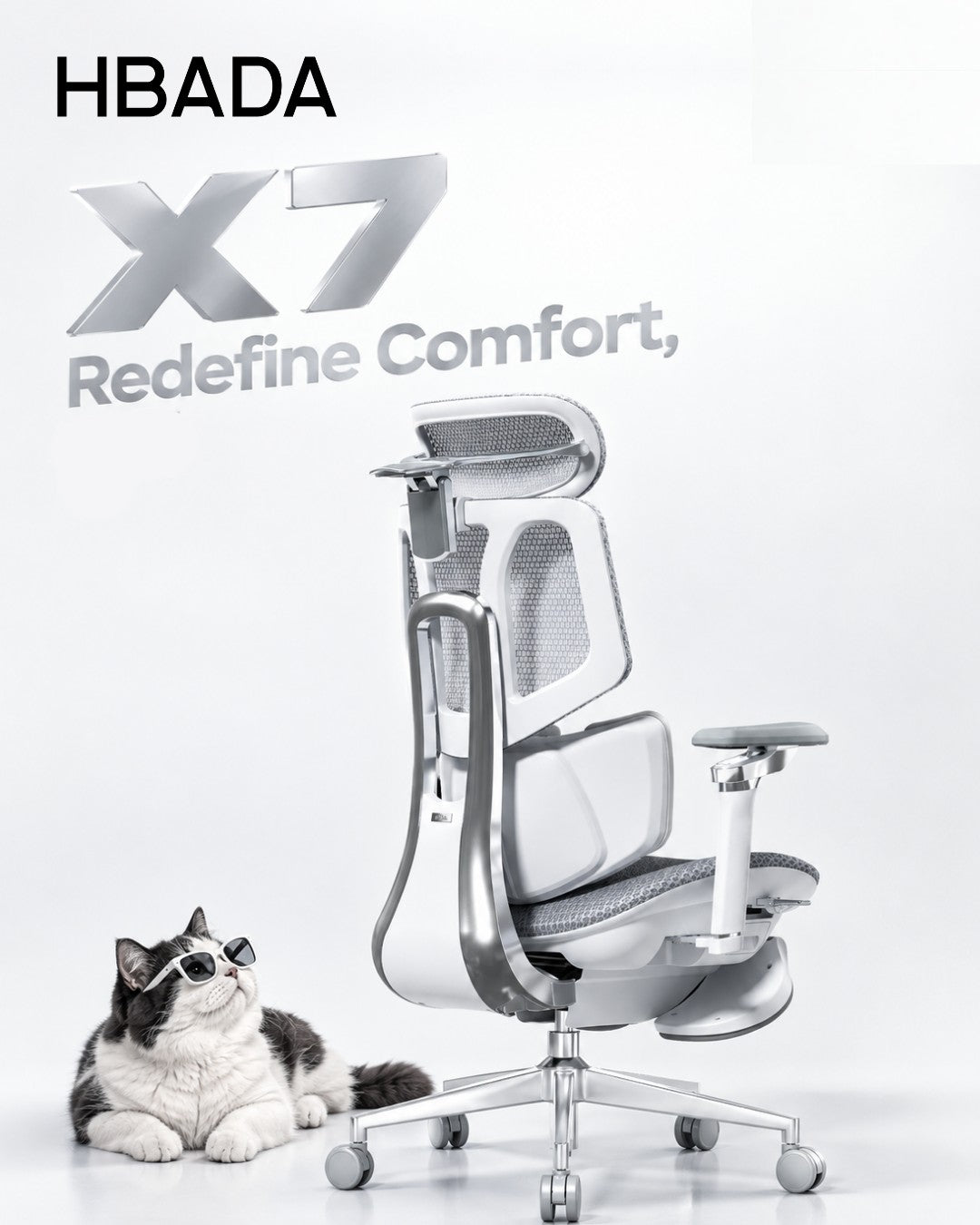
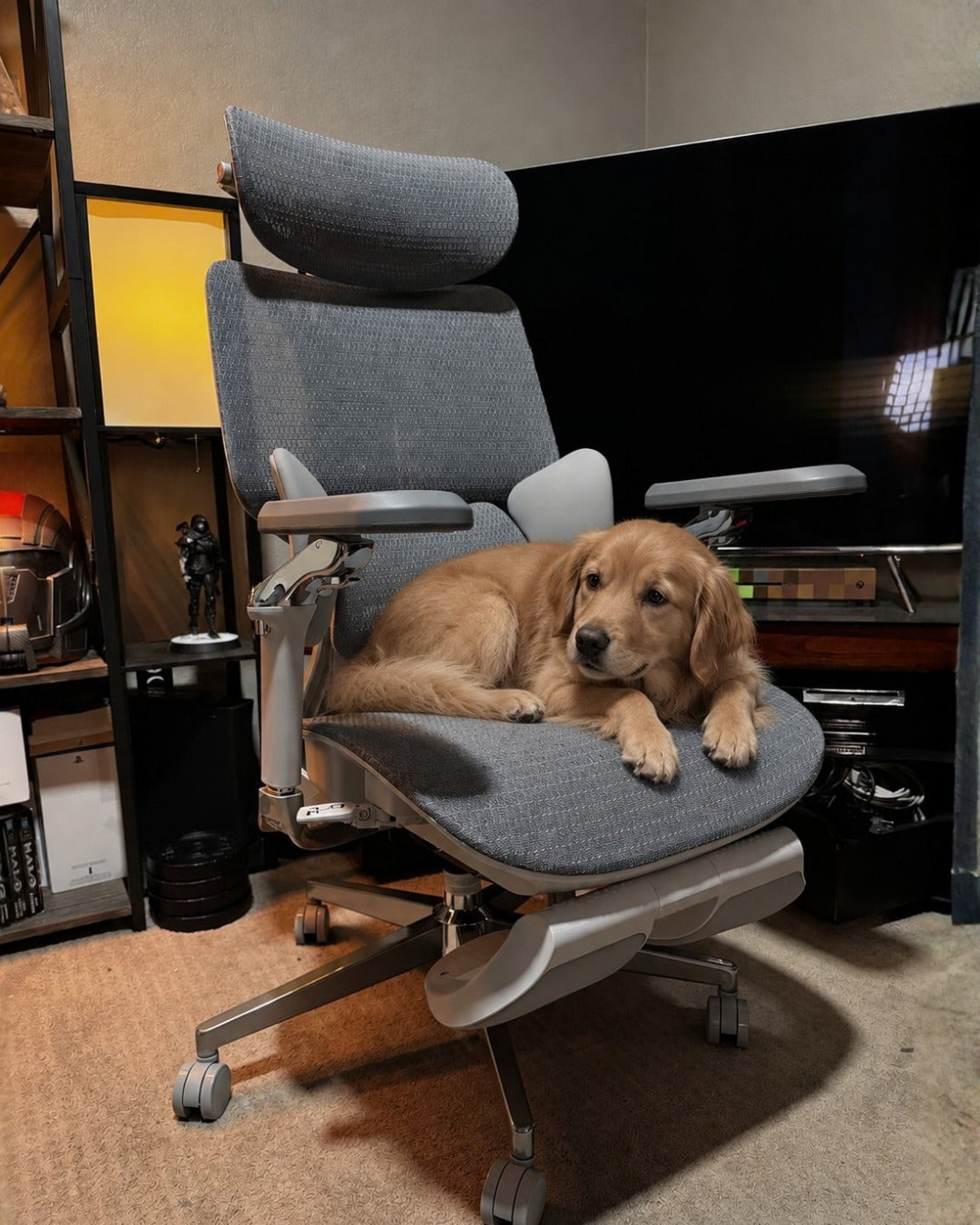
Our Recommendation: HBADA X7
If you want flexible arm positioning alongside powered comfort features, the HBADA X7 is worth considering. Its US listing describes a 720° armrest system with rotation, flip, height, and forward-backward adjustment.
The published adjustment information includes approximately 4.33 inches of forward-backward travel and 1.97 inches of armrest-height travel. Compare those ranges with your own setup rather than choosing on the 720° label alone.
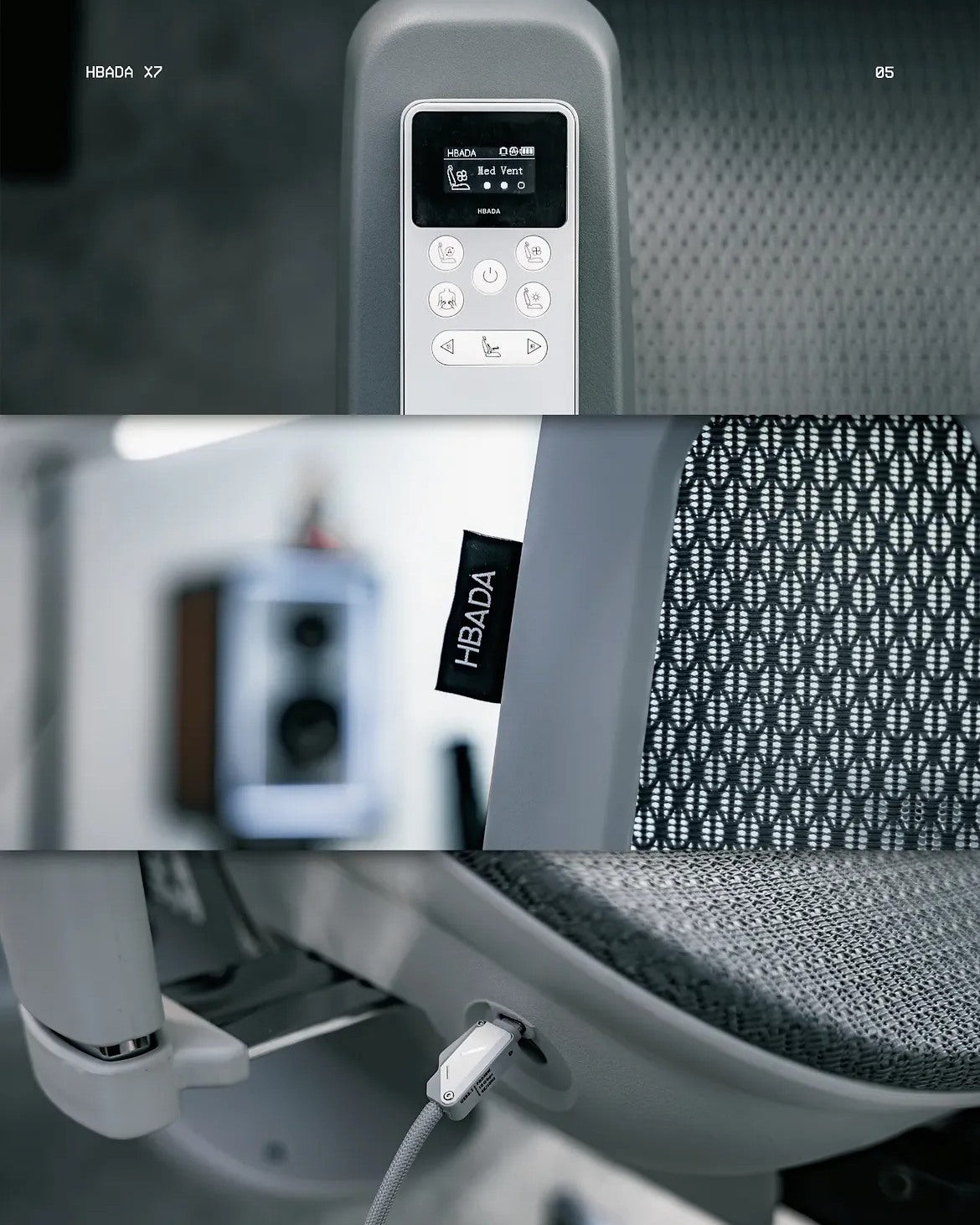
The X7 also combines powered lumbar tracking with massage, heating, and seat ventilation. That makes it an option for buyers who want more than mechanical chair adjustments.
HBADA E3 Pro 2026
Compare the E3 Pro 2026 if you want flexible arm support and mechanical lumbar adjustment without the X7's powered comfort features.
HBADA E3 Air 2026
Include the E3 Air 2026 in your comparison. Check its actual armrest controls and desk clearance against the tasks you do most.
Before ordering, confirm the generation, configuration, and armrest specifications shown on the US product page. Similar model names do not always mean identical fittings.
Frequently Asked Questions
What is the difference between 2D, 3D, and 4D armrests?
They describe different adjustment combinations. A common 4D setup includes height, depth, width, and pivot. The movements counted as 2D or 3D vary, so check the actual feature list.
Are 6D armrests worth it?
They can be if the additional movements help with your tasks or body proportions. Check what “6D” includes and whether those functions solve a problem that simpler arms do not.
Why do armrest D-numbers differ between brands?
Brands may count or group sliding, rotation, tilt, and linked movement differently. Matching D-numbers do not guarantee matching movement ranges.
Which armrests are best for a full workday?
Choose arms that support your forearms with relaxed shoulders and allow you to reach the desk. Height, depth, width, and pivot are useful options, but no D-number alone guarantees all-day comfort.
Is the X7 the only HBADA chair with 720° armrests?
No. The E3 Pro 2026 also offers 720° armrests. Compare the specific ranges and the rest of the chair's features, not just the shared label.
Do I need 6D armrests for occasional use?
Not necessarily. A simpler design can be sufficient if it reaches the right position and does not interfere with your desk.
Final Thoughts
The 2D vs 3D vs 4D armrests comparison comes down to how you work and where your forearms need support. Additional movement is useful when it improves your actual fit.
A familiar 4D combination is a good starting point for comparison. More elaborate designs may add useful options for changing tasks and reclining, but a bigger number is not automatically a better choice.
Choose the movements you need, check their ranges, and match the chair to your desk.