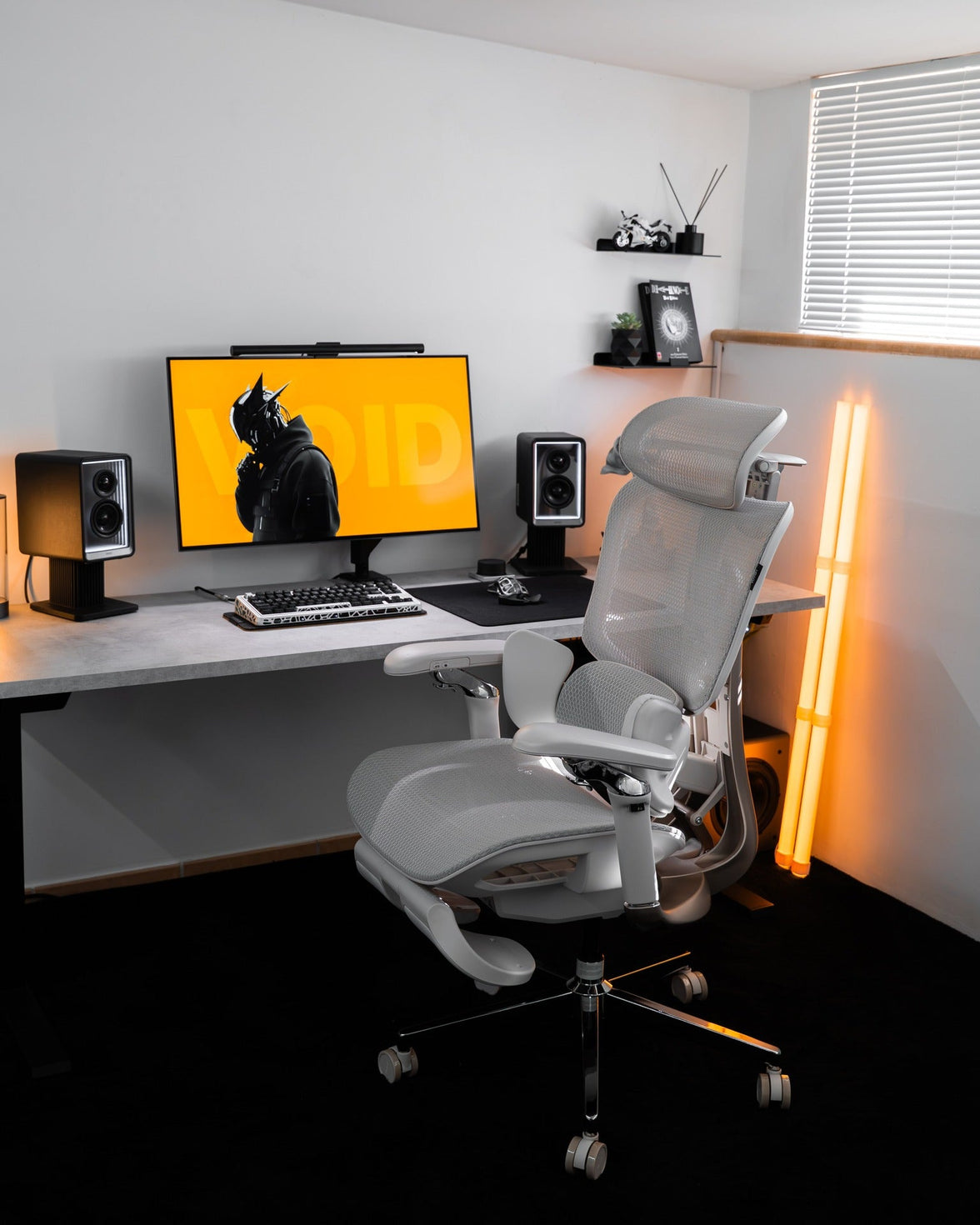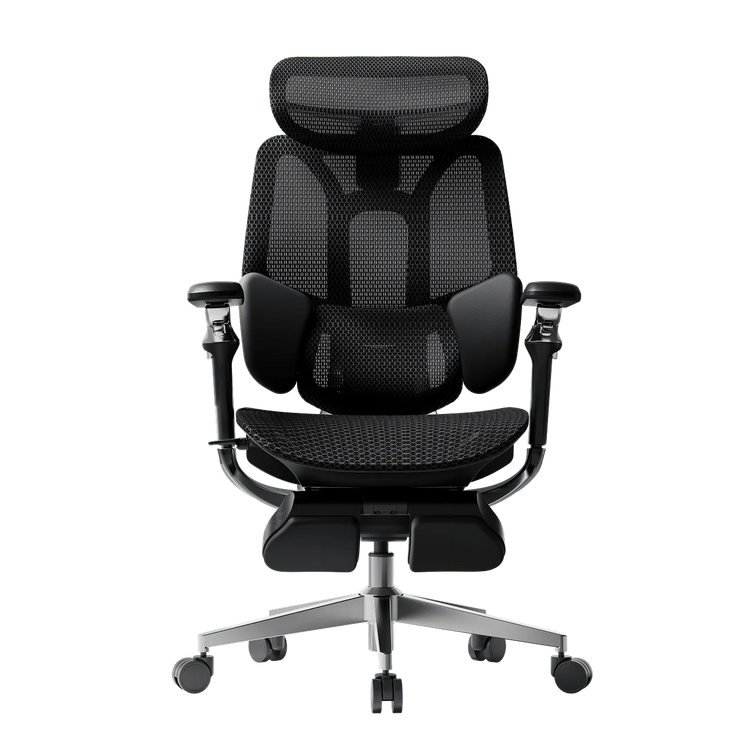
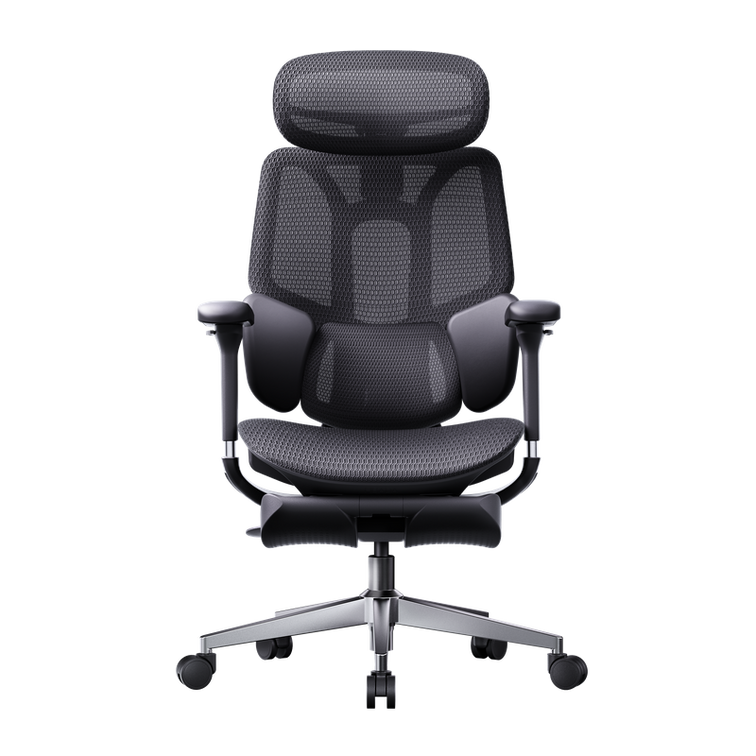
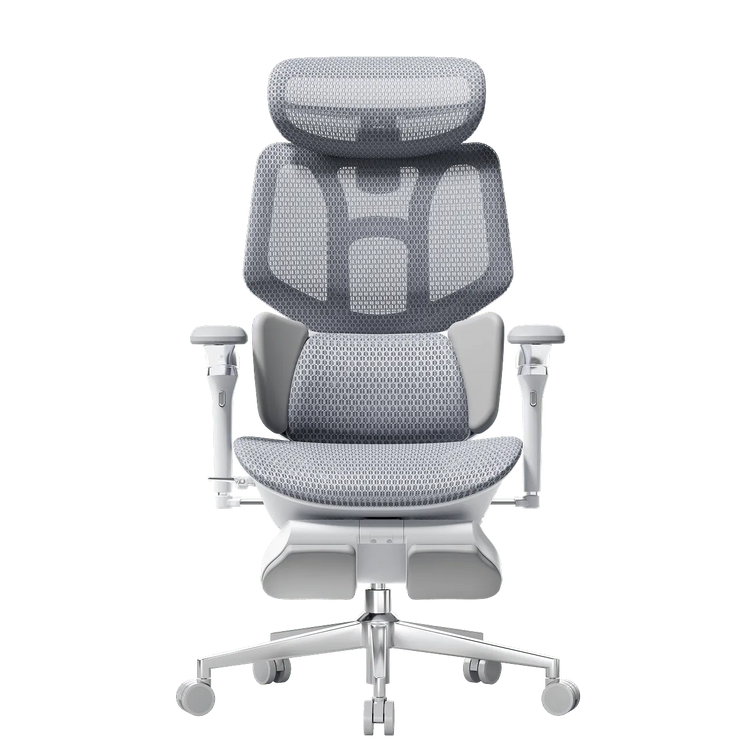
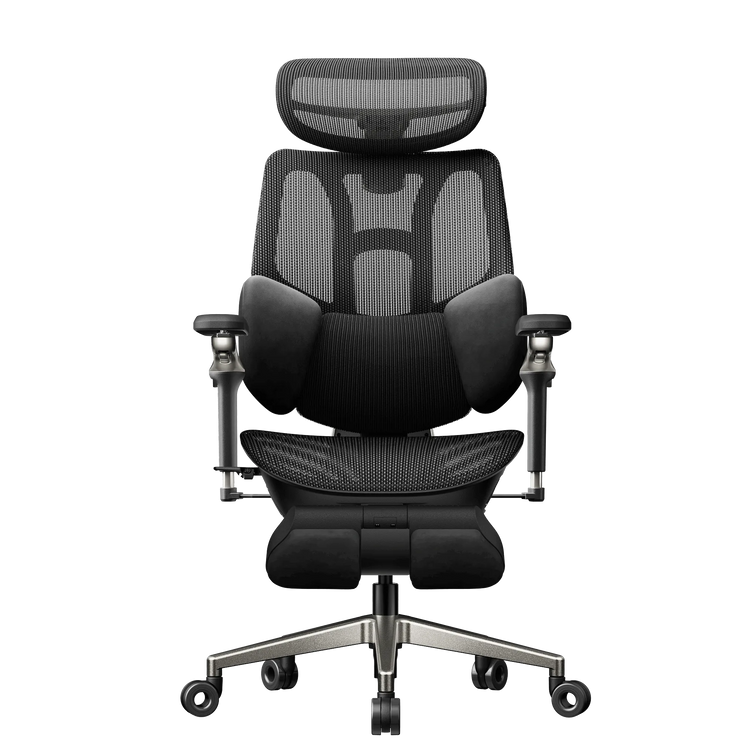
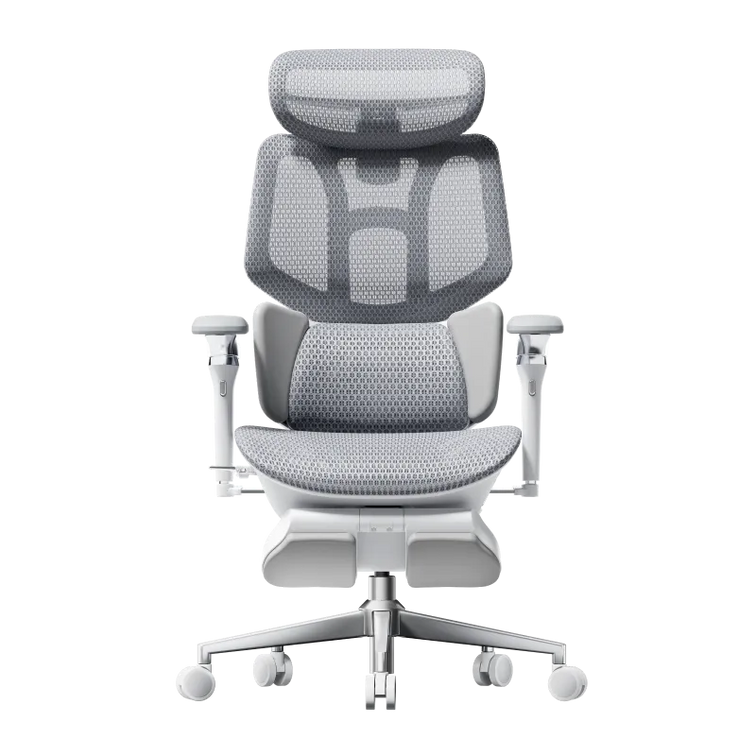
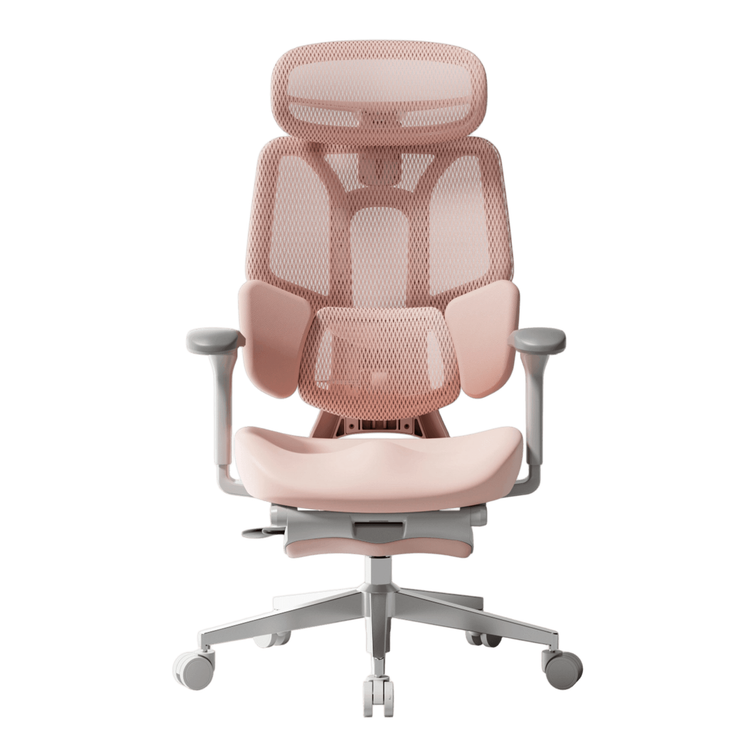



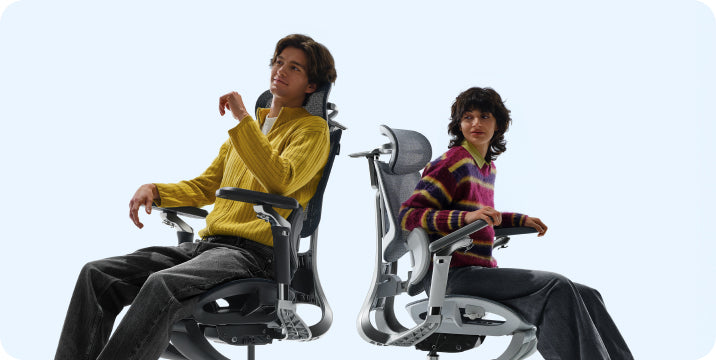
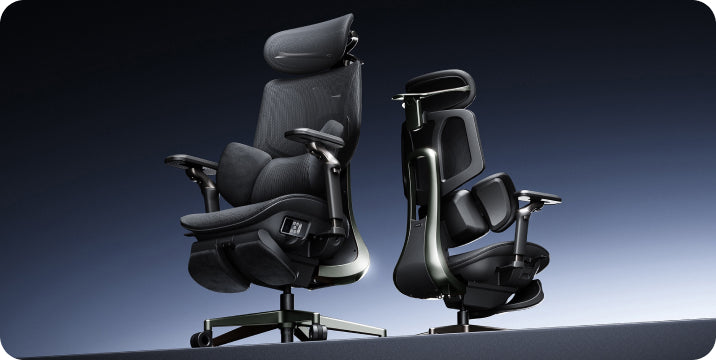

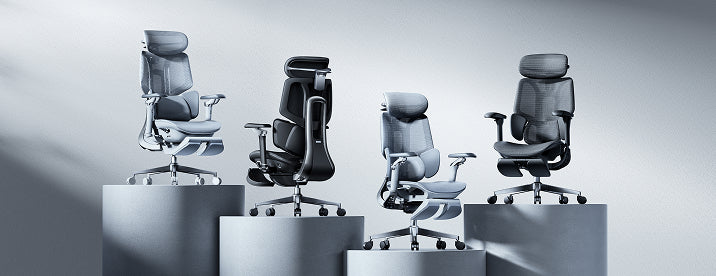
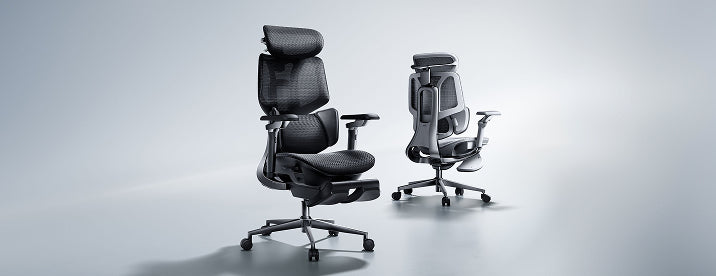

Room for your knees.
Support for the rest of you.
A seat can look generous and still be the wrong fit. Here is how to measure office chair seat depth—and recognize the difference between extra space and useful support.
The short answer
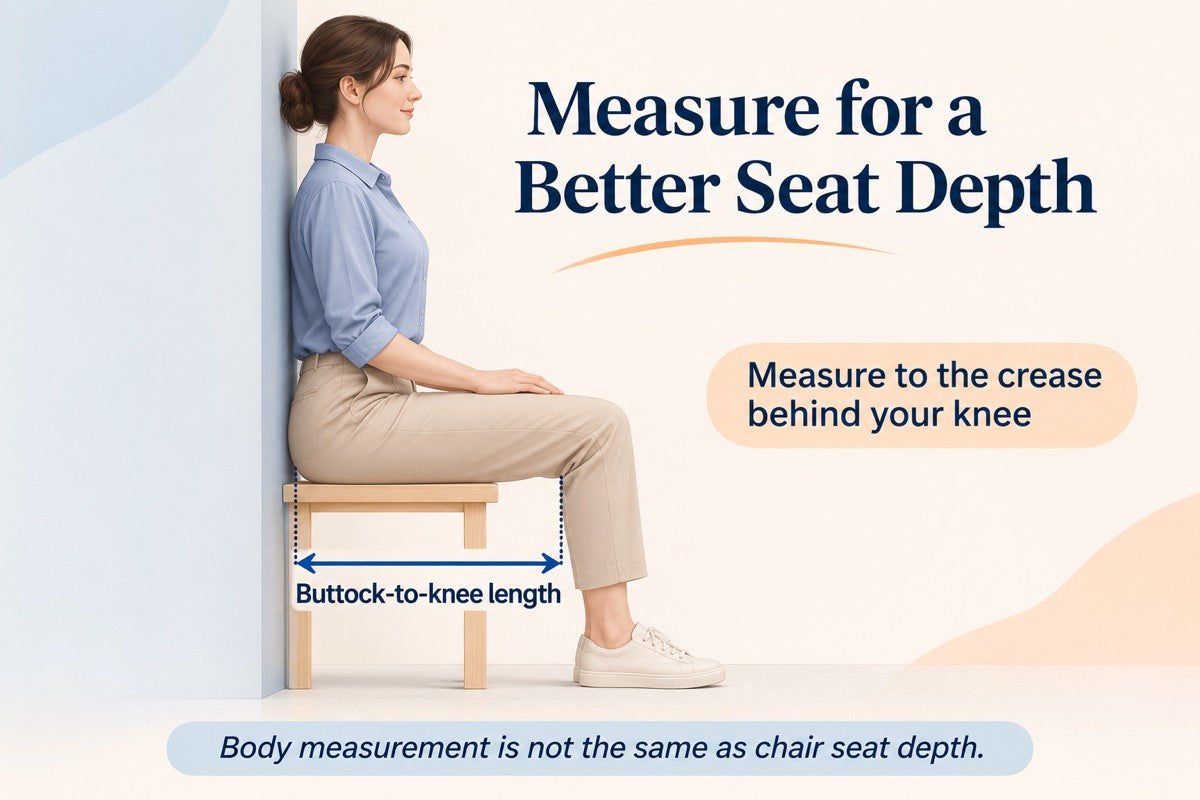
Measure from the back of your buttocks to the crease behind your knee while seated. Use that body measurement to assess a chair’s usable seat depth, allowing room behind your knees. The final check happens in the chair: can you sit back comfortably without the front edge crowding your legs?
Start with your body, not the product diagram.
If you keep moving to the front of your chair, it is worth checking more than seat height. A seat that reaches too far forward may make it difficult to use the backrest while leaving comfortable room for your legs.
Your standing height alone cannot settle the question. Two people of the same height can have different upper-leg proportions. A simple seated measurement gives you a more useful starting point.
-
Find a firm, stable surface.
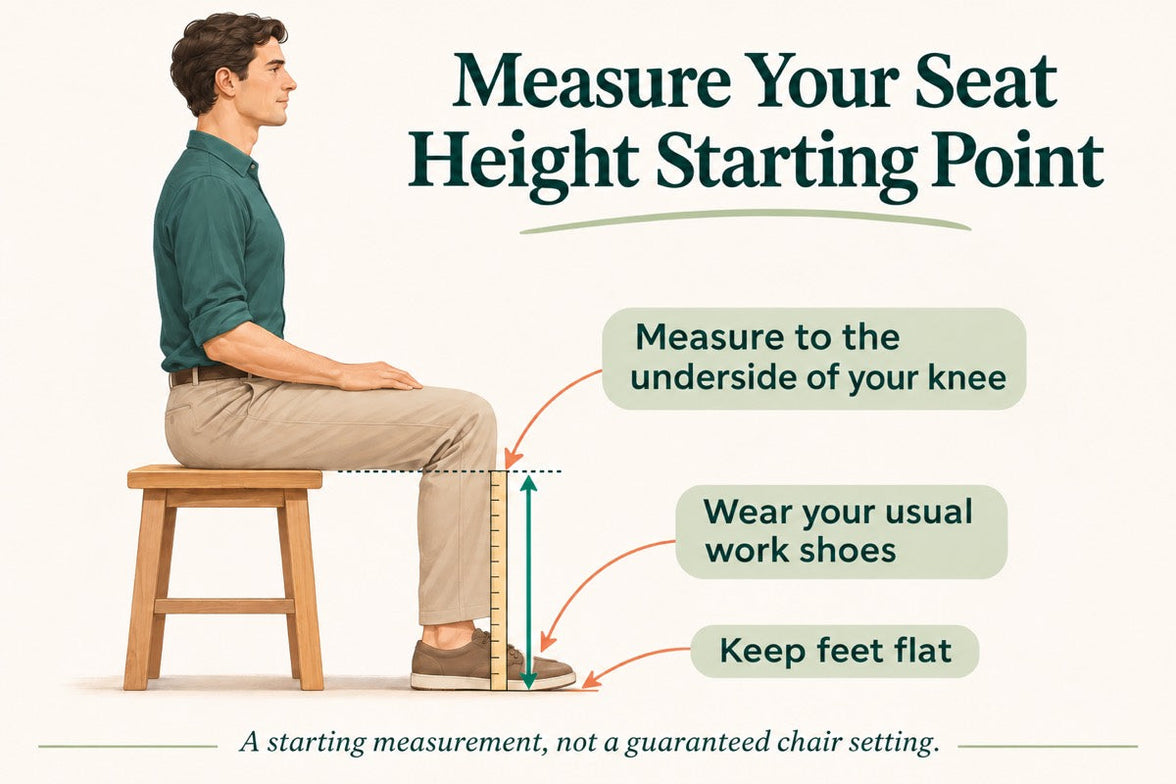
Sit on a bench or similar surface with your feet supported and your knees bent around a right angle. Avoid a deep couch that changes your position as you sink into it.
-
Identify your rear reference point.
A wall or upright board behind your buttocks makes the starting point easier to locate. Touch it lightly without forcing your whole back flat or changing your natural seated position.
-
Measure horizontally to the knee crease.
With help if possible, measure from the back of your buttocks to the crease behind your knee. Keep the tape straight beside your thigh rather than wrapping it over your leg.
-
Repeat and record in inches.
Stand up, sit down again, and repeat. If the readings differ noticeably, check your posture and the tape position. Keep the result as a reference for comparing chairs.
Know which “depth” you are comparing.
Product listings can use several different depth measurements. Check the endpoints on the diagram before comparing one chair with another.
Overall chair depth
The chair’s front-to-back footprint, as defined by the manufacturer. It can include parts beyond the seating surface and may change when the backrest reclines.
Usable seat depth
The seating distance in front of the effective back-support position. It may differ from the length of the seat pan measured on its own.
Seat-depth adjustment
How far the seating distance can change. A two-inch adjustment range does not, by itself, tell you either the shortest or longest setting.
Checking a chair you already own
Put the chair in its normal upright working position. Identify where your body meets the back support, then measure horizontally toward the front edge of the seat. Do not include a pull-out footrest.
If the seat slides, record the usable depth at both ends of its intended adjustment range. Follow the manual and do not force the mechanism beyond its stops. Label your measurements clearly so they are not confused with published specifications.
Make small adjustments. Notice what changes.
Start with comfortable foot support and seat height. Sit back, assess the space behind your knees, and change the seating distance in small increments.
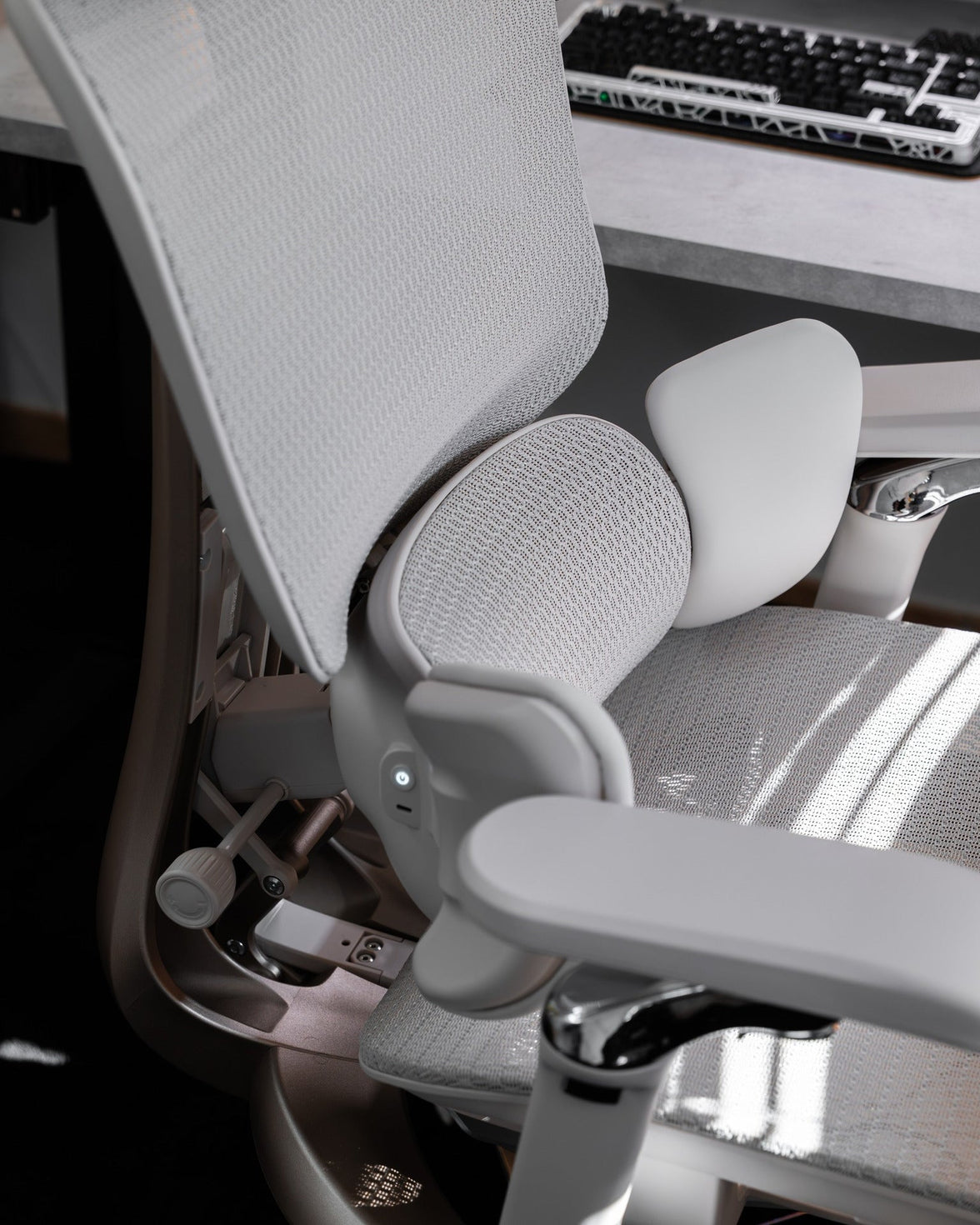
On a chair with a sliding seat and a fixed backrest, moving the seat toward the backrest generally shortens the usable depth; moving it away generally lengthens it. Other mechanisms work differently. Follow the instructions for your HBADA model rather than assuming every chair uses the same control.
When the seat feels too deep
Try a shorter setting. Check whether you can stay in contact with the backrest without the seat edge crowding the backs of your knees. Perching at the front does not resolve the underlying fit.
When the seat feels too shallow
Try a longer setting if one is available. Compare thigh support while keeping space behind your knees. A large gap alone does not prove the chair is unsuitable.
Try an ordinary desk task.
Type a short message or use your mouse after adjusting. Notice whether you stay settled or immediately shift away from the backrest. This helps separate a seat-fit issue from a keyboard or desk-reach issue.
- Back contact: can you use the backrest without forcing your knees against the seat edge?
- Thigh support: does the seat feel supportive rather than noticeably short or crowded?
- Foot support: are your feet stable instead of reaching for the floor?
- Desk reach: can you reach the keyboard without sliding forward out of the position you just adjusted?
If the chair reaches its adjustment limit before the fit feels right, consider a different size or model. Keep changing positions and taking breaks; do not continue a fitting test through persistent pain or numbness.
Build a shortlist around fit.
When comparing chairs online, keep your body measurement beside the exact model’s specification diagram. Check the minimum and maximum depth, the measurement method, and how the adjustment works.
For example, when reviewing the HBADA E3 Pro , use the current dimensions for the version you intend to order. Do not assume that another generation—or another chair with a similar name—has identical seating dimensions.
If several people share the chair, repeat the fitting process for each person. The most useful adjustment range is the one that accommodates the people who will actually use it.
Still sorting out your priorities? Work through our 12-question chair buying guide to connect your measurements with your desk, working habits, and feature preferences.
The questions that come up next.
What is the best office chair seat depth?
There is no single number that fits everyone. Start with your seated body measurement, compare the chair’s dimensions, and confirm that you can sit back comfortably with thigh support and clearance behind your knees.
Is a two-finger gap a reliable fit test?
It can be a quick reference, but finger widths differ. Do not force the setting to match a particular finger count. Check the whole seated position and whether the front edge presses into the knee crease.
Does a tall person always need a deeper seat?
Not necessarily. Standing height does not describe upper-leg length on its own. Measure rather than assuming that every tall person needs the deepest setting or every shorter person the shallowest.
Can a back cushion fix a seat that is too deep?
A cushion changes where your body sits, but it also changes your relationship with the backrest and lumbar support. It is not a guaranteed substitute for suitable chair dimensions. Recheck the entire setup if you add one.
Does a pull-out footrest increase seat depth?
No. It supports your legs during a reclined break. It does not extend the usable seat pan beneath your thighs in the same way as a seat-depth adjustment.
What if a product page lists only one depth?
Check whether the number refers to the seat pan, usable seating space, or overall chair footprint. If the model adjusts in depth, ask for the shortest and longest settings and how those measurements were taken.
A better fit is not always a bigger seat.
Measure, compare, and check how the chair feels at your actual desk. The right seat depth should work with the rest of your setup—not make you adjust your body around it.
Explore the complete chair-fit guide →