








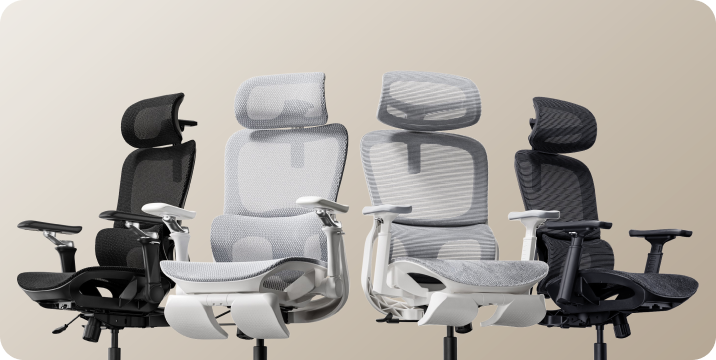









To test an ergonomic office chair during a 30-day home trial, use it for your real work each day and check fit, lumbar support, breathability, recline, armrests and noise. Keep the packaging, avoid damage, and decide before the window closes. If the chair does not suit you, contact support early enough to complete the required return steps within your return window.
What Is a 30-Day Home Trial and How Does It Work?

A home trial is a return window that lets you use the chair in your real setup before you commit. HBADA’s current return and refund policy allows returns within 30 days of receipt, subject to its condition and return requirements.
This gives you time to judge an adjustable ergonomic chair at your own desk, not in a showroom. Testing may help you find a more comfortable sitting position, but it is not a medical treatment.
How Should You Set Up the Chair for Testing?
Start well, because a fair test needs a proper setup. Assemble the chair using the HBADA user manual and assembly guide, and keep every part of the packaging, including the box, foam and spare hardware. Then set it to your body before you judge it.
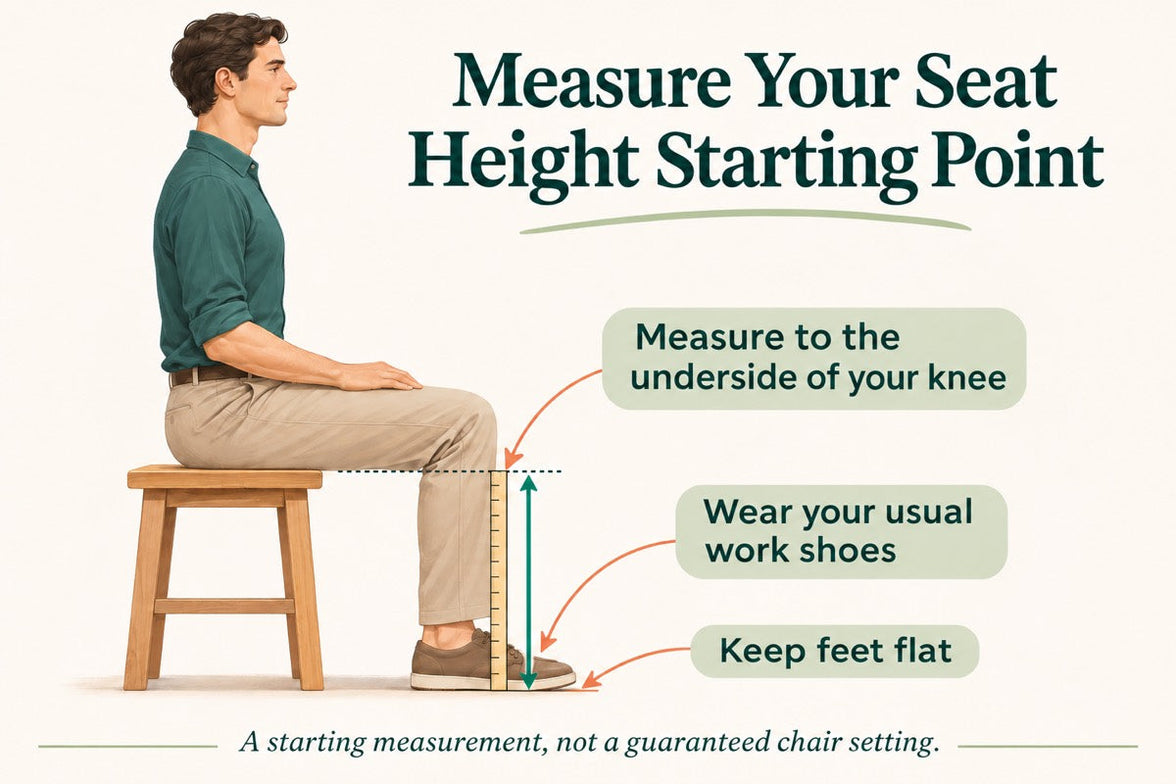
- Set the seat height so your feet rest flat on the floor or a suitable footrest.
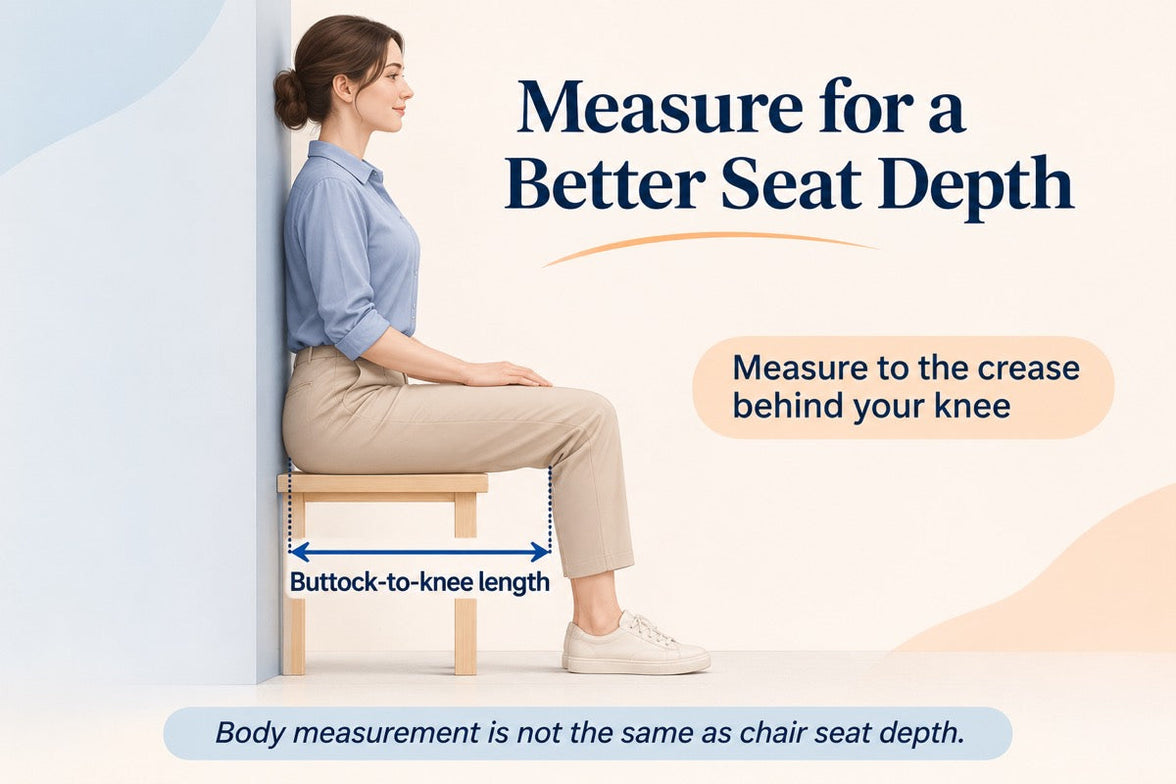
- Set the seat depth so two to three fingers fit behind your knees.
- Set the lumbar support to meet your lower back.
- Set the armrests so your forearms are supported and your shoulders stay relaxed.
- Check that you can reach your keyboard and mouse comfortably.
Only after this setup should you decide how the chair feels.
What Should You Test in the First Week?
Your first week is about first impressions and daily fit.
- Fit: Check you can reach a feet-flat, back-supported position within the chair’s adjustment ranges.
- Lumbar support: Notice whether the support meets your lower back through your normal workday.
- Breathability: Watch for heat build-up and check whether the mesh and seat feel comfortable in your room.
- Noise and casters: Roll across your floor and listen for creaks or scuffs. Check that the casters are suitable for the surface.
What Should You Test in Weeks Two to Four?
Later weeks reveal how the chair holds up over real work.
Now test the chair as an office chair for long hours. Work a normal week, keeping your usual movement breaks, and notice whether early comfort lasts into the afternoon. Move through the available recline positions and check that the locks hold. Use the armrests while you type, write and relax.
Give yourself time to learn the controls and fine-tune the settings, but do not treat pain as a required adjustment phase. If discomfort eases after a setting change, note what helped. If it persists after reasonable adjustments, the chair may not fit you.
A Quick Test-and-Decide Table
Use this table to turn each check into a clear next step.
| What to test | How to test it | Keep or return signal |
|---|---|---|
| Fit | Set seat height, depth and lumbar support to your body, then sit back fully. | Consider a return if you cannot achieve supported feet and back within the adjustment ranges. |
| Lumbar support | Use it during a normal working day and note lower-back comfort. | Consider a return if the support cannot meet your lower back comfortably after adjustment. |
| Breathability | Check for heat build-up during ordinary work sessions. | Consider another material or model if the seat consistently feels too warm for you. |
| Recline and lock | Try the recline settings according to the manual. | Stop using the chair and contact support if the recline is unstable or a lock fails. |
| Armrests | Type, write and relax while checking forearm support. | Consider a return if the armrests prevent a relaxed working position or access to your desk. |
| Noise and casters | Roll gently across a suitable floor surface and listen for persistent noise. | Contact support about recurring creaks or floor marking before continuing use. |
| Long-session comfort | Work a normal week in the chair, with movement breaks. | Reassess the fit if discomfort persists after you fine-tune the settings. |
How Do You Protect Your Return Eligibility?
Test thoroughly, but keep the chair returnable while you decide.
- Keep the original box, foam and hardware for the whole trial.
- Keep the chair clean and unmarked, and use a suitable floor mat if needed.
- Note your delivery date and the last day of the return window.
- Contact support early if you are unsure, rather than on the final day.
HBADA requires returns in their original condition and recommends keeping the original packaging. Missing packaging or damage from improper packing may lead to fees.
What Should You Check Before Returning the Chair?
Review the return instructions for your order before arranging collection. For change-of-mind returns, customers pay part of the return shipping cost; HBADA may provide a discounted prepaid label deducted from the refund. For damaged, defective or incorrectly supplied items, contact support for the appropriate process.
Ask support to confirm the required steps and deadline. A return window is separate from warranty coverage, so check the HBADA warranty and service information if a fault appears later.
Which HBADA Chairs Can You Test at Home?

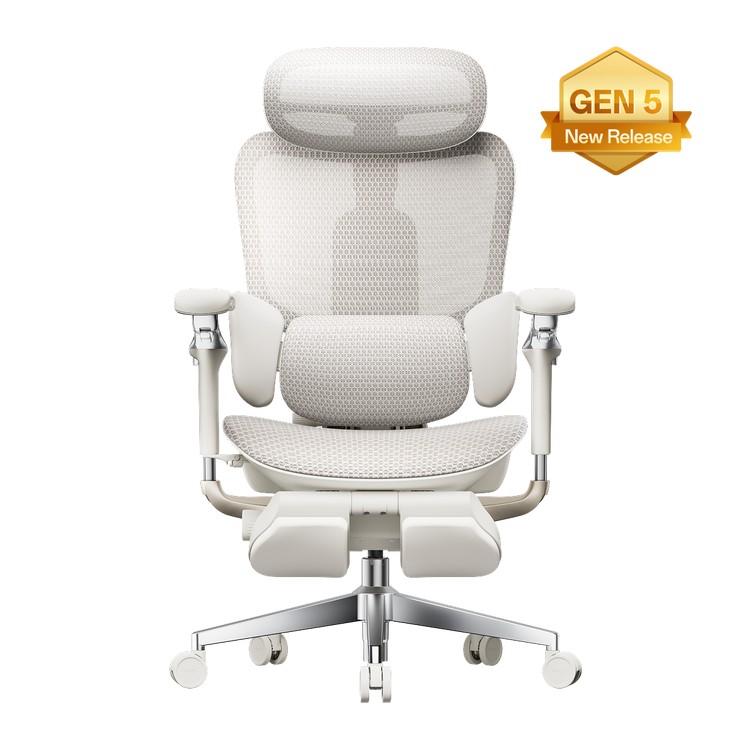
The HBADA X7 and E3 Pro 2026 product pages advertise a 30-day home trial. Confirm the current terms for your chosen model and order before purchasing.
Use the same testing checklist for either chair, but pay attention to the features that make each model different.
| What to compare | HBADA X7 | HBADA E3 Pro 2026 |
|---|---|---|
| Lumbar support | Test how the AI lumbar-tracking system responds when you change position. | Test how the three-zone adaptive lumbar support fits your lower back. |
| Seat fit | Check the selected model’s seat dimensions and adjustment range against your body and desk. | Check the selected model’s seat dimensions and adjustment range against your body and desk. |
| Recline and armrests | Check support and control access while typing, leaning back and relaxing. | Check the headrest, armrest and recline adjustments during your usual tasks. |
| Additional features | Try the comfort functions included with your selected version, following its manual. | Focus on mechanical adjustments, mesh comfort and any optional footrest. |
| Before ordering | Confirm the exact configuration, return conditions and warranty. | Confirm the exact configuration, return conditions and warranty. |
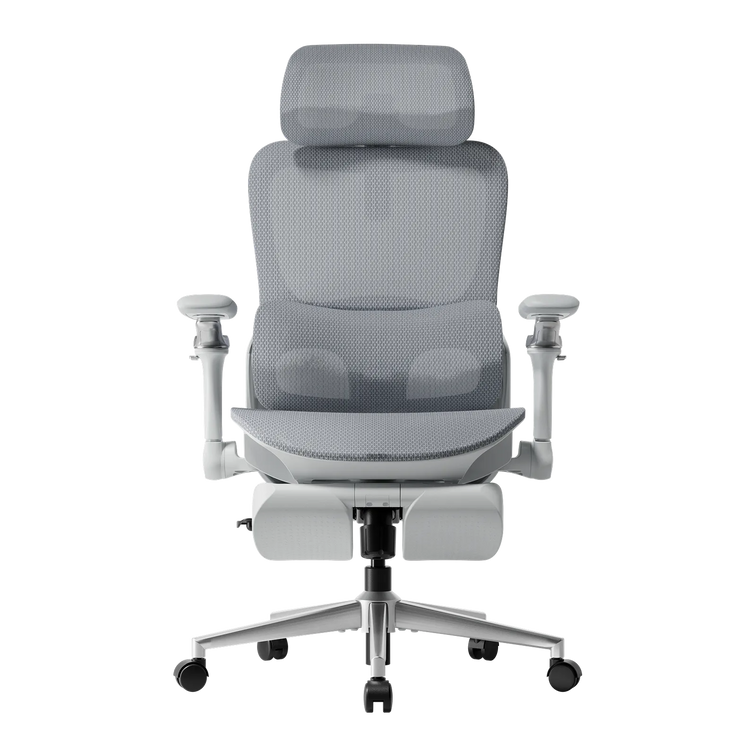
If you want automatic lumbar tracking, explore the HBADA X7 smart ergonomic chair and check the comfort features included with your selected version.
If you want a mechanically adjustable chair to test for long workdays, compare the HBADA E3 Pro 2026. You can also browse the HBADA ergonomic office chair collection before your trial begins.
Your 30-Day Test Plan

Follow this simple plan so nothing is missed before the window closes. Adjust the timing to leave enough time for the return process required for your order.
Assemble and Adjust
Assemble by the manual, keep all packaging, and set the chair to your body.
Check Daily Fit
Test daily fit, lumbar support, breathability, noise and casters.
Test Your Normal Work Routine
Work your usual schedule and test recline, armrests and long-session comfort. Keep taking movement breaks.
Fine-Tune and Decide
Fine-tune settings and review your notes. If the chair is not right, contact support now to confirm the return steps and deadline.
Complete Your Decision
Keep the chair if it fits your needs, or complete the return steps within the applicable deadline. Do not assume contacting support on day 30 automatically extends the window.
Limitations and When to Get Help
A trial answers many questions, but not every one.
- A trial checks comfort and fit for you; it cannot promise a health outcome.
- Thirty days cannot establish the chair’s lifespan or long-term durability.
- Keep the chair and packaging in good condition while deciding.
- Trial terms, return shipping and warranty can vary by market and order, so check the applicable policy.
If you have severe, persistent or radiating pain, consult a qualified healthcare professional. A chair is not a medical treatment.
Conclusion
The best way to judge an ergonomic office chair is to test it where you actually work. Assemble it, set it to your body, use it for real tasks, and keep the packaging until you are sure. Compare the X7 if you want automatic lumbar tracking, or the E3 Pro if you prefer mechanical adjustments. Make your decision before the return deadline, and keep the chair that fits you.
Frequently Asked Questions
How long is the HBADA home trial?
The current .com policy states 30 days from receipt. Confirm the terms and required return steps for your order before testing.
Can you return an office chair after using it?
Home testing does not remove the policy’s condition requirements. Keep the chair clean, avoid damage, and ask support if you are unsure whether its condition qualifies.
How long does it take to get used to a new ergonomic chair?
There is no fixed adjustment period for everyone. You may need several sessions to learn the controls and fine-tune the seat height, depth, lumbar support and armrests. Change one setting at a time. Do not keep sitting through pain in the hope that you will eventually adapt.
Who pays for return shipping?
It depends on the return reason. Check the shipping-cost section of the return policy and confirm any label charge with support before booking a courier.
What should you check before the trial ends?
Confirm the essentials: fit, long-session comfort, lumbar support, breathability, recline, armrests and noise. Also check that the chair suits your desk height and floor. Decide early enough to complete any required return steps before the deadline.