





Where the backrest meets you
Set your support.
Find your fit.
The HBADA E3 Pro 2026 and SIHOO Doro C300 approach adaptive lumbar support differently. The useful question is how each design meets your lower back at the desk you actually use.
Published by HBADA. This article compares selected published features and does not report an independent head-to-head test. “C300” refers to the standard SIHOO Doro C300, not the C300 Pro or C300 Pro V2. Features can vary by edition and market. SIHOO and Doro C300 are trademarks of their respective owner. No affiliation or endorsement is implied.
Start with the model you would actually order.
A familiar product name can cover several configurations. For this comparison, our reference is the HBADA E3 Pro 2026 Edition and the standard SIHOO Doro C300 sold through its US storefront.
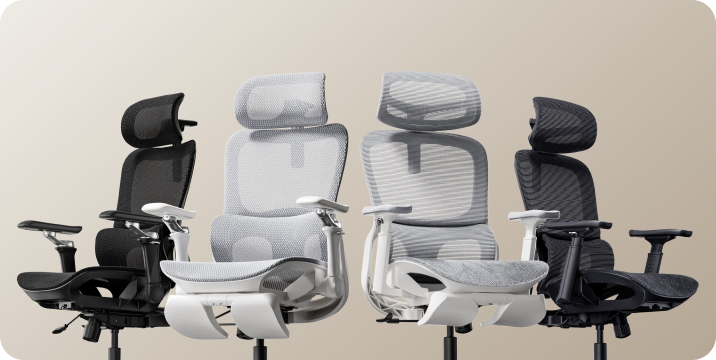
Keep the C300 Pro and Pro V2 separate from the standard model. On our side, check the selected E3 Pro configuration too, especially the armrests and whether a footrest is included. Color alone should never be your only way of identifying the mechanism you are buying.
Where support touches you matters.
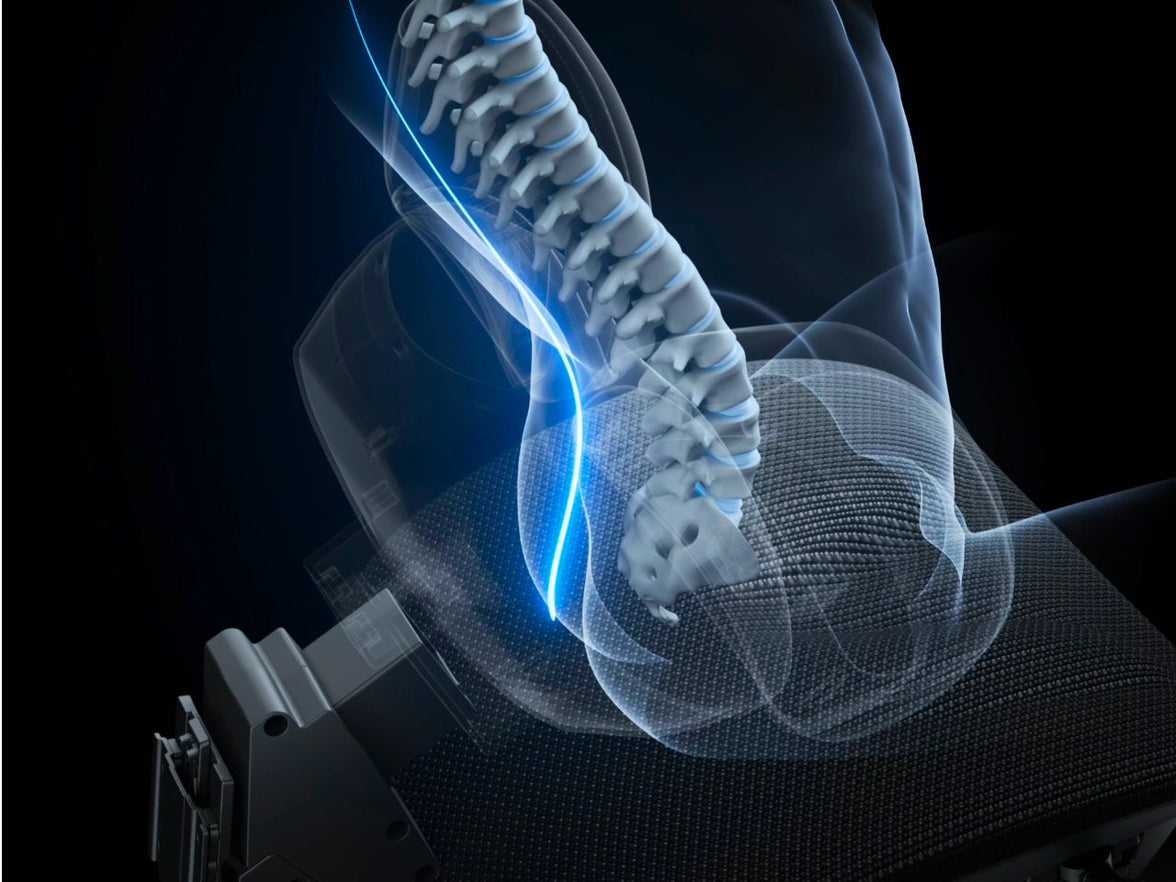
Lumbar support meets the inward curve of your lower back. Its height changes where that contact happens. How far it projects influences the pressure you feel, while its contour determines how it sits around your waist.
These details work together. A pronounced support can feel intrusive when it meets you too low. A gentler contour may still feel misplaced if you have to slide forward to escape it.
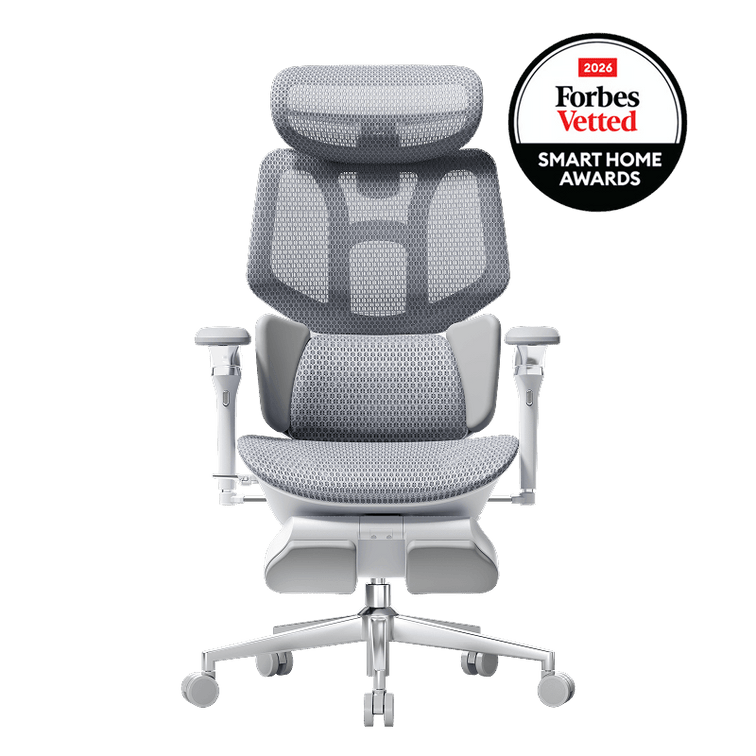
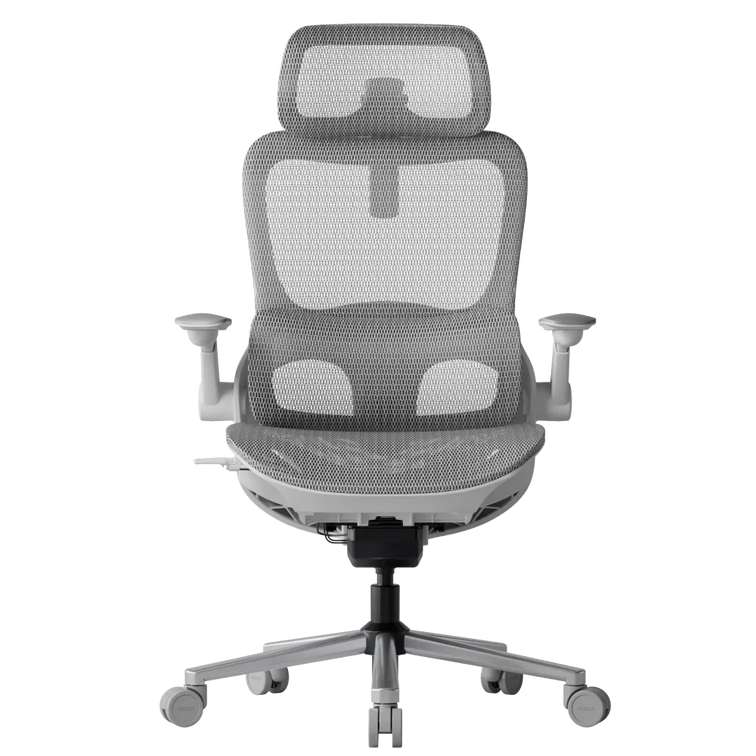
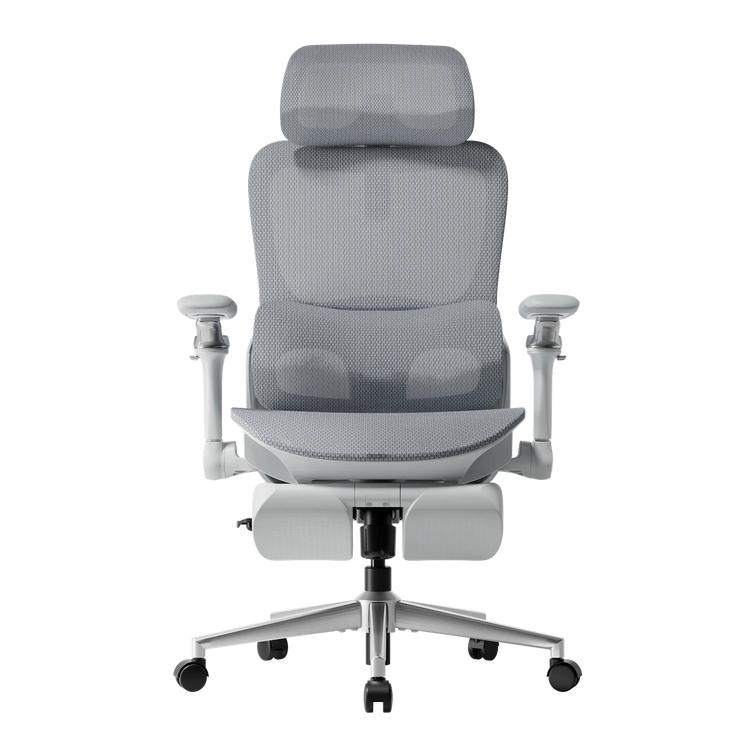
The standard C300 combines a flexible backrest with self-adaptive lumbar support. Its US page also lists a backrest lifting range, so describing the chair as having no backrest height adjustment would be inaccurate.
A support shape becomes useful when it meets your body in a position you can comfortably maintain.
How our three-zone lumbar design works.
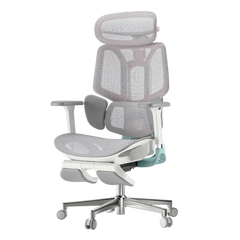
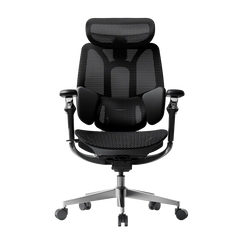
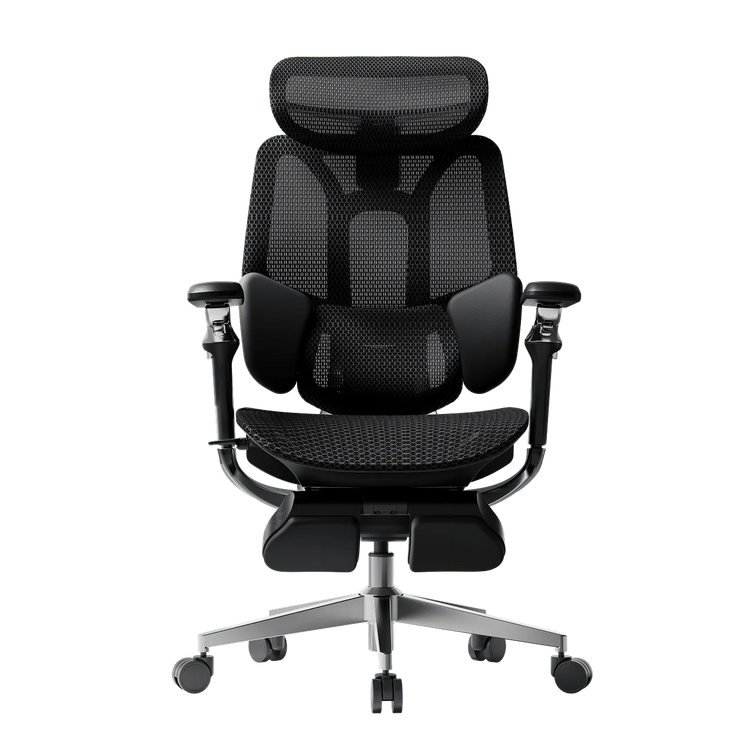
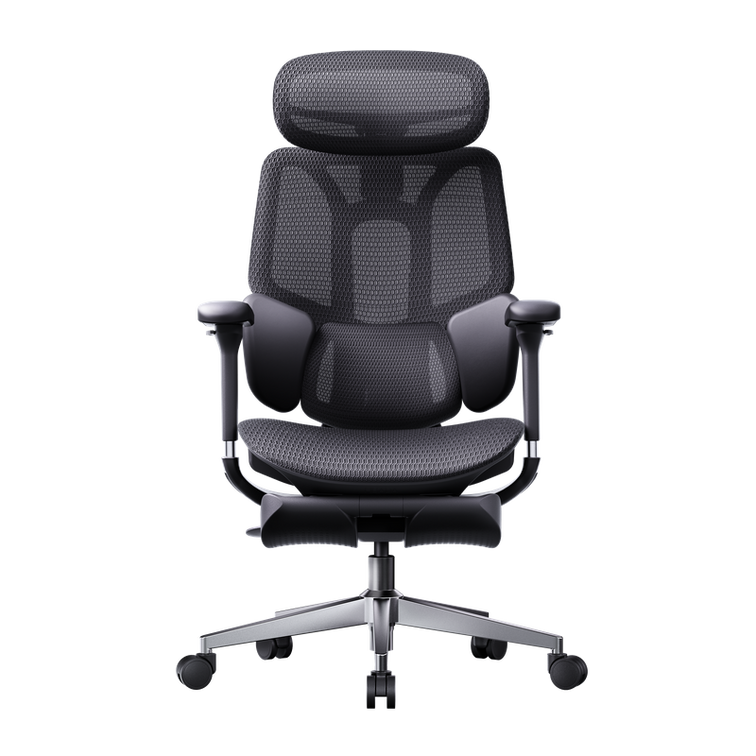
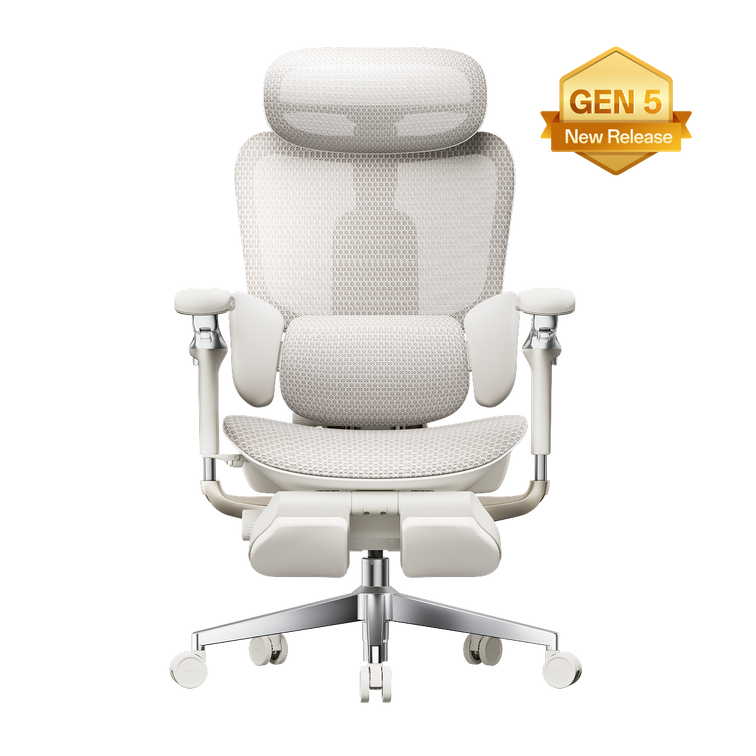
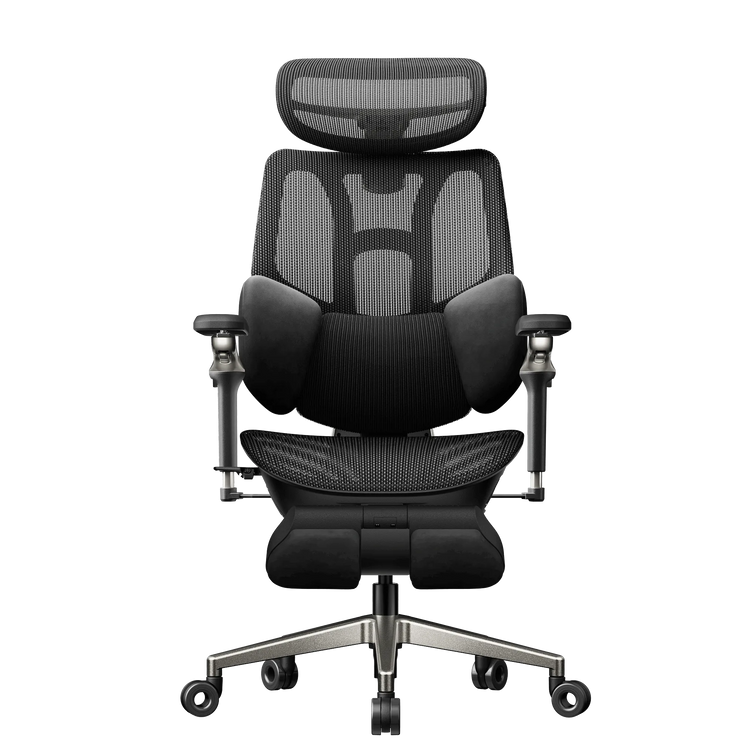
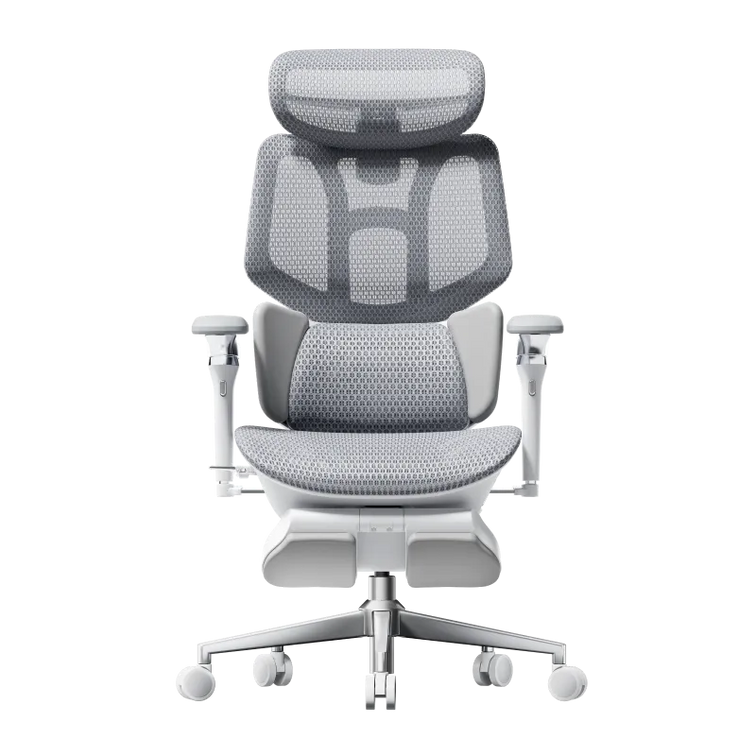
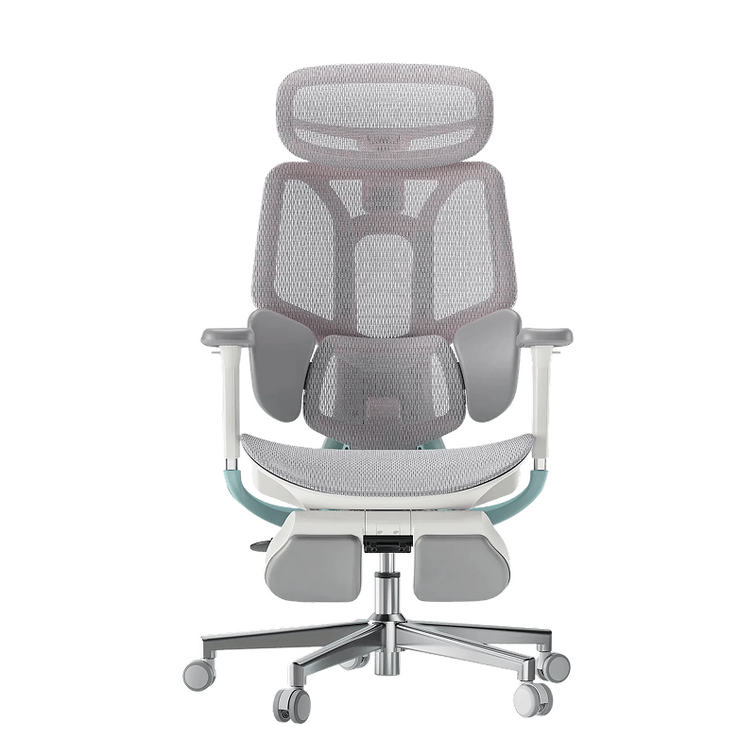
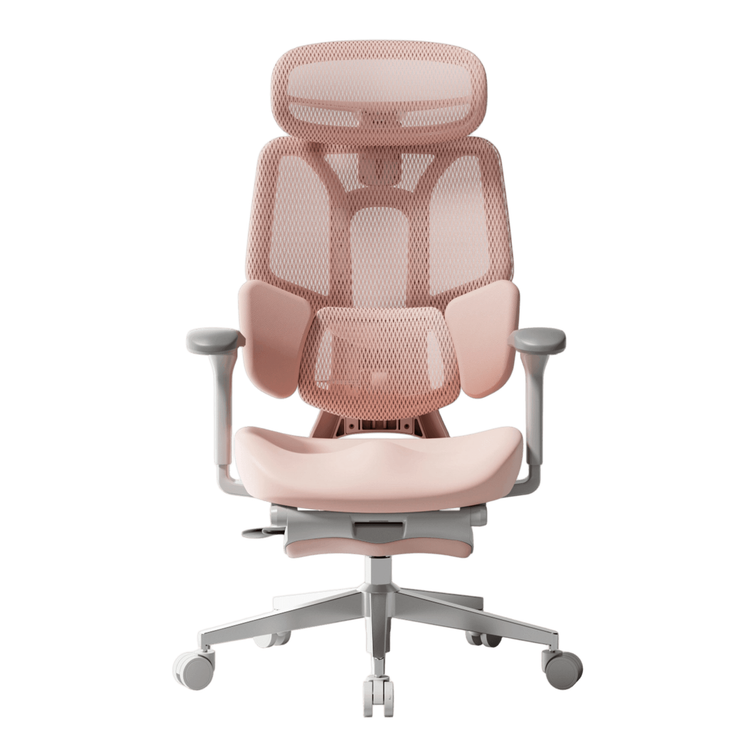
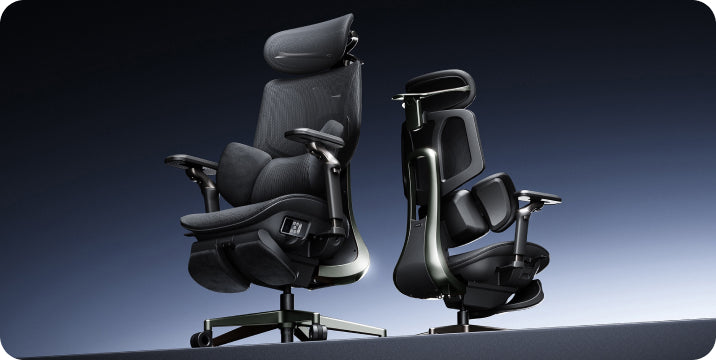
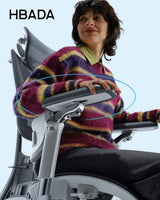
E3 Pro combines a central lumbar section with lateral wings. You can personalize the contact position, then allow the responsive mechanism to follow changes in posture.
Place the central support.
The independent lumbar lift is approximately 2.36 inches. Start with light, comfortable contact in your lower-back curve. Increase or reduce the position gradually, rather than assuming the highest setting is best.
Shape the side contact.
The rotating wings change the contour around your waist. Adjust them until the contact feels supportive without squeezing or creating a concentrated pressure point.
Let the responsive mechanism move.
The lumbar system incorporates gliding movement and elastic tracking. These describe how the mechanism responds; dynamic travel should not automatically be interpreted as a manually lockable depth setting.
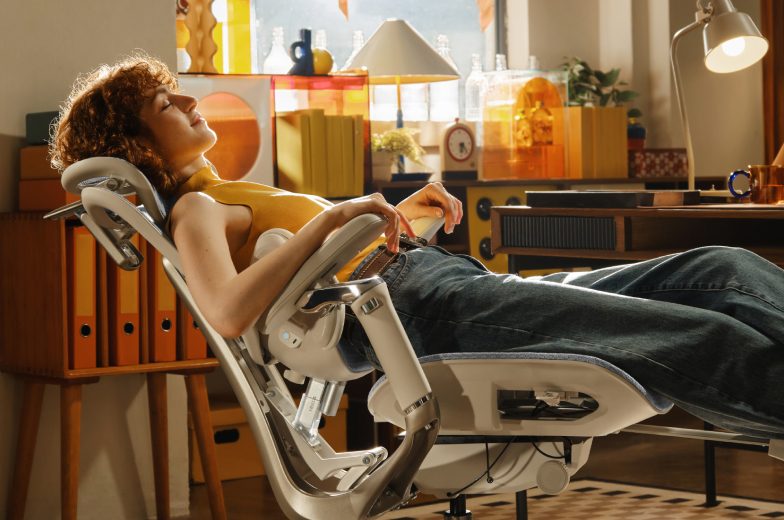
After setting the chair, move between your normal working position and a small recline. Notice whether the contact remains comfortable. Repeatedly bracing against the support is a reason to revisit the setup.
What do you want to adjust independently?
Our E3 Pro separates lumbar placement from backrest height. Its backrest lifts approximately 3.15 inches, and the seat offers 1.97 inches of depth adjustment. Those controls let you revisit the seat and back contact separately as you refine the fit.
The current E3 Pro product page describes a 6D armrest mechanism. Check the selected configuration before ordering. The standard C300 US page describes 4D coordinated armrests and a multi-adjustable headrest.
Direction counts are manufacturer terminology. They do not provide a standardized comfort score. For your desk, the useful checks are whether the arm pads reach your forearms and whether the chair can approach the keyboard without hitting the underside of the desktop.
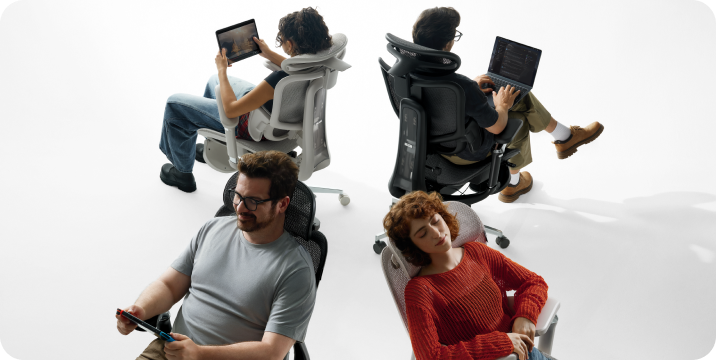
If you switch to a controller or tablet, test that position as well. An adjustment earns its place when you use it to solve a specific fit problem.
Seat depth changes how the lumbar support feels.
A seat that reaches too far toward your knees can make you move away from the backrest. That changes the lumbar contact, even if the support itself is well positioned. Too little usable depth can leave you wanting more thigh support.
E3 Pro’s seat slider gives you room to refine this relationship. Begin with your back against the backrest, then move the seat until you have comfortable clearance behind your knees. Keep your feet supported.
For a broader starting point, use our 12-question office chair buying guide to connect your measurements with the way you use your workspace.
The useful differences, side by side.
| Feature | HBADA E3 Pro 2026 | SIHOO Doro C300 |
|---|---|---|
| Lumbar approach | Three-zone contact with independent lumbar placement and responsive movement | Self-adaptive lumbar support within a flexible backrest |
| Side contour | Rotating lumbar wings | Confirm the contour and available controls for the selected version |
| Seat depth | 1.97-inch adjustment travel | 18.11 inches listed; confirm adjustment availability and range |
| Backrest height | 3.15-inch lift | 18.11–21.65-inch backrest lifting range listed |
| Armrests | 6D mechanism described on the current product page; verify configuration | 4D coordinated armrests listed |
| Recline | Up to 140° | Up to 130° listed in the US product FAQ |
| Fit check | Set lumbar placement, then refine seat depth and side contact | Check adaptive lumbar contact after setting the backrest |
Adjustment labels are manufacturer descriptions, not equivalent independent ratings. This table does not establish comparative durability, medical benefits or comfort for every user. Prices and policy comparisons are omitted because they vary by configuration, purchase date and market.
Why choose the E3 Pro approach?
Our E3 Pro is worth a close look when you want to set the lower-back contact more precisely. Independent lumbar placement gives you a separate control to revisit when the backrest feels right around your shoulders but the support below still needs work.
The wing adjustment adds another way to personalize the contour around your waist. Seat-depth movement helps you keep that contact while finding knee clearance. Together, these features give the fitting process a clear order.
The C300 comparison remains useful because it highlights the distinction between adaptive movement and independently adjustable fit. Both concepts matter. Our focus with E3 Pro is giving you control over the starting position as well as support through movement.
Bring your measurements to the decision.
- Start with seat height. Find a position with stable foot support before judging the lumbar contour.
- Sit back and check knee clearance. Adjust the usable seat depth where the chair allows.
- Locate the lower-back contact. It should feel supportive without making you brace or move away from the backrest.
- Set your arm support while using your real keyboard or controller. Measure the space beneath the desk.
- Move through your usual positions. Recheck comfort after a short recline and when returning to desk work.
- Before checkout, confirm the selected configuration and read the applicable product and purchase information .
A chair’s recommended height range is a starting point. People of the same height can have different leg and torso proportions, so your own measurements remain useful.
The details that deserve a second look.
What is the main difference between E3 Pro and C300 lumbar support?
E3 Pro combines an independently positionable central lumbar section with rotating wings and responsive movement. The standard C300 emphasizes self-adaptive lumbar support within its flexible backrest. Check how each arrangement contacts your lower back.
Does the standard SIHOO C300 have backrest height adjustment?
Its current US product page lists a backrest lifting range. That is different from a separately adjustable lumbar pad. The two should not be treated as the same feature.
Is the C300 seat definitely fixed?
A single listed seat-depth measurement is insufficient to establish that conclusion. Confirm the mechanism and adjustment range for the exact version you would receive, since published C300 listings differ.
Does a higher armrest direction count mean a better fit?
The label describes the manufacturer’s adjustment system. Check whether the arm pads reach the positions you need and clear your desk. More movement is useful when it solves a problem in your actual setup.
Can three-zone support treat a lower-back condition?
The lumbar section and wings shape the chair’s contact with your body. They are seating features, not a treatment for a medical condition. Persistent or worsening pain needs advice from a qualified healthcare professional.
Your next step
Give your lower back a more personal fit.
If independent lumbar placement and a customizable side contour are high on your list, start with E3 Pro 2026. Review the available configuration and dimensions, then compare them with your own desk measurements.
Discover HBADA E3 Pro 2026 →