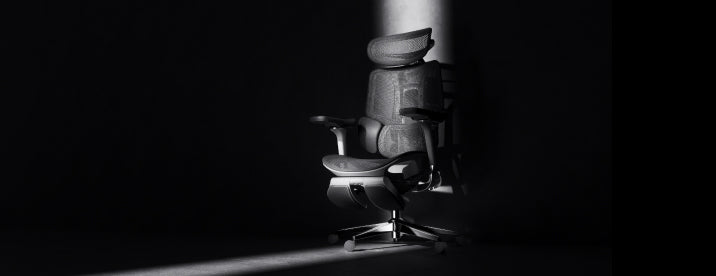



The Game Awards 2026
A big night.
A better seat.
Your next favorite game might appear on screen. Get your space ready for the livestream, then keep it ready for the games that follow.
There is a familiar moment during a gaming showcase: a trailer starts, the group chat wakes up, and everyone moves a little closer to the screen. With The Game Awards approaching, we’re looking at the part of the evening you can prepare right now: the space you’ll actually sit in.
Desk stream or living-room screen?
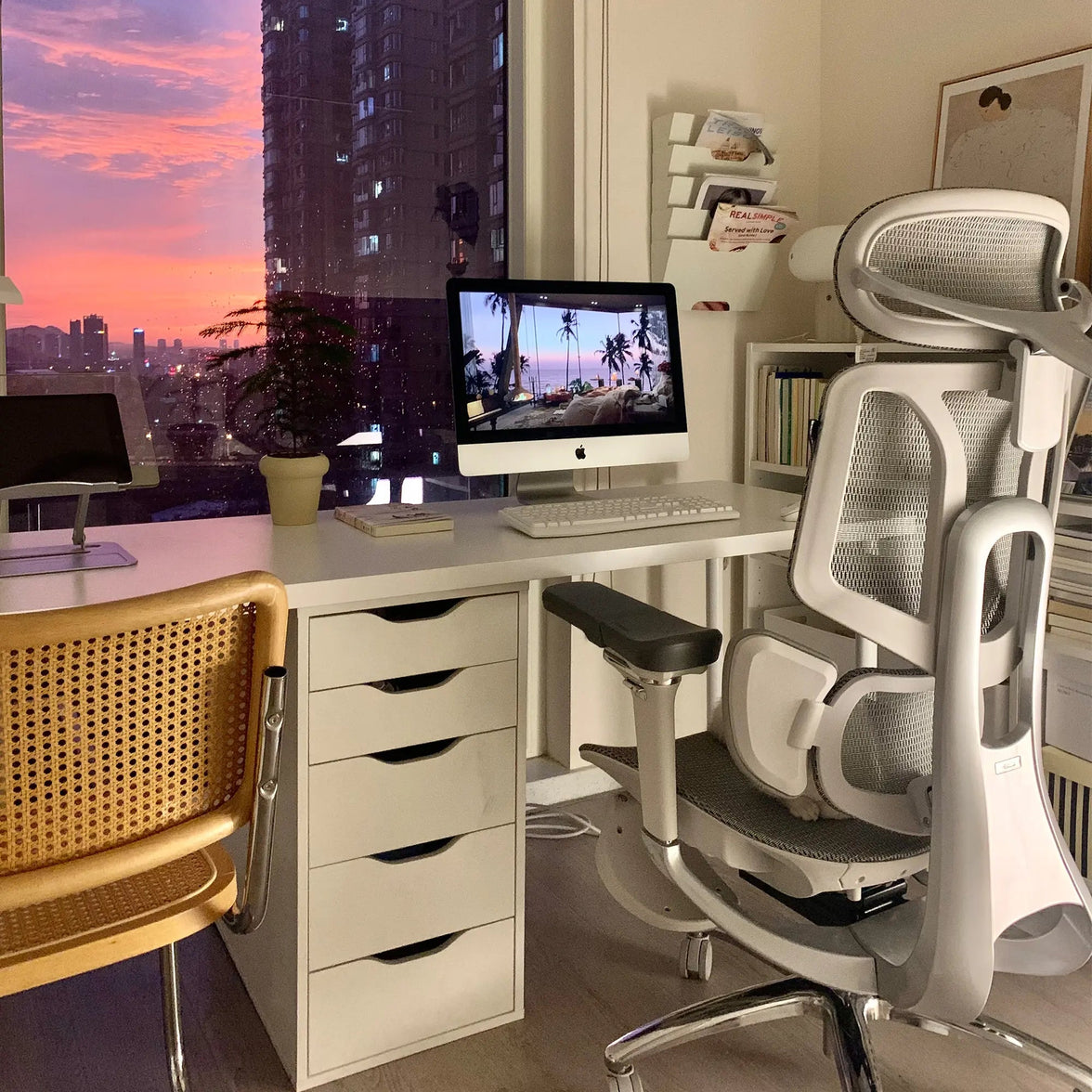
Watching at your desk makes it easy to follow the livestream while chatting with friends. Before the show, check that your main screen sits directly in front of you. A side monitor works well for occasional messages; keep the screen you watch most in the center.
If your console shares a desk monitor, leave enough room to move the keyboard aside. You should be able to settle into the backrest with the controller close to your body, rather than reaching over a crowded desktop.
Your controller position changes the setup.
Keyboard play usually keeps you close to the desk. Controller play gives you more freedom to sit back, which changes where your forearms need support. Adjust the armrests around that position so your shoulders feel relaxed and your elbows stay comfortably near your sides.
Set the seat so your feet have stable support. Sit back and check the space behind your knees. If you keep sliding forward, revisit the seat depth and backrest position before adding another cushion.
Try the setup with the controller in your hands. That is the position your chair needs to work with.
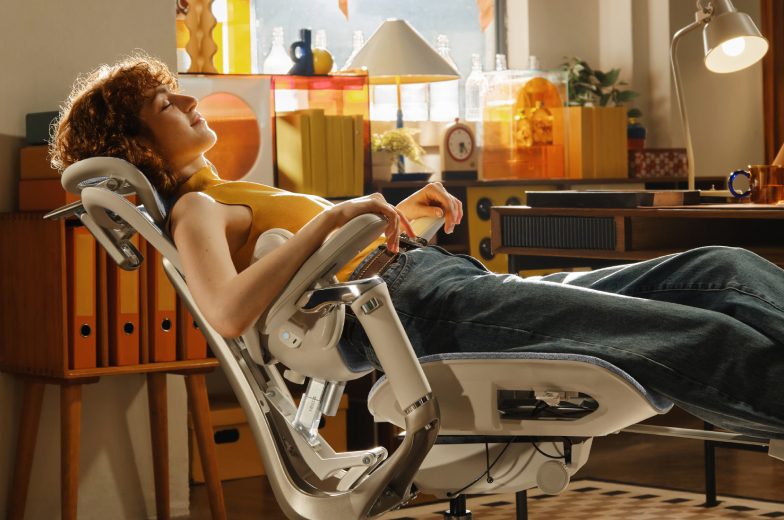
A more reclined position can suit watching the show. When you return to the keyboard, bring the backrest upright enough to reach the controls comfortably. Change position during the evening and take breaks away from the screen.
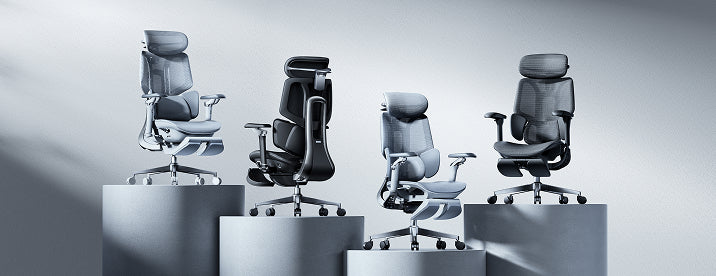
Choose around the way you play.
We design our chairs for spaces that often do double duty. The same desk might hold a work laptop in the afternoon and a console session that evening. Your preferred way to use that space is a useful starting point.
2026 Edition
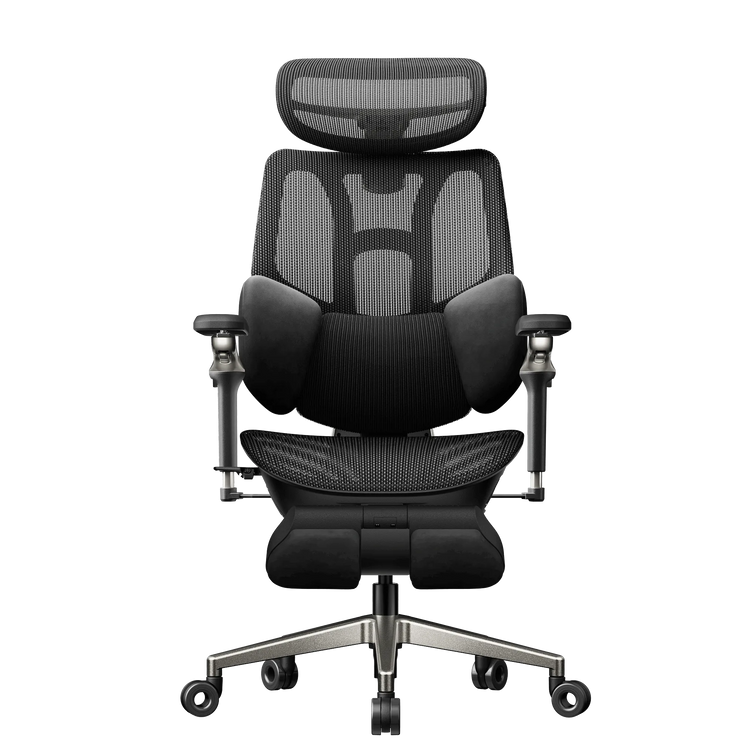
For a work desk that becomes a gaming desk
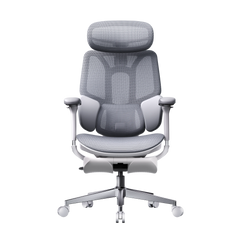
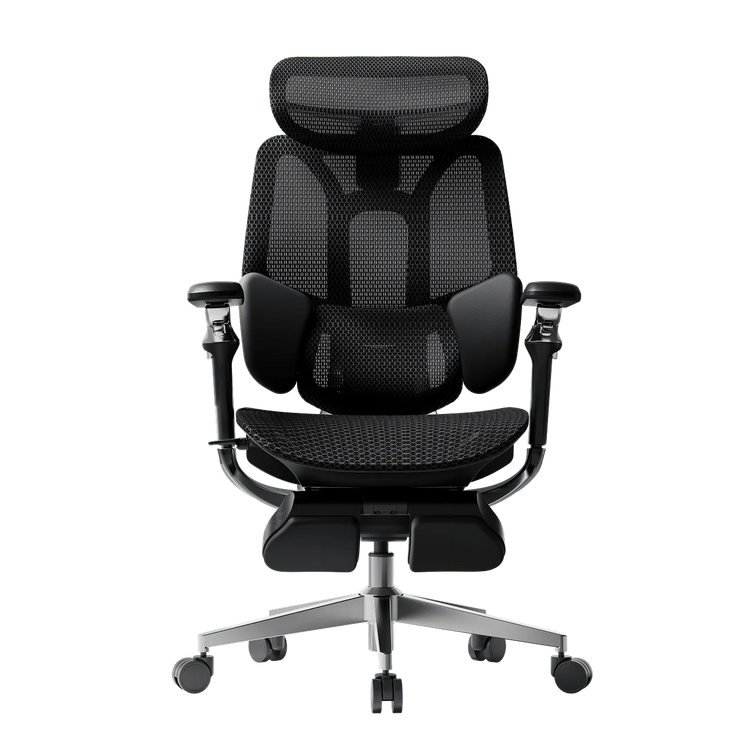
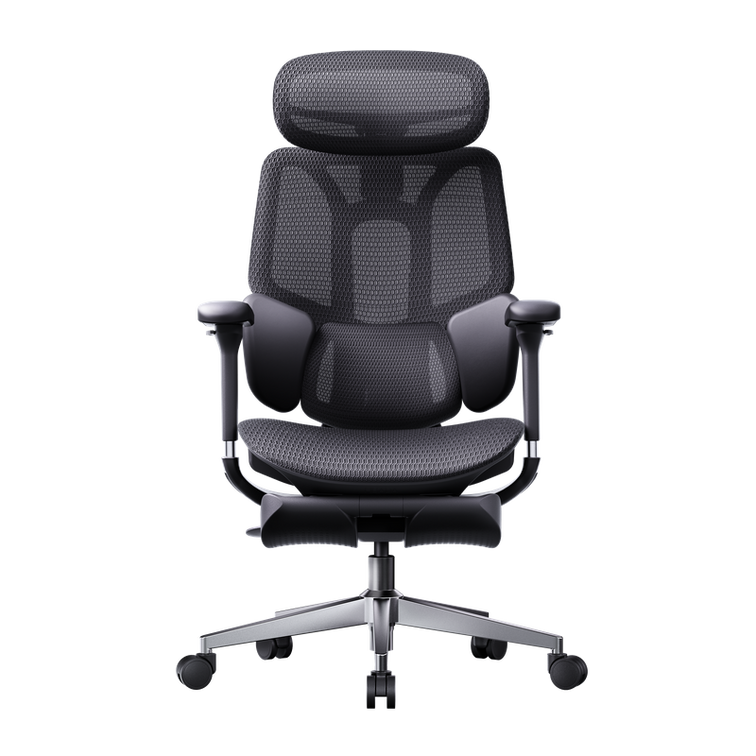
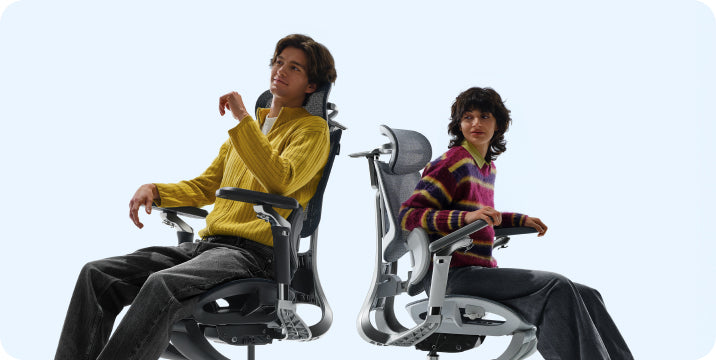
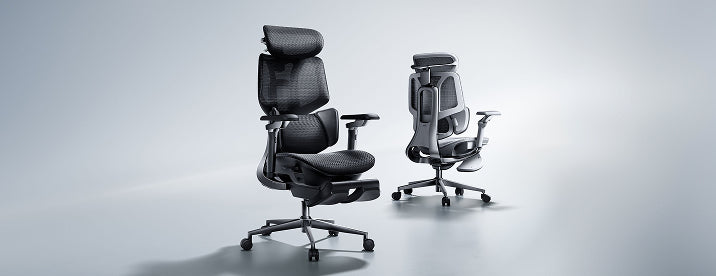
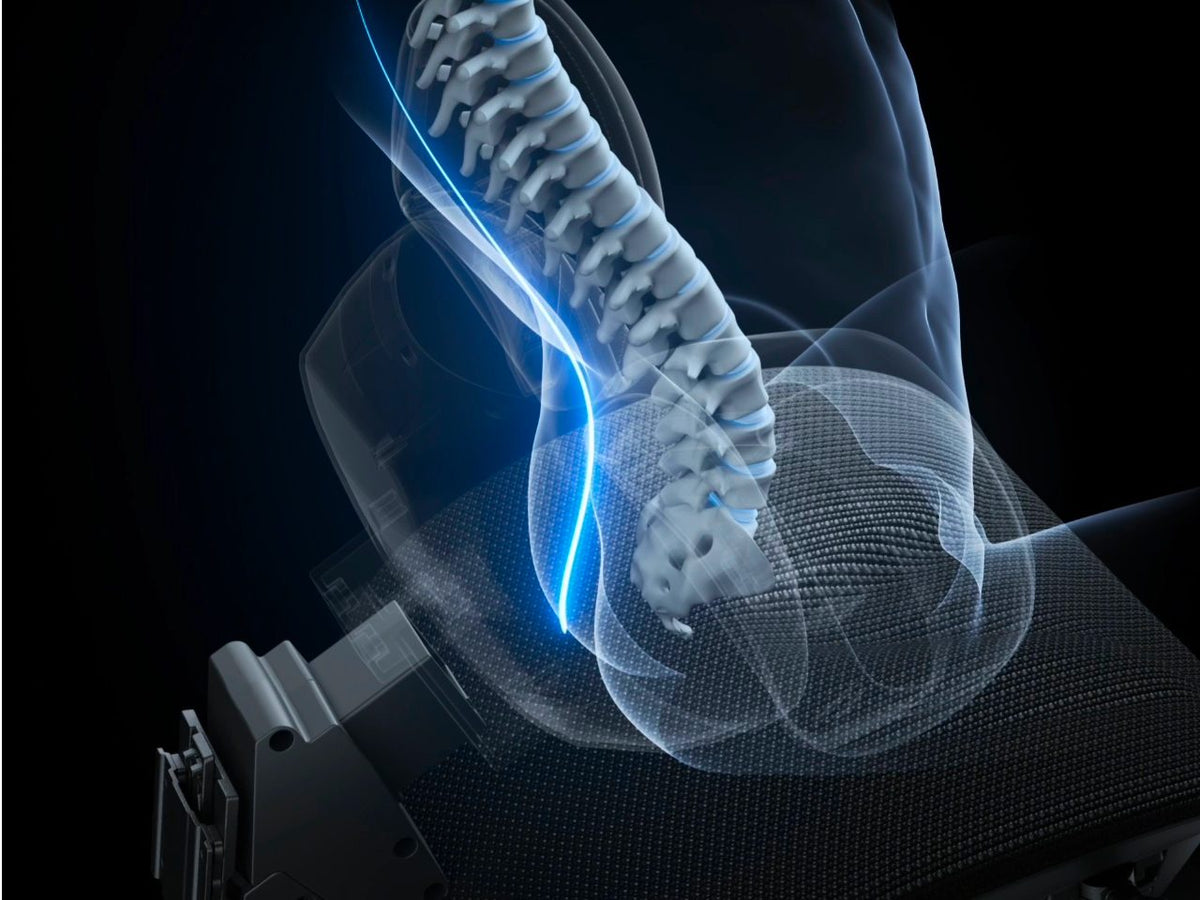
The HBADA E3 Pro 2026 ergonomic office chair brings three-zone lumbar support to a setup that moves between focused desk tasks and evening play. Use its adjustments to find comfortable back contact and arm support for each activity.
Gen 5
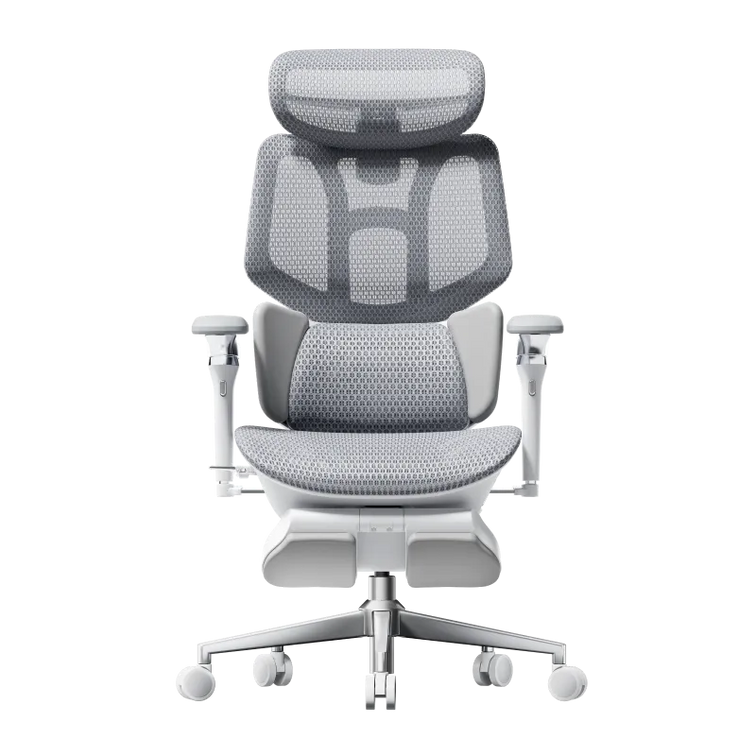
For a setup with room to relax
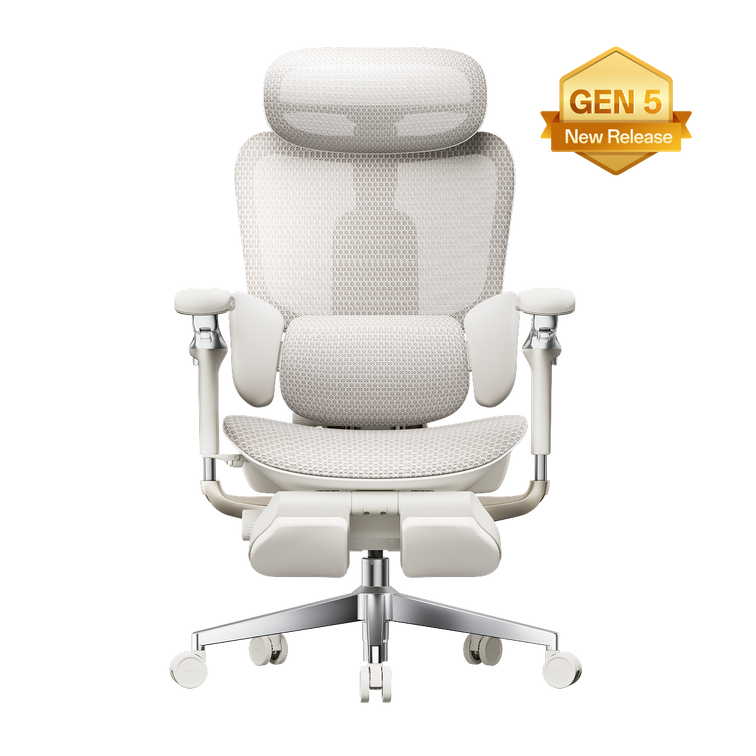
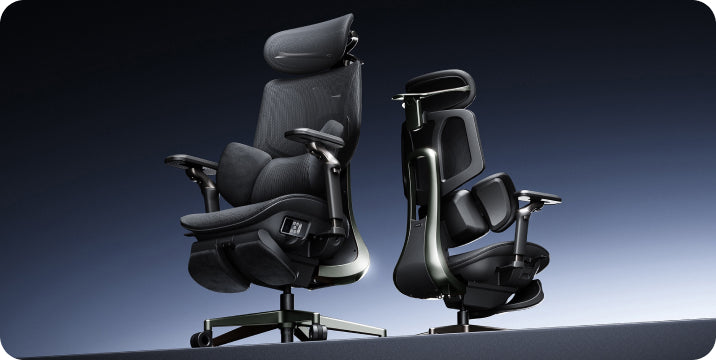
Our HBADA E3 Ultra Gen 5 adds built-in massage and heating for seated relaxation. If you enjoy leaning back during a livestream, check the space available around your desk as carefully as the chair’s adjustment options.
Compare the dimensions and available configurations on each product page before ordering. Leave adequate clearance for any reclining position.
Give the screen a quieter backdrop.
You can create a gaming atmosphere without rebuilding the room. A soft lamp behind or beside the screen adds ambient light; place it where it will not reflect across the display. Keep the area around your feet clear so you can move the chair freely.
Before the broadcast, test the audio at the volume you’ll use. Put your drink on a stable surface away from electronics. If friends are joining, arrange their seats so nobody needs to twist sideways for the entire show.
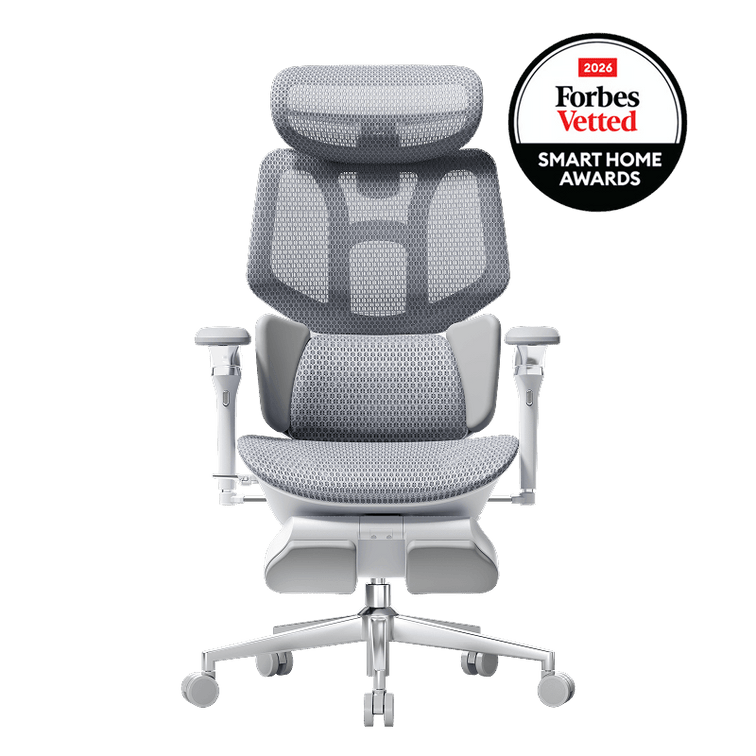
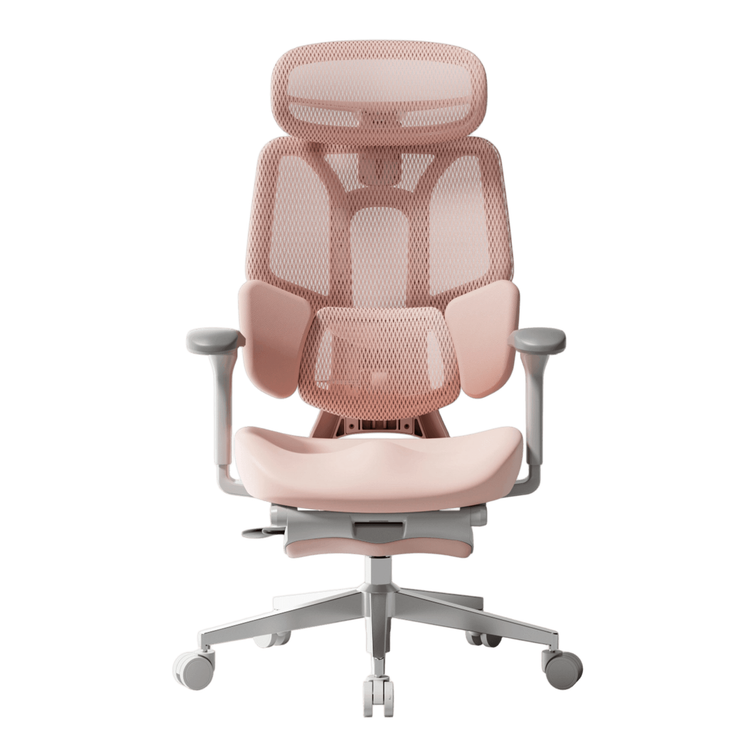
Want a more coordinated look? Start with the chair color, then repeat one accent in your desk mat or lighting. A gray chair with muted violet light creates a different mood from a black chair against warm wood, even with the same desk.
A few practical questions
Can I use an ergonomic office chair for console gaming?
Yes. Check how the chair fits while you hold your controller, including forearm support and your view of the screen. At a TV, the screen position may need adjusting because the chair’s seat height can differ from a sofa.
Should I recline while watching a gaming livestream?
Choose a supported position that lets you see the screen comfortably. If reclining makes you lift your chin or strain to read text, adjust the screen or reduce the recline. Keep clearance behind the chair and change position during the broadcast.
Is HBADA affiliated with The Game Awards?
This is an independent HBADA setup guide. It does not announce an official partnership, sponsorship or endorsement by The Game Awards.