



The workspace decision
Which controls belong
in your working day?
A long specification sheet can make a chair look impressive. Your desk tells you which adjustments matter. If you are weighing HBADA vs Autonomous, start with the movements you make during a normal day, then compare how each chair supports them.
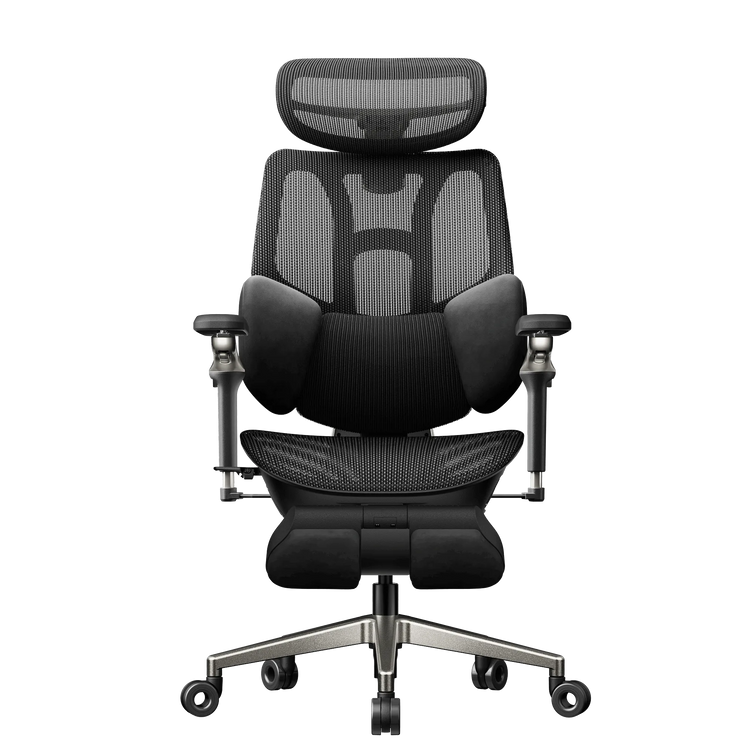
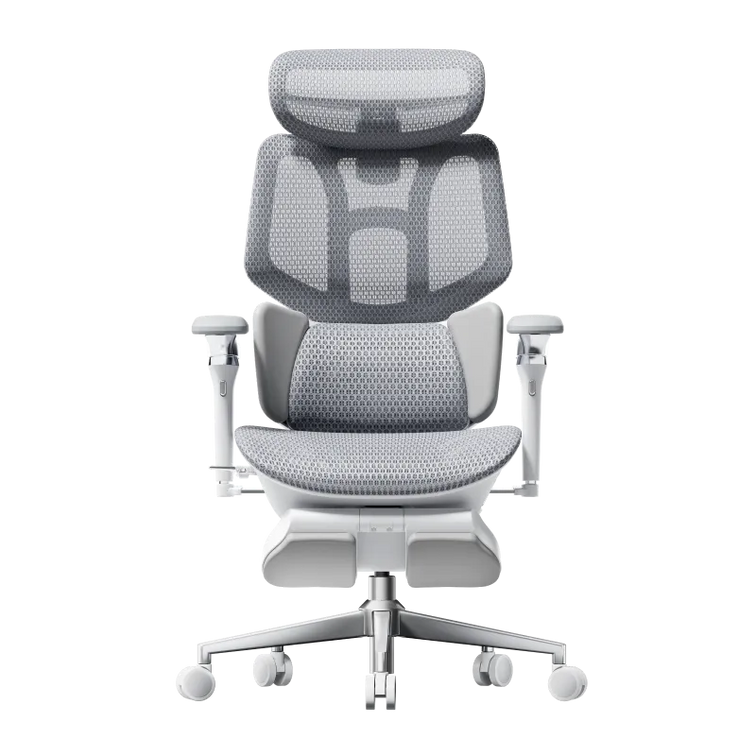
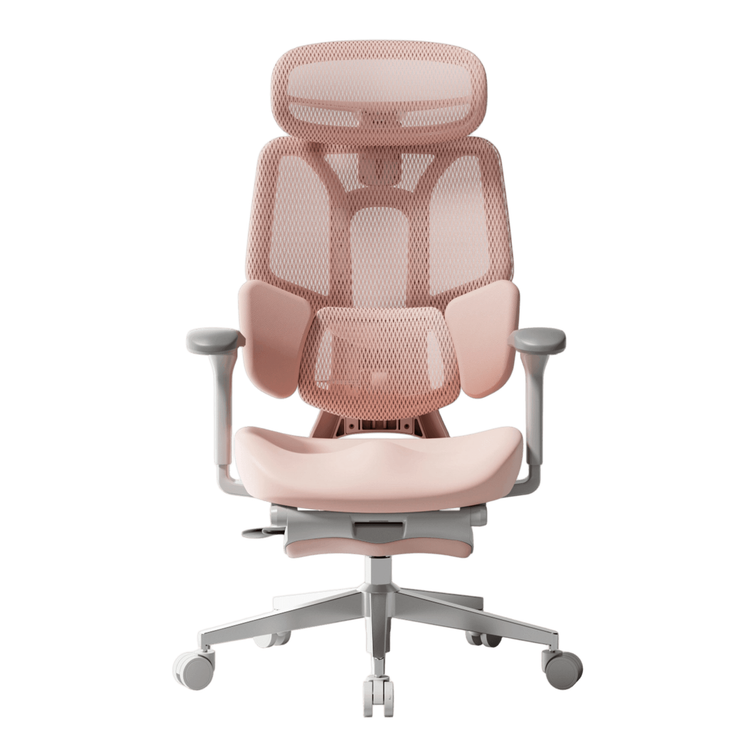
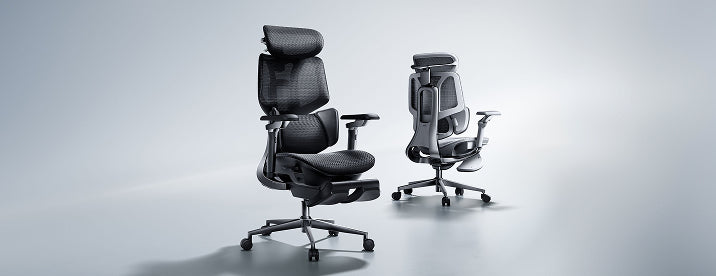
Here, we compare our HBADA E3 Pro 2026 with the Autonomous ErgoChair Ultra 2, focusing on seat fit, armrest positioning and the approach each model takes to lower-back support.
The quick answer: choose the adjustments you can put to work.
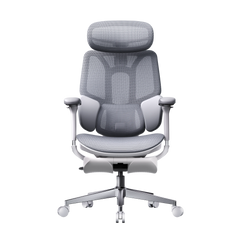
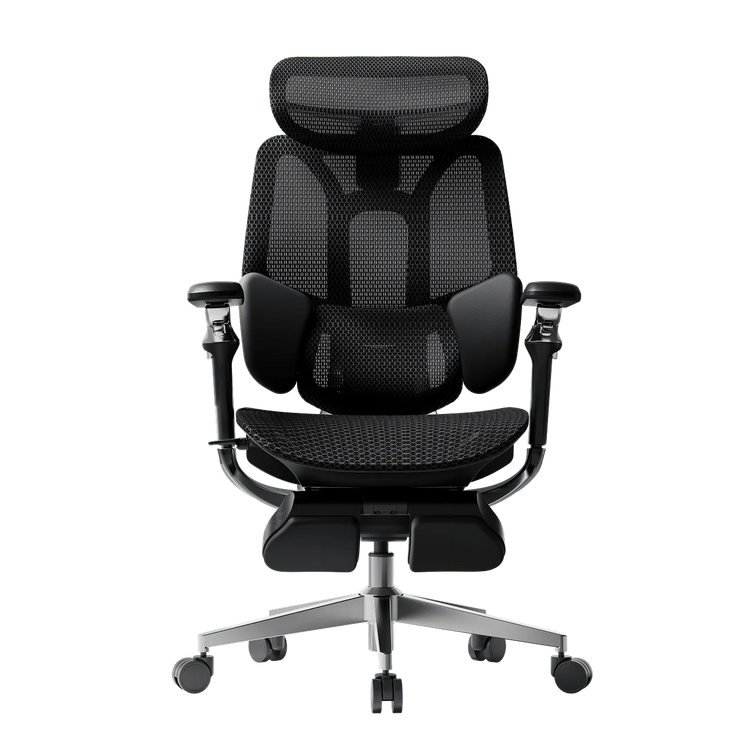
Our E3 Pro 2026 is especially worth considering if you want to position three-zone lumbar support yourself and use flexible armrests across different tasks.
The ErgoChair Ultra 2 takes a flexible-backrest approach to support. Your decision should account for that design difference alongside seat dimensions and your desk clearance.
Which adjustments will you actually touch?
Some settings establish your fit when the chair arrives. Others become part of your routine. You might change the armrest angle when picking up a controller, or adjust recline when moving from typing to reading.
Think about the moments when your current setup gets in the way. If your shoulders rise while typing, check the relationship between desk height and forearm support. If you slide forward to escape the seat edge, pay closer attention to usable seat depth.
Your quick brief
Working pattern: How often do you change tasks or take a movement break?
Fit concern: Where does your present chair feel poorly positioned?
Desk clearance: What sits beneath the desktop edge?
Budget: What is your limit after accessories and applicable charges?
Seat fit comes before feature counts.
Seat height
Set the chair so your feet are supported and your legs feel comfortable beneath the desk. Our E3 Pro 2026 lists a recommended user-height range of 5'1" to 6'5". Use that range as an initial screen, then check the actual seat dimensions against your proportions.
When comparing specifications, separate seat-height adjustment travel from minimum and maximum seat height. A travel figure tells you how far a seat moves; it does not tell you where that movement begins.
Seat depth
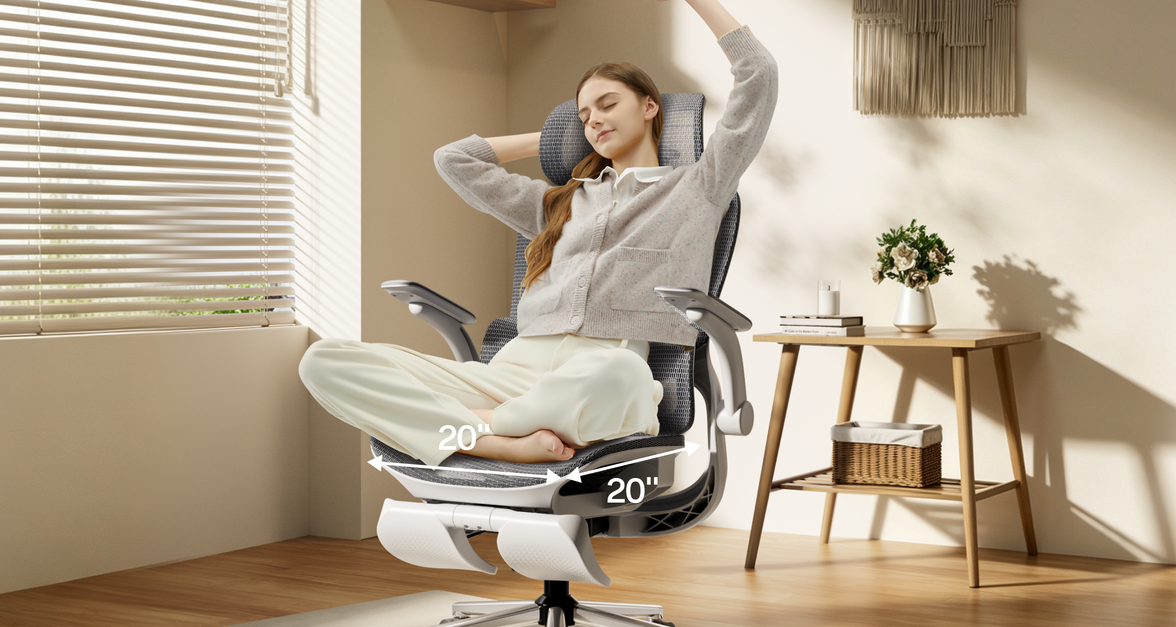
Sit against the backrest and leave comfortable clearance between the seat edge and the backs of your knees. The E3 Pro's seat-depth adjustment lets you change thigh support without giving up backrest contact.
Check the competitor's usable seat-depth range in the same way. Avoid assuming that a larger seat will fit better, particularly if you have shorter thighs.
Recline
Our E3 Pro reclines up to 140°. A competitor may express tilt as movement from its starting position instead of the angle between seat and backrest. Those measurements need the same reference point before they can support a numerical comparison.
A useful adjustment solves something you notice at your desk.
Look beyond the armrest label.
The ErgoChair Ultra 2 offers armrest adjustment across height, width, depth and rotation. That provides several ways to adapt forearm support to a desk setup.
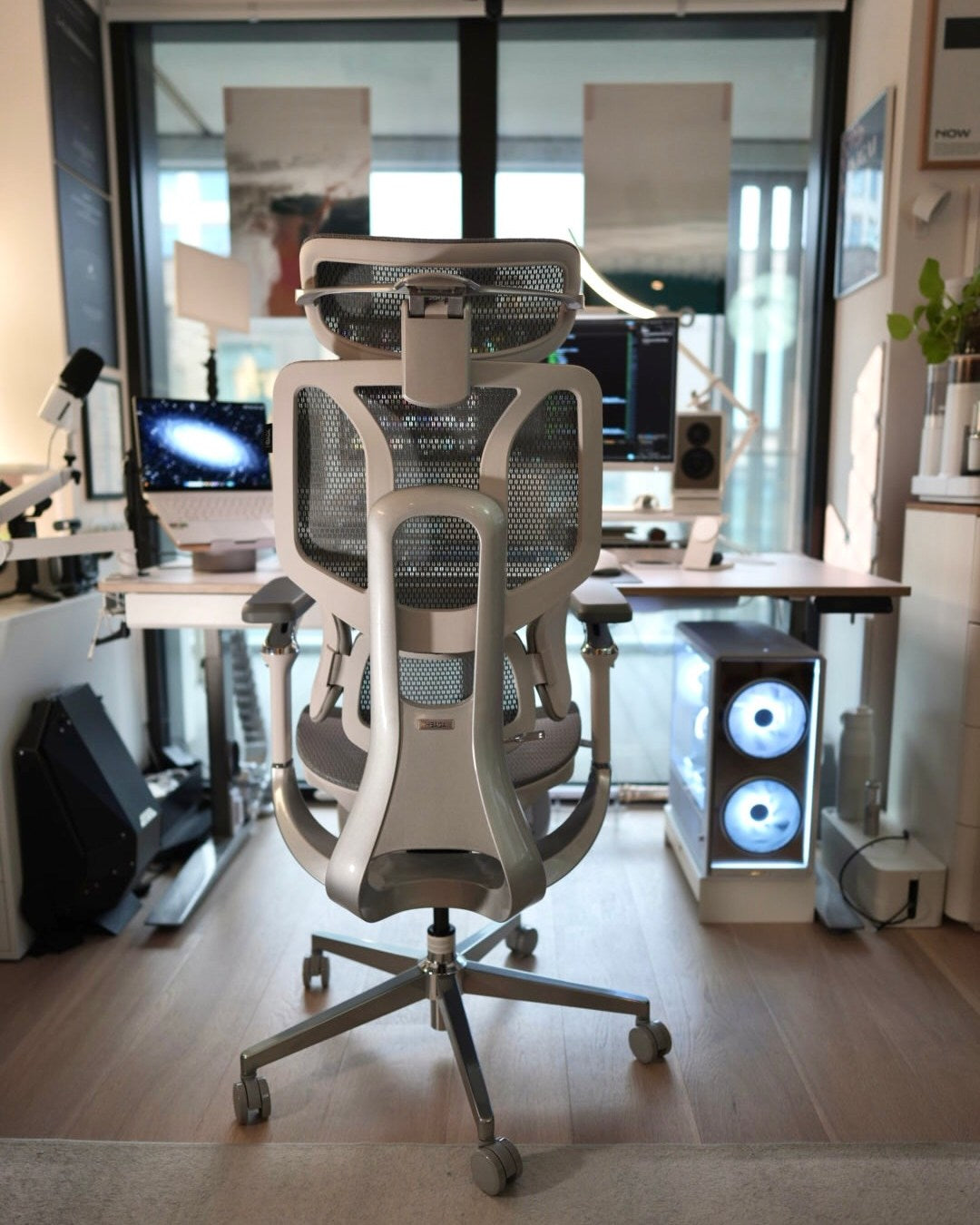
Our E3 Pro uses 720° Omni-Mechanical armrests with rotation at the pad and arm structure. This gives you flexible positioning when switching tasks or angling support closer to your body.
The most useful comparison is the position each design lets you achieve. Check whether your forearms can rest comfortably while your hands reach the keyboard and mouse.
Two different approaches to lumbar fit.
ErgoChair Ultra 2
Its flexible backrest provides support through the structure of the chair. The model is described as using this approach without a separate lumbar dial.
HBADA E3 Pro 2026
Our three-zone lumbar system combines a central support area with side sections. Height adjustment allows you to place the support around your own lower-back position.
This makes the E3 Pro a compelling option if you prefer direct control over lumbar placement. Adjust the support so it maintains comfortable contact while you sit back, then check how it feels as you change position.
Individual fit matters with either design. A flexible backrest can suit some users well, while an independently adjustable lumbar section offers a different kind of setup control.
Compare the design choices.
| What to compare | HBADA E3 Pro 2026 | Autonomous ErgoChair Ultra 2 |
|---|---|---|
| Lower-back support | Three-zone lumbar system with adjustable placement | Support through a flexible backrest structure |
| Armrests | 720° Omni-Mechanical positioning | Height, width, depth and rotation adjustment |
| Seat fit | Adjustable seat height and depth | Adjustable seat height and depth |
| Headrest | 4D dual-axis headrest | Check the selected headrest configuration |
| Recline comparison | Up to 140° | Check the stated tilt range and its measurement reference |
| Main fit question | Will you use independent lumbar placement and rotating arm support? | Does the flexible backrest suit your preferred support feel? |
Compare current model configurations. Adjustment names and angle conventions vary between manufacturers.
Put the price beside the features you will use.
A meaningful price comparison includes your preferred headrest and footrest configuration, along with shipping and applicable taxes. Promotional prices can change, so a fixed price gap can quickly become outdated.
With the E3 Pro, your investment brings adjustable three-zone lumbar support together with a dual-axis headrest and versatile arm positioning. If those are the controls you want to use, they give you a concrete reason to choose our chair.
See the available configurations on the E3 Pro 2026 product page.
Your E3 Pro upgrade, with seasonal savings.
Our Black Friday event is a timely opportunity to upgrade the chair at the centre of your workspace. Check the E3 Pro offers and available promotional benefits for your selected configuration.
Once you have measured your desk and chosen the adjustments you want, head to the event page and see what your upgrade costs today.
Seven checks before you order.
- Measure the space beneath your desk.
- Compare usable seat depth with your thigh length.
- Check that your working seat height supports your feet.
- Identify where you want lumbar contact.
- Choose the headrest and footrest configuration you need.
- Review the full order total.
- Read the current return conditions and component warranty coverage.
These checks help turn a comparison into a practical decision. Keep your measurements beside the product page while selecting your configuration.
HBADA vs Autonomous: the final details.
Why choose the HBADA E3 Pro 2026?
Choose it when adjustable lumbar placement and flexible arm positioning are priorities. Its three-zone support, 4D headrest and 720° armrests let you fine-tune several contact points around your working position.
Does the ErgoChair Ultra 2 have lumbar support?
It provides lower-back support through its flexible backrest structure. That differs from the independently adjustable lumbar section on our E3 Pro.
Is E3 Pro suitable for taller users?
The listed recommended height range is 5'1" to 6'5". Check seat depth, headrest position and lumbar fit against your own proportions before ordering.
Can I compare the recline angles directly?
Only when both figures use the same measurement reference. A backrest-to-seat angle and degrees of tilt from a starting position describe different things.
Which features matter for a long desk day?
Start with a seat that fits and support you can position comfortably. Armrest placement becomes especially useful during keyboard and mouse work. Adjust your position as tasks change and take regular movement breaks.
Choose around the way you work.
If you want to place your lumbar support yourself and reposition your armrests as tasks change, take a closer look at our E3 Pro 2026.
Autonomous and ErgoChair are trademarks of their respective owners. This comparison is published by HBADA and does not imply an affiliation or endorsement.