






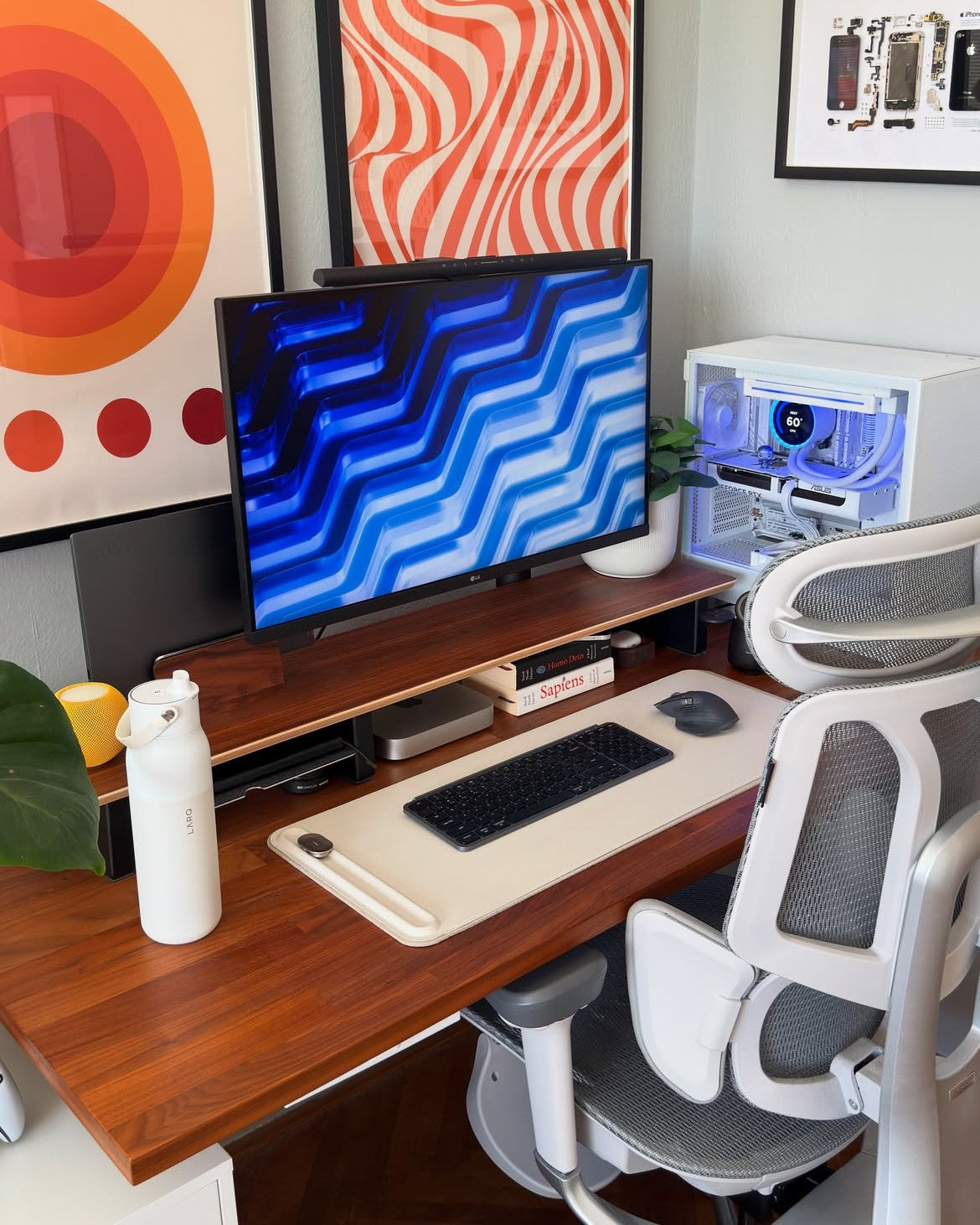
Your hips ache by mid-afternoon, and you cannot work out why. The culprit might be sitting right under you. So, can an office chair cause hip pain? Yes, it can. A poorly designed or badly adjusted chair holds your hips in a locked, bent position for hours, and that steady pressure adds up. The good news is that the fix is straightforward. This guide explains the real causes, effective treatments, and simple ways to prevent hip pain from sitting, so you can get through long UK workdays in comfort.
Can an Office Chair Really Cause Hip Pain?
Let us answer the question directly before digging into detail. Yes, office chair hip pain is real when the seat forces your hips into a fixed, flexed position for long periods and offers little support for your lower back.
The Health and Safety Executive states that incorrect use of display screen equipment, including poorly designed chairs, can lead to pain in the back, shoulders and hips as well as fatigue Health and Safety Executive. Under the Health and Safety (Display Screen Equipment) Regulations 1992, your employer must assess your workstation and provide adjustable seating where you use a screen for an hour or more a day. The chair is not always the only cause, but it is usually the part you can fix fastest.
What Causes Hip Pain When You Sit in an Office Chair?
Several mechanical problems stack up across a long sitting day. Here is what actually happens to your hips.
Shortened Hip Flexors From Prolonged Sitting
When you sit, your hips stay bent at roughly 90 degrees, and your hip flexors (the iliopsoas group) sit shortened for hours. Held there day after day, these muscles tighten and lose length, which pulls on the pelvis and creates a deep, aching hip pain from sitting. Your glutes switch off at the same time, so the front and back of your hips fall out of balance. Physiotherapists often call this pattern lower crossed syndrome.
Poor Lumbar Support and Pelvic Tilt
Weak lumbar support is a major driver of hip discomfort. When your lower back is unsupported on a seat that is too deep or too flat, your pelvis rolls backwards into a posterior tilt and your spine rounds into a C shape. That tilt loads the hip joints unevenly and overworks the muscles trying to hold you upright. Firm lumbar support keeps the pelvis neutral, which spreads your weight and eases the strain.
Hard, Worn or Uneven Seat Cushions
A flat or worn seat pushes your body weight onto the two sitting bones and the soft tissue around them. Over a long day, this creates pressure points, reduced circulation and numbness around the hips and buttocks. If a cushion has compressed unevenly, one side of your pelvis carries more load than the other, and that asymmetry can feed hip and lower back pain.
A Sinking or Wrong-Height Chair
A chair that slowly sinks is more than an annoyance. When the seat drops below the correct height, your knees rise above your hips, the hip angle closes further, and joint pressure climbs. A stable gas lift and correct seat height keep your hip and knee angles balanced. Our chairs use a Class 4-certified gas lift to maintain that height reliably, even after years of daily use.
Common Types of Chair-Related Hip Pain

Not all hip pain feels the same. These are the patterns you are most likely to notice at a desk.
|
Pain pattern |
What you feel |
Likely chair-related cause |
|
Tight hip flexor pain |
Aching or pinching at the front of the hip or groin, worse when you stand |
Prolonged 90-degree flexion, no movement breaks |
|
Piriformis-related pain |
Deep ache in the buttock, sometimes running down the leg |
Hard seat, poor cushioning, crossed legs |
|
Outer hip soreness |
Tenderness on the outer hip |
Uneven pressure, twisted posture, wrong seat height |
|
Referred lower-back pain |
Lower-back ache that spreads into the hips |
Weak lumbar support, posterior pelvic tilt |
These descriptions are a guide, not a diagnosis. If pain is severe or persistent, see a GP or a chartered physiotherapist.
How to Treat Office Chair Hip Pain
If your hips already hurt, you can ease the load today with a few practical changes.
Set Up Your Chair and Desk Correctly
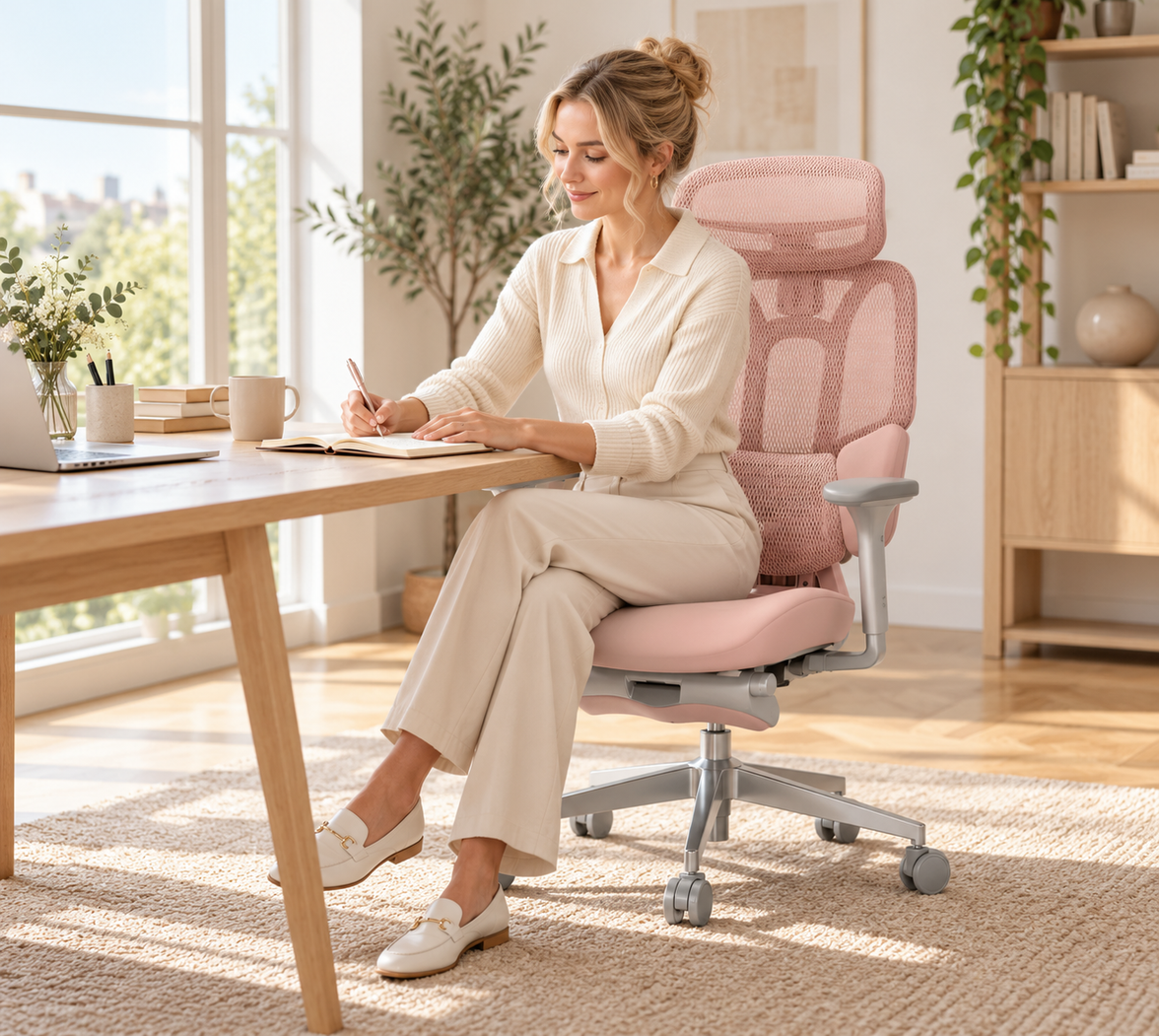
Start with your seating, because correct setup relieves most mild, chair-related hip pain within days. The Health and Safety Executive recommends a position with your feet flat and roughly a right angle at the knees and elbows, using an adjustable seat height and back support.
● Set the seat height so your feet rest flat and your knees sit level with or just below your hips.
● Adjust the seat so two to three fingers fit between the seat edge and the back of your knees. This is where a seat depth adjustment matters.
● Position lumbar support to fill the natural curve of your lower back.
● Recline the backrest slightly so your hip angle opens past a rigid 90 degrees.
● Keep armrests level so your shoulders relax, and you do not lean to one side.
Stretch and Move Every Hour
Movement is the most effective treatment for tight hip flexors. The Health and Safety Executive is clear that short, frequent breaks beat long, occasional ones Health and Safety Executive. Stand, walk or stretch every 30 to 60 minutes.
● Standing hip flexor stretch: step one foot back, tuck your pelvis, hold for 30 seconds each side.
● Seated figure-four: cross one ankle over the opposite knee and lean gently forward.
● Glute squeezes: reactivate the muscles that sitting switches off.
When to See a Professional
See a GP or a chartered physiotherapist if your hip pain is severe, lasts more than a couple of weeks, wakes you at night or spreads down your leg. These can indicate a problem that requires proper assessment rather than a chair adjustment. A professional can rule out issues such as bursitis or nerve involvement and give you a targeted plan.
How to Prevent Hip Pain From Sitting

Prevention is easier than treatment, and it starts with the surface you sit on for eight hours a day.
● Alternate your posture: sit, recline and stand across the day.
● Keep your feet supported and your weight even on both sides.
● Use a chair that adapts as you move rather than one that locks you into a single shape.
● Book a workstation assessment, which UK employers must provide for regular screen users.
The single biggest lever is a chair with dynamic support. A fixed lumbar pad helps only while you sit still, and you never do for long.
How the Right Ergonomic Chair Protects Your Hips
This is where seating design does the heavy lifting. An ergonomic office chair built for movement keeps your hips in a healthy position without constant fiddling.
A true ergonomic chair for hip pain does four things well: it supports your lumbar curve, adjusts to your body, spreads seat pressure and lets your hips change angle through the day. Many mid-range chairs rely on a single fixed lumbar pad and static armrests, so they support you while you sit still and then leave gaps the moment you move. Upgrading to dynamic support closes that gap, which is why it pays off for anyone sitting long hours.
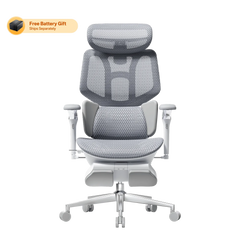
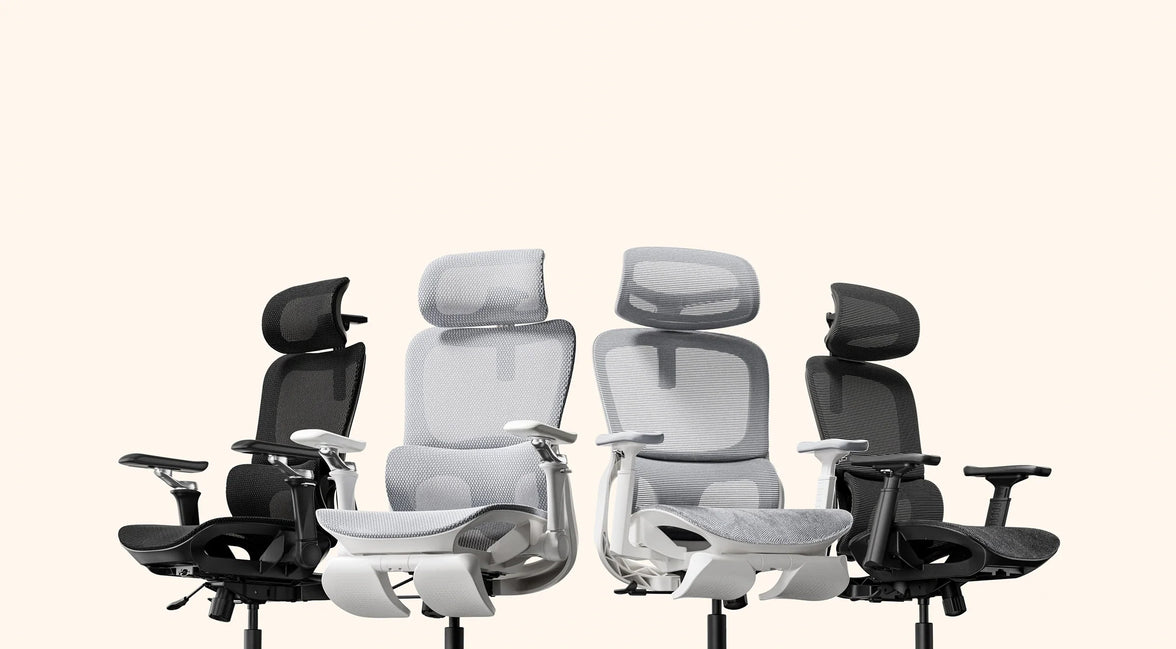
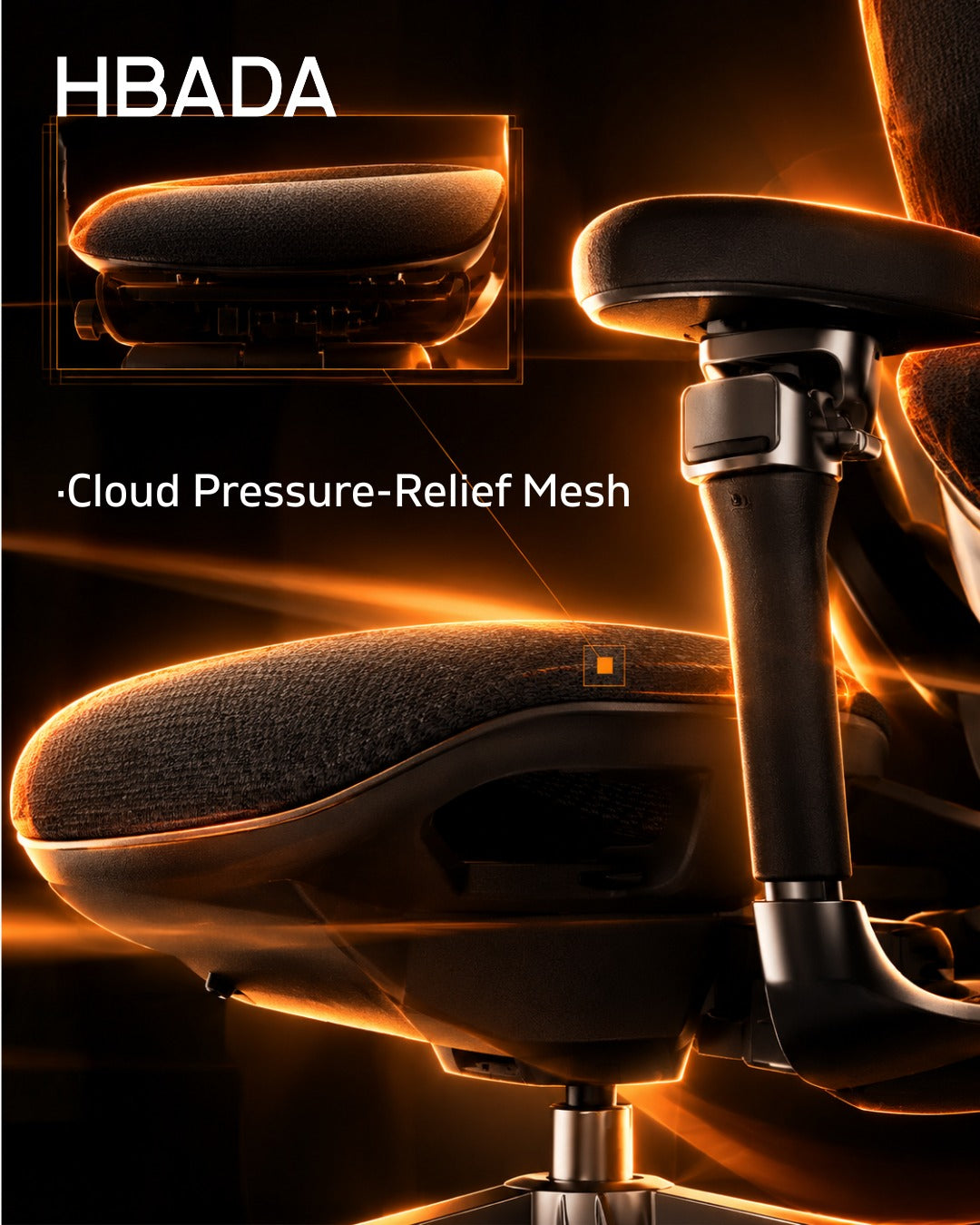
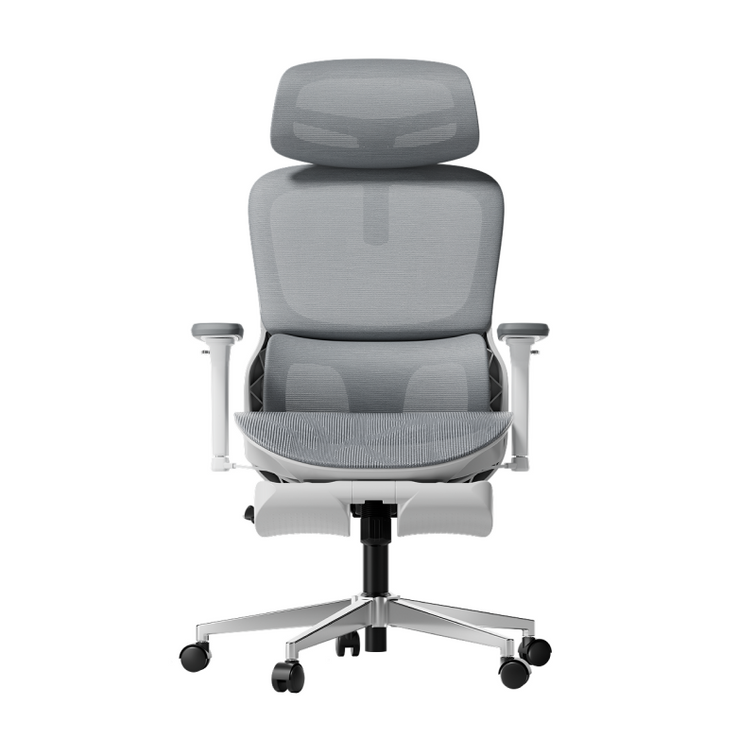
Our range is built around exactly these principles. The HBADA AI-Powered X7 is the world's first AI smart lumbar-tracking chair. Its sensors read your posture up to 1,000 times per second and shift the lumbar module by up to 50 mm in real time, so support follows your spine as you lean, type or recline. Add 3-level massage and heat therapy to boost circulation, a ventilated cushion to cut pressure build-up, and 720-degree armrests, and you have a bio-synchronized ergonomic chair designed for 10-hour days. Explore the adaptive AI lumbar support of the HBADA AI-Powered X7.
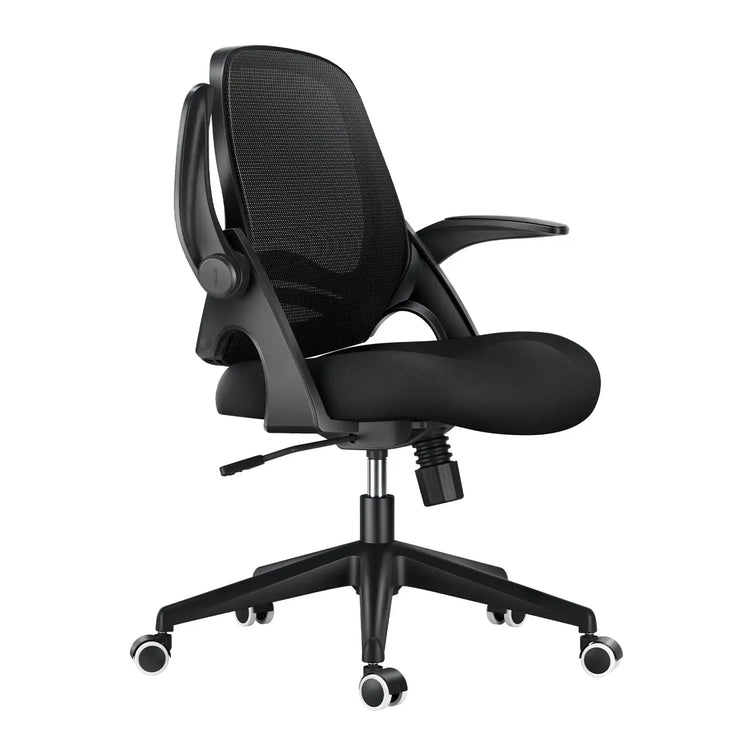
If you prefer precise mechanical control at a friendlier price, discover the heavy-duty engineering of the HBADA E3 Pro 2026 Edition. Its patented 3-Zone Elastic Lumbar Support tracks the L1 to L5 region with 5-degree dynamic movement, plus depth and lift adjustment and gliding sacral support. The CloudMesh backrest and 140-degree recline let your hips open and breathe, while the reinforced chassis and Class 4 gas lift keep everything stable under heavier or taller frames. Both chairs work as a spinal decompression office chair for people who sit through the whole working day.
|
Feature |
HBADA AI-Powered X7 |
HBADA E3 Pro 2026 Edition |
|
Best for |
10+ hour days, chronic hip and back strain |
Heavy-duty use, big and tall, value seekers |
|
Lumbar support |
World-first AI dynamic tracking, adjusts up to 50 mm in real time |
Patented 3-Zone Elastic Lumbar, L1 to L5, 5-degree tracking |
|
Seat depth adjustment |
Yes |
Yes |
|
Armrests |
720-degree omni-adjustable |
720-degree multi-dimensional |
|
Recline |
Deep recline with auto-balance |
140 degrees with auto-balance |
|
Comfort extras |
8D massage, 3-level heat, cooling fan, ventilated cushion |
CloudMesh backrest, gliding sacral support |
|
Gas lift |
Class 4 certified anti-sinking |
Class 4 certified anti-sinking |
|
Weight capacity |
Up to 150 kg (330 lb) |
Reinforced big-and-tall chassis |
|
Control |
1.3-inch OLED remote |
Omni-mechanical dials |

For standard eight-hour workdays or a lighter budget, our E3 Air and P-Series task chairs deliver full-mesh breathability and solid posture support. Full specifications are on our site.
Case Study: The Heavy-Duty Home Worker
Take Daniel O., 35, a senior software engineer in Manchester (6'2", 20 stone). He had worked through three budget chairs in two years. The foam collapsed, and the gas lift kept sinking during his 10-hour shifts, leaving him with chronic lower-back numbness and hip ache. He switched to the HBADA E3 Pro 2026 Edition. The Class 4 gas lift and reinforced chassis held firm, and the 3-Zone Elastic Lumbar adapted whether he leaned in to code or reclined to 140 degrees on a break. Within three weeks the numbness had gone.
Case Study: The Petite Professional
Or consider Amara N., 29, a graphic designer in Bristol (5'1", 8 stone). Standard chairs were built for a larger frame, so the lumbar pad sat too high, her feet dangled, and wide armrests left her elbows unsupported. She chose the HBADA AI-Powered X7. Using the seat depth adjustment, she removed the under-thigh pressure; the AI lumbar tracked her lower seating position automatically, and the 720-degree armrests rotated inward to cradle her arms while she drew on a tablet. Her shoulder tension eased, and the hip ache settled.
Which Chair Should You Choose?
The right pick depends on how long you sit and what your body needs.
● Choose the HBADA AI-Powered X7 if you sit 10 or more hours, manage ongoing hip or back strain, or want support that adjusts on its own.
● Choose the HBADA E3 Pro 2026 Edition if you want precise mechanical control, a sturdier big-and-tall build, or the best value in premium ergonomics.
● Choose a lighter E3 Air or P-Series chair for standard workdays on a smaller budget.
So, can an office chair cause hip pain? Yes, but the same chair, chosen and set up well, is also the fastest way out of it. Adjust your seat today, move every hour, and invest in seating that adapts as you do. Your hips carry you through the day, so give them a chair that supports every hour of it.

Frequently Asked Questions
Can sitting in an office chair cause hip pain?
Yes. Sitting for long periods keeps your hips in a bent position, which shortens the hip flexors and switches off the glutes. A chair with weak lumbar support or a sinking seat makes this worse by tilting your pelvis and loading the joint unevenly. The result is stiffness or aching around the hips and lower back. Adjusting your chair, moving regularly and using proper lumbar support usually relieves mild, chair-related hip pain quickly.
How do I stop my hips hurting when I sit?
Start by fixing your setup. Raise the seat so your feet stay flat, keep your knees level with your hips, and set lumbar support into the curve of your lower back. Then move: stand or stretch every 30 to 60 minutes, since static posture is the main trigger. Simple hip flexor stretches and glute squeezes help reactivate tight muscles. If pain is severe, persistent or spreads down your leg, see a GP or physiotherapist.
What is the best sitting position to avoid hip pain?
There is no single perfect position, because holding any posture too long causes strain. Aim for a neutral, slightly reclined seat where your feet are supported, your knees sit level with your hips and your lower back is cushioned. Let your hip angle open past a rigid 90 degrees when you can. Most importantly, change position often. A chair that adjusts as you move keeps your hips healthier than any fixed posture will.
Can a good ergonomic chair fix hip pain?
A well-designed ergonomic chair can relieve mild posture-related hip pain and help prevent it, though it is not a medical cure. It works by keeping your pelvis neutral, spreading seat pressure and letting your hips change angle through the day. Dynamic lumbar support is the key feature, as fixed pads only help while you sit still. Pair the right chair with regular movement, and see a professional for persistent or severe pain.
Why do my hips hurt after sitting all day?
Aching hips after a full day of sitting usually come from shortened hip flexors, inactive glutes and uneven pressure on the seat. Prolonged flexion tightens the muscles at the front of the hip while the pelvis tilts and the joint compresses. A hard or sinking seat and missing lumbar support speed this up. Breaking up sitting with movement, adjusting your chair and using adaptive lumbar support all reduce that end-of-day soreness considerably.