




ONE DESK. TWO DIFFERENT APPROACHES.
YOUR DESK.
YOUR GAME.
YOUR CALL.
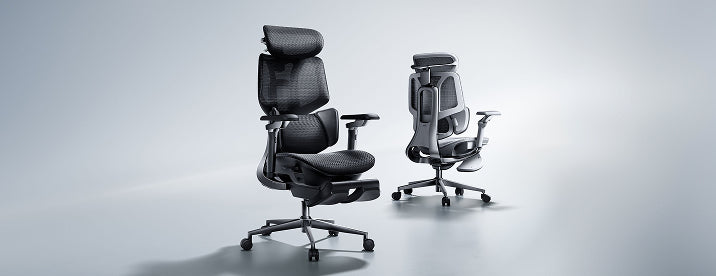
HBADA E3 Pro vs Secretlab TITAN Evo. A closer look at the fit, support and adjustments behind your everyday setup.
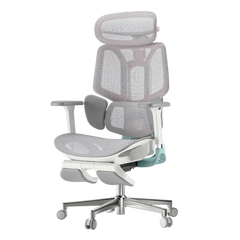
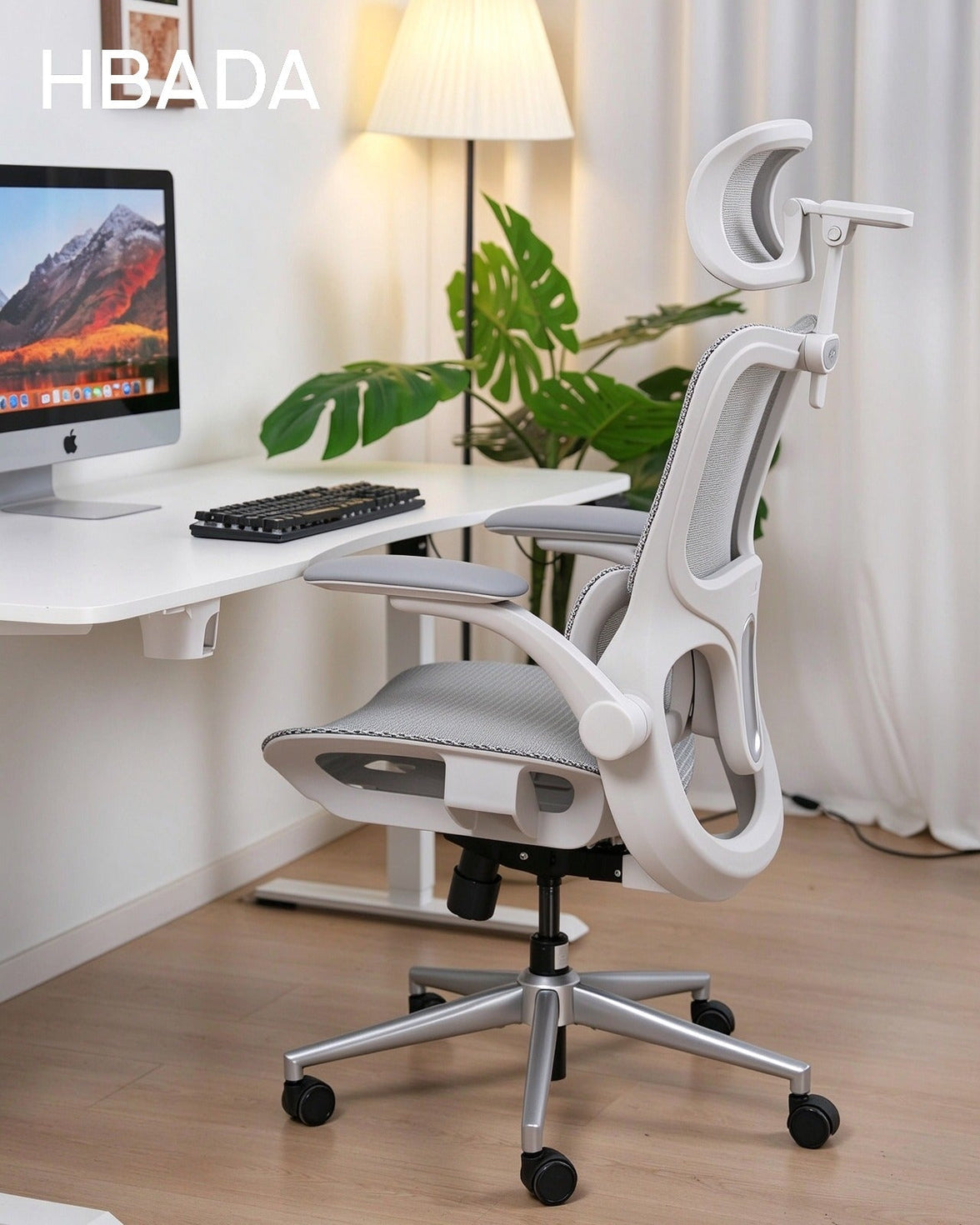
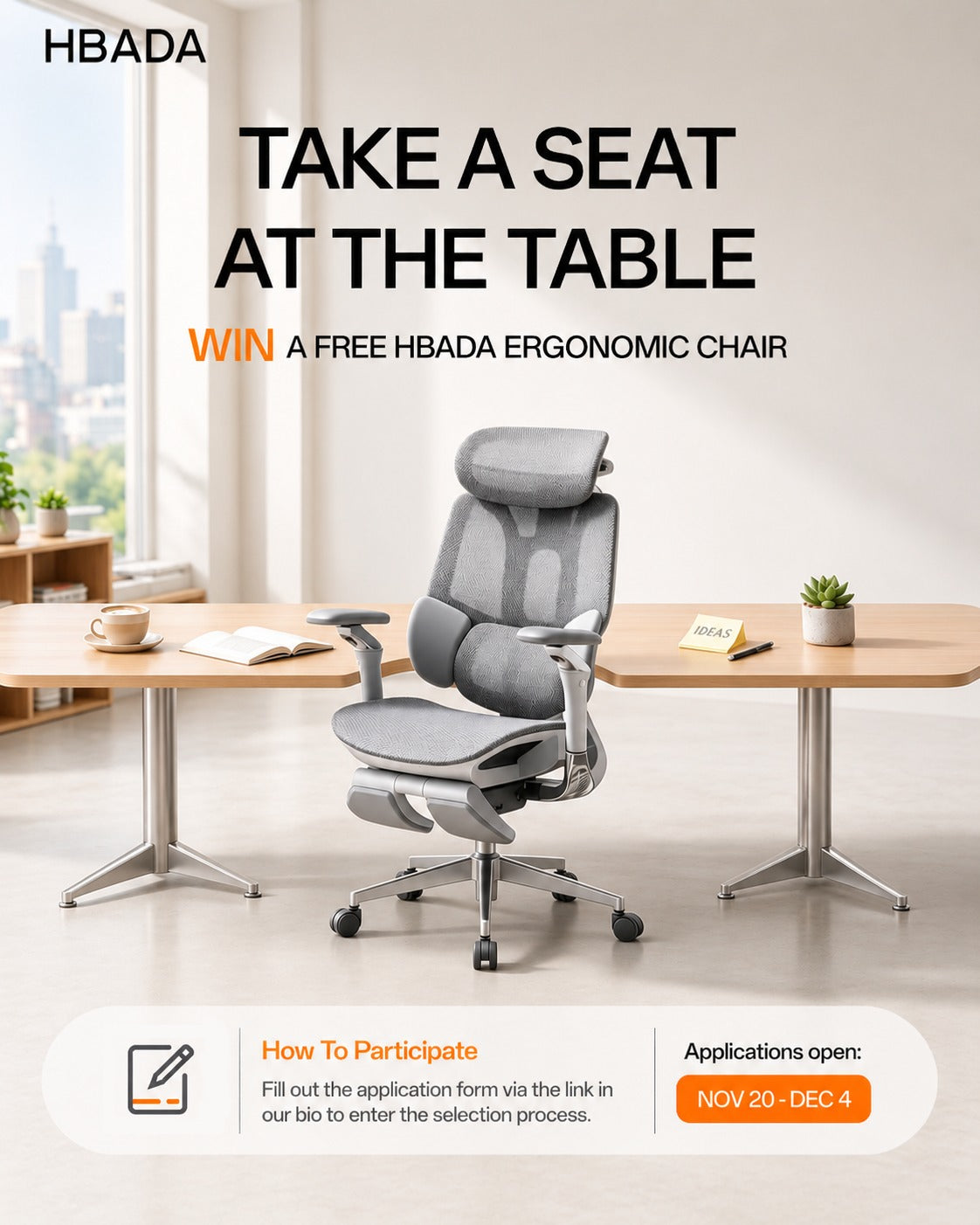
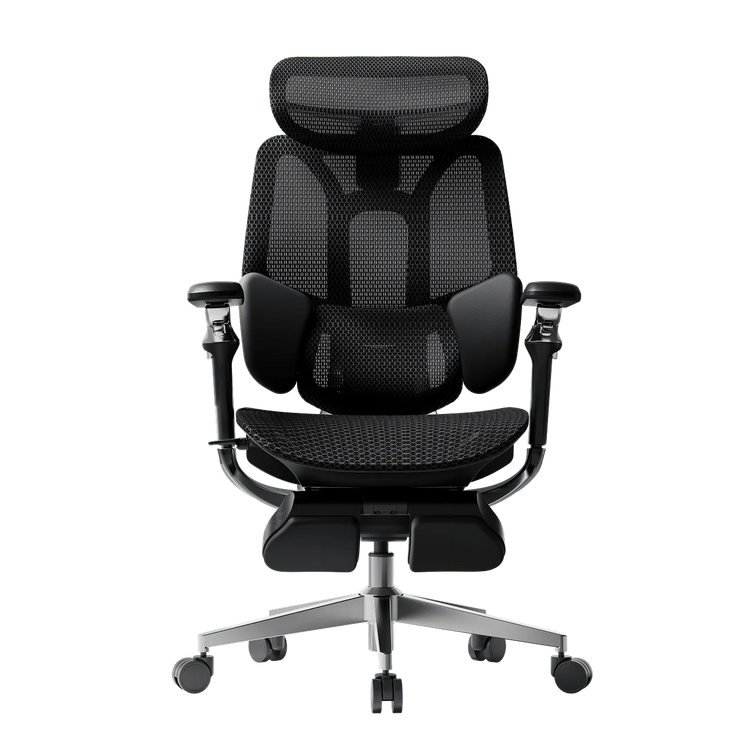
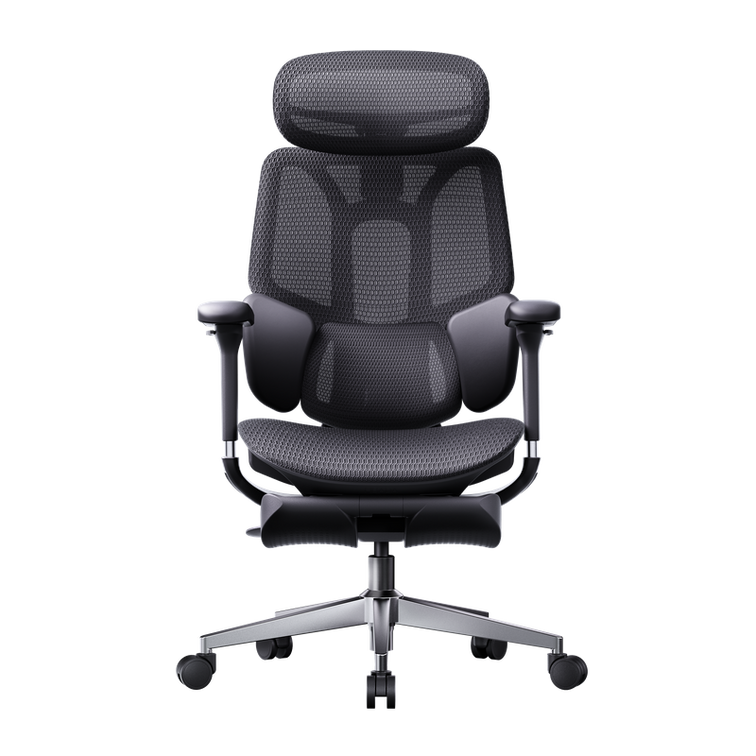
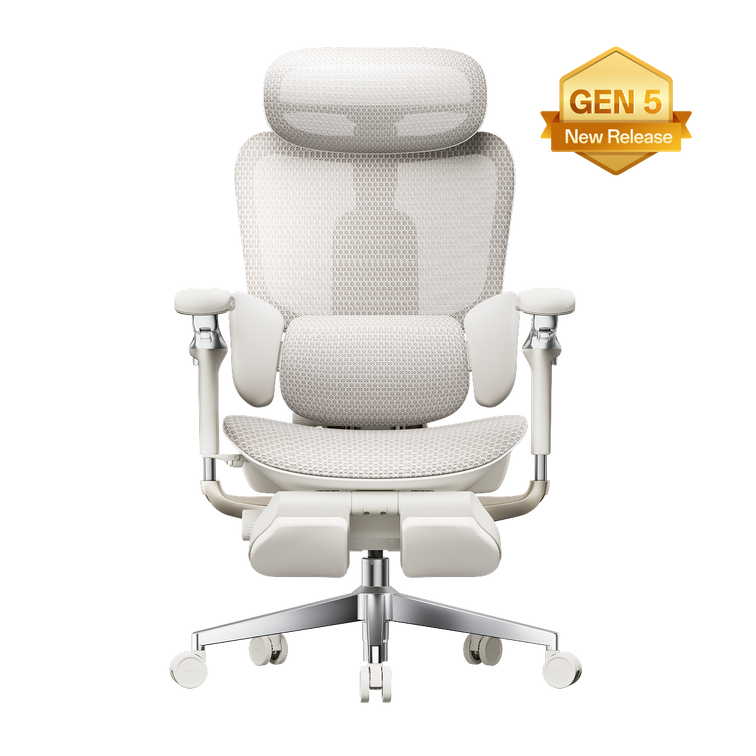
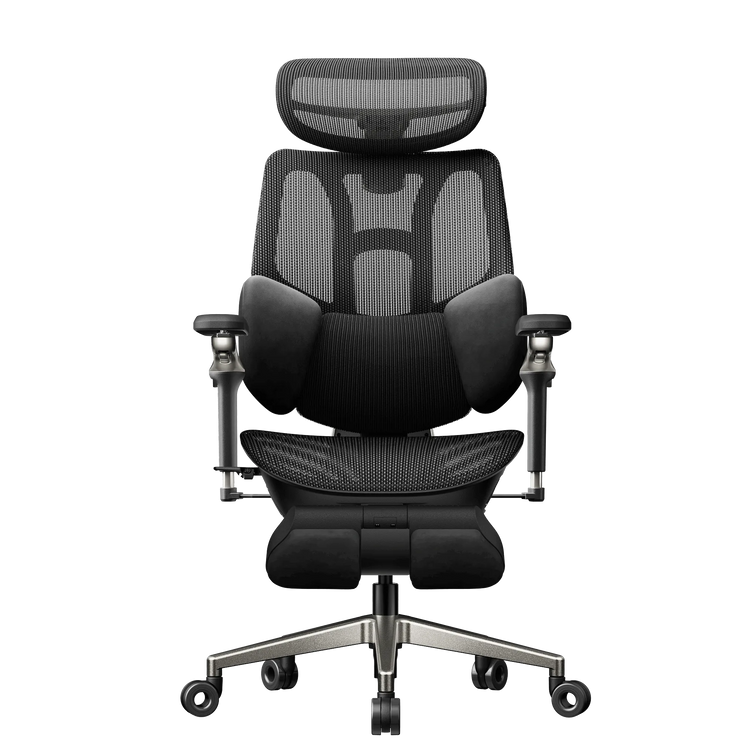
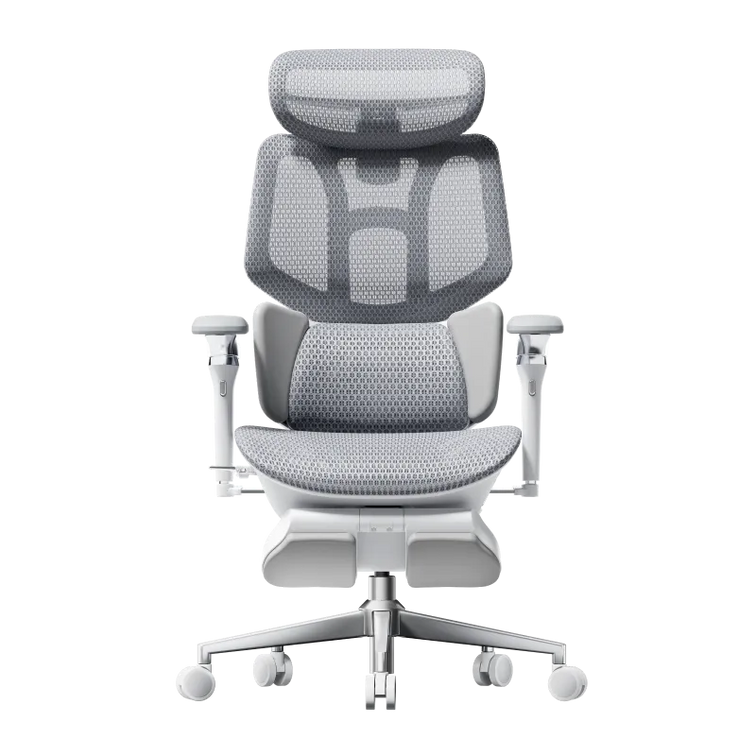
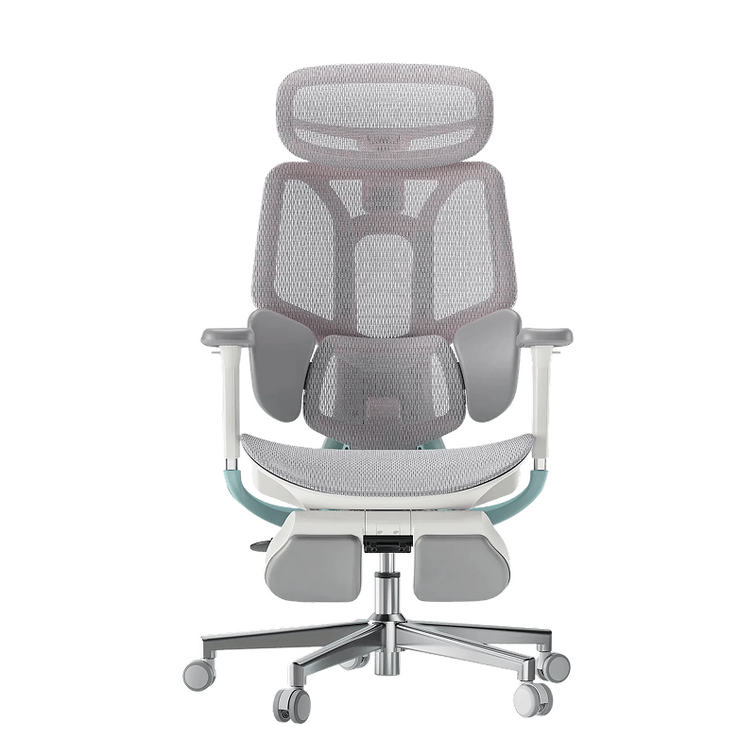
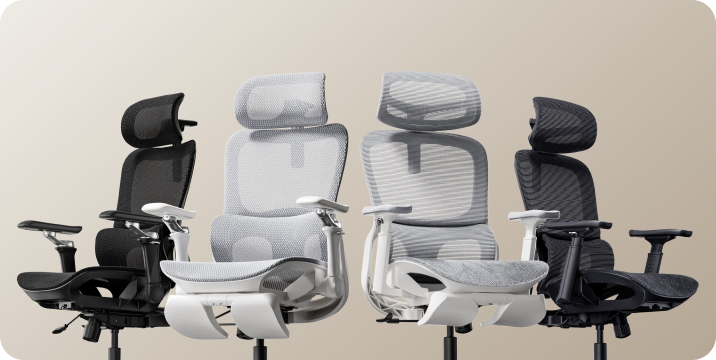
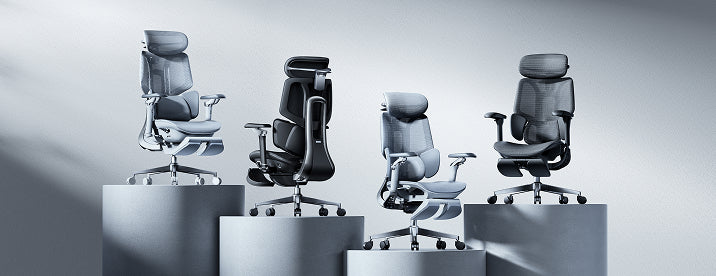
E3 Pro 2026
Sliding seat. Adjustable backrest. Rotating arms.
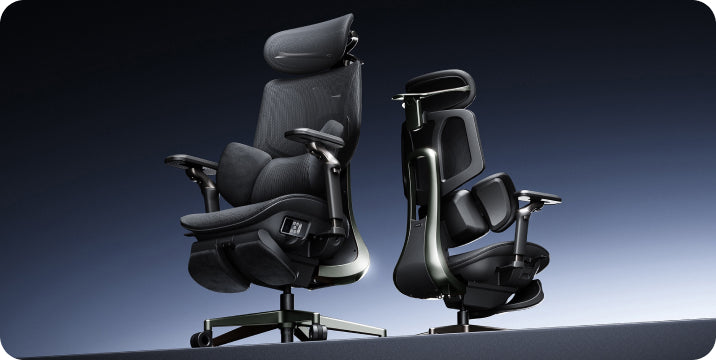
ADJUST TO YOUR DESK ↗TITAN Evo
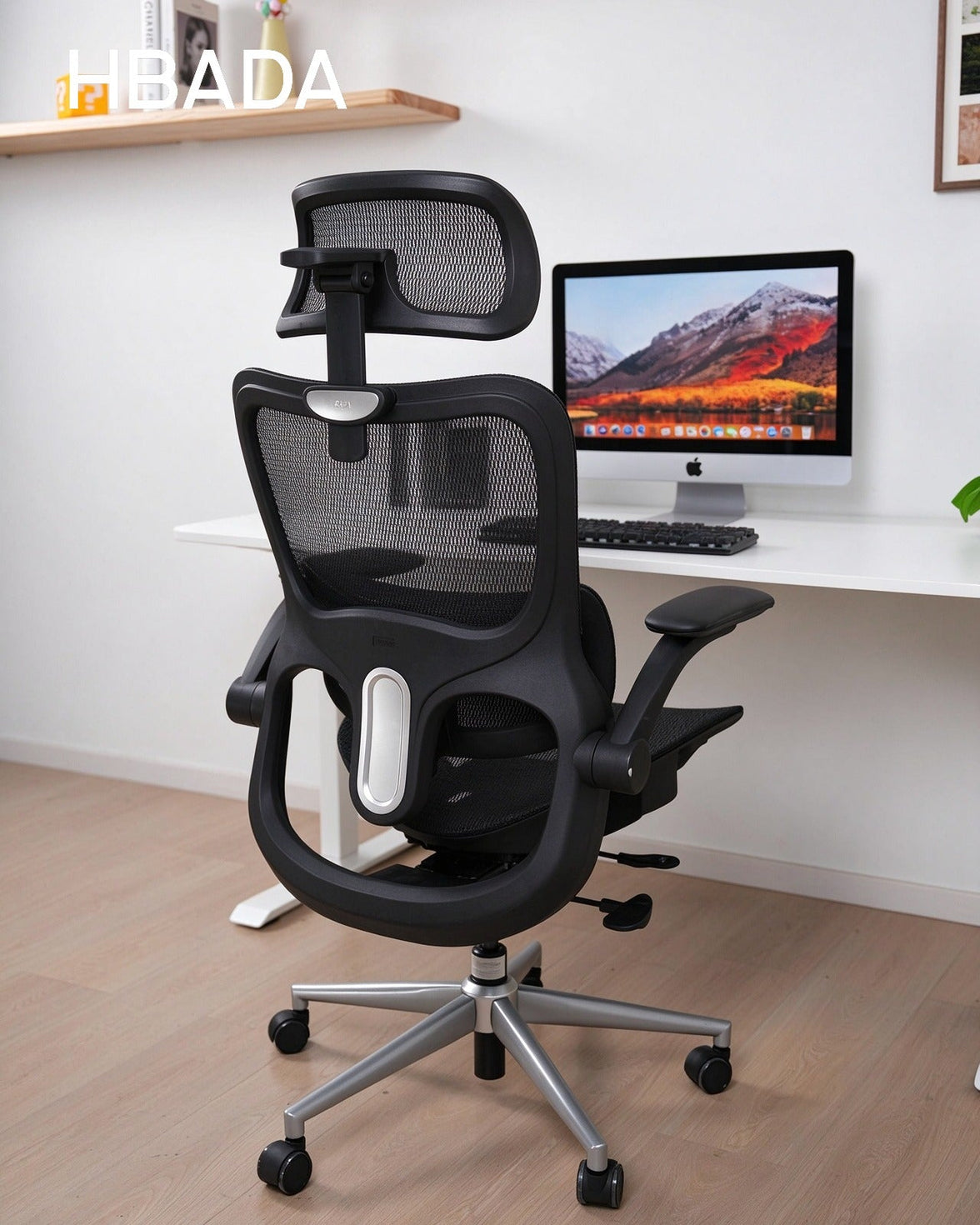
Foam seat. Built-in lumbar support. Deeper recline.
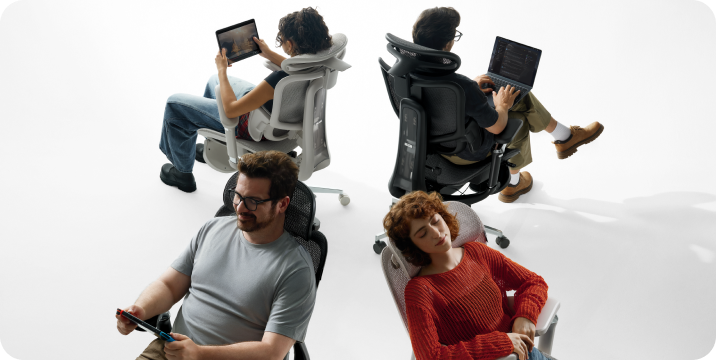
REGULAR / SOFTWEAVE PLUSYour desk probably does more than one job. It is where you answer emails, finish a project and, a few hours later, settle into a game. Choosing a chair for that setup means looking beyond whether it is called an office chair or a gaming chair.
In this HBADA E3 Pro vs Secretlab TITAN Evo comparison, we look at the adjustments that affect everyday use: seat depth, lumbar positioning, arm support and recline. For consistency, the TITAN Evo reference is the Regular size with SoftWeave Plus fabric and standard armrests. Other sizes, upholsteries and accessories can change the comparison.
The label only tells you so much
An ergonomic chair still needs to fit. A gaming chair can also offer useful ergonomic adjustments. Neither label tells you whether the seat leaves room behind your knees or whether the armrests line up with your keyboard.
We are comparing the HBADA E3 Pro 2026 with one specific TITAN Evo configuration, rather than treating every version of either chair as interchangeable. That matters especially with TITAN Evo, which comes in Small, Regular and XL sizes.
Start with fit, then compare features. Height recommendations are a useful first filter. Your leg length, desk height and preferred sitting position still need a closer look.
The differences worth paying attention to
| What to compare | HBADA E3 Pro 2026 | Secretlab TITAN Evo Regular |
|---|---|---|
| Recommended height | 5′1″–6′5″ | 5′7″–6′2″ |
| Seat construction | CloudMesh with a softer front-edge weave | Cold-cure foam with SoftWeave Plus fabric |
| Seat depth | Approximately 2″ of sliding adjustment | Fixed for the selected chair size |
| Lumbar support | Three-zone support with height adjustment, forward-and-back tracking and adjustable side wings | Built-in four-way L-ADAPT support with height and depth adjustment |
| Backrest and head support | Height-adjustable backrest and 4D dual-axis headrest | Fixed-height backrest and magnetic head pillow |
| Armrests | 720° arm system with rotating pads and arms, plus height, sliding and flip adjustments | Standard 4D armrests with height, front-to-back, lateral and pivot adjustments; interchangeable tops |
| Backrest recline | 105°–140° | Up to 165° |
| Space planning | Check overall width, armrest clearance and the space needed behind the chair when reclined. Wheelbase diameter alone is not a like-for-like measure of the space a chair needs. | |
Comparison refers to the configurations identified above. Manufacturer height recommendations do not guarantee an individual fit. Check the selected version before ordering.
Mesh or foam is only half the seat decision
Upholstery is the difference you notice first. E3 Pro uses mesh; the TITAN Evo configuration here uses fabric over foam. That changes the construction of the sitting surface, but it does not tell us which one you will find more comfortable.
Seat depth deserves just as much attention. Two people of the same height can have different thigh lengths. If a seat extends too far forward, sitting back against the lumbar support can leave the front edge pressing behind the knees.
On E3 Pro, you can slide the seat to change that distance. TITAN Evo uses a fixed seat depth for each size, so choosing the appropriate size is especially important.
If you have struggled to get both thigh support and a comfortable gap behind your knees, adjustable depth is a practical reason to put E3 Pro on your shortlist.
A useful check: sit with your back against the backrest and your feet supported. You should have clearance behind your knees without feeling that most of your thighs are unsupported.
Look at where the lumbar support meets your back
Both chairs offer lumbar adjustment. The useful distinction is how you position that support, rather than simply whether it is present.
Our E3 Pro uses an adjustable three-zone lumbar system. Its side wings let you change the surrounding contact, while the backrest can also be raised or lowered. TITAN Evo places its height-and-depth lumbar adjustment inside the backrest.
Start with the height
Position the support around the curve of your lower back. If it is contacting the wrong area, adding more pressure is unlikely to solve the fit.
Then adjust the contact
Make small changes and sit normally between them. You are looking for support you can rest against without feeling pushed toward the front of the seat.
Check again when you lean back
Your working posture and your relaxed posture may need different settings. Try both before deciding whether an adjustment suits you.
Recline is a separate consideration. TITAN Evo reaches a deeper backrest angle than E3 Pro. If leaning far back is a major part of how you use a chair, that difference is worth noting. A larger recline angle alone does not establish better support for upright desk work.
Armrests should follow what your hands are doing
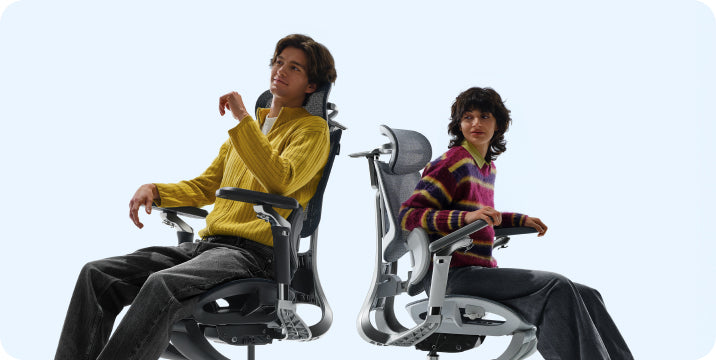
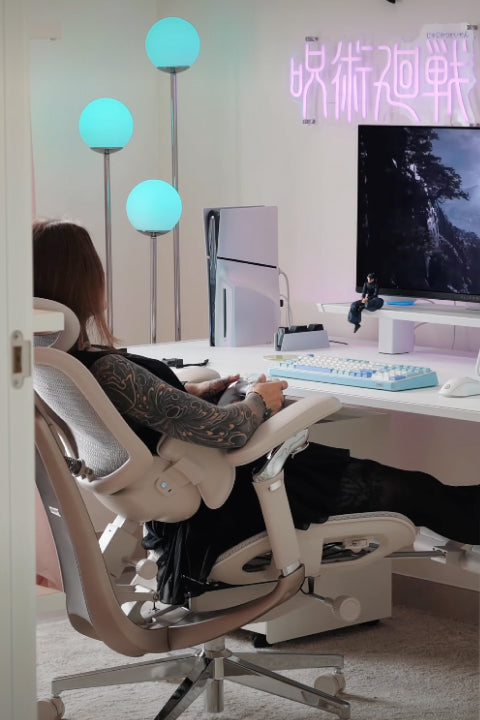
Typing, using a mouse and holding a controller can place your elbows in different positions. An armrest that works for one task may need moving for the next.
E3 Pro combines rotation at the pad and arm with height, sliding and flip adjustments. That gives you several ways to reposition the support as your setup changes. TITAN Evo’s standard 4D armrests also adjust in multiple directions, including inward and outward pivoting.
The names “720°” and “4D” describe different adjustment systems. They are not directly comparable scores. What matters is whether you can support your forearms while keeping your shoulders relaxed and your controls within reach.
Remember the desk: check the underside clearance, not just the desktop height. Armrests can meet a drawer, apron or crossbar before the chair is close enough to your keyboard.
What does your desk actually need?
Mostly work, with a few games after hours
Start with seat depth, lumbar placement and keyboard reach. These are the adjustments we would prioritize on E3 Pro before fine-tuning the headrest or recline.
Frequent switches between typing and controller play
Pay close attention to armrest positioning. Try the support closer to your body for a controller, then reset it for your keyboard and mouse position. E3 Pro’s rotating arm system is a central part of that work-and-play flexibility.
Plenty of leaning back between sessions
Compare recline range and head support, then measure the space behind the desk. TITAN Evo has the deeper listed backrest recline; E3 Pro combines its recline with an adjustable headrest and mesh construction.
No chair setting needs to stay fixed all day. Change position, stand up and take breaks instead of expecting one adjustment to handle every hour.
Eight checks that make the comparison useful
01 Check the recommended height range and weight limit for the exact chair configuration.
02 Measure from the floor to the back of your knee while wearing your usual indoor footwear.
03 Compare seat depth with the space available behind your knees when sitting back.
04 Check usable seat width against your preferred sitting position.
05 Measure the desk opening, including drawers, crossbars and the underside height.
06 Allow space for movement and recline behind the chair.
07 Confirm the model year, size, upholstery and included accessories.
08 Read delivery, return and warranty terms for your country before checkout.
For a broader shopping checklist, read our US ergonomic office chair buying guide .
HBADA E3 Pro vs Secretlab TITAN Evo FAQs
Is TITAN Evo an ergonomic chair or a gaming chair?
It is marketed as a gaming chair and includes ergonomic adjustments such as built-in lumbar support and adjustable armrests. The category name is less useful than checking whether its size and adjustment ranges suit you.
Can HBADA E3 Pro work for both home office and gaming?
Yes. E3 Pro 2026 combines adjustable seat depth, lumbar support and flexible armrests for different desk activities. Set it up for your working position first, then adjust the arms and recline for downtime.
Why choose E3 Pro over a fixed-depth foam chair?
The clearest reasons are a preference for mesh and the ability to change seat depth. E3 Pro also offers adjustable backrest height and a rotating arm system. These features give you more ways to tune those parts of the fit, rather than guaranteeing the same comfort for every person.
Can I try E3 Pro at home?
Our US store offers a 30-day return window, subject to the applicable conditions and charges. Review the return policy before ordering and keep the original packaging. Component coverage and exclusions are explained in our warranty terms .
Build the fit around your desk.
If your priorities are mesh, adjustable seat depth and arm support that can move between work and play, take a closer look at our E3 Pro 2026. Compare its dimensions with your current setup before choosing your configuration.
Explore HBADA E3 Pro 2026 →