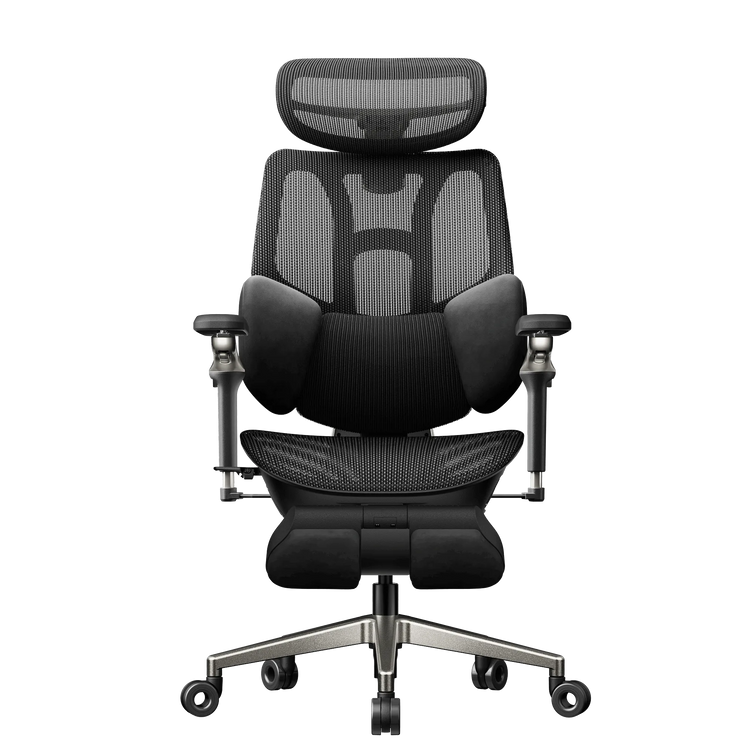
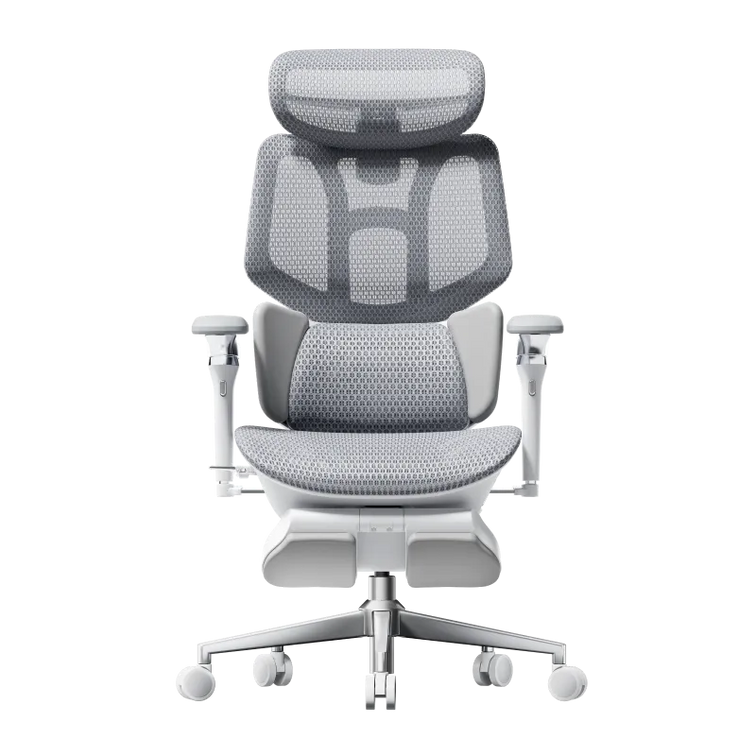
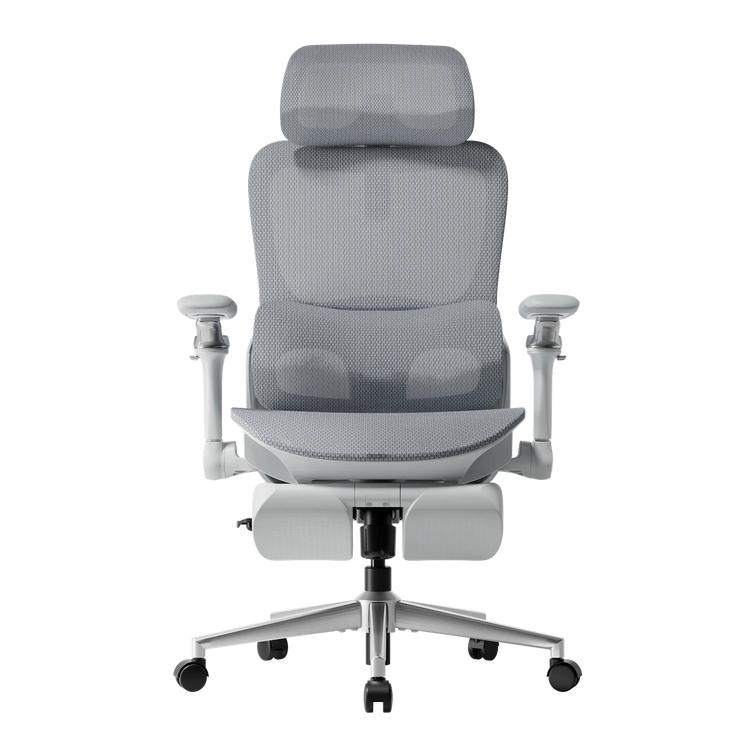


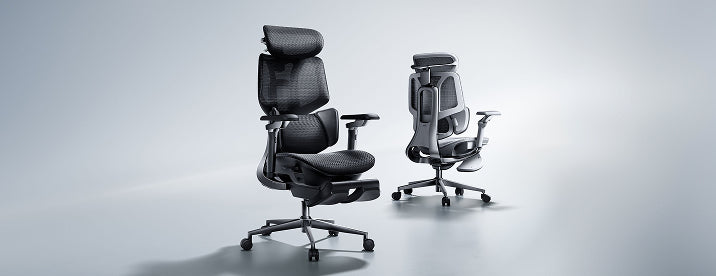


The HBADA comparison edit
Two chairs. One desk.
Let your measurements pick.
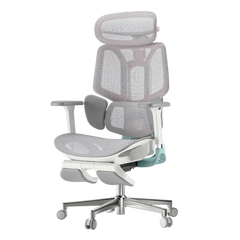
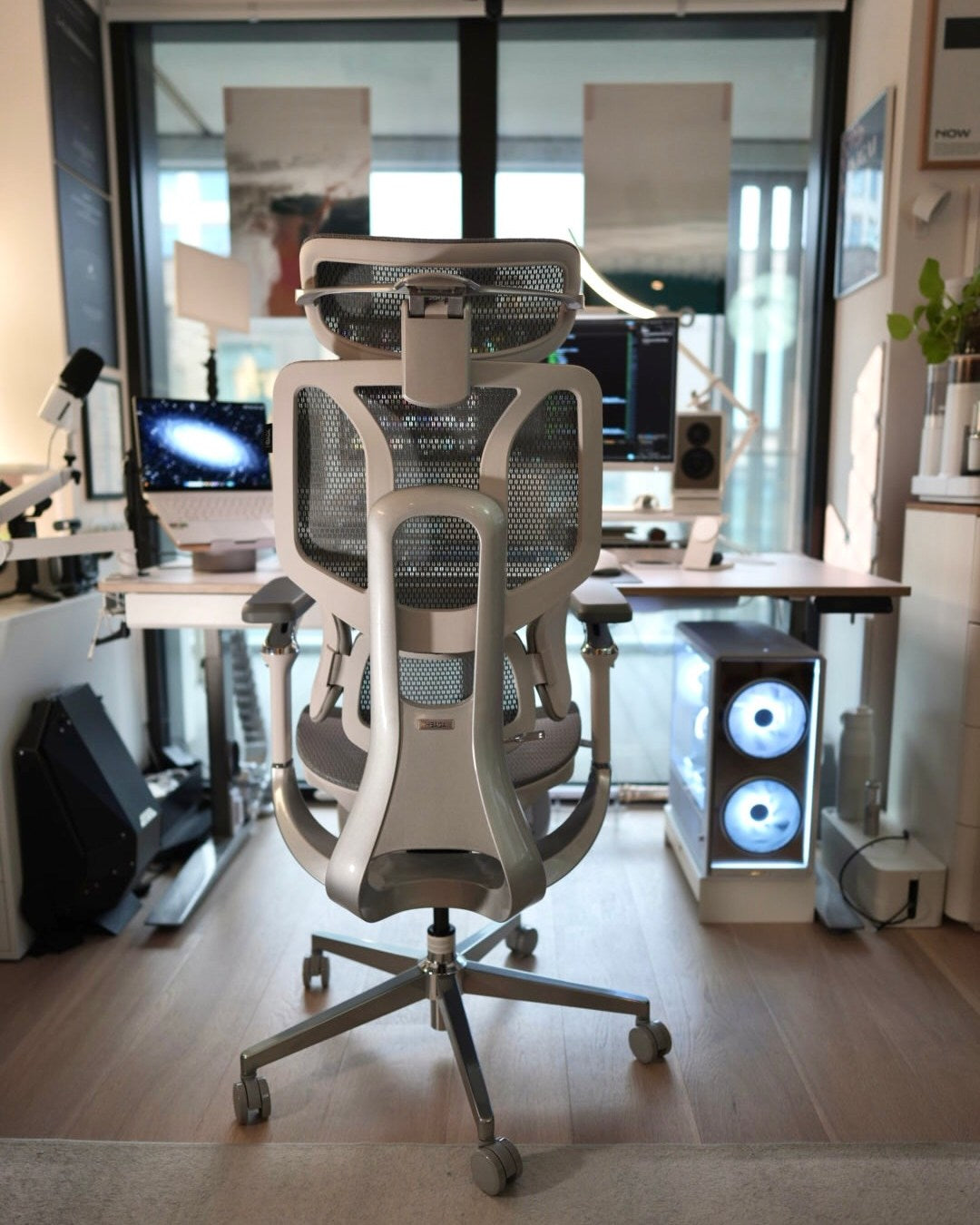
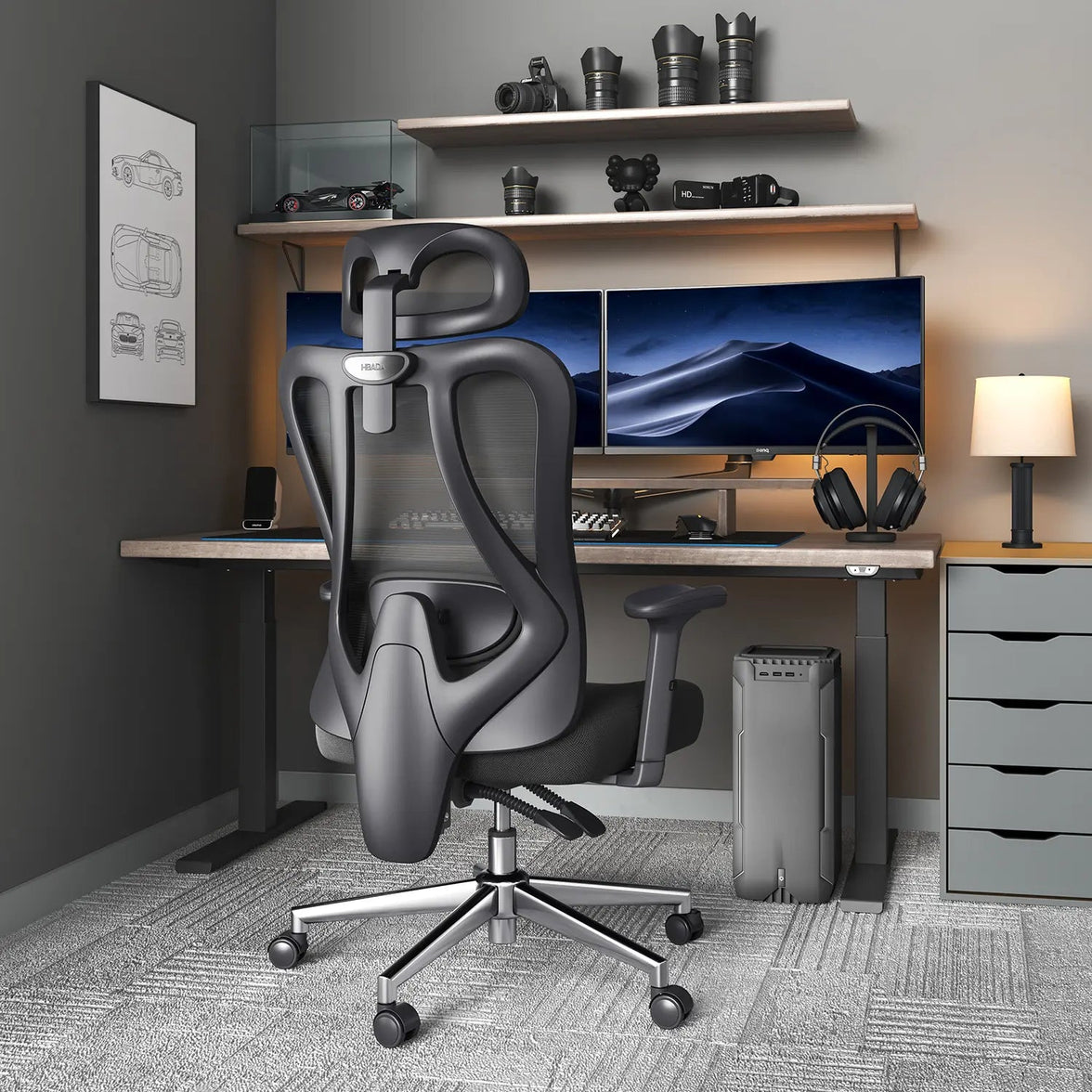
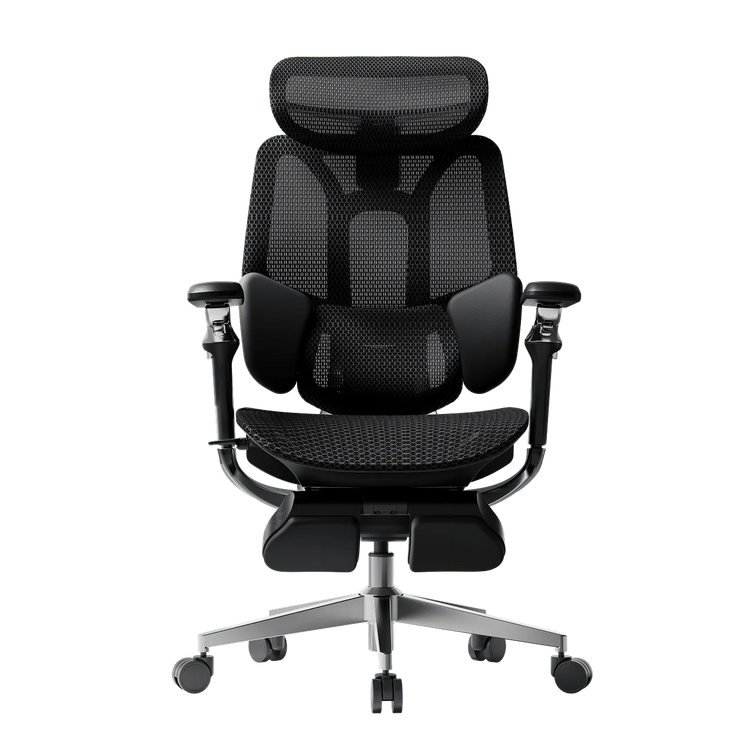
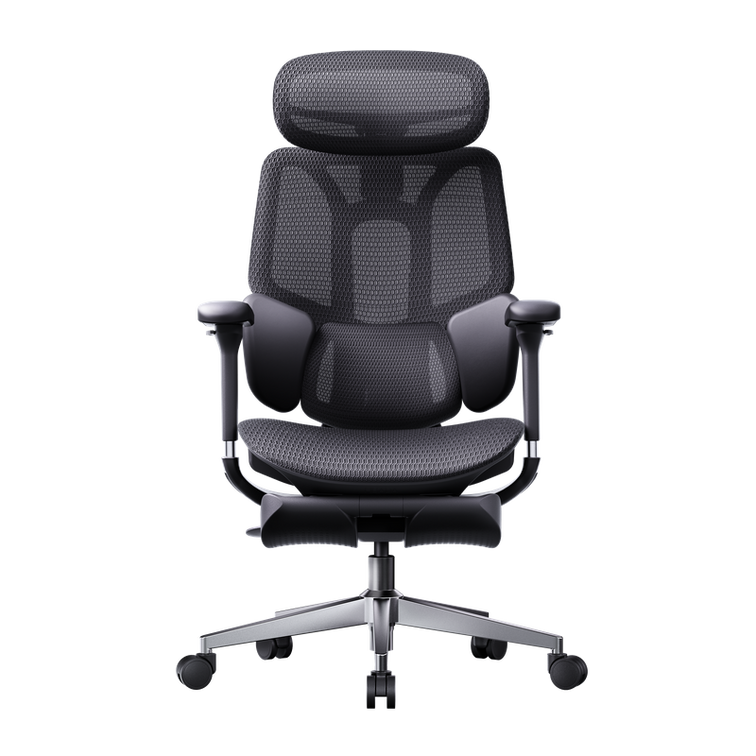
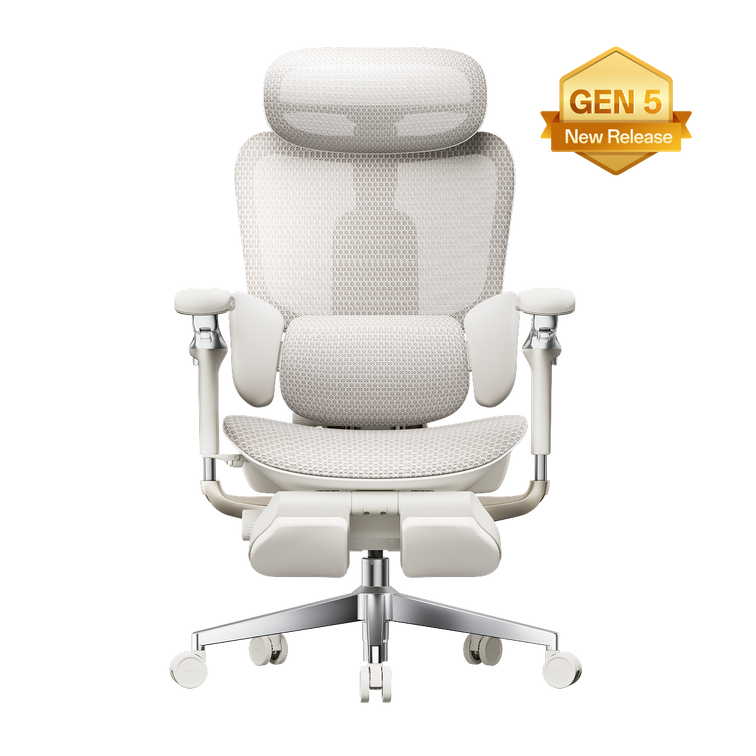
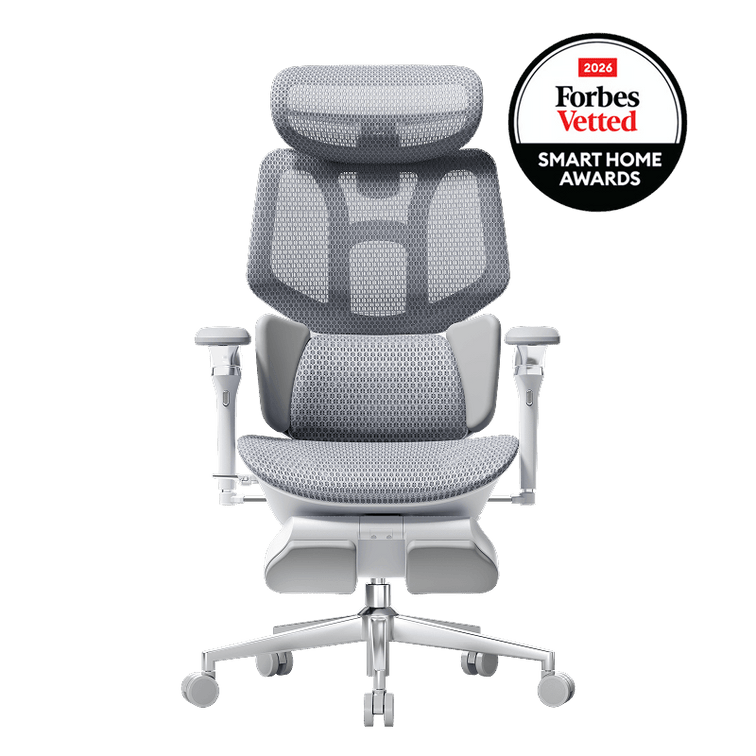
Two chairs can look almost identical in a product photo and still behave differently at your desk. Our E3 Air and E3 Pro 2026 share a lot, so the choice comes down to a handful of adjustments. This comparison shows where they overlap, where they differ, and which details deserve a closer look before you shop.
A practical comparison of the US configurations, with everyday scenarios to help you choose your Black Friday upgrade.
The quick answer: where the two chairs separate
Choose the E3 Air 2026 if lower armrests, generous forward-back travel and a narrower footprint suit your desk. Choose the E3 Pro 2026 if you want more armrest positions and a larger lumbar height adjustment range.
Both offer three-zone lumbar support and adjustable mesh seating. Your desk clearance and the movements you use most will help settle the decision.
Most of the foundation is familiar.

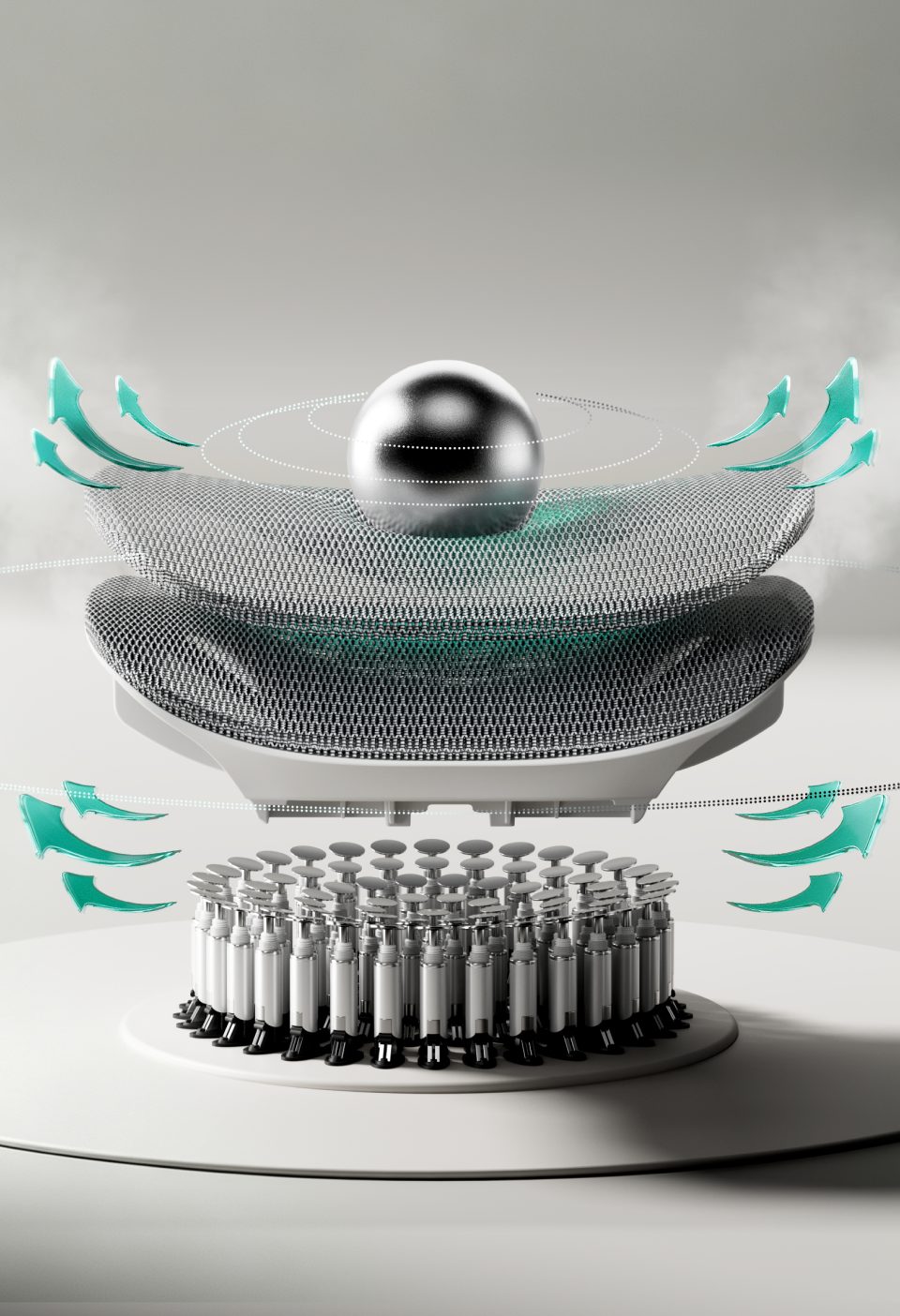
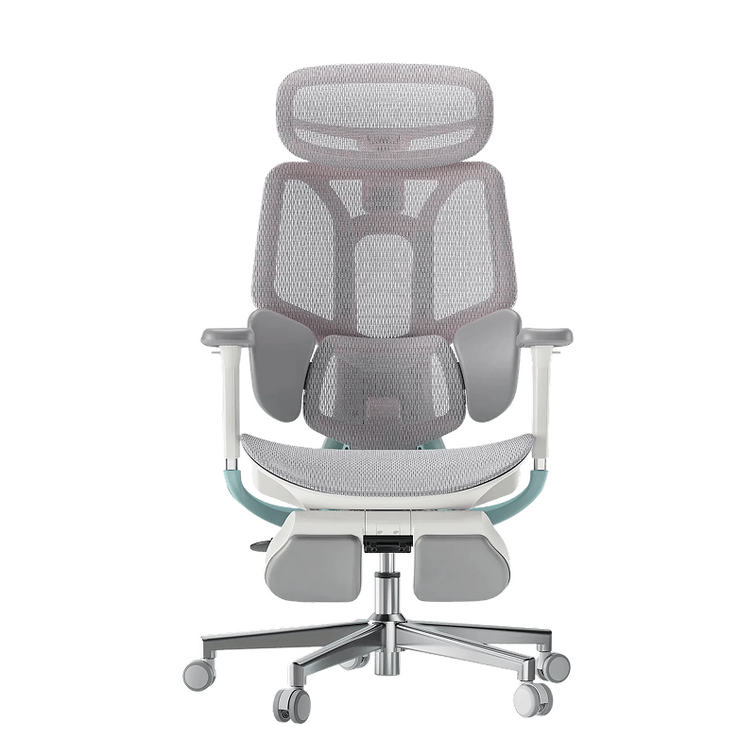
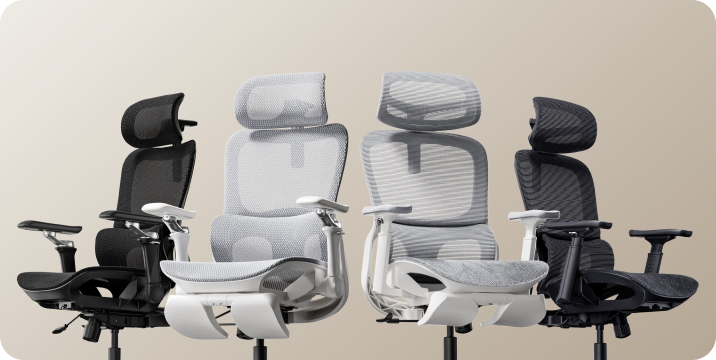
Before comparing differences, it helps to know how much the two chairs have in common. Both the E3 Air 2026 and E3 Pro 2026 bring CloudMesh seating, a dual-axis headrest and adjustable backrest height to your workspace.
- Listed user-height range of 5'1" to 6'5" and weight capacity of 330 lb.
- CloudMesh seat and backrest.
- 4D dual-axis headrest with height, depth and angle adjustment.
- 3.15" backrest height adjustment.
- Adjustable seat depth.
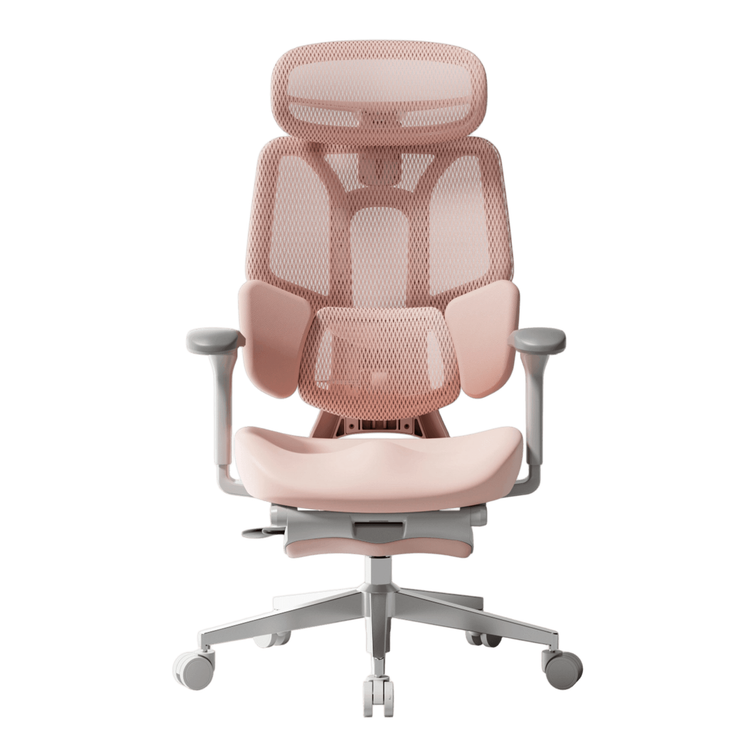
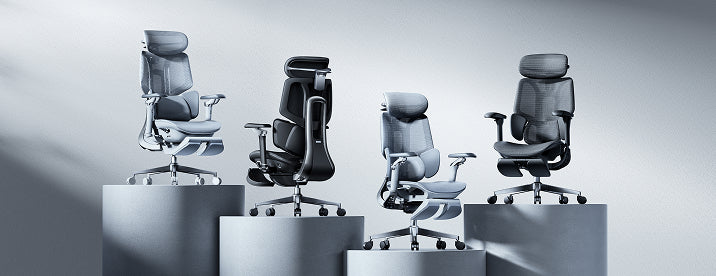
- Black and gray configurations, with footrest options.
- Steel five-star base.
The decision comes into focus at the lumbar block and armrests. Those are the adjustments you will notice when you sit down, reach for your mouse or lean back between tasks.
The shared features are the foundation.
The differences are the fine-tuning.
The details that change the fit.
Start with the rows that affect your setup. If your desk has limited clearance, armrest height deserves attention before the number of adjustment directions.
| Feature | E3 Air 2026 | E3 Pro 2026 |
|---|---|---|
| Lumbar support | Three-zone support with 40° side-wing adjustment | Three-zone support with 40° side-wing adjustment |
| Lumbar height range | 1.97", six notches | 2.36" |
| Lumbar movement | 1.18" depth adjustment; 12° spring tracking | Approximately 1.2" adaptive glide; 5° gravity-sensed tracking |
| Armrest design | 4D Omni-Motion | 720° Omni-Mechanical |
| Forward-back armrest travel | 3.94" | 2.36" |
| Armrest positioning | Rotating pads with synchronized tilt | Swivel positioning with 26° upward and 13° downward flip |
| Armrest height from floor | 27" to 33.1" | 28.3" to 34.4" |
| Recline | 100° to 140°; five locking positions | 100° to 140°; four locking positions |
| Overall width | 24.8" | 25.6" |
| Listed user range | 5'1" to 6'5"; up to 330 lb | 5'1" to 6'5"; up to 330 lb |
| Black Friday pricing | See E3 Air offers | See E3 Pro offers |
Compare the same color and footrest configuration. Product-page selections and checkout show the applicable price and availability. Overall chair width is different from usable seat width.
Lumbar support: similar approach, different ranges.

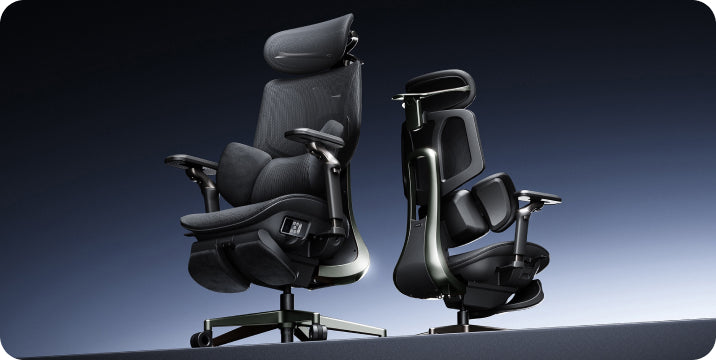
Both chairs use a three-zone lumbar block. Adjust its height, set the forward position and position the side wings around your lower back.
The Pro offers a little more lumbar height adjustment. That additional range is worth checking if you have a longer torso or tend to position lumbar support higher. The Air uses a 12° spring track that responds as you shift.
These angles describe different mechanisms; a larger number alone does not establish which chair will feel more supportive. The useful test is whether the lumbar area makes comfortable contact while you sit back and change position.
Armrests: swivel freedom or longer travel?
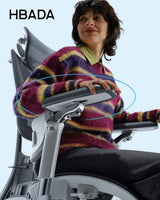
This is where the chairs separate most clearly. The Pro's 720° Omni-Mechanical armrests offer swivel and flip positioning, giving you more ways to place the pads when moving between a keyboard and other devices.
The Air's 4D armrests provide 3.94" of forward-back travel, compared with 2.36" on the Pro. Their minimum listed height is also lower: 27" from the floor, against 28.3" on the Pro.
At a compact desk, that lower position may be useful. Measure to the underside of your desktop, including any apron, drawer or cable tray. Desktop surface height alone cannot confirm that the armrests will slide underneath.
Compare clearance at the seat height you actually use. Lowering the entire chair simply to fit it under the desk can leave your working position too low.
Recline and footprint.
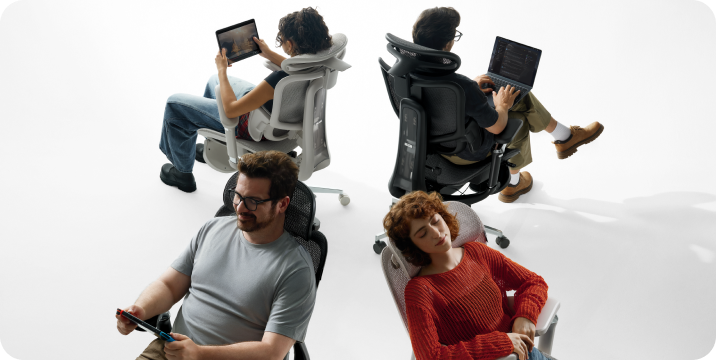
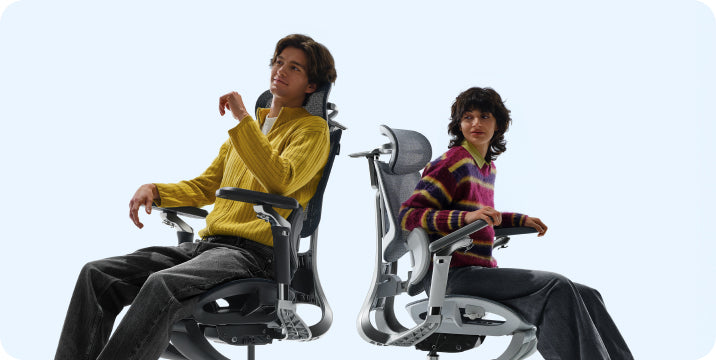
Both chairs recline from 100° to 140°. The Air has five locking positions, while the Pro has four. The additional stop offers another position to try between upright work and a reclined break.
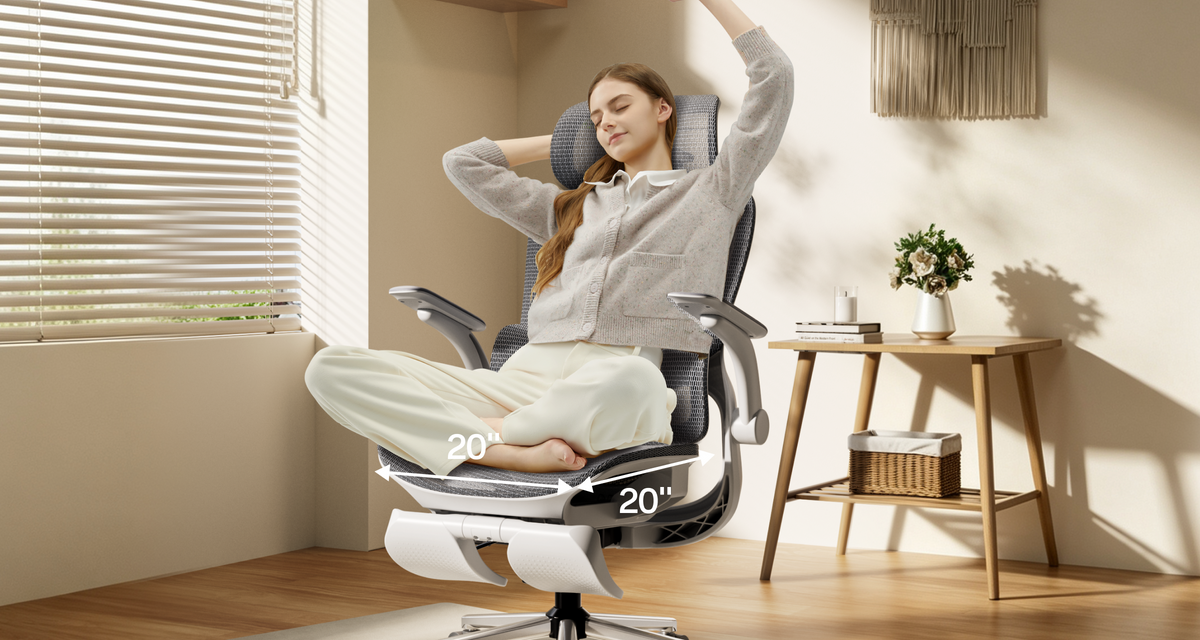
The Air is 24.8" wide overall, compared with the Pro's 25.6". That 0.8" difference may be relevant in a narrow desk bay. Leave room behind the chair for reclining, and check that the base can move freely around nearby furniture.
If you select a footrest version, allow space in front too. The pull-out footrest is intended for reclined breaks. For upright work, set your chair so your feet are supported.
Which differences will you use?
A low or compact desk
Start with the E3 Air. Its lower armrest range and narrower overall width make it a useful first comparison for a tight workspace. Confirm the underside clearance before ordering.
Frequent device changes
Look closely at the E3 Pro's swivel and flip armrests. They give you more positioning options when your hands move away from a conventional keyboard setup.
A shared home office
Both chairs require manual adjustments between users. Keep a short note of your preferred seat and lumbar settings so you can return to them quickly.
A longer torso
Check the Pro's larger lumbar height range against where support feels comfortable on your back. Overall height recommendations are a starting point; leg and torso proportions still affect fit.
Mostly typing and calls
The Air offers the core adjustments for a straightforward desk routine. If you prefer more freedom to angle your forearm support throughout the day, the Pro is worth the closer look.
Where the Pro adds value.
E3 Air 2026
A strong match when you want everyday adjustability, lower armrests and generous forward-back pad movement. Its narrower footprint is useful where space is limited.
E3 Pro 2026
Choose the Pro when its additional armrest positions fit the way you work. The larger lumbar height range gives you another reason to check its dimensions closely.
A feature earns its place when you use it regularly. Think about the adjustments you reach for during a normal working day, then choose the chair that gives you those movements comfortably.
Found your fit? Make the most of our Black Friday offers.
Our Black Friday 2026 event is an opportunity to bring adjustable ergonomic seating into your workspace at a promotional price. Once you have chosen between the Air and Pro, head to our sale page for the current chair deals and available promotional benefits.
Compare matching configurations so you can see the value clearly. Footrest options can change the price, and any additional discount depends on the offer terms for your order.
Shopping for more than one workspace? Check the current multi-chair offers before checkout. You can also review gift-card options on our Black Friday and Cyber Monday sale page.
HBADA E3 Air vs E3 Pro: common questions
What is the main difference between E3 Air and E3 Pro 2026?
The main differences are the lumbar adjustment range and armrest design. The Pro offers more swivel and flip positions, while the Air provides longer forward-back armrest travel and a lower minimum armrest height. The Air also has an extra recline locking position.
Which chair has better lumbar support for me?
Both offer three-zone lumbar support. Check where the height and depth adjustments place the support on your lower back. The Pro's larger height range may be useful if your preferred position is near the top of the Air's range.
Which is easier to fit under a low desk?
The Air has the lower listed minimum armrest height, at 27" from the floor. Compare that with your actual desk underside clearance at a comfortable working seat height.
Should I choose the footrest configuration?
Choose it if you enjoy reclining with your legs supported during breaks. A separate under-desk footrest may still be useful for upright work if your feet cannot reach the floor.
Is E3 Pro worth considering for long working days?
Its flexible armrests and lumbar adjustments provide more ways to fine-tune your setup as tasks change. The right fit remains important on either model, and regular movement breaks belong in your routine.
Where can I find the current Black Friday price?
Select your color and footrest option on the relevant product page, then check the applicable checkout price. Our Black Friday event page brings the current promotions together.
Your next step is a measurement.
Check the clearance beneath your desk and decide how much armrest movement you want. With those details in hand, choosing your E3 Air or E3 Pro becomes much simpler.